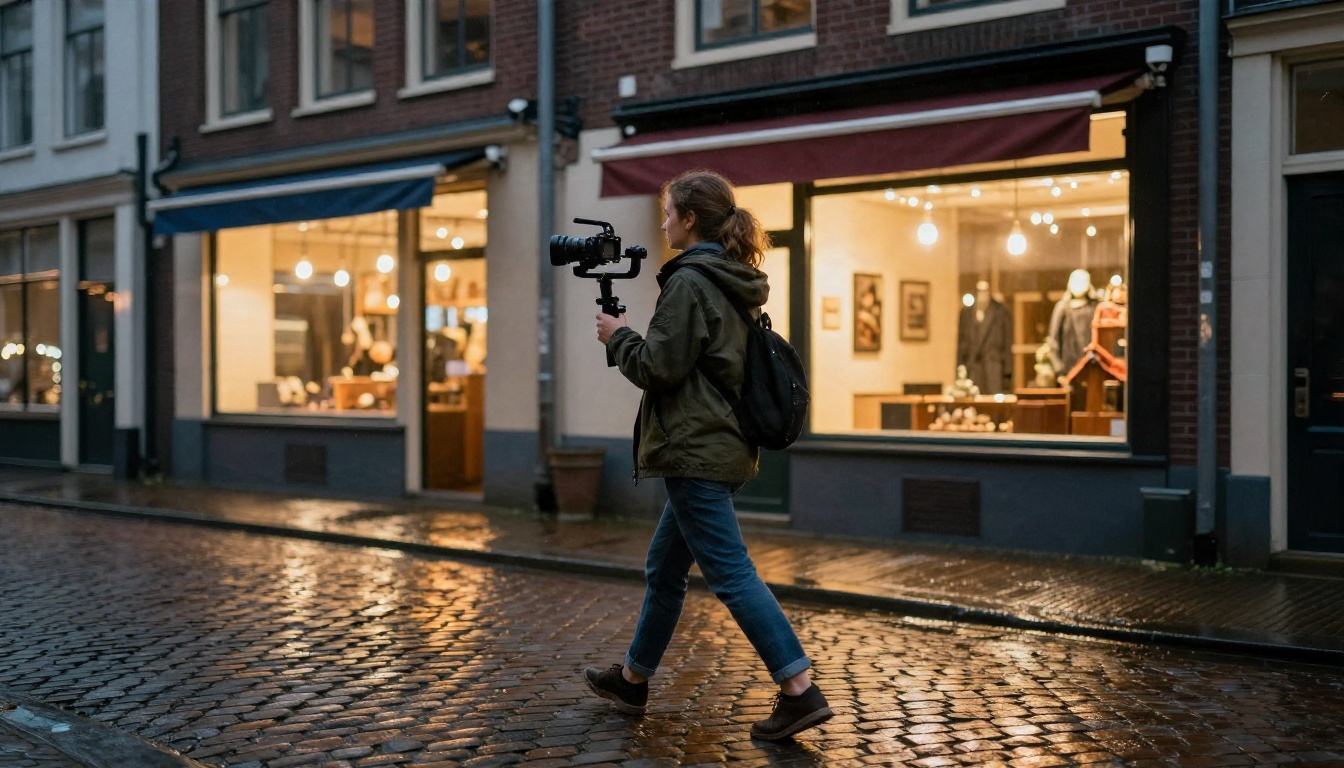
You type a prompt, wait a few minutes, and get a clip that looks like it came off a real film set. Then you type the next prompt and get a polite refusal. That is the Kling AI experience in two sentences, and it is why so many people search for a straight answer before they spend a cent. This Kling AI Review: Is It Free, Pricing Plans, Censorship and Alternatives breaks down what the tool does well, what it costs, where the filter stops you, and what to use when it does.
One note before we start. Kling prices and credit allowances change often, and the sources I checked in November 2026 disagree with each other on exact figures. I give ranges below and tell you where numbers are shaky. Check the live pricing page before you pay for anything.
What Kling AI Actually Is
Kling is an AI video generator built by Kuaishou, the Chinese short video company. It turns text prompts or still images into short clips, and the newer versions add synchronized audio, longer shots, and stronger control over how characters move. It became popular because motion looks physical: fabric folds, hair moves with wind, and people walk like they have weight.

Versions You Will Run Into
Kling ships in generations, and each one behaves differently. The 3.0 line arrived in 2026 and is the one most reviews focus on. Older versions still get used because they are cheaper per clip. On PicassoIA you can find Kling v3 Video, Kling v3 Omni Video, Kling v3 Motion Control, and the earlier Kling v2.6.
What It Does Well
- Physical motion. Walking, running, pouring liquid and cloth movement look believable more often than not.
- Image to video. Give it a strong still and it keeps the subject consistent through the clip.
- Camera language. Prompts like "slow dolly in" or "handheld follow" are respected.
- Native sound. Recent versions generate ambient audio and dialogue alongside the picture.
Is Kling AI Free?
Short answer: partly. Most sources describe a free tier that gives a small batch of daily credits when you log in. One figure that keeps coming up is 66 credits per day, which works out to roughly 1,980 per month if you never miss a day. Other sources say the allowance varies by account or promotion, so treat 66 as a common number, not a promise.
What Free Credits Buy You
A single short clip on a recent model can cost many credits, so daily free credits translate to very few generations. In practice you get a couple of standard quality tests on an older model, or one attempt on a premium model when the credits stack. Fine for testing a prompt style, not for producing a video series.
The Catches With Free Access
- Queue time. Free jobs often wait longer than paid ones. Reports of long waits during busy hours are common.
- Watermarks. Free output generally carries a watermark that paid tiers remove.
- Lower priority models. The newest model versions are usually reserved for paying users or cost far more credits.
- Commercial limits. Free clips often come with restrictions on commercial use. Read the terms before posting them in client work.
💡 Tip: Log in every day only if you actually plan to generate. Unused daily credits typically expire, so hoarding them does not work.
Free Options Elsewhere
If your goal is simply to make clips without paying, you have other choices. Seedance 2.5 Lite on PicassoIA is described as a free and unlimited video generator for clips up to 10 seconds, which makes it a good place to iterate on ideas before spending credits anywhere.
Kling AI Pricing Plans
Kling uses a credit system. You buy a monthly plan, receive a pile of credits, and each generation burns some of them depending on model, length and quality mode. The exact prices vary by source and date. Here is the range I found across reviews written between August and November 2026.

Plan Table
| Plan | Reported monthly price | Who it fits |
|---|
| Free | $0 | Testing a few prompts |
| Standard | About $7 to $10 | Hobby use, occasional clips |
| Pro | About $26 to $37 | Regular creators |
| Premier | About $65 to $182 | Heavy weekly output |
| Ultra tiers | About $180 up to $619 | Studios and agencies |
The spread inside each row is not a typo. Sources checked at different times quoted different numbers, and some plans seem to have been repriced or renamed during the year. Annual billing is reported to cut the cost by roughly a third on the lower and middle plans, while the top tier may not offer an annual option.
Hidden Costs Worth Knowing
- Failed generations. Some outputs come back unusable. Depending on the plan and the error, you may or may not get credits refunded.
- Premium modes cost more. Higher quality, longer duration and audio each raise the credit price per clip.
- Retries add up. Getting one good shot often takes three or four attempts. Budget for that, not for the best case.
- Credits expire. Monthly credits usually do not roll over.
Is a Paid Plan Worth It?
If you make fewer than ten clips a month, a low tier is fine. If you need dozens of retries to land one usable shot, the credit math gets painful fast. That is the main reason many creators split their work: Kling for shots where its motion shines, and cheaper or unlimited models for drafts.
💡 Tip: Do your prompt testing on a cheaper model, then spend premium credits only on the final prompt.
Kling AI Censorship Rules
This is the part people ask about most. Kling applies strict content moderation, and by every account I found there is no adult mode, no toggle and no workaround. Nudity, sexual themes and graphic gore are blocked. Reviews also report tighter handling of politically sensitive content than many Western tools apply, which fits the company's origin.
Where the Filter Acts
Reports describe moderation at three points:
- Prompt screening. Your text is checked before anything starts.
- Generation limits. The model itself is constrained from producing certain content.
- Output review. Finished clips can be rejected after rendering.
The same rules apply when you upload a photo for image to video. Starting from a swimwear photo, a tight fashion shot, or anything the system reads as suggestive can end in a refusal.
Why Harmless Prompts Still Fail
False positives are the real frustration. Prompts with beach scenes, boxing, medical settings or historical battles sometimes trip the filter. Developers also report that rejections come back as generic errors without a reason, which makes it hard to know what to change.
- Replace loaded words with neutral descriptions of the scene.
- Remove references to public political figures.
- Crop or swap source images that show a lot of skin.
- Shorten the prompt. Long prompts have more chances to hit a trigger word.
What This Means for Creators
If your work is family friendly, product focused or cinematic drama, the filter rarely gets in the way. If you do fashion, swimwear, glamour or artistic work with suggestive themes, you will hit walls. In that case, use another route for the stills and another model for motion. For non-explicit glamour and fashion imagery, start with Seedream 4.5, then try PicassoIA Image Editor Pro for unlimited editing and generations. You can browse everything else at picassoia.com/en/all-models.
💡 Note: Keep everything you create within the law and within each platform's terms. Suggestive does not mean explicit, and the models above are for tasteful, non-explicit work.
Honest Pros and Cons
What I Like
- Motion quality that holds up in side by side tests.
- Strong image to video consistency.
- Several specialized versions, including motion transfer.
- Audio generated in the same pass.
What Frustrates People
- Credit costs rise quickly with quality settings.
- Strict, sometimes unpredictable content filtering.
- Variable queue times on free and low tiers.
- Pricing information is inconsistent across the web.
Verdict by User Type
| User | Verdict |
|---|
| Casual hobbyist | Fine on free credits for testing |
| Social media creator | Good on a low paid tier, if content is mainstream |
| Filmmaker or ad producer | Strong for motion shots, budget for retries |
| Fashion or glamour creator | Filter will get in the way, look elsewhere |
| Agency | Needs a top tier plus a backup model |
Kling Alternatives Worth Trying
No single video model wins every task. Here is how the main competitors compare, all of them available on PicassoIA.
When Seedance Makes More Sense
If you want lots of tries without worrying about credit burn, Seedance 2.5 Lite is the easy choice. For longer takes, Seedance 2.5 stretches to 30 seconds.
When Veo or Sora Fit Better
Veo 3.1 Fast suits creators who care about speed with sound. Sora 2 leans toward storytelling with dialogue.
When to Pick Hailuo or Wan
If your starting point is a photo, Hailuo 2.3 Fast and Wan 2.5 I2V Fast animate it quickly and are friendly for social posts.
💡 Tip: Run the same prompt on three models and keep the winner. Each model has a personality, and the best one changes with the shot.
How to Use Kling v3 Video on PicassoIA
If you want Kling's motion quality in the same workspace as the alternatives above, Kling v3 Video is the place to start. Here is a simple routine.

Step by Step
- Open the model page. Go to Kling v3 Video and sign in.
- Write the prompt. Describe subject, action, camera move and lighting in that order.
- Add a source image if you want one. A strong still anchors the look of the clip.
- Choose duration and format. Use the options in the form and keep first tests short.
- Generate and review. Watch for odd hands, drifting faces or jittery backgrounds.
- Refine one thing at a time. Change the camera move or the lighting, not everything at once.
Parameter Tips
- Be specific about motion. "A woman walks toward camera, hair lifting in a light breeze" beats "a woman walking".
- One camera move per shot. Mixing a dolly, a pan and a zoom confuses the model.
- Describe light. "Golden hour from camera left" gives clips a believable look.
- Keep prompts clean. Avoid words likely to trigger moderation filters.
Prompt Example
A ceramic artist shapes a bowl on a wheel in a sunlit studio. Slow dolly in from the side, shallow depth of field, warm window light from the left, wet clay glistening, soft ambient workshop sound.
Choosing Between Kling Versions
Use Kling v2.6 for quick, cheaper tests. Pick Kling v3 Omni Video when you want to mix several references. Switch to Kling v3 Motion Control when you want a character to copy a specific movement.
Try It Yourself
Kling AI earns its reputation for motion, but it is not free in any way that matters for real projects, the credit pricing rewards careful planning, and its filter will stop you more often than you expect. The smartest setup is a mix: draft on an unlimited model, polish on a premium one, and keep an alternative ready for prompts that get refused.

Open PicassoIA, run the same prompt through Kling v3 Video, Seedance 2.5 Lite and Veo 3.1 Fast, and see which one gives you the shot you pictured. Take a photo you already love, turn it into a clip, and compare. Ten minutes of side by side testing will tell you more than any review, including this one. Browse the full catalog at picassoia.com/en/all-models and start making your own.