Almost everyone who types "Kling NSFW free" into a search bar wants the same thing: a clip of an attractive person, a little skin, a lot of atmosphere, and no paywall. Here is the honest version. Kling does not offer an adult mode, its filter rejects sexual material before anything renders, and the free tier is small. That does not mean the model is useless for sensual, glamour-style video. It means you need to know where the line sits, how to write prompts that stay on the right side of it, and which tools to open when the line gets in your way.
This article lays out all three. You will see how the free credits behave, which prompt structures pass, ten ready-to-paste examples, a step-by-step walkthrough for running Kling on PicassoIA, and the online alternatives that handle swimwear, lingerie-style fashion and glamour portraits with fewer refusals. Everything here stays suggestive and non-explicit, because that is the territory where AI video looks best anyway.
What Kling Actually Allows

Kling is a video model family from Kuaishou, and the current generation is the 3.0 line, which reportedly arrived with Turbo and Omni variants in mid 2026. It is excellent at motion, physics and cinematic camera work. It is also strict. Multiple third-party reviews agree that sexual content is prohibited on every plan, including the API, and that nothing resembling a toggle exists to relax the rules.
The Filter Reality
The moderation runs on the text prompt and on any uploaded image. A flagged request is rejected up front, and in most reports a rejected request does not burn credits. That is the only silver lining. If you were hoping for a secret setting, a special phrase or a hidden model tier, none of that exists. Prompt tricks that rely on misspellings or coded words mostly produce one of two outcomes: a refusal, or a bland clip that ignores the part you cared about.
What does pass? Swimwear, beach scenes, fashion shoots, dance, gym footage, evening wear and romantic mood lighting all go through on a regular basis. Think magazine editorial, not adult site. If your idea fits in a swimsuit catalog or a perfume advert, Kling can usually animate it.
Free Credits in Plain Terms
The most consistent report is that the free plan hands out around 66 credits per day, which reset every 24 hours and do not roll over. That is enough for a handful of short clips on a standard setting, and far less if you pick the highest quality mode. Free output usually carries a watermark, clip length is capped, and commercial use is off the table. Kling has reshuffled its plans several times in 2026, so treat any exact number as a snapshot, not a promise.
💡 Tip: Free credits are best spent on short 5 second tests. Lock the look of a clip at low cost, then spend credits on a longer render only when the first frame and motion already work.
| Free tier feature | What to expect |
|---|
| Daily credits | Roughly 66, reset every 24 hours |
| Rollover | None |
| Watermark | Yes on free output |
| Clip length | Short, usually 5 to 10 seconds |
| Explicit content | Blocked on every plan |
| Commercial use | Not included |
Why Prompts Get Blocked
Most refusals are not about your intent. They come from a classifier that scores wording and imagery, so innocent prompts occasionally trip it too. Knowing the common triggers saves credits and patience.
Words That Trigger Rejections
Direct sexual vocabulary is the obvious one. Less obvious: anatomy terms used in a clinical sense, the word "naked" even in a harmless context, fetish terminology, and phrases that describe a minor-like appearance. That last category is a hard no on every platform, and everything in this article assumes adult subjects only. Use "adult woman" or "woman in her late twenties" in your prompt, and the classifier has fewer reasons to hesitate.
Mild words like "sensual," "glamorous," "bikini," "silk," "lace" and "evening gown" generally pass. The model reads context, so "bikini at a pool party" is treated differently from a prompt that stacks several suggestive terms in a row.
Image Input Rules
Image-to-video is where most people get stuck. The uploaded frame is scanned with the same strictness as a text prompt, and a photo that shows too much skin, or an implied sexual pose, will be rejected before the motion step. A swimsuit photo taken on a beach usually passes. The same swimsuit in a bedroom with suggestive framing is more likely to be flagged. Lighting and setting matter as much as clothing.
Prompts That Pass the Filter
A good prompt for this kind of clip reads like a director's note. It names the subject, the setting, the light, one clear action and the camera move. The more cinematic the language, the more the model treats the request as a shot, not a fantasy.
Writing the Core Prompt
Start with the subject and wardrobe, then the place, then the action, then the camera. Keep the action simple. One gesture is better than three, because Kling tends to blur complicated choreography.

A reliable template looks like this:
- Subject: adult woman, late twenties, freckles, wavy hair
- Wardrobe: black one-piece swimsuit, sheer linen shirt
- Setting: villa terrace, infinity pool, golden hour
- Action: lifts hair from her face, glances toward camera
- Camera: slow dolly-in, 85mm look, shallow depth of field
- Light and mood: warm low sun, soft film grain, elegant
Swimwear and Beach Scenes
Beach footage is the safest high-impact category. Water, wind and sand give the model natural motion to work with, and the setting signals context that the filter reads as everyday. Describe the sea, the horizon and the light, and let the swimwear be one detail among many.
Glamour and Studio Looks
Studio fashion prompts work because they borrow the visual language of editorial photography. Name the backdrop, the lens, the key light and the fabric. Satin, silk and velvet render beautifully in video, and gown necklines or a confident stare carry plenty of attitude without anything crossing the line.
Motion Words That Work
Kling responds well to specific, physical verbs. Compare these:
| Weak wording | Stronger wording |
|---|
| She moves | She turns her shoulder toward the camera and smiles |
| Beautiful scene | Warm backlight, breeze lifting her hair, slow push-in |
| Sexy pose | Confident stance, hand on hip, relaxed gaze |
| Wet look | Water droplets sliding down her collarbone as she steps out |
💡 Tip: End every prompt with a short list of what to avoid, such as "no text, no extra fingers, no warping, no flicker." A negative prompt cuts down on the glitches that waste credits.
Examples You Can Copy
These ten starter prompts all stay within suggestive territory. Swap the wardrobe, location or light to make them yours.
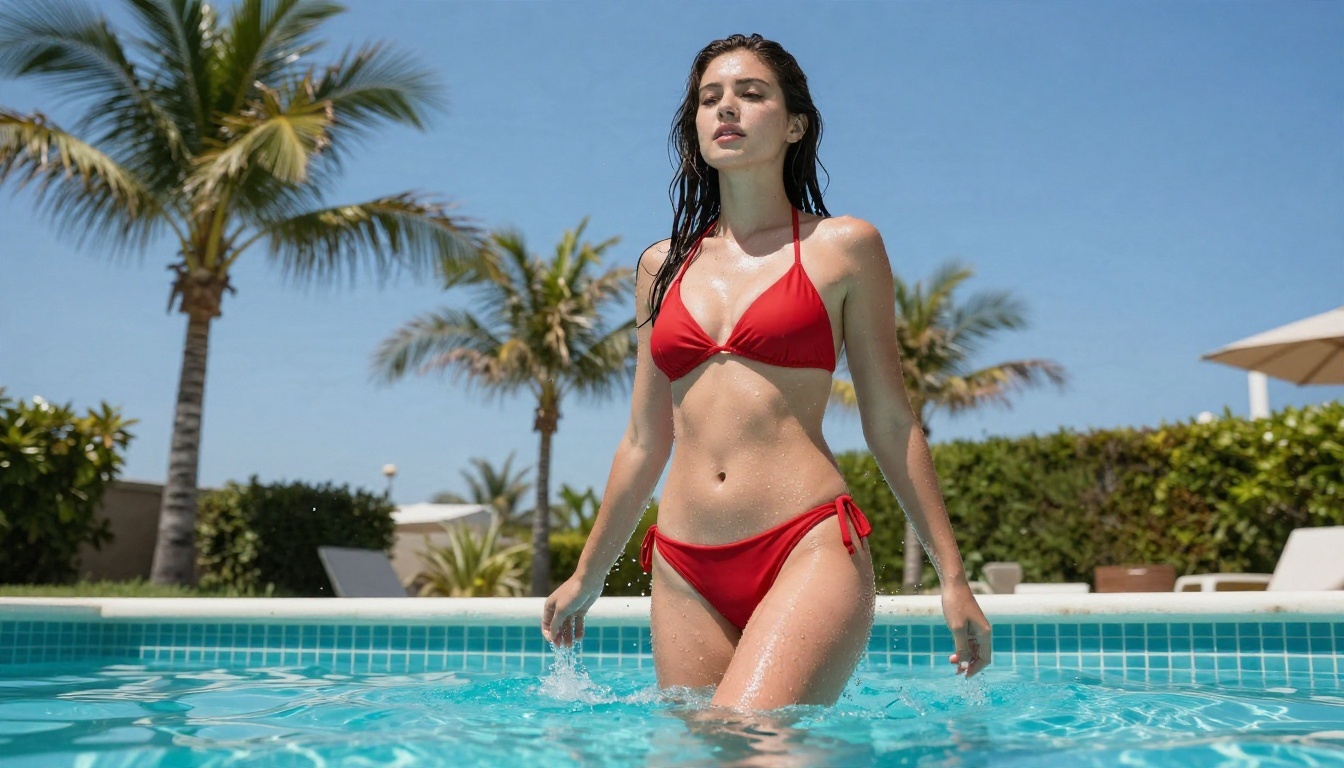
- Pool exit: Adult woman in a red bikini steps out of a turquoise pool, water streaming off her skin, low-angle camera, midday sun, slow motion.
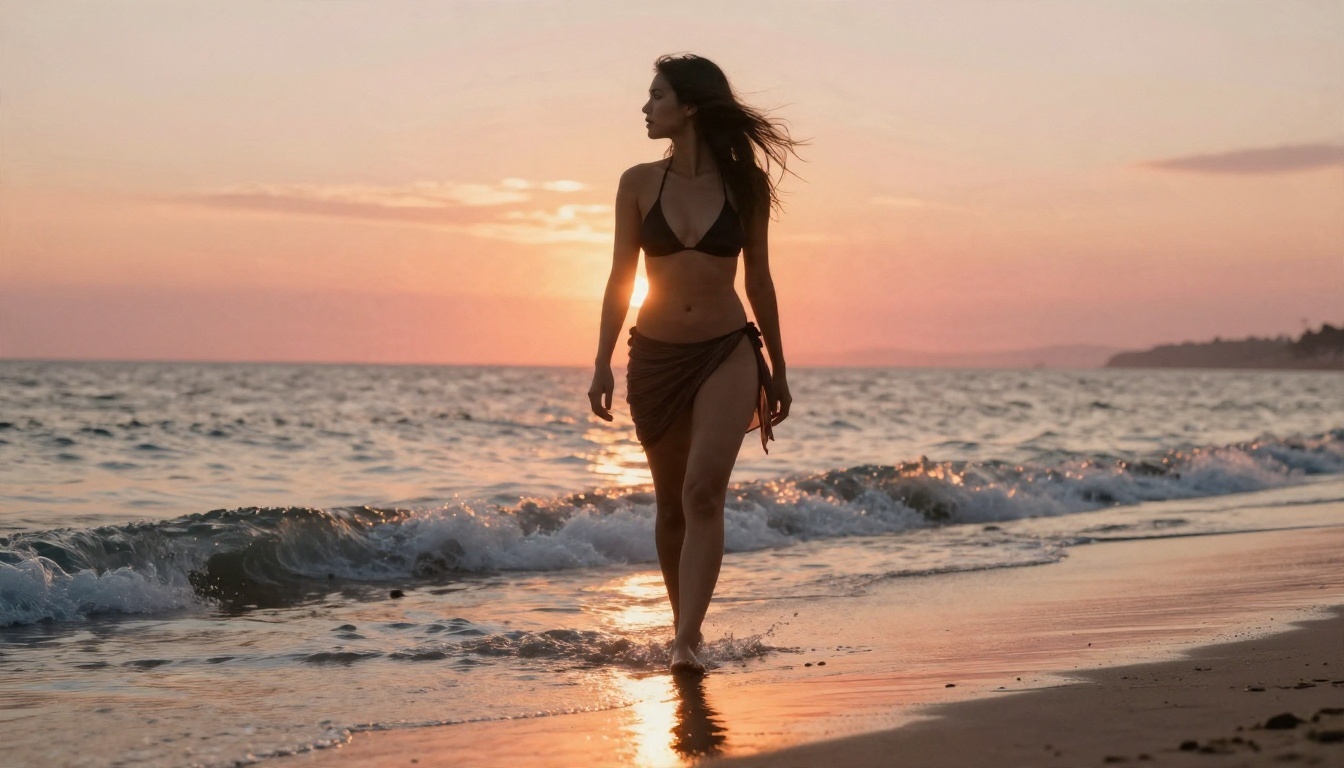
- Beach walk: Woman in a black bikini and loose sarong walks along the waterline at sunset, hair blowing, backlit, slow tracking shot.
- Terrace glamour: Woman in a black swimsuit and open linen shirt lifts hair from her face on a villa terrace, golden hour, slow dolly-in.
- Silk robe morning: Woman in a champagne satin robe opens window curtains, soft morning light, gentle handheld feel.
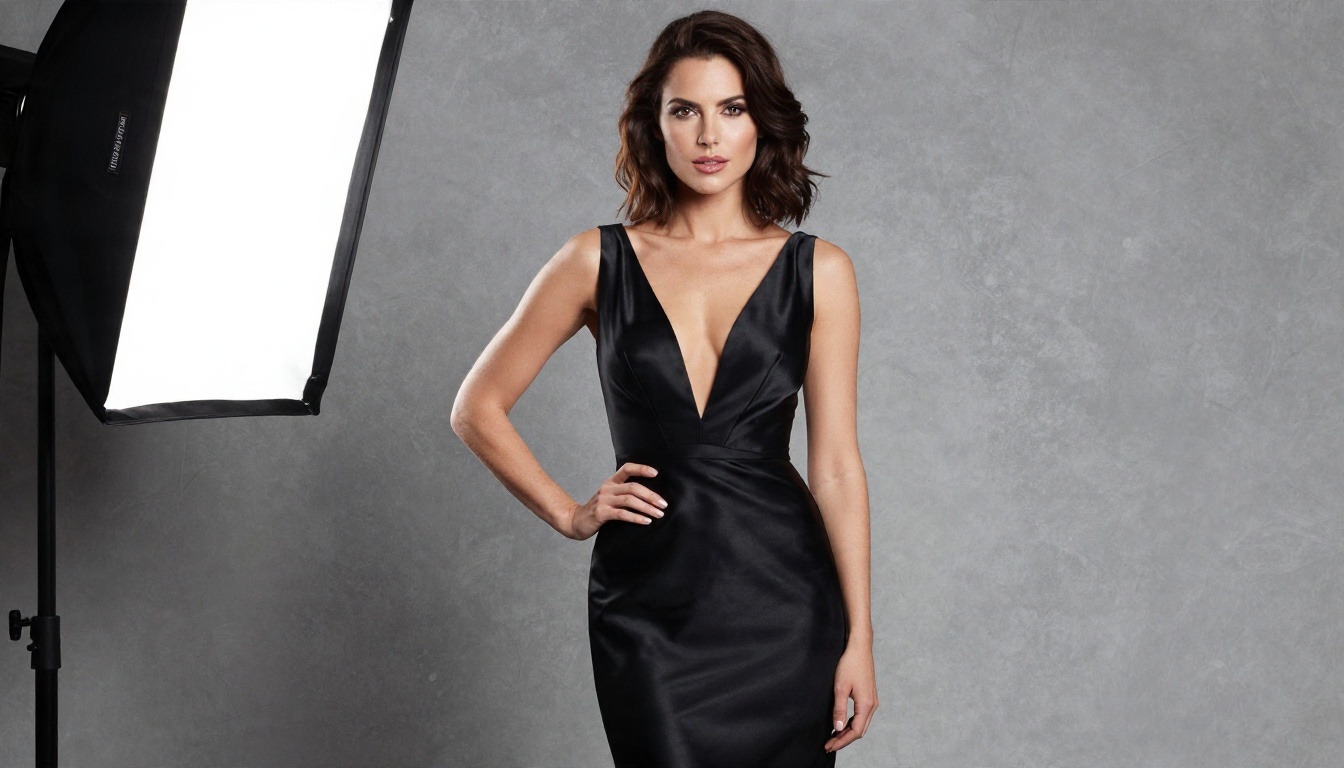
- Studio gown: Woman in a black satin evening gown, grey plaster backdrop, softbox light, slow orbit around her.
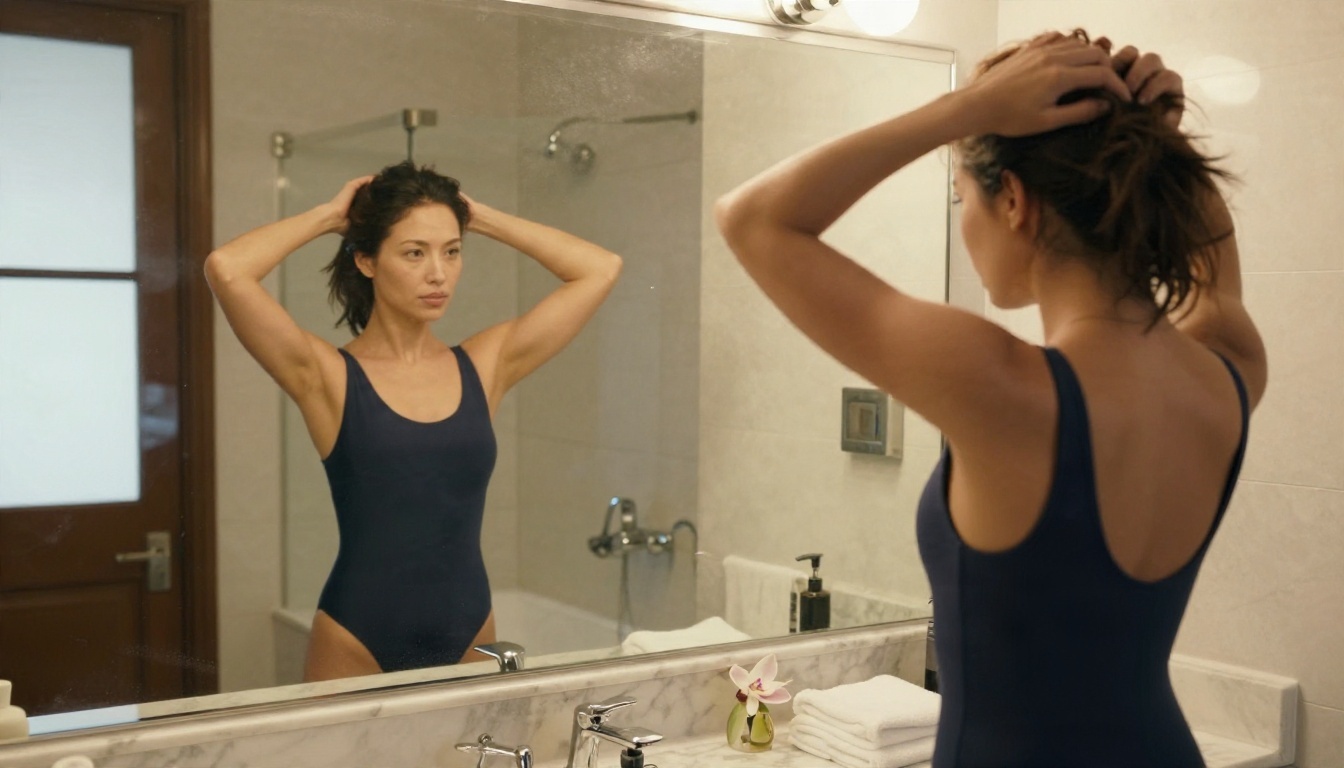
- Mirror moment: Woman in a navy one-piece adjusts her hair in a hotel mirror, warm vanity light, subtle push-in.
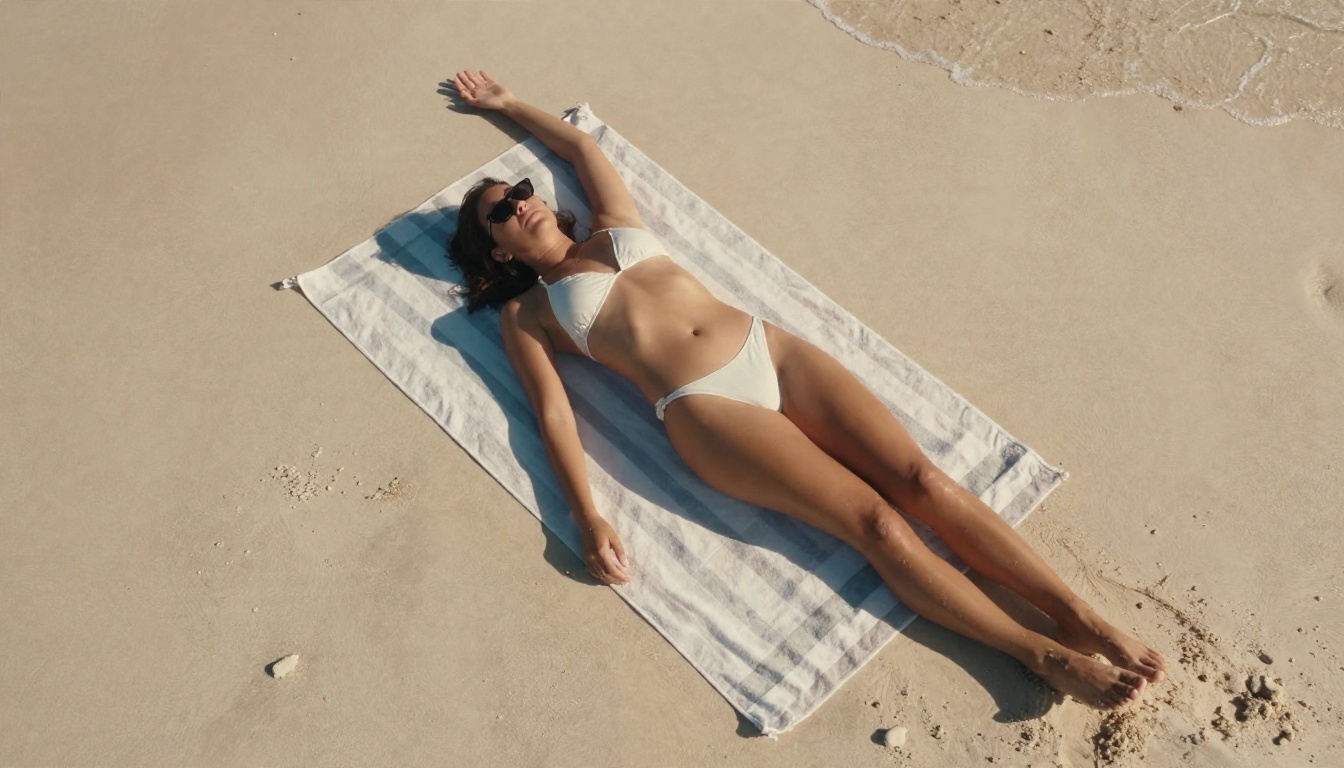
- Towel on sand: Overhead drone view of a woman in a white bikini rolling over on a striped towel, waves at the frame edge.
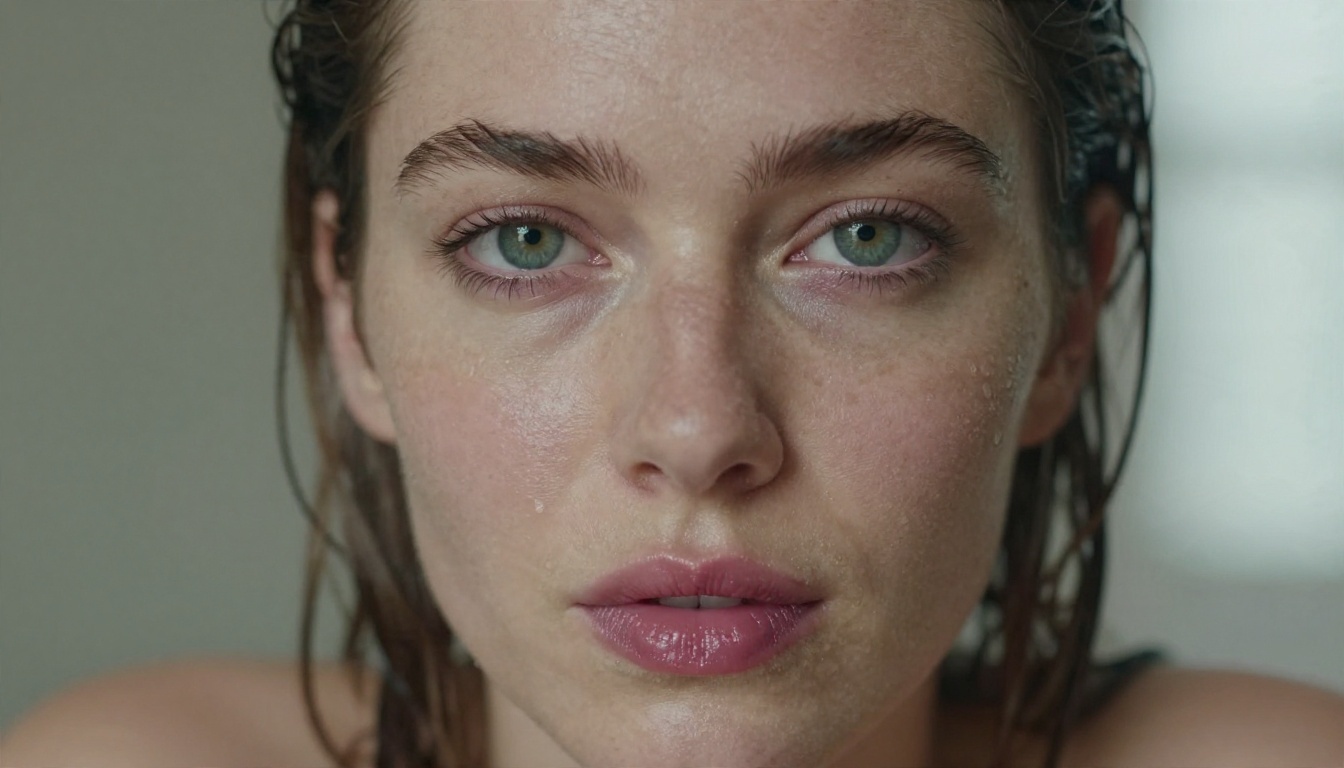
- Close portrait: Tight shot of a woman with freckles and wet slicked-back hair, droplets on cheekbones, slow blink, shallow focus.
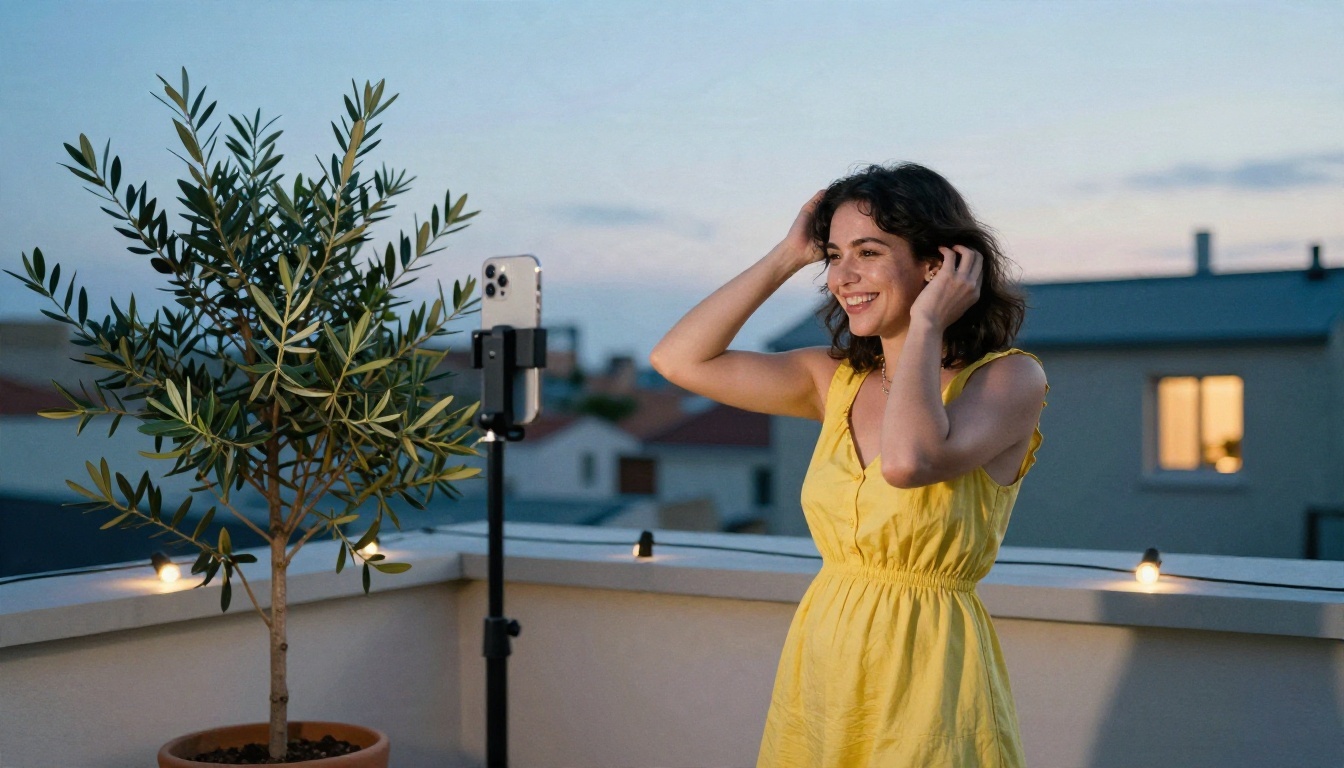
- Rooftop dusk: Woman in a yellow summer dress laughs and tucks hair behind her ear in front of a tripod, blue hour, string lights in the background.
- Night laptop: Woman in a satin robe reads on a bed by lamplight, a small smile appears, city bokeh in the window.
How to Use Kling v3 Video on PicassoIA
Kling v3 Video is available on PicassoIA, so you can run the prompts above without juggling a separate account. It has the same content rules as the original, so keep the wording suggestive and aim for editorial results.
Step by Step
- Open the Kling v3 Video page.
- Paste your prompt into the Prompt field. The limit is 2,500 characters, which is far more than you need.
- Choose standard mode for a quick 720p test, or pro for 1080p once the shot works.
- Leave duration at 5 seconds while you iterate.
- Switch generate audio on if you want ambient sound such as waves, wind or room tone.
- Add a negative prompt: "text, watermark, warped hands, flicker, extra limbs."
- Press generate, review the clip, and adjust one thing at a time.
Settings Worth Changing
| Setting | Recommendation |
|---|
| Mode | Standard for drafts, pro for the final render |
| Aspect ratio | 16:9 for cinematic, 9:16 for social posts, 1:1 for feeds |
| Start image | Upload a still to lock the face, outfit and set |
| End image | Pin a last frame for controlled motion |
| Multi prompt | Break a clip into up to 6 shots with their own prompts |
| Audio | Off for drafts, on for the final version |
Starting from an image is the biggest upgrade. Generate a still first, check that the face and wardrobe look right, then feed it in as the first frame. That one step fixes most identity drift. Other versions are available too: Kling v2.5 Turbo Pro is a fast, polished choice for image-to-video, and Kling v3 Omni Video leans toward reference-driven shots.
Online Alternatives Worth Trying
If your idea needs more freedom than Kling gives, the smart move is to split the job. Build the image with a model that has fewer restrictions, then animate it with a video model. PicassoIA has both sides of that workflow in one place.
Seedream 4.5 for Stills
Seedream 4.5 is the first model to try for adult-oriented glamour images. It produces sharp, photorealistic skin, fabric and light, and it handles swimwear, lingerie-style fashion and sensual portraits without the blanket refusals that Kling throws up. It is also fast, so you can run a dozen variations of an outfit or a pose in the time it takes Kling to finish one clip. Use it to build your starting frame, then take that frame into a video model.
💡 Tip: Write the still like a photographer. Name the lens, the light direction and the film stock, and Seedream 4.5 will give you realistic skin pores, fabric weave and natural shadows.
Image Editor Pro, Unlimited
PicassoIA Image Editor Pro is the second stop, and the main draw is that generations are unlimited. No daily credit counter, no watermark race, no rationing. Use it to change outfits, adjust lighting, swap a background or refine a face from a previous render. It is the tool that turns a decent image into a polished one, and since you can iterate without limit, you can chase the exact look you want.
Video Alternatives
Once the still is ready, these video models can animate it. Filters differ by model, so keep the content suggestive and adjust if a render is refused.
A practical pipeline: write the image prompt, generate with Seedream 4.5, polish in Image Editor Pro, then animate the final frame with Wan 2.5 I2V Fast or Hailuo 2.3 Fast.
Limits Nobody Mentions
Even when a prompt passes, AI video has rough edges. Knowing them ahead of time saves credits.
Watermarks and Clip Length
Free output is watermarked and short. If you plan to post the result, the watermark is a deal breaker, and cropping it out usually spoils the framing. Plan your composition with some breathing room, or switch to a tool where output is clean.
Consistency Problems
A face that looks right in the first second can drift by the fifth. Hair changes length, jewelry vanishes, a strap moves. The best defenses are starting from a strong image, keeping clips to 5 seconds, and writing short prompts with one action. For longer sequences, make several short clips and cut them together instead of chasing a single long take.
Hands, Water and Fabric
These three are the classic failure points. Hands melt when they touch hair or faces, water can look like glass, and satin sometimes flickers. If a clip has a flaw, change the camera angle or pull the shot wider before rewriting the whole prompt. Wide shots hide most small errors.
Rules You Should Respect
Only create content of adult subjects, and never use a real person's likeness without their consent. Those rules hold on every platform, and they protect you as much as anyone else. Keep your work stylish and suggestive, and you will get better-looking clips with fewer rejections.
Start Making Your Own Clips
The best way to settle the Kling NSFW free question is to test it yourself. Open Kling v3 Video and try one of the ten prompts above. If you hit the filter, take the same idea to Seedream 4.5, refine the still in Image Editor Pro, and animate it with a video model from the table. Each tool has its own strengths, and the fastest way to find your style is to run a few side by side.
There are many more models waiting for you, from image generators to video tools and upscalers. Browse the full catalog at picassoia.com/en/all-models and start creating your own images and videos today.


