You typed a spicy prompt into Kling, waited a minute, and got a refusal. Or worse, a clip that looked nothing like what you asked for. That is the normal experience, because Kling does not allow explicit content, and its filter reads prompts, input images and finished frames. This article covers what that means in practice: which Kling NSFW prompts still work when you keep them suggestive, which settings change the result, what the free options really give you, and where the hard limits sit.
A quick note on scope. Everything below stays non-explicit: swimwear, glamour, boudoir styling, fashion editorial. That is the zone where Kling sometimes passes a clip and sometimes does not, and where good prompt writing makes the difference.
💡 Short version: Kling will not make pornographic video. Suggestive, well-dressed glamour is possible but inconsistent. If you need fewer refusals, generate your stills with Seedream 4.5 or PicassoIA Image Editor Pro, then animate them (links in the alternatives section below).
What Kling Actually Allows
Kling's published rules prohibit sexual content in both the consumer app and the API. Third-party reviews describe a layered filter: a prompt screen before generation, constraints while the clip renders, and an output check on the finished video. Image-to-video gets the same treatment as text-to-video, so uploading a borderline photo does not sneak past anything.
The three filter layers
| Layer | What it checks | What you see |
|---|
| Prompt screen | Words and phrases in your text | Instant rejection or a failed task |
| Input check | The uploaded first frame (image-to-video) | Rejection before the clip starts |
| Output check | The rendered frames | A failed or missing result after waiting |
Where the grey area sits
Reviewers consistently report that the filter is strict but inconsistent. Swimwear, fitness clips and even horror footage sometimes get flagged, while a nearly identical prompt on another day passes. Sources also disagree on whether a blocked run still costs credits. Some say rejected requests are free, while others report that false positives can still burn credits. Treat any single claim with caution and check your own balance after a refusal.
Kling NSFW Prompts That Pass
The pattern is simple: describe a scene and a mood, not a body. Kling's filter reacts to anatomical language, explicit verbs and anything that reads as a sexual act. It reacts much less to wardrobe, setting, lighting and camera work. Think like a fashion photographer briefing a shoot.
Swimwear and beach scenes
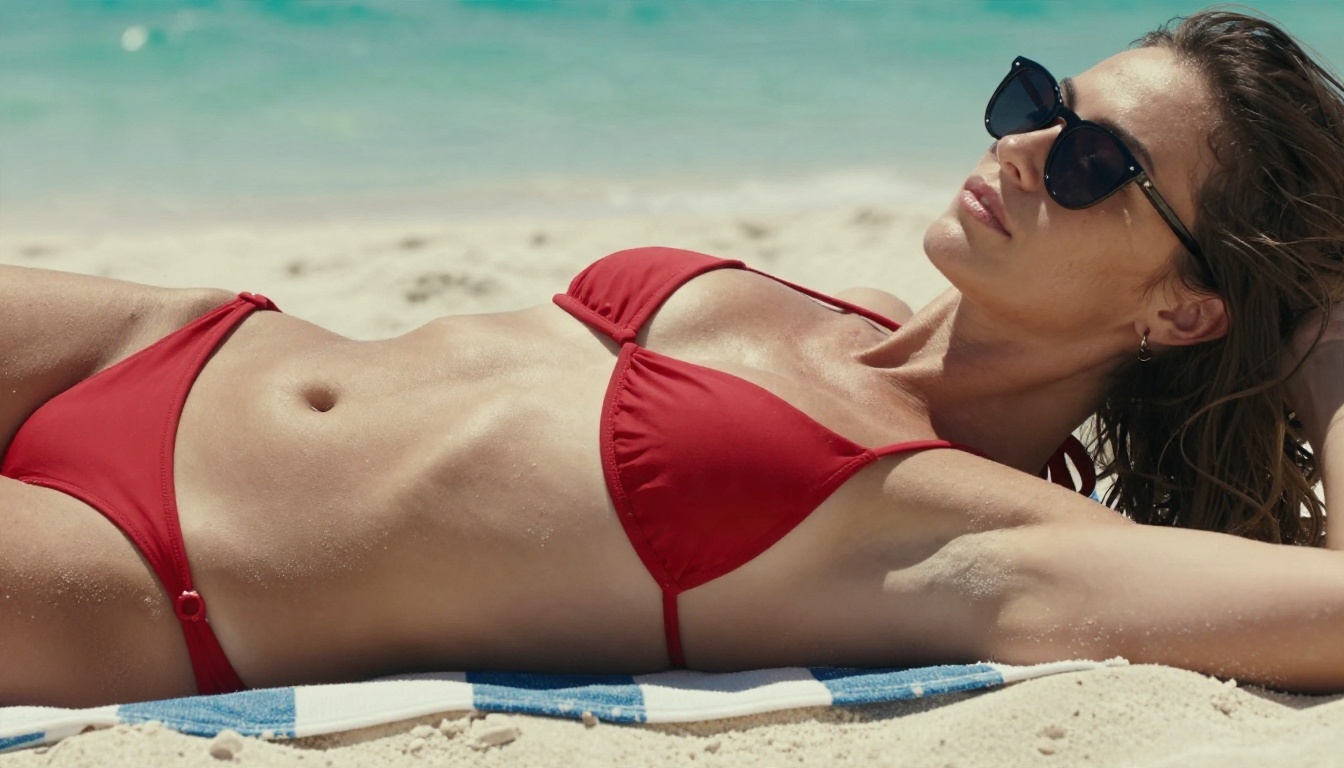
Pool and beach settings are the most reliable. The setting gives the model a believable reason for the outfit.
Example prompt: An adult woman in a red two-piece swimsuit and sunglasses lies on a striped beach lounger. She lifts her sunglasses with one finger and smiles at the camera. Slow push-in, midday sun, turquoise water softly out of focus, light breeze moving her hair, natural film grain.
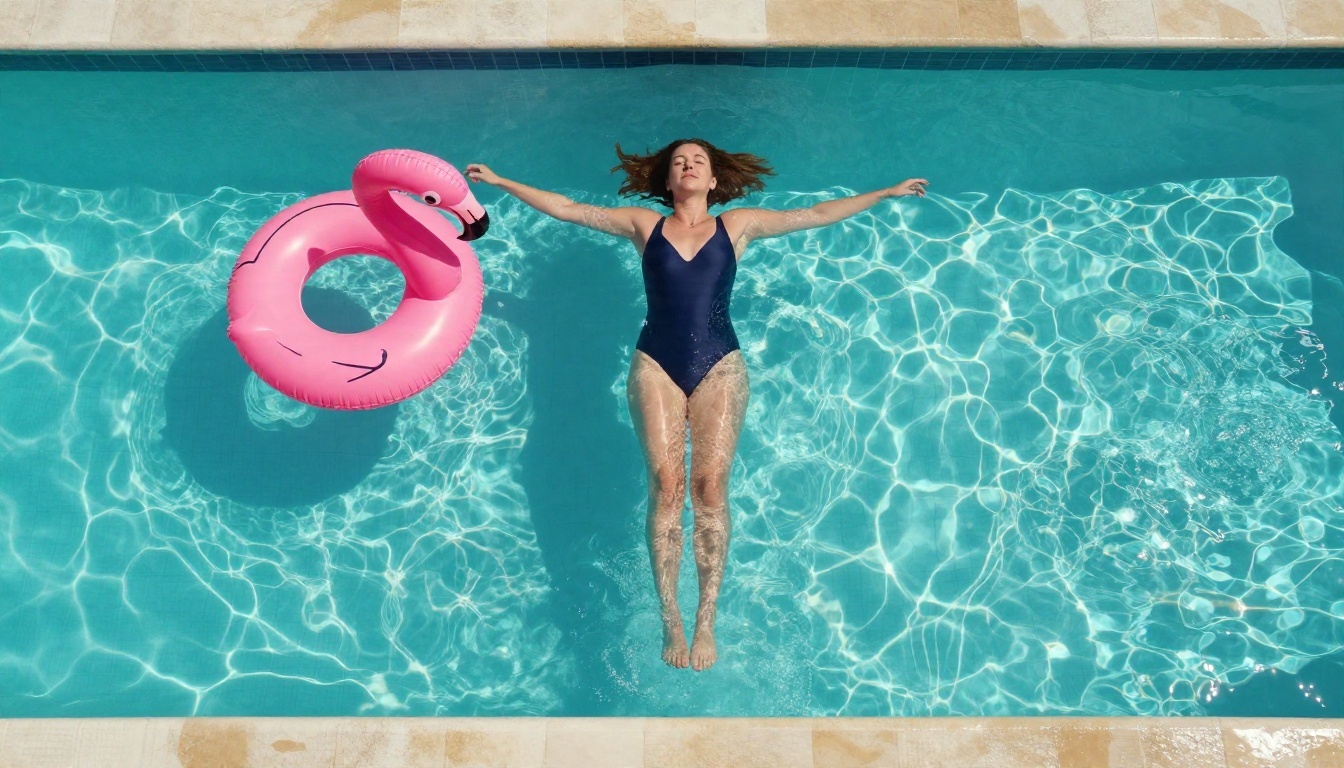
Example prompt: An adult woman in a navy one-piece floats on her back in a clear pool. Overhead drone shot slowly rotates around her, water ripples spread outward, morning sun makes caustic patterns on the tiles.
Boudoir and lounge styling
Soft, warm interiors work when the mood is intimate but the action is ordinary: pouring coffee, adjusting a robe strap, looking out a window.
Example prompt: An adult woman in a cream silk robe sits on the edge of a bed, holding a coffee cup in both hands. She glances toward a sunlit window and smiles. Slow dolly-in, soft diffused morning light, shallow depth of field, gentle fabric movement.

Fashion and evening glamour
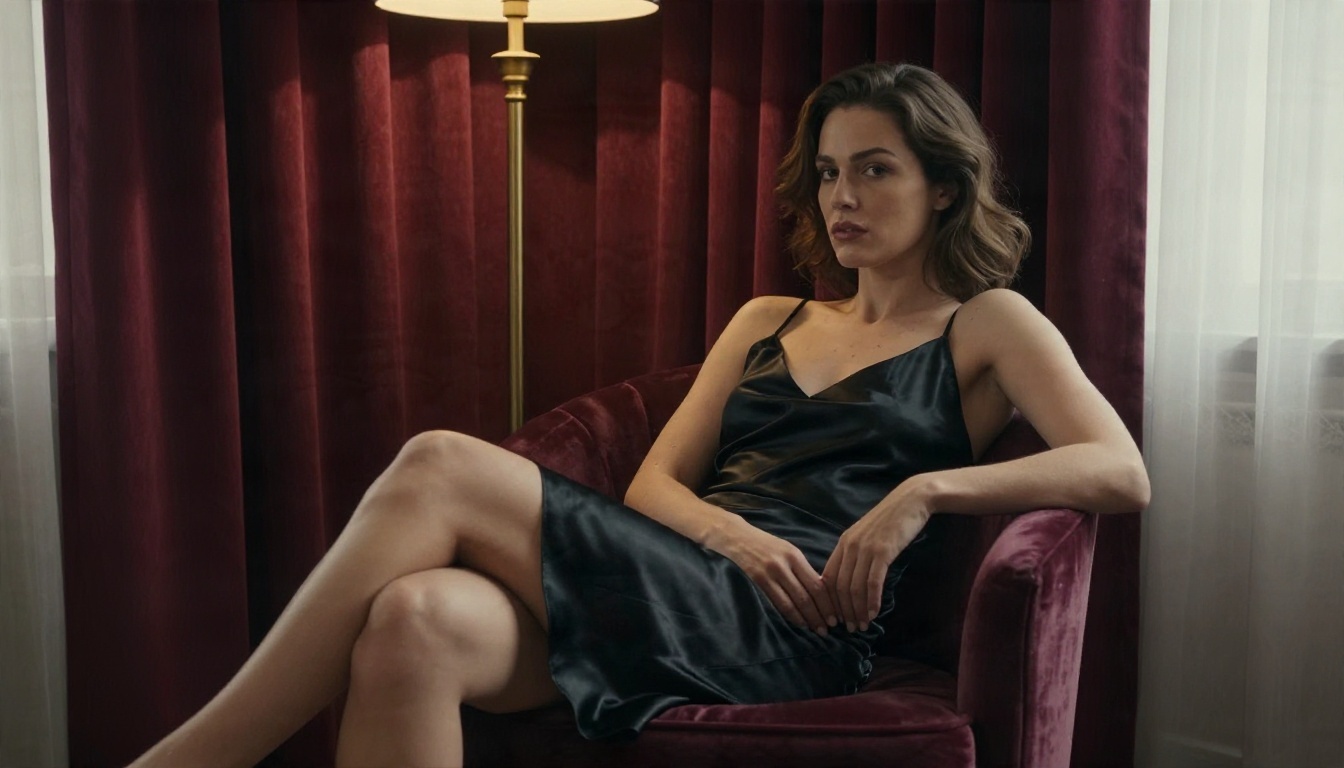
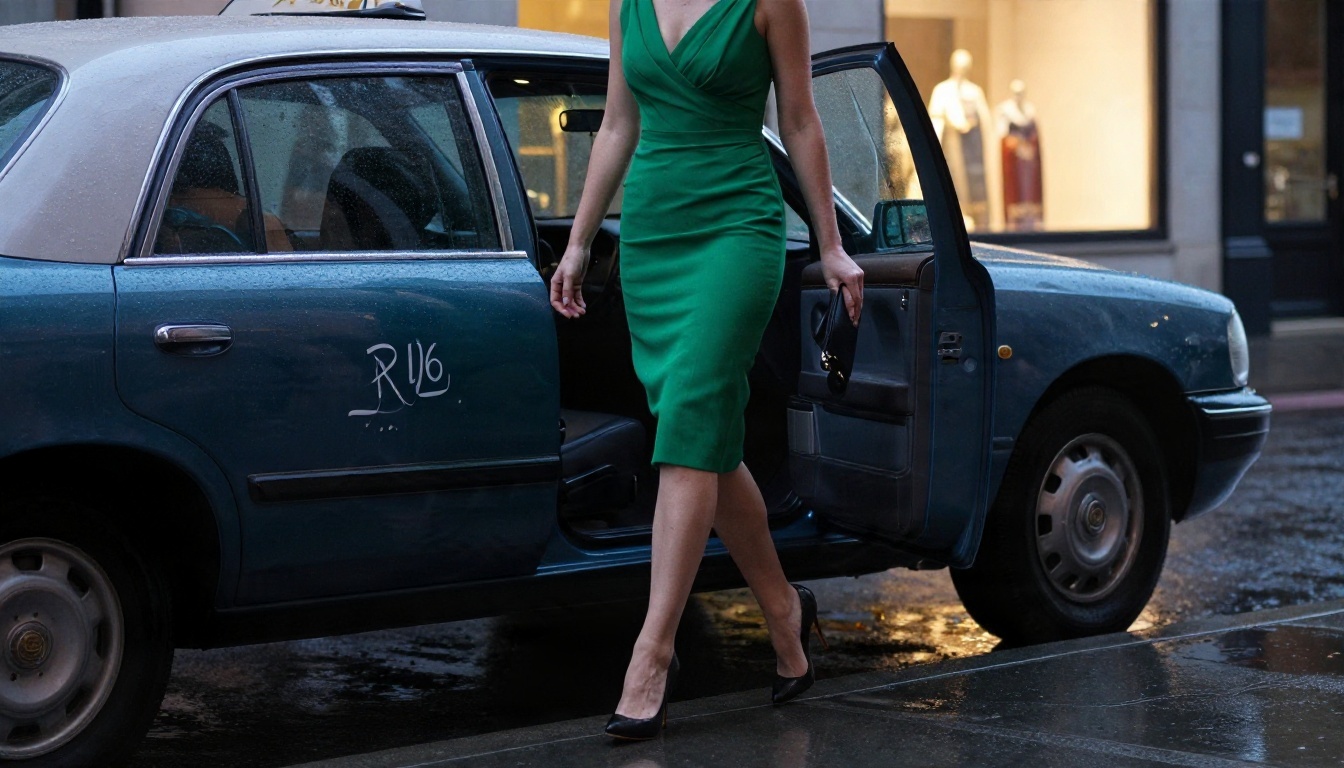
Cocktail dresses, lace details under a blazer, rain on a city street: these read as editorial, and the filter treats editorial far more gently than anything bedroom-coded.
Example prompt: An adult woman in an emerald cocktail dress steps out of a vintage taxi onto a rainy sidewalk at dusk. She adjusts her clutch and walks toward the camera. Handheld tracking shot, warm shop windows reflecting on wet pavement, cinematic shallow focus.
Words that trigger refusals
Avoid these categories, because they are the most common cause of a blocked run:
- Explicit anatomy or sexual verbs. Obvious, and an instant block.
- "Nude," "topless," "see-through" and similar clothing-removal words. Even "artistic" framing rarely helps.
- Age ambiguity. Always write "adult woman" and give a clear age range. Never use words like "girl," "teen" or "schoolgirl."
- Real people. Do not use names of celebrities or private individuals. Do not upload someone's photo without their consent.
- Fetish or coercion themes. These are blocked in virtually every setup.
Settings That Change the Result
Prompt wording is half the work. The other half is how you configure the run. These settings apply to most Kling versions, though the exact options differ by model.
Image-to-video beats text-to-video
Starting from a first-frame image gives you control over wardrobe, pose and lighting before the motion starts. It also means the text prompt can stay short and purely about movement, which keeps trigger words out of it. The catch: the input image is checked too, so a borderline still will fail regardless of your text.
Duration and motion strength
| Setting | Safer choice | Why |
|---|
| Duration | 5 seconds | Fewer frames to flag, cheaper retries |
| Camera motion | Slow dolly, orbit, gentle pan | Fast motion distorts bodies and fabric |
| Motion strength | Low to medium | High values warp hands and faces |
| Negative prompt | "distorted hands, extra fingers, blur, watermark" | Cleans up the usual artifacts |
Prompt structure that works
Use this order: subject and wardrobe, one simple action, camera move, light, atmosphere. One action per clip. Prompts that stack three or four actions confuse the model and produce rubbery movement.
💡 Pro tip: Write the motion as if directing a 5-second fashion film: "slow push-in, hair moves in the breeze, she turns her head toward the lens." Simple verbs, physical camera language, no body-part commentary.
Free Options and Their Limits
Kling has offered free daily credits to signed-in users, and credit allowances change often, so check the amount in the app instead of trusting a review from last month. Free credits typically come with trade-offs:
- Queue time. Free jobs wait behind paid ones, sometimes for a long time.
- Lower quality tiers. Standard-mode output, shorter clips, and watermarks are common.
- No safety exemption. Free or paid, the same moderation applies.
- Credit burn on retries. Prompt tweaking eats a small balance fast, so write carefully before you press generate.
Free and unlimited alternatives
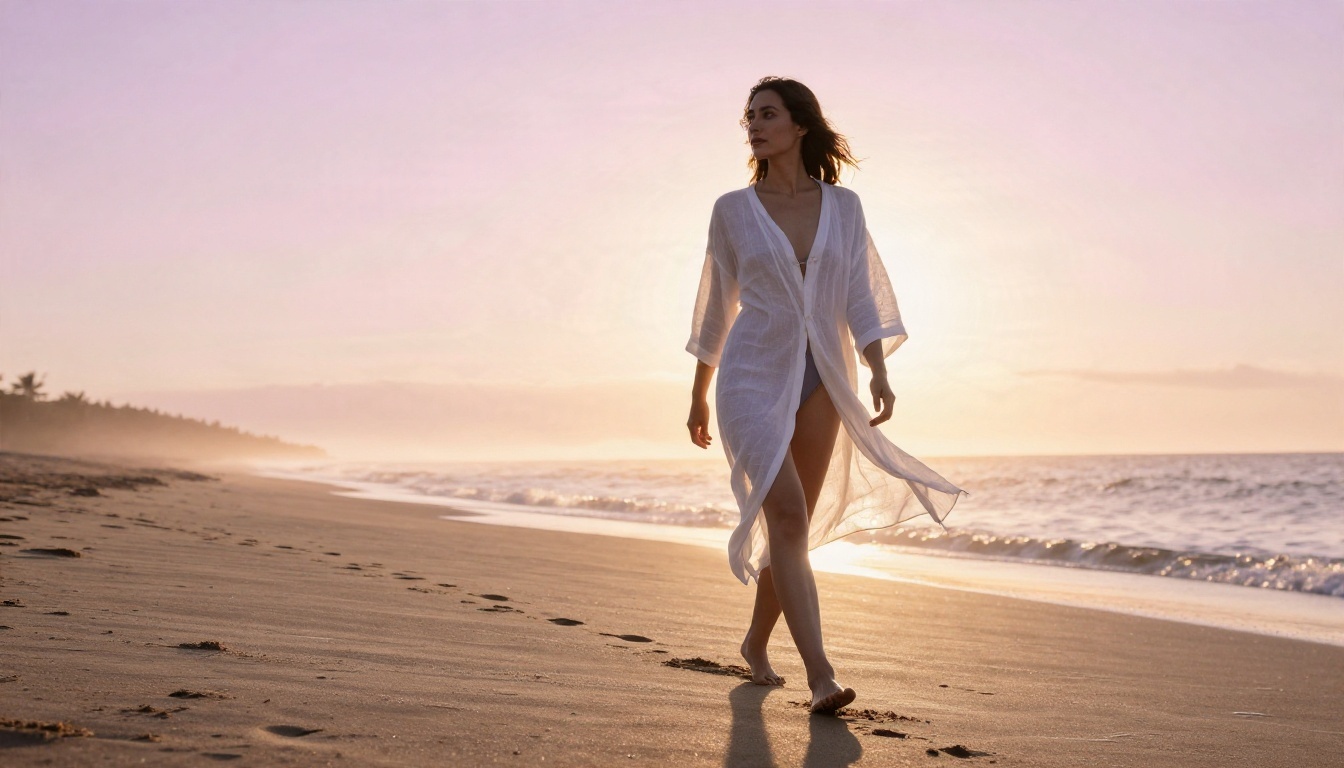
If your goal is volume, you will hit the ceiling fast. PicassoIA offers Seedance 2.5 Lite, which is positioned as a free and unlimited video generator up to 10 seconds, and PicassoIA Image Editor Pro, which offers unlimited generations for stills and edits. That combination covers the image-then-animate workflow without a credit meter.
Hard Limits You Cannot Prompt Around
Some walls do not move, and no phrasing trick changes that:
- Explicit sexual content is blocked. Always, on every plan.
- Real-person likeness is risky. Realistic faces of identifiable people raise consent and legal issues, and the filter is tuned to catch them.
- Inconsistent results. The same prompt can pass today and fail tomorrow. Budget for retries.
- Short clips only. Five or ten seconds per generation, so any story needs stitching.
- Account risk. Repeated policy violations can lead to warnings or restrictions on an account.
Trying to jailbreak the filter with coded wording is a waste of credits and a risk to your account. A better approach is to pick a tool whose rules match your project.
How to Use Kling on PicassoIA
PicassoIA hosts several Kling models, including Kling v2.1 for animating a photo, Kling v1.5 Pro for text-to-video, Kling v1.5 Standard for quicker 720p clips, and Kling o1 for rewriting an existing video with text. Kling's content rules still apply on these models, so keep prompts in the suggestive-but-clothed zone from the examples above.
Step by step with Kling v2.1
- Open the Kling v2.1 page.
- Upload your first-frame image. A clean 16:9 still with clear lighting works best.
- Write a short motion prompt: one action, one camera move, one lighting note.
- Set the duration to 5 seconds for your first test.
- Add a negative prompt such as "distorted hands, extra fingers, blur, watermark."
- Generate, review the first-second motion, and refine one variable at a time.
Parameter tips
- Keep your prompt under about 60 words. Longer prompts dilute the motion instruction.
- Use Kling v1.5 Standard for rough drafts, then rerun the best prompt on Kling v2.1 for the final.
- Save your best prompts in a notes file. Reusing a working structure is faster than starting fresh.
Better Options for Adult Content
When a project needs more freedom than Kling gives, the smarter move is to change tools, not to fight the filter. Here is the order I recommend on PicassoIA for adult-oriented, non-explicit work:
| Rank | Model | Best for | Why it fits |
|---|
| 1 | Seedream 4.5 | Glamour and swimwear stills | Sharp 4K output, far fewer refusals on suggestive scenes |
| 2 | PicassoIA Image Editor Pro | Editing and variations | Unlimited generations, quick iteration |
| 3 | Wan 2.6 I2V | Animating a still | Image-to-video with natural motion |
| 4 | Seedance 2.5 Lite | High-volume clips | Free and unlimited, up to 10 seconds |
| 5 | Hailuo 02 | Cinematic 1080p video | Smooth camera motion |
A workflow that avoids the wall
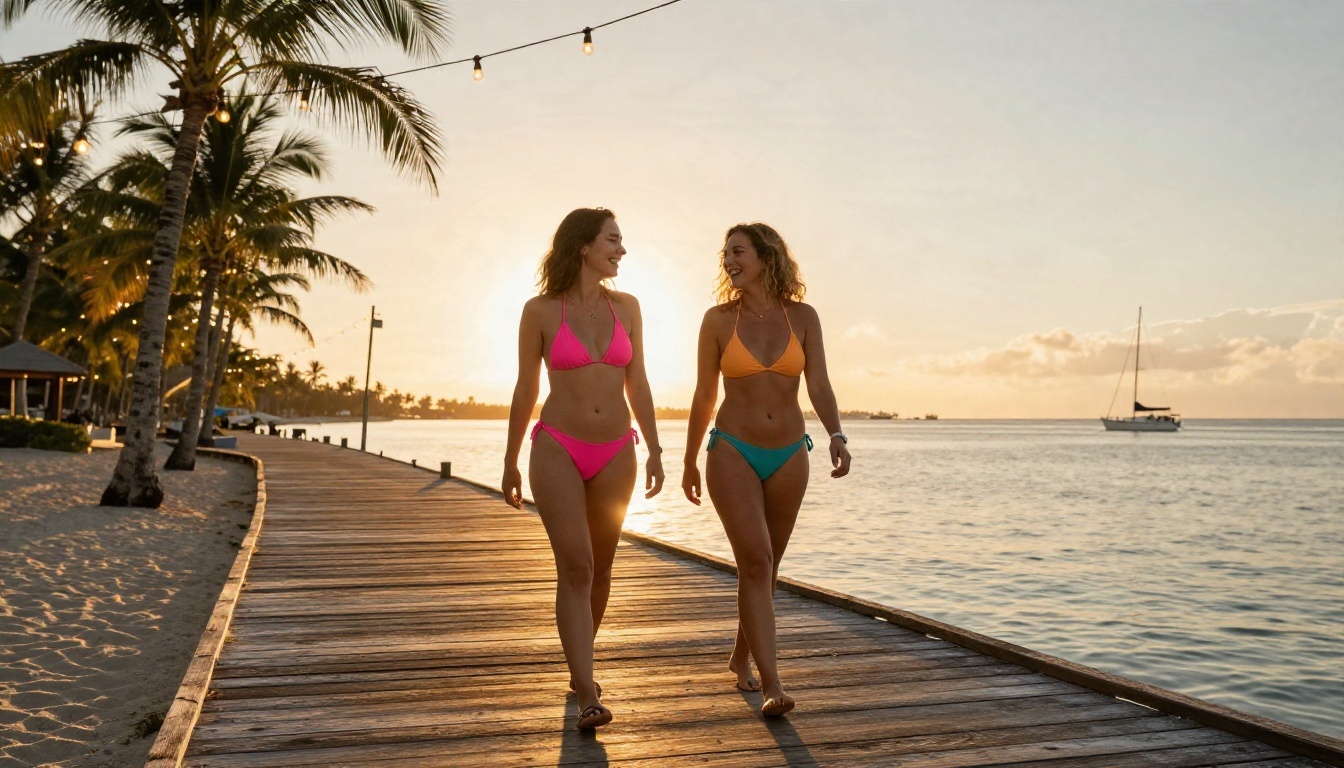
- Generate your still with Seedream 4.5. Put the outfit, light and setting in the prompt.
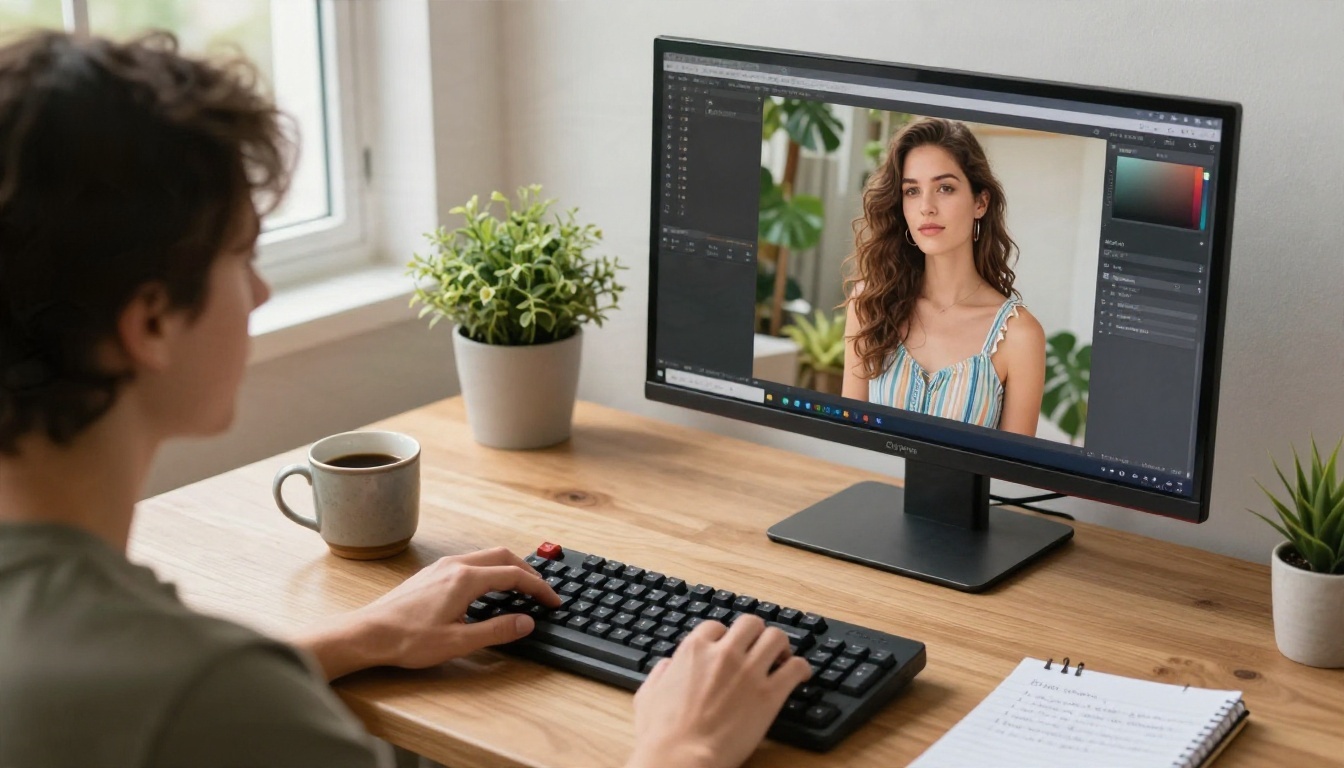
- Fix details (hands, straps, background) in Image Editor Pro, where you can iterate without watching a counter.
- Animate the finished still with Wan 2.6 I2V or Seedance 2.5 Lite, using a simple motion prompt.
- If you want Kling's specific motion style, run the same still through Kling v2.1 with a clothed, editorial prompt.
Prompt template for stills
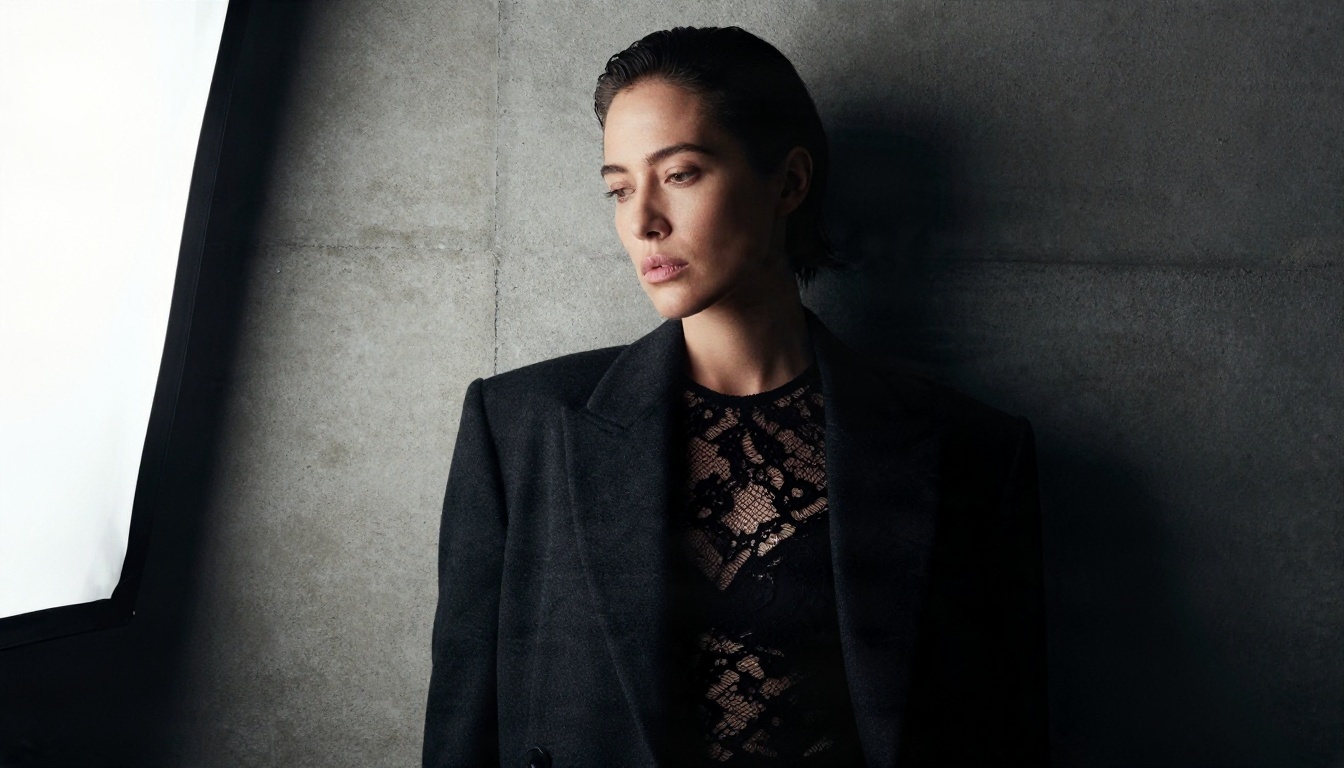
Use the same structure you would give a photographer: [adult woman, wardrobe] + [simple pose] + [setting] + [light direction] + [lens and depth of field] + [film stock or grain]. For example: "adult woman in a black lace bodysuit under an oversized blazer, leaning on a concrete wall, single softbox from the left, 85mm f/2, subtle film grain." That one prompt gives a Seedream 4.5 still that animates cleanly afterward.
Quick Fixes When a Prompt Fails
| Problem | Fix |
|---|
| Instant rejection | Remove body-focused words; describe wardrobe and setting instead |
| Rejected after waiting | The output frames tripped the check; lower motion strength and try a different pose |
| Distorted hands or limbs | Slow the camera, shorten the clip, add a negative prompt |
| Plastic-looking skin | Add "natural skin texture, soft film grain" and drop "perfect" or "flawless" |
| Same prompt behaves differently | Rerun with a small wording change; the filter is not deterministic |
Try It Yourself on PicassoIA
The fastest way to find what works for your project is to run a few short tests. Start with a still in Seedream 4.5, polish it in PicassoIA Image Editor Pro, then animate it with Kling v2.1 or one of the alternatives above and compare the results side by side. Five-second clips are cheap to test, and a good prompt structure carries over from one model to the next.
Ready to build your own set? Browse every image and video model at picassoia.com/en/all-models and start generating your own glamour, swimwear and editorial scenes today.


