You have a clip idea, a deadline, and no budget. Two names keep coming up: Kling from Kuaishou and Seedance from ByteDance. Both turn a sentence or a still photo into a short, cinematic video, and both were pushed hard in early 2026 when Kling 3.0 and Seedance 2.0 landed within days of each other. The real question is not which one wins a benchmark. It is which one lets you make usable video for free, with the fewest surprises. This article answers that with plain numbers, ready-to-paste prompts, a clear look at the limits, and a list of alternatives you can open right now.
Kling or Seedance in 60 Seconds

Both families generate short clips from text or from an image, and both can add native audio in their recent versions. The difference shows up in how they behave when you push them.
What Kling Does Best
Kling is known for smooth camera work, believable body motion and strong character control. If your shot involves a person walking, turning, gesturing or dancing, Kling tends to keep limbs and faces stable. It also has the broadest lineup: standard video, an Omni variant for multi-input scenes, a motion control model that makes a still character follow a reference movement, and an editing model that rewrites existing footage with text.
What Seedance Does Best
Seedance leans toward cinematic composition, multi-shot storytelling and fast iteration. Its newer versions handle several shots inside one generation, keep the same subject across cuts, and generate sound that matches the action. For creators who want a short film feel from a single prompt, that is a real time saver.
Quick Verdict Table
| Need | Better first pick | Why |
|---|
| Natural human movement | Kling | Stable limbs, smooth camera paths |
| Multi-shot mini story | Seedance | Handles several shots in one pass |
| Animating a still character | Kling Motion Control | Follows a reference movement |
| Longer clips | Seedance 2.5 | Built for clips far beyond 10 seconds |
| Fast free experiments | Seedance 2.5 Lite | Free, unlimited, up to 10 seconds |
| Editing existing footage | Kling o1 | Rewrites video with a text instruction |
💡 Rule of thumb: pick Kling when the performance matters, pick Seedance when the sequence matters.
Free Online Use: What You Really Get

"Free" means very different things from one service to the next. Treat every number below as a moving target. Free allowances change often, and the reports I found disagreed with each other.
The Kling Free Tier
The most consistent report says Kling gives new accounts around 66 credits per day with no card needed, which works out to roughly six standard 5-second clips. Free generations are usually capped at 720p, they can sit in a queue for a while at busy hours, and exports carry a watermark. That is fine for testing prompts. It is not fine for client work.
The Seedance Free Route
Sources conflict here. Some describe a very small free allowance on the official Seedance 2.0 app, others quote 50 to 100 starter credits that run out within a handful of clips. The honest summary: you can test Seedance for free, but the official allowance is small and not guaranteed. If you need volume, look at services that offer a lite version with no cap, which is where the PicassoIA option later in this article comes in.
The Watermark and Licence Catch
Before you post anything, check three things:
- Watermark: free exports on most official apps include one.
- Commercial rights: usually reserved for paid plans.
- Credit expiry: daily free credits normally reset and do not roll over.
⚠️ If a video will appear in an ad, a product page or a client deck, generate it on a plan that explicitly grants commercial use.
Limits That Will Slow You Down

Free access is never only about price. The limits decide whether a tool is practical.
Daily Credits and Queue Time
With about six clips a day on a free Kling account, you cannot afford to waste a generation on a vague prompt. A good habit is to draft in a cheap, fast mode, then spend your best credits on the final version. Queue time is the hidden cost: free users wait behind paying users, and a 5-second clip can take several minutes at peak hours.
Resolution and Clip Length
| Limit | Typical free setting | What it means for you |
|---|
| Resolution | 720p | Fine for social, soft for large screens |
| Clip length | 5 to 10 seconds | Plan scenes as short beats |
| Daily volume | Roughly 5 to 10 clips | One idea per day if you iterate |
| Watermark | Yes on most free exports | Not usable for paid work |
| Audio | Depends on version | Check before you write a dialogue prompt |
If you need a long sequence, generate several short clips with the same subject description and cut them together. That is how most creators build 30-second pieces anyway.
Prompts That Work in Both
Kling and Seedance both reward specific, chronological prompts. Vague prompts get generic motion. Prompts that describe what happens second by second get something you can use.
A Prompt Formula That Holds Up
Use this order:
- Subject and starting pose (who or what, and where they are)
- Action over time (what changes during the 5 seconds)
- Camera movement (dolly, pan, orbit, handheld)
- Light and atmosphere (time of day, weather, texture)
- Sound, if the model supports audio (footsteps, wind, a line of dialogue)
Camera Words That Actually Work
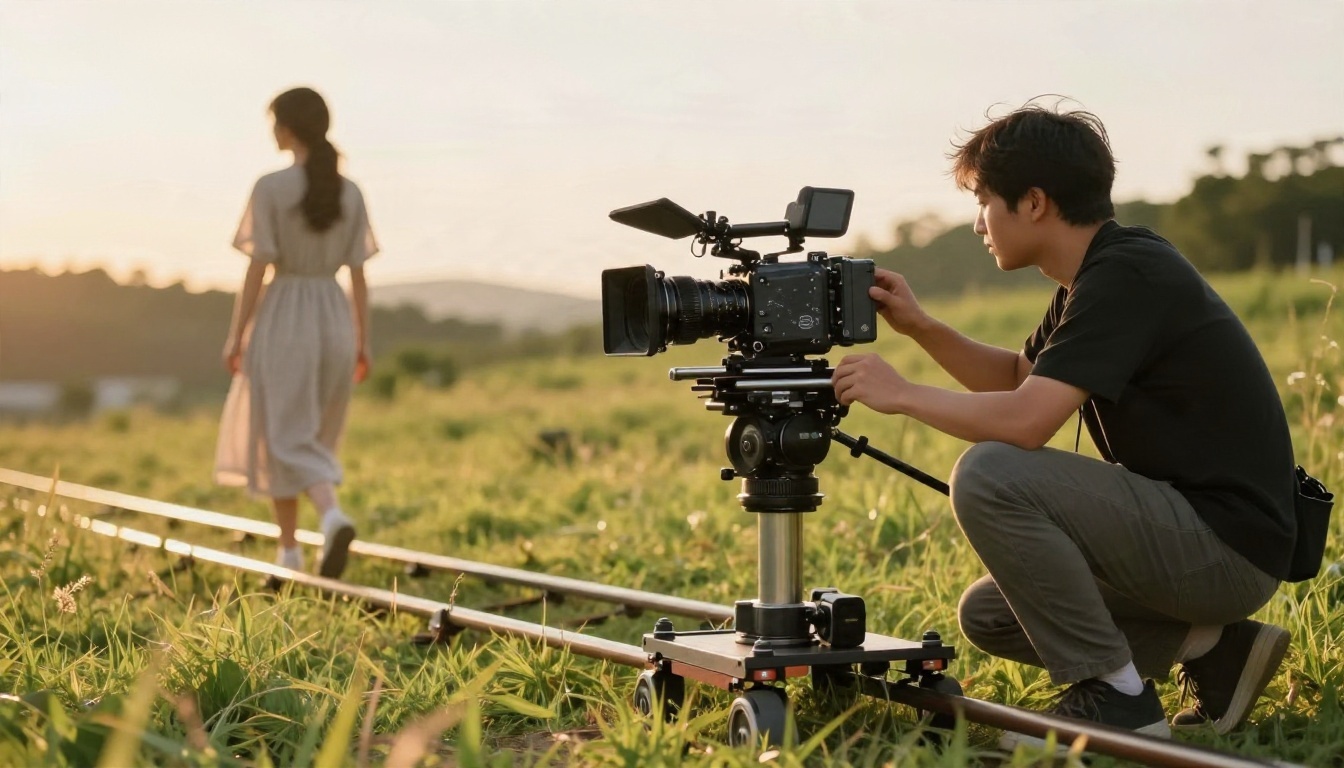
- Slow dolly-in: adds tension without cutting
- Orbit shot: circles the subject, great for products
- Low-angle tracking: makes a walking subject feel powerful
- Handheld: adds documentary realism
- Rack focus: shifts attention from foreground to background
Five Prompts to Copy
- A woman in a linen dress walks along a cliff path at golden hour, wind moving her hair, slow tracking shot from behind, warm low sun, soft ocean sound.
- A barista pours milk into a ceramic cup, the camera pushes in slowly on the latte art forming, morning window light, quiet cafe ambience.
- A cyclist rides through light rain on an empty city street, low-angle side tracking shot, wet asphalt reflections, tires hissing on the road.
- An elderly man opens a wooden workshop door and steps inside, dust drifting in a beam of light, slow dolly-in, creaking hinge.
- Close-up of a hand placing a watch on a linen cloth, shallow depth of field, soft overhead daylight, gentle ticking.
💡 Keep one action per clip. Two actions in five seconds usually produce a muddled result in either model.
Head to Head Comparison
Motion and Physics
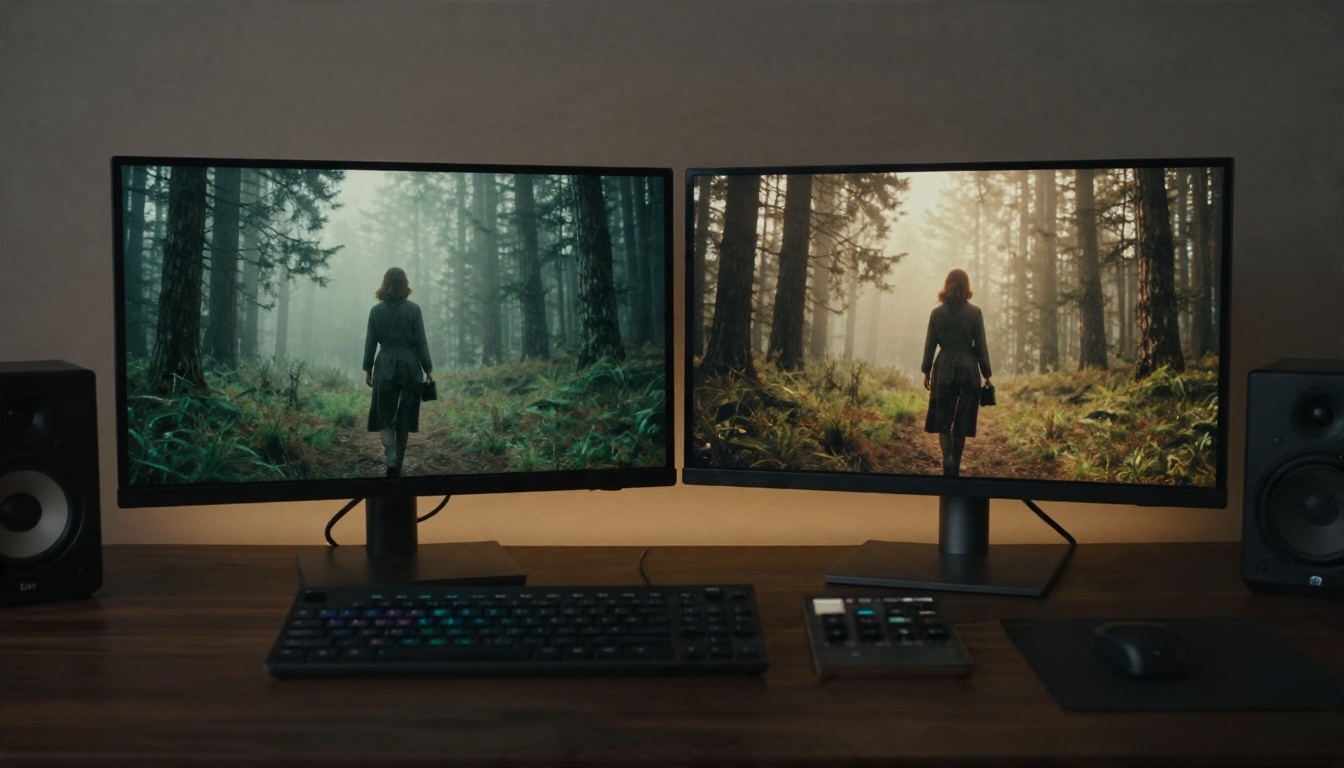
Kling is the safer choice for grounded motion: a person stepping, a hand lifting an object, fabric reacting to wind. Seedance can look more directed, with a stronger sense of framing, but fast action can occasionally drift. When I test the same prompt in both, Kling usually wins on anatomy and Seedance wins on mood.
Audio, Consistency and Control
Seedance's newer versions generate matching sound and keep a subject steady across shots inside one clip. Kling counters with control tools: motion control for copying a reference performance, Omni for mixing several inputs, and an editing model that rewrites footage you already shot.
| Feature | Kling family | Seedance family |
|---|
| Text to video | Yes | Yes |
| Image to video | Yes | Yes |
| Native audio | Recent versions | Recent versions |
| Multi-shot in one clip | Limited | Strong |
| Reference motion transfer | Yes, Motion Control | Less emphasis |
| Video editing by text | Yes, Kling o1 | Not the focus |
| Free access | Daily credits, watermark | Small official allowance |
Alternatives Worth Trying Today

You do not have to choose only between these two. Both families are on PicassoIA, along with several rivals, so you can run the same prompt through each and compare.
Kling models on PicassoIA
Seedance models on PicassoIA
Other strong rivals
| Model | Best for |
|---|
| Wan 3 | Cinematic motion and flexible styles |
| Veo 3.1 Fast | 1080p video with synced audio |
| Hailuo 02 | Clean 1080p output with good prompt following |
| Sora 2 | Text to video with synced sound |
💡 Test strategy: run one prompt through a Kling model, a Seedance model and one rival. Pick the winner for that type of shot, then stick with it for the whole project.
How to Use Seedance 2.5 Lite on PicassoIA
If your main problem is the cap on free clips, Seedance 2.5 Lite is the simplest place to start. The model page describes it as free and unlimited, with clips up to 10 seconds.
Step by Step
- Open the model page for Seedance 2.5 Lite on PicassoIA.
- Write your prompt using the formula above: subject, action, camera, light, sound.
- Add a reference image if you want a specific first frame, such as a product photo or a character portrait.
- Choose the clip length. Start at 5 seconds while you test.
- Generate, watch the result, and change one thing in the prompt before running it again.
- Save the best take and, if you want more length or detail, rerun the final prompt in Seedance 2.5.
Parameter Tips
- Short prompts of 40 to 80 words usually beat long, tangled ones.
- Describe camera movement explicitly. If you leave it out, the model picks a default.
- Use a clean source image with the subject centered and well lit when animating a photo.
- Fix the subject description across clips (same clothes, same setting) if you plan to edit them into a sequence.
- Draft with the Lite model, finish with a premium one such as Kling v3 Video when you want a different look for the final take.
⚠️ Free and unlimited does not mean every prompt works first time. Plan on three or four attempts per shot.
Start Making Your Own Clips
There is no universal winner between Kling and Seedance. Kling gives you steadier human motion and more control tools. Seedance gives you stronger sequences and, through a free lite model, far more room to experiment. The practical move is to stop debating and run your own test: take one prompt from this article, send it to a Kling model and a Seedance model, and compare the two clips side by side.
PicassoIA puts both families, plus Wan, Veo, Hailuo and Sora, in one place, so you can run that test in a few minutes. Open Seedance 2.5 Lite for free drafts, try Kling v3 Video for the final polish, and browse the full lineup at picassoia.com/en/all-models. Write the first prompt today, and see which one gives you the shot you had in mind.


