Short answer: Krea 2 is a very good photoreal model, but it is not built for adult content. The hosted version filters prompts and outputs, the open weights come with a use policy that restricts what you can do, and the community fine-tunes that skip those limits live outside Krea's own platform. If you typed "Krea 2 NSFW" into a search bar, you probably want to know three things: what it will actually let you make, how to word prompts so you get attractive glamour results, and where to go when it says no. This article answers all three, in plain terms.
Krea 2 arrived in June 2026 as an open-weights image model with two checkpoints, Raw and Turbo. It quickly became a favorite for natural skin, believable lighting and strong style control. That popularity is exactly why people keep asking whether it can handle swimwear, lingerie, boudoir and artistic nude work. The honest picture is more nuanced than "yes" or "no", so let's walk through it.
Can Krea 2 Do NSFW?
Not in the way most people mean it. There are really three different "Krea 2" situations, and each one behaves differently.
| Situation | Adult content behavior | Who controls it |
|---|
| Krea's own hosted apps | Input and output classifiers flag or block policy-violating prompts and images | Krea |
| Official open weights (Raw, Turbo) run locally | No built-in prompt filter at the model level, but the license and acceptable use policy still apply to outputs | You, under the license terms |
| Community fine-tunes and LoRAs | Some are labeled uncensored or 18+ opt-in | Whoever published them |
| Third-party hosts | Depends on each host's own rules | The host |
The takeaway: the model itself is not a "porn model", and Krea does not market it as one. Krea says it ran multiple rounds of internal and external safety testing, including adversarial prompts, before release. It also openly admits it cannot control how people deploy the weights downstream.
💡 Worth knowing: the Krea 2 acceptable use policy applies to the weights, to derivatives and to the outputs generated from them. Running the model on your own machine does not turn the policy off. Read it before you build anything commercial.
What Krea 2 handles well
Plenty of suggestive but non-explicit work sits comfortably inside what photoreal models do every day:
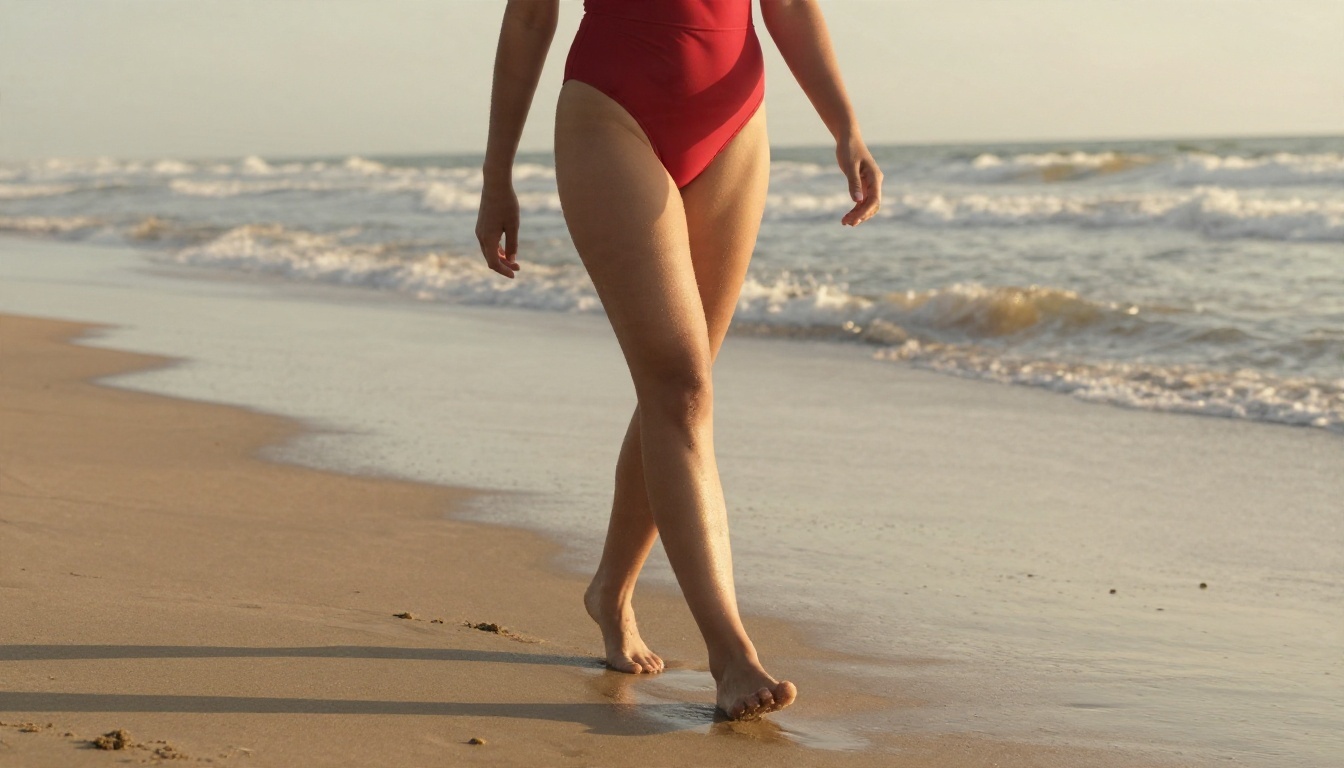
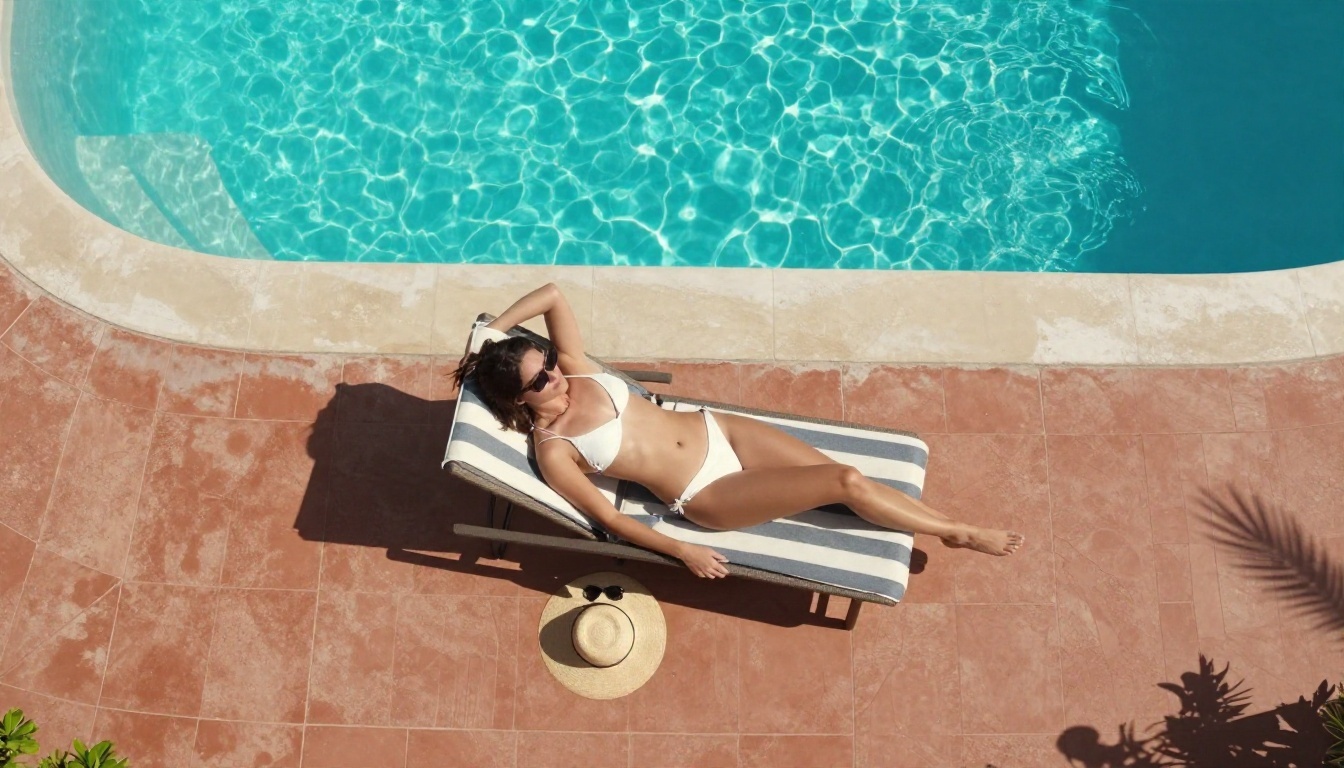
- Swimwear and beach editorials
- Fashion shoots with sheer fabrics or lace
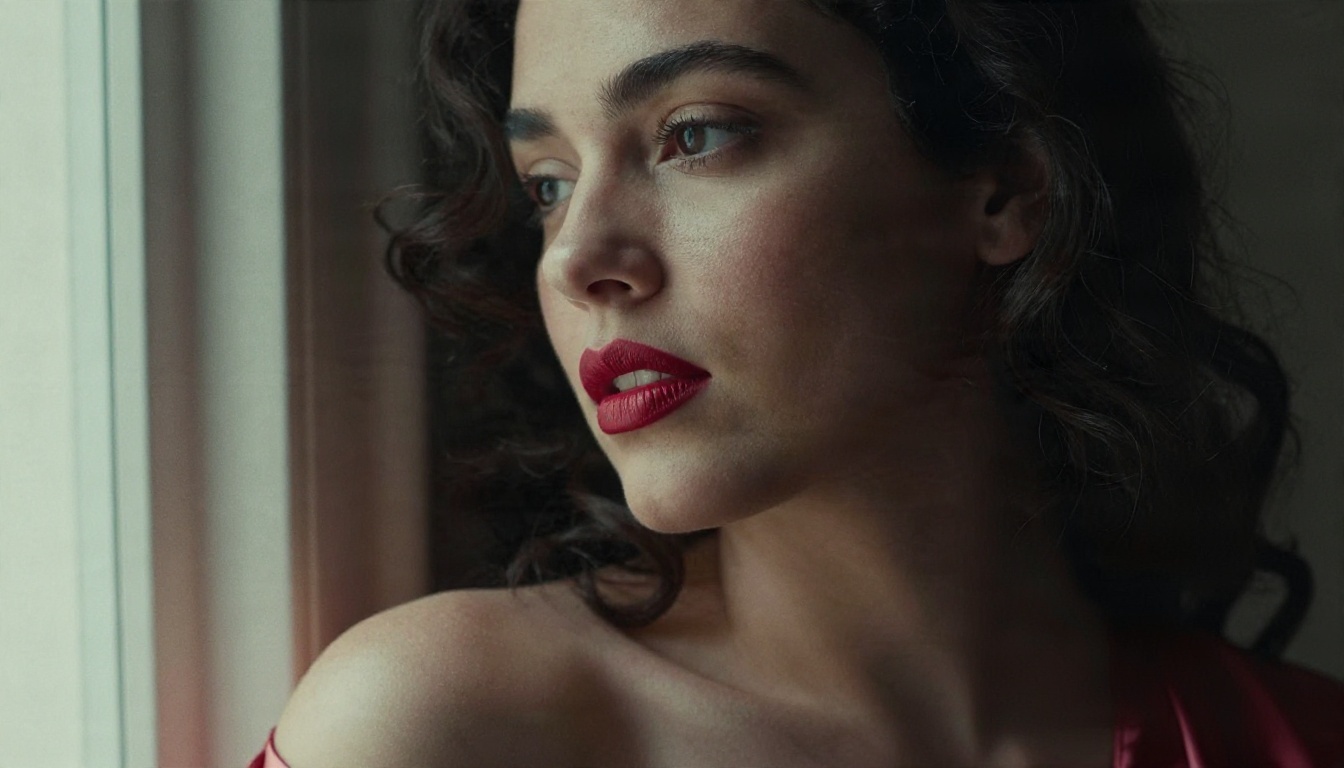
- Boudoir-style portraits with soft window light
- Implied artistic poses, where sheets, shadows or framing do the covering
If your goal is attractive, glamorous, magazine-style images, you can get surprisingly far with careful prompting. If your goal is explicit imagery, Krea 2 on a hosted service is the wrong tool, and the rest of this article points you somewhere better.
Where it stops
Hosted filters tend to react to explicit anatomy terms, sexual acts, anything involving minors (a hard line everywhere, with no exceptions), and real-person likeness in sexual contexts. Prompts that read as suggestive but tasteful usually pass. Prompts that read as explicit get blocked, sometimes with a vague error rather than an explanation.
Krea 2 on PicassoIA
PicassoIA hosts two Krea 2 variants: Krea 2 Large for photorealistic work, and Krea 2 Medium, which leans toward anime and painterly art. For realistic glamour portraits, Large is the one you want.
I would not treat either as your adult-content model. Use them for the clean, SFW end of the spectrum: fashion portraits, beach scenes, lifestyle shots. When a project needs a more permissive route, there are better picks, covered below.
How to use Krea 2 Large on PicassoIA
- Open the Krea 2 Large page.
- Write your prompt in this order: subject, clothing, setting, light, lens, film look.
- Pick a 16:9 ratio for landscape editorials, or a vertical ratio for portraits.
- Generate a first pass, then change one thing at a time: light direction, lens, or wardrobe.
- Save the versions you like and refine the wording from there.
Parameter tips:
- Keep prompts under roughly 120 words. Over-stuffed prompts make the model average everything out.
- Name a lens (85mm f/1.8 for portraits, 35mm for environments). It shifts the whole feel.
- Describe skin honestly: "visible pores, light freckles, natural sheen". It avoids the plastic look.
- Use a film reference such as Kodak Portra 400 for warm, forgiving color.
Prompts That Work for Glamour
Whatever model you use, the same prompt structure produces attractive, tasteful results. Think like a photographer briefing a shoot, not like someone typing keywords.
The five-part formula
- Subject and pose: age (always adult), hair, expression, what she is doing.
- Wardrobe: fabric names beat generic words. "Black satin slip dress with lace trim" gives the model texture to work with.
- Setting: a hotel suite, a villa pool, a loft at dusk.
- Light: direction and quality, such as "soft window light from the left" or "warm streetlamp glow from above right".
- Camera: lens, depth of field, film stock.
Here is a template you can copy:
Medium shot of a confident woman in her late twenties wearing [fabric + garment], [pose] in [setting], [light direction and quality], 85mm f/1.8, shallow depth of field, Kodak Portra 400, fine film grain, visible skin texture.
Wardrobe words that keep results elegant
| Goal | Words that help |
|---|
| Soft and romantic | satin slip, silk robe, cream camisole, linen sheets |
| Bold and editorial | black lace bodysuit, oversized blazer, velvet set, trench coat |
| Sun and swim | red two-piece, white bikini, sarong, straw hat |
| Artistic and implied | white bed sheet, shadows, profile angle, window silhouette |
Prompt mistakes that cost you images
- Too many adjectives in a row. "Sexy hot gorgeous stunning" adds nothing. Describe light and fabric instead.
- Skipping the camera. Without a lens and light cue, results drift toward a flat, generic stock-photo look.
- Asking for everything at once. One strong idea per image beats five competing ones.
- Using explicit anatomy words on a filtered service. It triggers blocks and teaches you nothing.
Free Options for Krea 2 Adult Work
"Free" is where most people get tripped up, so here is the realistic breakdown.
Local open weights
The Raw and Turbo checkpoints are downloadable, which means you can run them on your own GPU at no per-image cost. You pay in hardware and setup time instead. Expect to need a capable graphics card and some comfort with a node-based workflow. The license and acceptable use policy still apply, so "free" does not mean "no rules".
Community fine-tunes and LoRAs
Third-party sites list Krea 2 derivatives, including uncensored photoreal fine-tunes and mature-theme LoRAs marked 18+. Quality varies a lot. Check the publisher, read the license on the page, and keep downloads limited to files that come with clear terms. Anything involving real people's likenesses without consent is off the table.
Hosted free tiers
Free tiers on filtered platforms exist, but they are the least useful for adult-leaning work because the same classifiers apply. You spend credits on images that get blocked.
💡 Practical tip: if you want unlimited tries without per-image anxiety, look for tools that advertise unlimited generations instead of metered credits. That is where PicassoIA Image Editor Pro comes in, covered next.
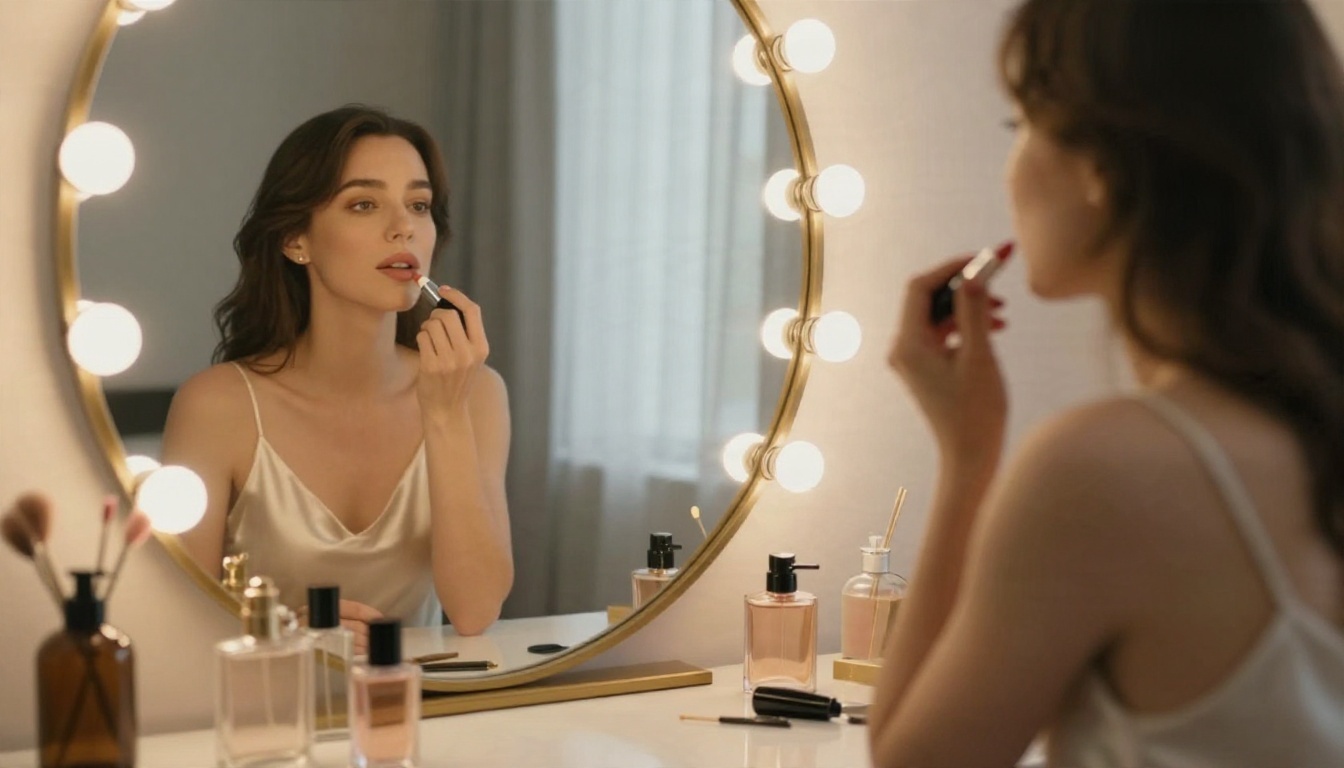
Best Alternatives for NSFW Images
If Krea 2 keeps blocking you, these are the models to reach for, in the order I would try them.
1. Seedream 4.5
Seedream 4.5 is my first pick for adult-leaning glamour. It produces sharp, 4K-class photoreal images with excellent skin rendering and fabric detail, and it is far more permissive than filtered hosted services. It follows long, descriptive prompts closely, so the five-part formula above works especially well. Speed is another advantage: you get results quickly enough to iterate through a dozen variations in one sitting.
2. PicassoIA Image Editor Pro
PicassoIA Image Editor Pro is built around unlimited generations, which changes how you work. You can edit, restyle and regenerate without watching a credit counter. Use it to adjust outfits, change lighting, fix details or push a draft from Seedream 4.5 toward the exact look you had in mind. For anyone who got frustrated by blocked prompts and wasted credits elsewhere, this is the most relaxed way to work.
3. Z Image Turbo
Z Image Turbo is fast and sharp. It is a good pick when you want to test many prompt ideas in a short time before committing to a slower, higher-fidelity render.
4. Qwen Image 3 Pro
Qwen Image 3 Pro delivers clean photorealism with strong prompt following, which helps when your scene has several elements, such as a pose, a specific outfit and a detailed background.
5. Hunyuan Image 3
Hunyuan Image 3 gives sharp results with good composition sense. It is a solid second opinion when a scene is not coming together in another model.
6. Flux 2 Klein 9B Base LoRA
Flux 2 Klein 9B Base LoRA is useful when you want a styled look applied through a LoRA, for instance a consistent film-photography feel across a whole set.
| Model | Best for | Speed | Link |
|---|
| Seedream 4.5 | Top-quality glamour and skin detail | Fast | Open |
| Image Editor Pro | Unlimited edits and regeneration | Fast | Open |
| Z Image Turbo | Rapid prompt testing | Very fast | Open |
| Qwen Image 3 Pro | Complex multi-element scenes | Medium | Open |
| Hunyuan Image 3 | Composition and sharpness | Medium | Open |
| Flux 2 Klein 9B Base LoRA | Consistent styled looks | Fast | Open |
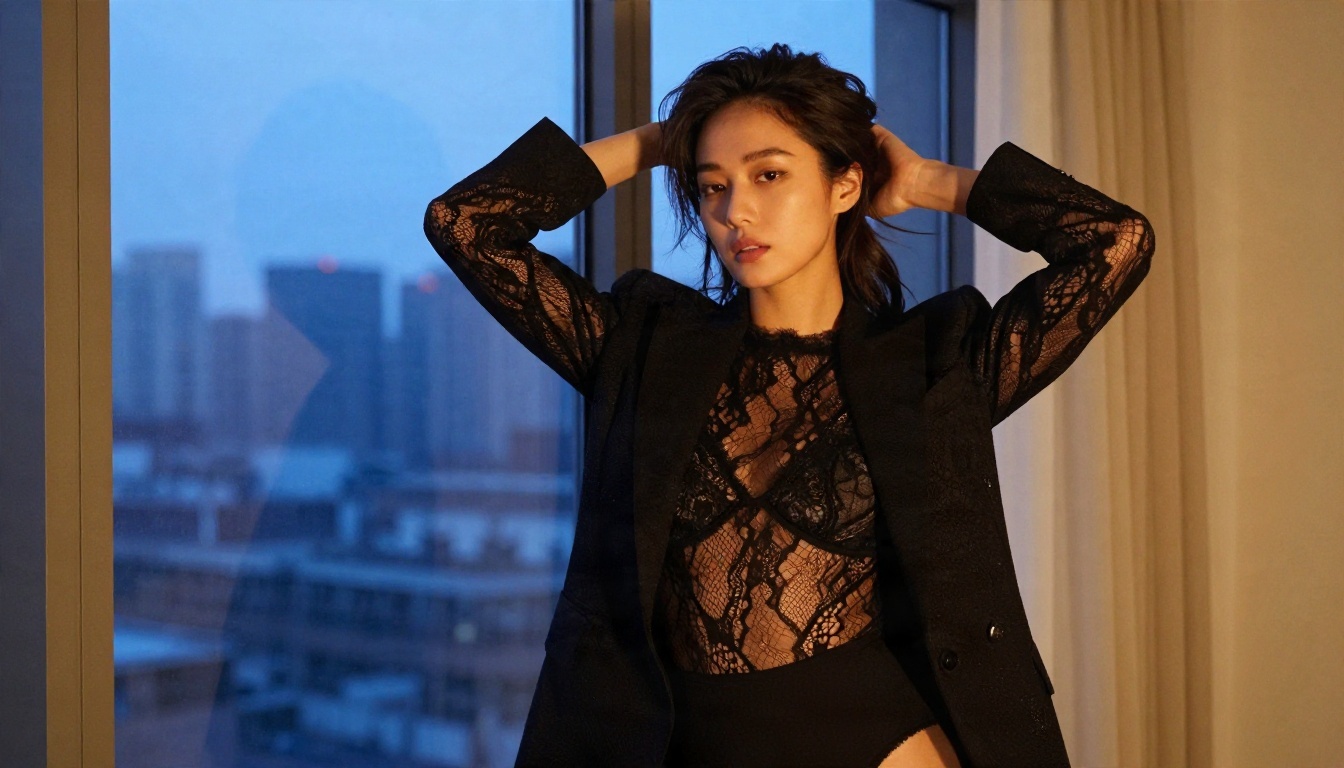
A Workflow That Saves Time
Switching tools is easier when you have a repeatable routine. This is the one I would use.
Step 1: Draft in Seedream 4.5
Write your prompt with the five-part formula and generate several variations in Seedream 4.5. Pick the strongest composition.
Step 2: Refine in Image Editor Pro
Bring the winner into PicassoIA Image Editor Pro. Because generations are unlimited, you can adjust the outfit, shift the light, or fix small details as many times as needed.
Step 3: Sanity-check with a second model
Run the same prompt through Qwen Image 3 Pro or Hunyuan Image 3. Different models read prompts differently, and sometimes the second one nails an expression the first missed.
Step 4: Keep it consistent
If you are building a series, repeat the same wardrobe words, light direction and film stock in every prompt. Consistency in the prompt is what produces consistency in the set.
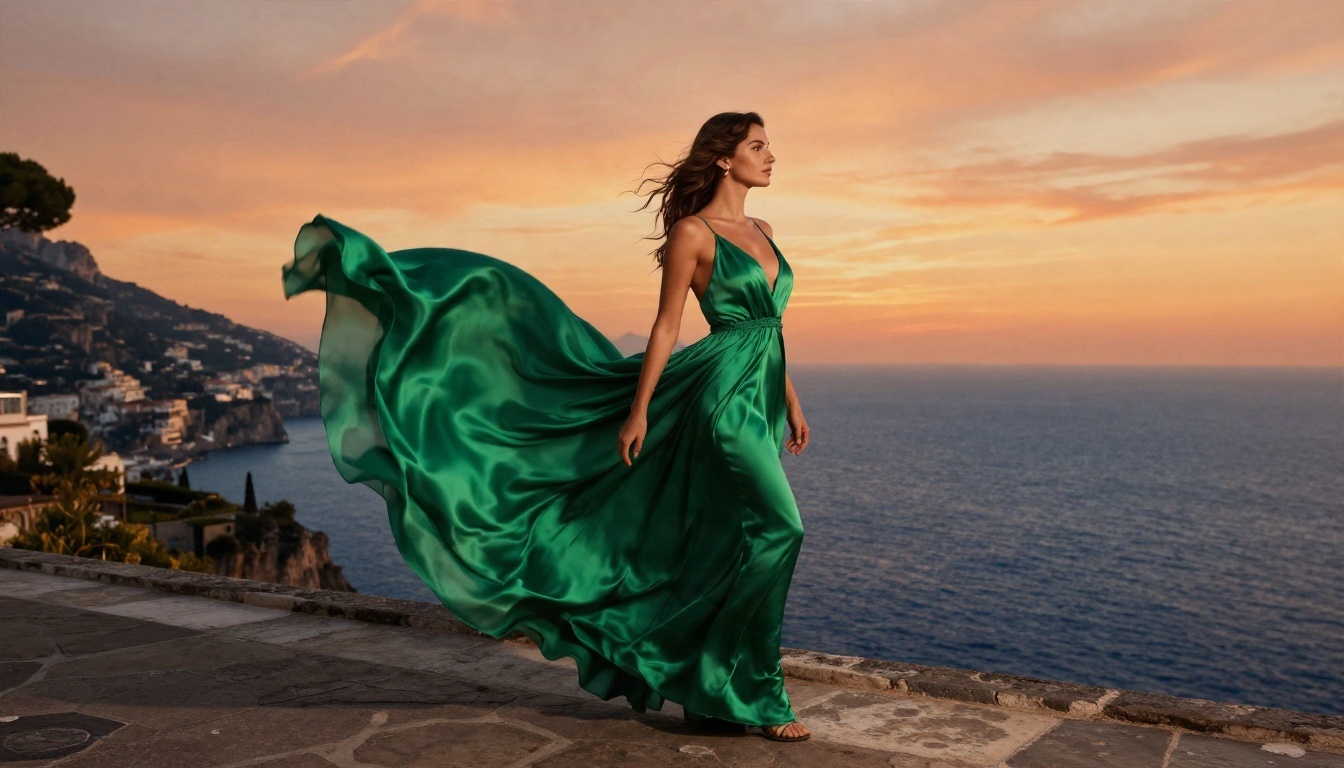
Staying on the Right Side
A few rules apply to every model and every platform, whatever its filters say.
- Adults only. Every subject must be clearly an adult. No exceptions, no gray areas.
- No real people. Do not generate sexualized images of real individuals, celebrities or people you know. Likeness without consent causes real harm.
- Check the terms. Krea 2's license and acceptable use policy apply to outputs. Other platforms have their own rules on commercial use.
- Label your work. If you publish AI-generated images, say so. Readers appreciate it, and several platforms require it.
- Keep it private if it is private. Adult images do not need a public audience.
💡 A note on "uncensored": it means fewer filters, not fewer responsibilities. The person writing the prompt is the one accountable for what gets made and shared.
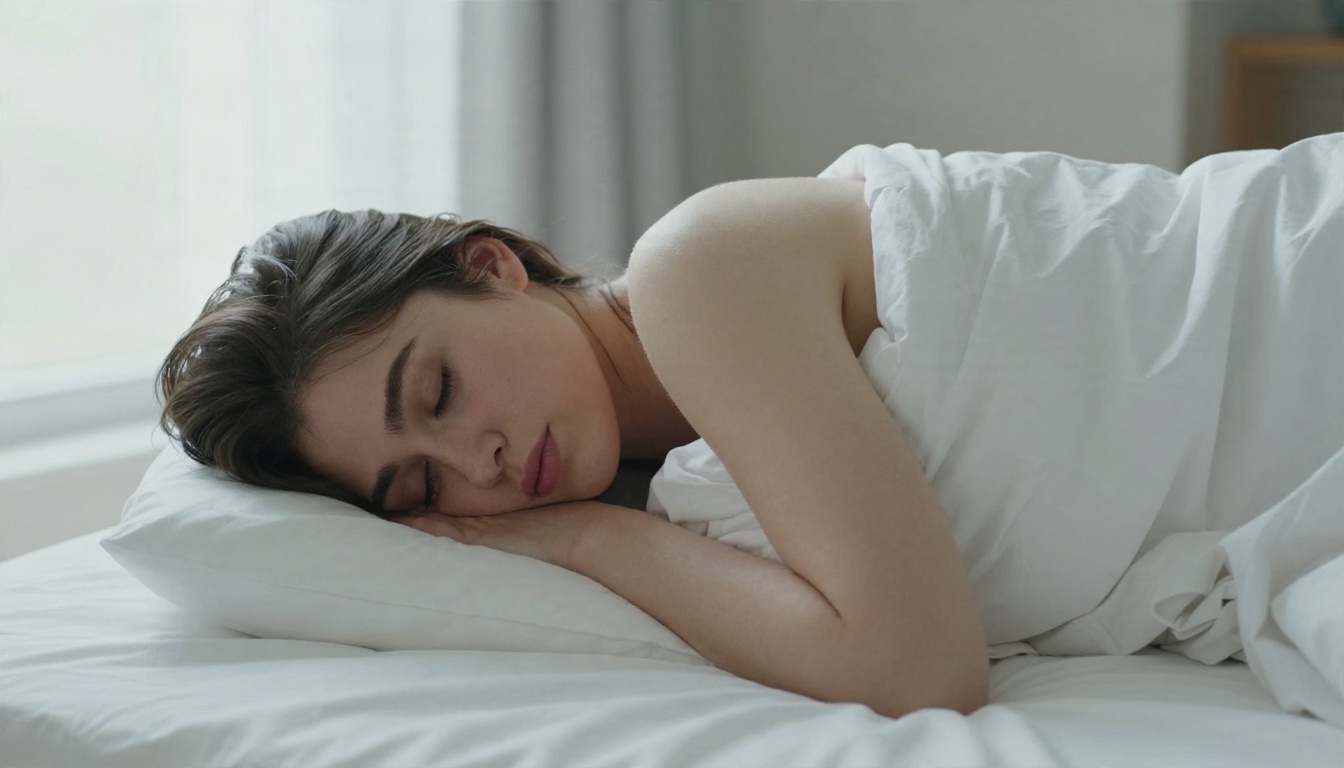
Krea 2 vs Flux Krea Dev
People often mix up Krea 2 with Flux Krea Dev, so a quick clarification helps. Flux Krea Dev is a separate model built on the Flux family and tuned for images "without the AI look". Krea 2 is a newer, from-scratch foundation model with stronger style control. Both aim at natural, photographic results, and both are better suited to tasteful portraits and fashion than to explicit work.
If you are curious about the original Flux-based option, you can try it on PicassoIA through the Flux Krea Dev page and compare its skin rendering to Krea 2 Large with the same prompt.
Common Questions
Is Krea 2 uncensored?
The official hosted service is not. The open weights have no prompt filter built into the model itself, but the acceptable use policy and license still govern how you can use the outputs. Uncensored community versions exist, and each comes with its own terms.
Can Krea 2 generate nudity?
Hosted Krea apps block explicit content. For artistic, implied looks, such as sheets, shadows and tasteful framing, careful prompting works on most photoreal models. For anything more permissive, Seedream 4.5 and PicassoIA Image Editor Pro are the better route.
Is there a free Krea 2 NSFW generator?
You can run the open weights locally for free if you have the hardware. Otherwise, free tiers on hosted platforms still apply filters. Unlimited generation tools give the most freedom to experiment.
Which model gives the most realistic skin?
For glamour portraits, Seedream 4.5 and Krea 2 Large both produce convincing pores, freckles and natural sheen when you describe them in the prompt.
Make Your Own Images Today
You now know where Krea 2 stands, how to word a prompt so it reads like a real photo shoot, and which models to use when filters get in the way. The fastest way to see the difference is to run one prompt through a few models and compare.
Start with Seedream 4.5 for your first draft, then refine it in PicassoIA Image Editor Pro with as many unlimited generations as you need. When you want to try other options, browse every model on picassoia.com/en/all-models and build your own favorites list. Pick a setting, choose your light, write the prompt, and see what comes back.


