Everyone typing "Krea 3 NSFW" into a search bar wants the same three answers: will it let me make adult-leaning images, can I run it myself without a filter, and is there a free way to try it? The honest short version is probably not, not yet, and only partly. Krea 3 is a new and very fast model, but nothing I could confirm suggests it has an adult mode, its weights are not public, and free access is limited to whatever the hosted plan gives you. The good news is that you do not need Krea 3 to get glamour, boudoir and swimwear images that look like real photographs. This article sorts fact from rumor, then gives you prompts and working alternatives.
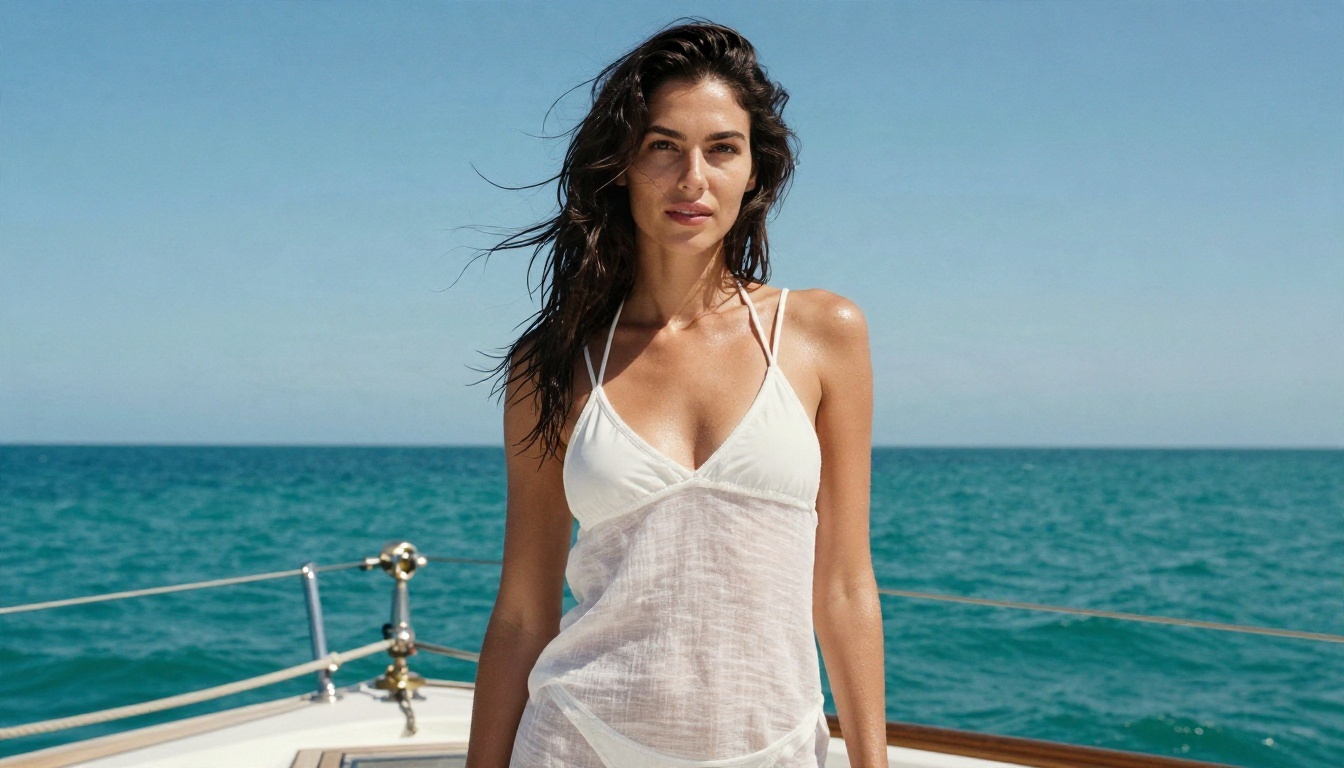
What Krea 3 Actually Is
Krea released Krea 3 in mid October 2026. Reports describe it as a model focused on fast, precise image editing: 2K edits in roughly eight seconds, LoRA tuning support and pricing that undercuts some of the big closed models. Coverage is not fully consistent on whether it also generates from a blank prompt or mainly edits existing pictures, so treat any claim about it being a full text-to-image replacement with some caution.
What matters for this topic is what it is not: it is not marketed as an adult model. Krea is a commercial platform with a hosted product, and hosted products almost always run content filters.
💡 Quick reality check: Krea 3 was announced and launched as a hosted service. If a website claims "Krea 3 uncensored download" or "Krea 3 NSFW unlocked", be skeptical. Those pages are usually bait for clicks, or worse.
Is Krea 3 on PicassoIA?
No. Krea 3 is not on PicassoIA at the moment, so there is no page to link and nothing to use here under that name. Older Krea models are available, such as Krea 2 Large, Krea 2 Medium and Flux Krea Dev, but those are different models. For similar results today, the alternatives later in this article are a better fit, especially for glamour and swimwear photography.
Does Krea 3 Allow NSFW?
I searched for an official adult content policy for Krea 3 and found nothing that says it supports explicit or uncensored output. That absence is informative. Companies that allow adult content say so loudly, because it is a selling point.
Here is how the situation breaks down:
| Question | What is known |
|---|
| Official NSFW mode | None found |
| Hosted filters | Expected, as with most commercial platforms |
| Public weights for Krea 3 | Not published; reports mention enterprise licensing for self-hosting |
| Krea 2 weights | Released in June 2026 under a community license |
| License note for Krea 2 | Reported to require deployers to add their own content filtering |
That last row is worth pausing on. Even the open Krea 2 weights reportedly come with an expectation that whoever deploys them adds moderation. So "open weights" does not automatically mean "anything goes".
Open Weights: What Is True
The phrase "Krea 3 open weights" gets searched constantly, and it mixes up two separate releases.
- Krea 2: weights are public, released in June 2026. Anyone with enough GPU memory can run it locally.
- Krea 3: reporting says the weights are not published. One source says the company is still weighing a release, and another says enterprise customers can license them to run on their own infrastructure.
- Flux Krea Dev: an earlier collaboration with open weights, built to avoid the typical "AI look".
If your goal is a private, local setup, Krea 2 or a different open model is the realistic path today. Running a model locally gives you control over your own filter settings, but it also makes you responsible for what you generate and for following the license and the law where you live.
What Hardware Do You Need?
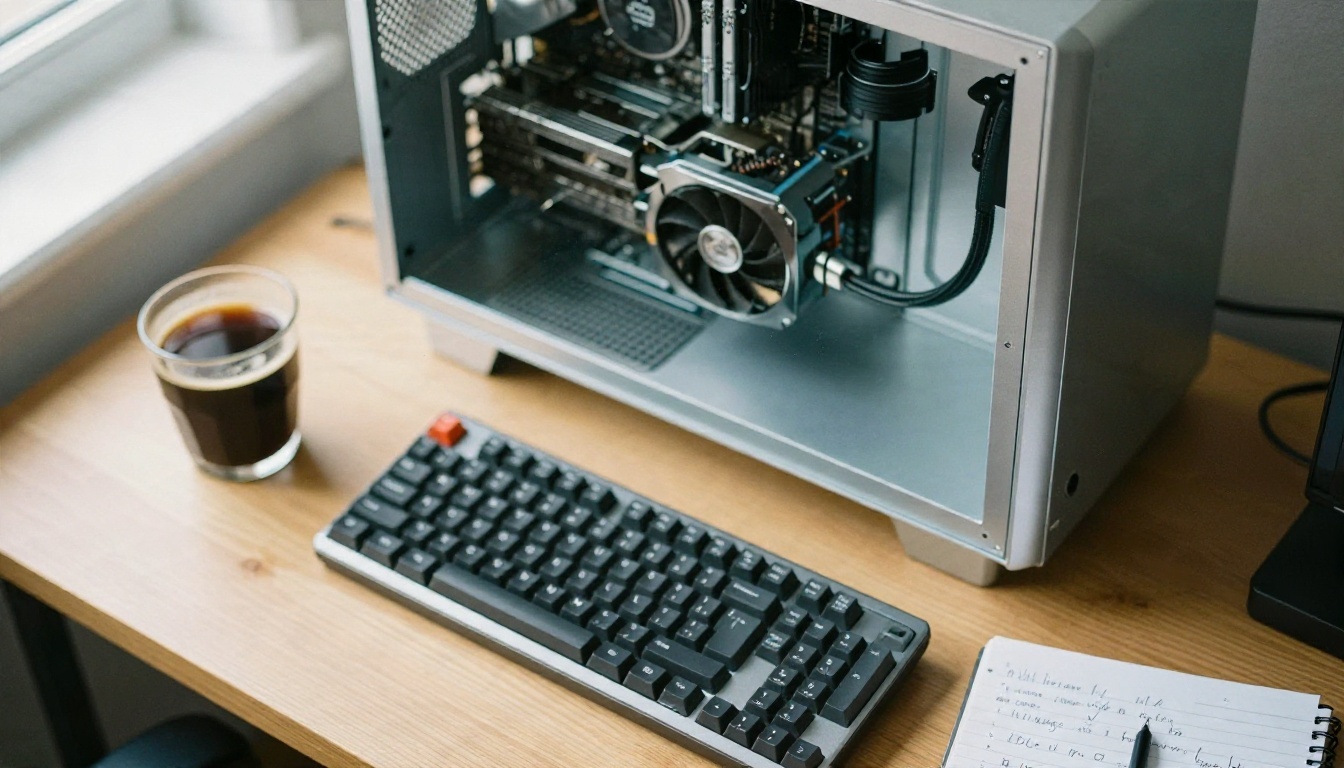
For a local setup of any modern open image model, plan on:
- A GPU with a lot of VRAM (more is better, and quantized versions help on smaller cards).
- Plenty of fast storage, since model files are large.
- Patience for setup, because drivers and dependencies break more often than tutorials admit.
Most people who want results rather than a hobby project are better off using a hosted tool that already runs the models. That brings us to free use.
Free Online Use: Your Real Options
Krea offers a free plan with a daily allowance of units, according to its own release notes coverage, and that allowance is the legitimate way to test it. Free tiers are fine for trying styles and speed. They are not a route around filters, and they will not produce adult content if the product does not allow it.
Red Flags When Searching "Free Uncensored"
Be careful with:
- Sites that ask you to install a "Krea 3 uncensored" executable.
- Telegram bots with no stated model or policy.
- Pages that demand a card number "for age verification" before showing anything.
- Weight files on random mirrors, which can hide malware.
A trustworthy tool tells you which model it runs, what it costs and what it allows. If it does not, close the tab.
Prompts That Work for Suggestive Photos
Whatever model you use, the same prompt logic produces better glamour results. This is non-explicit photography: swimwear, lingerie-style editorials, boudoir lighting, evening wear. The goal is attractive, tasteful and believable.
The Five-Part Formula
- Subject and pose: "a woman in her late twenties leaning against a window frame"
- Wardrobe: "ivory silk robe, black lace trim" or "coral bikini"
- Environment: "sunlit Parisian bedroom, linen sheets, peonies on a side table"
- Light: "soft morning light from the left, warm rim light on her shoulder"
- Camera: "85mm f/1.8, shallow depth of field, Kodak Portra 400, film grain"
Add one line about skin: "natural pores, fine freckles, slight sheen". That single detail removes the plastic look more than any other trick.
Five Prompt Ideas to Copy
| Scene | Prompt starter |
|---|
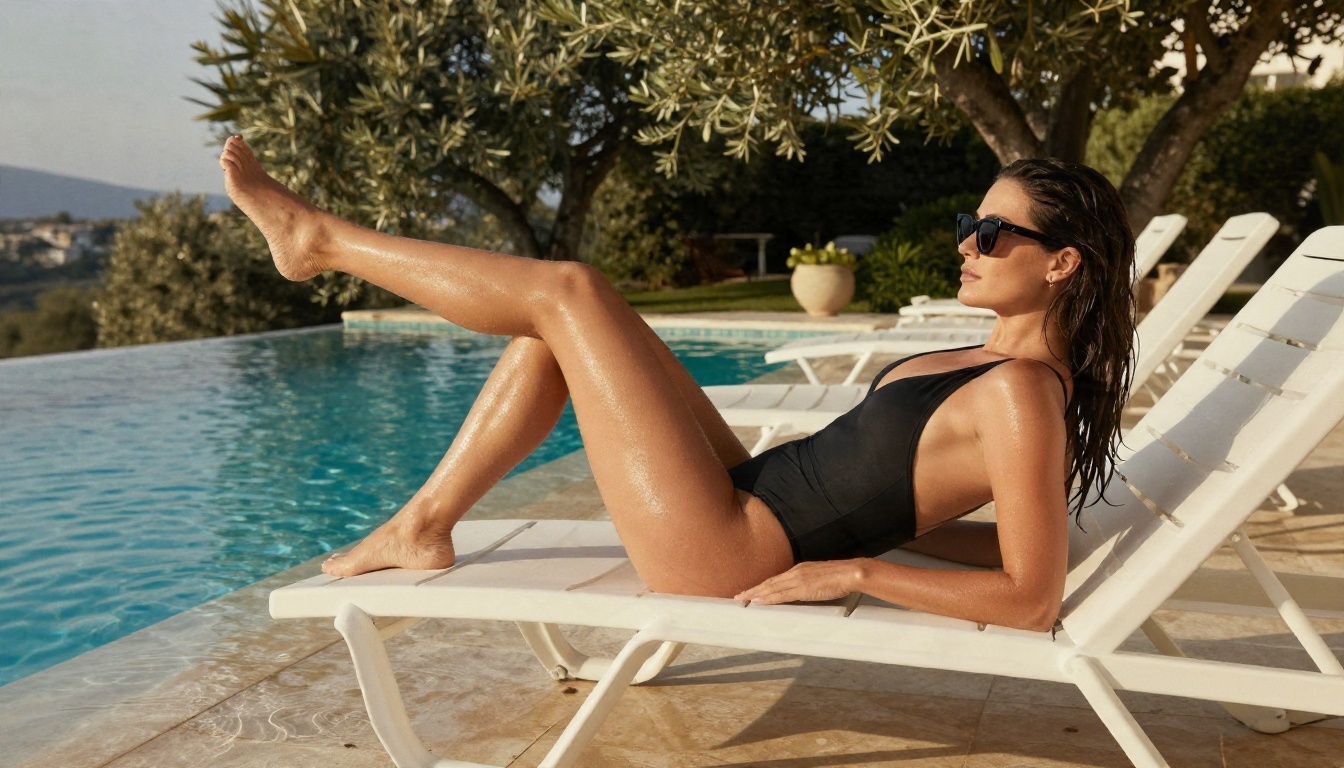
| Poolside | "woman in a black high-cut one-piece on a white lounger, infinity pool, late afternoon sun, 35mm f/2.8, film grain" |
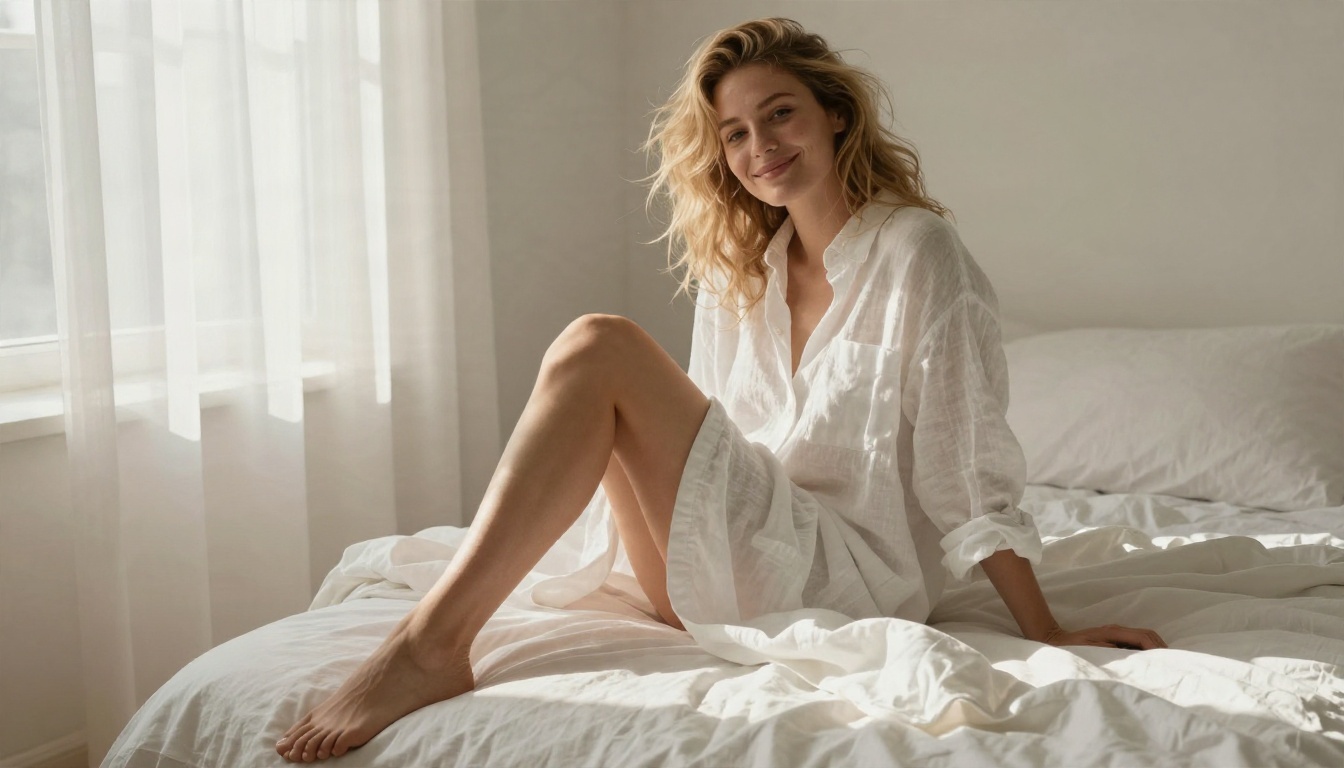
| Boudoir window | "silk robe, lace details, sheer curtains, morning light from the left, 85mm f/1.8" |
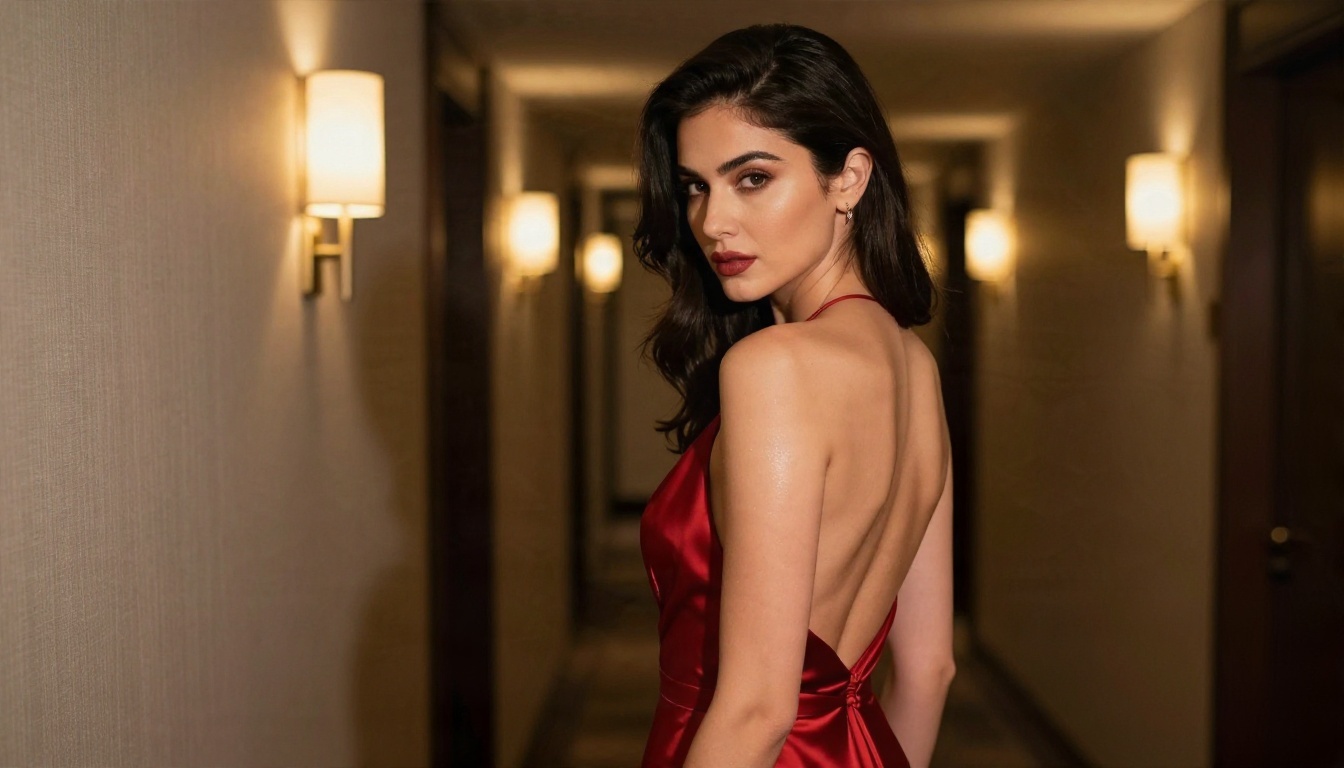
| Evening glamour | "deep red backless gown, hotel corridor, warm sconces, over-the-shoulder glance, 85mm f/1.4" |
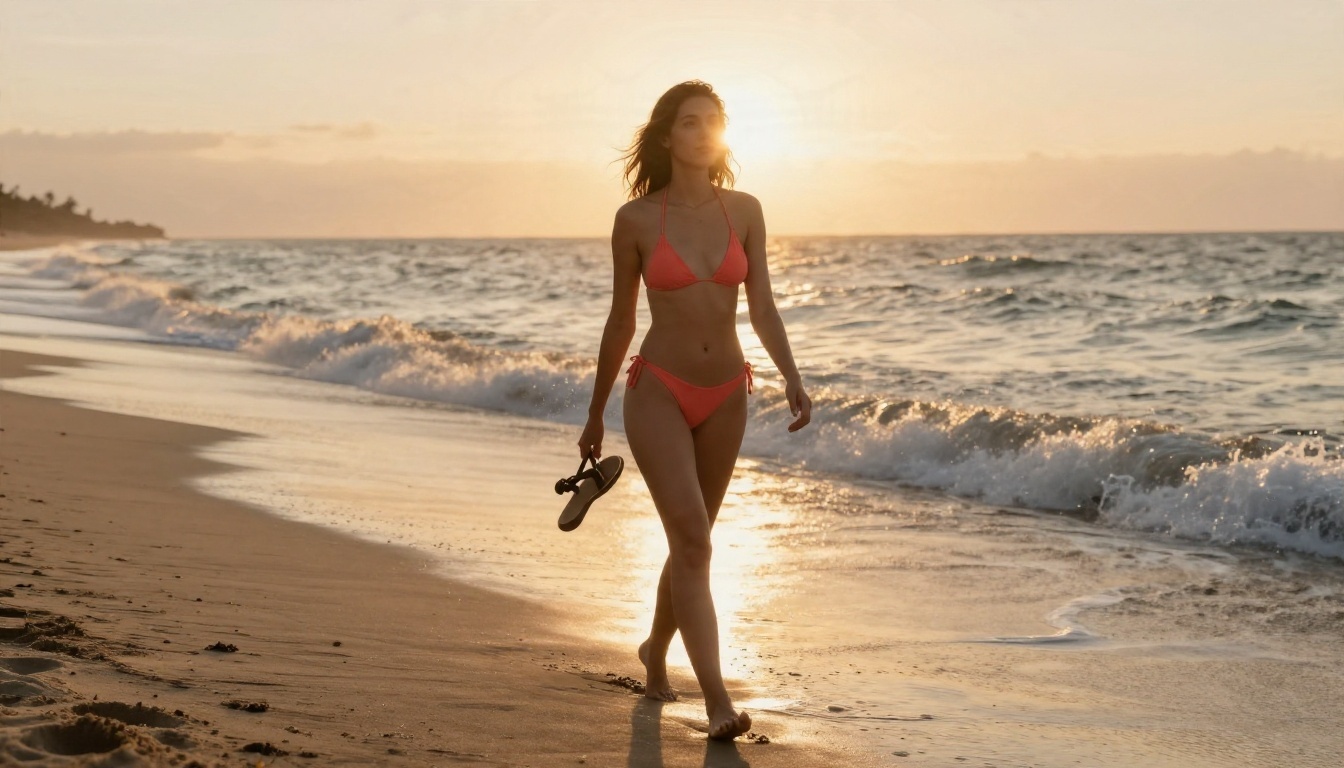
| Beach sunset | "coral bikini, wet sand, backlit hair, low angle, 70mm f/2.8, Portra 400" |
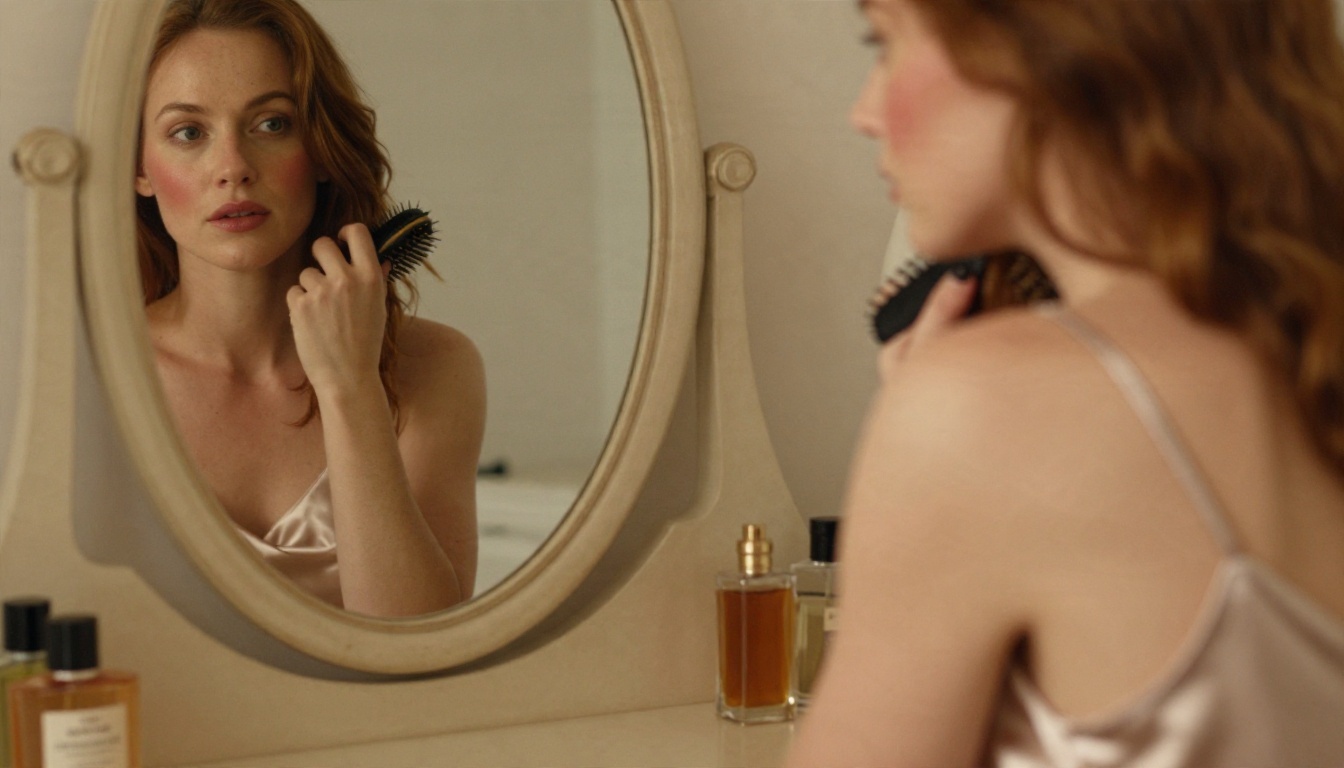
| Vanity mirror | "satin slip dress, brushing hair, tungsten lamp light, oval mirror, 85mm f/1.8" |
💡 Tip: Name the light direction every time. "Soft window light from the left" gives a more convincing result than any adjective like "beautiful" or "stunning".
Better Alternatives on PicassoIA
Krea 3 is not on PicassoIA yet; for similar results today, these are the models to start with, in the order I would try them.
1. Seedream 4.5
Seedream 4.5 is the first stop for glamour and swimwear work. It handles skin texture, fabric and lighting well, and it outputs up to 4K, so details like lace weave and hair strands survive cropping.
2. PicassoIA Image Editor Pro
PicassoIA Image Editor Pro offers unlimited generations, which is the biggest difference from the capped free plans elsewhere. You can iterate on a prompt thirty times without watching a counter. It is also built for editing, so you can adjust outfits, backgrounds or lighting on an existing picture, which is exactly the job Krea 3 is praised for.
3. Z Image Turbo
Z Image Turbo is the speed pick. Results come back in seconds, which suits rapid prompt testing before you commit to a final render.
4. Flux 2 Klein and Hidream
Flux 2 Klein 4B Base and Flux 2 Klein 9B Base LoRA are worth a look if you want styled results through LoRA. Hidream L1 Full is a solid general model when you want another look at the same prompt.
Quick Comparison
How to Get Similar Results on PicassoIA
Since Krea 3 is missing, here is the workflow with Seedream 4.5, my first choice for this kind of photography.
Step by Step
- Open the model page. Go to the Seedream 4.5 page and open the generator.
- Write the prompt with the five-part formula. Subject, wardrobe, environment, light, camera. Keep it to two or three sentences.
- Pick 16:9 for scenes, 3:4 or 2:3 for portraits. Wide frames suit pools and beaches; tall frames suit mirrors and gowns.
- Choose the highest resolution available. Skin and fabric detail depends on it.
- Generate, then change one thing. Alter only the light or only the lens, so you know what caused the difference.
- Refine in Image Editor Pro. Send the best frame to PicassoIA Image Editor Pro and adjust outfit, color or background without limits on attempts.
Parameter Tips
- Use film language: "Kodak Portra 400, fine grain" nudges colors toward a warm, natural palette.
- Ask for imperfections: flyaway hairs, fabric wrinkles, slight skin shine.
- Avoid style words: "digital art", "render" and "hyper-detailed 3D" push toward an artificial look.
- Keep the pose simple: complicated hand positions are where mistakes appear.
Common Mistakes With Adult-Style Prompts
Mistake 1: Stacking adjectives. "Sexy hot gorgeous stunning" tells the model nothing about light, lens or wardrobe. Replace them with concrete details.
Mistake 2: Ignoring the background. A great subject in a blank room looks like a stock cutout. Give the scene a place: a villa terrace, a hotel corridor, a sailing deck.
Mistake 3: Chasing a model that is not available. Hours spent hunting for a "Krea 3 uncensored" file are better spent on a prompt that works on a model you can open right now.
Mistake 4: Skipping the edit pass. Most polished images are two steps: a good generation, then a targeted edit.
💡 Use common sense: Only depict adults, never a real person without permission, and follow the rules of whichever platform you use. Tasteful, fictional, adult subjects are what these workflows are built for.
Why Photographic Realism Matters
The reason people want Krea 3 in the first place is realism: fast edits that keep faces, skin and fabric consistent. That is also what separates a forgettable image from one people save. Real photographs have light that comes from somewhere, lenses with a depth of field, and grain. When your prompt includes those three things, nearly any strong model gets closer to a real photo.
If you want a quick reminder of the full checklist:
- Light direction and quality
- Lens and aperture
- Film stock or color mood
- Skin and fabric texture
- A specific environment
- A simple, natural pose
Try Your Own Images Today
Krea 3 may eventually publish weights or add new modes, and when it does, the picture will change. Until then, there is no reason to wait. Open Seedream 4.5, paste one of the prompts above, and see what comes back in seconds. Then take your favorite frame into PicassoIA Image Editor Pro and iterate as many times as you like with unlimited generations.
Want more options? Browse every model at picassoia.com/en/all-models and try a few side by side. Pick one prompt, run it on three models, and keep the one that looks most like a photograph. That small experiment will teach you more than any rumor about a locked model ever will.


