Two names keep showing up when creators shop for an AI image and video studio: Krea and Higgsfield. Both look slick, both promise cinematic results in seconds, and both want a monthly subscription. But they are built for different people, they handle free users very differently, and both apply content filters that can stop a project halfway through. If you are trying to decide where your money (or your free daily allowance) should go, this breakdown puts the numbers, the limits and the trade-offs in one place.
I also added a section for anyone who keeps hitting the "this prompt was blocked" wall: an uncensored alternative that gives you far more room for glamour, fashion and portrait work without the paywall maths.
💡 Quick note on prices: both companies change plans, credit costs and promotions often. The figures below reflect what was widely reported in autumn 2026. Always confirm on the live pricing page before you pay.
Quick Verdict Before the Details
Here is the short version, so you can skip ahead if you are in a hurry.
| Question | Krea | Higgsfield |
|---|
| Best for | Image generation, real-time canvas, style exploration | Short cinematic video, social content, camera moves |
| Free tier | Daily refill of compute units | Reported as zero included credits |
| Entry paid plan | Around $9 per month | Around $19 per month |
| Biggest strength | Image quality and fast iteration | Video presets and motion control |
| Biggest weakness | Free tier is limited to a few models | Free tier is basically a preview |
| Content filters | Yes | Yes |
If you mostly make images and want something you can use daily for free, Krea wins. If your priority is short, punchy video clips and you are happy to pay from day one, Higgsfield is the more video-first product. If you want neither the filters nor the credit counting, keep reading.

Pricing Side by Side
Pricing is where most people get confused, because both platforms use credits or compute units instead of a simple "generations per month" number. A plan that looks cheap can run dry after a handful of video clips.
Krea Plans
Krea runs a tiered subscription. The most commonly reported structure looks like this:
- Free: a daily allowance of compute units that refills every day
- Basic: about $9 per month
- Pro: about $35 per month
- Max: about $70 per month
- Business: about $200 per month, aimed at teams
- Enterprise: custom pricing
Annual billing usually trims the monthly cost, though the discount figure differs depending on which review you read. One source lists the Max tier higher than $70, which is a good reminder that you should check the live page.
Higgsfield Plans
Higgsfield leans harder on credit packs and higher entry prices. The most consistent numbers reported are:
- Free: no included credits, so mostly a look around the interface
- Starter: about $19 per month for roughly 270 credits
- Plus: about $47 per month on annual billing (around $59 if paid monthly) for roughly 1,200 credits
- Ultra: about $99 per month on annual billing (around $129 monthly) for roughly 3,000 credits
Credits from a subscription reset at renewal, and extra credit packs reportedly expire after 90 days. "Unlimited" offers exist for certain models, but they tend to apply only inside the Higgsfield website itself. Run the same model through another route and credits get deducted again.
What You Really Pay Per Month
| Usage style | Krea (approx.) | Higgsfield (approx.) |
|---|
| Casual, a few images a day | Free or $9 | $19 |
| Regular creator, images and some video | $35 | $47 to $59 |
| Heavy video producer | $70 | $99 to $129 |
| Small studio | $200 | Custom or multiple seats |
The pattern is clear. Krea gets you in the door for less, and Higgsfield asks for more up front but concentrates its spending on video.
💡 Tip: before paying for any plan, estimate how many clips or images you need in a typical week, then multiply by the credit cost of the model you want. Premium video models can burn credits several times faster than a standard image model.
Free Limits: Who Gives More
"Free" means very different things on these two platforms.
Krea's Daily Refill
Krea's free plan reportedly grants 100 compute units every day. That is enough for a handful of images, real-time canvas play and quick experiments. Depending on the model, one premium edit can eat a big share of the allowance, so a free day might mean about five high-end edits or a larger number of lighter generations.
The catch is access. Reports from late 2026 say the free tier is limited mainly to Krea's own image model, with video models, 3D, lipsync and the full model library reserved for paid plans. Commercial licensing also generally comes with paid subscriptions.

Higgsfield's Empty Free Tier
Higgsfield's free account is more of a showroom. Multiple sources agree that it includes zero credits, no commercial use and no meaningful generations. Past promos, such as a 24 hour unlimited trial with a card on file, have come and gone. Today the honest summary is that you will need a paid plan before you generate anything serious.
Watermarks and Commercial Rights
| Limit | Krea Free | Higgsfield Free |
|---|
| Daily generations | Yes, refills daily | Essentially none |
| Video access | Locked | Locked |
| Commercial license | Paid plans only | Paid plans only |
| Best use | Testing styles | Browsing the interface |
If your budget is zero, Krea is the only one of the two that lets you create something every day.
Features Compared
Pricing only matters if the output is worth it. Here is how the two tools actually feel in daily use.
Image Quality
Krea built its reputation on image quality and speed. Its real-time canvas lets you sketch rough shapes and watch a polished image form in front of you, which is a genuinely fun way to work. Its in-house model line is tuned for photorealism, texture and lighting that avoids the plastic "AI look."
Higgsfield produces solid stills too, but images there often serve as the first frame for video. Think of its image tools as a stepping stone rather than the main event.
Video Tools
This is Higgsfield's home turf. It bundles popular video models and wraps them in camera movement presets, so you can add a dolly zoom, orbit or crash zoom with one click. For social teams that need a stream of short clips, that preset library saves real time.
Krea offers video too, but on paid plans, and its strength still sits with images. Bottom line: Higgsfield feels like a video studio with image tools, while Krea feels like an image studio with video tools.
Editing and Control
| Feature | Krea | Higgsfield |
|---|
| Real-time canvas | Yes | No |
| Image upscaling | Yes | Limited |
| Camera motion presets | Basic | Extensive |
| Node-based workflows | Yes (paid) | Limited |
| Style training | Yes | Limited |
| Model variety | Wide on paid plans | Wide, credit based |
Both platforms are well designed. Neither is a bad choice. The real question is whether your work is image-first or video-first, and how you feel about being metered.
The Censorship Problem
Here is the part most comparison articles skip. Both platforms moderate prompts and outputs, and both can block requests that touch on adult, glamour or sensual themes.
What Gets Blocked
In practice, you will hit walls with prompts involving:
- swimwear and lingerie editorials with a sensual mood
- boudoir style portraits
- artistic nudity, even when implied rather than shown
- certain celebrity or likeness requests
- stylized photoshoots that the filter reads as "adult"
The frustrating part is that filters are often inconsistent. A bikini photoshoot might pass on Monday and get flagged on Tuesday, and you may still be charged credits for a blocked run depending on the model and platform.
Why It Matters for Creators
Fashion photographers, swimwear brands, boudoir artists and adult content creators work with tasteful, attractive imagery every day. When a tool treats the whole genre as off limits, you spend your credits on retries instead of finished images. That is the exact problem an uncensored alternative solves.
💡 Reminder: "uncensored" does not mean explicit. The best approach is still to create tasteful, aesthetic work: glamour, swimwear, boudoir and artistic portraits. It simply means you are not blocked on every second prompt.
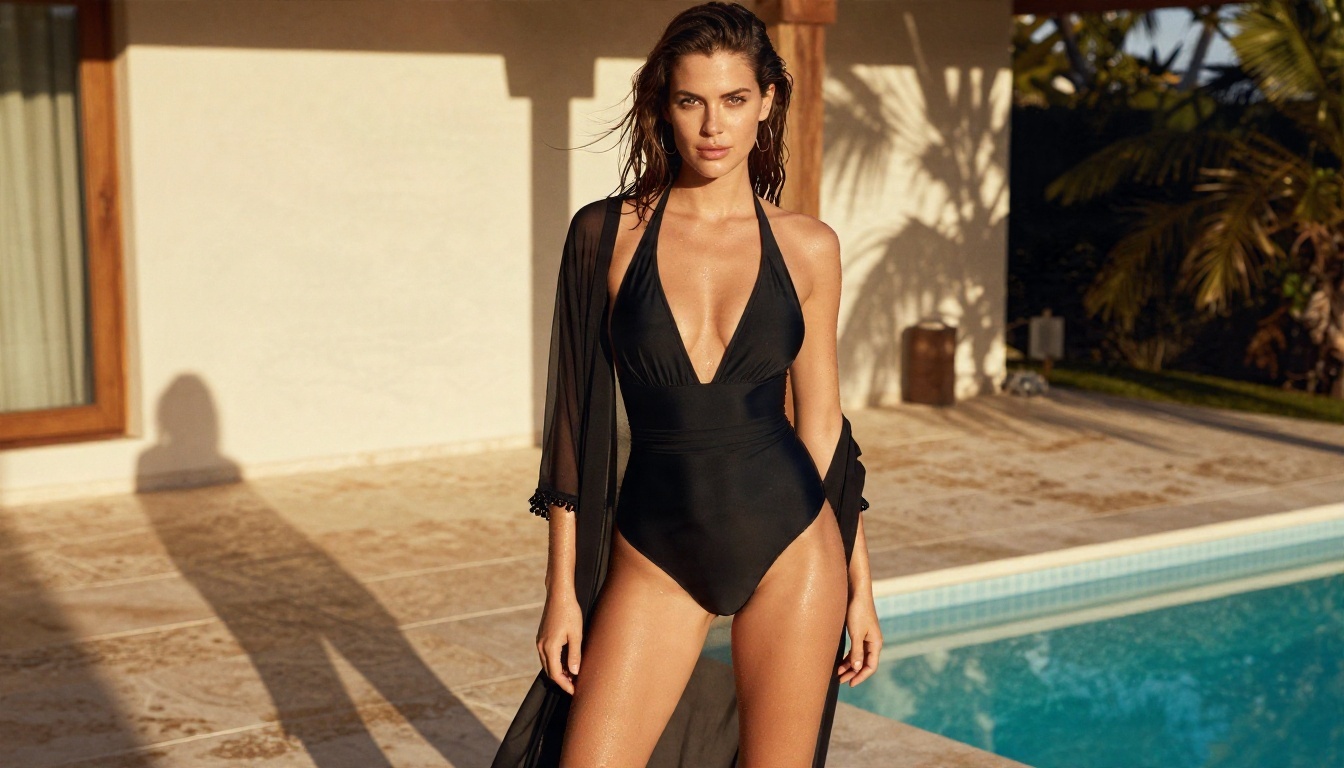
An Uncensored Alternative That Works
PicassoIA gives you a library of image and video models in one place, with generous limits and far fewer restrictions on glamour and portrait work. Here is where to start, in the order I would try them.
Seedream 4.5 First
Seedream 4.5 is the model I would open first. It produces sharp, photorealistic images up to 4K, handles skin texture, fabric and lighting very convincingly, and follows long prompts closely. For swimwear shoots, fashion editorials and sensual portraits, it delivers magazine style results quickly, and it is happy to work on tasteful glamour themes that other platforms flag.
Image Editor Pro for Unlimited Runs
PicassoIA Image Editor Pro is the second stop, and its big selling point is unlimited generations. That changes how you work. Instead of rationing credits, you can iterate ten, twenty or fifty times on the same concept until the pose, light and outfit are right. It also works as an editor, so you can adjust clothing, backgrounds and details on an existing photo.
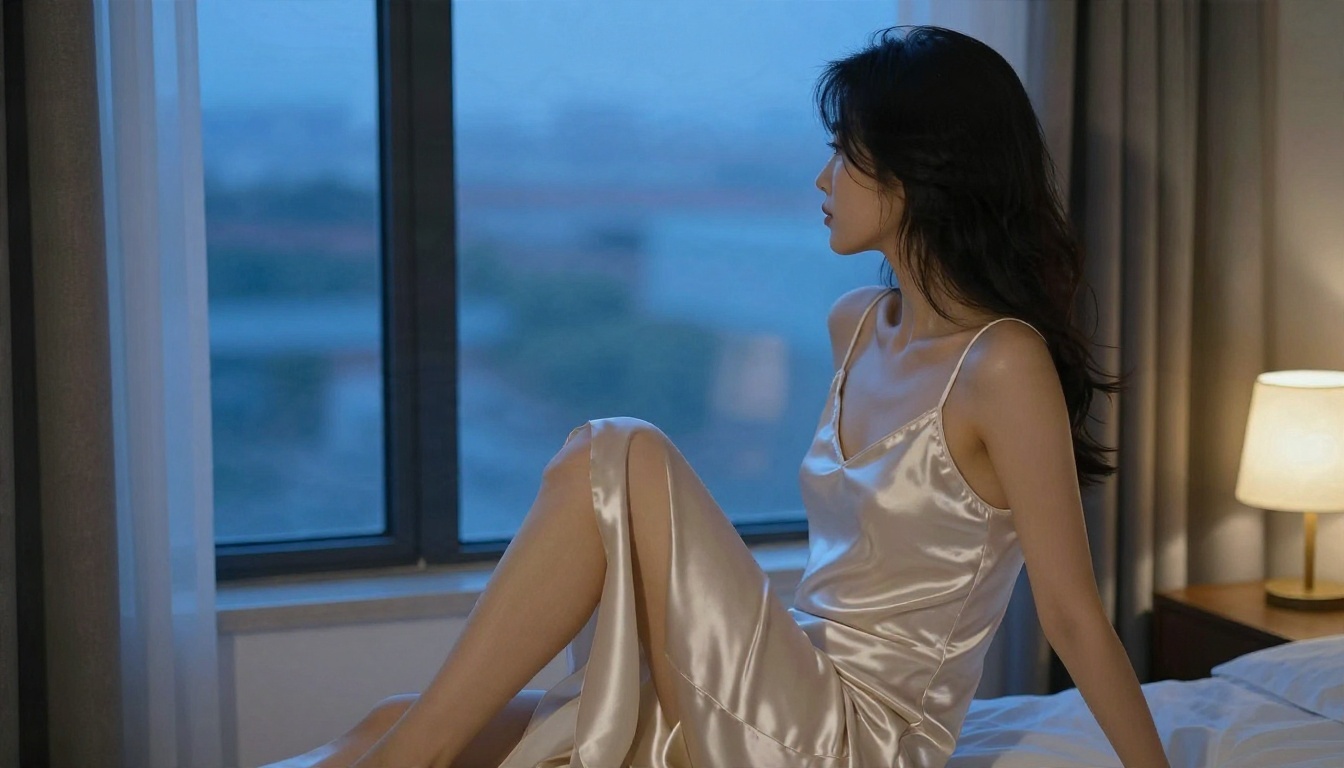
More Models Worth Trying
Once you have a favourite look, these models add variety:
💡 Higgsfield is not on PicassoIA. It is a separate platform, so there is nothing to link to. For similar video results today, try Kling v3 Video for cinematic motion or Wan 2.5 I2V Fast to animate a still image quickly.
How to Get Similar Results on PicassoIA
You do not need a long learning curve. Here is the workflow I use to replace a Krea or Higgsfield style image session with Seedream 4.5.
Step 1: Open the Model Page
Go to the Seedream 4.5 page and open the generator. No credit maths, no tier selection.
Step 2: Write a Structured Prompt
Use this pattern: subject and pose, environment, lighting, camera and lens, texture details. For example:
"A confident woman in a black one piece swimsuit on a sunlit villa terrace, turquoise pool behind her, golden hour light from the left, 85mm f/1.8 lens, natural skin texture, soft film grain."
Step 3: Set Your Parameters
| Parameter | Suggested setting | Why |
|---|
| Aspect ratio | 16:9 for banners, 3:4 for portraits | Matches the final use |
| Resolution | Highest available | Seedream shines at 4K |
| Prompt length | 50 to 80 words | Enough detail without confusion |
| Style words | "Raw photo, film grain, natural light" | Keeps the result photorealistic |
Step 4: Iterate, Then Refine
Generate a few variations, pick the best, and send it to Image Editor Pro for fixes. Unlimited runs mean you can adjust the outfit, background or lighting without worrying about cost.
Step 5: Animate if You Need Video
Take your best still and bring it to life with Kling v3 Video or Wan 2.5 I2V Fast. That mirrors the image-to-video workflow Higgsfield is known for, without the credit counter running.
Which One Should You Pick
Let me make this practical, with three common situations.
You have no budget. Use Krea's free daily allowance for experiments, and use PicassoIA when you need unlimited runs or glamour themes that get blocked.
You make short social videos every week. Higgsfield's camera presets are handy, but plan for at least $19 per month, and expect to climb as your credit use grows. You can also build a similar still-to-video workflow with Kling v3 Video or Wan 2.5 on PicassoIA.
You do fashion, swimwear or portrait work. Filters are the biggest cost here, since blocked prompts waste time and sometimes credits. Seedream 4.5 plus Image Editor Pro is the setup I would pick.
| Your priority | Best choice |
|---|
| Free daily images | Krea |
| Video presets and camera moves | Higgsfield |
| Fewer filters on glamour work | Seedream 4.5 on PicassoIA |
| Unlimited iteration | Image Editor Pro on PicassoIA |
| Lowest entry paid plan | Krea Basic |
Try It Yourself Today
The fastest way to settle the Krea vs Higgsfield debate is to run your own prompt through a few models and compare. Take one idea, a swimwear editorial, a portrait at golden hour, a fashion shot in a villa, and generate it in Seedream 4.5, then polish it in Image Editor Pro. If you want motion, send the winner to Kling v3 Video.
Browse every image and video model in one place at picassoia.com/en/all-models, pick two or three, and see which look fits your work. You will quickly find out how much more you can create when the meter and the filters are not in your way.