Two hundred messages into your story, the tavern keeper you invented on day one suddenly has a different name, the villain forgets his own motive, and your carefully built world starts to melt. That is not bad writing on your part. It is a large context window problem, and it is the single biggest reason long roleplay sessions fall apart. The good news: several free models now hold enormous amounts of text in memory, and a few habits will stretch even the smaller ones much further.
This article compares the best free models for long roleplay and uncensored chat, explains what those two labels really mean, and gives you a practical routine for keeping characters consistent from the first message to the thousandth.
What a Context Window Really Does

Think of the context window as the model's working desk. Everything on the desk, your instructions, the character sheet, the whole chat so far, and the reply being written, is visible at once. Anything that falls off the edge is gone. The model does not "remember" it in any human sense, because it never saw it again.
Tokens, Not Words
Context is measured in tokens, small chunks of text that average roughly three quarters of an English word. A window of 8,000 tokens holds about 6,000 words. A window of 128,000 tokens holds around 96,000 words, which is a full novel. Roleplay eats tokens quickly because every turn includes dialogue, action beats, and your own long replies.
| Context size | Approx. words | What it feels like in practice |
|---|
| 4K tokens | 3,000 | The character forgets things within an evening |
| 32K tokens | 24,000 | A solid short story, with some drift |
| 128K tokens | 96,000 | A full campaign arc with room for notes |
| 1M tokens | 750,000 | Several books of continuous chat |
Why Roleplay Breaks First
Coding or summarizing tasks usually fit inside a small window. Roleplay does not. A good session is hundreds of turns of accumulated detail: names, scars, promises, inventory, inside jokes, a slowly changing relationship. When the early turns scroll out, the model fills the gaps with plausible guesses, and plausible guesses are exactly what ruin continuity.
💡 Tip: If a character suddenly contradicts something from early in the story, check the context limit before blaming the model's quality. Nine times out of ten the fact simply fell off the desk.
Why Long Memory Matters for Roleplay

Continuity Beats Raw Intelligence
A brilliant model with a tiny window will write a gorgeous scene and then forget who is in the room. A decent model with a huge window will keep the plot straight. For storytelling, consistency is worth more than cleverness. Readers and players forgive plain prose. They do not forgive a dead character who walks back in without explanation.
The "Lost in the Middle" Problem
A bigger window is not a perfect memory. Most models pay the most attention to the beginning and the end of the context, and details buried in the middle get fuzzy. That is why a 1M-token window does not mean you can ignore organization. Put the facts that matter most at the very top (a pinned character sheet) and keep recent events at the bottom, and the model will use both well.
Best Free Models for Long Roleplay

"Free" can mean three different things: free to use online, free open weights you can download, or a free tier with limits. The models below are available on PicassoIA, and several are listed there as free to try. Exact context limits change between versions and hosts, so treat the numbers as the commonly published figures and check each model page before you plan a huge session.
Llama 4 Scout and Maverick
Llama 4 Scout Instruct is the headline name for memory. Meta has advertised a context window in the millions of tokens for Scout, which is far beyond what any single story will ever need. Llama 4 Maverick Instruct is the stronger writer of the pair, with a window around one million tokens. For roleplay, Maverick usually gives livelier dialogue, while Scout is the pick when you want to paste in an entire lorebook and a long chat history.
Granite 4.0 H Small
Granite 4.0 H Small is built around a hybrid architecture that stays efficient as the context grows, which makes it a pleasant free option for long sessions. It is not a flowery storyteller, but it is steady and obedient: it follows a character sheet closely and rarely wanders off the plot. Granite 3.1 8B Instruct is a lighter alternative with a 128K-class window when you want faster replies.
DeepSeek, Kimi, Gemini and Qwen
A few more options deserve a place on your shortlist:
- DeepSeek V3: a strong all-rounder with a generous window and a good grip on tone. Players like it for dialogue-heavy scenes.
- Kimi K2.5: handles long documents well, so it copes nicely with big pasted worldbuilding notes.
- Gemini 3.5 Flash: fast, with a window in the million-token range, ideal when you want snappy replies in a very long thread.
- Qwen3.7-Plus: a capable multilingual option if you roleplay in more than one language.
💡 Where else people look: On other platforms, free tiers with windows around one million tokens appear from time to time, for example MiniMax and GLM releases on OpenRouter, and DeepSeek Flash variants are popular for roleplay traffic. Free tiers change often and can have rate limits, so confirm availability before you build a long story around one.
What "Uncensored" Actually Means

The word gets thrown around loosely, so it helps to be precise. For most writers, "uncensored" does not mean anything extreme. It means a model that does not refuse a villain's menacing speech, a grim war scene, a morally gray character, or a romance with real tension. It means fewer lectures and fewer interruptions in the middle of fiction.
Hosted Models and Their Guardrails
Models you use through a hosted service, including the ones on PicassoIA, come with the safety behavior set by their makers and by the platform. That is a feature for most people, but it means they are not the tool for adult or extreme fiction. Do not expect a hosted model to behave like an unrestricted fine-tune, and do not trust any site that promises no limits at all. If a free model refuses a dark but legitimate scene, rewording the setup as clear fiction with a defined genre often helps.
Local Fine-Tunes for Fewer Refusals
People who want fewer refusals usually download open-weight fine-tunes and run them on their own machine. Dolphin-style models are the best-known example, and community roleplay merges appear every week. Because you run them yourself, you decide the rules. The trade-off is that their context windows are usually much smaller than the giant hosted ones, and quality varies a lot from one fine-tune to the next.
Responsible Lines Worth Keeping
Unrestricted does not mean unlimited. Keep the story in the realm of fiction between consenting adults, avoid content involving minors, and never use a character chat to harass or impersonate a real person. Those lines protect you, your readers, and the hobby itself.
Run Models Locally for Free

Hardware Reality Check
Running a model locally costs nothing per message, but it costs memory. A small 7B or 8B model fits on a mid-range graphics card. A large model with a long window can need a workstation. Many people stay happy with a 8B to 13B model, Meta Llama 3 8B Instruct being a typical size class, then use summaries to stretch its memory.
Quantization and Context Cost
Two settings decide what you can run:
- Quantization shrinks the model file so it fits in less memory, usually with a small quality loss. A 4-bit version is a common compromise.
- Context length adds its own memory cost. Doubling the window can double the memory used by the conversation cache, so setting it to 32K instead of the maximum often makes the difference between smooth and crawling.
💡 Tip: Start with a 16K or 32K window locally. Raise it only when the story truly needs it. Speed drops noticeably as the window fills.
Make Any Model Remember More
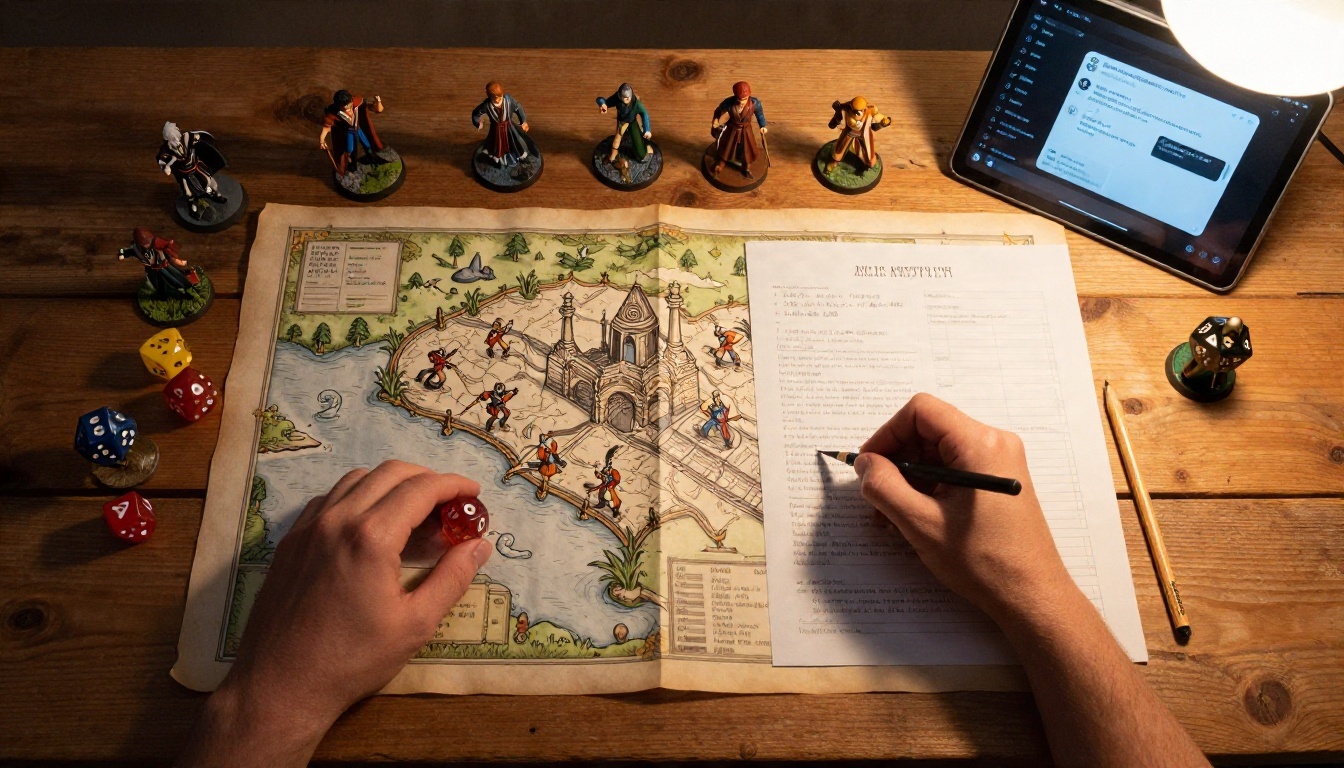
Even with a million tokens, a tidy session beats a messy one. These habits work on every model in this article.
Keep a Living Story Sheet
Write one short document, around 300 to 500 words, with the facts that must never change: names, ages, relationships, goals, secrets, and the current location. Paste it at the top of the chat and update it every time something important happens. This is the single most effective memory tool you have, and it costs almost no tokens.

Summarize Every Fifty Messages
Every so often, ask the model to write a short recap of what has happened, then keep the recap and drop the oldest raw messages. A 200-word recap can replace 20,000 tokens of chat and keeps the plot in the part of the window the model pays most attention to.
A simple prompt that works well:
"Pause the story. Write a 200-word recap with the current location, each character's mood, unresolved promises, and the next goal. Do not add new events."
Lorebooks and Pinned Facts
Many roleplay front ends let you create lorebook entries that are inserted only when a keyword appears in the chat. The blacksmith's history shows up when the blacksmith is mentioned, and stays out of the way otherwise. This keeps your window free for the actual story. SillyTavern is the most popular front end for this style of play, and the model behind it is still your choice.

Match the Model to Your Story
Different stories punish different weaknesses. Use this quick map:
Common Mistakes to Avoid
- Pasting the entire history every time when a recap would do the same job.
- Using one giant instruction block with 40 rules. The model follows five clear rules better than forty vague ones.
- Ignoring the end of the window. Put the latest scene goal near the bottom of your message, where attention is strongest.
- Switching models mid-story without a recap. A new model has no feel for your characters until you re-introduce them.
A Practical Setup on PicassoIA
You can build a solid long-roleplay routine in a few minutes:
- Open a model page. Start with Llama 4 Scout Instruct for maximum memory or Granite 4.0 H Small for steady character handling.
- Paste your story sheet as the first message, followed by a one-line instruction such as "Stay in character, write in third person, keep replies under 250 words."
- Set a modest reply length. Short replies keep more of the story inside the window and give you more turns before a recap is needed.
- Recap at regular intervals using the prompt above, then continue from the recap.
- Compare two models on the same opening scene. Ten minutes of side-by-side testing tells you more than any ranking.
💡 Tip: Save your story sheet and recaps in a plain text file. You can move the whole story to a different model in seconds if the first one stops fitting your tone.
Start Your Own Story

The best test is your own character. Write a short story sheet tonight, open one of the free long-context models above, and play out thirty messages. Notice what it forgets, adjust the sheet, and run the same scene on a second model. You will quickly feel the difference between a small window and a large one.
Once the story is flowing, bring it to life visually. PicassoIA also has image and video models that can turn your characters and settings into scenes, so the world you wrote can finally be seen. Browse everything available at picassoia.com/en/all-models, pick a language model, and start writing the next chapter.


