You open Leonardo AI, type a prompt, tweak it twice, generate a few variations, and the token counter is already nearly empty. That is the real experience of the free plan: generous enough to impress you, tight enough to push you toward a paid tier. If you are trying to decide whether Leonardo AI free is enough for your work, whether a premium account is worth the monthly bill, or whether another tool fits better, this article lays out the numbers and the trade-offs in plain language.
A quick note before we start. Pricing and plan names for AI tools shift often. The figures below reflect what recent reviews and price trackers reported in late 2026, and they agree on the core structure. Always check the official pricing page before you pay for anything.
How the Free Plan Works

Leonardo AI runs on a token system. Every generation, upscale, or edit spends tokens, and the cost depends on the model, the resolution, and the number of images in a batch. Free users get a small daily allowance that refills on a schedule, not a big monthly pool.
The 150 daily token allowance
Most sources put the free allowance at 150 fast tokens per day. The counter resets every 24 hours after your first use of the day. That reset is the headline feature: you can come back tomorrow and start again without paying.
What unused tokens do
Unused tokens do not roll over. If you skip a day, those 150 tokens are gone. This is the main catch of the free tier. You cannot save up a week of tokens and spend 1,000 on a single project. You can only work in small daily bursts.
💡 If you have a big batch to produce, split it across several days instead of trying to force it into one session.
What 150 tokens actually buy
Estimates vary because token costs change with the model and settings. Reviews generally land in this range:
| Setup | Rough images per day |
|---|
| Lightweight model, standard size, one image per prompt | 50 to 75 |
| Mid-range model, default size | 30 to 40 |
| Premium model, higher resolution, 4 images per prompt | 20 or fewer |
In practice, you rarely get a perfect image on the first try. Once you count the failed attempts, a realistic yield is a few usable images per day. That is fine for hobby experiments and a real limit for client work.
Daily Limits That Slow You Down

The token count is only part of the story. Free accounts also run into softer limits that show up as soon as you try to work like a professional.
Queue speed and concurrency
Free accounts typically get fewer simultaneous jobs than paid ones. If you queue several prompts, they run one after another, which makes iteration feel slow. Paid plans raise this limit and give priority processing, so batches finish faster.
Private generations and storage
On the free tier, your generations are generally public in the community feed. Paid plans add private mode, which matters if you are working on a client concept or a product launch. If you care about privacy, that single feature can justify a subscription.
Watermarks and licence questions
Sources disagree here. Some reviews report that free-tier images carry a small logo and are not cleared for commercial use. Others say commercial use is allowed on the free plan. Because the answers conflict, treat this as unconfirmed and read the current terms of service before you put free-tier images on a product page, a client deck, or an ad.

Pricing: What Paid Plans Cost
Paid plans swap the daily allowance for a larger monthly token pool. The structure reported across recent sources looks like this:
| Plan tier | Monthly price | Monthly fast tokens |
|---|
| Free | $0 | 150 per day |
| Entry tier | About $12 | About 8,500 |
| Middle tier | About $30 | About 25,000 |
| Top tier | About $60 | About 60,000 |
The tier names depend on which source you read. Some list them as Essential, Premium and Ultimate. Others use the older names Apprentice, Artisan and Maestro, with the same prices and token counts. Annual billing usually lowers the monthly cost by roughly 20 to 30 percent, but annual prices are not published consistently, so check the live page.
Doing the math
Compare the two models side by side:
- Free: 150 tokens per day is about 4,500 tokens in a 30-day month, but only if you show up every single day and spend all of them.
- Entry tier: 8,500 tokens in a month is nearly double that, and you can spend them whenever you want.
So the entry tier is not just "more tokens." It is flexible tokens. You can spend 3,000 in one weekend when a deadline hits, which the free plan can never do.
Who each tier suits
- Free: Curious beginners, hobbyists, people testing styles.
- Entry tier: Solo creators who generate a few times a week.
- Middle tier: Freelancers and small shops with regular client work.
- Top tier: Heavy daily users, agencies, and anyone producing large volumes or video.
Is a Premium Account Worth It?
The word "premium" is slightly confusing, because in some naming schemes Premium is the specific $30 tier, and in others it just means "any paid account." Either way, the question is the same: does paying beat the free plan for your use?
When paying makes sense
Pay if at least two of these are true:
- You generate images almost every day and hit the free limit before noon.
- You need private generations for client or unreleased work.
- You need a clear commercial licence you can point to if someone asks.
- You want faster queues and more simultaneous jobs.
- You rely on extra tools such as upscaling, editing, and motion features that burn tokens quickly.
When paying does not make sense
If you generate a few images a week for social posts, the free plan or another free generator will likely cover you. Paying $12 a month to make six images a week is poor value when other tools let you generate more at no cost.
Beware of "free premium account" offers
Search results for this keyword are full of pages promising free premium accounts, shared logins, token generators, and cracked access. Stay away from all of them. They break the terms of service, they are a common route for password theft and malware, and the accounts get banned without warning. If a deal promises 60,000 tokens for nothing, you are the product.
💡 The only safe free route is the official daily allowance, or a different tool with its own honest free access.
Image Quality: Where Leonardo Is Strong
To be fair to the tool, there are good reasons people stay with it. Its in-house models handle stylised concepts, fantasy scenes, character sheets, and game-art references very well. The interface also puts presets, prompt helpers, and image-to-image features in one place, which shortens the path from idea to usable image.
The weak spot for many users is photorealism at volume. Realistic portraits, product shots, and lifestyle scenes tend to demand several attempts, and each attempt spends tokens. That is where the free plan's tight limit hurts most.
Two of Leonardo AI's own models are available on PicassoIA, which is useful if you like their look and want to try it without a token meter. Phoenix 1.0 generates images up to about 5 megapixels with strong prompt following, and Lucid Origin leans toward artistic, richly coloured results. You can compare them directly with other models using the same prompt.
Alternatives Worth Trying
Leonardo AI is not available on PicassoIA as a platform, so you will not find its token plans, canvas editor, or web app there. For similar image results today, these models are on PicassoIA and are worth testing against the free Leonardo allowance:
| Model | Best for | Notes |
|---|
| Seedream 4.5 | Sharp, detailed images up to 4K | Strong realism and good prompt following |
| Nano Banana Pro | 4K output and image editing | Handy when you want to modify an existing picture |
| Imagen 4 | Photorealistic scenes | Clean lighting and natural skin tones |
| Ideogram v4 Balanced | Images with readable text | Good for posters, covers, and signs |
Which one fits you
Mistakes people make when switching
- Judging a model on one prompt. Run the same five prompts across each tool and compare.
- Ignoring the licence. Every service has its own terms. Check them whenever the images will be sold or used in ads.
- Copying prompt syntax blindly. A prompt tuned for one model can underperform on another. Rewrite it in plain, descriptive sentences.
Get Similar Results on PicassoIA
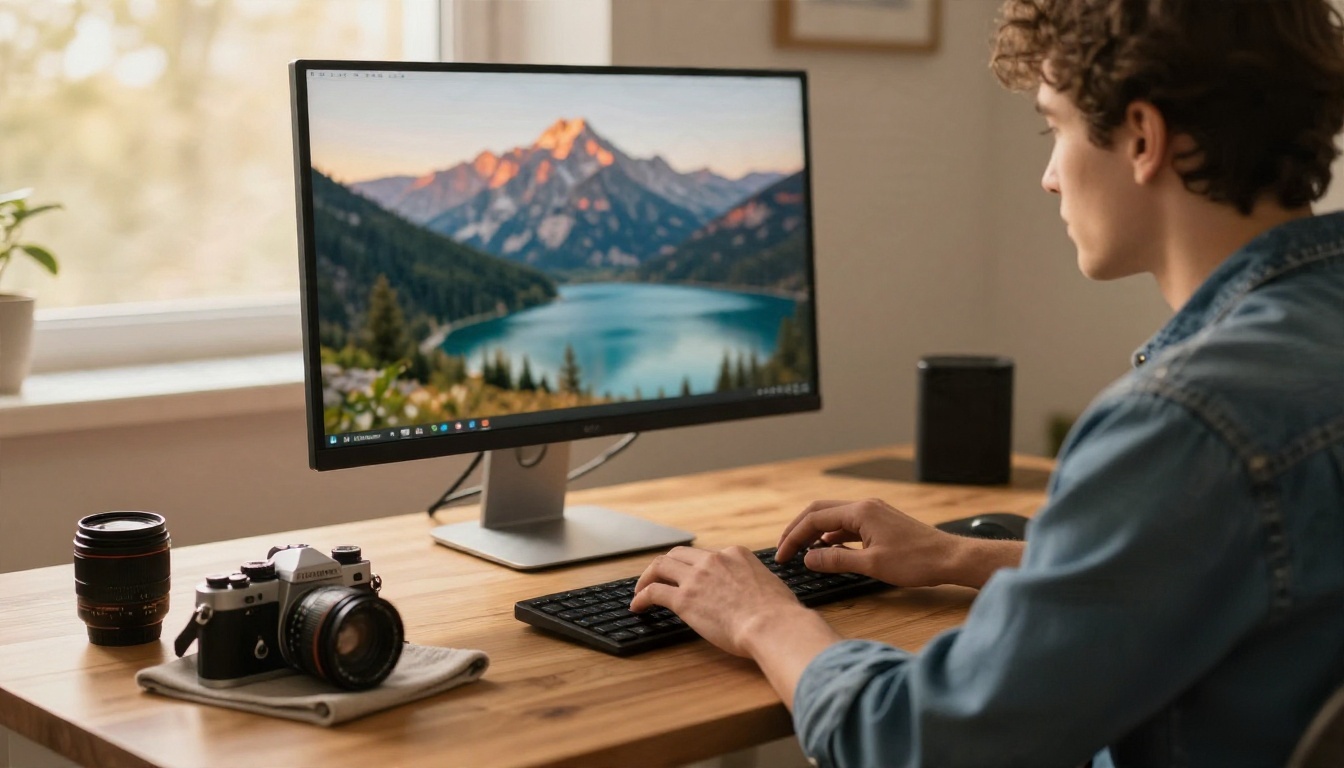
Here is a simple routine using Seedream 4.5, the model I would try first when someone wants the polished look they were chasing on Leonardo.
Step by step
- Open the model page. Go to the Seedream 4.5 page and sign in.
- Write a descriptive prompt. Name the subject, the setting, the light direction, and the lens. For example: "a ceramic artist shaping a bowl at a wooden table, soft window light from the left, 50mm lens, shallow depth of field, film grain."
- Set the aspect ratio. Choose 16:9 for banners, 1:1 for social posts, or 9:16 for stories.
- Pick the resolution. Start lower to test composition, then render the keeper at higher resolution.
- Generate and compare. Create two or three variations, then change only one thing in the prompt at a time.
- Refine. If the idea is right but a detail is off, send the result through Nano Banana Pro for an edit instead of starting from scratch.
Parameter tips
- Be specific about light. "Soft morning light from the left" beats "nice lighting."
- Name the lens. Phrases like "85mm, shallow depth of field" push the result toward a photographic look.
- Describe textures. Wool, wood grain, skin pores, and paper fibres all add realism.
- Avoid stacking styles. Mixing five aesthetic keywords tends to muddy the image.
- Keep text short. If you need words inside the image, use one or two words and switch to Ideogram v4 Balanced.
💡 Save your best prompt as a template. Change only the subject and you will get a consistent series without burning attempts.
Quick Decision Table
| Your situation | Best move |
|---|
| Casual use, a few images a week | Stay on the Leonardo free plan |
| Daily use, private work needed | Entry or middle paid tier |
| Agency volume, video, big batches | Top paid tier |
| Want to test realism with no token meter | Try the models above on PicassoIA |
| Tempted by a "free premium account" | Skip it, risk is high |
Make Your First Image Today

The Leonardo AI free plan is a fair way to test the tool: 150 tokens a day, a daily reset, no rollover, and plenty of friction once you need volume. Paid tiers at roughly $12, $30, and $60 per month make sense when you create often and need privacy or a clear commercial licence. Shortcuts that promise a free premium account do not make sense at all.
If you want to see how other models handle the same idea, take the prompt you were using on Leonardo and paste it into Seedream 4.5, Imagen 4, or Phoenix 1.0. Run three variations of each, pick the one that feels right, and keep it. Then browse everything else on picassoia.com/en/all-models and build your own shortlist. Your next image is one prompt away, so start generating on Picasso IA and see which model matches your style.


