Picking an AI art generator in 2027 feels like walking into a supermarket with 400 brands of the same cereal. Some are free for ten images and then ask for a card. Some refuse a harmless beach photo because a filter panicked. Others hand you four gorgeous portraits for a monthly fee that quietly doubles once you need commercial rights. This list of AI art generators sorts the noise into what matters: what you can use for free, how each tool treats NSFW prompts, which prompts produce sharp photorealistic results, and what you will really pay.
Prices and limits change often, so treat every number below as a rough snapshot and check the official page before you subscribe.
What Counts as an AI Art Generator
An AI art generator turns a text description, a reference photo, or both into a brand new image. Under the hood, a diffusion or transformer model has been trained on huge image collections, and it builds your picture step by step from noise. You type a sentence, you get a result in seconds.
That definition covers a wide range of tools:
- Closed subscription apps like Midjourney, Leonardo AI, and Adobe Firefly, where you pay for access to one house model.
- Model hubs where many models live side by side and you switch freely between them.
- Open weights you can run on your own computer, such as Stable Diffusion.
- Chat assistants that draw pictures inside a conversation.
💡 Quick filter: if a tool only offers one model, you are renting its taste. If it offers dozens, you can match the model to the job.
Free Options Worth Your Time
"Free" means three very different things in this market. Sorting them saves you from the classic trap: spending an evening on a tool, then discovering the good features sit behind a paywall.
Free Plans With Daily Credits
Leonardo AI has long offered a daily token allowance that refills every 24 hours, enough for a handful of images per day. Ideogram gives a small weekly credit pool. Adobe Firefly hands out a monthly bundle of generative credits on its free tier. Craiyon stays free with ads and slower queues, though its output looks softer than the rest.
The catch is simple: daily credits are great for casual use and miserable for a project. Ten generations disappear fast when you iterate on one prompt.
Open Models You Can Run Yourself
Open weights cost nothing per image, but they cost you a graphics card, patience, and some setup time. If you already own a decent GPU, models such as Flux Schnell and Stable Diffusion 3.5 Large are strong free choices. If you do not, a hosted version removes the hardware problem.
Free Tools That Cost Something Else
Some free generators pay their bills with your data, watermarks, or low resolution. Always check three things before you invest time:
- Does the output carry a watermark?
- Are your prompts and images public by default?
- Can you use the images commercially?
If any answer is "yes, no, no," the tool is a toy, not a workflow.
NSFW Filters, Plainly Explained
This is the part most comparison lists skip, and it is the reason many people leave one tool for another. Every major generator runs some kind of safety layer. The difference is how wide the net is cast.
Why Filters Exist
Providers filter for legal risk, payment processor rules, and brand safety. Nobody wants a model producing explicit images of real people, or anything involving minors. Those lines are sensible, and any serious platform keeps them.
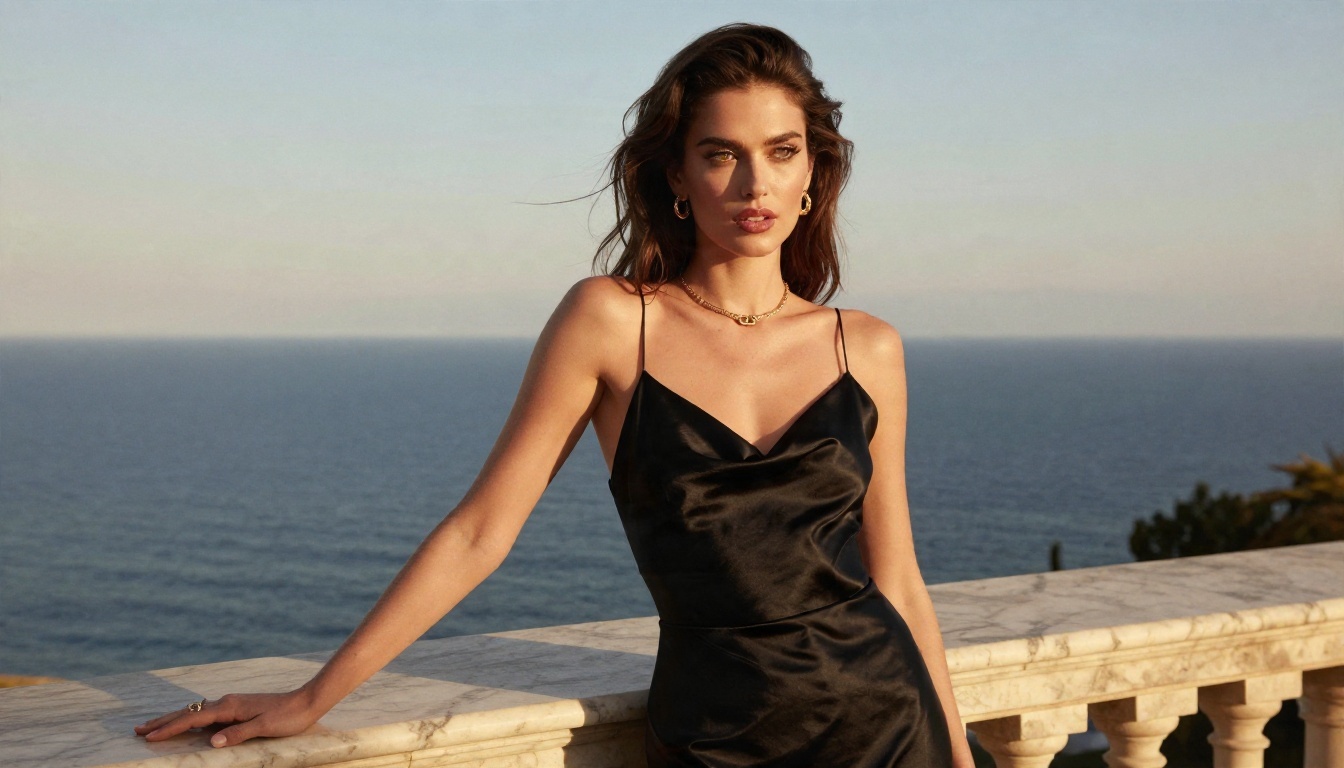
The problem is the overcorrection. A prompt for a swimsuit shoot, a fashion editorial, a classical figure study, or a boudoir portrait can trigger the same wall as something genuinely abusive. You lose the image, sometimes you lose credits, and occasionally you get a warning on your account.
How Strict Each Tool Is
Here is a broad, simplified picture. Policies shift with every update, so read it as a tendency, not a rule.
| Tool type | Typical filter behavior | Swimwear and glamour | Frustration level |
|---|
| Chat assistants with image tools | Very strict, often blocks without explanation | Frequently refused | High |
| Midjourney | Strict moderation, banned word lists | Hit or miss | Medium |
| Adobe Firefly | Very strict, built for commercial safety | Mostly refused | High |
| Leonardo AI | Moderate, with a toggle on some plans | Usually allowed | Medium |
| Open weights run locally | No built-in filter unless you add one | Your call | Low |
| Hosted model hubs | Varies per model | Depends on the model | Low to medium |
💡 Reality check: non-explicit glamour, bikini, lingerie, and artistic fashion work is a normal photography category. A good generator should allow it. Explicit pornographic content and any depiction of real people without consent remain off the table everywhere worth using.
Where Adult Glamour Prompts Work
If suggestive but non-explicit imagery is your goal, start with the models that are actually permissive about it. Seedream 4.5 is the first stop: it renders skin, fabric, and light with a photographic feel, and it does not flinch at swimwear or boudoir styling. Next, PicassoIA Image Editor Pro gives you unlimited generations, which matters because adult glamour prompts usually take several rounds to nail the pose and lighting. After those two, try Nano Banana Pro, Z Image Turbo, and Flux Schnell for speed and variety.
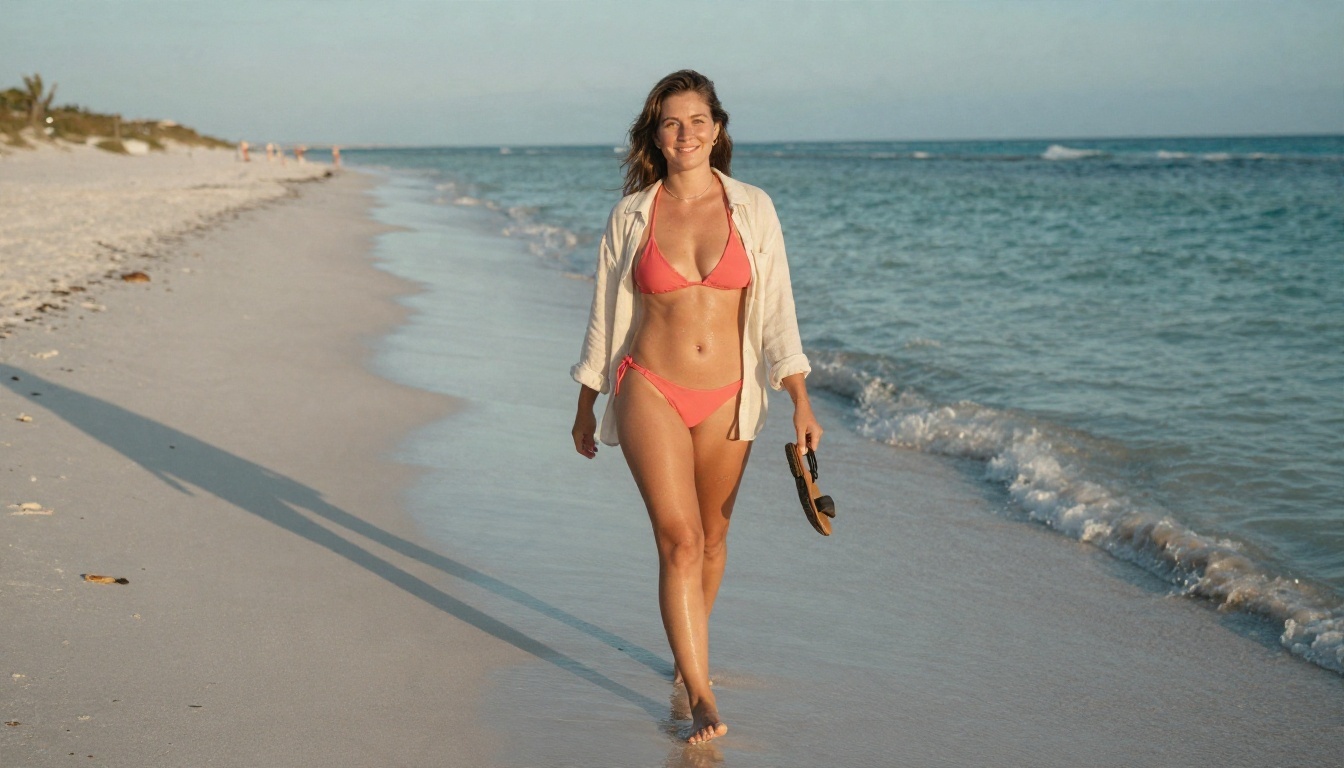
The practical value is twofold. You get uncensored creative freedom within sensible limits, and you get speed: no lost credits to a refusal, no waiting in a queue to be told "no."
Prompts That Actually Work
A weak prompt gives you a generic stock photo. A strong prompt reads like a photographer's shot list. The good news is that the structure is the same across almost every generator.
The Five-Part Prompt Formula
Build every prompt from these pieces, in this order:
- Subject and action: who or what, doing what.
- Environment: where, with specific objects.
- Light: direction, time of day, softness.
- Camera: lens, angle, depth of field.
- Texture and mood: skin, fabric, grain, atmosphere.
A short example: "A woman in a linen shirt laughing on a terracotta terrace, jasmine on the wall, warm late afternoon light from the right, 50mm f/1.8 lens, shallow depth of field, visible skin texture, Kodak Portra 400 film grain."
Compare that to "beautiful woman on terrace." The first one tells the model exactly what camera to imitate. The second leaves everything to chance.
Words That Push Realism
Photographic words steer a model toward photographs. Reliable ones include 85mm, f/1.8, soft window light, film grain, skin pores, fabric weave, and natural color. Words that hurt realism include "perfect," "flawless," "ultra HD masterpiece," and anything that signals a polished illustration.
Three Mistakes That Waste Credits
- Stacking contradictions. "Dark moody studio, bright sunny beach" gives you a muddy compromise.
- Ignoring negative space. If you want room for a headline, say so.
- Changing everything at once. Alter one element per attempt, otherwise you never learn which change helped.
💡 Prompt habit: keep a text file of prompts that worked. After a month, it becomes your personal style library and saves hours.
Pricing Compared
Money is where marketing pages get slippery. A "free" plan with 25 credits and a "$10 plan" with 3,000 credits are not comparable until you work out the cost per usable image.
Subscription Versus Credits
Most tools sell one of two models. A subscription gives you a monthly allowance, cheap if you generate every day and wasteful if you do not. Credit packs let you pay once for a block of images that does not expire, which suits occasional users.
Here is a rough snapshot of entry pricing as reported across several 2026 reviews. Sources disagree on exact amounts, so verify before you buy.
| Generator | Free tier | Typical paid entry point | Best for |
|---|
| Midjourney | No regular free tier | Around $10 per month | Stylized artistic work |
| Leonardo AI | Daily token refill | Around $10 to $12 per month | General use and variety |
| Adobe Firefly | Small monthly credit bundle | Around $10 per month | Commercial-safe design |
| Ideogram | Weekly credit pool | From about $7 per month | Text inside images |
| ChatGPT image tools | Very limited daily use | Bundled with a $20 plan | Quick chat-based edits |
| Open weights | Free, needs a GPU | Hardware cost only | Tinkerers |
| Hosted model hubs | Often generous free runs | Pay per use or unlimited tiers | Switching models |
The Hidden Cost of Retries
The number on the pricing page is not your real cost. If one in four generations is unusable, your effective price per good image rises by a third. Tools with fast, cheap models let you retry without guilt. Tools that burn credits on blocked prompts punish you twice.
This is where unlimited options shine. When retries cost nothing, you prompt more freely, test wilder ideas, and land on the best image sooner.
Pick by Use Case
There is no single winner. The best tool is the one that fits the job on your desk today.
For Photorealistic Portraits
If you want images that pass for camera work, look at Seedream 4.5, Imagen 4, and Qwen Image 3. All three handle skin, hair, and natural light convincingly. Nano Banana Pro is a strong pick when you also want to edit an existing photo with plain-language instructions.
For Text, Posters, and Logos
Lettering is where many models still stumble. Ideogram v4 Balanced and Ideogram v4 Quality are built for readable words inside images. GPT Image 2 also does well with typography and layouts.
For Speed and Volume
When you need dozens of drafts, pick a fast model. Flux Schnell and Z Image Turbo produce usable results in seconds, ideal for testing prompts before committing to a slower, sharper model.
For Custom Styles
If you want the same face, product, or visual style across many images, train a small adapter. P Image Trainer handles custom training, and Flux 2 Klein 9B Base LoRA lets you apply a style adapter at generation time.
💡 Smart workflow: draft fast with a lightweight model, pick your favorite composition, then recreate it on a higher-fidelity model for the final.
Editing Beats Starting Over
The first image is rarely the last. Most good work comes from small corrections: fix a hand, swap a background, change the light, remove an object. Editing models let you describe the change in one sentence instead of rerolling the whole picture.
PicassoIA Image Editor Pro is built for this loop, and its unlimited generations make the trial-and-error part painless. Pair it with Nano Banana for instruction-based edits, or run a clean generation through Seedream 4.5 first and polish it afterwards.
A reliable edit routine looks like this:
- Generate a base image with a detailed five-part prompt.
- Pick the best composition, ignore the rest.
- Describe one change per edit: "warmer light from the left," "remove the cup," "darker background."
- Upscale only the final version.
Your hit rate climbs when you stop rerolling from scratch and start steering.
Using Your Images Legally and Safely
A few boring rules protect you from big headaches later.
- Check the license. Free plans often restrict commercial use. Paid plans usually allow it.
- Never use real people's likeness without permission. This applies to celebrities and to private individuals.
- Label AI work when a client or platform requires it. More and more marketplaces now ask.
- Keep your prompts. They prove how an image was made and let you reproduce it.
Printing your favorites is worth trying. Large-format prints reveal whether a model really holds up at size, and a well-made AI portrait on matte paper looks surprisingly gallery-ready.
Try Your Own Images Today
The honest summary of this list: free tiers are fine for curiosity, filters decide whether a tool fits your creative range, prompts matter more than the model, and pricing only makes sense once you count retries. Pick two or three tools, run the same prompt through each, and trust your eyes.
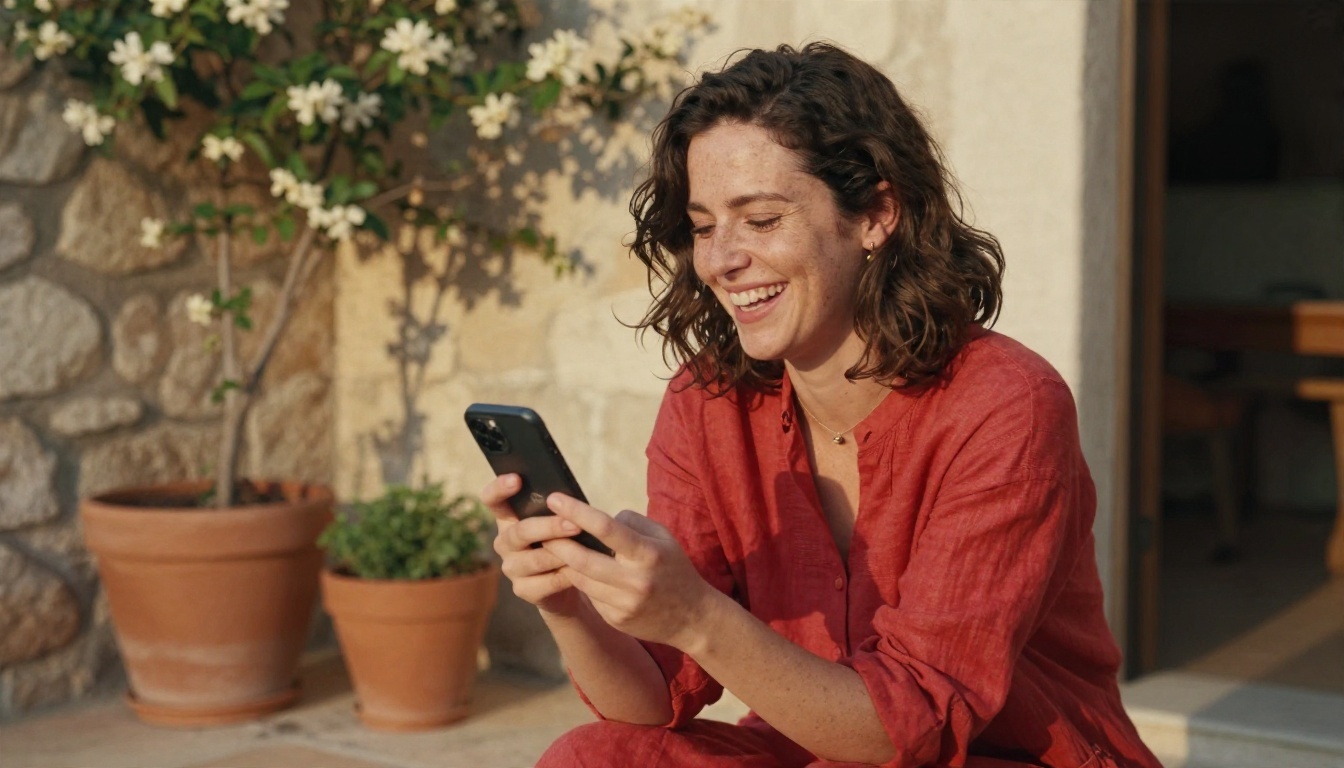
PicassoIA puts dozens of image models in one place, so you can test them without opening ten accounts. Begin with Seedream 4.5 for photorealism and glamour, then switch to PicassoIA Image Editor Pro for unlimited retries and edits. When you want to compare more options, browse the full catalog at picassoia.com/en/all-models.
Write one detailed prompt using the five-part formula, run it on three different models, and keep the winner. Your first strong image is probably one prompt away.


