Meta released Llama 4 with two models that look almost identical on a spec sheet and behave very differently in practice. Scout and Maverick both activate 17 billion parameters per token, yet one is a 109B model built for gigantic context and the other is a 400B model built for raw quality. If you are trying to pick between them, or just want to know whether the headline numbers hold up, this is the breakdown with the figures laid out side by side.
Everything below uses the scores Meta published on its model card for the instruction-tuned versions, and I flag where third-party leaderboards disagree. Benchmarks are a starting point, not a verdict, so I also explain what each number does and does not tell you about real work.
The Short Version
Here is the whole story in one table before we dig in.
| Spec | Llama 4 Scout | Llama 4 Maverick |
|---|
| Total parameters | 109B | 400B |
| Active parameters per token | 17B | 17B |
| Experts | 16 | 128 |
| Context window | Up to 10M tokens | Up to 1M tokens |
| LiveCodeBench (0-shot) | 32.8 | 43.4 |
| MMLU Pro (0-shot) | 74.3 | 80.5 |
| GPQA Diamond | 57.2 | 69.8 |
The pattern is simple. Maverick wins every quality benchmark, often by 6 to 12 points. Scout wins on context length and on how easily it fits into hardware. Neither one is the right answer for everybody.

Llama 4 Scout Instruct is the smaller sibling, and "smaller" is relative. It carries 109 billion parameters in total, split across 16 experts, with only 17 billion active for any given token. That is a mixture of experts design: the model routes each token to a small group of specialists instead of firing the whole network.
Active Versus Total Parameters
The active count is what drives speed and per-token compute. The total count is what drives memory. You pay for all 109B in storage, but you only compute with 17B at a time. This is why Scout can feel quick for its size while still needing a serious GPU setup to host. Meta stated that Scout can fit on a single H100 GPU when quantized to Int4, which is the headline claim for anyone self-hosting.
The 10 Million Token Claim
Scout's most talked-about feature is a context window of up to 10 million tokens. On paper that is enough to swallow entire code repositories, years of meeting transcripts or a shelf of legal filings in a single prompt.

💡 Reality check: early users reported that effective quality started to slip at around 32,000 tokens in some hosted setups. Many providers also cap the window well below 10M to control memory cost. A big advertised window is a ceiling, not a promise, so always test with your own long documents.
Where Scout Holds Its Own
Scout posts a 74.3 on MMLU Pro and 57.2 on GPQA Diamond. Those are respectable numbers for a model of this footprint, and they are fine for summarization, extraction, customer support drafts and general question answering. Where it lags is hard reasoning and code, which brings us to the bigger model.

Maverick Size Explained
Llama 4 Maverick Instruct is the heavyweight in the pair. It has 400 billion total parameters and the same 17 billion active, but spread across 128 experts instead of 16. More experts means more specialization, and that shows up in the scores.
400B on Paper, 17B at Runtime
This is the part that confuses people. A 400B model sounds ten times slower than a 40B model. It is not, because per-token compute depends on the active parameters. Maverick generates tokens at roughly the same compute cost as Scout. What changes is the memory bill: you need room to hold all 400B weights, even though most sit idle for each token.

Why 128 Experts Matter
With 128 experts, the router has far more choice about which specialist handles a token. In practice this gives Maverick better coverage of niche topics, stronger code handling and more reliable multi-step reasoning. The model also adds alternating dense and expert layers, which Meta credits for keeping quality high without exploding cost.
The Hardware Reality
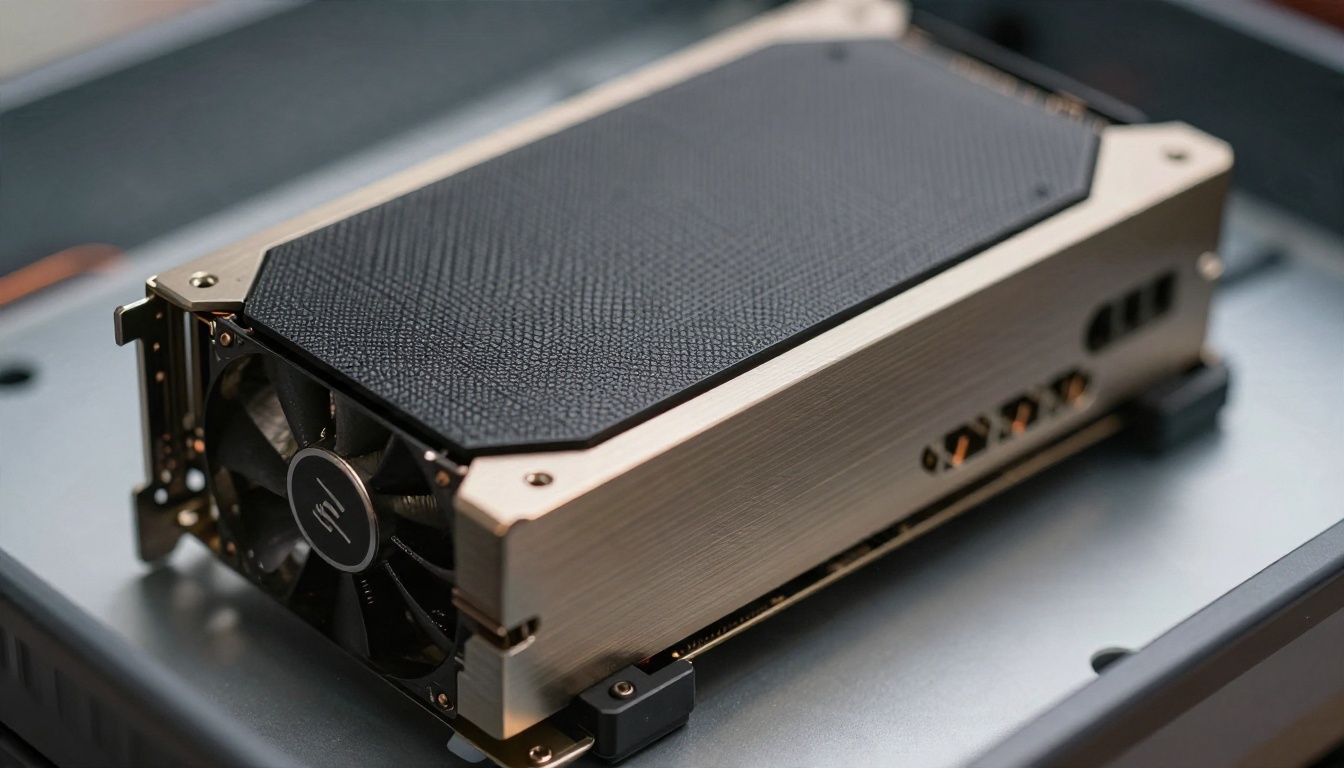
Meta described Maverick as fitting on a single H100 DGX host, which means a server with eight GPUs rather than one card. That puts self-hosting out of reach for most hobbyists. For everyone else, hosted access is the sensible route, and that is exactly where a platform like PicassoIA helps, since you can run it from a browser without owning a single GPU.
| Hosting question | Scout | Maverick |
|---|
| Memory footprint | Moderate | Very large |
| Single GPU possible? | Yes, with Int4 quantization | No, needs a multi-GPU host |
| Speed per token | Fast | Fast, similar active compute |
| Best fit | Long context, tighter budgets | Quality-first workloads |
Coding Scores Head to Head
Coding is where most readers care, so let me be direct: Maverick is clearly the better coder of the two.
LiveCodeBench Results
Meta's model card lists 32.8 for Scout and 43.4 for Maverick on LiveCodeBench, measured on problems released between October 2024 and February 2025 with zero-shot prompting. That is a gap of more than 10 points, which is big for a benchmark of this type. Some third-party comparison sites list Maverick closer to 39.7, which likely reflects a different evaluation setup rather than a different model.
What the Number Means for Real Work
LiveCodeBench tests competitive-style problems: self-contained puzzles with a clear right answer. Daily engineering is messier. You are reading unfamiliar code, editing several files, handling half-written requirements. A model scoring 43 on LiveCodeBench will still stumble on large refactors, and one scoring 32 will still write perfectly good boilerplate, tests and small utilities.
💡 Practical rule: use Scout for explaining code, writing docstrings, generating unit tests and summarizing a repo. Use Maverick when you need correct logic on the first try.
Reasoning Scores Back It Up
The same gap appears on GPQA Diamond, a set of graduate-level science questions: 57.2 for Scout against 69.8 for Maverick. On MMLU Pro, a harder version of the classic knowledge test, the numbers are 74.3 and 80.5. Even the pre-trained base models follow the trend, with MMLU Pro (5-shot) at 58.2 for Scout and 62.9 for Maverick.
| Benchmark | Scout | Maverick | Gap |
|---|
| LiveCodeBench | 32.8 | 43.4 | +10.6 |
| MMLU Pro | 74.3 | 80.5 | +6.2 |
| GPQA Diamond | 57.2 | 69.8 | +12.6 |
| MMLU Pro (base, 5-shot) | 58.2 | 62.9 | +4.7 |

Reading Benchmarks Without Getting Fooled
Numbers on a model card are tidy. The real world is not. A few things worth keeping in mind before you quote any of these figures in a decision.
The LMArena Controversy
When Llama 4 launched, Meta highlighted a strong ranking on the LMArena chat leaderboard. It later emerged that the version tested there was an experimental chat-tuned variant, not the release available to the public. The community reaction was sharp, and it cast a shadow over the launch. The model cards themselves are not in dispute, but the episode is a good reminder to trust benchmarks you can reproduce.
Evaluation Settings Change Everything
The same model can score several points apart depending on:
- Shot count: zero-shot versus five-shot prompting
- Prompt template: the exact wording and formatting used
- Date window: LiveCodeBench rotates in new problems over time
- Sampling settings: temperature, number of attempts, reasoning budget
This is why you will see Scout's MMLU Pro quoted at 74.3 in one place and a much lower figure in another. Compare numbers only when they come from the same setup.
Context Length Is Not Context Quality
A 10M window is an engineering achievement, but retrieval accuracy across that window varies by task. Needle-in-a-haystack tests are the easy case. Reasoning across scattered facts is the hard one. Treat long-context as a capability to verify, not an assumption.
Which Llama 4 Model Fits You

Pick Scout If
- You work with very long inputs such as full codebases, long transcripts or document collections
- You want a model that is lighter to host and cheaper to run at scale
- Your tasks are summarization, drafting, classification or question answering
- Speed matters more than squeezing out the last few points of accuracy
Pick Maverick If
- You need stronger code generation and logic
- You handle harder reasoning, technical questions or multi-step tasks
- You work with images and text together and want the higher quality tier
- Output quality matters more than memory cost
Consider Newer Alternatives
Llama 4 arrived in April 2025, and the field has moved. If benchmark leadership is your priority, look at newer options on PicassoIA as well. GPT 5.6 Sol is built for demanding coding tasks, Claude Sonnet 5 is a strong coding assistant, Gemini 3.1 Pro handles long, multimodal prompts, and Deepseek v3.1 is another open-weight style mixture of experts option worth testing. Llama 4 remains attractive for its open weights and flexible licensing, but it is no longer the only name in the conversation.
How to Use Llama 4 on PicassoIA
Both models are available on PicassoIA, so you can run your own comparison without installing anything. This is the fastest way to check whether the benchmark gap matters for your tasks.

Step by Step
- Open the model page. Go to Llama 4 Scout Instruct or Llama 4 Maverick Instruct.
- Write a precise prompt. State the task, the format you want and any constraints. For code, paste the relevant function and describe the expected behavior.
- Set your parameters. Lower the temperature (around 0.2 to 0.4) for code and facts, and raise it (0.7 to 0.9) for creative drafting.
- Limit the output length. Set a sensible maximum token count so answers stay focused and fast.
- Run it and compare. Send the identical prompt to both models and read the outputs side by side.
Parameter Tips That Help
- Be explicit about format. Ask for "only the code, no explanation" or "a table with three columns" and both models follow well.
- Break big tasks into steps. Even with large context, a staged prompt produces more reliable results than one giant request.
- Use a system-style opening line. A short role instruction such as "You are a careful senior reviewer" tightens tone and accuracy.
- Test on your own data. Paste a real document or a real bug. Your own sample beats any public benchmark.
💡 Fast comparison test: take one tricky bug from your own project, paste it into both models and ask for a fix with an explanation. The difference in reasoning quality usually shows up in the first answer.
A Simple Workflow
Start with Scout for drafts, summaries and exploration because it is lighter. Escalate to Maverick when the task needs precision, such as a gnarly algorithm or a technical report with exact claims. This two-tier approach keeps quality high without overusing the bigger model.
Final Verdict on the Numbers
Scout and Maverick share the same active size, but they are different tools. Scout is the long-context workhorse with a 10M token ceiling, lighter hosting needs and solid general scores. Maverick is the quality pick, with a 400B total size, 128 experts and clear leads on LiveCodeBench (43.4 versus 32.8), MMLU Pro (80.5 versus 74.3) and GPQA Diamond (69.8 versus 57.2).

Run Your Own Benchmark Today
The best benchmark is the one built from your own work. Open Llama 4 Scout Instruct and Llama 4 Maverick Instruct in two tabs on Picasso IA, feed them the same real prompt and see which answer you would actually ship. Then try a few of the newer models from the full model collection, pair your text with images and video from the platform's generators, and build a workflow that fits the way you create. Start with one prompt and compare the results yourself.


