Running an adult image generator on your own PC sounds simple until you hit the first wall: a 20 GB download, a Python error, and a graphics card that runs out of memory halfway through a render. Still, the appeal is obvious. No monthly fee, no upload to someone else's server, no filter that rewrites your prompt. This article walks through what a local AI porn generator really is, which free tools people use, how much hardware you need, the prompts that give good results, and what to do when your computer is not up to the job.
💡 Adults only. Everything below assumes you are 18 or older, you generate fictional adults, and you never use a real person's face or likeness without their consent. The examples in this article are suggestive glamour, not explicit.
What "Local" Really Means
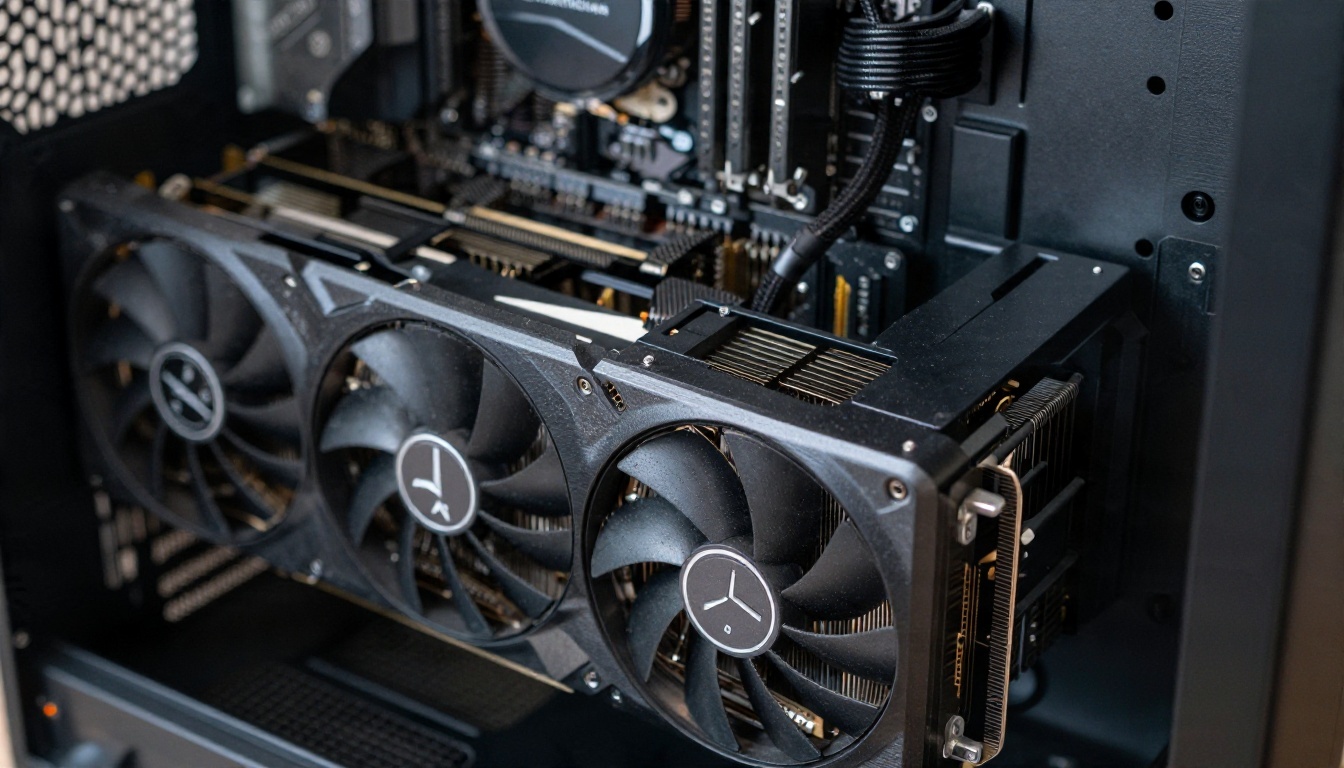
A local generator is an image model that runs on your own graphics card. You download the software and the model file once, then generate offline. Nothing leaves your machine.
Local vs Cloud at a Glance
| Factor | Local (your PC) | Cloud (browser) |
|---|
| Cost | Free software, but you pay for the GPU and electricity | Free tiers or subscriptions |
| Privacy | Prompts and images stay on disk | Depends on the service |
| Setup time | Hours, sometimes a full weekend | Under a minute |
| Speed | Tied to your GPU | Consistently fast on server hardware |
| Filters | Whatever the model file contains | Set by the platform |
| Upkeep | You update drivers, tools and models | None |
Neither side wins every time. Local suits people who generate hundreds of images a week and enjoy tinkering. Cloud suits everyone who wants a result in 10 seconds.
Why People Go Local
Three reasons come up again and again:
- Privacy. Nobody sees your prompt history.
- No usage cap. After the hardware purchase, each extra image costs almost nothing.
- Custom control. You can add LoRA files, which are small add-on models that lock in a face shape, outfit or photo style, and chain tools like inpainting and upscaling.
The trade-off is patience. A fresh install can take longer to set up than the first week of generating takes to enjoy.
Free Local Options Worth Installing
The software itself is free. The real cost is hardware and time.
Forge and ComfyUI
Two front ends dominate home setups.
Forge (a streamlined fork of the older Automatic1111 interface) gives you a familiar page with a prompt box, sliders and a Generate button. It is the easiest place to begin and runs on modest GPUs.
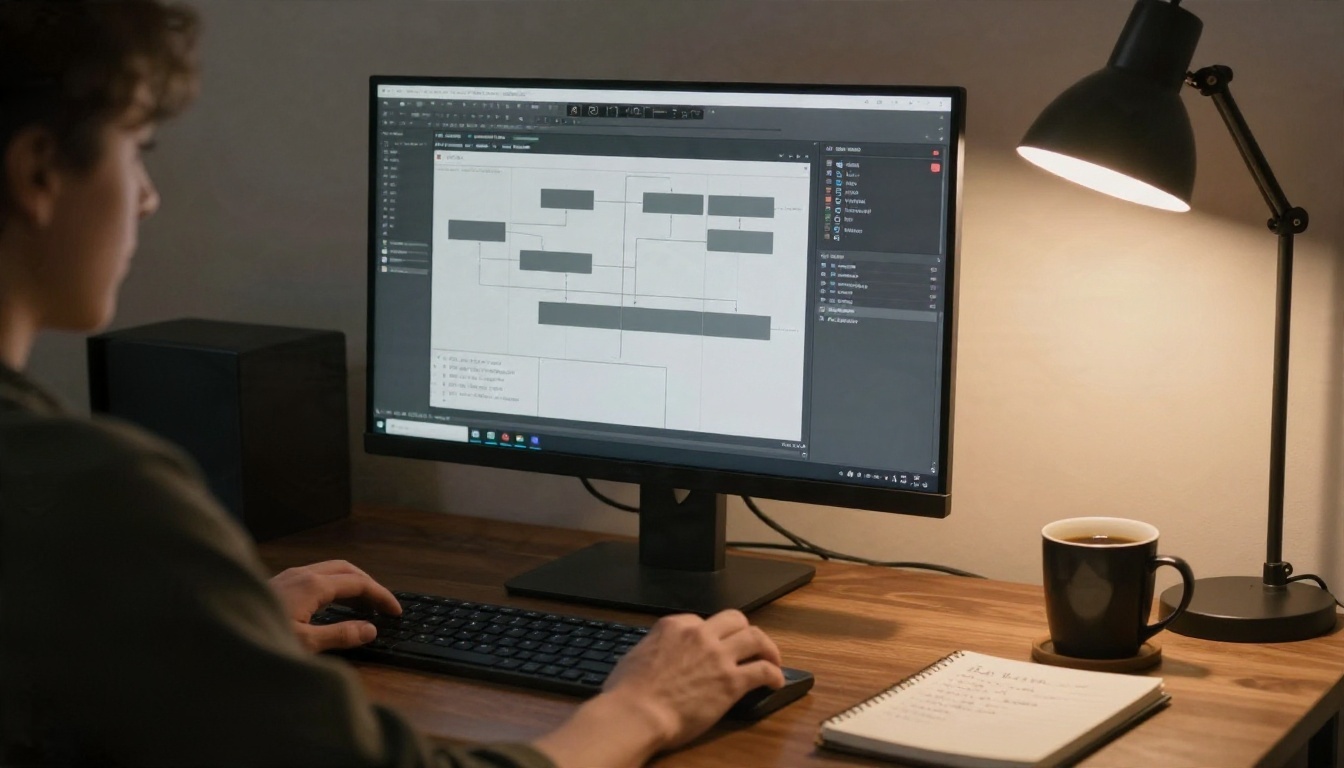
ComfyUI is a node editor. You connect boxes for the model, prompt, sampler and upscaler like a wiring diagram. It is harder to read at first, but it handles the newest models first and lets you build repeatable workflows.
| Tool | Best for | Difficulty | Minimum GPU memory |
|---|
| Forge | First install, quick portraits | Easy | About 6 GB |
| ComfyUI | Newer models, custom workflows | Medium to hard | About 6 GB |
| Automatic1111 | Older tutorials and extensions | Easy | About 4 to 6 GB |
Open Checkpoints People Use
The front end is only the window. The checkpoint, the actual model file, decides how realistic and how permissive your results are. The common families are:
- SDXL-class checkpoints. The most popular base for home use. Thousands of community versions exist, many tuned for photorealistic portraits. They run on 8 GB cards.
- Flux-style models. Better anatomy, hands and text, but heavier. The Flux family is represented on PicassoIA by Flux 2 Klein 9B Base LoRA and Flux 2 Klein 4B Base.
- Z Image and Qwen Image. Newer open-weight models with sharp photorealism. You can try Z Image Turbo and Qwen Image 3 before you commit disk space to a local copy.
- Stable Diffusion base models. The family that started it all, available here as Stable Diffusion and Stable Diffusion 3.5 Large.
Where Models Come From
Most community checkpoints and LoRA files are shared on hosting sites such as Civitai and Hugging Face. Check the licence on every file, and only download from creators with a track record. A model file can be tampered with like any other download, so prefer the safer .safetensors format over old .ckpt files and keep your antivirus on.
PC Requirements by Tier
The single number that matters most is VRAM, the memory on your graphics card. System RAM and the CPU matter far less.
GPU Memory Is the Bottleneck
Guides published this year agree on rough tiers, though exact figures vary by workflow:
| VRAM | What you can run | Typical experience |
|---|
| 6 GB | Older Stable Diffusion models, small images | Slow, many compromises |
| 8 GB | SDXL-class checkpoints at around 1024 px | Workable, no room for extras |
| 12 GB | SDXL comfortably, Flux in compressed (GGUF) form | The sweet spot for home users |
| 16 GB | Most workflows with LoRAs and upscaling | Smooth |
| 24 GB | Full-quality Flux-style models | Little to worry about |
A used 12 GB card such as an RTX 3060 is the usual budget recommendation. NVIDIA is the safe choice because most tools are tuned for it first. AMD and Apple Silicon work, but expect more troubleshooting.
RAM, Storage and CPU
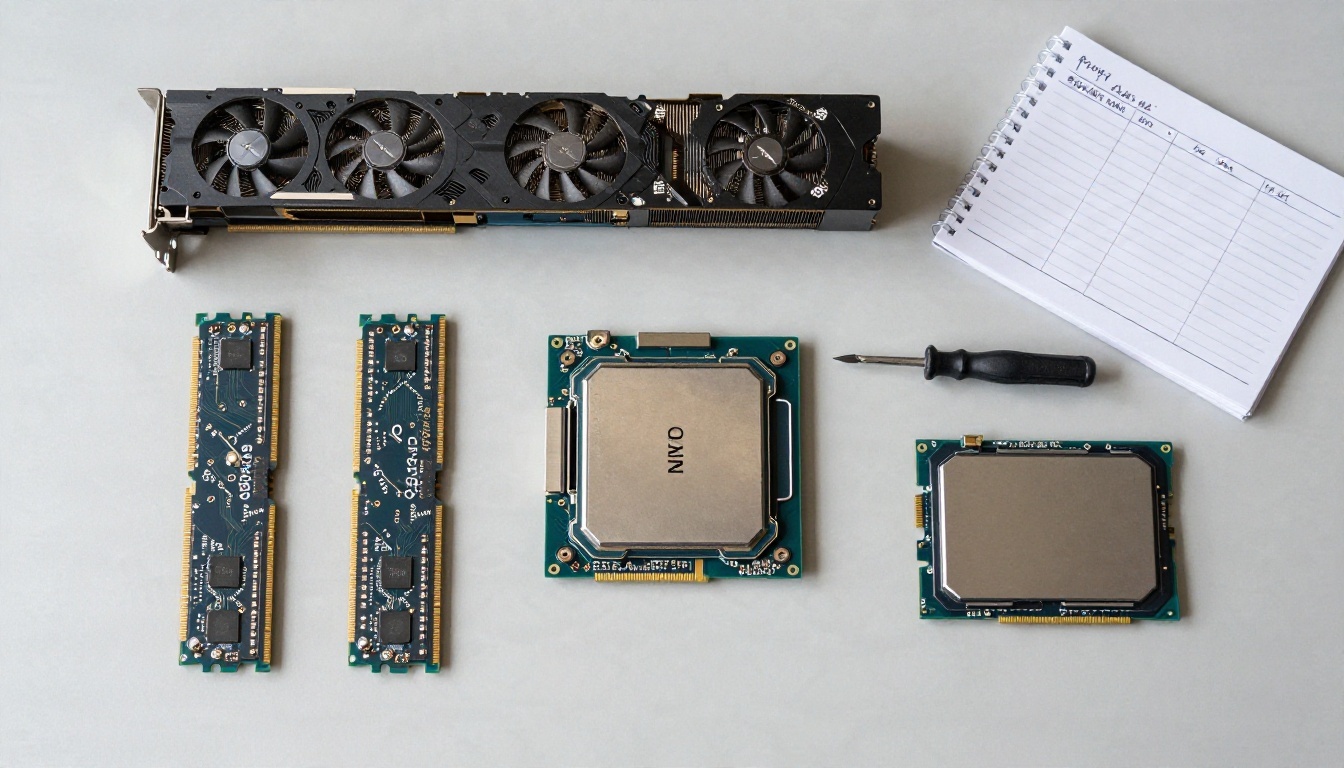
- System RAM: 16 GB is the floor, 32 GB is comfortable when models swap in and out.
- Storage: Budget 100 GB or more on an NVMe SSD. A single checkpoint is 2 to 24 GB, and you will collect more than you think.
- CPU: Any modern six-core chip is fine. It only feeds the GPU.
- Power supply: Check the wattage your card requires. High-end GPUs can pull 300 W or more.
How Fast Is It?
Roughly, a 12 GB card produces an SDXL-class image in 5 to 15 seconds. A large Flux-style model at full quality can take 30 seconds or longer. A 6 GB card might need a minute per image. Those numbers shift with resolution, step count and the sampler you choose.
💡 If your card has less than 8 GB, a cloud model will be faster than your local one, and you skip the install.
Prompts That Actually Work
Good prompts read like a photographer's brief. Vague words give vague skin and plastic lighting.
A Reliable Formula
Use this order:
- Subject: age (always an adult), hair, expression, pose
- Clothing: fabric and fit, since fabric words drive realism
- Setting: room, location, props
- Light: direction and quality, such as "soft window light from the left"
- Camera: lens and aperture, such as "85mm f/1.8"
- Film look: "Kodak Portra 400 grain, natural skin texture"
Specific light and lens words do more than a pile of quality tags like "masterpiece" or "8k".
Negative Prompts
Local tools let you list what to avoid. A solid starter for portraits:
extra fingers, deformed hands, plastic skin, blurry, watermark, text, cropped head, bad anatomy, oversaturated
Flux-style models usually ignore negative prompts, while SDXL-class checkpoints respond to them well.
Adding Detail Passes
Generate small first, then upscale or run an inpainting pass over faces and hands. This beats asking for a huge image in one go, which often gives you duplicated limbs. Real ESRGAN is a quick way to upscale a finished image 4x.
Prompt Examples With Results
Here are three prompts in the formula above, with the kind of output you can expect. All stay suggestive and non-explicit.
Poolside Glamour
Adult woman in her late twenties sitting on the edge of an infinity pool in a navy one-piece swimsuit, feet in the water, palm trees and a white villa behind, bright late-morning sun from above right, 24mm f/4 lens from across the pool, wet stone texture, Kodak Portra 400 grain.
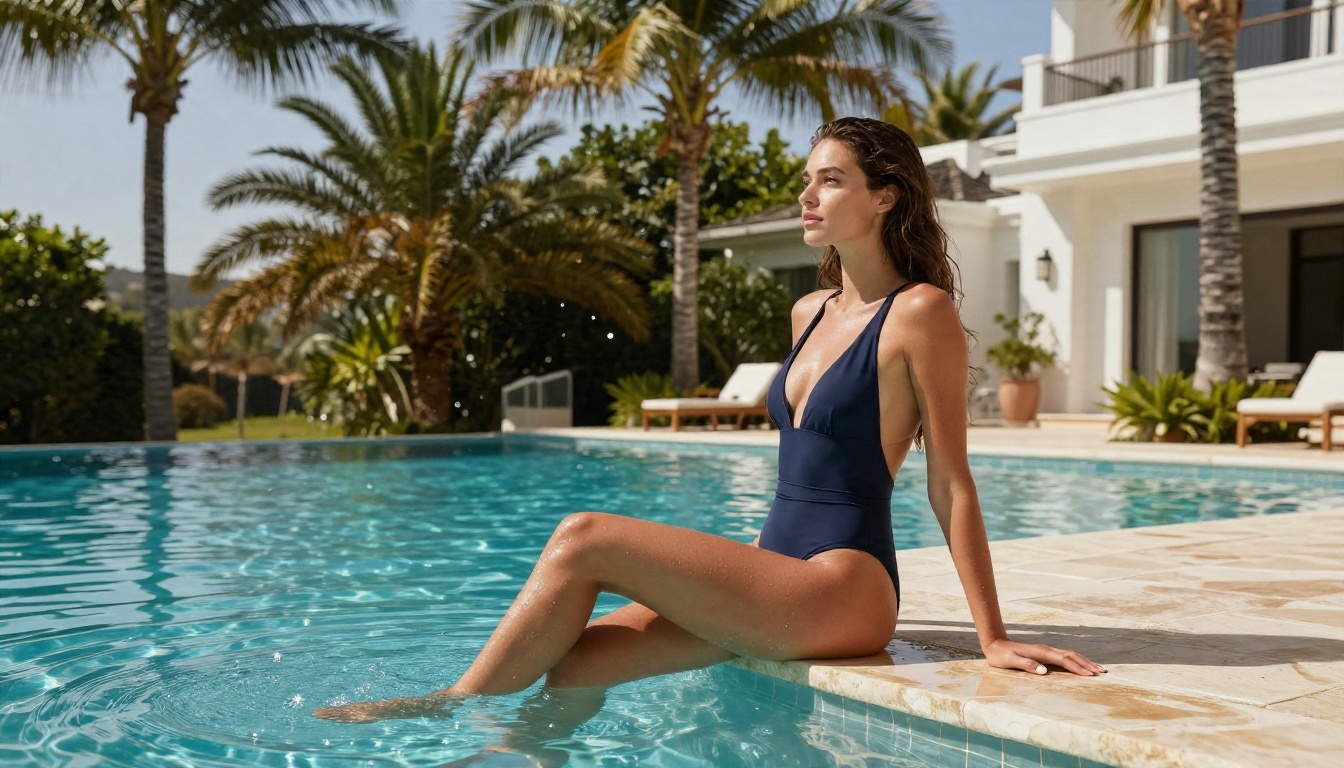
Wide framing hides most anatomy errors, which makes this a great beginner scene. Shadows tell the model where the sun is, so name the direction.
Yacht Deck at Golden Hour
Adult woman in her mid twenties on the white teak deck of a yacht in a coral bikini, one hand lifting damp hair, turquoise sea behind, golden hour backlight from the right, low angle, 35mm f/2, water droplets on skin.
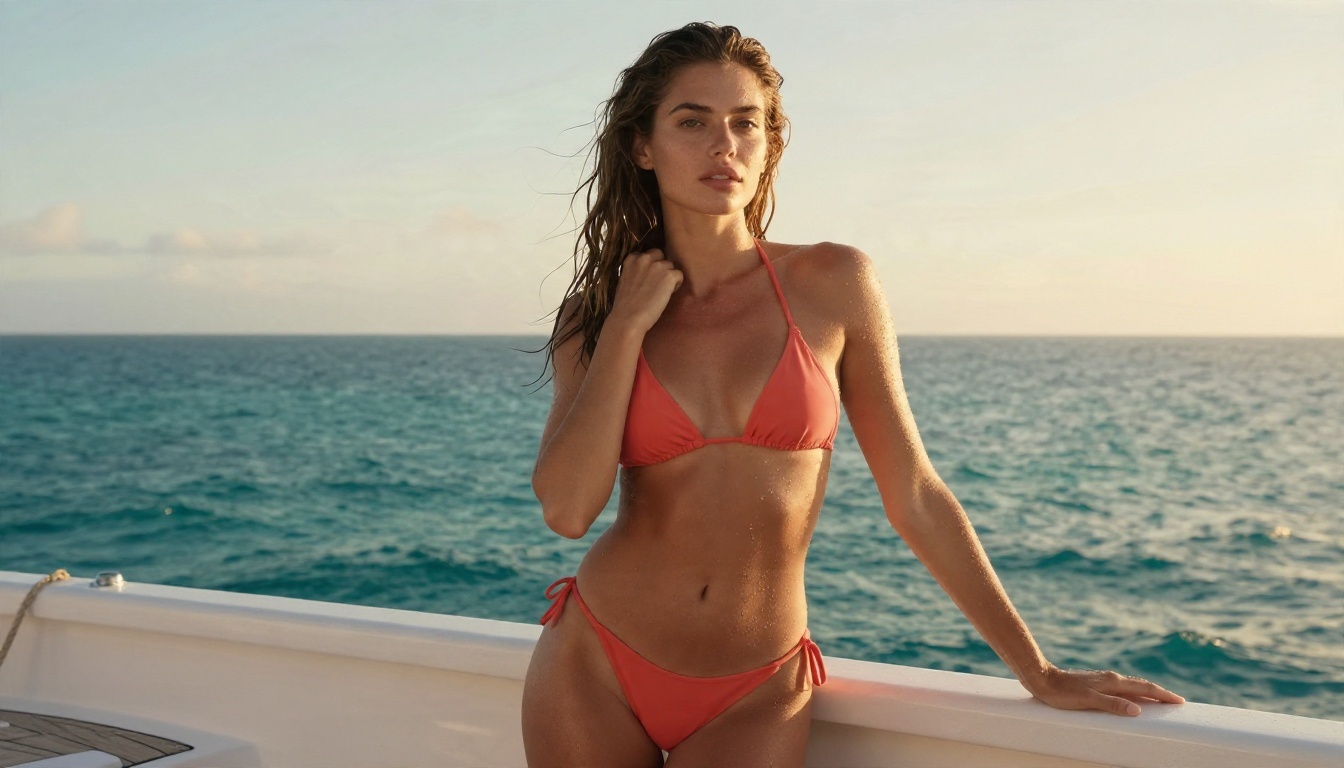
Backlight gives a warm rim on the shoulders, and "water droplets" adds skin texture that models often skip.
Lace Portrait by the Window
Tight close-up portrait of an adult woman in a black lace bodysuit beside a tall sunlit window, sheer curtain diffusing soft light from the left, visible skin pores and fine freckles, 85mm f/1.4, creamy bokeh, Kodak Portra 400 grain.
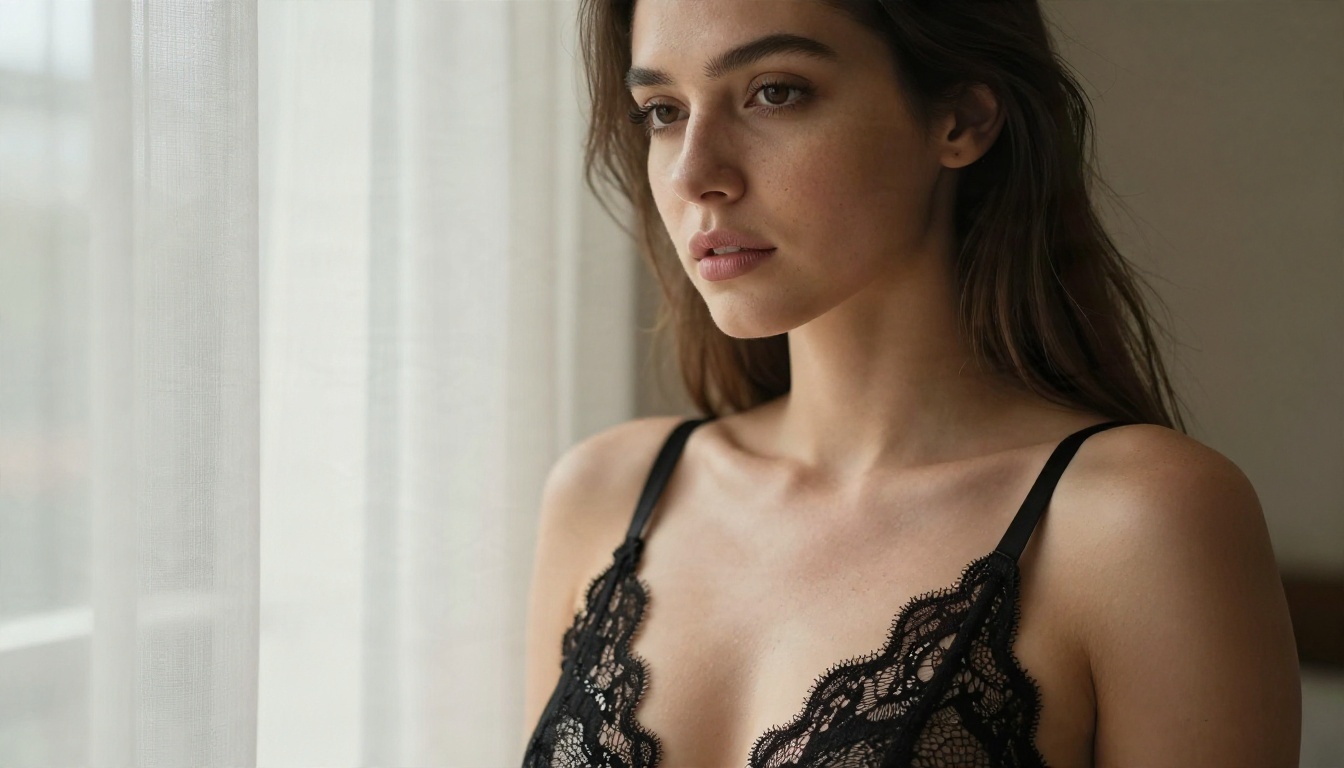
Close portraits expose weak models fast. If eyes or teeth look off locally, switch checkpoints before you blame your prompt.
Evening Satin Look
Adult woman with a sleek dark bob leaning on a hotel balcony railing at blue hour, champagne satin slip dress, city lights blurred behind, warm light from the doorway on her left, 50mm f/1.8, realistic satin sheen.
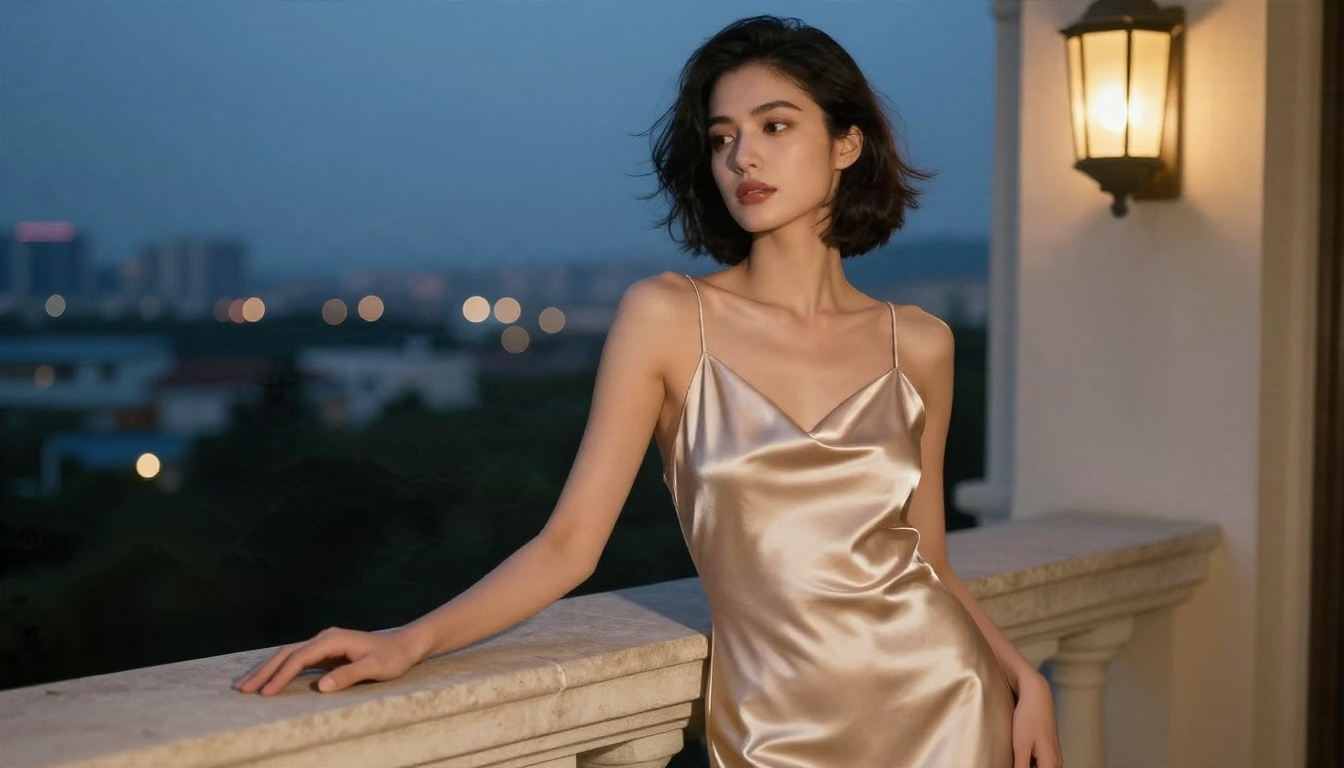
Two light sources, cool sky and warm doorway, give the image depth. Name both.
Casual Morning Scene
Adult woman in her twenties sitting cross-legged on rumpled white linen sheets in an oversized cotton shirt, laughing with a mug in hand, soft overcast window light from the left, 40mm f/2.2, visible linen weave.
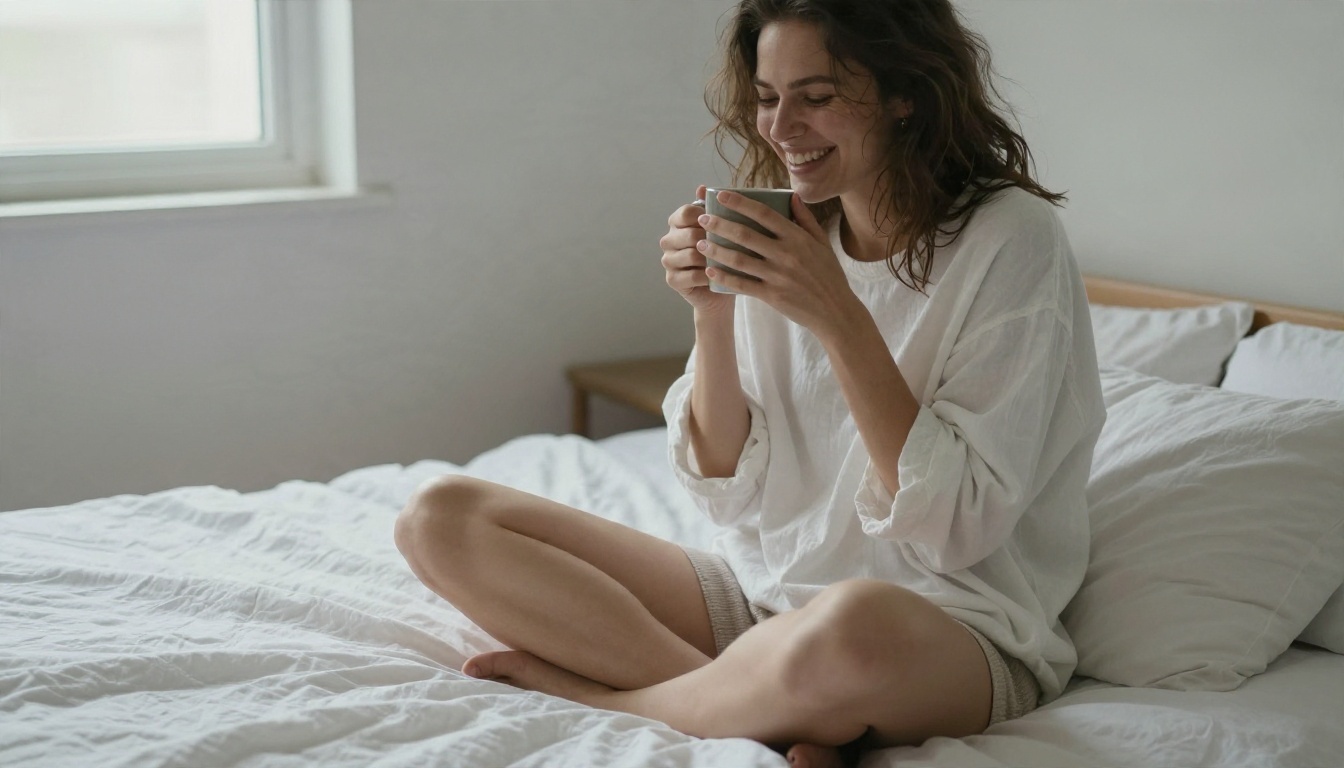
Not every image needs to be a pose. Candid moments look more real than stiff ones.
3 Mistakes That Waste Hours
1. Buying the wrong GPU. A fast card with 8 GB can lose to a slower card with 12 GB, because models that do not fit simply will not run well.
2. Mixing incompatible files. A LoRA trained for one model family will not behave on another. Check the base model listed on each download.
3. Prompting for everything at once. Ten outfits, four locations and three moods in one prompt gives mush. Pick one scene, then change one variable per run.
💡 Save every prompt that works in a text file with its seed number. Re-running a seed with a tiny prompt change is the fastest way to improve a result.
Skip the Install: Cloud Route
If your GPU has under 8 GB, or you simply want results today, a browser route avoids drivers, Python and storage. PicassoIA hosts the models below, with fewer filters than mainstream tools on suggestive glamour content, within non-explicit limits.
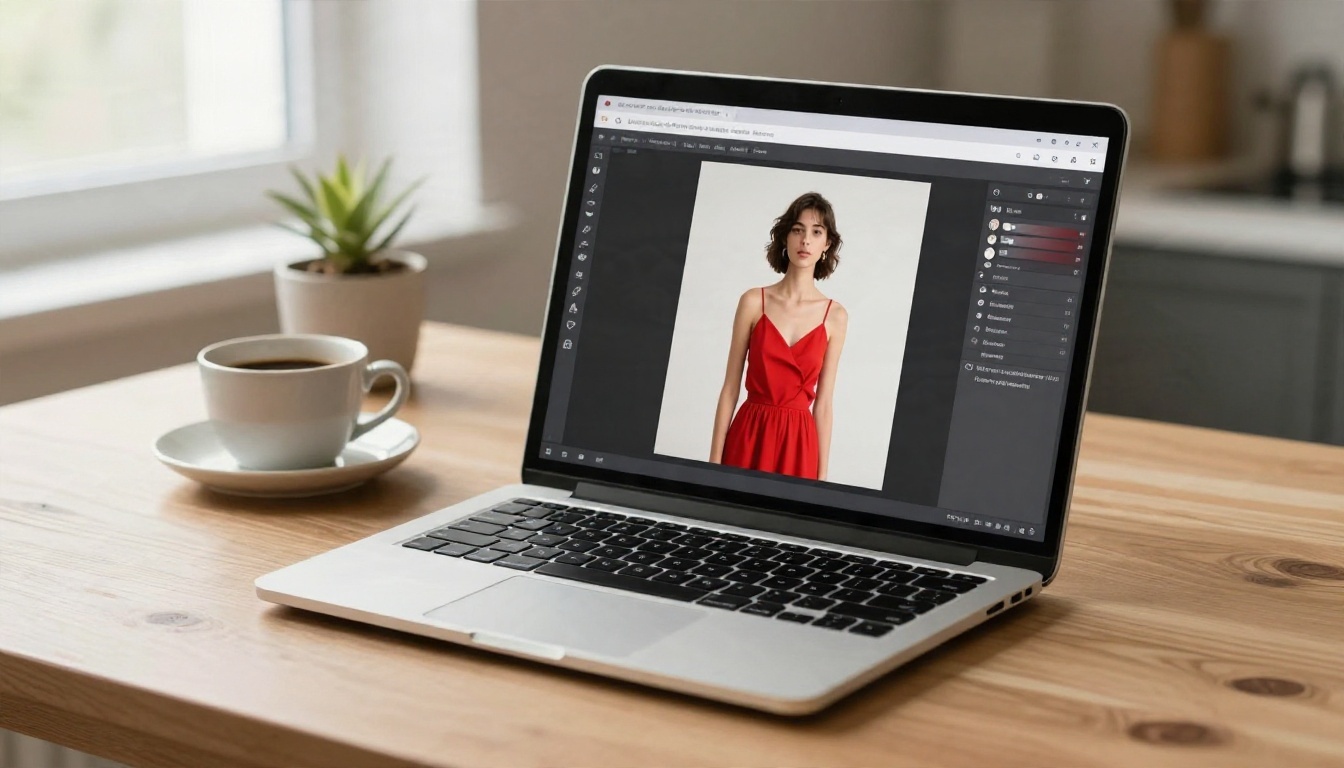
Seedream 4.5 First
Seedream 4.5 is the model to try first. It produces sharp, natural skin and handles fabric, lighting and lens language very well, up to 4K. It matches what local setups only reach with a 24 GB card.
How to use it:
- Open the Seedream 4.5 page.
- Paste a prompt built with the formula above: subject, clothing, setting, light, lens, film look.
- Set the aspect ratio to 16:9 for scenes or 3:4 for portraits.
- Generate, then change one detail at a time to refine.
- Run a favourite through Real ESRGAN for a bigger version.
Parameter tips: Name light direction in every prompt. Keep ages explicit and adult. Use real fabric words like satin, lace, linen and knit.
PicassoIA Image Editor Pro
PicassoIA Image Editor Pro gives you unlimited generations, which is the closest thing to a local install's "no cap" benefit. Use it to edit outfits, backgrounds and lighting on your own photos and renders, then iterate as often as you like without counting credits. It is also quick, so a change that takes a minute on a 6 GB local card takes seconds.
Other Models Worth Trying
A smart hybrid: draft prompts in the cloud to find what works, then decide whether a local install is worth buying hardware for.
Safety and Consent Rules
Whether you generate locally or online, a few lines stay fixed:
- Fictional adults only. Never describe anyone as under 18 or youthful in a sexual context.
- No real people. Do not use a real person's face, a celebrity, an ex or a coworker. Deepfakes of real people without consent cause real harm and are illegal in a growing number of places.
- Mind the law. Rules on adult AI content vary by country. Check yours.
- Protect your files. Local libraries should be on an encrypted drive if the PC is shared.
- Keep it private. Do not post adult output where minors can see it.
Try It Yourself
You do not need to buy a GPU to find out whether this works for you. Start with one prompt from the examples above, paste it into Seedream 4.5, change the clothing, the light and the lens, and compare five versions. Then open PicassoIA Image Editor Pro and refine your favourite as many times as you like, since generations are unlimited.
Want more options? Browse every model at picassoia.com/en/all-models and see which one fits your style. Your first good image is probably one prompt away.


