Typing a prompt into a hosted generator and getting a polite refusal is the reason most people end up searching for local AI porn models. Running a model on your own machine means no content filter sitting between you and the result, no account, no per-image fee, and no one watching your prompt history. It also means downloads, drivers, VRAM math and a lot of trial and error.
This article sorts through what is actually worth installing, what your graphics card must be able to handle, which prompt structures give clean results, and when an online tool is the smarter choice. Every example image below is non-explicit glamour photography: lingerie, swimwear, editorial portraits. That is the style most people want first, and it is also where the quality differences between models show up fastest.
💡 Quick answer: if you own a recent NVIDIA card with 8 GB of VRAM or more, SDXL-based checkpoints are the easiest local start. If you do not, or you simply want results in seconds, jump to the online section and use Seedream 4.5 or PicassoIA Image Editor Pro.
Why People Go Local
Privacy Comes First
A local model never sends your prompt anywhere. For adult content that matters. Nothing is logged on someone else's server, nothing is tied to a payment profile, and nothing can be flagged after the fact. That is the single strongest argument for running everything at home.
No Filters, No Queue
Hosted tools often block a prompt the moment it mentions lingerie, bare shoulders or a bedroom. Local checkpoints do not have that layer. You also skip waiting lines, daily credit limits and sudden policy changes that break a workflow you spent a weekend building.
What It Costs You
Free software is not free in practice. You pay in hardware, disk space, electricity and time. A single Flux-class model can take 20 GB or more, and a decent library of checkpoints, LoRAs and upscalers reaches hundreds of gigabytes quickly. If something breaks after a driver update, nobody is on call to fix it.
| Factor | Local | Online |
|---|
| Per-image cost | Zero after hardware | Credits or free tier |
| Privacy | Maximum | Depends on the service |
| Setup time | Hours to days | Seconds |
| Speed on weak hardware | Slow or impossible | Fast |
| Maintenance | You | Provider |
Local Model Families Worth Knowing
The scene moves fast, and rankings change month to month. What follows reflects the families that keep appearing in community discussions rather than a single winner. Most checkpoints are shared through CivitAI and Hugging Face, and each one has its own license, so read it before using any output commercially.
SDXL, Pony and Illustrious
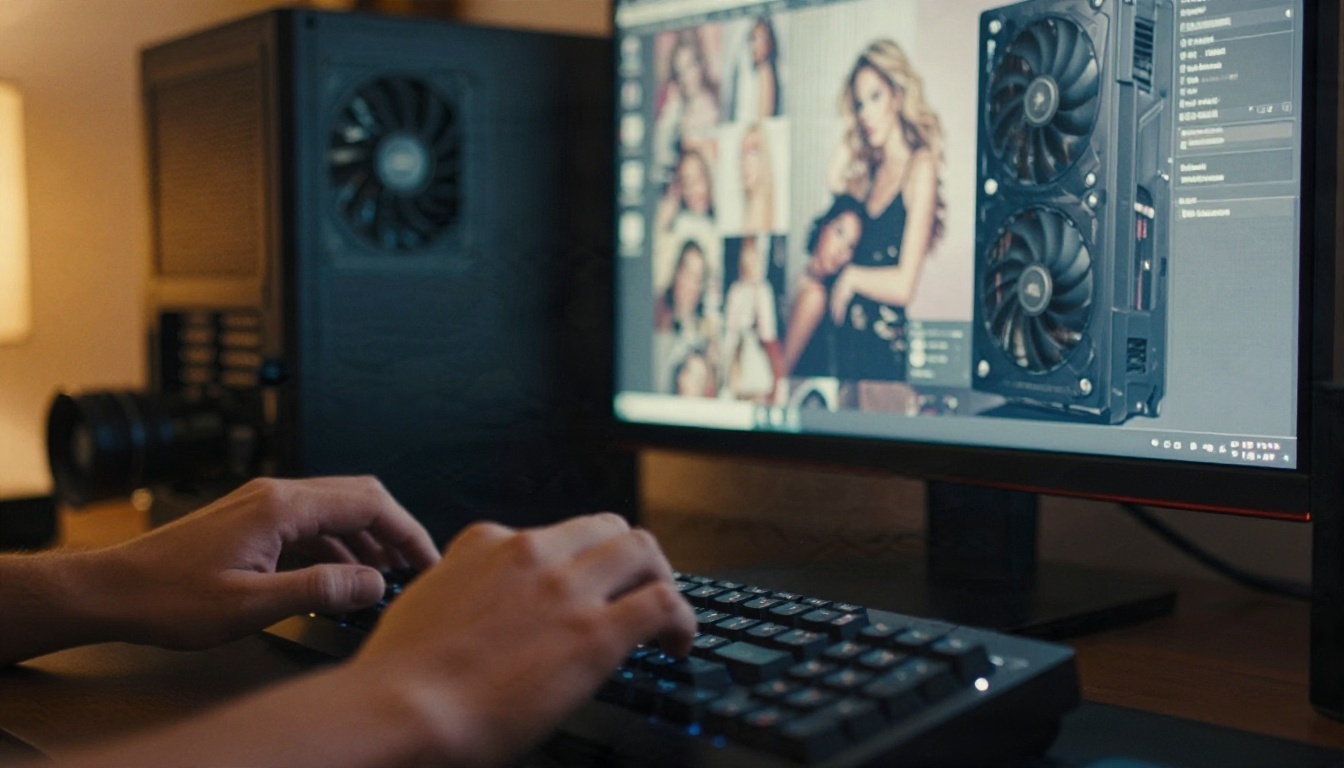
SDXL is the most accessible base for local work. It has the largest ecosystem, thousands of community fine-tunes, and it runs on roughly 8 GB of VRAM. Two families built on it dominate stylized output: Pony and Illustrious, with NoobAI as a large fine-tune on top of Illustrious. They are strongest for anime and illustration, and they respond to tag-style prompts rather than flowing sentences.
For photographic results, people usually pick a realism-focused SDXL checkpoint instead. These produce believable skin and lighting but can struggle with hands and fine text.
If you want to try the base architecture online first, Stable Diffusion and SDXL Lightning 4Step are available on PicassoIA, and you can see how the family behaves before downloading a single gigabyte.
Flux and Chroma
Flux is widely regarded as the strongest local model for photographic realism and prompt following, but it wants at least 12 GB of VRAM for comfortable use. The stock release is cautious about adult content, so the community turned to Chroma, a Flux-derived model that is far more permissive. Quantized GGUF versions let smaller cards squeeze in, at the cost of speed.
The newer Flux 2 Klein 9B Base LoRA is available on PicassoIA if you want to test LoRA-style control without managing files yourself.
HunyuanImage and Others
HunyuanImage is often described as uncensored out of the box, which makes it attractive to people who want to skip fine-tune hunting. It is heavier than SDXL, and community support is thinner, so expect fewer ready-made LoRAs and less troubleshooting help.
Quick Comparison
| Model family | Best for | Typical VRAM | Prompt style |
|---|
| SDXL realism checkpoints | Photo-style portraits | 8 GB | Short sentences |
| Pony / Illustrious / NoobAI | Anime, stylized art | 8 GB | Tags |
| Flux-class models | Best realism | 12 GB and up | Natural language |
| Chroma | Permissive Flux alternative | 12 GB and up | Natural language |
| HunyuanImage | Permissive out of the box | 16 GB and up | Natural language |
Hardware and Setup Reality
How Much VRAM You Need
VRAM is the number that decides everything. An 8 GB card handles SDXL at 1024 pixels. A 12 GB card opens the door to Flux and Chroma. Cards with 16 to 24 GB run larger models with no compromise and let you stack LoRAs, ControlNet and an upscaler in one workflow. AMD and Apple hardware can work, but NVIDIA still has the smoothest path.
💡 Tip: system RAM matters too. 32 GB is a comfortable floor if you plan to load large models and keep a browser open.
ComfyUI or Forge
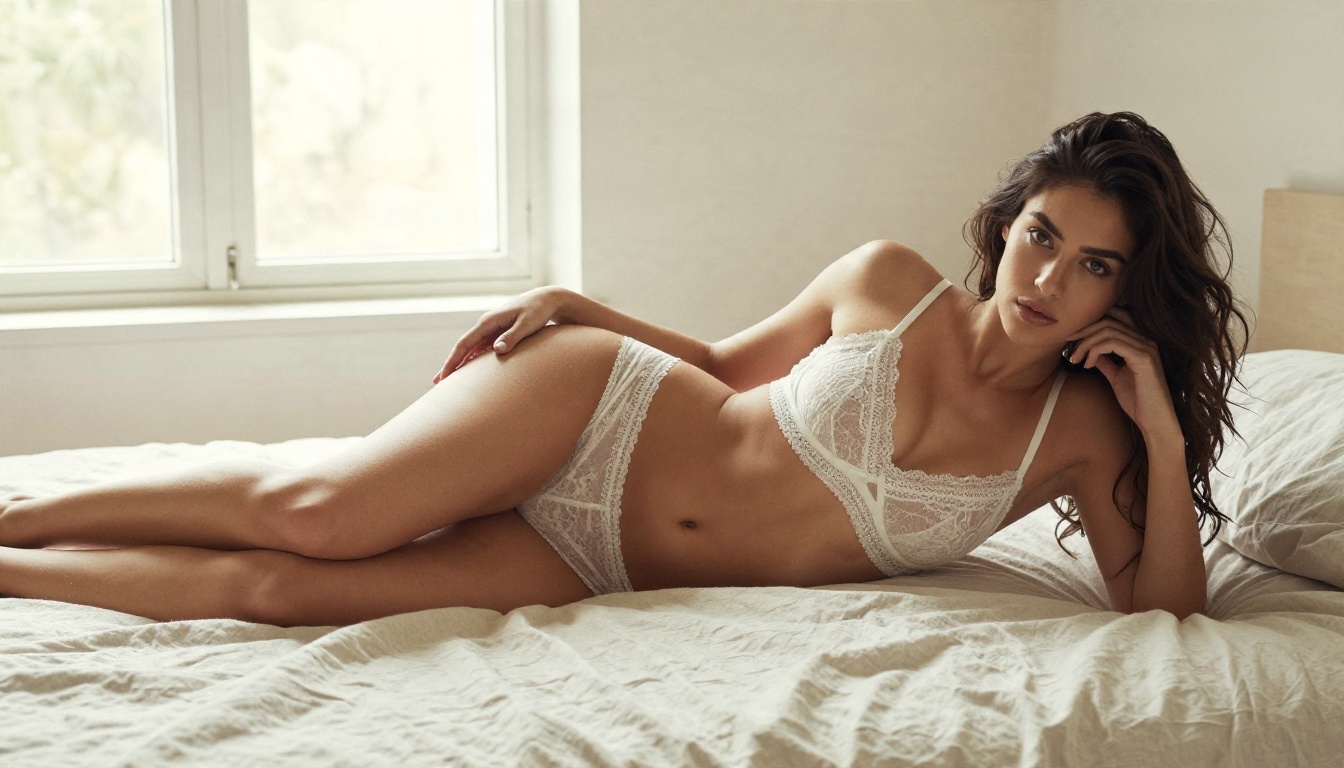
Two interfaces dominate. ComfyUI is a node-based editor: it looks intimidating, but it handles Flux text encoders, GGUF loaders and multi-step workflows cleanly. Forge is friendlier, closer to the classic web UI, and recommended for people who want to type a prompt and press a button. Start with Forge for SDXL, move to ComfyUI when you need control.
A Typical Install Path
- Install current NVIDIA drivers and Python or a packaged launcher.
- Download Forge or ComfyUI.
- Place a checkpoint in the models folder.
- Add a VAE and, if needed, a LoRA.
- Generate a test image at 1024 by 1024, then raise resolution with an upscaler.
Expect the first successful image to take an evening. The second takes thirty seconds.
Prompts That Actually Work
A Prompt Formula
Whether you run locally or online, the structure that works for photographic results is the same:
Subject + clothing + pose + setting + light + lens + film look
Vague prompts give vague skin. Specific lighting and lens language pushes models toward photographic output, because those words appear alongside real photographs in training data.
Three Prompt Examples
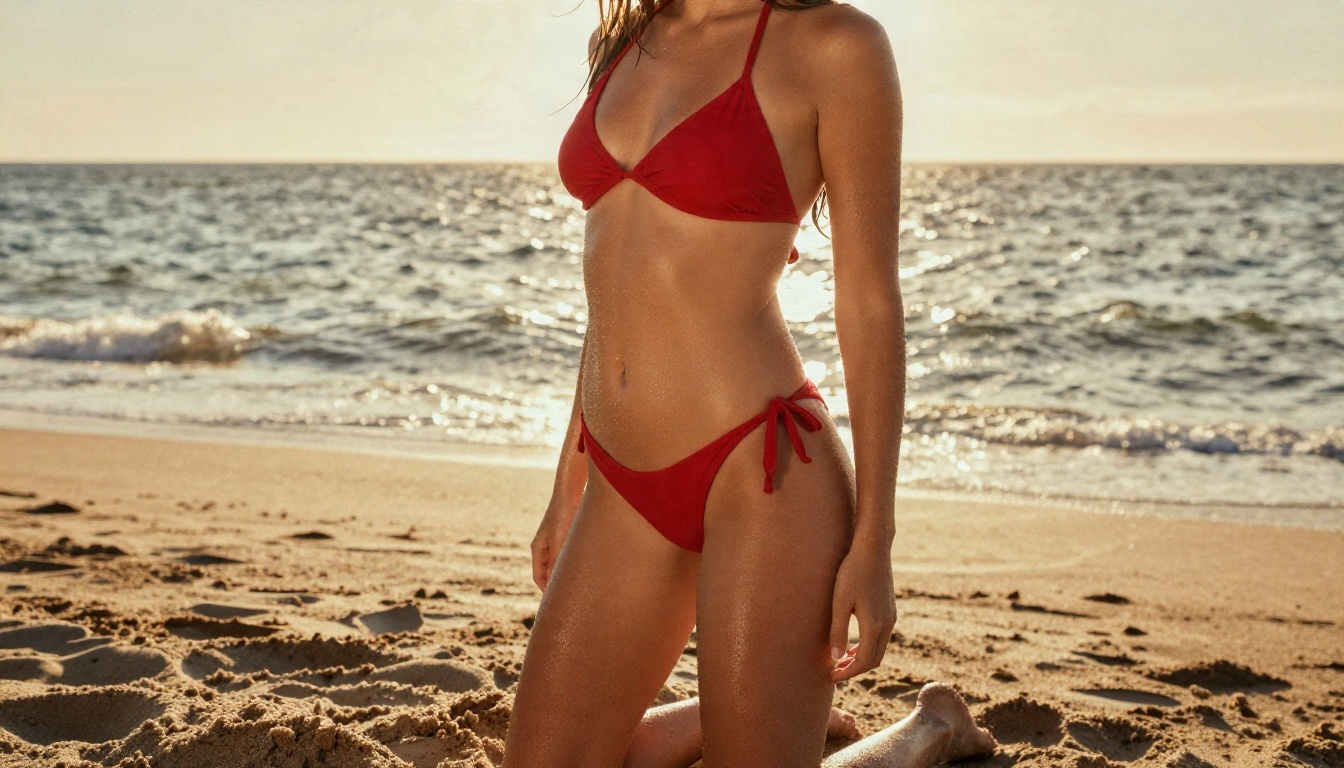
1. Swimwear at golden hour
Adult woman in her twenties, tanned skin, classic red bikini, standing ankle deep at a sandy beach, wet hair over one shoulder, backlit warm sunlight, rim glow on skin, 35mm lens, low angle, fine film grain.
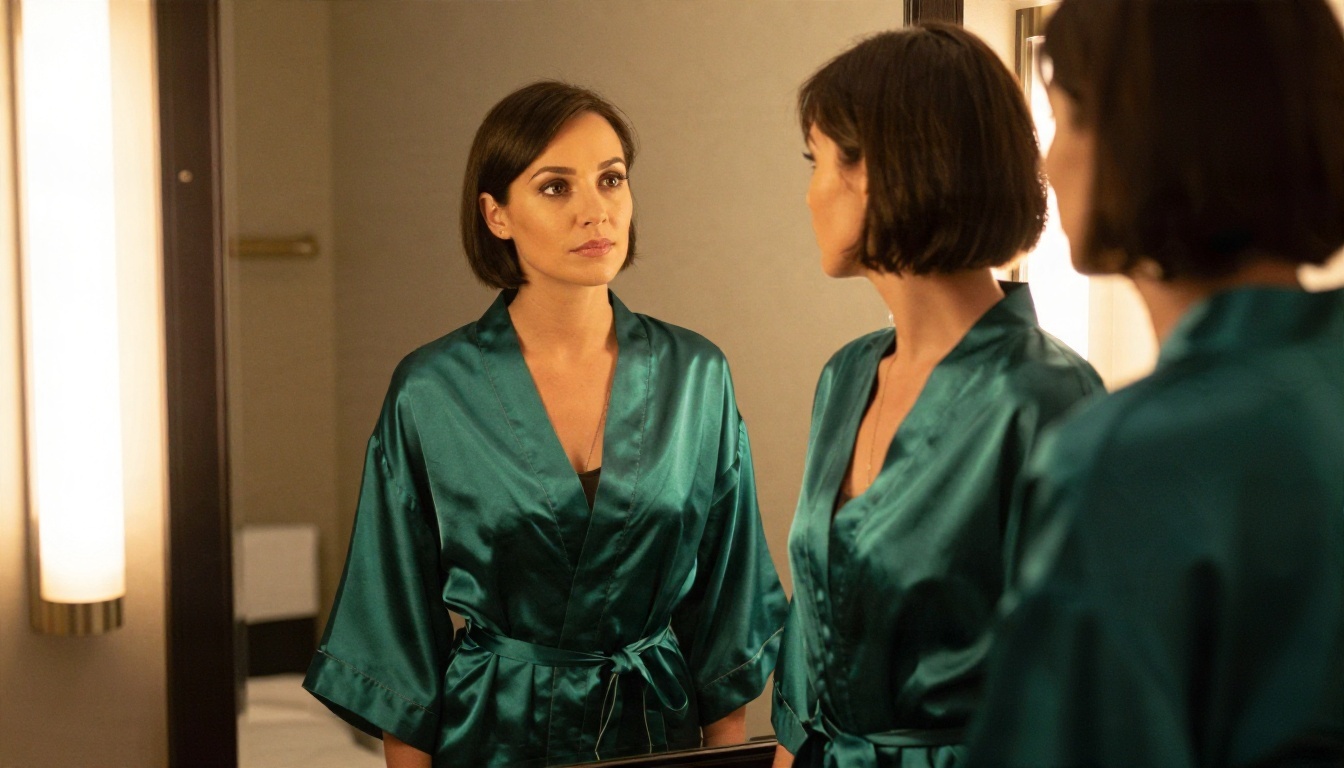
2. Boudoir mirror scene
Adult woman in her thirties, short dark bob, emerald silk robe loosely tied, standing at a vanity mirror in a hotel suite, warm tungsten bulbs, reflection visible, 50mm lens, natural skin texture.
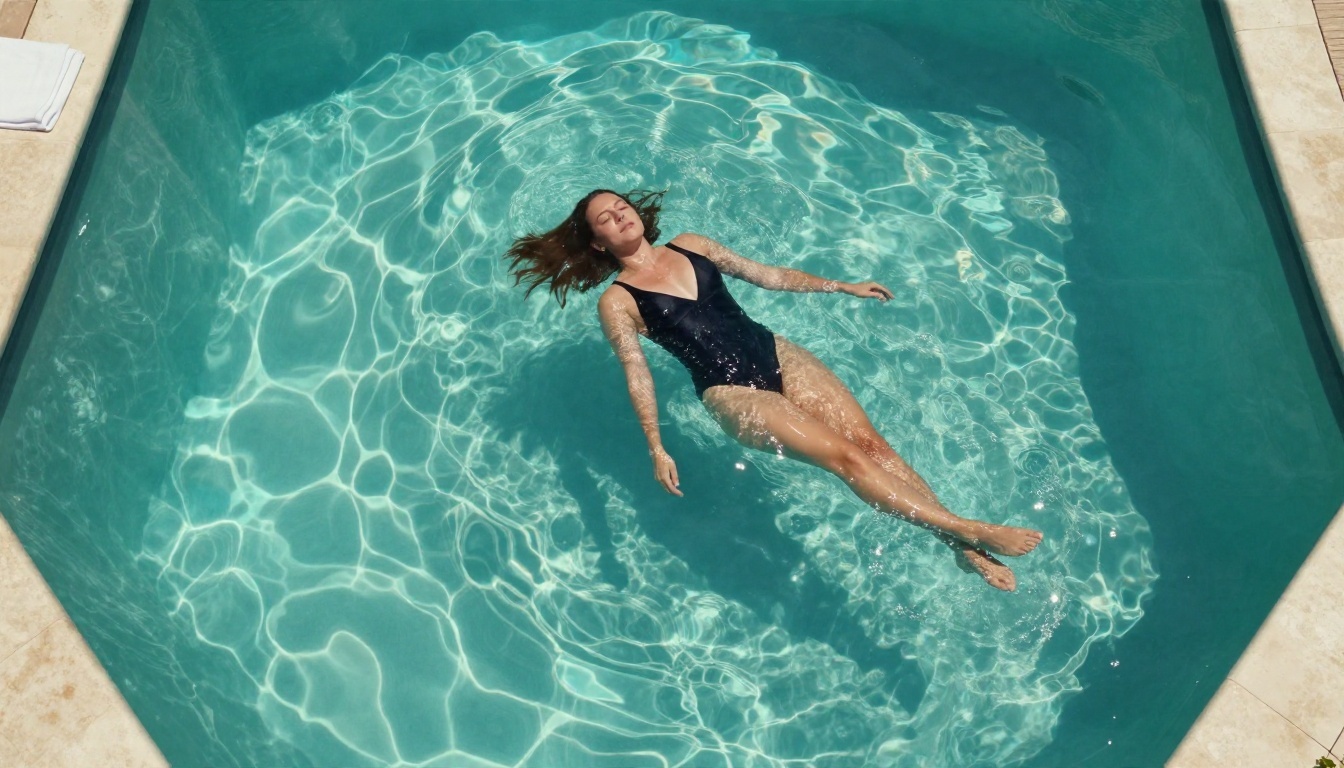
3. Overhead pool shot
Aerial top-down view, adult woman in a black one-piece swimsuit floating on her back in a turquoise pool, hair fanned in the water, hard midday sun, caustic light patterns, 24mm lens.
Negative Prompts and Mistakes
Local tools let you write a negative prompt, and it matters more than most people think. A short, targeted list beats a wall of pasted terms.
- Use: extra fingers, warped hands, plastic skin, blurry, watermark, text.
- Avoid: giant negative lists copied from forums. They often flatten the style.
- Common mistake: asking for "8K ultra detailed" with no lighting description. Detail words without light words give sharp but lifeless images.
- Common mistake: raising CFG too high. Over-baked colors and crispy skin are the usual result.
- Common mistake: skipping the upscale pass. A 1024 pixel render looks soft at full screen.
💡 Tip: change one variable at a time. Fix the seed, alter the lighting line, compare. That is faster than rewriting the full prompt on every run.
Examples of Realistic Output
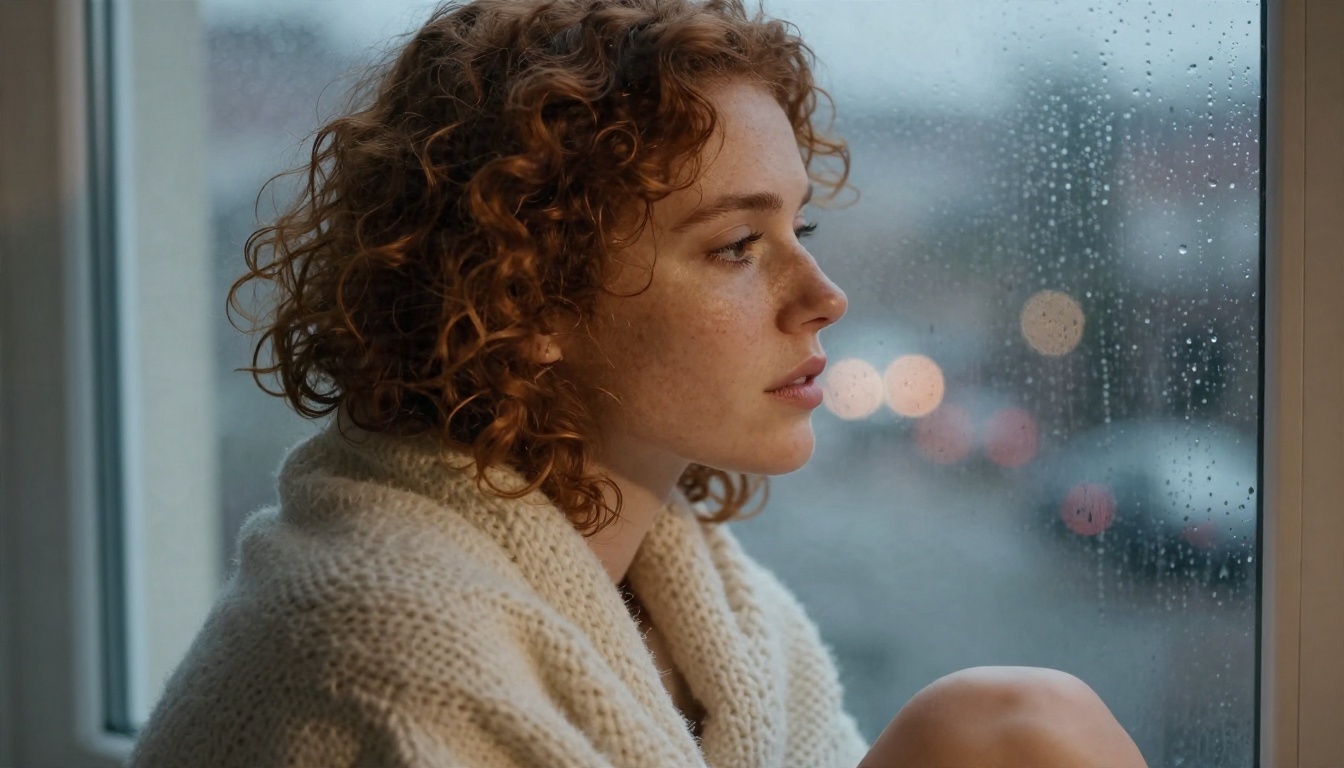
Close-up work is where models fail first, so it is a good test. Freckles, eyelashes, lip texture and skin sheen should look like skin, not wax.
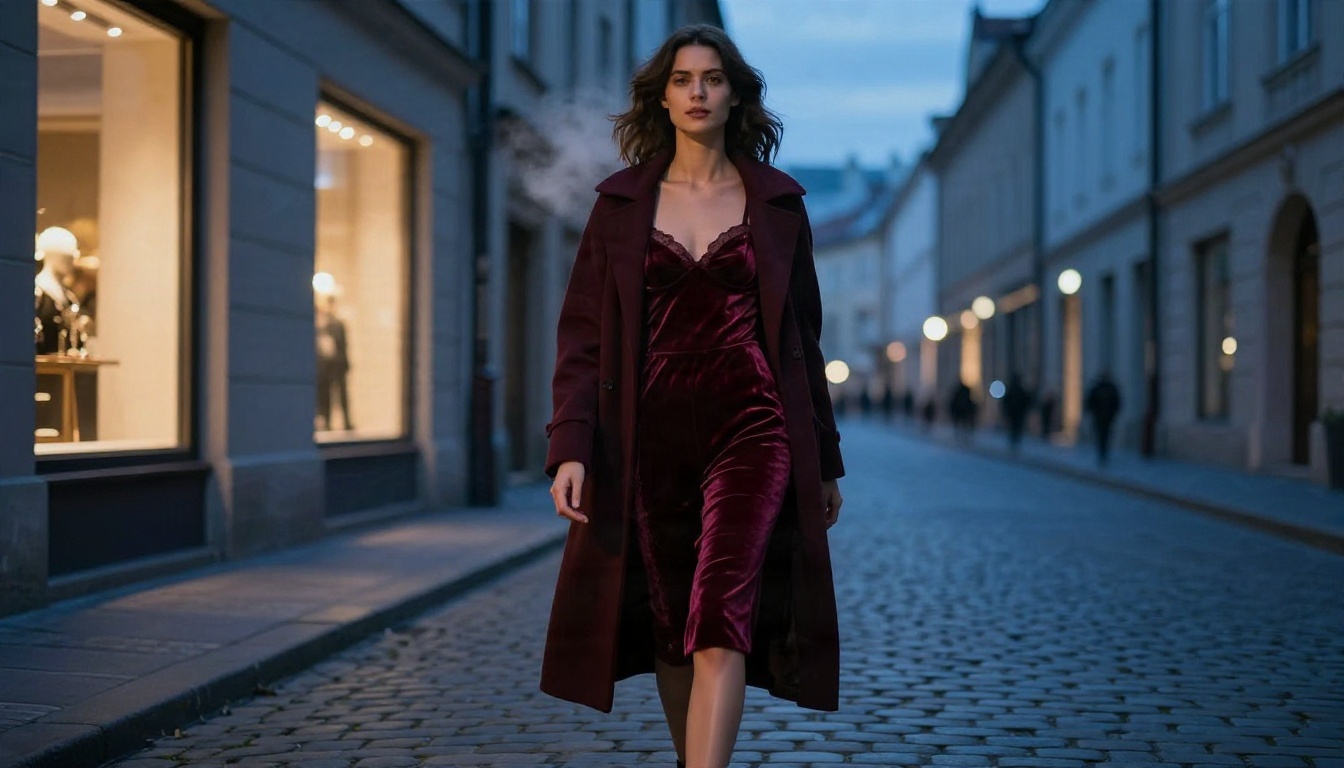
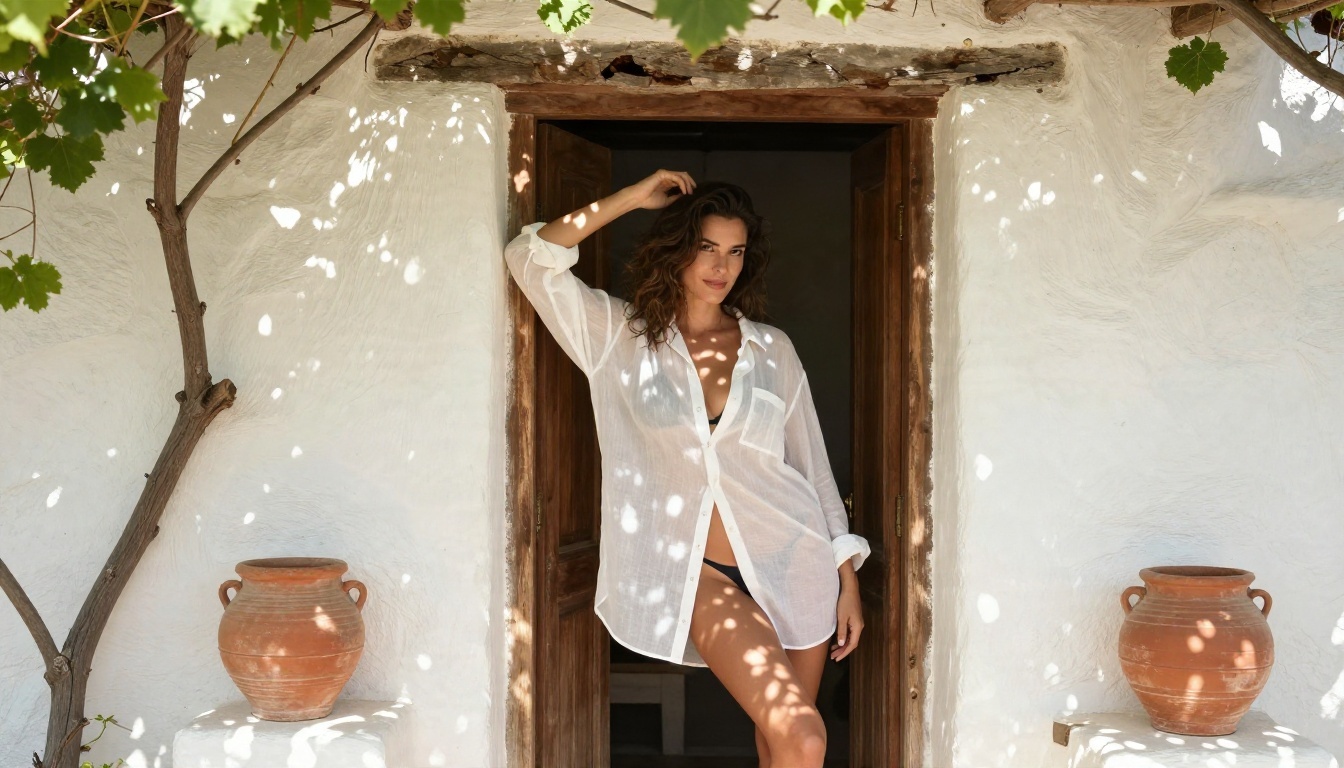
Full-body editorial scenes test a different skill: coherent clothing, believable perspective and background detail.
Online Alternatives Without the Setup
Local is not the only route. If your graphics card is old, if you use a laptop, or if you simply do not want to spend a weekend on installs, an online generator with relaxed adult-content handling gets you images in seconds. These are the models to try, in the order that gives the most useful results.
Seedream 4.5 Leads the List
Seedream 4.5 is the first model to open. It produces 4K photographic output with excellent skin rendering, handles glamour, lingerie and swimwear prompts without the refusals you hit on mainstream tools, and returns images quickly. For the photographic style shown in this article, it is the closest online match to a tuned local realism checkpoint, with none of the file management.
PicassoIA Image Editor Pro
PicassoIA Image Editor Pro is the second stop. Its main selling point is unlimited generations, so you can iterate freely the same way you would on a local machine, with no credit counter nagging you. It also edits: upload a render, change the outfit, shift the lighting, fix a detail. That edit loop is what makes local setups feel powerful, and here it takes one click.
Other Models Worth Testing
Content handling differs from model to model, so treat the last four as options to test rather than guarantees. Seedream 4.5 and Image Editor Pro are the ones built for relaxed, fast adult-style output.
How to Use Seedream 4.5 Online
Here is the shortest route from idea to finished image.
- Open the model page. Go to Seedream 4.5.
- Write the prompt with the formula above: subject, clothing, pose, setting, light, lens, film look.
- Choose 16:9 for scenic shots and a vertical ratio for portraits meant for phones.
- Pick the highest resolution the page offers. Seedream 4.5 handles 4K, so there is no reason to start small.
- Generate, compare and refine. Change one line of the prompt at a time.
- Send favorites to the editor. Open PicassoIA Image Editor Pro to adjust clothing, light or background without starting over.
- Upscale if needed with Real ESRGAN for wallpaper or print sizes.
Parameter Tips
- Be literal about lighting. "Soft window light from the left" beats "nice lighting."
- Name the lens. 85mm for portraits, 35mm for environmental shots, 24mm for aerial angles.
- Add film language. "Kodak Portra 400, fine grain" gives warm, natural skin tones.
- Keep prompts under about 80 words. More text often means less control.
- Say adult clearly. State the subject's age range in the prompt, every time.
Rules Worth Following
Adult AI imagery sits in a legal and social gray zone, and a few firm lines keep you out of trouble, local or online.
- Adults only. Never generate anyone who is or looks under 18. No exceptions, no ambiguity.
- No real people. Do not use a real person's face, name or likeness without their consent. Non-consensual deepfakes cause real harm and are illegal in a growing number of places.
- Check licenses. Some checkpoints forbid commercial use or redistribution.
- Mind where you share. Platforms and countries have different adult-content laws. Know yours before you post anything.
- Store files sensibly. A local library is private only if the drive is.
💡 Rule of thumb: invent the person. Original, fictional adult characters are the safest and most creative route.
Make Your Own Images Today
You now have the map. If you love tinkering and own the hardware, install Forge, pull an SDXL realism checkpoint, and spend an evening learning how prompts, samplers and LoRAs interact. If you want the same kind of result right now, skip the install.
Open Seedream 4.5, paste one of the three prompts above, and change the outfit, the light or the lens. Then bring the best result into PicassoIA Image Editor Pro and refine it with unlimited generations. When you want to see what else is available, browse every model at picassoia.com/en/all-models. Pick a prompt, press generate, and see how far ten minutes gets you.


