You type a perfectly reasonable question into a cloud chatbot and get a polite lecture instead of an answer. Maybe you were drafting a gritty crime scene, testing your own network, or asking a blunt medical question. It happens to everyone, and it is the main reason local AI without restrictions has exploded: you download open weights, run them on your own machine, and decide the rules yourself.
The catch is that "free and uncensored" sounds simpler than it is. Which model? Which app? Will your PC even load it? This article answers all three with real numbers, honest trade-offs and a setup you can finish in about twenty minutes.
💡 Quick answer: an 8B model in 4-bit form needs roughly 5 to 6 GB of VRAM, runs on most gaming laptops from the last few years, and is the best first download for almost everyone.
What "Uncensored" Really Means
The word gets thrown around loosely, so let's pin it down. An uncensored local model is an open-weight language model that has had its refusal behaviour reduced or removed, either through extra fine-tuning or by editing the internal directions that trigger a refusal. It will answer more questions without hedging, moralising or shutting the conversation down.
It does not mean the model is smarter, more truthful or free of bias. It means fewer "I can't help with that" replies.

Why People Go Local
The reasons are more ordinary than the reputation suggests:
- Fiction writers who need villains, violence or dark themes handled without constant disclaimers.
- Security hobbyists who want to talk through their own lab setups and CTF challenges.
- Privacy-minded users who do not want personal documents, health questions or drafts sent to a company server.
- Tinkerers who simply like owning the whole stack, from weights to prompt.
- Travellers and remote workers who need a chatbot that works with no internet connection.
Privacy is the strongest argument. When the model runs on your own hardware, your prompts never leave the machine. There is no account, no chat history stored by a vendor, and no usage cap.
What Stays Off the Table
Running a model locally does not change the law where you live. Content that is illegal to create or possess remains illegal, whatever software produced it. An unfiltered model also has no built-in brakes against confident nonsense, so medical, legal and financial answers still need checking against a human professional.
Free Models Worth Downloading
Open-weight models are shared as files, usually in the compact GGUF format that apps like Ollama and LM Studio load directly. Names change fast, and community finetunes appear every week, so treat the list below as a map of families rather than a fixed ranking.
Dolphin and Hermes Finetunes
Dolphin, created by Eric Hartford, is probably the best-known family of low-refusal finetunes. It has been released on top of Llama, Mistral and Qwen bases, and community download counts keep it near the top of the uncensored category. Nous Hermes models take a similar approach: strong instruction following, a neutral tone and far fewer refusals than the official chat versions.
Use these when you want a general-purpose assistant that rarely says no.
Abliterated Models Explained
"Abliterated" models use a different trick. Instead of retraining on new data, the person publishing the model identifies the internal direction linked to refusals and removes it. The result keeps most of the original model's skill while dropping the reflex to decline.
Trade-offs to expect:
- Slightly lower accuracy on some benchmarks than the original release.
- Occasional odd or rambling answers, because the edit is blunt.
- Very fast turnaround: new base models often get an abliterated version within days.
Lexi, an uncensored version of Llama 3.1 8B Instruct, is a popular example for laptops, with GGUF files that load easily in LM Studio.
Hosted Models for Comparison
Before you spend an evening downloading 20 GB, it helps to know what a given model family feels like. PicassoIA hosts several open-weight models you can test in the browser with no install:
⚠️ Hosted models keep their publisher's safety behaviour. They are a way to sample writing style, speed and reasoning, not a replacement for a local, unfiltered finetune.
Here is a quick comparison of the families people usually choose between:
| Family | Typical size | Strength | Refusal level (stock) |
|---|
| Llama 3.x / 4 finetunes | 8B to 70B | Best all-rounder, huge community | Medium |
| Mistral finetunes | 7B to 24B | Fast, light, good for roleplay | Low to medium |
| Qwen finetunes | 7B to 32B | Strong at code and multilingual | Medium |
| Dolphin and Hermes | 7B to 70B | Instruction following, neutral tone | Very low |
| Abliterated releases | Any | Original skill, few refusals | Very low |
Apps That Run Them
The model is only half the setup. You also need a runner, which loads the file, handles your GPU and gives you a chat window. Almost all of them rely on the open source llama.cpp engine underneath, so performance is similar and the choice comes down to taste.
Ollama for Terminal Fans
Ollama installs in one step on Windows, macOS and Linux. You type a single command, it downloads the model and drops you into a chat. It also exposes a local API, which means other apps can talk to it. If you like simple tools that stay out of your way, start here.
LM Studio for Point and Click
LM Studio is the friendliest option for beginners. It has a built-in model browser, shows you how much memory each file needs before you download, and lets you drag a slider to decide how many layers go to the GPU. Chat history, system prompts and presets are all in one window.
Jan, GPT4All and KoboldCpp
- Jan: an open source desktop app with a clean chat interface and a local server mode.
- GPT4All: very light, good for older laptops and offline use.
- KoboldCpp: a single executable with no install, popular with fiction and roleplay writers thanks to its story-focused features.
- Open WebUI: a browser front end that sits on top of Ollama and adds multi-user accounts, document upload and a more familiar chat layout.
| App | Difficulty | Best for | Runs offline |
|---|
| Ollama | Easy | Developers, quick tests | Yes |
| LM Studio | Very easy | First-time users | Yes |
| Jan | Easy | Clean desktop chat | Yes |
| GPT4All | Very easy | Older or weaker PCs | Yes |
| KoboldCpp | Medium | Long stories, roleplay | Yes |
PC Requirements by Model Size
This is where most people get stuck, so here is the simple version. A model's file size depends on the number of parameters (the "B" in 8B) and how heavily it is quantised, meaning compressed. The most common choice, Q4, uses roughly half a gigabyte per billion parameters, plus extra memory for the conversation itself.
VRAM Rule of Thumb
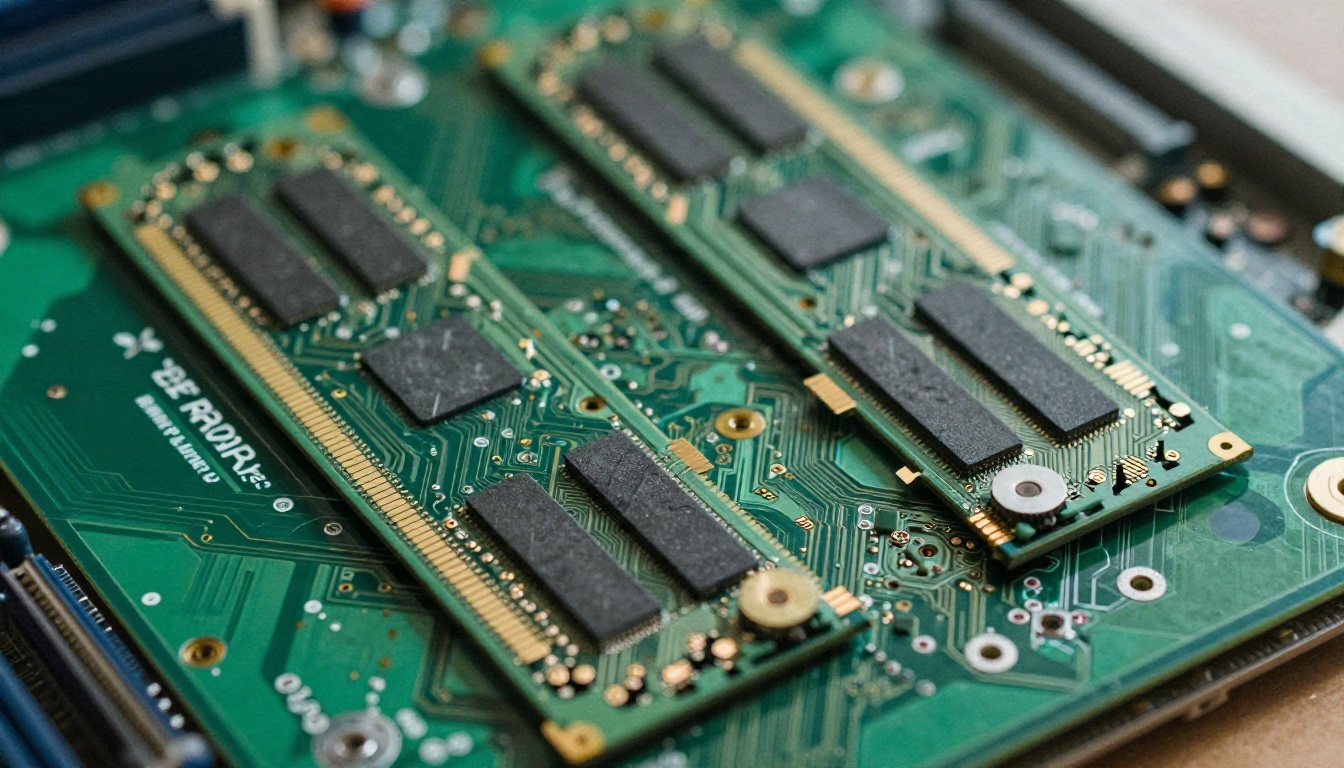
Take the parameter count, multiply by about 0.6, and add 1 to 2 GB of headroom for context. That gives you the VRAM you want if the whole model should sit on the graphics card. Sources vary a little, but these figures are a safe planning range:
| Model size | Q4 file size | VRAM wanted | System RAM | Example hardware |
|---|
| 3B | about 2 GB | 4 GB | 8 GB | Thin laptop, older GPU |
| 7B to 8B | 4.5 to 5 GB | 6 to 8 GB | 16 GB | RTX 3060, RTX 4060 laptop |
| 13B to 14B | 8 to 9 GB | 10 to 12 GB | 16 to 32 GB | RTX 3060 12 GB, RTX 4070 |
| 24B to 32B | 15 to 20 GB | 20 to 24 GB | 32 GB | RTX 3090, RTX 4090 |
| 70B | about 40 GB | 40 GB or more | 64 GB | Two GPUs or a large Mac |
💡 If a model does not fit in VRAM, apps can split it: some layers on the GPU, the rest in system RAM. It works, but expect speed to drop sharply.
GPU, CPU Only and Apple Silicon
- NVIDIA GPUs are the easiest path thanks to broad driver and CUDA support. VRAM matters more than raw speed: a 12 GB card usually beats a faster 8 GB card for this job.
- AMD GPUs work in most apps, though setup can take an extra step on some systems.
- CPU only is possible with small models. Expect a few words per second on a 7B model, which is fine for patient use and painful for long answers.
- Apple Silicon Macs share memory between CPU and GPU, so a Mac with 32 GB of unified memory can load models that would need a 24 GB graphics card on a PC.
You also need disk space. Keep 50 GB free if you plan to try several models, and an SSD makes loading much quicker than a hard drive.
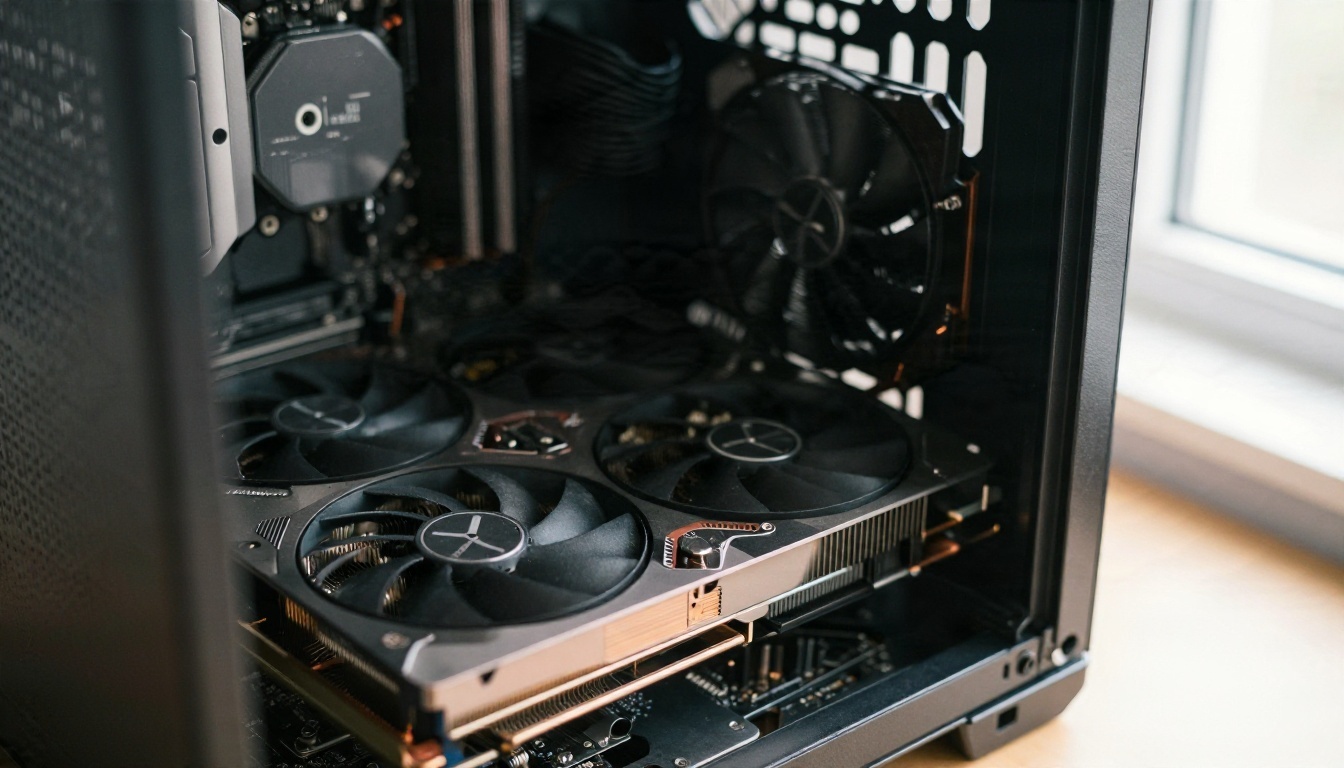
Speed You Can Expect
Roughly speaking, a 7B or 8B model on a mid-range graphics card gives you 30 to 60 tokens per second, faster than most people read. A 32B model on a 24 GB card lands closer to 15 to 30. A 70B model split across GPU and RAM can crawl at 1 to 3 tokens per second.
Set Up Your First Chat
Here is the shortest route from nothing to a working local chatbot, using LM Studio as the example. Ollama follows the same logic.
Step by Step
- Update your graphics drivers. Outdated drivers are the number one cause of "model won't load" errors.
- Install the app. Download LM Studio or Ollama from its official site and run the installer.
- Pick a size. Check your VRAM in Task Manager (Performance tab, GPU) and use the table above to choose a model that fits.
- Search for a model. Type a family name such as Dolphin, Hermes or Lexi, and choose a Q4_K_M file. That quant is the usual balance of size and quality.
- Load it. Set GPU offload to maximum. If you get an out-of-memory error, lower the number of layers.
- Write a system prompt. Tell the model who it is and what tone you want. Low-refusal models respond strongly to a clear role.
- Chat. Start with something short to check speed, then test the topics you actually care about.
Settings That Matter
- Context length: 4096 is plenty for chat. Higher values eat VRAM quickly.
- Temperature: 0.7 for balanced answers, 0.9 or more for creative writing, 0.2 for factual tasks.
- Repeat penalty: around 1.1 reduces looping.
- System prompt: keep it under 150 words.
Common Mistakes
- Downloading a 70B model on a 12 GB card and wondering why it takes minutes per sentence.
- Choosing a Q2 or Q3 file to save space. Quality falls off noticeably below Q4.
- Skipping the driver update.
- Trusting random files from unknown uploaders. Stick with well-known publishers and check download counts.
- Expecting an "uncensored" label to fix a weak model. A bad 7B model without filters is still a bad 7B model.

Staying Safe With Unfiltered Models
Removing filters moves responsibility from the vendor to you. A few habits keep the experience useful rather than risky.
Protect Your Machine
Model files are mostly safe in GGUF form, but the apps and scripts around them are not always trustworthy. Download software only from the official project page, avoid "cracked" installers, and be careful with random Python scripts that ask you to run commands.
Protect Your Conclusions
A model with no refusals will happily produce confident errors. When the answer affects your health, money or legal position, treat it as a draft to check, not a verdict.
Keep Things Offline
If privacy is your goal, block the app from the internet once the model is downloaded, or use a runner with a fully offline mode. Check that any extra tools you connect, such as web search plugins, are things you actually want sending data out.
Try Hosted Models Before You Download
Not sure whether an 8B model feels good enough? Spend ten minutes on PicassoIA first. You can compare a Llama-family reply with a Mistral-family one, check how a reasoning model handles a tricky question, and see what quality you can expect before you commit disk space and an evening to a download.
For the heavier lifting, larger hosted options such as Qwen3.7-Plus and Kimi K2.6 are available when your own PC cannot load a model that size. Remember that these follow their publishers' safety rules, so they suit drafting, coding and research rather than unfiltered roleplay.
Make Pictures Too, Not Just Text
A local chatbot is a great writing partner, and it pairs well with image generation. Once your story, character description or scene is ready, you can turn those words into photorealistic visuals without leaving the browser.
PicassoIA gathers text-to-image models, image editing, upscaling, video generation, text-to-speech and more in one place, so a script written in your local chat can become a cover image, a narrated clip or a set of illustrations in minutes. Browse everything at picassoia.com/en/all-models, pick a model, paste a prompt from your latest chat and see what comes out.
Start small: download an 8B model tonight, write one short scene, then bring it to PicassoIA and turn it into an image. That single loop shows you how far a free, private setup can go.


