Large Language ModelsGenerate imagesGenerate videos
Local MCP Server for Web Search: Free Options for Claude
A local MCP server gives Claude fresh web results without a monthly bill. This article compares DuckDuckGo, SearXNG, Brave and Tavily setups, shows the exact configs for Claude Desktop and Claude Code, lists each free limit, and fixes the errors that usually appear.
Claude can refactor a module, explain a research paper and draft a migration plan, but it cannot open a browser on its own. Ask about a library released last week and it answers from memory or admits it does not know. A local MCP server for web search closes that gap. It is a small program on your own machine that Claude calls whenever it needs fresh pages, and several versions cost nothing to run. Below are the free options for Claude that work today, from a two-line DuckDuckGo setup to a private SearXNG instance, with the real limits of each one spelled out before you hit them.
Why Claude Needs a Search Tool
Claude's knowledge stops at its training cutoff. Package releases, API changes, pricing pages and the error message you got this morning all sit outside it. A search tool lets the model look things up instead of guessing, and it lets you check any answer against a real URL.
What a Local Server Actually Does
The Model Context Protocol (MCP) is the open standard that lets an AI client call outside tools. A local MCP server is a process your client starts on your own computer, usually over stdio. Claude Desktop or Claude Code runs the command from your config, asks the server which tools it offers, and calls them when a task needs them.
For web search you usually get two tools: one returns a list of results, the other fetches a page and hands back readable text. Nothing is hosted for you. The server sends your query to a search backend, which might be DuckDuckGo, your own SearXNG instance or an API with a free allowance, and passes the results back to Claude.
When Built-In Search Is Enough
Claude Code ships with its own web search and fetch tools, and the Claude apps offer search on some plans. Availability depends on your plan and region, so check what your client already includes before you add anything. A local server earns its place when:
Built-in search is missing on your plan or in your region
You want a specific engine, or your own instance, for privacy
You want the same search in several MCP clients at once
You want to control rate limits and read your own logs
💡 Tip: If you already know the page, fetch the URL directly. A fetch is cheaper than a search. Keep searches for questions where you don't know the source.
The Free Options at a Glance
Four setups handle most needs. The first two run entirely on your hardware. The last two keep the server local but call a hosted search API that gives a monthly allowance.
Option
Search backend
Free allowance
Account needed
Weak spot
DuckDuckGo MCP
DuckDuckGo HTML endpoint
No published quota, 30 searches a minute by default
No
Unofficial scraping, can return empty results
SearXNG MCP
Your own SearXNG instance
Limited only by your hardware
No
You maintain the instance
Brave Search
Hosted API
$5 in monthly credits, about 1,000 queries
Yes, card required
No longer a true free plan
Tavily
Hosted API
1,000 credits a month
Yes, no card
Deeper searches use credits twice as fast
What "Free" Really Means
The word hides three different deals:
Free in money, paid in setup. SearXNG has no quota, but you install it, update it and watch it.
Free with a ceiling. Tavily gives 1,000 credits a month and stops requests when they run out instead of billing you. Brave gives $5 of monthly credits, roughly 1,000 searches.
Free with no promises. DuckDuckGo has no published quota and no contract. It works until the endpoint changes.
Brave retired its old plan of 2,000 free queries a month in early 2026 and moved to metered credits. It asks for a card as an anti-fraud check even when you stay inside the free credit, so check your usage dashboard after the first week. Two more hosted names show up in roundups: Firecrawl offers 1,000 credits a month with a free token, and Jina gives a one-time grant of 10 million tokens that does not refill, so treat it as a trial.
Option 1: DuckDuckGo With Zero Accounts
The fastest route is the community server duckduckgo-mcp-server, an MIT-licensed Python project by nickclyde. It needs no token, no signup and no card.
Install in Two Minutes
You need uv installed, because uvx runs Python tools without a manual install. Open the Claude Desktop config file. On Windows it lives at %APPDATA%\Claude\claude_desktop_config.json, on macOS at ~/Library/Application Support/Claude/claude_desktop_config.json. Add this block:
Quit Claude Desktop fully and reopen it so it reads the file. In Claude Code, one command does the same job:
claude mcp add ddg-search -- uvx duckduckgo-mcp-server
claude mcp list
The server exposes a search tool and a content fetching tool, so Claude can search, pick a link and read the page.
Limits and Quirks
The project's README is honest about its guardrails:
Search is throttled to 30 requests per minute by default, and page fetching to 20 per minute globally
HTTP 429 responses are honored, with the wait capped at 30 seconds
Some sites block the default HTTP client through TLS fingerprinting, and an optional browser extra impersonates Chrome to get past that
Long URLs are swapped for short ref:// tokens to save context window space
Requests to private and loopback addresses are blocked by default (SSRF protection)
Roundups also report that Cloudflare filtering can make the HTML endpoint return empty results now and then.
💡 Tip: If a search comes back empty, wait a minute and ask again before touching your config. Throttling looks a lot like a broken install.
This setup suits a personal laptop, light research and quick lookups. It is a weak base for a team, or for an automated job that fires hundreds of queries.
Option 2: SearXNG on Your Own Hardware
SearXNG is a self-hosted metasearch engine. It forwards your query to many engines, merges the results and does not track you. Pair it with the mcp-searxng server and Claude gets a private search backend with no quota beyond what your machine can handle.
Run the Container
Docker is the shortest path. Bind the port to localhost so the instance is not exposed to your network:
docker run -d --name searxng -p 127.0.0.1:8080:8080 -v "$PWD/searxng:/etc/searxng" searxng/searxng
On the first start the container writes its default settings.yml into the mounted folder. Open that file and allow JSON output, because the MCP server asks for it:
search:
  formats:
    - html
    - json
Restart with docker restart searxng, then test the endpoint:
claude mcp add searxng -e SEARXNG_URL=http://localhost:8080 -- npx -y mcp-searxng
The server offers four tools: searxng_web_search (paginated, with filters), searxng_search_suggestions, searxng_instance_info and web_url_read, which fetches a URL and converts it to markdown. If your instance still refuses JSON, the README describes an optional HTML fallback switch, SEARXNG_HTML_FALLBACK=true.
The trade-off is upkeep. Upstream engines sometimes throttle a home IP, so an engine may drop out of the results for a while. Update the container now and then, and watch it closely during the first week.
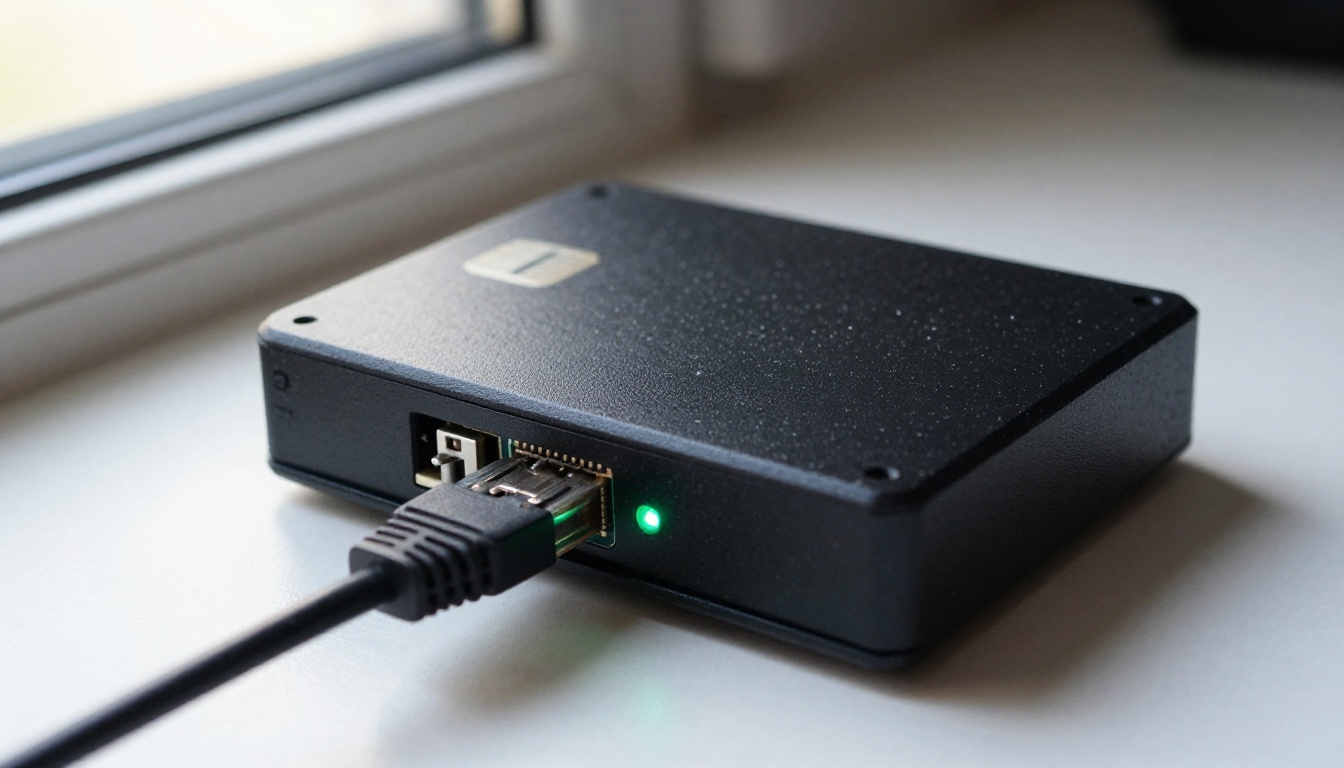
💡 Tip: A wired connection is worth it if the instance lives on a shelf. Latency adds up when Claude chains five lookups inside one task.
Option 3: Hosted APIs With Free Credits
These servers still run on your machine, but the search backend is a hosted API. You get cleaner ranking and no scraping, in exchange for an account.
Brave Search Credit
Brave publishes an official server, @brave/brave-search-mcp-server, started with npx -y @brave/brave-search-mcp-server. Its tools include web, news, image and video search plus an AI summarizer. Create an account, add a card, generate an access token and place it in the env block of your config, following the README for the exact variable name. The $5 monthly credit buys about 1,000 searches, which is plenty for one person and thin for an agent loop.
Tavily Free Tier
Tavily's free plan gives 1,000 credits a month with no card. A basic search costs 1 credit and a deeper one costs 2, so you get either 1,000 basic searches or 500 deeper ones. The server tavily-mcp runs with npx -y tavily-mcp@latest and exposes tavily-search and tavily-extract. Tavily stops requests when the credits run out instead of charging you, which makes it the safest hosted pick for a first month.
Make Search Results Useful
A search tool alone returns snippets. The rest of the work is getting Claude to read the right pages and report back honestly.
Pair Search With a Page Fetcher
Snippets rarely hold the full answer. Add a fetch tool so Claude can open the winning link. The official fetch server runs with uvx mcp-server-fetch, converts HTML to markdown and returns 5,000 characters by default, with a start_index argument to read long pages in chunks. For pages that need JavaScript, a browser tool such as Playwright MCP handles the rendering, at the cost of more memory.
Write Prompts That Trigger Search
Claude does not always reach for a tool on its own. Tell it when to search and what to bring back:
"Search the web for the latest release notes of this library and quote the version number."
"Use search for anything newer than last year, and list the URLs you read."
"Fetch the top two results and compare them before you answer."
💡 Tip: Ask for sources every time. A reply with URLs is easy to verify. A reply without them is just memory again.
Fix the Usual Failures
Symptom
Likely cause
Fix
Server missing in Claude Desktop
Config not reloaded, or invalid JSON
Validate the JSON, quit the app fully, reopen
Command not found
uvx or npx is not on the PATH the app uses
Install uv or Node.js, or put the full path in the config
SearXNG returns an error on search
JSON format not enabled
Add json to search.formats, restart the container
Empty results from DuckDuckGo
Throttling or Cloudflare filtering
Wait a minute and lower the query volume
Hosted API stops answering
Free credits used up
Check the dashboard, switch backend until the month resets
In Claude Code, claude mcp list shows whether each server connected.
Your local server serves the Claude client on your machine, and a browser-based model cannot reach it. A hosted model is still handy for writing and debugging the setup around it. Claude Sonnet 5 on PicassoIA reads plain English requests, stack traces and screenshots, which fits the config problems above.
Paste your config file or the error log into the Prompt input.
Attach a screenshot in the optional Image input if the error sits inside an app window.
Run it and read the answer, then paste the fix into your config and restart the client.
Set Effort and Output Length
Setting
Default
When to change it
Effort
low
Low turns thinking off for fast, cheap answers. Use medium or high for configs that touch several files, xhigh or max for the hardest bugs
Max tokens
8,192
Caps the reply length. The default suits a full config file with notes
System prompt
empty
Set a role once and reuse it across the session
Max image resolution
0.5 megapixels
Raise it if small text in a screenshot gets lost, since the image is scaled down to save time and cost
Prompts That Debug Your Config
Set the system prompt once: "You are a careful DevOps assistant. Answer for Windows 11 and Claude Desktop. Always show the full corrected JSON." Then send something specific: "Here is my config file and the log line after restart. Why does the searxng server not appear in the tool list?"
For harder coding problems, Claude Fable 5 is also available on PicassoIA.
💡 Tip: Remove every token and password before you paste a config into any chat window, hosted or not.
Your Next Build With Picasso IA
Search is only one MCP server, and Claude can run several at once. A search server can sit beside tools that make visuals. PicassoIA offers its own API and MCP connection for image and video generation. The details are on the API page, so check which plan includes it before you build around it.
Here is a short plan for today:
Pick one option. DuckDuckGo if you want to finish in ten minutes, SearXNG if privacy matters, Tavily if ranking quality matters most.
Test it with a question whose answer changed recently. A release date or a price works well.
Ask for URLs and open two of them yourself.
Then make something visual. Open Picasso IA, write a photo prompt for the header image of your own project, change one detail such as the lens, the light or the room, and render it again. Two or three rounds of small edits teach you more about prompting than any list of rules. Start with your first image today and keep experimenting with the platform.