You downloaded a LoRA, dropped it into your workflow, and the result looks like a melted wax figure. Or worse, nothing changed at all. That is the most common story with an NSFW LoRA, and it almost never comes from a bad file. It comes from a mismatched base model, a strength value that is too high, or a prompt that fights the adapter instead of working with it.
This article walks through what an NSFW LoRA actually does, where free files come from, the settings that give clean results, prompt formulas you can copy, and the quickest ways to run all of it online without owning a graphics card. Everything here stays on the tasteful side: glamour, lingerie, swimwear and artistic portraits of adult, fictional subjects.
What an NSFW LoRA Does
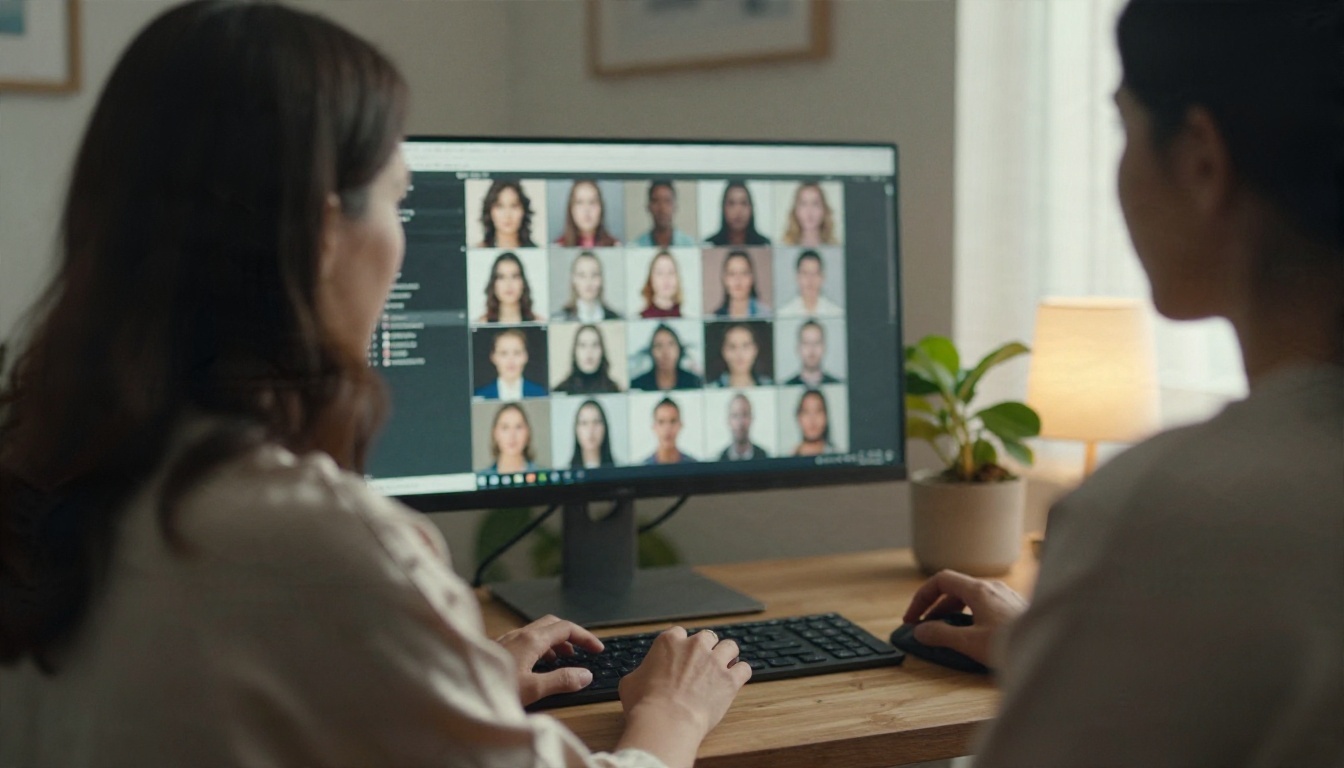
A LoRA (Low-Rank Adaptation) is a small add-on file, usually between 20 MB and 400 MB, that nudges a large image model toward a specific look, pose family or body style. You do not replace the base model. You clip a lightweight adapter on top of it.
For adult content this matters because base models are often trained with conservative filters. A well-made adapter restores things the base model avoids or renders poorly:
- natural skin with believable texture instead of plastic smoothing
- lingerie fabrics such as lace, satin and mesh with correct folds
- body proportions that stay stable across poses
- a consistent aesthetic, such as film glamour, boudoir or beach editorial
💡 Quick rule: a LoRA changes style and subject details. It does not change what the base model can fundamentally draw. A weak base model plus a great LoRA still gives weak anatomy and hands.
LoRA vs Checkpoint vs Embedding
| Type | File size | What it changes | Best for |
|---|
| Checkpoint | 2 to 24 GB | Entire model behavior | Switching overall look |
| LoRA | 20 to 400 MB | Style, pose, clothing, subject traits | Targeted adult styles |
| Embedding | Under 1 MB | A single concept or token | Small tweaks |
Why Base Model Match Matters
Every LoRA is trained against one architecture. A file built for SDXL will not behave on Flux, and a Pony variant will produce garbage on a standard SDXL checkpoint. The model page almost always states the base. Read it before you download anything.
Where Free Downloads Come From
Free NSFW LoRA files live in a few well-known places. Civitai is the largest catalog and lets you filter by base model, rating and download count. Hugging Face hosts many community adapters, often with cleaner documentation and without the social layer. Smaller Discord communities and creator pages share files too, but quality control is thin.
How to Pick a Good File
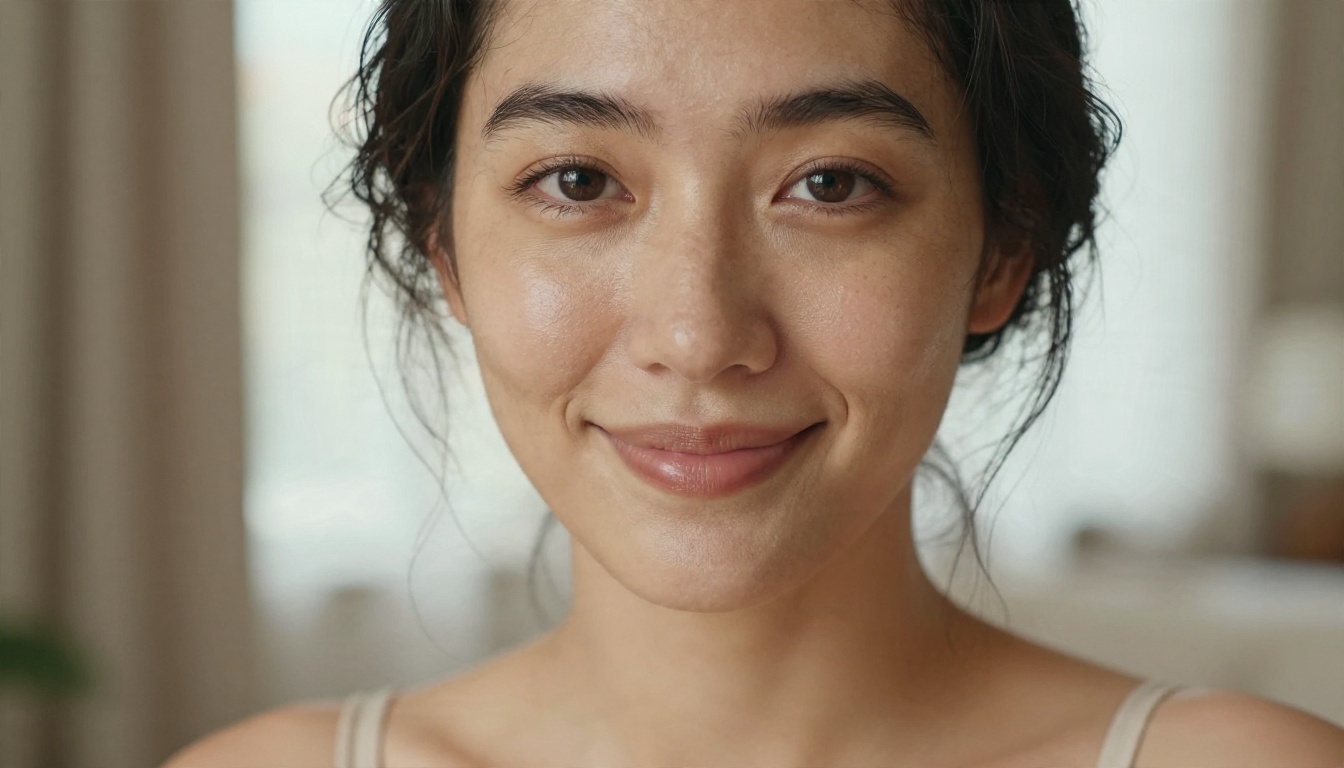
Download count alone is a poor signal. Judge a LoRA the way you would judge a lens: look at the sample images and ask whether they match what you actually want to make.
- Check the base model listed on the page. Flux, SDXL, Pony, SD 1.5 and Z-Image are not interchangeable.
- Read the trigger words. Many adapters only activate when a specific token appears in the prompt.
- Look at the sample images with metadata. If creators show their prompt, strength and sampler, you can reproduce their results.
- Scan the comments for reports about washed out colors, broken hands or a heavy face bias.
- Confirm file precision. Some versions ship as fp16 and others as fp8. Pick the one your setup supports.
Safety Rules Worth Following
Some adult catalogs gate files behind a login or age check, so expect an account prompt. More importantly, use these tools only for fictional, adult subjects. Skip any adapter whose purpose is to strip clothing from photos of real people or to imitate a real person's likeness. That use harms people, and in many places it is illegal. A good LoRA workflow starts from a prompt and a fictional character, never from someone's photo.
💡 Tip: keep a simple text file listing each LoRA you test, its base model, trigger word and the strength that worked. After ten downloads you will not remember any of it.
Settings That Actually Work
Most failures come from three numbers: LoRA strength, guidance and steps. Here are sensible starting points, collected from community write-ups and typical behavior of each architecture. Treat them as a first draft, not law. Your exact file may want something different.
Strength by Architecture
| Base model | Starting strength | Safe range | Notes |
|---|
| Flux | 0.6 to 0.8 | 0.4 to 1.0 | Reacts strongly, test in 0.05 steps |
| SDXL | 0.6 to 0.8 | 0.5 to 1.0 | More forgiving, can stack two adapters |
| Pony / SDXL derivatives | 0.7 | 0.5 to 1.0 | Follow the author's trigger tags |
| SD 1.5 | 0.7 to 0.9 | 0.5 to 1.2 | Older, tolerates higher values |
If skin starts to look waxy, hands warp, or every face looks identical, drop the strength by 0.1 before changing anything else. If the style barely shows, raise it by 0.1. Never jump by 0.5.
Steps, Guidance and Sampler
For Flux Dev style models, 28 steps with a guidance value near 3 is a solid baseline. Pushing guidance above 4 often adds harsh contrast and plastic skin. SDXL models usually like 25 to 35 steps with a CFG scale between 5 and 7.
- Steps: 28 to 40 for Flux, 25 to 35 for SDXL
- Guidance: about 3 for Flux, 5 to 7 for SDXL
- Resolution: around 1 megapixel, then upscale if you need more
- Seed: lock it while you tune strength, so you compare like with like
Fix Weak Results Fast
💡 Test grid method: keep the prompt and seed identical, then render the same image at 0.4, 0.6, 0.8 and 1.0 strength. Pick the lowest value that still shows the style. Lower strength almost always means cleaner anatomy.
An NSFW LoRA responds best to prompts that read like a photographer's shot list. Skip the keyword pile. Describe subject, wardrobe, setting, light and lens in that order.
The Five Part Formula
- Trigger word from the LoRA page, placed first
- Subject, clearly adult, with age range and distinct features
- Wardrobe with fabric and color named
- Setting and light direction
- Camera, lens and film look
Three Copy Ready Prompts
Boudoir glamour:
trigger_word, adult woman in her late twenties, long wavy chestnut hair, black satin lingerie and a loose silk robe, reclining on a cream linen sofa, golden morning light from a tall window on the left, 85mm f/1.8, shallow depth of field, natural skin texture, Kodak Portra 400 grain
Beach editorial:
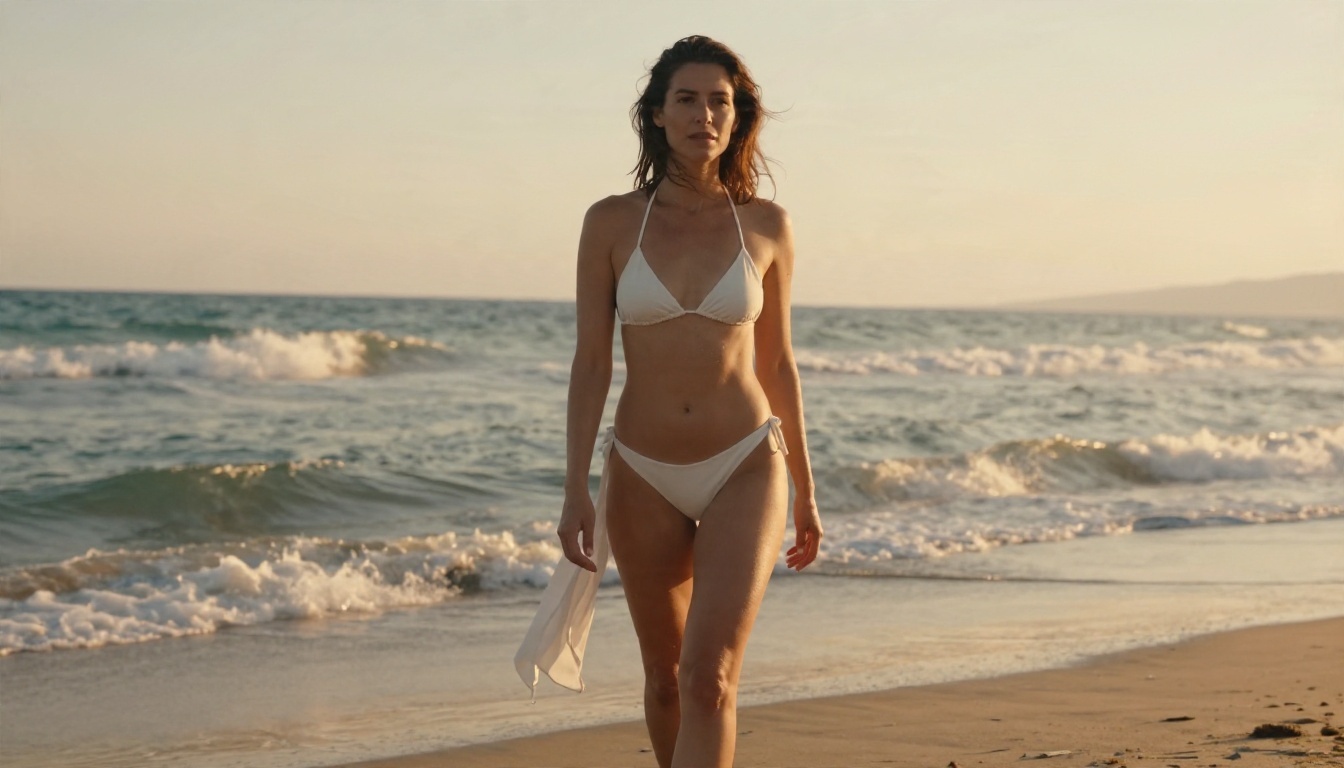
trigger_word, adult woman, white bikini and sheer sarong, standing on a quiet beach at golden hour, low angle, warm sidelight, wind in hair, 35mm f/2.8, sun kissed skin, film grain
Cozy lingerie portrait:
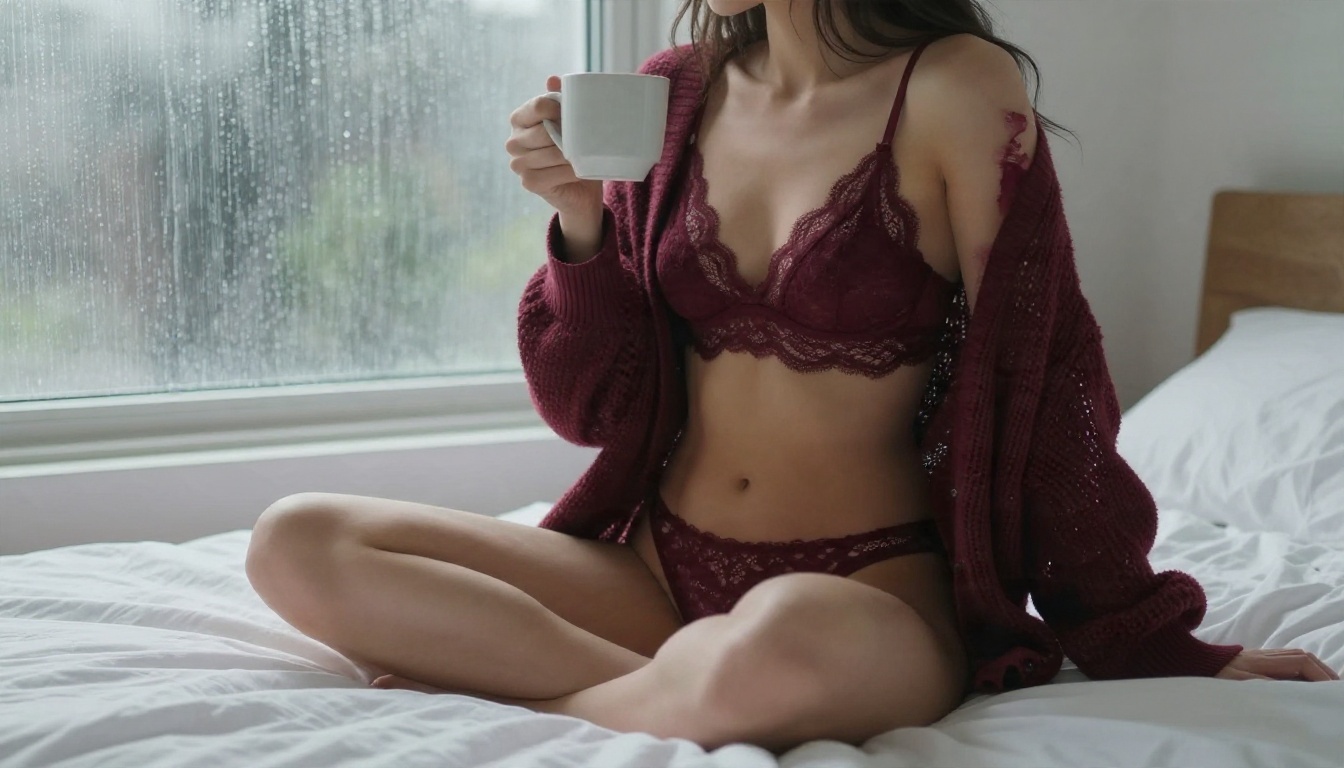
trigger_word, adult woman, burgundy lace set under an oversized knit cardigan, sitting on a bed with white sheets, rainy window, soft gray daylight, 50mm f/1.8, natural skin, subtle grain
Negative Prompt Starter
For SDXL based adapters, a short negative prompt works better than a long one: blurry, deformed hands, extra fingers, plastic skin, oversaturated, watermark, text. Flux models typically ignore negative prompts, so put the constraints in the main prompt instead: "natural skin texture, realistic hands, soft light".
💡 Tip: photographic language like "85mm f/1.8" and "Kodak Portra 400" pulls the result toward realism. It also dilutes the plastic look some adapters add.
Stacking Multiple LoRAs
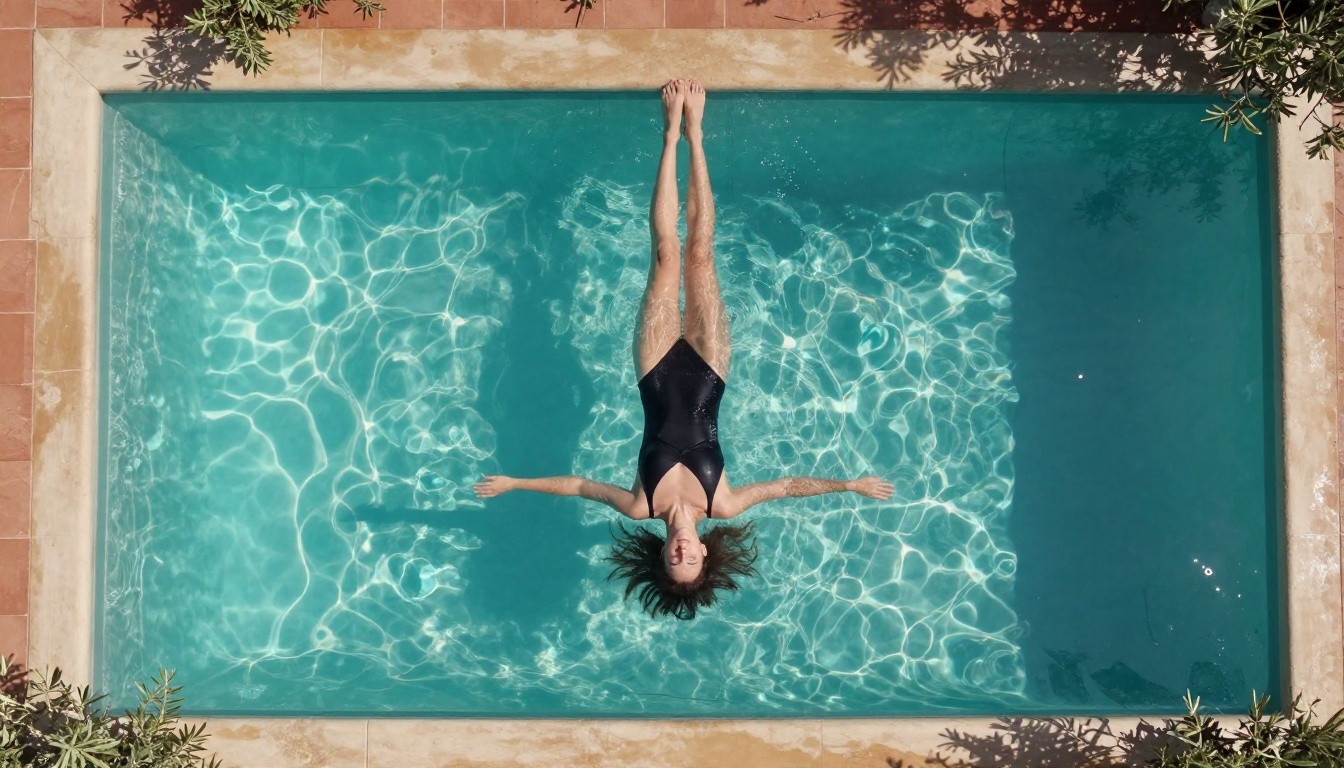
Stacking sounds powerful and usually backfires. Two adapters with overlapping jobs, such as two body style files, fight each other and the output turns into a muddy average.
Rules for Safe Stacking
- Combine adapters with different jobs: one for style, one for clothing, never two for the same thing.
- Keep the total strength near 1.2 to 1.5 across all adapters.
- Lower both values by 0.1 to 0.2 compared to using them alone.
- Avoid stacking several "unlock" style adapters. They compete for the same weights.
- Add them one at a time and test after each addition.
When to Train Your Own
If no public file gives you the look you want, training a small adapter on your own fictional character set is realistic. Around 15 to 30 consistent, well-lit images, captioned properly, are enough for a character or style. PicassoIA offers P Image Trainer and Qwen Image LoRA Trainer Legacy for exactly this. Train only on images you created or have full rights to.
Where to Use Online
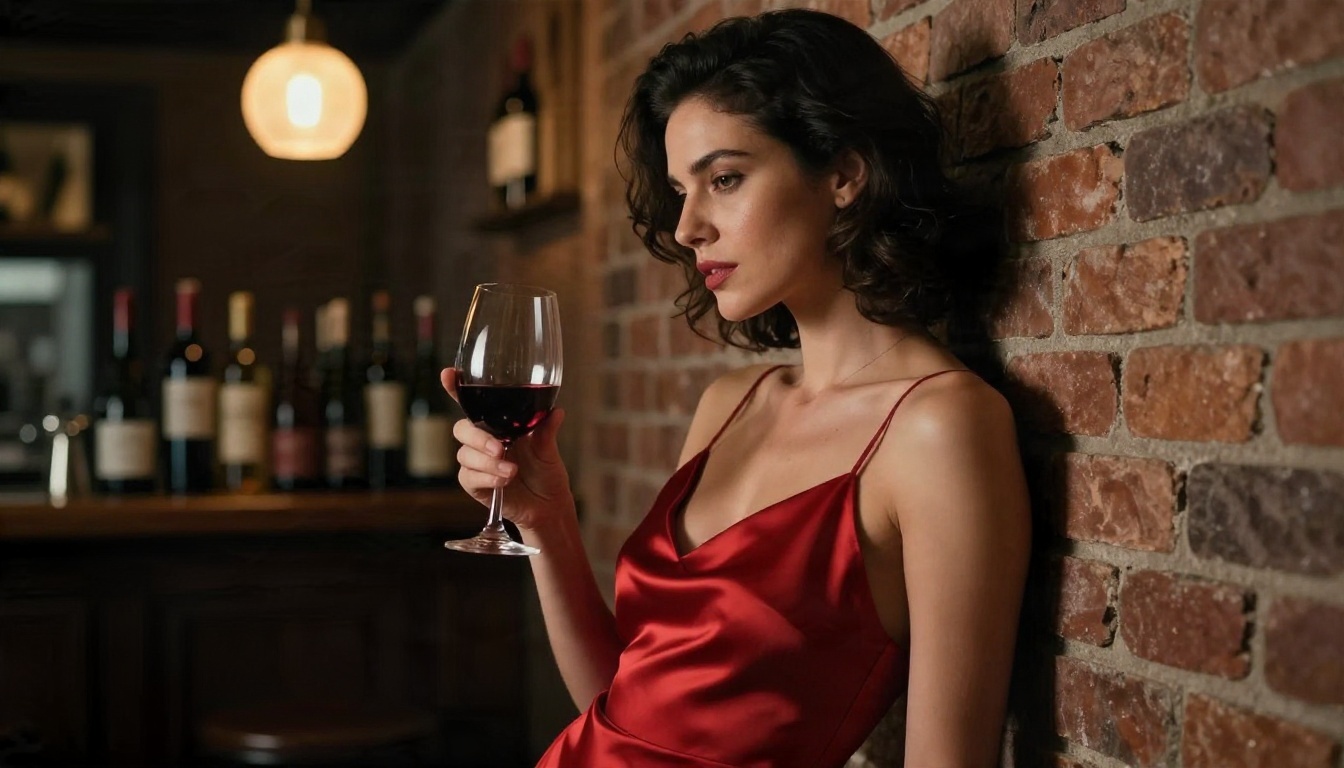
Running a LoRA locally needs a graphics card with 12 GB of VRAM or more for Flux class models, plus time to install and update a node based interface. Many people skip all that and run adapters in the browser.
Online Options Compared
| Option | LoRA support | Speed | Setup |
|---|
| Local node interface | Full | Depends on GPU | Hours |
| Hosted community sites | Limited to their library | Queue based | Minutes |
| PicassoIA LoRA models | Paste a weights link | Seconds | None |
| PicassoIA general models | No LoRA needed | Seconds | None |
Do You Even Need a LoRA?
Often not. A strong modern model already renders glamour, lingerie and swimwear with believable skin. A LoRA earns its place when you want a very specific aesthetic or a consistent character. For general adult glamour work, start with a model that needs no file at all.
Start With Seedream 4.5
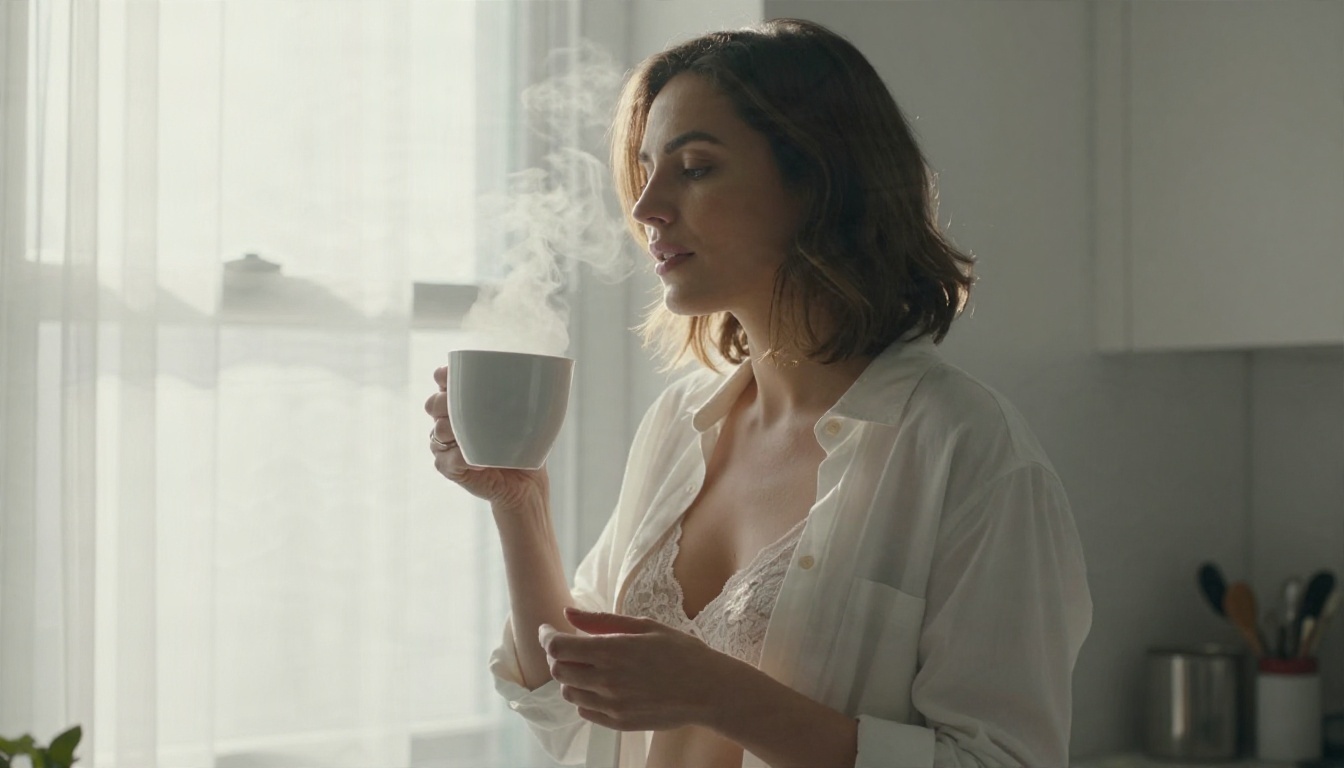
Seedream 4.5 is the first model to try for adult glamour and artistic portraits. It produces detailed, sharp images with natural skin and handles fabric, hair and lighting very well. Describe the wardrobe and light, and you often get what a LoRA would give you, with no downloads and no strength tuning.
Then Use Image Editor Pro
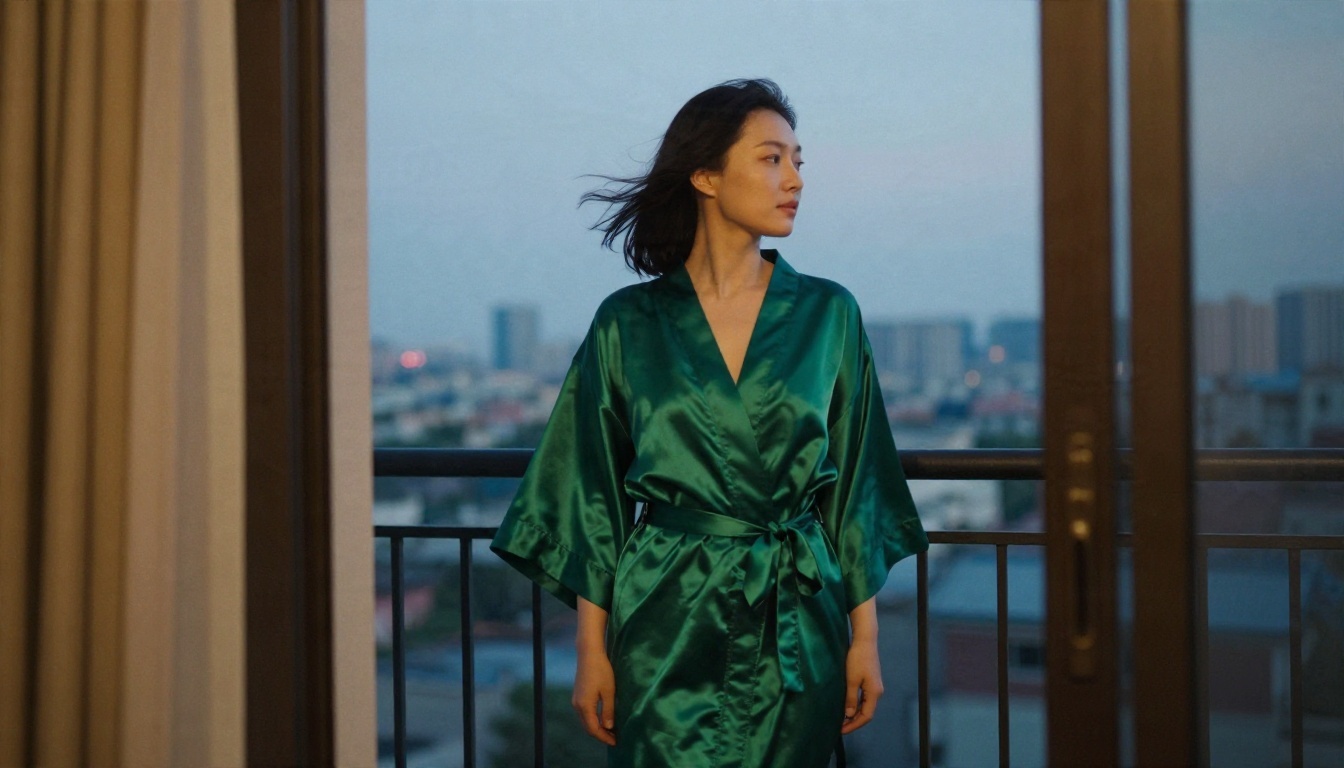
PicassoIA Image Editor Pro gives you unlimited generations, which changes how you work. You can run a dozen variations of a pose, wardrobe or lighting setup without watching a counter. Use it to refine an image you like: change the outfit color, adjust the background, or fix small details through plain language edits.
More Models Worth Trying
| Model | Best for | Link |
|---|
| Seedream 4.5 | Sharp glamour portraits, skin detail | Open |
| Image Editor Pro | Unlimited generations and edits | Open |
| Z Image Turbo | Very fast photoreal drafts | Open |
| Qwen Image 3 | Natural, photographic realism | Open |
| Flux Dev LoRA | Custom adapters by weights link | Open |
| Flux 2 Klein 9B Base LoRA | Styled output with adapters | Open |
| P Image LoRA | Quick custom adapter runs | Open |
How to Use Flux Dev LoRA on PicassoIA
When you do want a specific adapter, Flux Dev LoRA lets you load one by pasting its address. It accepts Hugging Face addresses, Civitai addresses and direct .safetensors links, so you skip the local install entirely.
Step by Step
- Open the Flux Dev LoRA page on PicassoIA.
- Paste your adapter address into lora_weights. If the file needs a login, add your token in the matching field.
- Write your prompt, starting with the trigger word from the adapter page.
- Set lora_scale to about 0.7 as a starting value.
- Choose 16:9 for landscape glamour shots or 2:3 for portraits.
- Keep num_inference_steps at 28 and guidance at 3.
- Set a seed so you can compare strength changes fairly.
- Generate, then change only the strength and run again.
Parameter Tips
| Setting | Default | What to do |
|---|
| lora_scale | 1 | Start near 0.7, adjust by 0.05 to 0.1 |
| go_fast | On | Leave on for drafts, switch off for final renders |
| guidance | 3 | Stay between 2.5 and 3.5 |
| num_inference_steps | 28 | Go up to 40 for final images |
| extra_lora | Empty | Add a second adapter with a lower scale |
| prompt_strength | 0.8 | Only used when you upload a reference image |
💡 Note on fast mode: with go_fast on, the tool applies a multiplier to the scale internally. If a value that worked in your local setup looks too strong here, lower it a little.
Common Mistakes to Avoid
Most bad results trace back to the same few habits. Fix these and your hit rate goes up quickly.
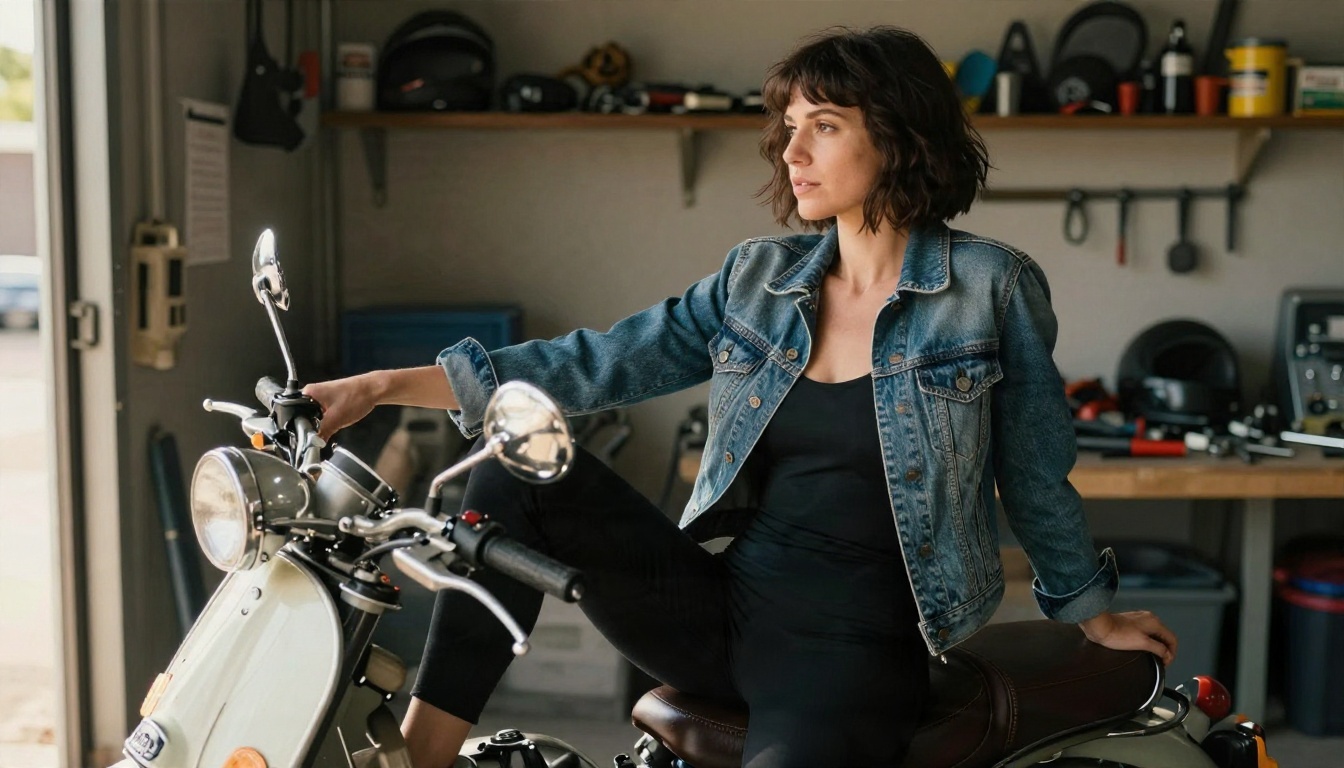
Five Errors That Waste Hours
- Wrong base model. An SDXL file on a Flux base gives noise, not style.
- Strength set to 1.0 by default. Most files look better between 0.5 and 0.8.
- Missing trigger word. The adapter loads but never activates.
- Too many adapters. Three stacked files rarely beat one good file.
- Long keyword soup. Natural, photographer style sentences give cleaner results.
Quality Fixes After Generation
If the face or hands come out slightly off, do not re-roll fifty times. Take the best frame and fix it with an editing model. Image Editor Pro handles local fixes through plain text instructions, and you can upscale the final result to sharpen skin and fabric detail.
A Simple Workflow That Works
- Draft with a fast model such as Z Image Turbo to find a pose and composition
- Re-render the best idea in Seedream 4.5 for detail
- Use a LoRA model only when you need a style no base model gives you
- Finish with small edits in Image Editor Pro
Try It Yourself
You do not need a graphics card, a node graph or a folder full of files to get good results. Open Seedream 4.5 and paste one of the prompts above. Then move to PicassoIA Image Editor Pro to run unlimited variations of the wardrobe, light and pose until the image matches what you pictured. If you already have an adapter you like, load it into Flux Dev LoRA with a strength near 0.7 and adjust from there.
Pick one prompt, run it three times with different seeds, and compare. Within a few minutes you will know whether you need a LoRA or whether a strong model already does the job. To see every available option, browse all PicassoIA models and start creating your own images today.


