LTX 2.3 NSFW Prompt Generator: Free Prompt Examples and Settings
A practical, copy-and-paste toolkit for LTX 2.3: a free LLM prompt generator template, six suggestive glamour prompt examples, camera and audio wording, and the exact fps, resolution and duration settings that give clean, sensual, non-explicit video.
Most people who try LTX 2.3 for glamour and swimwear video make the same mistake: they type "sexy woman on a beach" and wonder why the clip looks stiff, flat and silent. The model is not the problem. The prompt is. LTX 2.3 reads a prompt the way a director reads a shot list, so a vague line gets a vague shot. This article gives you a free LTX 2.3 NSFW prompt generator you can run in any chat model, six copy-ready prompt examples, and the exact settings that keep the result sensual, polished and non-explicit.
Everything below is about adult, suggestive content: bikinis, lingerie-style fashion, boudoir lighting, evening wear. We are aiming for the look of a high-end swimwear campaign, not anything pornographic. That boundary also makes the output better, because cinematic glamour prompts are more specific than crude ones.
💡 Adults only, always. Write every character as an adult, never base a prompt on a real person's likeness without their consent, and keep the content on the suggestive side. It keeps your work publishable and your clips cleaner.
What LTX 2.3 Actually Does Well
LTX 2.3 is a video model from Lightricks that generates picture and sound together in a single pass. That matters for glamour content, because ambient sound (waves, fabric rustle, soft music) is part of what makes a clip feel real instead of like a moving photo.
On PicassoIA you can run it in two flavors:
LTX 2.3 Pro for the highest quality, with five task modes: text-to-video, image-to-video, audio-to-video, retake and extend.
LTX 2.3 Fast for quick drafts, text-to-video and image-to-video, and clips up to 20 seconds.
Why Prompts Matter More Here
Older video models could hide a weak prompt behind fast cuts and heavy motion. LTX 2.3 does not. It follows what you write: the lens, the light, the direction of the camera, even the sound. Give it one line and it improvises. Give it six sentences in the right order and it delivers something close to what you pictured.
What "NSFW" Means in Practice
In this context, NSFW means suggestive and glamorous: swimwear, satin, soft boudoir light, a confident look to camera. The strongest results come from fashion-photography language, not from explicit wording. If you describe the shoot like a stylist and cinematographer would, the model rewards you with skin texture, fabric behavior and lighting that look professional.
The Free Prompt Formula
Before you use a generator, you need to know what it should produce. A reliable LTX 2.3 prompt is a single flowing paragraph in present tense, built in this order:
Order
Element
Example
1
Shot and framing
Medium shot, slightly low angle
2
Subject and wardrobe
An adult woman in a white string bikini and linen shirt
3
Action over time
She walks slowly along the waterline, wind lifting her hair
4
Environment
Wet sand at sunrise, soft waves, pale pink sky
5
Lighting
Warm backlight with a glowing rim on her hair
6
Camera movement
The camera tracks slowly alongside, then eases to a stop
7
Sound
Gentle surf, distant gulls, a soft breeze
Keep it to roughly four to eight sentences. Shorter prompts leave too much to chance. Much longer ones start to contradict themselves.
💡 One action per clip. A 6 to 10 second clip holds one clear movement. If you ask for walking, dancing, turning and laughing in one prompt, the model will blur them into mush.
Build Your Own Prompt Generator
You do not need a special tool. Any capable chat model can act as an LTX 2.3 prompt generator if you give it the right instructions. On PicassoIA, good choices include Claude Sonnet 5, Gemini 3.5 Flash, GPT 5.6 Luna and Kimi K2.6. For a lighter, free-to-run option, Granite 4.1 8B handles this kind of rewriting without trouble.
The Generator Template
Paste this into the chat as your first message:
You are a prompt writer for the LTX 2.3 video model. I will give you a rough idea.
Rewrite it as ONE paragraph of 5 to 7 sentences in present tense, in this order:
shot and framing, adult subject and wardrobe, one clear action, environment,
lighting, camera movement, sound.
Rules:
- The subject is always an adult.
- Style is suggestive glamour and fashion photography: swimwear, satin, evening
  wear, boudoir light. Non-explicit, nothing pornographic.
- Describe skin texture, fabric behavior and light direction.
- Use one camera move only (dolly in, dolly out, slow pan, jib up, static).
- Finish with a sentence describing the ambient sound.
- No text, logos or captions in the scene.
Return only the final prompt.
Then send a rough idea like "woman by a hotel window at night, black bodysuit, blazer." You get back a polished paragraph ready to paste.
Why a Template Beats Random Wording
A fixed template gives you repeatable quality. You can generate ten variations of the same scene in a minute, keep the structure identical, and change only the setting or the wardrobe. That is how you build a consistent set of clips for a gallery, a social feed or a mood board.
Refusals and Rewording
Some chat models decline anything that sounds adult. If that happens, drop the word "NSFW" and describe the shoot in fashion terms: "swimwear campaign," "boudoir editorial," "evening gown photoshoot." The wording changes, the result does not.
Six Prompt Examples to Copy
Each example follows the formula above. Paste them directly into LTX 2.3 Pro or Fast, or feed them to your generator as a starting idea.
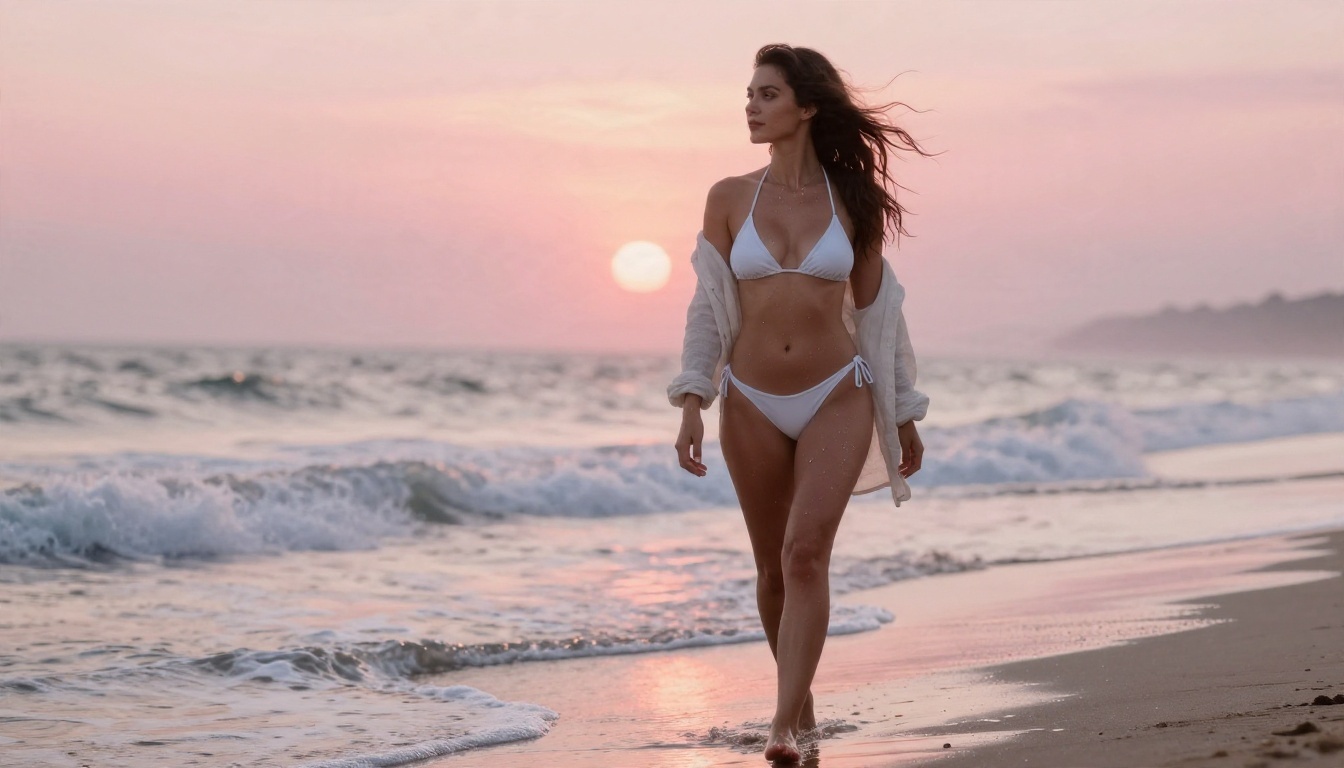
Example 1: Sunrise Shoreline
Low-angle tracking shot of an adult woman in a white string bikini and a loose linen shirt, walking barefoot along a wet sandy shoreline at sunrise. Small waves foam around her ankles and the wind lifts her hair. Soft pink and amber backlight creates a glowing rim on her hair and a sheen on her damp skin. The camera glides slowly alongside her, then eases to a stop. The sound of gentle surf, a distant gull and a light breeze fills the scene.
Best settings: 16:9, 6 seconds, camera_motion left on none (the movement is already in the prompt), audio on.
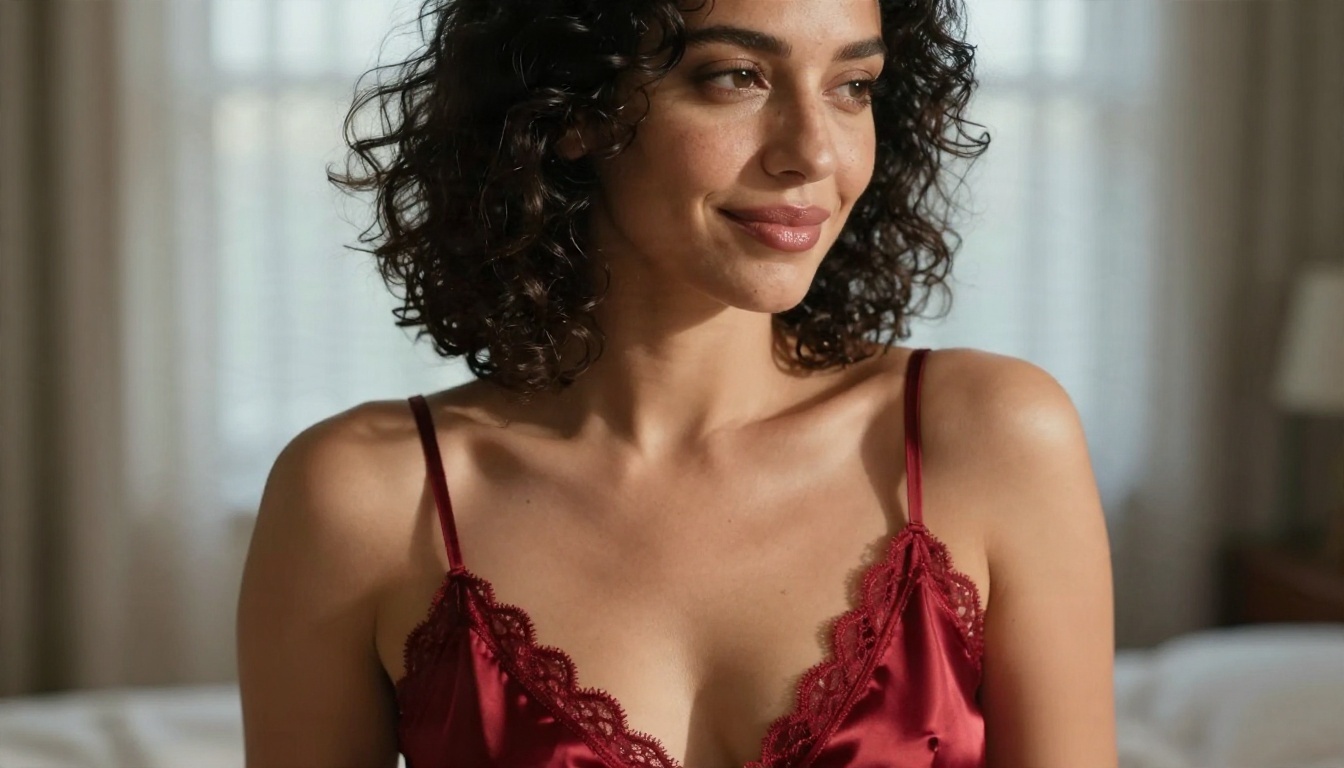
Example 2: Boudoir Close-Up
Close-up portrait of an adult woman with dark curly hair in a deep red satin camisole with lace trim, seated on the edge of a bed. She tilts her head slightly and gives a slow, confident half smile to camera. Soft window light from the left shapes her cheekbone, with visible skin pores, light freckles and glossy lips. Shallow depth of field, creamy bokeh. The camera pushes in very slowly. Quiet room tone with the faint rustle of satin and a soft breath.
Best settings:camera_motion: dolly_in, 8 seconds, 24 fps for a filmic feel.
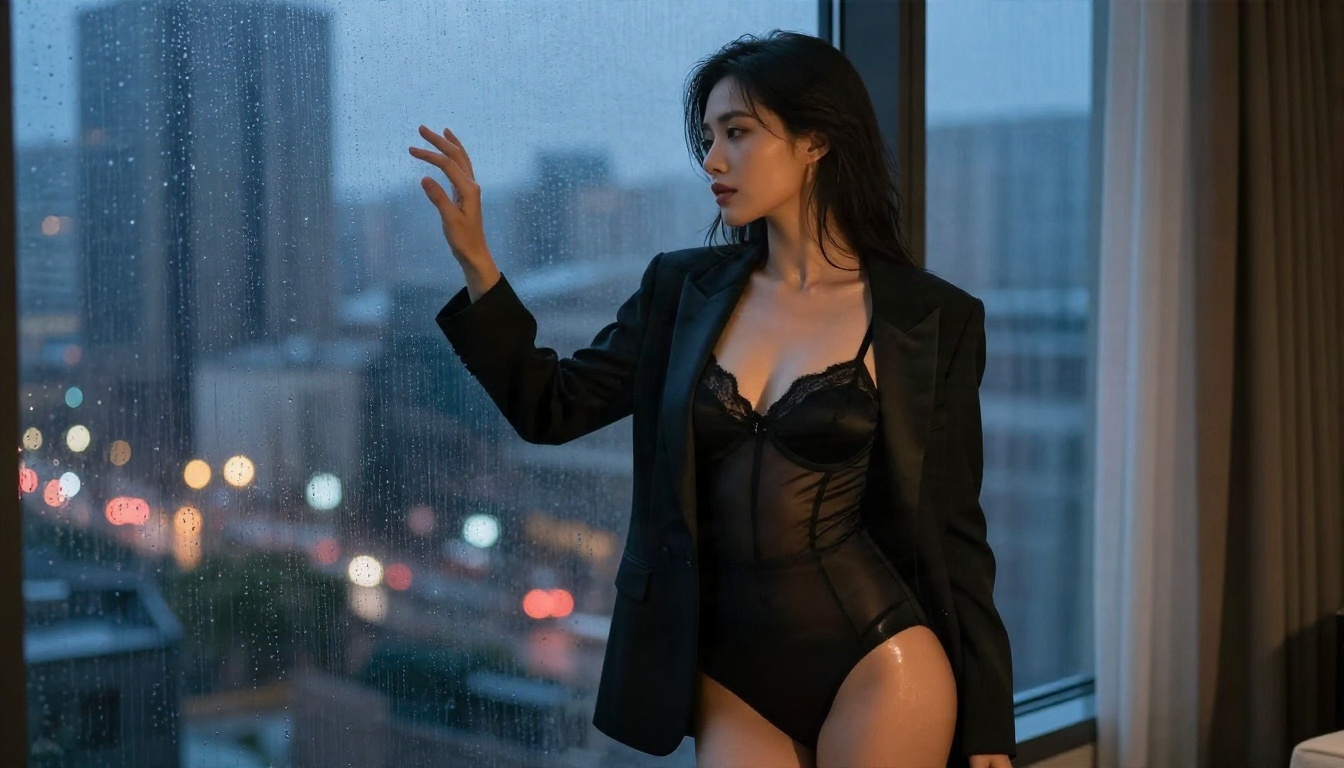
Example 3: Evening Window
Medium shot of an adult woman in a black bodysuit under an open tailored blazer, standing at a rain-streaked hotel window at dusk. She rests one hand on the glass and turns her head slowly toward the room. Warm lamp light from the right meets cool blue light from the window, with city lights softly blurred outside. The camera drifts a few inches to the left. The sound of soft rain on glass and low, muted jazz from another room.
Best settings:camera_motion: dolly_left, 8 seconds, 25 fps.
Example 4: Rooftop Sunset
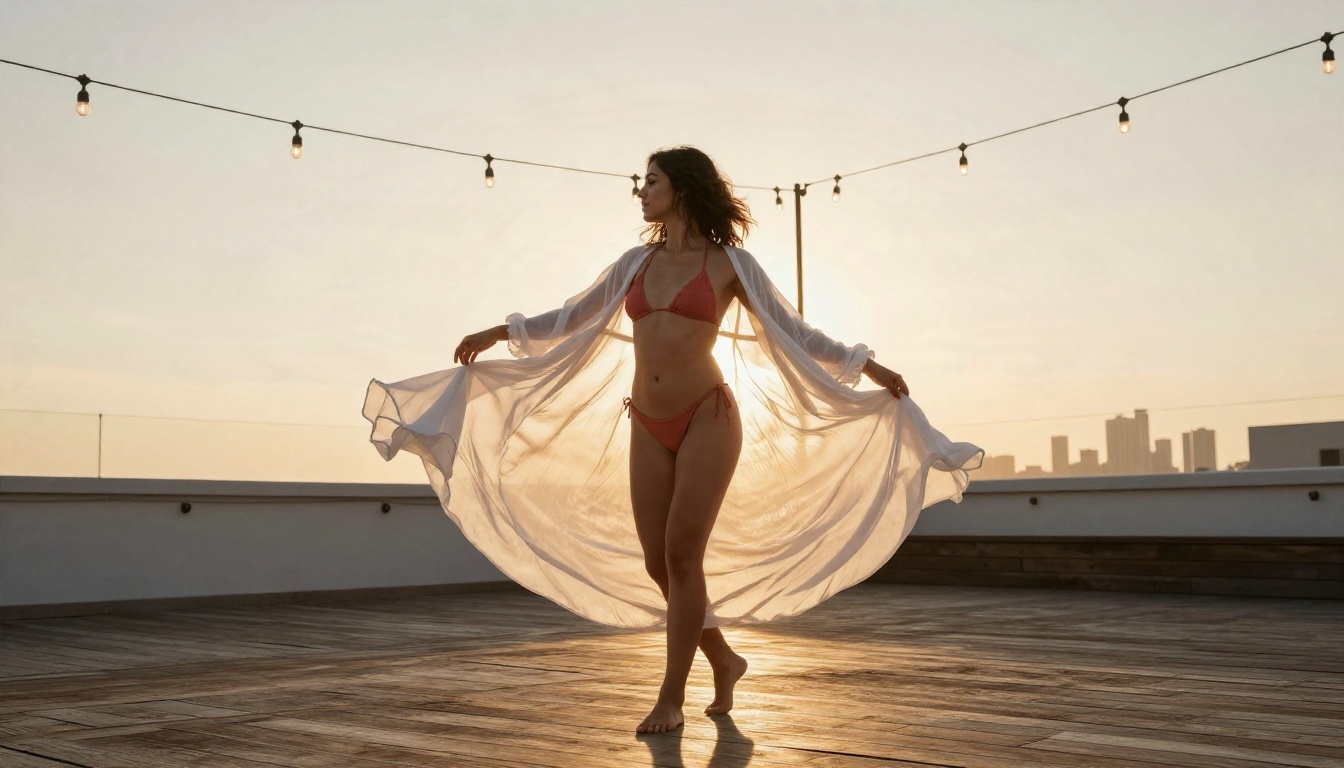
Wide shot of an adult woman in a sheer white cover-up over a coral bikini, dancing slowly on a rooftop terrace at sunset. String lights glow overhead and the fabric swirls as she turns. Golden backlight with a warm haze across the lens, a hazy city skyline behind her. The camera rises gently on a slow jib up. Soft upbeat lounge music, a light wind and the creak of wooden decking.
Best settings:camera_motion: jib_up, 10 seconds, 1080p.
Example 5: Pool Float
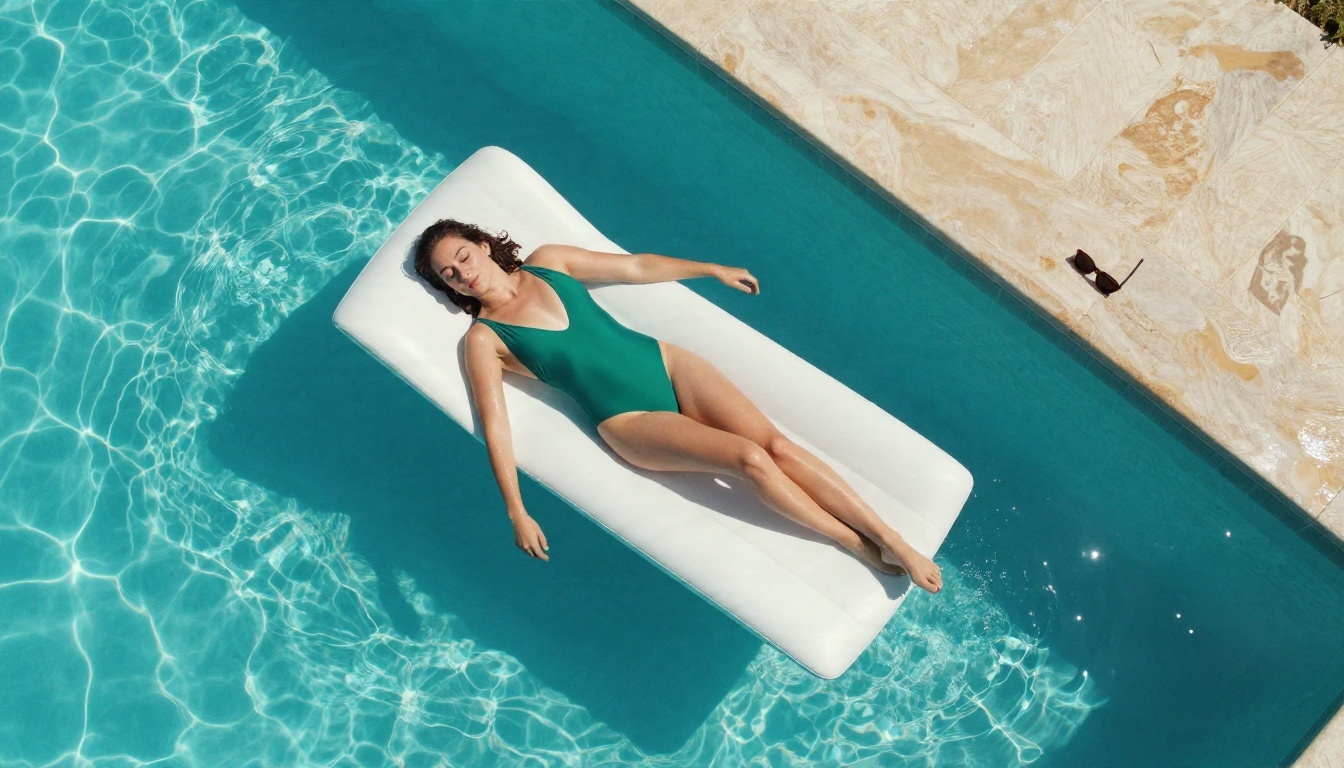
High overhead shot of an adult woman in an emerald one-piece swimsuit lying on a white lounger in a turquoise infinity pool. One arm trails in the water and sends soft ripples outward. Bright midday sun creates crisp shadows and moving water patterns on the pool floor. The camera holds still, only the ripples and her slow breathing move. The sound of water lapping and a faint breeze.
Best settings:camera_motion: static, 6 seconds, 24 fps.
Example 6: Staircase Entrance
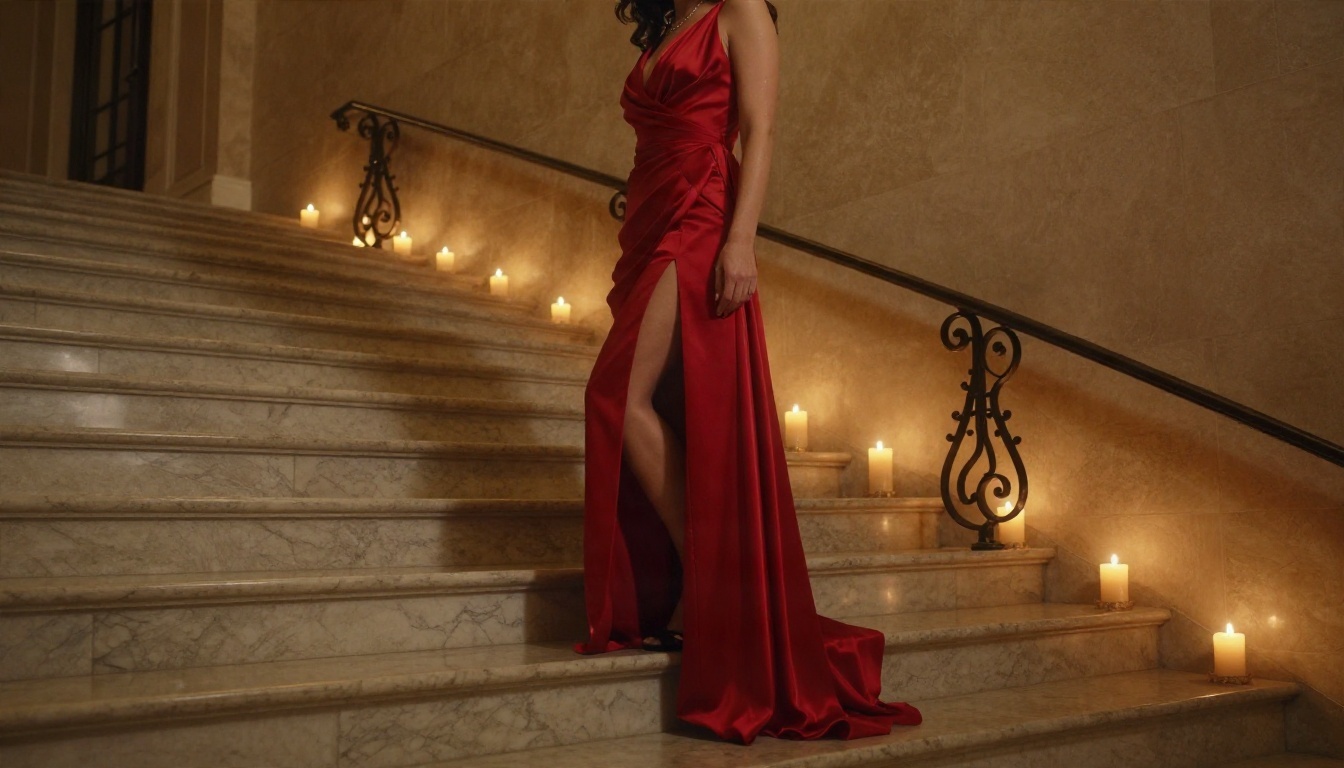
Low-angle wide shot of an adult woman in a long red evening gown with a high slit, descending a marble staircase in a candlelit villa, one hand on a wrought-iron banister. Warm wall sconces light the silk, which drapes and shifts with each step. The camera dollies back at the same pace as her. The sound of heels on stone and a faint, elegant string melody.
Best settings:camera_motion: dolly_out, 8 seconds, 25 fps.
Camera Motion That Works
LTX 2.3 on PicassoIA offers nine camera presets: none, dolly in, dolly out, dolly left, dolly right, jib up, jib down, static and focus shift. You can also describe movement in the prompt itself. The question is which to use.
Preset or Prompt
Situation
Use
Why
One simple move
Preset
Reliable and predictable
Subject moves and camera follows
Prompt
The model can match the pace
Calm, still mood
static
Prevents drifting
Intimate portrait
dolly_in
Slow push adds tension
Reveal shot
jib_up or jib_down
Shows space and wardrobe
Moving focus between subjects
focus_shift
Cinematic depth change
Never Stack Moves
Do not write "the camera pans left while zooming in and tilting up." LTX 2.3 will pick one and ignore the rest, or produce a wobbly shot. One move per clip, always. If you want a second angle, generate a second clip.
Describing Movement Speed
Words like "slowly," "gently" and "eases" give you smoother footage than "quickly" or "dynamically." For glamour content, slow is almost always better. Fast motion exposes warped hands and fabric edges, and slow motion hides them.
Motion and Light Wording
The difference between a flat clip and a convincing one is usually in two sentences: how the subject moves and how the light falls.
Words That Help
Movement: drifts, sways, turns slowly, tilts her head, brushes hair back, shifts her weight.
Fabric: drapes, ripples, catches the light, slips, flutters in the breeze.
Light: golden backlight, window light from the left, rim light on the shoulders, warm lamp against cool dusk.
Words That Hurt
Avoid stacked adjectives like "stunning ultra gorgeous perfect hot sexy." They add nothing the model can render. Replace them with a concrete image: a pose, a fabric, a source of light. Also avoid asking for text, brand names or signs in the scene. Video models still garble lettering.
Keep Wardrobe Simple
Describe one outfit with a color, a fabric and a cut: "black satin two-piece," "coral bikini with a sheer white cover-up." Layered or very detailed clothing tends to drift between frames.
Image-to-Video for Consistency
Text-to-video is a lottery. Image-to-video is a plan. If you already have a still you love, LTX 2.3 will animate it and keep the face, outfit and setting. That is the best way to produce a series of clips with the same character.
Make the First Frame First
Create your still with an image model, then send it to LTX as the start frame. For suggestive glamour stills on PicassoIA, start with Seedream 4.5 for sharp, photoreal skin and fabric. Then use PicassoIA Image Editor Pro, which offers unlimited generations, to adjust wardrobe, background or lighting until the frame is exactly right. Other editing options include P Image Edit for fast, sub-second tweaks and P Image Edit LoRA. Qwen Image 3 Pro is another solid choice for photorealistic stills.
Write a Short Motion Prompt
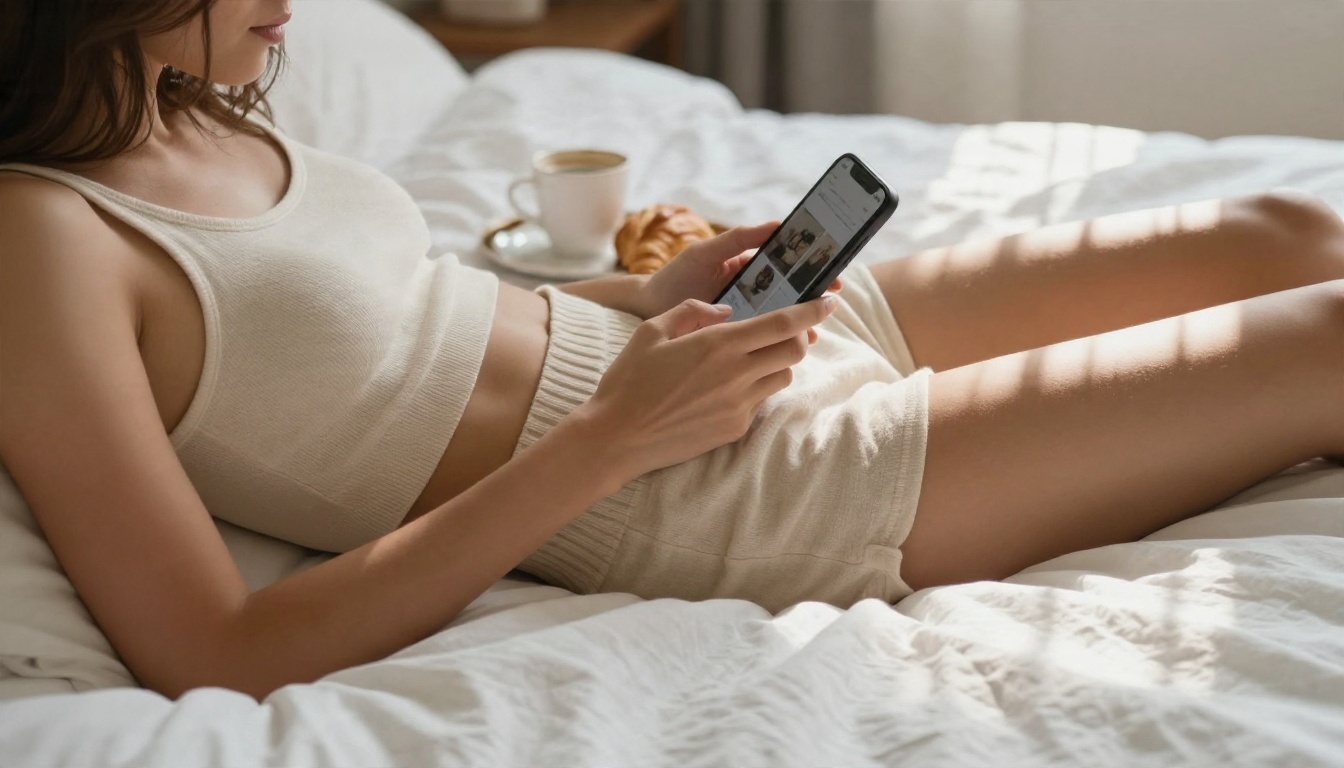
With a start frame, the prompt no longer needs to describe the subject. Describe only what changes: "She lifts her eyes from the phone and smiles, sunlight stripes shift slowly across the sheets, the camera pushes in a few inches. Soft morning birdsong and the rustle of linen." Short, specific, one action.
Use a Last Frame When You Need Control
Both Pro and Fast accept a last_frame_image. The model then interpolates between the two frames. It is useful for a pose change, an outfit reveal or a slow turn from profile to camera.
Audio Is Half the Clip
With generate_audio on (the default), LTX 2.3 creates sound that matches the scene. If you say nothing about sound, you get generic ambience. If you describe it, you get a soundtrack that sells the moment.
Write Sound as a Final Sentence
End your prompt with a sentence only about audio. Name two or three specific sounds, not a mood. "The soft rustle of silk, the click of a perfume cap, quiet room tone" works. "Sensual atmosphere" does not.
Match Sound to Distance
A close-up should have intimate, close sounds: breath, fabric, a faint heartbeat of music. A wide rooftop shot should have air, wind and distant city noise. Mismatched audio is the quickest way to make a clip feel fake.
Audio-to-Video With Pro
LTX 2.3 Pro also has an audio_to_video task: upload a track and the visuals follow its rhythm and tone. For a slow, moody song, ask for slow movement and soft light, and the clip tends to breathe with the music. Note that this task runs at 1080p only.
Settings That Give Clean Results
Here is what each setting does and what to pick for glamour video, based on the options available on PicassoIA.
Setting
Options
Recommended
Notes
Resolution
1080p, 2k, 4k
1080p to draft, 4k to finish
Test cheap, finish sharp
Duration (Pro)
6, 8, 10 s
6 to 8 s
One action fits easily
Duration (Fast)
6 to 20 s
6 to 10 s
Over 10 s needs 1080p at 24 or 25 fps
FPS
24, 25, 48, 50
24 for filmic, 48 for slow motion
Higher fps looks more like video than film
Aspect ratio
16:9, 9:16
16:9 for cinema, 9:16 for social
Match your destination
Camera motion
9 presets
One preset or none
Never double up with prompt moves
Generate audio
On or off
On
Describe the sound in your prompt
A Cheap Test Loop
Generate at 1080p, 6 seconds, 24 fps.
Check the first two seconds: faces, hands, fabric edges.
If the motion is right, regenerate the same prompt at 2k or 4k.
If not, change one thing in the prompt and run again.
Changing three things at once tells you nothing. Changing one tells you everything.
Pro or Fast?
Use LTX 2.3 Fast to try prompts and find the shot. Use LTX 2.3 Pro for the final render, or whenever you need retake and extend. If you want to see what the next generation looks like, LTX 2.5 Fast is also available on PicassoIA.
How to Use LTX 2.3 on PicassoIA
Here is the whole workflow, step by step, using the Pro model.
Pick your task. Choose text_to_video for a prompt only, or image_to_video if you have a start frame.
Paste your prompt. Use one of the six examples above or the output of your LLM generator.
Set resolution and duration. Start at 1080p and 6 seconds.
Choose fps. 24 for a cinematic feel, 25 as the default, 48 or 50 for smoother slow motion.
Select camera motion. One preset, or none if your prompt already has a move.
Leave audio on. Make sure your prompt ends with a sound sentence.
Generate, review, adjust. Change one variable at a time.
Fix problems with retake. If one moment is off, use retake with a start time and a duration of at least 2 seconds, and replace only that segment.
Extend what works. Use extend to add time at the start or the end of a clip you like.
💡 Quick draft route: do steps 1 to 8 on LTX 2.3 Fast first. When the shot works, copy the same prompt into Pro and render at 2k or 4k.
Common Mistakes to Skip
Mistake
What happens
Fix
One-line prompt
Generic, stiff clip
Use all seven formula elements
Several actions
Blurred, confused motion
One action per clip
Camera preset plus prompt move
Wobble or ignored move
Pick one
Silent prompt
Generic ambience
End with a sound sentence
Ten adjectives
No visible change
Use one concrete image
Starting at 4k
Slow, wasted renders
Draft at 1080p
Text or logos in scene
Garbled lettering
Leave them out
Try Your Own Clips Today
You now have a free prompt generator template, six prompts to copy and the settings to keep every render clean. The fastest way to improve is to run the loop: write, generate at 1080p, fix one thing, render again.
Start on PicassoIA with a still from Seedream 4.5, refine it in PicassoIA Image Editor Pro with unlimited generations, then bring it to life in LTX 2.3 Pro or LTX 2.3 Fast. Try each of the six examples, then swap in your own settings, wardrobe and light. For more image, video and chat models to experiment with, browse all PicassoIA models.