Type "LTX 2.3 uncensored" into a search bar and you will get a pile of confident claims: no filters, no limits, no rules. Some of it is true, some of it is marketing, and a lot of it depends on where you run the model rather than the model itself. LTX 2.3 is a video model from Lightricks that produces clips with synchronized audio, and it was released with open weights, which is exactly why the "uncensored" question keeps coming up.
This article separates the facts from the hype. You will see what LTX 2.3 is, what "uncensored" can and cannot mean, how to try it for free online, which prompts give stable results, and which content limits you should expect on every serious platform. If your goal is glamour, fashion, beach or boudoir style video that stays tasteful, you will also get a workflow that works today.
What LTX 2.3 Actually Is
LTX 2.3 is the third big step in the LTX family from Lightricks, following LTX Video and LTX 2. Its pitch is simple: sharper frames, cleaner audio, native portrait output and fast generation, with weights that anyone can download.

Specs at a glance
| Feature | LTX 2.3 |
|---|
| Developer | Lightricks |
| Release window | Early 2026 |
| Output | Video with synchronized audio |
| Resolution | Up to 4K on supported endpoints |
| Orientation | Landscape and native portrait |
| Weights | Open, downloadable |
| Typical use | Short cinematic clips, social video, previews |
Reports on the license disagree. Some sources call the release Apache 2.0, others point to the LTX-2 Community License, which adds commercial conditions for large companies. Read the license text that ships with the weights before you build a business on them. That single check will save you more trouble than any prompt trick.
Pro versus Fast
Two hosted versions matter for most people. LTX 2.3 Pro is tuned for the best visual quality and fine detail. LTX 2.3 Fast trades a little polish for speed, which makes it ideal when you are testing ten prompt variations in a row.
💡 Tip: Draft with Fast, then send only the winning prompt to Pro. You keep your credits for the clips that deserve them.
Does "Uncensored" Really Exist?
Short answer: partly, and never in the way the thumbnails suggest. The word is used for three very different things, and mixing them up is how people end up disappointed.
Open weights versus hosted tools
When a model is released with open weights, the file itself is not a website. It does not come with a login screen, a moderation team or a terms-of-service page. If you run those weights on your own machine, you decide what the setup filters. That is the honest meaning of "uncensored" for LTX 2.3.
Hosted services are different. A website that runs LTX 2.3 for you pays for the servers, answers to payment processors and app stores, and almost always adds moderation on prompts or outputs. That is not a flaw in the model. It is a business requirement.
| Setup | Who sets the rules | Typical result |
|---|
| Local weights on your PC | You | Few built-in blocks, but you carry all responsibility |
| Hosted API from a provider | The provider | Moderation on prompts and outputs |
| Browser platform with many models | The platform | Per-model rules, clear terms, easy to use |
I could not find a reliable public statement that says exactly how LTX 2.3 handles adult prompts out of the box, and many "uncensored" claims online come from reposted checkpoints with no source. Treat any site that promises "zero rules" with suspicion.
What stays off limits
Whatever setup you pick, some lines do not move. These apply on every responsible platform and they should apply on your own machine too:
- No sexual content involving minors. Ever. No exceptions, no "fictional" workaround.
- No real people without consent. Using a real person's face or likeness for sexual or deceptive clips is harmful and illegal in a growing number of places.
- No explicit pornographic output on mainstream hosted platforms. Suggestive, glamorous and artistic work is fine. Explicit scenes are not.
- No clips meant to harass, defame or mislead. That includes fake endorsements and fake news footage.
⚠️ Heads up: A model being open does not make every use legal. Laws on synthetic media differ by country, and they are tightening fast.
Free Online Access Options
"Free" can mean three things: free to download, free to run, or free to try in a browser. They are not the same.
Run it locally
Downloading open weights costs nothing, but running LTX 2.3 well needs a modern graphics card with a lot of video memory, a decent amount of system RAM and plenty of disk space. Setup involves Python environments, model files and a node-based interface or script. If that sounds like a weekend project, it is.
Local makes sense when you:
- Already own a strong GPU.
- Want full control over every parameter and file.
- Generate hundreds of clips and want to avoid per-clip costs.
Use a browser instead
If you want results in minutes, a hosted platform wins. You open a page, type a prompt and get a clip, with no drivers, no out-of-memory errors and no 40 GB downloads. On PicassoIA you can run LTX 2.3 Fast and LTX 2.3 Pro directly in the browser. Free trial credits and plans change over time, so check the model page for what is available when you sign up.
Free access compared
| Route | Cost | Setup time | Best for |
|---|
| Local install | Hardware and electricity | Hours | Power users with a GPU |
| Browser platform | Credits or plan | Minutes | Fast testing and production |
| Random "uncensored" sites | Often hidden fees | Minutes | Rarely worth the risk |
💡 Tip: Before you type a card number into any "free uncensored LTX" site, look for a real company name, a privacy policy and a clear refund policy. Many of these pages are thin wrappers that resell the same model with extra risk.
How to Use LTX 2.3 on PicassoIA
Here is the fastest route from idea to finished clip using LTX 2.3 Pro or LTX 2.3 Fast.
Step by step
- Open the model page. Pick Fast for drafts or Pro for the final render.
- Write one clear scene. One subject, one location, one main action. Clips are short, so one idea per prompt works best.
- Add camera and light. Name the lens feel, the camera move and the light direction.
- Describe the sound. LTX 2.3 generates audio, so mention waves, wind, footsteps, music or room tone.
- Choose orientation. Use portrait for Reels and Shorts, landscape for YouTube and websites.
- Generate, compare, refine. Change one thing per run so you know what caused the difference.
Parameter tips
- Keep prompts between 40 and 120 words. Shorter prompts leave motion to chance. Longer ones start to contradict themselves.
- Use a fixed seed when the option is available. It makes A/B testing of wording much cleaner.
- Pick the aspect ratio first. Rewriting a landscape prompt for portrait often changes framing, so decide early.
- Check the input fields on the model page. If an image input is shown, a strong still gives you far more control over the look of the first frame.
💡 Tip: Draft three versions of the same prompt on Fast. Keep the one with the best motion, then rerun that exact prompt on Pro.
Prompts That Work
Most disappointing clips come from vague prompts, not weak models. LTX 2.3 responds well to the same structure a cinematographer would give a crew.
The prompt formula
Subject + action + setting + camera + light + sound.
Example: A woman in a white swimsuit walks along a quiet beach at sunset, wind moving her hair, slow tracking shot at hip height, warm low sun from behind, soft waves and distant gulls.
Every piece answers a question the model would otherwise guess. The more guesses you remove, the more repeatable your results become.
Prompt examples to copy
- Beach glamour: A tanned woman in a red bikini steps through shallow surf at golden hour, water splashing around her ankles, low-angle tracking shot, warm backlight, gentle wave sound.
- Hotel suite: A woman in an ivory silk robe turns toward a tall window, curtains drifting, slow push-in, soft daylight from the right, quiet room tone.
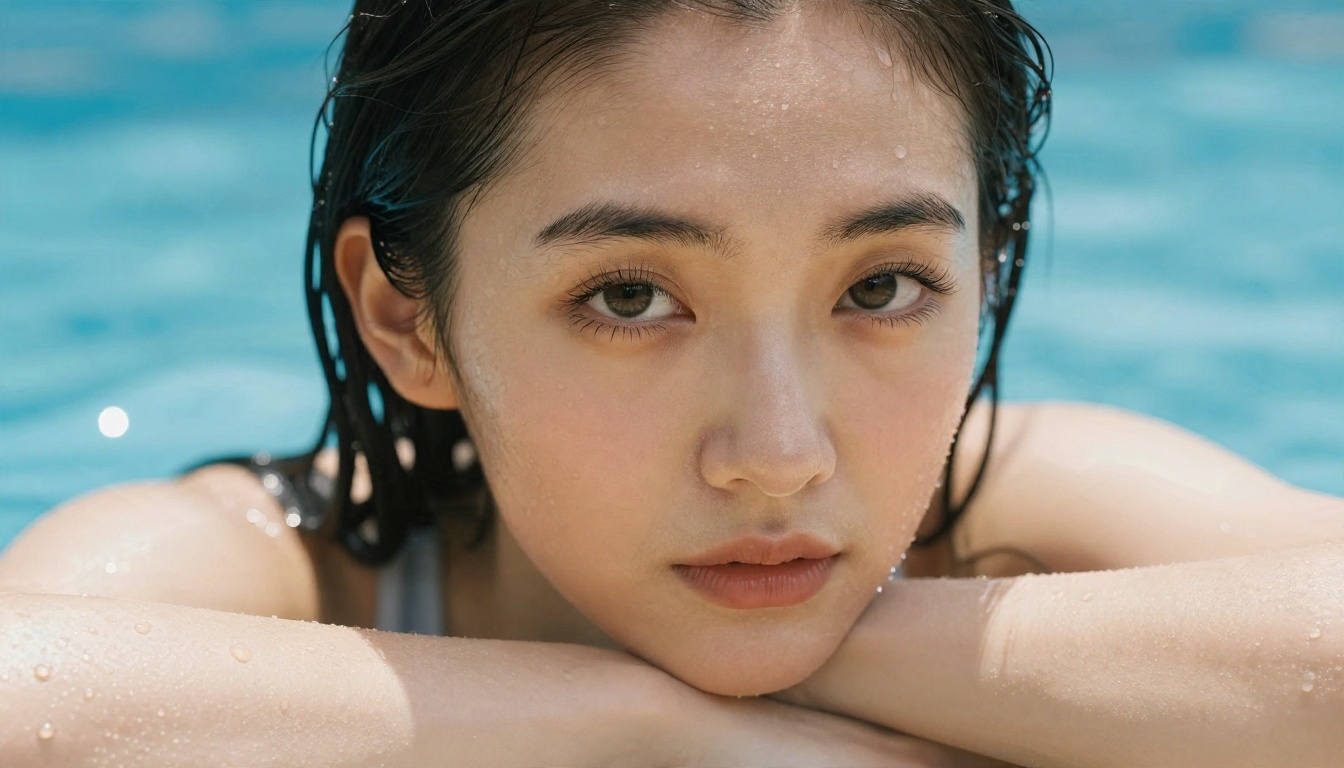
- Pool portrait: Close-up of a woman with wet hair resting her chin on her arm at a pool edge, light ripples reflecting on her face, subtle handheld movement, summer afternoon ambience.
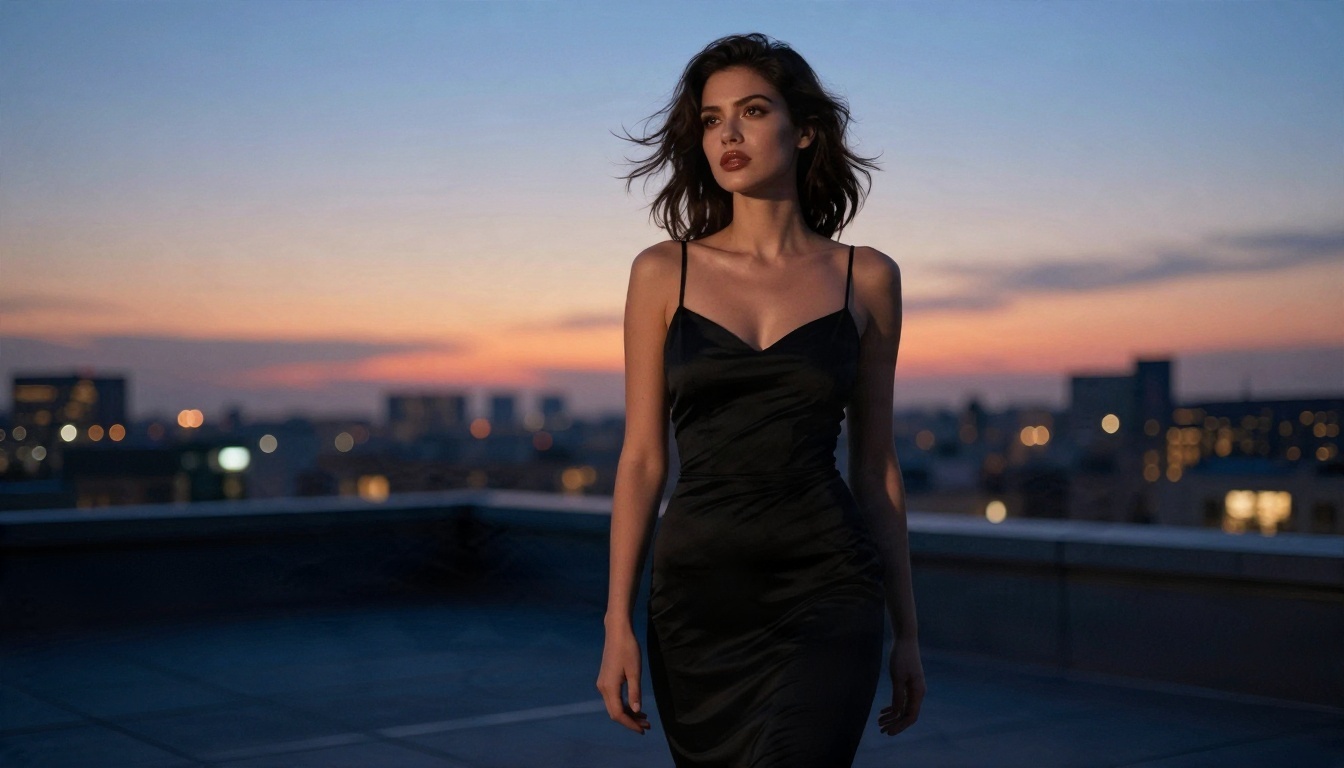
- Rooftop evening: A woman in a black dress stands on a rooftop at dusk, wind moving the hem, slow orbit around her, orange sunset light, distant city hum.
- Villa aerial: Drone shot descending toward an infinity pool where a woman lounges on a sunbed, ripples catching sunlight, soft breeze sound.
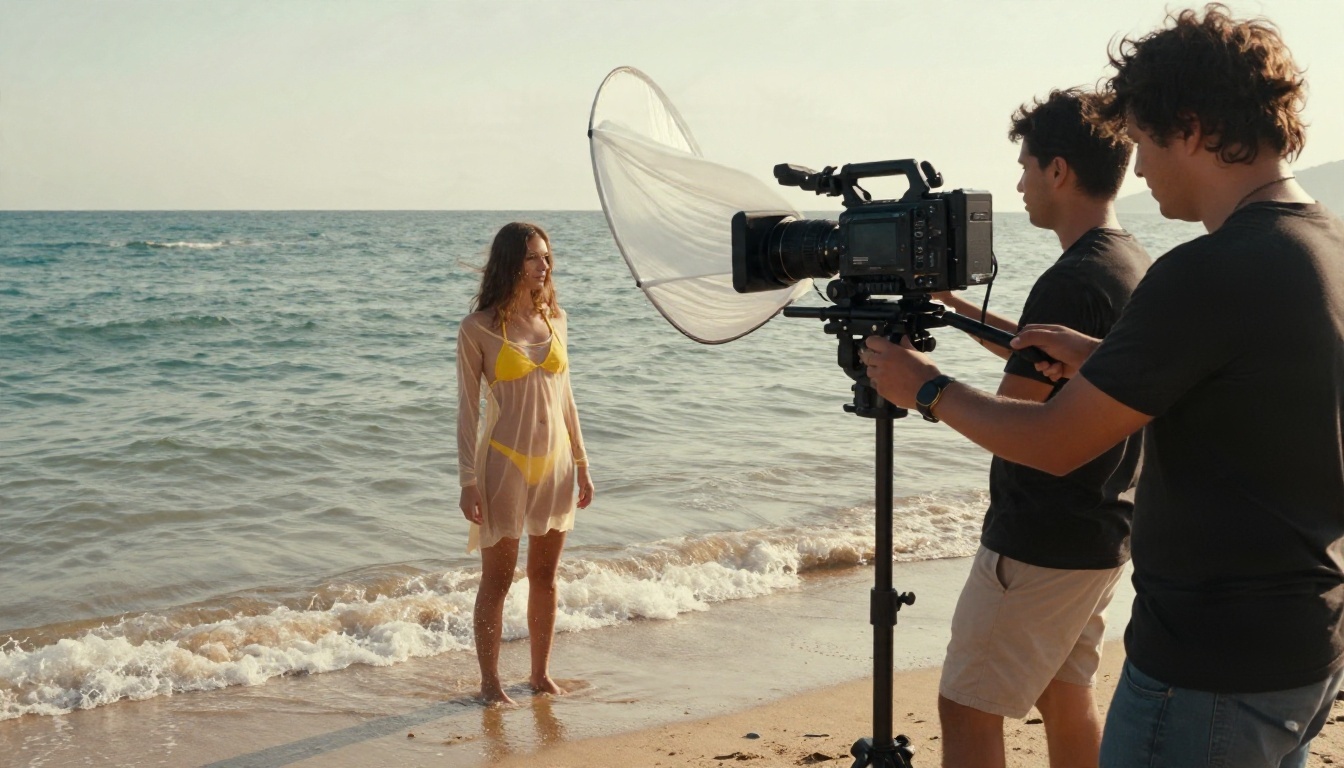
- Behind the scenes: Cinematographer follows a model along the shoreline with a gimbal, assistant holds a reflector, sunset glow, surf noise.

Common mistakes
- Stacking five actions in one clip. Five seconds cannot hold a story. Pick one beat.
- Forgetting the camera. Without a move, you often get a static shot or random drift.
- Writing in negatives. "No blur, no extra fingers" rarely helps. Describe what you want instead.
- Ignoring audio. A silent prompt gets generic sound. One line about ambience improves the result.
- Chasing "no rules" prompts. Trying to force restricted content through wording tricks wastes credits and can get an account flagged.
Content Limits in Practice
Content limits are the part nobody puts in the thumbnail. Here is how they usually work on hosted platforms, and what that means for glamour and adult-themed creators.
What usually passes
| Content type | Usually accepted | Notes |
|---|
| Swimwear, beach and pool scenes | Yes | Tasteful framing helps |
| Fashion and boudoir style portraits | Yes | Keep it suggestive, not explicit |
| Romantic or sensual mood | Usually | Focus on atmosphere |
| Violence or gore | Often limited | Rules vary by platform |
| Real celebrity likeness | Often blocked | Legal and consent risk |
| Explicit sexual acts | No on mainstream hosts | Not something this article supports |
Why filters trigger by accident
Moderation systems are blunt. A harmless prompt can be blocked if it contains words that look risky in isolation. If your clip fails, try these fixes:
- Replace clinical or slang terms with visual description of clothing, light and mood.
- Remove references to real names.
- Shorten the prompt to the core scene.
- Switch from a hard-edged phrase to a softer one, such as "sunbathing" instead of a more suggestive wording.
⚠️ Heads up: If a platform blocks a prompt, do not try to outsmart it with obfuscation. Move to a prompt that fits the rules or to a different tool that is designed for your content type.
Better Stills, Better Clips
The strongest AI videos usually begin as strong photographs. If a platform lets you start from an image, the look of your first frame carries through the whole clip. For glamour, swimwear and boudoir style work, the still image model matters as much as the video model.
Seedream 4.5 and Image Editor Pro
Start with Seedream 4.5. It produces sharp, photorealistic 4K stills with natural skin, believable fabric and good light, and it handles suggestive, glamour style prompts with far fewer unnecessary blocks than many alternatives. Generate your hero frames there first.
Then refine with PicassoIA Image Editor Pro. It offers unlimited generations, which is a big deal when you are adjusting outfits, backgrounds or lighting across a dozen takes. Fix small details, keep a consistent look across a set, and only then move to video.
A simple workflow:
- Create five to ten stills with Seedream 4.5.
- Pick the best frame and polish it in Image Editor Pro.
- Write a motion prompt using the formula above.
- Generate the clip with a video model.
Alternatives to LTX 2.3
LTX 2.3 is not the only strong option. Depending on the look you want, these are worth testing:
Each model reads prompts a little differently. Run the same scene through two or three and keep the one that matches your taste. A newer sibling, LTX 2.5 Fast, is also available if you want to compare generations.
Start Making Your Own Clips
"LTX 2.3 uncensored" is a real idea wrapped in a lot of noise. The weights are open, so a local setup gives you control and responsibility. Hosted platforms add rules, and those rules are part of what keeps the service online. For most creators making glamour, fashion, travel or beach content, a browser workflow is faster, cheaper in time and far less risky than hunting for a shady "no limits" site.
Your next move is simple. Open LTX 2.3 Fast, paste one of the prompts above and see what you get. Build your first frames with Seedream 4.5, polish them in PicassoIA Image Editor Pro, and when you want to try other options, browse everything at picassoia.com/en/all-models. Pick a scene, write one clean prompt and make your first clip today.


