Type "LTX 2.5 NSFW" into a search bar and you get a lot of confident claims and very little proof. Some people say the open weights make it a free for all. Others say it refuses everything spicier than a sunset. The truth sits in the middle, and it depends on where you run the model, what you ask it for, and which license you accepted before downloading anything. This article sorts out what is actually known, what is only rumor, and how to make glamour style, suggestive video clips without hitting a wall.
💡 Quick answer: LTX 2.5 is an open weights video model, but it is not an unrestricted adult model. Its community license reportedly bans explicit pornography, non consensual sexual content and anything involving minors. Suggestive, non explicit content (swimwear, boudoir, glamour) is a different story, and that is where it performs best.
What LTX 2.5 Actually Is
LTX 2.5 is the newest release in the LTX family from Lightricks, the company behind the Facetune and Videoleap apps. It arrived in August 2026 as an open weights audio and video model with roughly 22 billion parameters. It generates picture and sound in one pass, supports native multi shot sequences, and can render up to 4K output depending on the host and the settings.
Open Weights, Not Open Season
"Open weights" means you can download the model files and run them on your own hardware. It does not mean "no rules." LTX 2.5 ships under the LTX 2.x Community License, which is not a standard open source license like Apache 2.0. Reviewers report that it is royalty free for companies under about 10 million dollars in annual revenue, but it comes with an Acceptable Use Policy attached.
That policy is the part most NSFW articles skip. It is a legal layer that sits on top of whatever the model can technically produce.
Specs That Matter for Adult Style Content
Not every spec affects how suggestive content turns out. These do:
| Feature | Why it matters for glamour clips |
|---|
| Native audio | Ambient sound like waves, wind and fabric makes a beach or boudoir clip feel real |
| Image to video | Lets you start from a photo you control, so the look is predictable |
| Multi shot output | Cuts between a wide shot and a close up inside one clip |
| High resolution | Skin texture and fabric weave survive at 1080p and above |
| Frame interpolation | A start and end frame give you smooth, controlled movement |
Is LTX 2.5 Uncensored?
Short version: it depends on the layer you are asking about. There are three layers, and people mix them up constantly.
Layer 1: The License
The license is the strongest layer. According to reviews of the release, the Acceptable Use Policy restricts sexual exploitation of minors, non consensual sexual content, explicit pornography, sexual services, and sexual content that harms minors. Download the weights and you agree to those terms, even if nobody is checking.
💡 I could not read the license text itself, so treat the list above as a reviewer's summary. If you plan to ship anything commercial, read the actual license page before you build on it.
Layer 2: Filters in the Weights
Here the picture is less clear. The sources I found did not document a built in safety filter inside the released weights. That is why you see forum posts claiming the model is "uncensored." But an undocumented filter is not the same as no filter. Open models often carry soft limits from their training data: the model simply produces weaker, distorted or off target results when you push it toward content it rarely saw during training.
In practice, expect this pattern: clean, attractive swimwear and glamour content works very well, and explicit content tends to look broken, blurry or unstable. That is a quality limit, not a promise of freedom.
Layer 3: The Host
If you do not run the weights yourself, the host adds its own rules. Hosted APIs and apps almost always add a prompt filter and an output filter. Those can be stricter than the license. A prompt that runs fine on a local machine may be refused instantly on a hosted service.
| Layer | Who controls it | How strict |
|---|
| License | Lightricks | Bans explicit and non consensual content |
| Model behavior | Training data | Soft limit, results degrade on explicit prompts |
| Host platform | The service you use | Often the strictest, varies by provider |
Content Rules and Limits
Rules are boring until they cost you an account or a project. Here is the practical version.
What Stays Allowed
These categories fit within the license and within most hosts:
- Swimwear and beach scenes: bikinis, one pieces, poolside shots
- Boudoir and lingerie style: soft, intimate, non explicit framing
- Glamour and fashion: editorial poses, evening wear, sensual styling
- Romantic atmosphere: warm light, close portraits, slow movement
- Artistic implication: a pose or a shadow that suggests more than it shows
What Gets Refused or Banned
- Explicit sexual acts and pornographic scenes
- Anyone who looks like a minor. No exceptions, and no "age 18" workaround in the prompt
- Real people without consent, including celebrity likenesses in sexual scenes
- Sexual services and content built to advertise them
- Non consensual or violent sexual content
Real People and Consent
This is where most real world trouble starts. Running a model locally does not give you the right to use someone's face. Deepfake style sexual content of a real person is banned by the license, illegal in many places, and a fast route to takedowns and bans. Use invented characters or models who have given clear permission, and keep everything you create clearly fictional.
💡 A simple test: if the person in your clip could say "that is me and I never agreed to this," do not make it.
Suggestive Without Crossing the Line
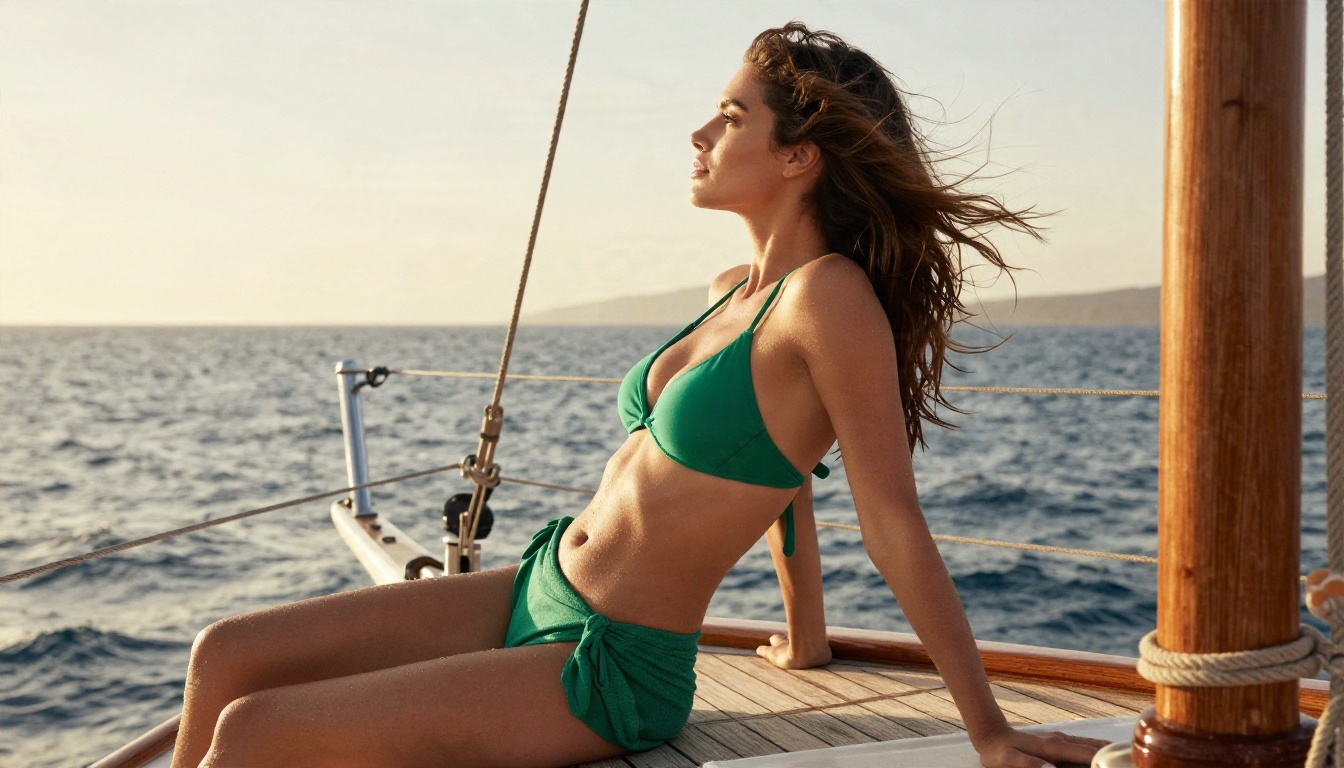
The most useful thing about LTX 2.5 for adult style creators is also the least dramatic: it is excellent at tasteful, atmospheric motion. A slow camera move, wind in fabric, soft light shifting across skin. That is where audio and video generation in one pass pays off.
Prompts That Work
Good prompts read like a director's note, not a wish list. Describe the starting pose, the motion over time, the camera move, and the light.
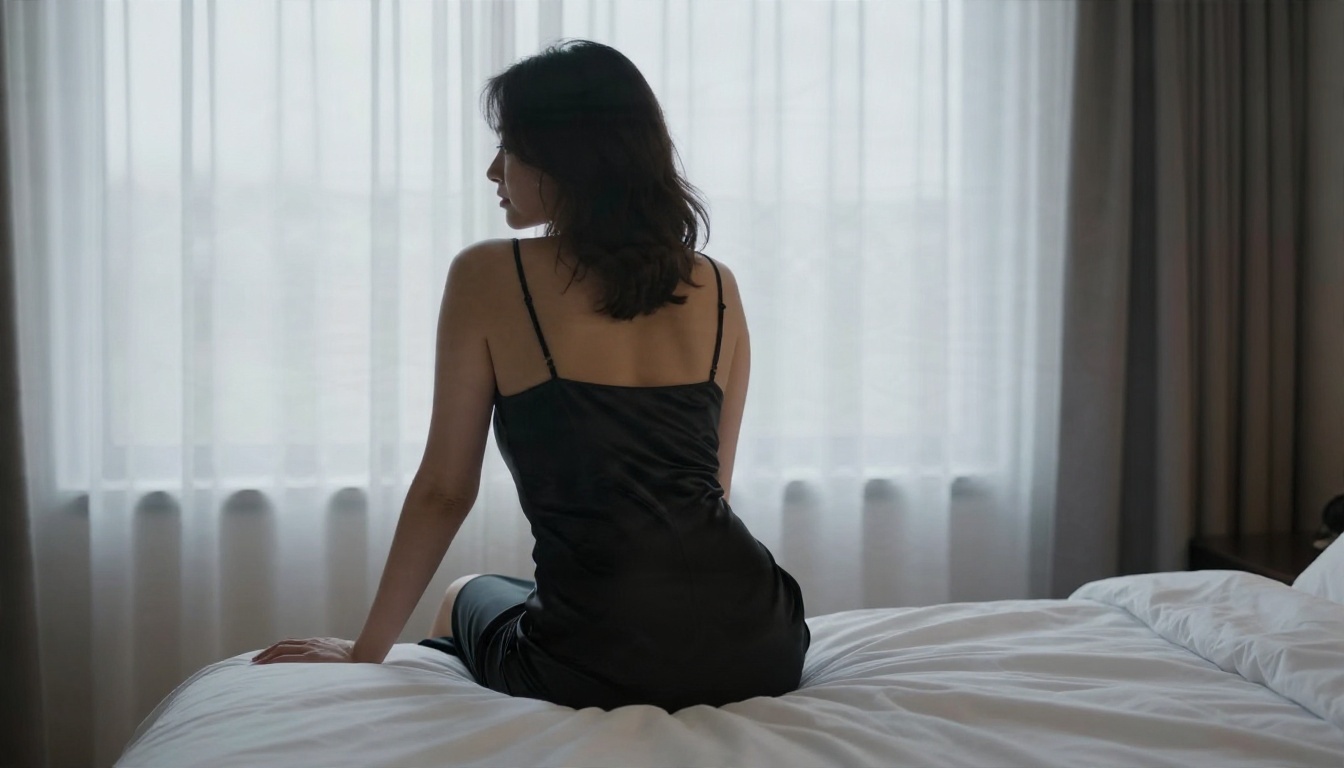
A woman in a black slip dress sits near a tall window. A sheer curtain moves in a light breeze. The camera slowly pushes in. Soft overcast morning light, quiet room tone, fabric rustling.
Why this works: it names concrete visual details, one clear camera move, and a sound cue. Nothing in it triggers a filter, and nothing in it asks the model for something it handles poorly.
Prompt Mistakes That Waste Credits
- Stacking five actions in a 5 second clip. The model gets confused and the motion turns to mush
- Asking for explicit detail. On a hosted service you get a refusal, and on a local run you get unstable anatomy
- Skipping the lighting. Flat, vague light makes skin look plastic
- No camera instruction. The model picks a random move, usually a fast one
Why Starting Frames Matter
Image to video is the most dependable way to control the result. When you give the model a strong first frame, it inherits the lighting, the outfit and the mood, and spends its effort on motion. Text only prompts leave far more to chance, especially for faces and hands.
How to Use LTX 2.5 Fast on PicassoIA
You do not need a 22 billion parameter model on your own graphics card to try this. PicassoIA offers the LTX 2.5 Fast variant in its text to video collection. It handles text prompts and single photo to video, with synced audio and up to 4K output.
💡 Remember the host layer from earlier: platform rules apply here too. This workflow is built for suggestive, non explicit clips, which is exactly what the model does best.
Step by Step
- Open the model page for LTX 2.5 Fast.
- Choose your input. Write a text prompt, or upload a first frame image for image to video. A photo gives you far more control.
- Write a director style prompt. Pose, motion, camera move, light, sound. Keep it to one or two actions.
- Set the aspect ratio. Pick 16:9 for widescreen or 9:16 for vertical social clips.
- Pick resolution and duration. Start at 720p or 1080p for tests, then move to 2K or 4K once the motion looks right.
- Leave audio on. Ambient sound is a big part of what makes a clip feel real.
- Generate, review, and refine. Change one thing at a time, such as the camera move or the light, so you know what caused the difference.
Settings Worth Knowing
| Setting | Options | Practical tip |
|---|
| Resolution | 720p, 1080p, 2K, 4K | Test at 720p, finish at 1080p or higher |
| Duration | 2 to 20 seconds | Longer than 10 seconds only works at 720p or 1080p with 24 or 25 FPS |
| FPS | 24, 25, 48, 50 | 24 gives the most film like feel |
| Aspect ratio | 16:9, 9:16 | Match your destination, not your habit |
| Last frame image | Optional | Add an end frame for a controlled, smooth transition |
💡 Pro move: use the same character image as both a first frame and, with a slightly different pose, as the last frame. The model fills in a natural transition between the two.
Better Starting Frames for Suggestive Clips
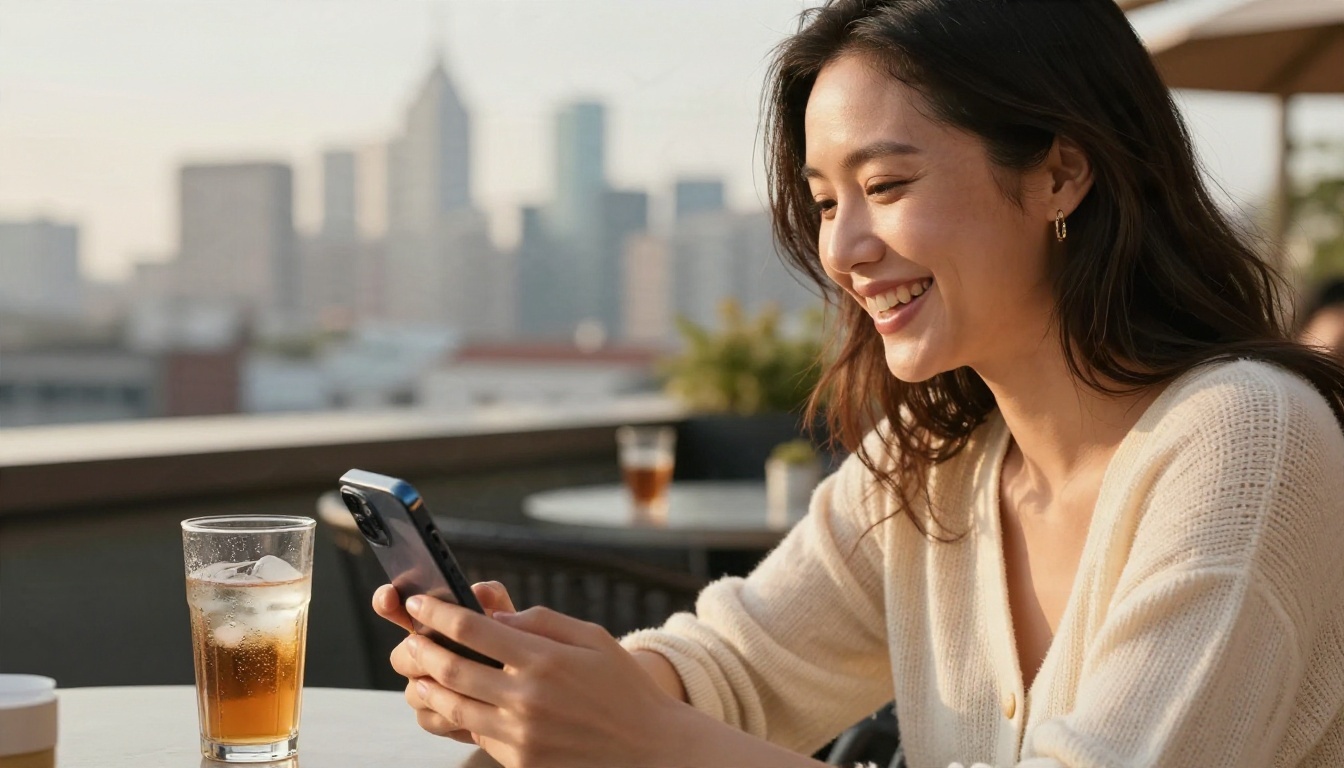
Since a strong first frame decides so much of the final video, it makes sense to spend your effort on the image first. This is where a more permissive image model earns its place.
Seedream 4.5 for the Look
Seedream 4.5 is the model to start with for glamour and swimwear stills. It produces sharp, 4K level images with believable skin, fabric and light, and it is more open to suggestive, non explicit subjects than many mainstream image tools. Generate a handful of options, pick the one with the best light and pose, and use it as your first frame.
Image Editor Pro for Unlimited Tries
PicassoIA Image Editor Pro is the workhorse when you want to iterate without counting. It offers unlimited generations, so you can adjust outfits, backgrounds and lighting as many times as you need. It is also fast, which matters when you are testing ten versions of the same scene.
A simple pipeline looks like this:
- Generate the base photo in Seedream 4.5.
- Refine details in Image Editor Pro: swap the outfit color, fix the background, adjust the light.
- Send the final still into LTX 2.5 Fast as a first frame.
- Add a short motion and sound prompt, and generate.
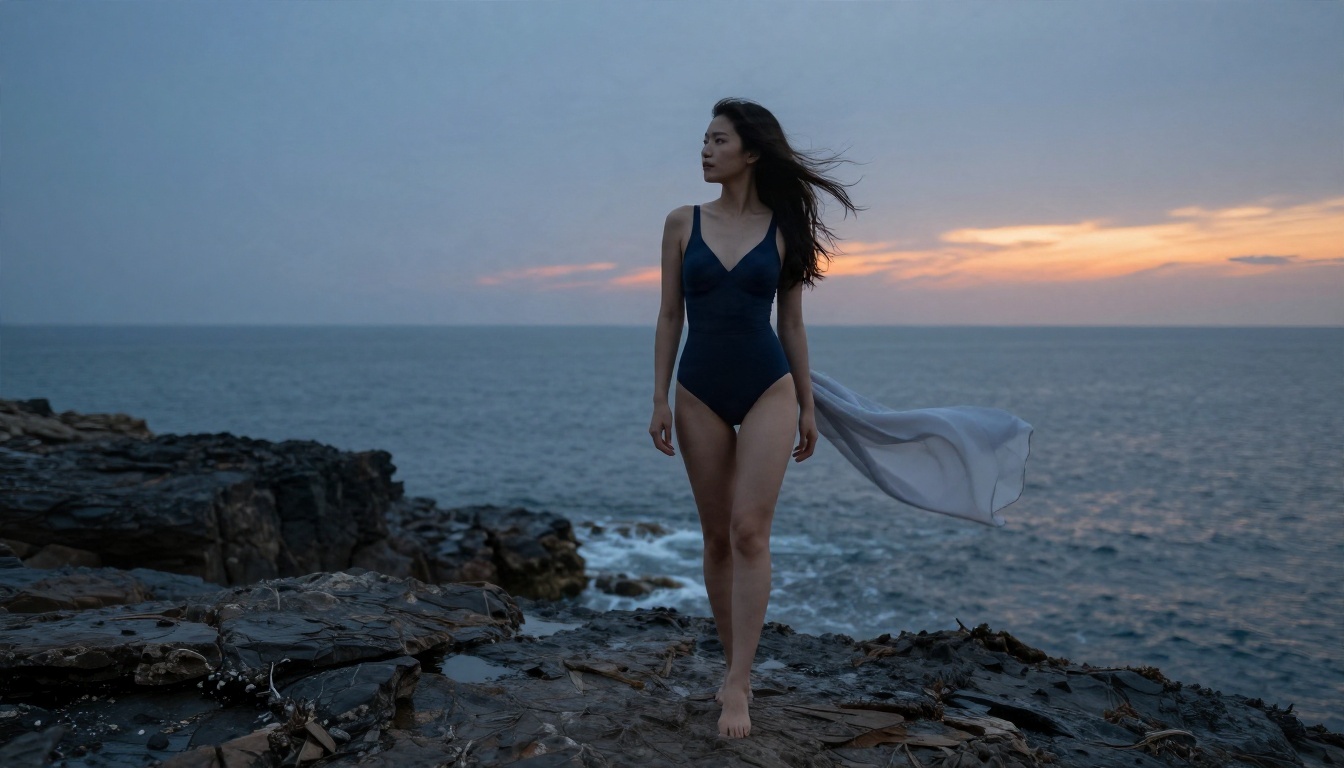
💡 Keep your first frame photorealistic and well lit. Moody, underexposed stills tend to produce muddy video, because the model has less detail to preserve across frames.
Other Video Models Worth Trying
No single model wins every scene. If an LTX result is not what you want, these alternatives on PicassoIA handle image to video in different ways:
| Model | Best for |
|---|
| LTX 2 Pro | Text to video at high resolution from an earlier LTX generation |
| Wan 2.6 I2V | Animating a single photo with natural motion |
| Wan 2.6 I2V Flash | Faster, cheaper tests before a final render |
| Kling v3 Video | Cinematic camera moves and polished motion |
Treat these as a toolbox. Use a fast model for drafts, then move to the one with the best motion for your final clip. For the full lineup of image and video models, browse picassoia.com/en/all-models.
Limits You Should Expect
Even in the best case, LTX 2.5 has limits that have nothing to do with content rules.
Technical Limits
- Hands and fingers can still drift in close shots
- Fast motion blurs or warps, especially at lower resolutions
- Long clips lose consistency, so a 20 second shot needs a simple scene
- Faces in profile are less stable than front facing portraits
- Text on clothing or signs is unreliable, so leave it out
Legal and Platform Limits
- The license restrictions follow you, even on a local install
- Hosts can change their filters without notice
- Commercial use has revenue thresholds and conditions under the community license
- Regional laws on adult content, age checks and deepfakes differ widely
What to Check Before Publishing
| Check | Why |
|---|
| Is every character clearly fictional or consenting? | Avoids deepfake and consent problems |
| Does the content stay non explicit? | Fits the license and most platforms |
| Do the destination platforms allow suggestive content? | Many social apps restrict it |
| Did you read the license for commercial use? | Revenue limits can apply |
Try Your Own Clips on PicassoIA
The honest answer to "is LTX 2.5 uncensored" is this: it is freer than a locked down hosted tool, but far from lawless. The license draws a firm line at explicit and non consensual content, and the model itself gets shaky when pushed past what it was trained on. The sweet spot is atmospheric, glamour style motion, and that is exactly where it looks best.
Start with a strong still, keep your prompts short and directed, and let the model do what it does well. Create your first frame with Seedream 4.5 or PicassoIA Image Editor Pro, then animate it in LTX 2.5 Fast. Change one variable per run, keep notes on what works, and build a small library of prompts you trust.
Ready to experiment? Open PicassoIA, generate a few stills, and turn the best one into a video. When you want to compare more options, browse every image and video model at picassoia.com/en/all-models and find the one that fits your style.


