Most weak AI video clips are not a model problem. They are a prompt problem. You type "a woman walking in the rain," hit render, and get something generic with random background noise where the sound should be. LTX 2.5 is built to do much more than that, because it makes picture and audio together and rewards prompts that read like a short film description instead of a keyword pile. The catch is that writing those prompts by hand, every time, gets old fast. That is where an LTX 2.5 prompt generator earns its place: a language model that takes your rough idea and expands it into a shot-ready paragraph.
This article shows you which free tools work for that job, gives you a system prompt you can paste straight in, walks through ready-made examples, and lists the writing habits that separate a sharp clip from a muddy one.
💡 Quick answer: an LTX 2.5 prompt generator is any capable language model told to write one flowing paragraph that covers shot, scene, action, character, camera and audio. You do not need a special app. You need the right instructions.
What an LTX 2.5 Prompt Needs
LTX 2.5 is a video model from Lightricks that generates synced sound along with the picture. It handles text-to-video and image-to-video, supports multi-shot ideas, and the Fast variant on PicassoIA reaches up to 4K and clips as long as 20 seconds. More control means more ways a vague prompt can disappoint you.

The Six Parts of a Strong Prompt
Prompt guides for the model keep landing on the same six concerns. Treat them as a checklist, not a template to fill word for word.
| Part | What it answers | Example fragment |
|---|
| Shot | Framing and scale | "Medium close-up, shallow depth of field" |
| Scene | Place, time, weather, light | "A wooden dock at sunrise, low gold light" |
| Action | What happens, in order | "He pulls the net tight, then looks up at the gulls" |
| Character | Who, age, clothing, texture | "Elderly fisherman, weathered face, white beard" |
| Camera | Movement and angle | "Slow push-in from the left" |
| Audio | Sounds and speech | "Wet rope creaking, distant gulls, soft waves" |
You do not need every row in every prompt. A quiet landscape may skip character. A dialogue scene needs all six. But if you consistently leave one out, the model fills the gap on its own, and you lose control of that part of the result.
Why Audio Changes the Way You Write
Because LTX 2.5 builds the soundtrack at the same time as the video, anything you do not describe gets invented. Sometimes that is a pleasant surprise. Often it is a random music bed you did not want. Spend one sentence on sound and you get footsteps that match the surface, rain that matches the weather, and room tone that fits the space.
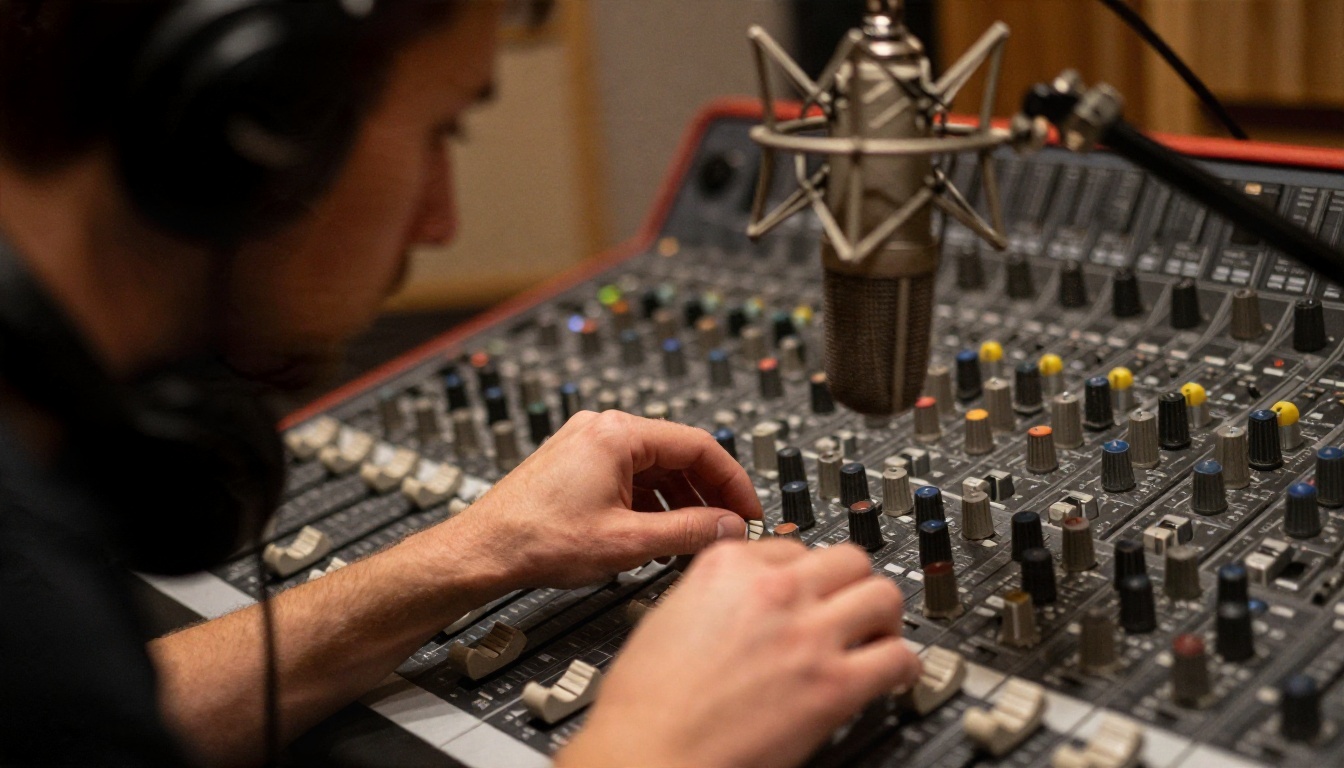
💡 Tip: write sound as concrete sources, not moods. "A kettle whistling in the next room and soft rain on glass" works. "Cozy atmosphere" does not.
One Paragraph Beats a List
Write the prompt as present-tense prose in a single paragraph. Chronological order matters: describe what the viewer sees first, then what changes, then how the camera responds. Keywords separated by commas tend to produce flat motion because the model has no sequence to follow.
Free LTX 2.5 Prompt Generators
You can build a free LTX 2.5 prompt generator in under a minute. Pick a language model, give it a role and the six-part checklist, then feed it rough ideas. PicassoIA hosts several capable chat models in the Large Language Models category, so you can write the prompt and render the video in the same place.
Use a Language Model as Your Generator
A general chat model already knows film language: lens choices, lighting, camera moves, how scenes are paced. What it lacks is the specific format the video model likes. Give it that format once and it will hold it for a whole session.
Copy This System Prompt
Paste the block below as your first message, then send one-line ideas afterward.
You write prompts for the LTX 2.5 video model. For every idea I send, return exactly one paragraph in present tense, between 80 and 140 words. Cover, in this order: shot size and lens feel, the scene with time of day and light, the main subject with concrete visual details, the action in chronological order, the camera movement, and the audio including ambient sound, effects and any spoken line in quotation marks. Use plain photographic language. No lists, no headings, no hashtags, no style tags such as "8K masterpiece". Never mention on-screen text. If my idea is vague, make confident specific choices instead of asking questions.
That last sentence matters. A generator that asks follow-up questions slows you down. A generator that makes decisions gives you something to react to, and you can adjust from there.

Which Model Fits Which Job
Every model below is available on PicassoIA and works with the system prompt above.
| Model | Best for | Why choose it |
|---|
| Claude Sonnet 5 | Detailed, cinematic paragraphs | Follows format rules tightly, rich visual vocabulary |
| Gemini 3.5 Flash | Fast batches of ideas | Quick replies, handles images as input |
| GPT 5.6 Luna | Quick rewrites and tone changes | Fast text replies for rapid iteration |
| Qwen3.7-Plus | Prompts from reference photos | Reads images and writes text about them |
| Kimi K2.6 | Long multi-shot sequences | Keeps a consistent story across many shots |
| Granite 4.1 8B | Free, lightweight drafting | Free LLM for chat, good for simple scenes |
If you have a still photo you want to animate, use an image-capable model such as Gemini 3.5 Flash or Qwen3.7-Plus. Upload the photo, ask for a prompt that describes only the motion and sound, since the image already supplies the look.
A Faster Loop for Batches
Send ten one-line ideas in a single message and ask for ten paragraphs, numbered. Then pick the three that read best and render those. Rendering is the expensive step, so let the cheap text step do the filtering.
Ready Examples You Can Copy
Each example below follows the six-part structure. Swap the nouns, keep the order.
Street Scene With Layered Sound
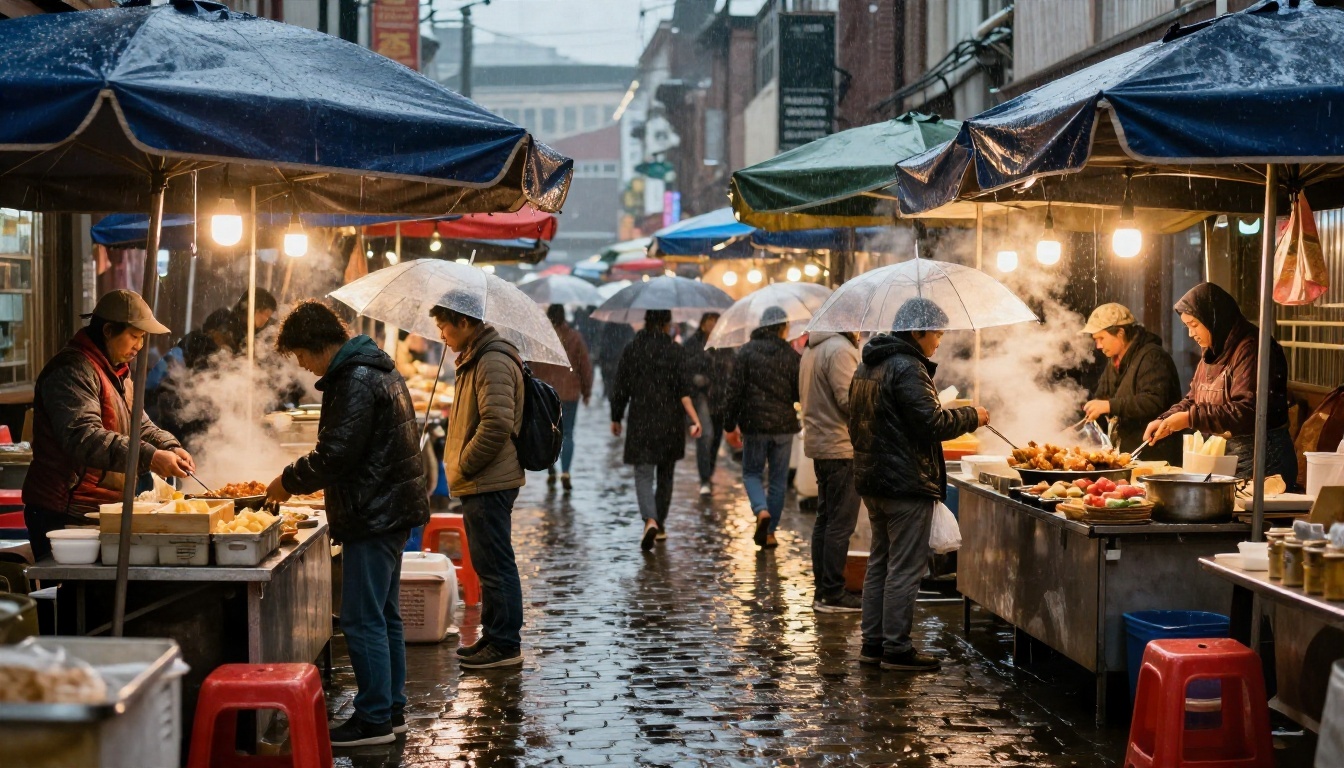
A wide eye-level shot of a night market in light rain, wet cobblestones reflecting warm bulbs under canvas awnings. Steam rises from a food stall as a vendor flips noodles in a wok, and shoppers with clear umbrellas drift past the lens. The camera pushes slowly forward through the crowd at walking pace. Audio: steady rain on canvas, the sizzle of oil, overlapping murmured conversation, a bicycle bell far behind.
This one shows why the audio line matters. Four sound sources, each tied to something visible in the frame, give the model a clear map for the soundtrack.
Character Close-Up With Dialogue
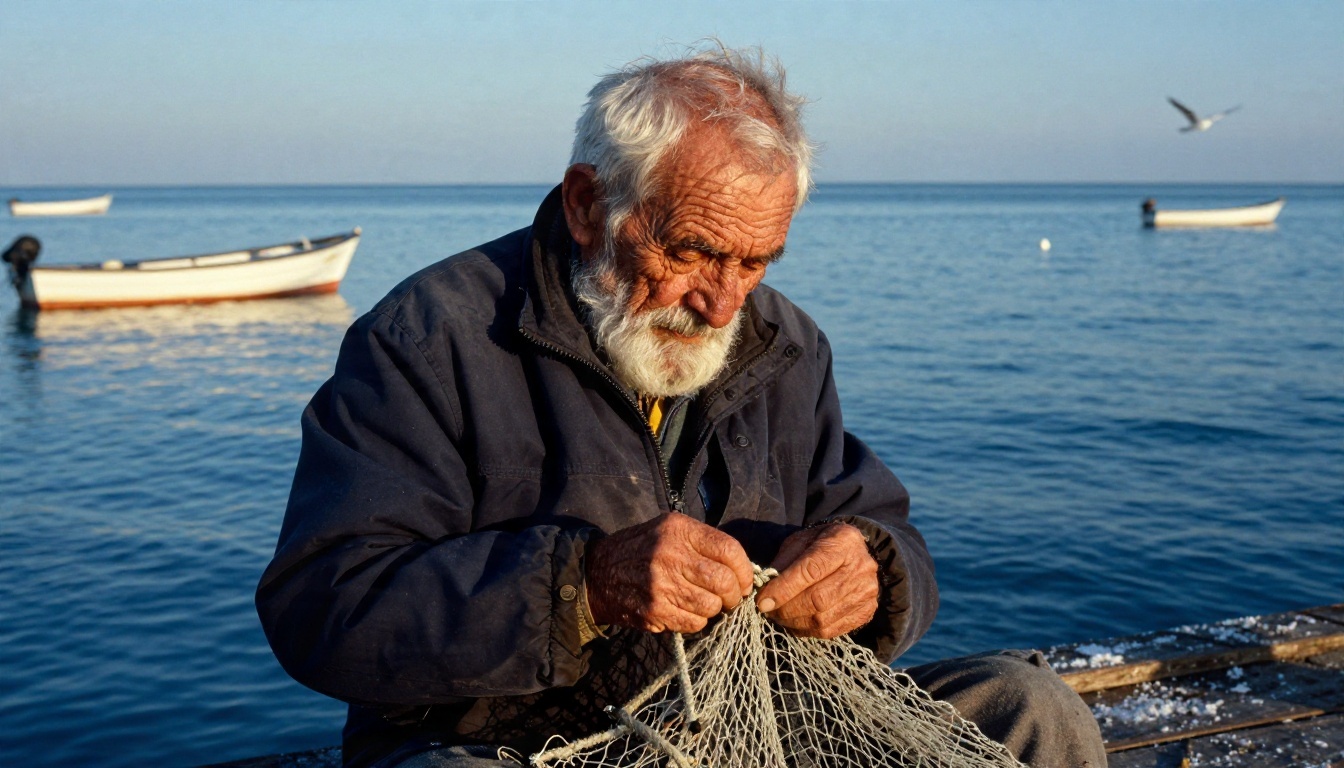
A medium close-up on an elderly fisherman with a deeply lined face and white beard, mending a net on a wooden dock at sunrise. Warm light rims his beard while the sea stays soft and blurred behind him. He tugs the rope tight, glances toward the water and says quietly, "Tide is turning." The camera holds still, with a barely perceptible drift to the right. Audio: creaking rope, small waves against the pilings, a gull calling twice.
Keep spoken lines short. One sentence of dialogue per shot gives the model the best chance of matching lips to words and keeping the tone you intended.
Aerial Shot With Movement
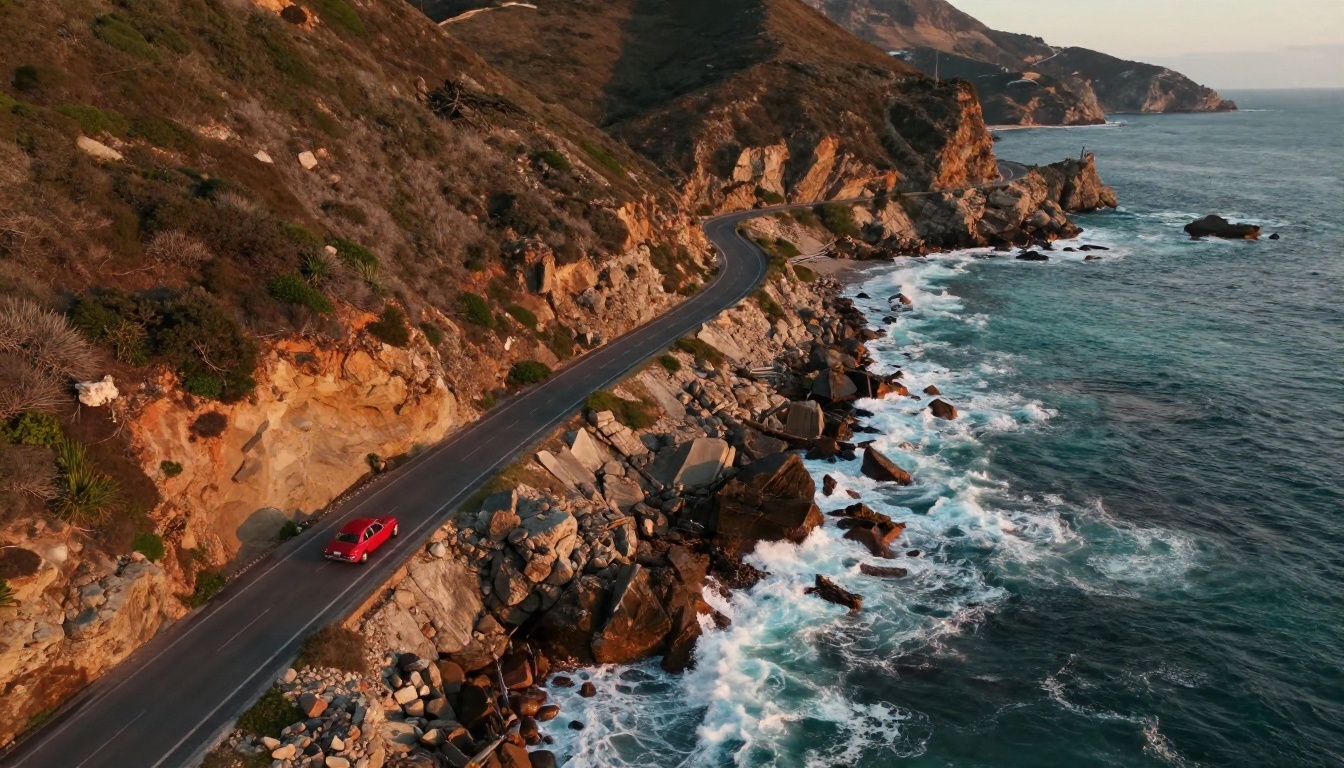
An aerial shot looking down at a winding coastal road along cliffs at golden hour. A red vintage car enters from the left and follows the curves while turquoise waves break on the rocks below. The camera tracks the car from above, then rises slowly to reveal the full coastline. Audio: wind rushing past, the low hum of an old engine, surf crashing against stone.
Image-to-Video Rooftop Portrait
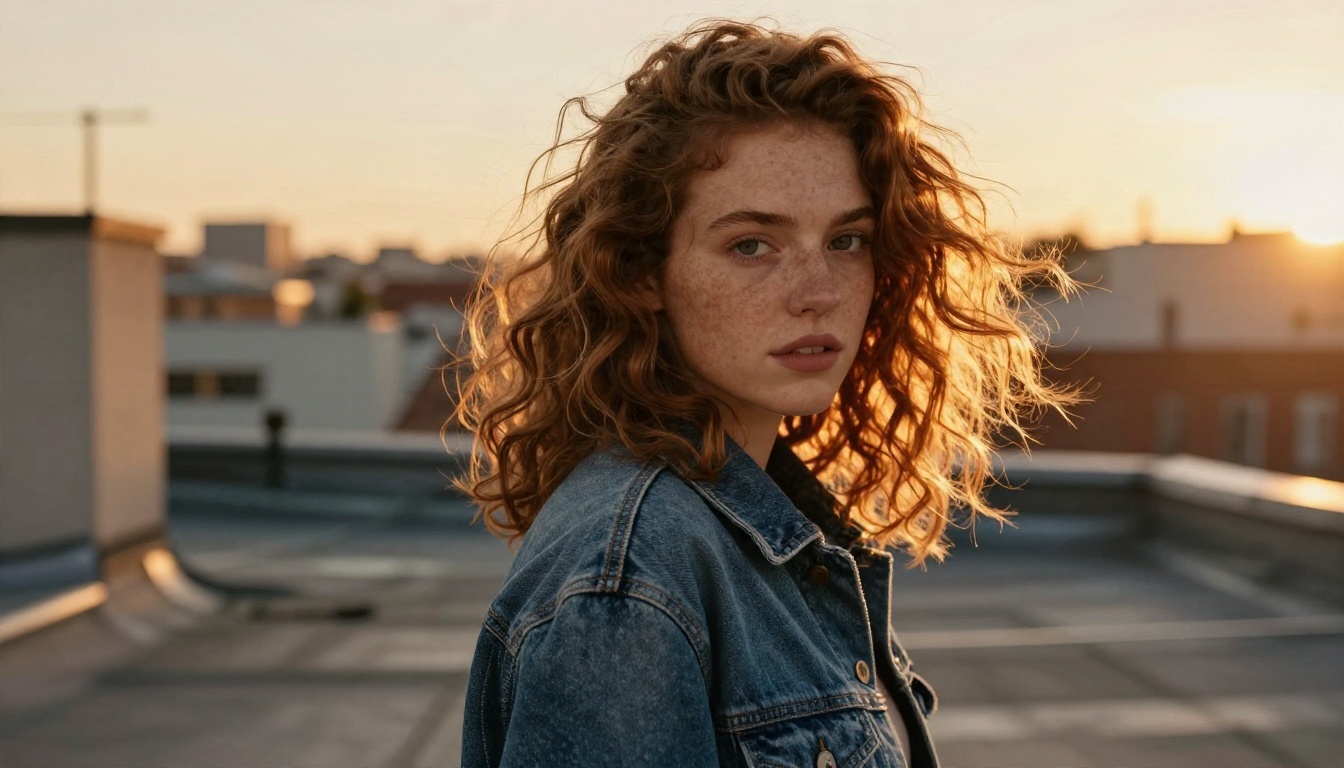
She turns her head toward the camera and smiles slightly as the wind lifts strands of her hair. The camera eases in a few centimeters. Her denim jacket shifts with a gust. Audio: soft wind, distant traffic, a faint laugh.
Notice what is missing: no description of her face, jacket, or the skyline. When you animate a photo, the photo already holds all of that. Repeating it can pull the model toward a different look and cause drift.
Writing Tips That Raise Quality
Use Real Camera Language
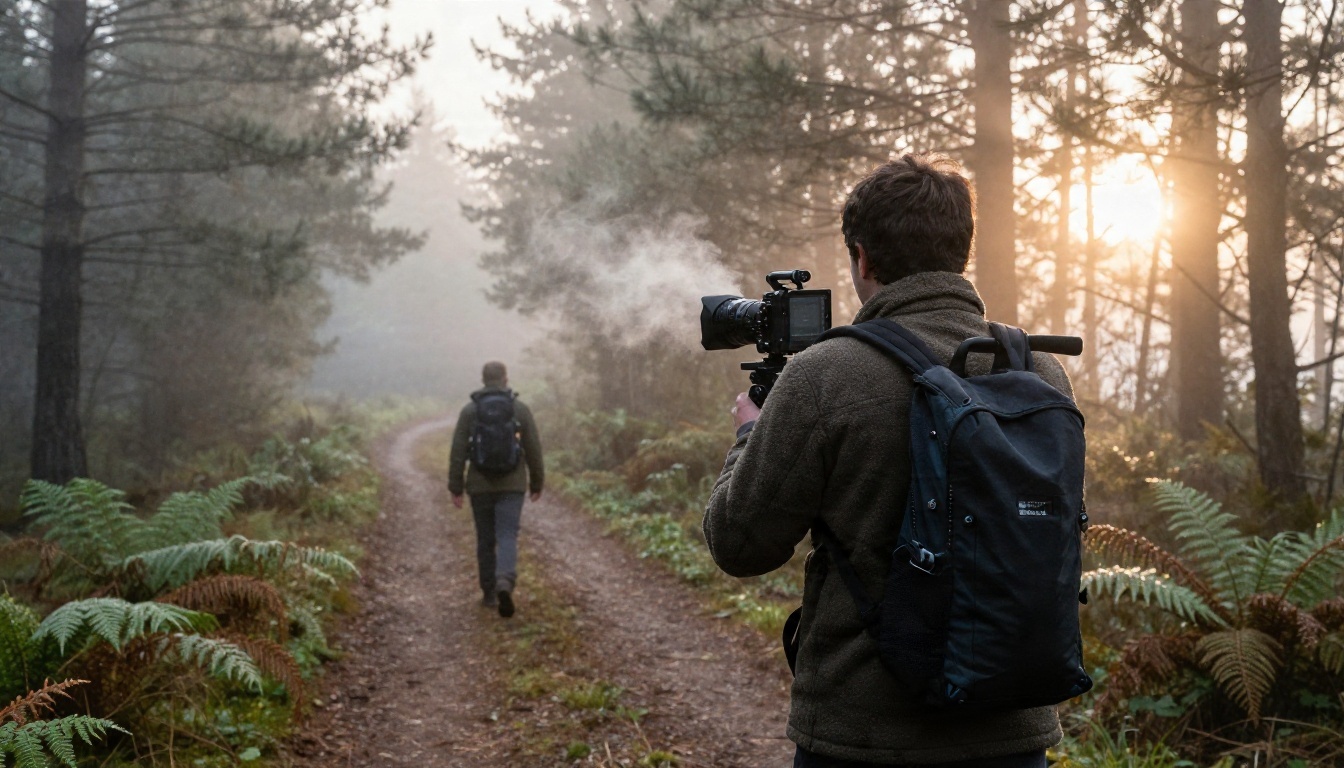
Words like "dolly in," "slow pan left," "handheld," "locked-off tripod" and "rack focus" carry specific meaning. Vague phrases such as "dynamic camera" push the model toward random swooping moves. Choose one movement per shot and stay with it.
Keep Each Shot Simple
One subject, one main action, one camera move. If you want a sequence, describe it as separate shots in order ("The shot cuts to...") rather than cramming five events into five seconds. Short clips handle one beat well and several beats poorly.
Say What You Mean by Style
Describe the look with photographic terms: film stock feel, lens length, lighting direction, color temperature. "Soft window light from the left, 85mm shallow depth of field, warm highlights" is more useful than "cinematic." Filler tags like "ultra detailed" add nothing and can dilute the parts that matter.
Avoid On-Screen Text
Written words inside a generated video are still unreliable. If you need titles or captions, add them afterward in an editor. Tell your prompt generator to leave text out of the scene entirely, as the system prompt above does.
Five Common Mistakes
- Stacking moods instead of details. "Epic, emotional, dramatic" gives the model nothing to draw.
- Skipping the audio line. You get a generic soundtrack instead of one that fits.
- Describing a photo in image-to-video prompts. Describe the motion and sound only.
- Asking for several camera moves at once. Pick one.
- Writing very long dialogue. One short sentence per shot works best.
Review Clips as a Team
If you work with others, store the winning prompts in a shared document along with the settings used. Over a few weeks that becomes a prompt library, and your generator instructions can improve by borrowing the phrasing that kept working.
How to Use LTX 2.5 Fast on PicassoIA
LTX 2.5 Fast is the LTX 2.5 variant on PicassoIA. It accepts text prompts and a first-frame image, can interpolate between a start and end frame, generates synced audio, and renders in portrait or landscape. The Pro variant has no page on PicassoIA, so this is the one to use here.
Step by Step
- Open the LTX 2.5 Fast page.
- Write your idea in one line, then run it through your prompt generator, for example Claude Sonnet 5 with the system prompt above.
- Paste the resulting paragraph into the prompt field.
- Optional: upload a first frame image for image-to-video, or add a last frame image to make the model interpolate between two stills.
- Choose the aspect ratio: 16:9 for widescreen, 9:16 for vertical social clips.
- Set resolution, duration and frame rate using the table below.
- Keep generate audio switched on if you wrote an audio line, then run the render.
Parameter Tips
| Setting | Options | Recommendation |
|---|
| Resolution | 720p, 1080p, 2k, 4k | Test at 720p, finish at 1080p or 4k |
| Duration | 2 to 20 seconds | Start at 5 or 6 seconds while testing |
| FPS | 24, 25, 48, 50 | 24 for a filmic look, 48 or 50 for smooth motion |
| Aspect ratio | 16:9, 9:16 | Match the platform you publish on |
| Generate audio | On or off | On, unless you plan to add your own track |
Clips longer than 10 seconds are only available at 720p or 1080p with 24 or 25 fps, and 48 or 50 fps caps at 10 seconds. If you plan a long clip, choose those settings before you write the prompt, so the action fits the time you have.
💡 Cheap testing: render the same prompt at 720p and 4 seconds first. If the motion and sound are right, raise the resolution and duration for the final pass. You avoid paying for high-resolution renders of prompts that were never going to work.
Prompt Fixes After the First Render
| Problem | Fix |
|---|
| Motion looks random | Replace "dynamic camera" with one named move |
| Sound feels wrong | Name each sound source and tie it to something visible |
| Face drifts in image-to-video | Remove face and clothing description from the prompt |
| Too many things happen | Cut to one subject, one action |
| Lips do not match speech | Shorten the quoted line to one sentence |
Other Video Models Worth Trying
Sometimes a different look suits a project better, and the same six-part prompt carries over. These are all on PicassoIA:
- Kling v3 Video for cinematic motion and polished camera work.
- Veo 3.1 for 1080p clips with native audio.
- Wan 2.6 I2V for animating a single photo into a short clip.
- Seedance 2.5 Lite for free, unlimited generation up to 10 seconds.
- LTX 2 Pro if you want to compare against the previous LTX generation.
If you already shot a clip and only want to change one section, LTX 2 Retake edits a chosen part of a video instead of redoing everything.
Try Your Own Prompts Today
The fastest way to improve is to run a few experiments. Pick one idea, write it as a single line, and send it through a language model with the system prompt from this article. Paste the result into LTX 2.5 Fast, render a short 720p test, and watch where the picture and sound match what you imagined. Then change one thing, such as the camera move or the audio line, and render again.
After three or four rounds you will have a prompt format that works for your style, and a generator that writes it for you in seconds. Browse the full catalog of video and language models at picassoia.com/en/all-models, open PicassoIA, and start building your own library of prompts that deliver the clip you pictured.


