Lightricks shipped LTX 2.5 in August 2026, and the first question everyone asked was simple: is it worth leaving LTX 2.3 behind? The honest answer is "it depends on what you render". LTX 2.5 leans toward finished-looking shots with synced sound and multi-shot control. LTX 2.3 is still the cheaper workhorse, and for some resolutions it is the better pick. This article lines the two up on quality, speed, resolution and price, using figures reported at launch and the settings you can actually use on PicassoIA today.
💡 Quick verdict: pick LTX 2.3 for cheap drafts, batch work and anything where cost per second matters. Pick LTX 2.5 when audio sync, polish and longer or multi-shot clips matter more than the bill.
A note on the numbers: most pricing and benchmark figures for LTX 2.5 come from third-party listings and the maker's own preliminary evaluations, and they do not always agree with each other. Where sources conflict, I say so instead of picking a winner quietly.
What Changed in LTX 2.5
LTX 2.5 is the newer generation from Lightricks, and it arrived with open weights, which means developers can run it on their own hardware instead of waiting for a hosted queue. Reports from the launch period describe it as a video model with built-in audio, first and last frame control and a reworked decoding stage meant to clean up fine detail.
Release and open weights
LTX 2.3 was already a strong open-source-friendly model with 4K output and synced audio. LTX 2.5 builds on that base rather than replacing the idea. The open weights matter mostly for studios and tinkerers. If you generate through a hosted service like PicassoIA, you never touch a GPU, so the practical changes are the ones you see in the clip and on the price tag.
Fast and Pro tiers
Both generations ship in two flavors. Fast variants favor turnaround time and a low price. Pro variants favor final-quality output. On PicassoIA you can run LTX 2.5 Fast, LTX 2.3 Fast and LTX 2.3 Pro. LTX 2.5 Pro exists as a separate tier at Lightricks, but it is not on PicassoIA, so I discuss it here by name only and do not link it.
| Variant | Tier focus | On PicassoIA |
|---|
| LTX 2.5 Fast | Speed and low cost, up to 4K | Yes |
| LTX 2.5 Pro | Final-quality output | No |
| LTX 2.3 Fast | Cheapest, 1080p to 4K | Yes |
| LTX 2.3 Pro | Higher quality, 4K | Yes |
Quality: Where LTX 2.5 Pulls Ahead
Quality is the hardest category to score, because it is subjective and the evidence is still young. Lightricks labels its own quality results for LTX 2.5 as preliminary, and at least one community member on the model's discussion board said they saw no clear improvement over 2.3. Treat that as a reminder to test your own prompts rather than trust a leaderboard.
Detail and motion
The reported gains for LTX 2.5 sit in texture and edges: hair, foliage, fabric and water ripples tend to hold together better from frame to frame, which is the job of that reworked decoder. LTX 2.3 is still sharp, but in side-by-side tests the older model can look a touch smoother, as if a light filter had been applied over small patterns.
Where I would expect the difference to show:
- Fine repeating patterns such as knitwear, grass and brick walls
- Faces in motion where small expression changes should stay stable
- Water and smoke, which punish any frame-to-frame flicker
- Hands, still the weak spot of nearly every video model
Synced audio
Both generations produce sound along with the picture, so neither one needs a separate audio pass. LTX 2.5 is positioned as the more audio-minded release, with tighter sync between visible action and sound. For dialogue-free clips such as footsteps, ambience or kitchen noise, either version is fine. For anything where a door slam has to land on the exact frame, run a few tests on 2.5.
Multi-shot and frame control
Launch coverage highlighted native multi-shot behavior in LTX 2.5, meaning one prompt can describe a short sequence of cuts instead of a single continuous take. First and last frame control, where you provide a start image and an end image and the model fills the motion between them, is available on both LTX 2.5 Fast and LTX 2.3 Fast on PicassoIA.
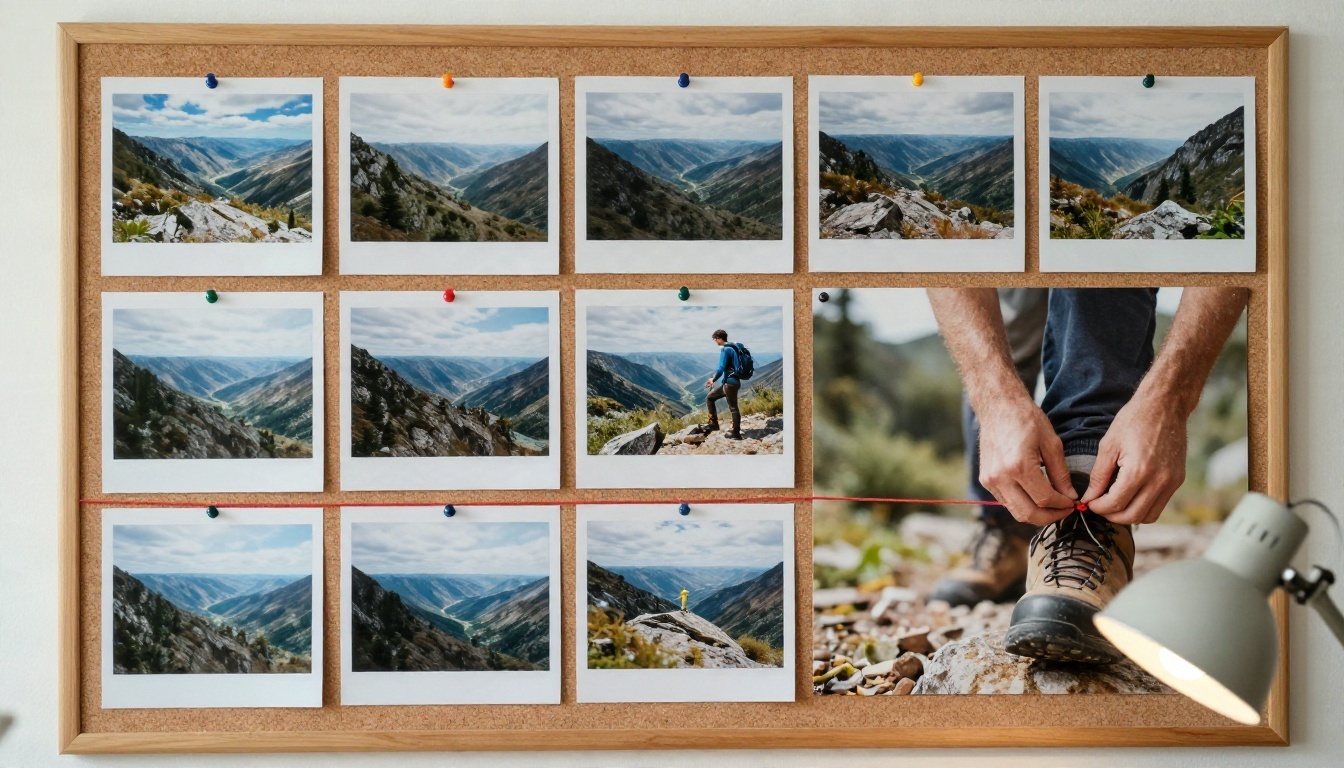
💡 Tip: for multi-shot prompts, describe each shot in order with a clear subject and camera move, such as "wide shot of a valley, then medium shot of a hiker, then close-up of hands tying a boot". Short, concrete sentences beat poetic ones.
Speed: Fast Is Relative
Speed is where the headline numbers get dramatic. One widely repeated claim says LTX 2.5 can produce a 10 second clip in about 6.8 seconds when self-hosted on two NVIDIA GB200 GPUs at 720p, and about 23.7 seconds through the hosted LTX API. Those are launch figures from the vendor side, they depend on very expensive hardware, and they say little about what you will wait for on a shared queue.

Lab figures vs real queues
Treat the speed advantage as real but modest for ordinary users. Both generations sit in the "seconds to a couple of minutes" range for short clips on hosted platforms. Resolution and duration move the wait far more than the version number does. A 4K, 10 second render will always take longer than a 720p, 5 second one, whichever model you choose.
What actually slows you down
| Factor | Effect on wait time |
|---|
| Resolution (720p to 4K) | Largest effect, grows steeply |
| Duration (2s to 20s) | Large effect, roughly linear |
| Frame rate (24 to 50 fps) | Moderate effect, 48/50 fps doubles the frames |
| Audio on or off | Small effect |
| Queue load | Unpredictable, changes by time of day |
For fast iteration, draft at 720p and a short duration, then re-run only the winners at higher quality. That habit saves more time than switching versions.
Resolution: Higher Ceiling, Messier Facts
Resolution is the category with the most conflicting information. LTX 2.3 is widely described as a 4K-capable model with strong support at 1080p, 2K and 4K. For LTX 2.5, some listings say the Fast tier reaches 720p, 1080p, 2K and 4K, while the Pro tier tops out at 1080p. Another listing describes 2.5 Fast as softer than the 2.3 tiers at 1080p. These claims cannot all be true at once, so check the model page before you plan a delivery format.

Tier by tier on PicassoIA
The settings below come from the model pages themselves, so they are the ones you can rely on here.
| Setting | LTX 2.5 Fast | LTX 2.3 Fast |
|---|
| Resolutions | 720p, 1080p, 2K, 4K | 1080p, 2K, 4K |
| Durations | 2 to 20 seconds | 6 to 20 seconds |
| Frame rates | 24, 25, 48, 50 fps | 24, 25, 48, 50 fps |
| Aspect ratios | 16:9, 9:16 | 16:9, 9:16 |
| Synced audio | Yes, toggle | Yes, toggle |
| Camera motion presets | Not listed | Dolly, jib, focus shift, static |
| First and last frame | Yes | Yes |
Two differences stand out. LTX 2.5 Fast adds a 720p option and shorter clips, which makes cheap drafts much easier. LTX 2.3 Fast adds camera motion presets, handy when you want a clean dolly-in without writing it into the prompt.
Duration caps by resolution
On both models, clips longer than 10 seconds are limited to lower resolutions and 24 or 25 fps, and 48 or 50 fps caps at 10 seconds. If you need a 20 second clip, plan on 1080p or below. If you need 4K, keep it under 10 seconds.
Price: The Real Cost of Upgrading
Every source I found agrees on one thing: LTX 2.5 costs more per second than LTX 2.3 at every resolution. The exact multiplier depends on the platform. On the hosted API pricing reported around launch, a 720p second on 2.3 Fast costs about $0.03, while 2.5 Fast at 720p costs about $0.09, which is roughly three times as much.

Reported API rates
| Resolution | LTX 2.3 Fast | LTX 2.5 Fast | LTX 2.5 Pro |
|---|
| 720p | about $0.03 per second | about $0.09 per second | about $0.12 per second |
| 1080p | not confirmed | about $0.13 to $0.15 per second | about $0.17 per second |
| 4K | not confirmed | about $0.30 to $0.37 per second | unclear, sources conflict |
These are third-party reports of vendor API rates, not PicassoIA prices, and the 4K figures vary between listings. Use them to compare the two generations against each other, not to budget a project. Check the model page for what you will actually pay.
A realistic test session
Say you generate ten 5 second drafts at 720p, which is 50 seconds of video. At the reported rates that is about $1.50 on LTX 2.3 Fast against about $4.50 on LTX 2.5 Fast. Over a hundred drafts the gap becomes $15 against $45. That is why many creators draft on the cheaper model and only switch up for the shots that will ship.
💡 Budget habit: draft on 2.3 or at 720p, pick the best two or three prompts, then render only those at your final resolution on 2.5.
Which One Should You Pick

Pick LTX 2.3 when
- You render lots of drafts and cost per second matters
- You want camera motion presets without extra prompt work
- You need 4K and want the better-documented option
- You are building a pipeline and want predictable pricing
LTX 2.3 Pro is the step up when you want more quality from the older generation without changing families.
Pick LTX 2.5 when
- You need tight audio sync or sound that must match the action
- You want shorter 2 or 3 second clips and a native 720p draft mode
- Your shots rely on fine texture, such as fabric, foliage or water
- You are testing multi-shot prompts with several cuts in one request
Alternatives worth a test
LTX is not the only family worth comparing. If your project needs longer clips, higher fidelity or different motion character, try these on PicassoIA:
How to Use LTX 2.5 Fast on PicassoIA

LTX 2.5 Fast is the LTX 2.5 variant available on PicassoIA, and it turns a prompt or a single photo into a clip with synced audio. Here is the workflow I would follow.
Step by step
- Open the model page for LTX 2.5 Fast.
- Write the prompt. Describe subject, action, camera move and light in two or three sentences.
- Add a first frame if you want image-to-video. A sharp, well-lit photo gives the model a strong anchor.
- Add a last frame if you want a controlled transition between two images.
- Choose aspect ratio: 16:9 for widescreen, 9:16 for vertical feeds.
- Choose resolution and duration, then leave audio on unless you plan to add your own track.
- Generate, review the clip, and adjust one variable at a time.
Parameter tips
| Parameter | Draft setting | Final setting |
|---|
| Resolution | 720p | 1080p, or 4K for short clips |
| Duration | 3 to 5 seconds | 6 to 10 seconds |
| Frame rate | 24 or 25 fps | 24 or 25 fps for cinematic, 48 or 50 for smooth motion |
| Audio | On | On, unless replacing it |
Higher resolutions cap the maximum duration, so if the interface refuses a long 4K request, lower the resolution or shorten the clip. For a prompt that works well on this model, try something like: "Slow dolly-in on a chef plating a fish dish, steam rising, warm kitchen light, sizzling sounds and clinking plates."
💡 Tip: keep one change per run. If you alter the prompt, the resolution and the frame rate together, you will not know which change helped.
If you want to test the older generation with the same prompt, run it on LTX 2.3 Fast and compare the results side by side.
Try Both Side by Side
The fastest way to settle LTX 2.5 vs LTX 2.3 is to run the same prompt on both and watch the results with the sound on. Start with a 720p draft on LTX 2.5 Fast, repeat it on LTX 2.3 Fast, and decide whether the extra cost buys you something you can see and hear. Then step up to LTX 2.3 Pro for the shots that matter most.
PicassoIA has dozens of video, image and audio models in one place, so you can experiment without juggling accounts. Browse the full catalog at picassoia.com/en/all-models, pick a model, and start making your own clips today.


