Type "LTX 2 NSFW" into a search bar and you get a pile of half-answers: a forum thread claiming the model has no filter, a hosted site promising unlimited free clips, and a dozen prompt lists that nobody seems to have tested. This article sorts the noise from the facts. You will see what LTX 2 is, what I could and could not confirm about adult content, where free online options actually come from, and which motion prompts turn a still glamour photo into a believable five-second clip.
One honest note before we start. LTX 2 comes from Lightricks and was released with open weights, with image to video as one of its pipelines. My research found nothing that confirms how the model treats adult material, so every claim of "fully uncensored" below is flagged as a claim, not a fact. Where I do not know, I say so.
What LTX 2 Actually Is
Open Weights, Not a Website
LTX 2 is a video generation model from the company Lightricks. The weights were published on Hugging Face, the model card lists image to video as a supported pipeline, and the model works with the Diffusers Python library. The model card points to the LTX 2 community license agreement, so check that text before you build anything commercial on it.
Lightricks has also moved on. LTX 2.5 was reported in August 2026 as another open weights release, with a permissive license that is free for organizations under a stated annual revenue limit. That matters for you because many "LTX" sites online do not tell you which version they run.

What Image to Video Means Here
Image to video starts with one still frame and asks the model to invent the next 120 or so frames. You supply a photo and a short motion prompt. The model keeps the face, clothing, and setting, then adds movement: hair lifting in the wind, a slow head turn, a camera that drifts forward.
That is why the quality of your first frame decides almost everything. A soft, noisy still gives you a soft, noisy clip. A sharp, well-lit photo gives the model real texture to hold on to.
💡 Tip: Think of the still image as the casting decision and the prompt as the direction. If the casting is wrong, no prompt can fix it.
What Is Confirmed About NSFW
Here is the short list of what holds up:
- The weights are public, so anyone can run the model on their own hardware.
- The model card describes general video generation. It makes no promise about adult content in either direction.
- I found no verified statement from Lightricks that the base weights are free of safety behavior, and none that says they are filtered.
Everything else you read about "LTX 2 uncensored" comes from user reports. Treat it as anecdote.
Is LTX 2 Really Uncensored?
Local Runs vs Hosted Sites
There are two very different ways to use any open weights model:
| Route | Who controls the rules | Cost | Effort |
|---|
| Run it on your own GPU | You, within the license terms | Hardware and power | High |
| Hosted demo or web app | The site operator | Free tier, credits, or subscription | Low |
| API provider | The provider's usage policy | Pay per second of video | Medium |
A local run means no operator sits between you and the model, which is where the word "uncensored" comes from. A hosted site is a different story. The operator can add prompt filters, image checks, or output scanning on top of the same weights. So "LTX 2 is open" does not mean "this LTX 2 website is open."
Why "Uncensored" Is a Weak Label
The label tells you nothing about quality. An unrestricted model can still produce melted hands, flickering faces, and drifting clothes. It also tells you nothing about legality. Platforms, payment processors, and the license itself set limits, and laws about adult content and about real people's likenesses differ by country.
Two rules are worth stating plainly. Use only adult subjects, and use only synthetic characters or people who have clearly agreed to appear. Never animate a photo of a real person without their consent. That rule holds on every platform and in every jurisdiction I know of.
Free Online Options That Exist
Where Free Access Comes From
Free LTX-style generation tends to fall into four buckets:
- Community demo spaces. Volunteers host a small demo of the open weights. Queues are long and clips are short.
- Trial credits. Hosted video platforms give a handful of free generations on signup, then ask for payment.
- Daily allowances. Some sites refill a small credit pool every day.
- Your own machine. Free per clip once the hardware is paid for. Tools like ComfyUI and the Diffusers library are the usual route.
Demo spaces and trial credits almost always sit behind moderation. If your goal is suggestive glamour content, expect tame outputs or blocked requests on many of them.
What to Check Before You Upload
Before you hand any site a photo, run through this list:
- Does it say which model version it uses (LTX 2, LTX 2.5, or something else)?
- Does it state a clear policy on adult content?
- Does it keep or reuse your uploads?
- Are clips watermarked on the free tier?
- Is the maximum resolution stated, not implied?
Running It Locally
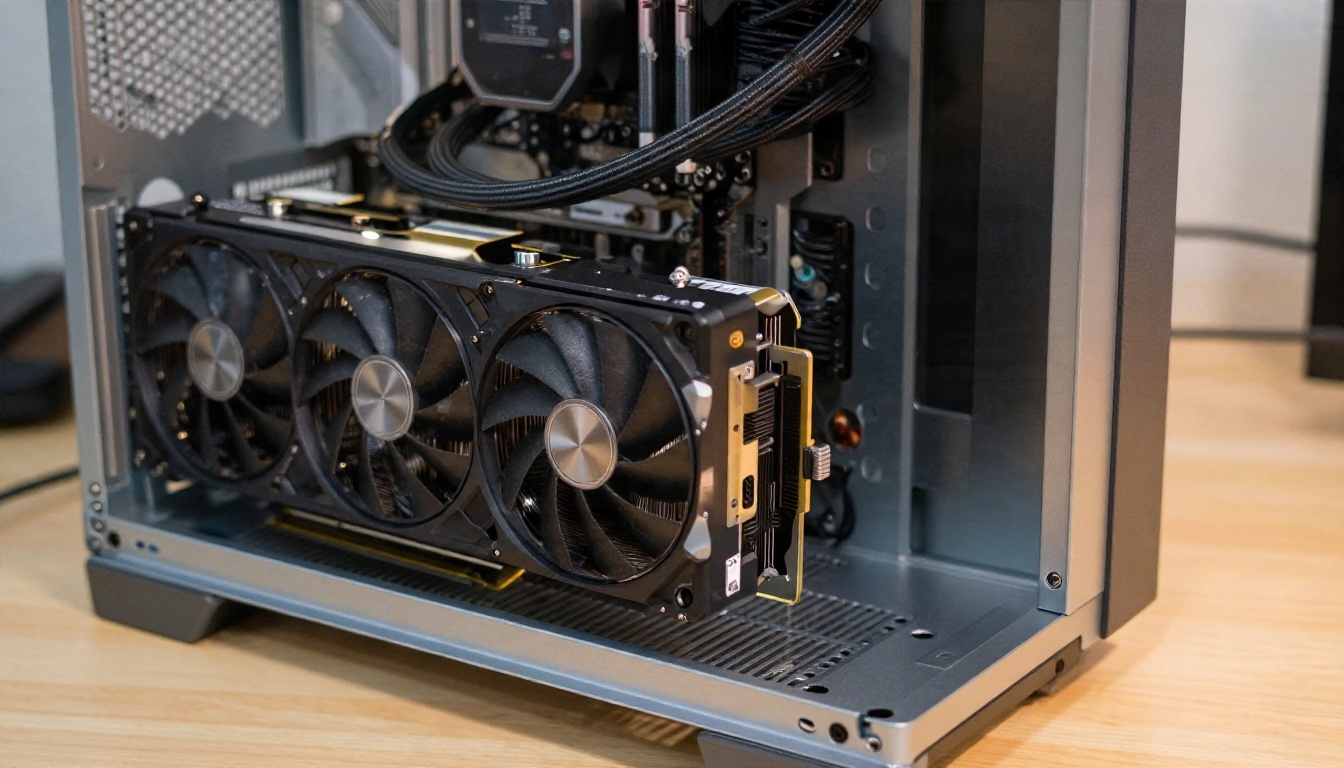
A local setup gives you the most control, but it is a project. You need a recent GPU with a lot of memory (check the current model card for exact requirements), a Python environment, and patience for the first install. Generation time depends on your card, resolution, and clip length.
If you only want a few clips a week, the hours spent on installs and drivers will cost more than a hosted option does.
LTX 2 Is Not on PicassoIA Yet
The open weights LTX 2 model is not on PicassoIA, so I will not point you to a page for it. If you want similar results today, use these alternatives, listed in the order I would try them:
| Model | Best for | Link |
|---|
| Seedream 4.5 | Sharp, photorealistic first frames, including glamour and swimwear | Seedream 4.5 |
| PicassoIA Image Editor Pro | Unlimited generations and edits on your first frame | Image Editor Pro |
| Wan 2.2 I2V A14B | Animating a still into a 720p clip | Wan 2.2 I2V A14B |
PicassoIA also lists other LTX family models, such as LTX 2 Pro and LTX 2.5 Fast. They are separate models from the open weights LTX 2, and I have not verified how they handle adult prompts, so test them with suggestive but non-explicit frames first.
💡 Why this stack works: Seedream 4.5 and Image Editor Pro let you build and refine the still frame without hitting a wall on swimwear or boudoir styling, and the video model only has to handle motion. Splitting the job in two gives you more control than a single text prompt ever does.
How to Get Similar Results on PicassoIA
The workflow below uses Wan 2.2 I2V A14B for the motion, with a first frame built in Seedream 4.5 or Image Editor Pro.
Step 1: Build a Strong First Frame
Write a photographic prompt, not a vague one. Name the lens, the light direction, the skin and fabric texture, and the setting. For example:
"Adult woman in an open white linen shirt over a cream swimsuit on a sunlit terrace, golden hour light from the left, 85mm f/1.8, fine skin texture, soft film grain, sea in the background."
Keep the pose relaxed and the framing wide enough to leave room for movement. A subject cropped tight at the edges gives the video model nothing to move into.
Step 2: Fix Flaws Before Animating
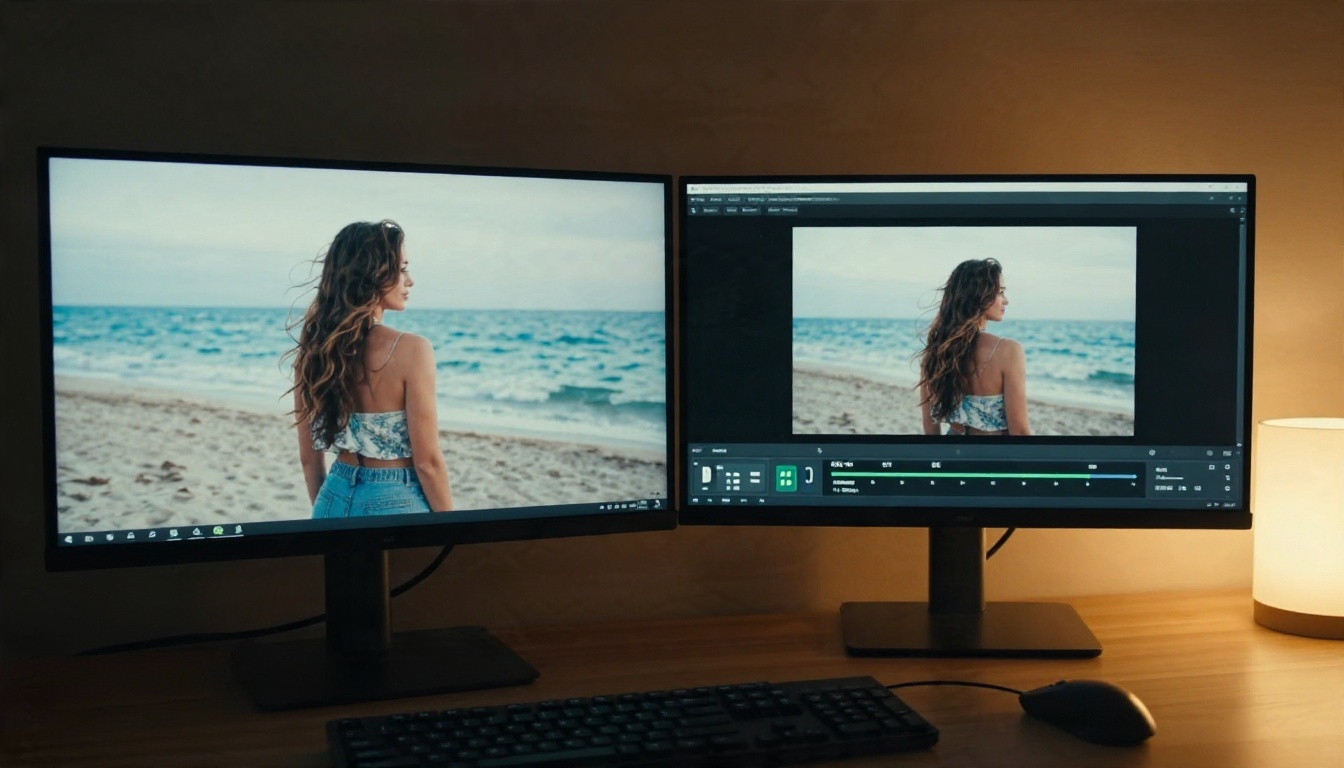
Check hands, eyes, and clothing edges. Use Image Editor Pro to repair anything odd, since video models amplify small errors. A strap that looks slightly wrong in the still will crawl across the shoulder in motion.
Step 3: Animate With Wan 2.2
Open the model page, upload your still, and write a motion prompt. These inputs are exposed on the model:
| Parameter | What it does | Suggested setting |
|---|
| Image | The first frame | Sharp, well lit, wide framing |
| Prompt | Describes the motion | One action plus one camera move |
| Resolution | 480p or 720p | 720p for final clips, 480p for drafts |
| Num frames | Clip length | Stay at 81, which the model recommends |
| Frames per second | Smoothness | Default 16, raise it only if you need it |
| Sample steps | Quality vs speed | Around 30 for most prompts, 40 for finals |
| Seed | Repeatable output | Save the seed of any clip you like |
Step 4: Iterate With One Change at a Time
Run a 480p draft first. If the motion is right, rerun the same seed at 720p. If it is wrong, change one thing in the prompt, not three. Otherwise you will never know which edit helped.
💡 Quick draft loop: 480p, fewer steps, same seed. Once the movement looks right, switch to 720p and raise the steps for the final render.
Prompts That Work for Glamour Clips
A good motion prompt has a clear order: subject and starting pose, one movement, one camera move, then lighting. Keep it short. Long prompts make video models pick a random half of your instructions.
Beach and Pool Prompts
- "The woman slowly turns her head toward the camera and smiles, wind lifts her hair and the open shirt, slow dolly in, warm golden hour light."
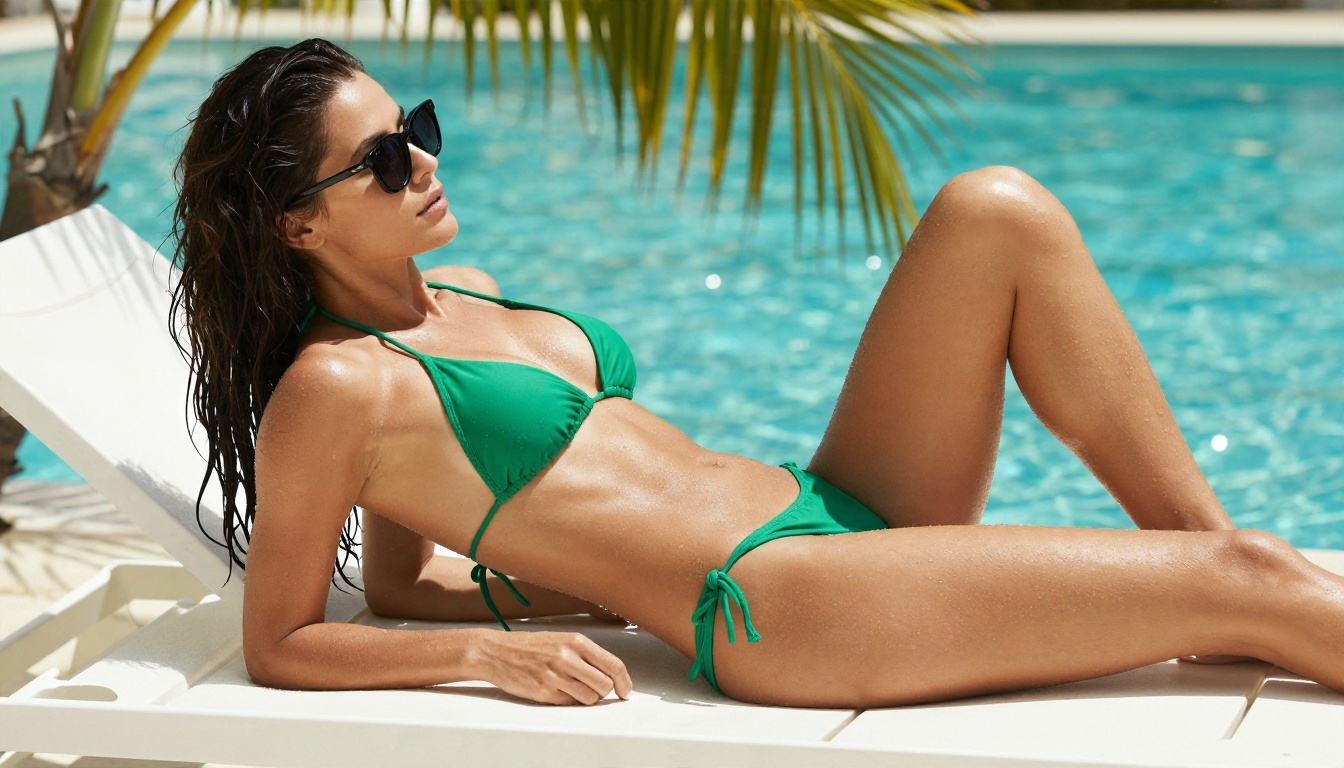
- "She lowers her sunglasses with one hand and looks up, water droplets glisten on her skin, camera holds low and steady, bright midday sun."
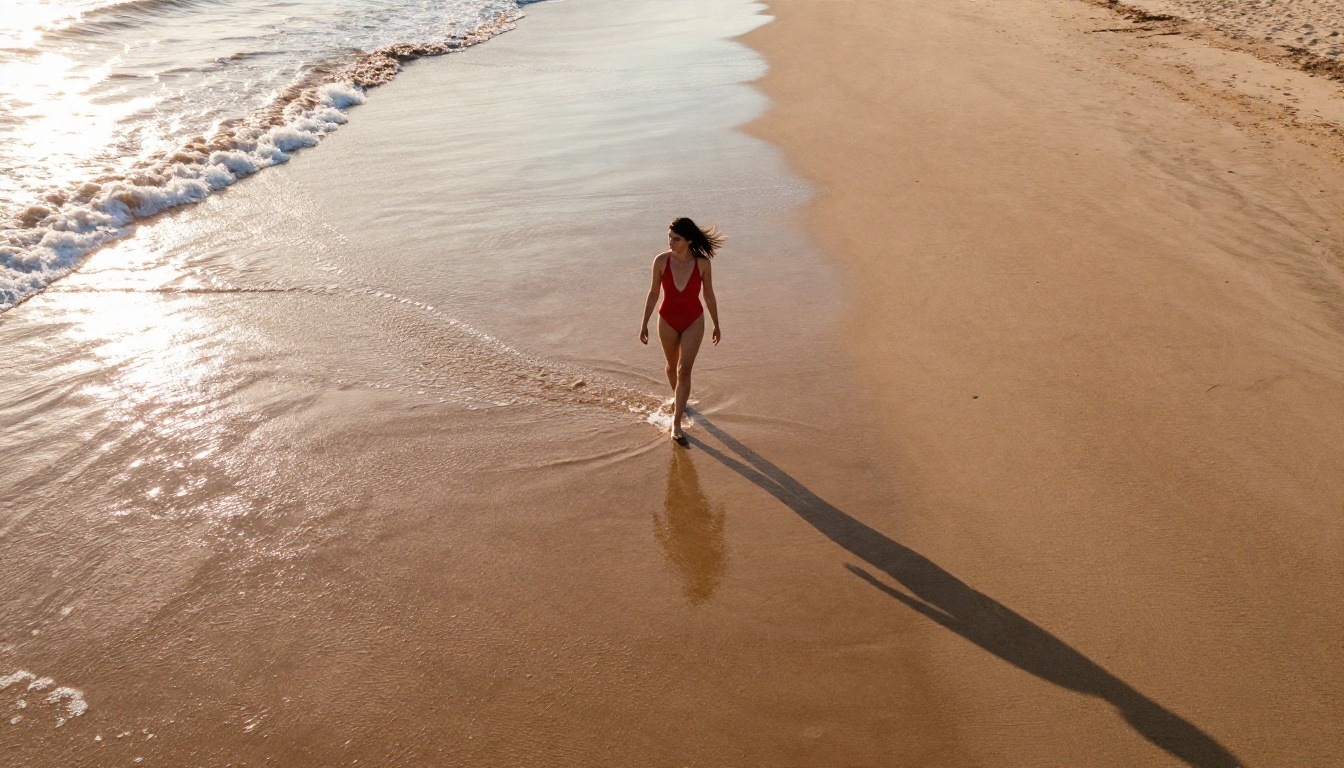
- "She walks along the shoreline, small waves wash around her ankles, the camera rises slowly in an aerial drift, warm low sun."
Boudoir and Window Light Prompts
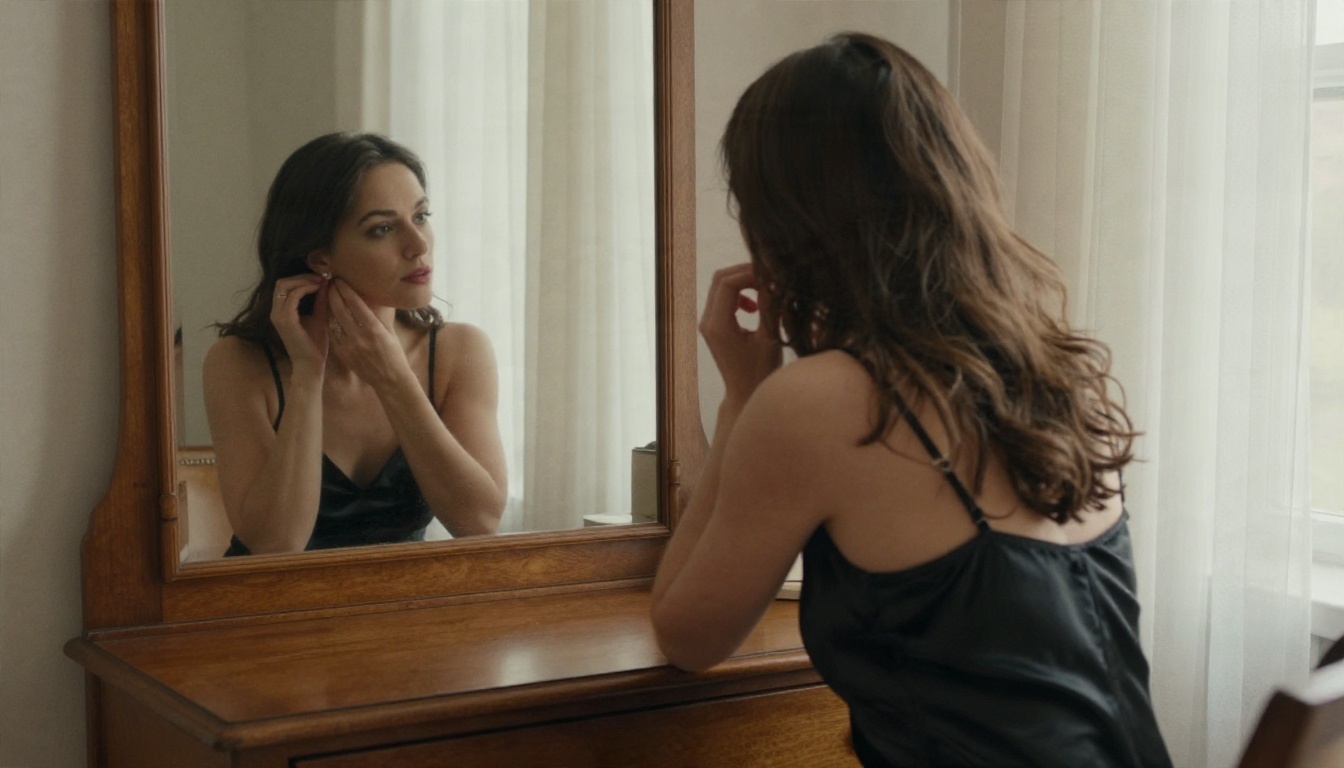
- "She adjusts her earring and glances at the mirror, her reflection moves with her, soft window light, slow push in."
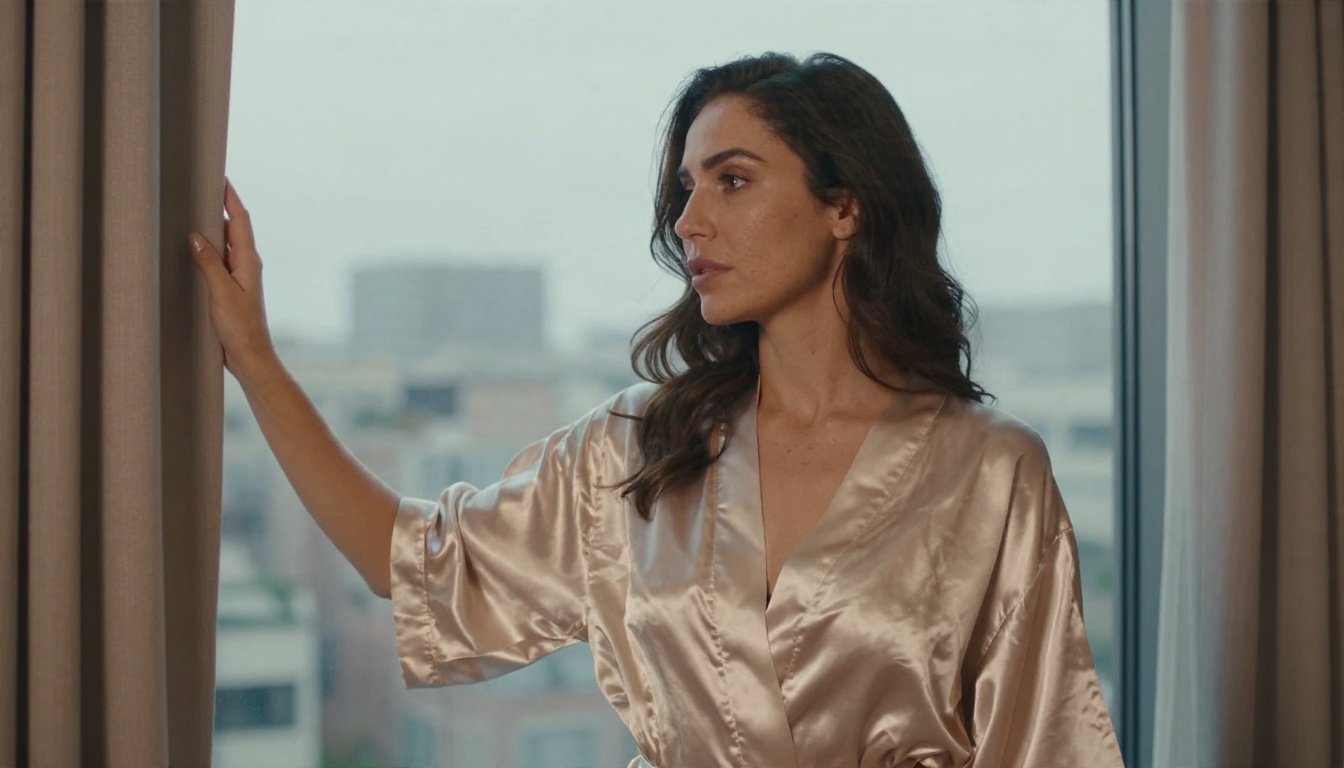
- "She draws the curtain aside and looks out, silk robe shifts gently, backlit morning haze, camera drifts a few inches to the right."
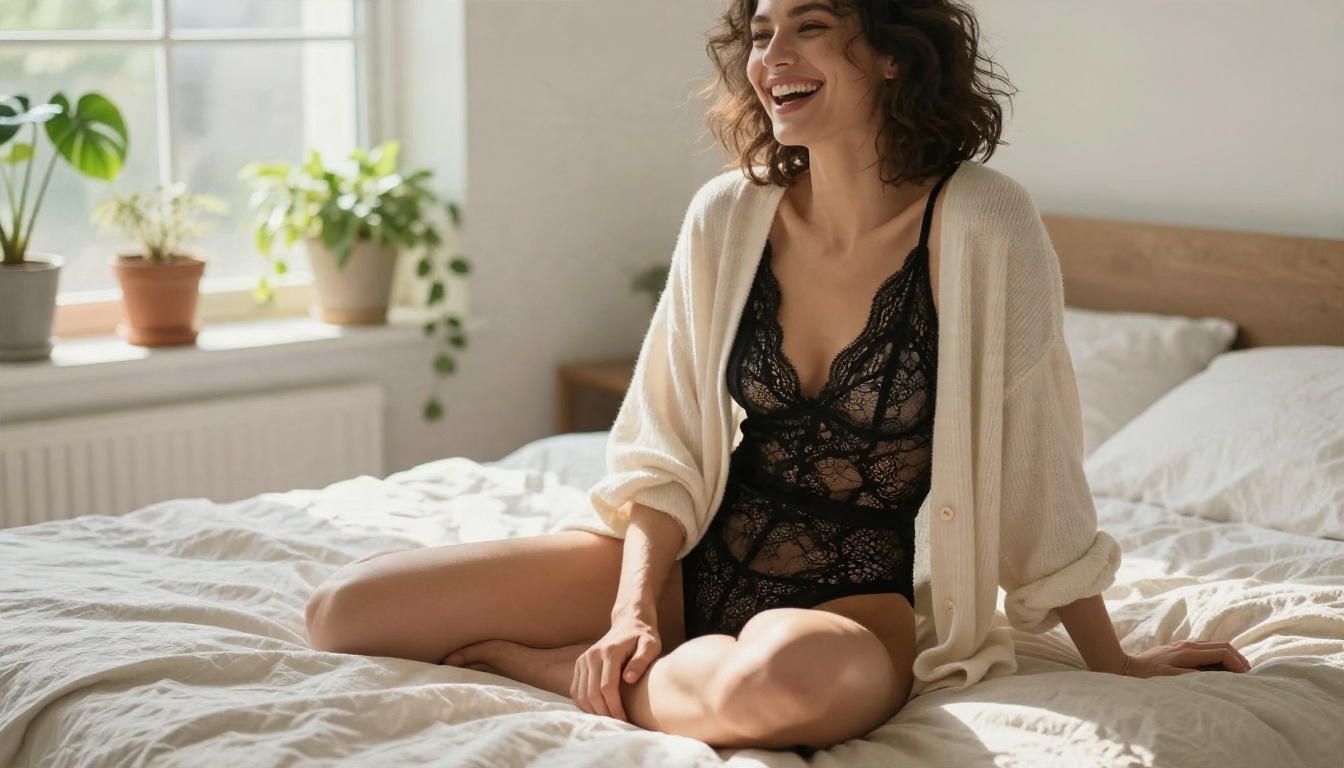
- "She laughs and brushes hair behind her ear, the linen sheets move slightly, handheld feel, soft daylight from the left."
Camera Moves That Behave
| Camera move | Result | Risk |
|---|
| Slow dolly in | Intimate, cinematic | Face drift if pushed too far |
| Gentle pan | Reveals the setting | Background warping |
| Static camera | Safest, most stable | Can feel flat |
| Orbit | Dramatic | Often breaks clothing and hair |
| Handheld drift | Natural, candid | Too much shake looks messy |
For beginners, static or slow dolly wins nearly every time.
Common Mistakes to Avoid
Asking for too much motion. Five seconds is short. One head turn and a hair lift is plenty. Three actions in one prompt produce chaos.
Using a low quality first frame. Compression artifacts, blur, and heavy filters turn into flicker. Start from a clean, high resolution image.
Ignoring the lighting in the prompt. If the still has a low sun on the left and the prompt says "bright overhead light," the model will argue with itself. Match the light described in your image.
Skipping drafts. Always test at low resolution first. It saves time and credits.
Trusting claims about "no filter" without checking. Sites change policies, and anyone can type "uncensored" in a headline. Test with a harmless frame before you rely on any platform.
Forgetting consent and age. Use only adult characters, and never use a real person's photo without permission.
Quick Answers to Common Questions
Is LTX 2 free? The weights are free to download under the community license, with terms you should read. Running it costs hardware or credits.
Can LTX 2 make NSFW videos? I could not confirm it either way. Claims online come from users, not from Lightricks.
Is there a free online LTX 2 NSFW generator? Free options exist, but most hosted ones add their own filters and watermarks, and I cannot verify any of their policies for you.
What is the safest way to get glamour video clips today? Build a sharp, tasteful first frame, then animate it with a model that accepts that style, such as the workflow above.
Try Your Own Clips Today
You now have the full picture: LTX 2 is a capable open weights model, the "uncensored" label is mostly a rumor you cannot verify, and the first frame is where most of your quality comes from. The fastest way to test all of this is to build your own stills and animate them.
Start with a frame in Seedream 4.5, refine it in PicassoIA Image Editor Pro with unlimited generations, then bring it to life with Wan 2.2 I2V A14B. Try three prompts from the lists above, keep the seeds you like, and change one detail at a time. When you want more options, browse the full catalog at picassoia.com/en/all-models.


