You have probably typed some version of the same question into a search bar: can I run LTX Desktop without a filter, does it cost anything, and do I even need a monster PC? The short version is yes it is free, yes it runs on your own machine, and no, nobody has given you a written promise that it is "uncensored." That last part is where most articles get vague, so this one stays precise about what is confirmed and what is just internet folklore.
I ran the research, separated vendor claims from rumors, and then added something most posts skip: a practical way to make suggestive, glamour-style visuals today, in a browser, without a 160GB install.
💡 Quick answers: LTX Desktop is free and open source. Local mode needs a strong NVIDIA GPU. An online route exists through cloud generation. "Uncensored" is not an official feature, and I could not find any official statement about adult content.
What LTX Desktop Actually Is
LTX Desktop is a desktop video editor built around the LTX family of video generation models from Lightricks. Think of it as a timeline editor with an AI engine bolted into the middle. You write a prompt, feed in a still, or extend a clip, and the app generates motion for you.
Open Source, Apache 2.0
The project is published under the Apache 2.0 license, which is permissive. You can run it, inspect it, and in many cases build on it. That matters for the "uncensored" conversation, because open code and open weights mean the community can read exactly what the app does, and nothing is hidden behind a server you cannot see.
Two Modes: Local and API
According to the vendor documentation I found, LTX Desktop works in two ways:
- Local mode: the model runs on your own GPU. Nothing leaves your computer.
- API mode: the app sends the job to a cloud service and returns the result. This helps when your hardware is too weak.
This split is the single most important thing to remember, because the answers to "is it free," "is it filtered," and "can I run it online" all change depending on which mode you use.
Which Models Power It
Recent LTX releases are the 2.x line, and LTX Desktop is documented alongside the 2.3 generation of models. Weights for related releases can require you to accept an access agreement on the model page before downloading. Read that agreement. It is where usage terms actually live.
Is LTX Desktop Free?
For the software itself: yes. There is no subscription to install the app, and the license allows broad use.
The Hidden Costs
"Free" and "costs nothing" are different things. Here is where the money actually goes:
| Cost | Local mode | API mode |
|---|
| App license | Free | Free |
| GPU hardware | Expensive, you own it | Not required |
| Electricity | Noticeable on long sessions | None |
| Disk space | Around 160GB for weights and environment | Minimal |
| Per-generation fee | None | Usually metered |
| Setup time | Hours the first time | Minutes |
The numbers above come from vendor and third-party pages that did not fully agree with each other, so treat the disk figure as a rough estimate and check the current figure before you commit your SSD.
Free Compared With Unlimited
Local generation has no per-clip bill, which is why people call it free. But if you do not already own an NVIDIA card with serious memory, the cheapest "free" setup can cost more than a year of cloud credits. Do the math before you buy a GPU for this.
Is LTX Desktop Really Uncensored?
This is the question that brought you here, so let me be direct. I could not find any official statement from the makers about adult content, content filters, or an "uncensored" mode. No page I reviewed promised it. No page forbade it in plain language either.

What "Uncensored" Usually Means
When people say a local model is uncensored, they usually mean one of three things:
- There is no cloud moderation layer, because everything runs on your PC.
- The model has not been aggressively tuned to refuse certain prompts.
- Community add-ons or fine-tunes remove whatever refusals exist.
Point one is a fact about architecture, not a promise about output quality. Points two and three depend on the specific weights you download and where they came from. I cannot verify either for LTX Desktop, so I will not pretend to.
Local Versus API Moderation
A reasonable expectation, not a confirmed fact: cloud services tend to filter, local software tends not to. If you use API mode, your prompt travels to a server operated by a company with its own terms of use, and that company may block or flag requests. If you use local mode, no server is involved, so the practical limit is the model itself and the license you accepted.
💡 Rule of thumb: Whatever you generate, you are responsible for. That means no real people without consent, no minors, no deceptive deepfakes, and nothing that breaks the license you agreed to. Open source does not erase those lines.
Quality Is the Real Limit
Even if a model never refuses, it may simply be bad at what you want. Video models trained on filtered datasets often produce odd anatomy, blurry skin and stiff motion on glamour subjects. A model that "allows" something is not the same as a model that does it well. This is the part forums rarely mention.
Can You Run It Online?
Yes, in a limited sense. LTX Desktop is an app you install, not a website you open. But API mode means the heavy lifting can happen on a remote server, so you do not need the GPU yourself.
What Online Really Means
There are three very different things people mean by "online":
- API mode inside the desktop app, which still needs the app installed.
- A hosted web tool that runs an LTX model in a browser tab.
- Renting a cloud GPU and installing the app there yourself.
The first two trade control for convenience. The third gives you control back but adds setup work and hourly costs.
Mac Users Take Note
Local mode is listed for Windows or Linux with a supported NVIDIA GPU. Mac owners are effectively pointed to API mode, which means no fully local, no-server workflow on a Mac. If privacy is your reason for going local, that is worth knowing before you download anything.
The Privacy Trade
Running in the cloud means your prompts and outputs pass through someone else's infrastructure. Read the privacy terms of any service before you send private material. Local mode wins on privacy, every time.
The Hardware Reality Check
Here is the part that stops most people. The sources I read disagreed, which is itself a useful warning sign.
Minimum Specs, As Reported
| Component | Reported figure |
|---|
| GPU | NVIDIA, Windows or Linux |
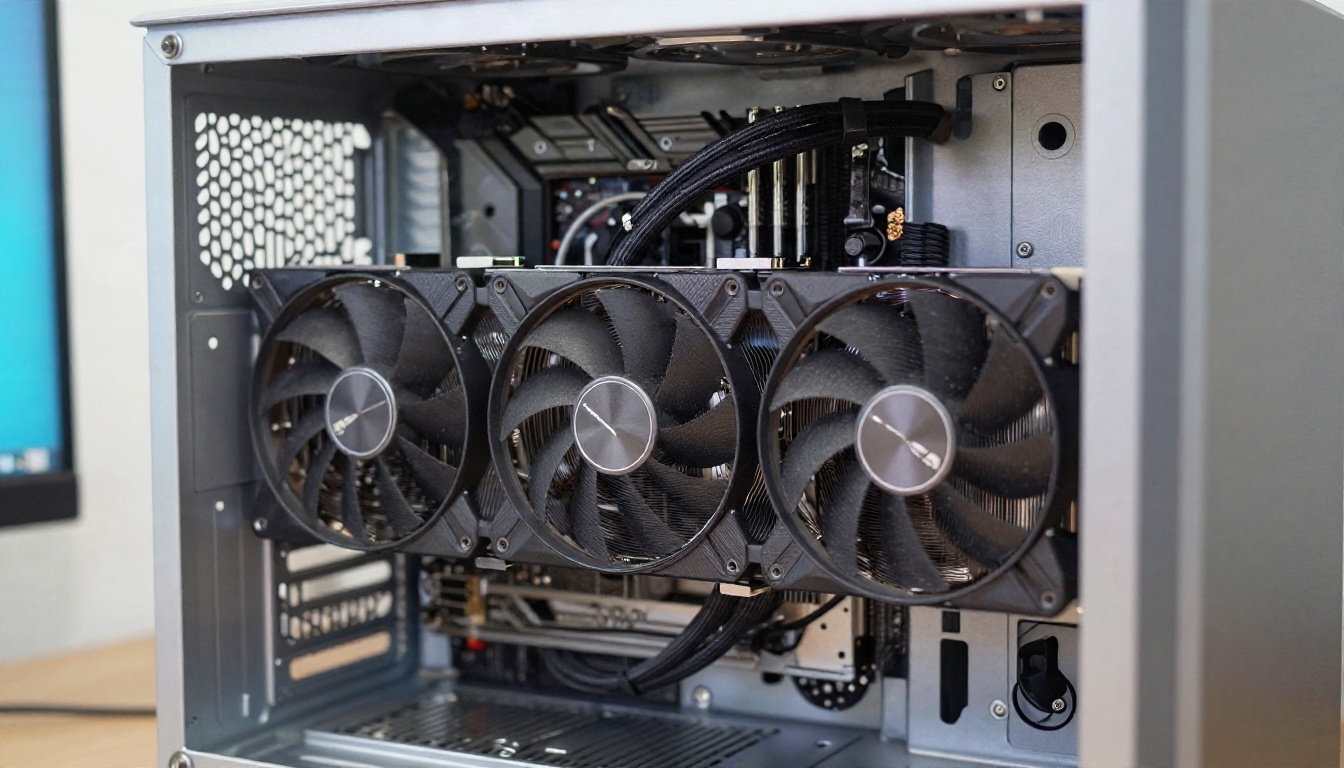
| VRAM | 16GB minimum, 32GB recommended on one help page |
| Flagship note | One source names an RTX 5090 with 32GB as the minimum |
| RAM | 16GB or more |
| Disk | Roughly 160GB free |
If a card with 32GB of VRAM is your real requirement, you are looking at a very high-end consumer GPU. Plenty of creators will never own one, and that is fine, because the alternatives below work from any laptop.
Is It Worth Building For?
Only if you generate video all day. For occasional experiments, the hours spent installing, downloading weights, and troubleshooting drivers usually cost more than a few dozen cloud generations.

A Browser Route That Works Today
If your goal is suggestive, glamour-style content without a heavy install, start with stills. A strong still is also the best starting frame for any video model later. This is where PicassoIA fits.
💡 Honest note: LTX Desktop itself is not a PicassoIA product, and I am not claiming otherwise. What follows are alternatives hosted on PicassoIA that you can open in a browser right now.
Seedream 4.5 First
Seedream 4.5 is the model I would lead with for glamour imagery. It produces sharp, photorealistic skin, believable fabric and natural light, and it handles swimwear, satin, and portrait lighting without the plastic look that sinks many generators. It is fast, which matters when you are iterating on a pose or an outfit ten times in a row.
Image Editor Pro for Unlimited Tries
PicassoIA Image Editor Pro is built around unlimited generations. That is the real value for anyone frustrated by metered credits: you can keep refining a look, swap outfits, adjust lighting and re-run without watching a counter. It is also useful for editing an existing photo rather than starting from zero.

Qwen Image 3 Pro for Realism
Qwen Image 3 Pro is a solid third option when you want clean photographic output and strong prompt following. Use it to compare how different engines interpret the same description.
LTX Models If You Want Motion
If what you want is the LTX look, PicassoIA hosts other LTX releases as separate models. LTX 2.5 Fast is a fast text-to-video option, and LTX 2 Pro targets higher fidelity. These are different models from the one inside LTX Desktop, so do not assume identical behavior or identical content rules. Check what each accepts before you build a workflow around it.
How to Get Similar Results on PicassoIA
Here is the exact routine I use with Seedream 4.5 for non-explicit glamour work.

Step by Step
- Open the Seedream 4.5 page and choose the text-to-image mode.
- Write the subject first: age range, hair, skin, and clothing, for example "woman in her mid twenties, ivory satin slip, loose waves."
- Add the setting: "linen bed, window light from the right, white walls."
- Add the camera: "50mm lens, f/1.8, shallow depth of field, eye level."
- Add texture words: "natural skin pores, satin sheen, fine film grain."
- Choose a 16:9 ratio for wide scenes or 3:4 for portraits.
- Generate, pick the best frame, then refine in Image Editor Pro.
Prompt Parameters That Matter
| Setting | What to try | Why |
|---|
| Aspect ratio | 16:9 or 3:4 | Matches video frames and portraits |
| Lens words | 35mm, 50mm, 85mm | Controls perspective and background blur |
| Light direction | "from the left," "golden hour" | Shapes shadow and skin tone |
| Film words | "Kodak Portra 400, grain" | Warm, natural color |
| Fabric words | "satin sheen, linen wrinkles" | Adds realistic texture |
Common Mistakes
- Writing a long list of adjectives instead of describing light and lens.
- Mixing too many outfits in one prompt, which confuses the result.
- Asking for explicit content. Keep it suggestive and artistic; that is where these models look best.
- Skipping the edit pass. A second pass for lighting and skin detail adds more than rerolling the same prompt.
💡 Pro tip: Generate a strong still first, then use it as the opening frame for a video model. Starting from a good image beats prompting video from scratch almost every time.
Local or Online: Which Should You Pick?
Here is the honest decision table.

| If you... | Choose |
|---|
| Own an NVIDIA GPU with 16GB+ VRAM and want privacy | LTX Desktop in local mode |
| Have a Mac or a weak laptop | A browser tool or API mode |
| Want to iterate on looks quickly | Seedream 4.5 and Image Editor Pro |
| Only need a few clips a month | Cloud generation, no install |
| Generate video every day | A local install may pay off |
My Take
For most people, the install is the barrier, not the license. If the idea of 160GB of downloads and driver troubleshooting sounds like a weekend you do not have, you can get to glamour-quality results faster with a browser.
Start Creating Your Own Images
Everything above comes down to one idea: skip the setup and make something. Open Seedream 4.5, write a prompt using the light, lens and fabric words from the table, and generate a first frame in seconds. Then move to PicassoIA Image Editor Pro for unlimited refinements without counting credits.
Want more choices? Browse every model, from photorealistic image engines to video generators, at picassoia.com/en/all-models. Try a few prompts tonight. The best way to find your look is to generate ten versions and keep the one that surprises you.


