You typed a perfectly reasonable prompt for a swimwear shoot, hit generate, and got a grey box with a polite refusal. That is the most common first experience with LTX Official NSFW requests, and it leaves people asking the same three questions: where exactly is the line, can you use the tool for free, and what do you do when the answer is "not here"?
This article answers all three in plain terms. I will separate what is documented from what is only reported by users, show you which kinds of prompts tend to get blocked, and lay out alternatives that work well for suggestive, non-explicit glamour content. One note before we start: everything below is about adult, consensual, tasteful imagery. Nothing here is about explicit material, and nothing here involves real people's likenesses without permission.

LTX Official NSFW: Filter Limits, Free Online Use, and Alternatives
LTX Official is how most people refer to the hosted tools and API that Lightricks runs around its LTX video models. Lightricks also released LTX-2 with open weights and training code, which means there are really two worlds: the hosted service, where the company decides what is allowed, and the downloadable model, which people run on their own hardware under a community license.
That split explains most of the confusion online. A person posts "LTX has no filter" because they ran the weights locally. Another person posts "LTX blocks everything" because they used a hosted interface. Both can be telling the truth.
💡 Quick answer: Hosted LTX tools apply moderation to prompts and uploads. Local open weights behave differently, but they come with a license you need to read and your own hardware to feed. Neither route is a simple "NSFW on/off" switch.
| Question | Short answer |
|---|
| Is there a filter on the hosted service? | Expect moderation on prompts and image inputs |
| Do open weights remove it? | They remove the hosted layer, not the license terms |
| Can you use it free online? | Usually through limited credits, caps or trials |
| Best option for glamour content? | A model built to allow suggestive, non-explicit work |
What I could and could not confirm
I searched for official documentation describing an NSFW filter for LTX-2 and found none that spells out the rules. Lightricks describes the model as open weights, runnable on consumer GPUs, and available through ComfyUI and a hosted API. The license is a community license, not a standard open-source one, and I did not verify every clause. One third-party blog claims the LTX line has no content filters at all. That is a single unofficial claim, so treat it as a rumor until you read the model card and license yourself.
Why the hosted layer exists
Any company that serves video generation to the public has to deal with payment processors, app stores, and legal exposure. A moderation layer is the cheapest way to manage all three. It is not personal, and it is rarely tuned for nuance. A bikini editorial and something far more explicit can look identical to a keyword scanner.

Where the Filter Draws the Line
Nobody outside the company can give you the exact rule set, but the pattern reported by users is consistent enough to be useful. Treat the list below as observed behavior, not policy.
Prompts that usually trigger blocks
Moderation systems on hosted video tools tend to react to a few things:
- Explicit anatomical terms, even in an artistic framing
- Words that imply undress or sexual acts, regardless of context
- Named real people, especially combined with revealing clothing
- Minors or youthful descriptors near any suggestive wording, which is blocked everywhere and should be
- Violence mixed with sensual language
Notice that most of these are about wording, not about the picture you have in mind. That matters, because wording is the part you control.
Text prompts versus image inputs
Image-to-video adds a second checkpoint. Even when your text is clean, the uploaded first frame can be scanned. A photo that reads as swimwear editorial to a person may still be flagged if the classifier is cautious about skin area or pose. If you animate a first frame and get a refusal, the image is often the cause, not your motion prompt.
Why results feel inconsistent
You may send the same prompt twice and get two different outcomes. Classifiers work on probabilities, and thresholds can shift as providers update them. A prompt that passed last week can fail today. That is frustrating, but it is also a reminder not to build a workflow that depends on one platform's mood.
Free Online Use: What to Expect
People searching for free access usually want one of two things: a way to test without paying, or a way to avoid paying forever. Those are different goals.
Credits, caps and watermarks
Hosted video tools almost always meter free use. The usual levers are a small pool of starting credits, daily or monthly limits, lower resolution, shorter clips, queue priority, and watermarks. I did not find current LTX pricing or content-policy details in my research, so check the plan page before assuming anything. Plans change often, and a free tier that exists today may be smaller next month.
Running it locally
The open weights are the real free route, but "free" hides a hardware bill. You need a capable GPU, enough memory, and the patience to set up ComfyUI or a similar workflow. Generation times on a mid-range card can be long, and a failed prompt costs you minutes instead of seconds. For hobby work that is fine. For anyone producing content on a schedule, it gets old quickly.
💡 License check: Before you build anything commercial on open weights, read the community license. Permissive for research and personal use does not always mean permissive for every commercial case.
The hidden cost of free
A free tier with a heavy filter costs you time. If half of your generations are refused, your real price per usable clip is higher than a paid tool with sensible rules. Count refusals as lost minutes, not as free tries.

Prompt Fixes That Reduce Blocks
Before you leave a tool, it is worth trying a few rewrites. They cost nothing and they often work for tasteful content.
Describe the shoot, not the skin
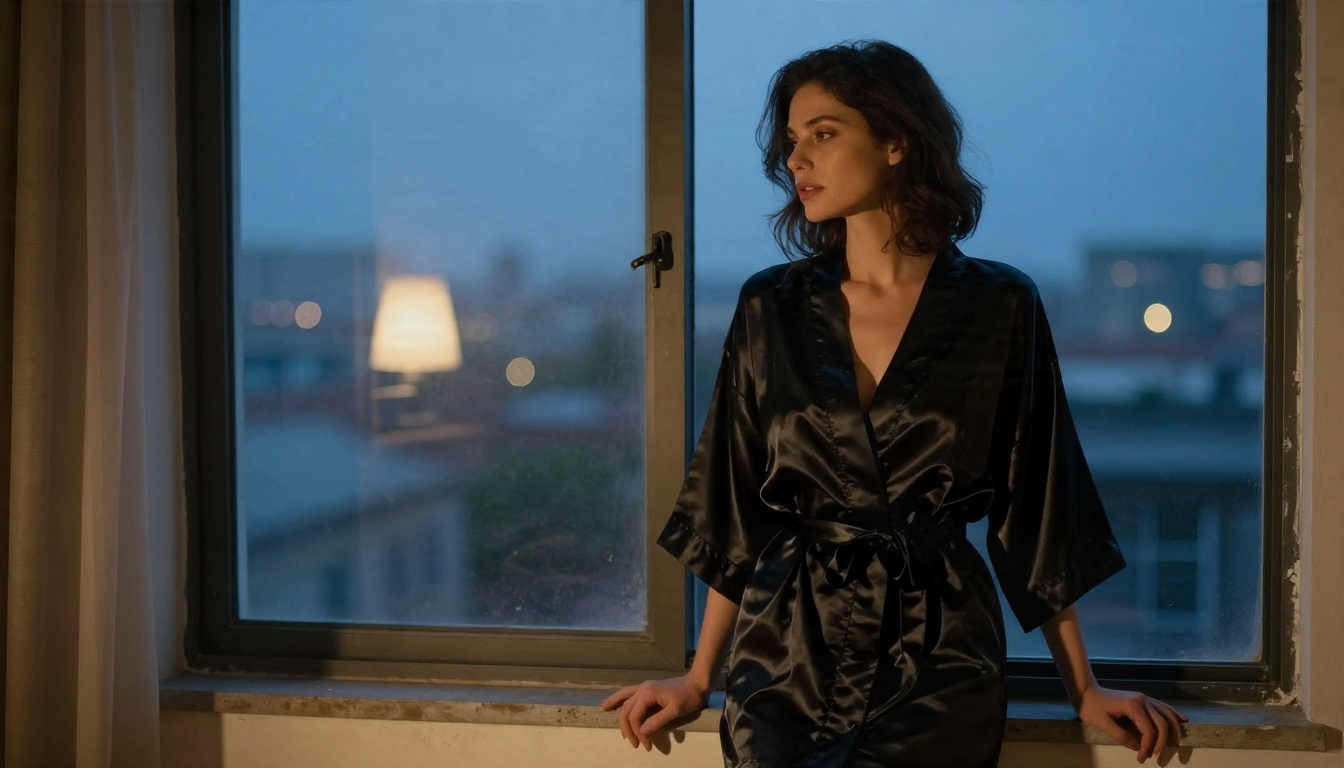
Photographers do not write "revealing outfit." They write "satin robe, boudoir editorial, warm lamp light, 85mm portrait." The second version carries the same mood and gives the model a style to follow rather than a body to describe. It also keeps classifiers calmer.
Use fashion vocabulary
Words like swimwear editorial, resort campaign, lingerie catalogue, glamour portrait and boudoir lighting point to established commercial photography. Pair them with camera details such as lens length, light direction and film stock. A prompt that reads like a shot list rarely reads like a violation.
Build from a strong first frame
For video, the first frame does most of the work. If you create a clean still first, you can then add only a short motion instruction: a slow dolly in, a breeze moving fabric, a head turn toward the window. Short motion prompts leave less room for a classifier to object, and they give better results because the model has less to invent.
Alternatives for Glamour Work
When a filter keeps blocking suggestive but non-explicit content, the practical answer is to switch tools. LTX Official is not on PicassoIA, so I will not pretend it is. For similar results today, these are the models I would reach for, in this order.
Seedream 4.5 for the first frame
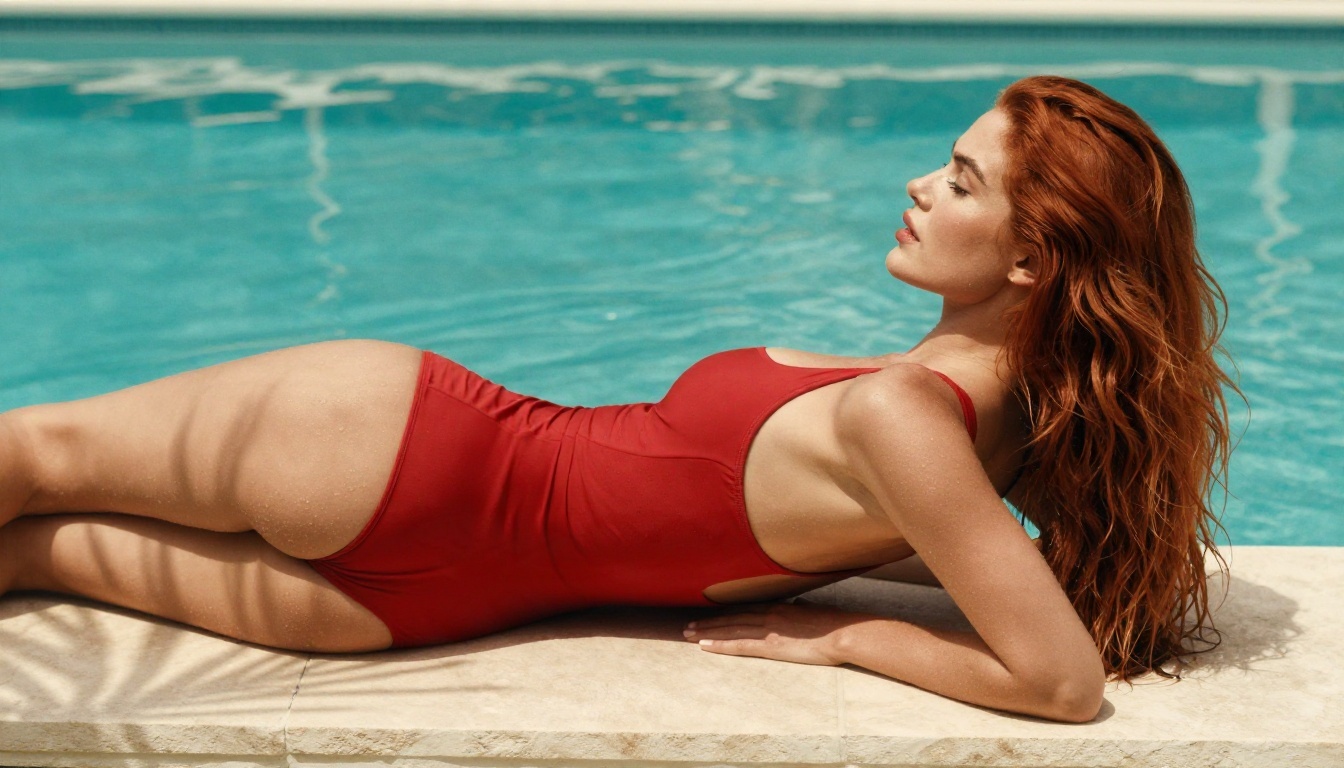
Seedream 4.5 is where I start. It produces sharp, photorealistic stills with believable skin, fabric and light, and it handles swimwear, boudoir and glamour prompts without the constant refusals that slow other tools down. A good first frame is the foundation for any video you animate afterward.
Image Editor Pro for unlimited runs
PicassoIA Image Editor Pro is the one I use when I want to iterate without watching a counter. It offers unlimited generations, so you can adjust wardrobe, lighting, backdrop or pose across dozens of versions until the frame is right. Speed matters here too: fast results make experimentation feel natural instead of expensive.
Video models for motion
Once you have a frame you like, animate it. LTX 2.5 Fast and LTX 2 Pro are LTX-family models you can try on PicassoIA, and Wan 2.5 I2V Fast is another solid image-to-video option. Keep the motion prompt gentle and the source frame clean. I am not making claims about how any specific video model moderates content, so test with a short clip first.
💡 Not for this job: Seedream 5 Lite blocks adult content, so skip it for glamour work.
How to Get Similar Results on PicassoIA
The workflow below uses Seedream 4.5 for the still and a video model for motion. It takes about ten minutes once you have done it once.
Step 1: Write a shot list prompt
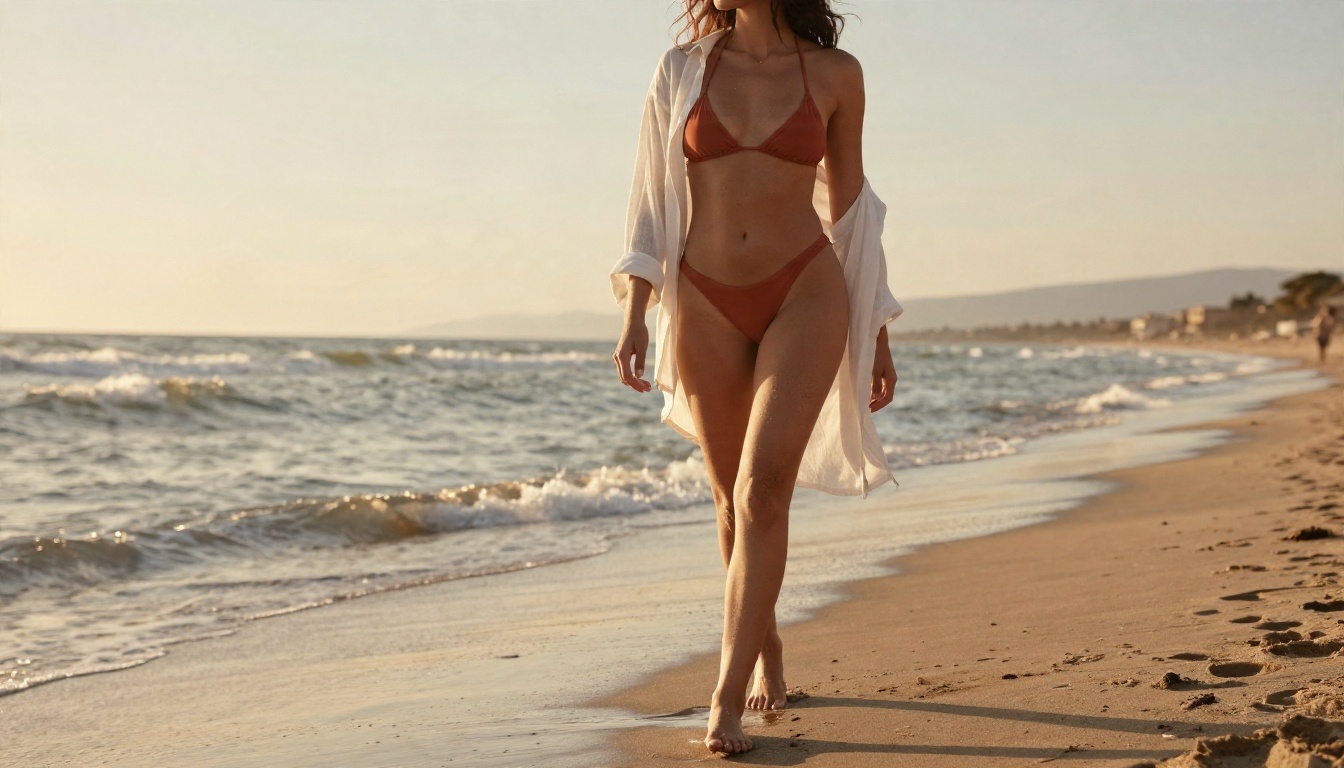
Open Seedream 4.5 and write the prompt like a photographer's brief. Include the subject, wardrobe, location, light direction, lens and film feel. A strong example: woman in a terracotta bikini and white linen shirt, Mediterranean beach at golden hour, backlit warm sun, 50mm f/1.8, Kodak Portra 400 grain, photorealistic.
Step 2: Set the right parameters
- Aspect ratio: 16:9 if the frame will become a video
- Resolution: the highest the model offers, since video tools magnify flaws
- Seed: lock it once you like a result, then change one variable at a time
- Prompt length: 50 to 80 words is a good range
Step 3: Refine in Image Editor Pro
Take the best result into PicassoIA Image Editor Pro. Because generations are unlimited, you can swap the bikini color, change the sky, soften the shadows or move the horizon without worrying about cost. Stop when the frame looks like a magazine page.
Step 4: Animate with a short motion prompt
Send the final still to LTX 2.5 Fast or Wan 2.5 I2V Fast. Write one sentence of motion: slow dolly in, light breeze moves her hair, waves roll gently behind her. Do not describe the body again. The frame already contains it.
Step 5: Review and trim
Check the first and last second of the clip for artifacts such as warped hands or flickering fabric. If something is off, change the seed or shorten the motion instruction and run it again.
Mistakes That Waste Your Time
Most failed generations come from the same few habits.
- Stacking adjectives. Ten words about skin do not improve the picture and they do raise the chance of a block.
- Skipping the still. Going straight from text to video gives you less control and more refusals.
- Changing everything at once. If you edit wardrobe, light and pose together, you will never know which change helped.
- Using a weak source photo. Low-resolution or heavily compressed images produce shimmering video.
- Chasing one platform. If three rewrites fail, move on. The rewrite loop is a trap.
A realistic expectation
Suggestive does not mean explicit, and the best results in this niche come from restraint. Soft light, good fabric, strong composition and a confident pose do more than any amount of graphic wording. That is also why the same images pass filters more often: they look like professional work because they are built like professional work.
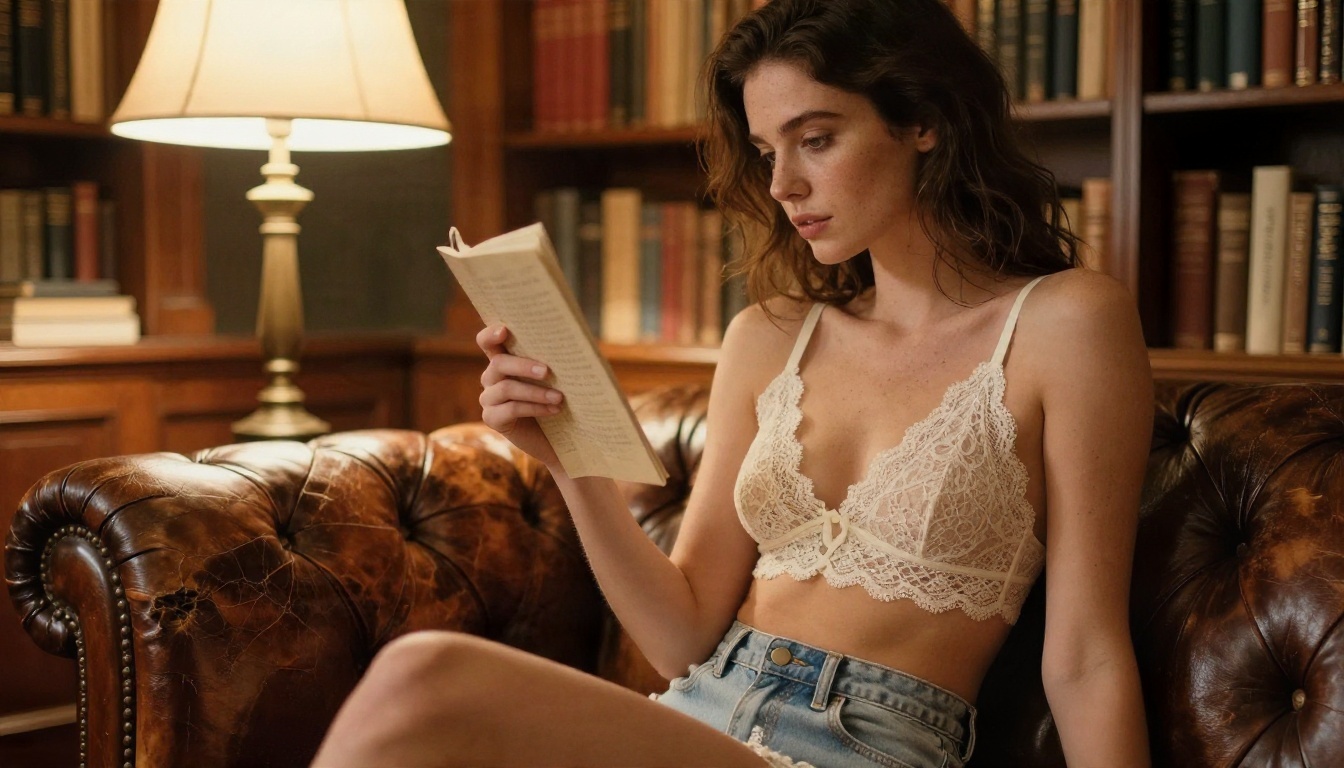
Safety Rules Worth Following
Whatever tool you choose, a few rules keep your work on solid ground.
Adults only, always
Every subject must be clearly an adult. Avoid youthful descriptors, school settings and anything that could read ambiguously. This is not a filter quirk to work around. It is a hard line.
No real people without consent
Do not generate suggestive content that imitates a real person. That includes celebrities, coworkers and ex-partners. Invented subjects keep you safe legally and personally.
Keep it non-explicit
Everything in this article, including the images, stays tasteful. That is also the content type that gets the best reach on social platforms, which often remove explicit work.
Check platform rules where you publish
A clip that is fine to generate may not be fine to post. Instagram, YouTube, X and others each have their own adult-content rules, and they change. Read them before you publish.
Make Your Own Glamour Shots
If you came here because a filter blocked a tasteful prompt, you now have a clear way forward: build the first frame in Seedream 4.5, refine it without limits in PicassoIA Image Editor Pro, and add motion with a short prompt in an image-to-video model like LTX 2.5 Fast.
Open Picasso IA, pick one of those models, and try a single shot list prompt today. Change one detail at a time, keep a note of what works, and you will have a repeatable look within an afternoon. For the full range of image, video, upscaling and editing models, browse picassoia.com/en/all-models and build the workflow that fits your style.


