If you typed "LTX removed porn" into a search bar, you probably hit a wall first. A prompt that worked last month now returns a blocked message, a favorite workflow stopped behaving, and forum threads are full of people swearing that Lightricks pulled the plug on adult content. The truth is messier than a single announcement. There was no dramatic "we removed it" press release that I could confirm. What exists is a license with acceptable use rules, screening on the hosted apps, a model lineup that keeps moving, and a community that builds its own versions.
This article separates what is documented from what is rumor, shows where the walls really are, and lays out free online alternatives for suggestive, glamour-style creation. Everything here stays on the tasteful side of the line: bikinis, lingerie-style fashion, bedroom light, editorial mood. No explicit content, and no one under 18, ever.
Did LTX Really Remove Adult Content?
Short answer: I found no official statement saying LTX deleted adult capability from a model. What I did find is a set of rules that were restrictive from the start, and a hosted experience that enforces them more visibly than before.
What the policy says
LTX publishes a content and acceptable use policy that applies across its products. It prohibits categories such as sexual content involving minors, non-consensual sexual material, graphic violence, hateful content and malware. The open weights license for the LTX 2.x family carries similar restrictions, and reviewers who read it describe limits on explicit pornography and sexual services as well. So the idea that LTX was ever a free-for-all adult generator does not match the paperwork.
What a blocked generation looks like
When you generate through an LTX interface, your input is checked against that policy. If it fails, the generation is stopped and you get a message asking you to adjust the prompt and try again. There is no appeal button and no partial output. From the user's side, that feels exactly like "they removed it," even if no feature was switched off that week.
💡 Reality check: a blocked message is a filter doing its job on the hosted service. It does not prove the underlying model lost any ability, and it says nothing about what third parties do with the open weights.
What Actually Changed Recently
Three real shifts can explain why your results feel different, and none of them needs a secret purge.
The version churn
Lightricks has been moving people along its model line. Reports indicate that LTX-2 was scheduled for deprecation in July 2026 and removal in August 2026, with LTX-2.3 positioned as a drop-in replacement and LTX 2.5 following as a faster 4K option. If your old prompts were tuned to one release, a newer checkpoint can respond differently to the same wording, especially around skin, clothing and body language.
Hosted filters versus open weights
There are two very different ways to touch an LTX model. The hosted apps and APIs screen your input and output. The open weights, which anyone can download, run on your own hardware with whatever safeguards you choose to add. Most of the confusion in forums comes from people mixing the two: one person describes a local setup, another describes the website, and both are "right."
Community fine-tunes grew up
Independent projects built on LTX 2.3, such as Sulphur 2, are marketed as unrestricted. Those claims come from the projects and aggregator sites, and they are not something Lightricks endorses. Still, the existence of these fine-tunes is why searches for "uncensored LTX" keep climbing.
| Layer | Who controls it | Typical result for explicit prompts |
|---|
| LTX hosted apps and API | Lightricks | Screened, blocked with a message |
| LTX open weights (stock) | You, under the license | License restricts explicit use |
| Community fine-tunes | Independent authors | Marketed as unrestricted, unverified |
| Third-party hosted platforms | Each platform | Varies, each sets its own rules |
Why Explicit Prompts Get Blocked
Understanding the reasons helps you pick the right tool instead of fighting the wrong one.

Legal and platform risk
Video models can produce photoreal people that move and speak. That raises the stakes for non-consensual imagery, deepfakes and underage content, and companies that host such models carry legal exposure in several countries. Blanket filters are the cheap, blunt answer.
Payment and distribution rules
App stores, card processors and cloud providers all have adult content rules. A company that wants to sell subscriptions through those channels usually accepts a stricter filter than the license strictly requires. That is why hosted tools are often tighter than the open weights they run.
The "better safe than sorry" bias
Filters tend to over-trigger. Words like "bikini," "bed" or "wet" can set off a block even when the scene is harmless. If you have ever been refused for a beach photo, that is the bias at work, not a ban on beaches.
Uncensored Alternatives People Talk About
Let me be direct about the landscape, because this is where most guides get sloppy.

Community fine-tunes and LoRAs
Fine-tuned LTX checkpoints and adult-oriented LoRAs circulate on community sites. Quality varies a lot, installation is manual, and you are trusting files from strangers. Some are excellent. Some are poorly trained, and a few are not safe to run. Treat anything unverified the way you would treat a random executable.
The local GPU reality check
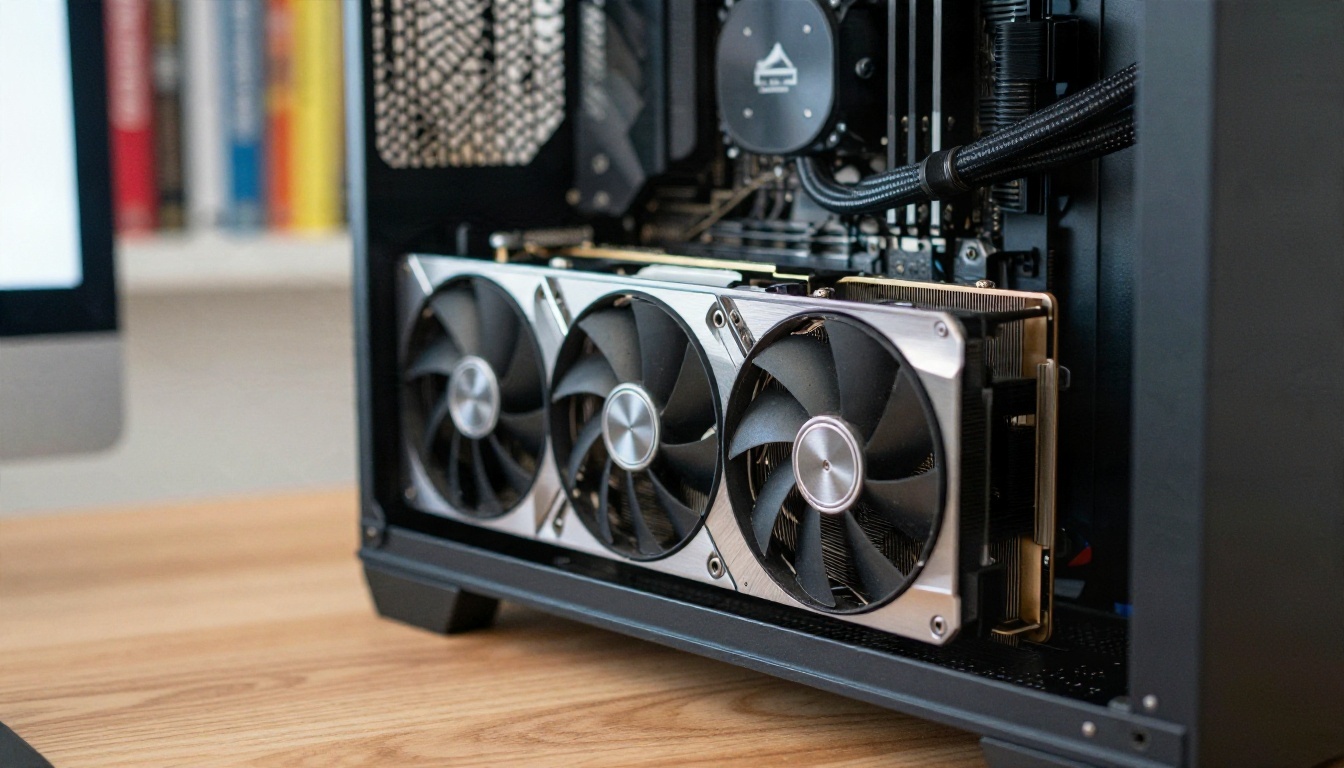
Running video models locally needs serious hardware. Expect a modern GPU with plenty of VRAM, a patient attitude toward setup, and generation times measured in minutes for a few seconds of footage. If you only want glamour images or short stylish clips, that is a lot of work for a small payoff.
Risks you should weigh
- Safety: unknown model files and custom nodes can carry malware.
- Legality: laws on synthetic adult content differ by country, and using a real person's likeness without consent is illegal or actionable in many places.
- Consent and age: only ever depict fictional adults or people who have clearly agreed. Never anyone under 18.
- Quality: unrestricted does not mean better. Many forks lose detail or motion quality.
💡 Tip: if your goal is suggestive fashion, boudoir or beachwear content, you do not need an unrestricted video model at all. A strong image model plus a short animation step covers most of that ground.
Free Online Options That Work
For tasteful, suggestive, photoreal work, the fastest route is an image-first workflow with fewer arbitrary refusals. Here is what I would reach for, in order.
Seedream 4.5 for glamour stills
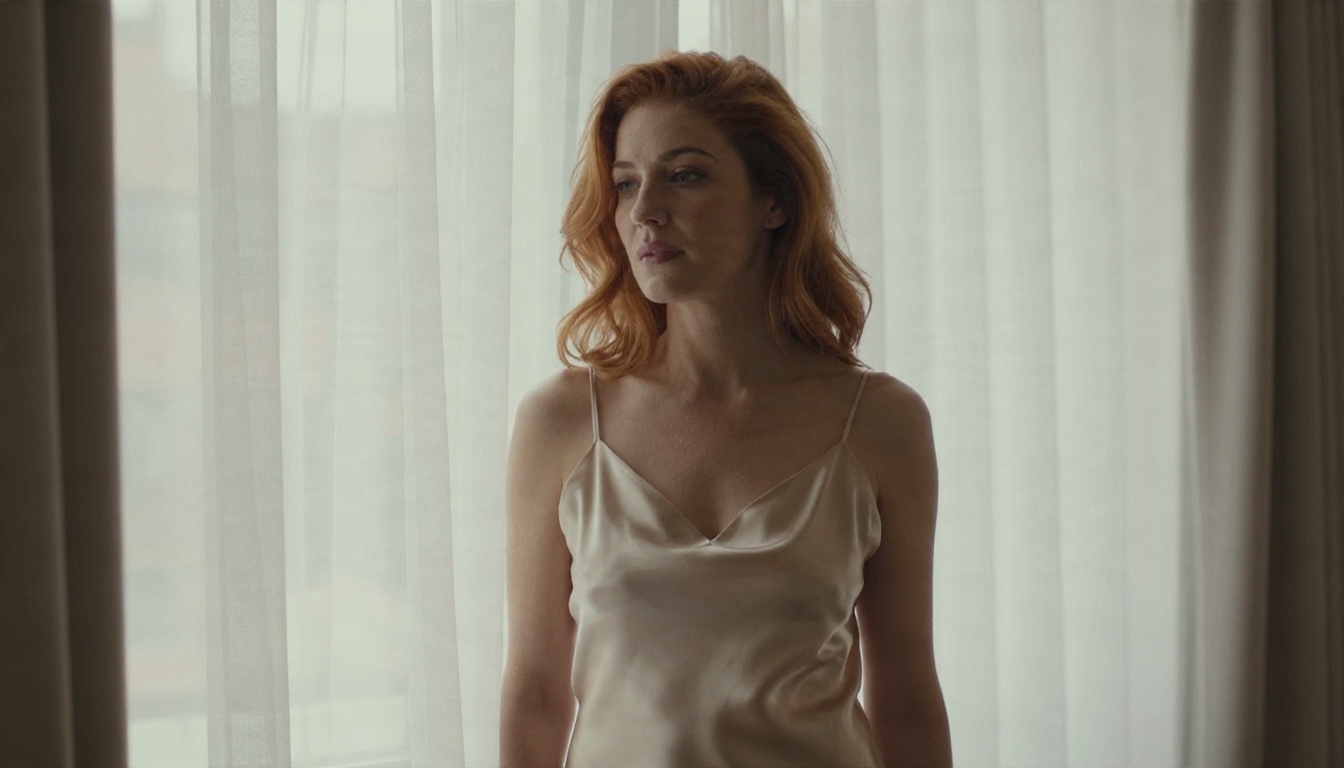
Seedream 4.5 is the model I lead with for suggestive, magazine-style imagery. It handles skin texture, satin and silk, window light and swimwear with a photographic feel, and it responds well to detailed prompts about lens and lighting. It is fast, it outputs up to 4K, and it is far less jumpy about swimwear and boudoir mood than most hosted video tools.
Image Editor Pro for unlimited edits
PicassoIA Image Editor Pro is the one to use when you want to iterate without counting generations. Upload a portrait, change the outfit, shift the lighting, swap the background, fix hands. Because generations are unlimited, you can try ten variations of a scene in a few minutes and keep the best one.
More editors worth trying

Using LTX 2 Pro on PicassoIA
LTX itself is not gone. If what you want is smooth, cinematic motion from a clean prompt, the family is on PicassoIA: LTX 2 Pro for quality, LTX 2.5 Fast for quick 4K drafts, and LTX 2 Retake for redoing one section of an existing clip. Keep in mind these follow standard acceptable use screening, so they suit fashion, lifestyle and beach content rather than explicit scenes.

Step 1: Open the model page
Go to the LTX 2 Pro page and pick text-to-video or the image input if offered. Starting from a still you already like gives you much more control than starting from words alone.
Step 2: Write a motion prompt
Describe what moves, in order. A prompt that works: "A woman in a white bathrobe stretches beside a hotel bed at sunrise, the camera slowly pushes in, warm light across the linen, curtains drifting." Keep it about one action, one camera move and one lighting note.
Step 3: Set the options
- Resolution: start at 720p for drafts, go higher once the motion is right.
- Duration: short clips hold their quality best.
- Seed: reuse a good seed when you want a variation of the same shot.
Step 4: Fix with Retake
If five seconds are great and one second is off, use LTX 2 Retake to redo only that section instead of regenerating everything.
💡 Alternative motion models: if LTX does not give the movement you want, try Wan 2.5 I2V Fast to animate a still image.
Tips for Better Suggestive Results
A few habits make a bigger difference than any model switch.
Write like a photographer
Name the lens, the light direction and the film look. "85mm f/1.8, soft window light from the left, Kodak Portra 400 grain" produces a far more believable image than "sexy woman, 8k, ultra detailed." Real photography language pulls the model toward real photographs.
Imply, do not state
Suggestive work reads better when it is implied. A slipping robe strap, a glance over the shoulder, damp hair after a swim. These get through filters more often and look more refined, because the viewer's imagination does the rest.
Build the image first, animate second
Create the best possible still with Seedream 4.5, refine it in Image Editor Pro, then animate it with a video model. This order costs less and gives you a consistent look from frame one.
Keep a small prompt library
Save the prompts that worked, with the seed. A short list of tested lighting setups, wardrobe words and camera moves will cut your trial and error in half.

Start Creating Your Own Images
So, did LTX remove porn? Not in any way I could confirm. What happened is stricter enforcement on hosted tools, a shifting model lineup and a loud community of fine-tuners filling the gap. If you want fewer refusals for glamour, swimwear and boudoir mood, you do not have to wrestle with local installs or sketchy downloads.
Open Seedream 4.5 for the first draft, move to PicassoIA Image Editor Pro for unlimited tweaks, and add motion with LTX 2 Pro when a still deserves to move. Try three prompts today, compare the results, and keep what works. To browse every option in one place, head to picassoia.com/en/all-models.


