Type "LTX uncensored video" into a search bar and you will find a mess of promises: unfiltered generators, secret checkpoints, "no limits" sites that want your card number before you see a single frame. Some of it is real. A lot of it is marketing wrapped around a simple fact: LTX is an open-weights video model, and "open" does not automatically mean "uncensored."
So what does it mean in practice? That depends on where you run the model, who hosts it, and what you actually want to make. This article separates the myths from the facts, shows the free online routes that work, and points you to alternatives on PicassoIA that handle glamour, swimwear and boudoir-style video without the runaround.
💡 Quick answer: LTX itself is not a magic "uncensored" button. Its weights are public, so a local setup gives you control over the pipeline. Hosted versions apply their own rules. For non-explicit glamour video, the fastest route is a strong first frame plus an image-to-video model.
What LTX Actually Is
LTX is a family of video models from Lightricks. The version that put it on everyone's radar was LTX-2, a roughly 19 billion parameter model that generates synchronized audio and video from text or images, with clips of up to about 20 seconds and output as high as 4K. Lightricks published the weights, the training code and benchmarks, and designed it to run on consumer GPUs.
A newer release, LTX-2.5, arrived in August 2026. Reports describe it as a larger open-weights model with native multi-shot generation, and it landed in ComfyUI quickly. Both generations ship with variants: a full "dev" model for quality and a distilled version for speed.

Open Weights Are Not Public Domain
Here is the first misunderstanding. Open weights means you can download the model file. It does not mean the file comes with no rules. The LTX-2 family uses a community license agreement: free for research and for companies below a revenue threshold (reported at 10 million dollars in annual recurring revenue), with terms that include acceptable use conditions. Read the license for your own situation before you build anything commercial.
Why People Call It "Uncensored"
The label comes from three things people notice:
- No server in the middle. When you run weights on your own machine, there is no hosted moderation layer reading your prompt.
- Community tuning. Open files get fine-tuned and extended with LoRAs by hobbyists, which changes what the model draws well.
- Contrast with closed tools. Compared with tightly moderated commercial services, any open model feels loose.
None of that guarantees the model will produce what you picture. A model only renders what it saw during training, and base models are rarely strong at everything people ask of them.
Is It Really Uncensored?
Short version: it depends on the route. Think of it as three separate situations.
| Route | Who controls filtering | What to expect |
|---|
| Local install (ComfyUI, own GPU) | You | No hosted prompt screening, but the base model's training limits what looks good |
| Hosted LTX on a third-party site | The site | Rules vary by platform, often stricter than people expect |
| Official Lightricks apps and API | Lightricks | Standard moderation and terms of service apply |
I could not find any documentation that describes LTX-2 or LTX-2.5 as "uncensored" in an official sense. That word comes from the community, not from the model card. If a site claims "uncensored LTX," treat it as a hosting claim you should test, not a property of the model.
⚠️ Reality check: Sites that advertise "uncensored AI video" sometimes bundle aggressive upsells, watermarks, queue limits or credit systems that run out after two clips. Test with one short generation before you pay for anything.
What Local Setups Really Cost
Running LTX at home is the closest you will get to freedom, but it has a price in time and hardware.
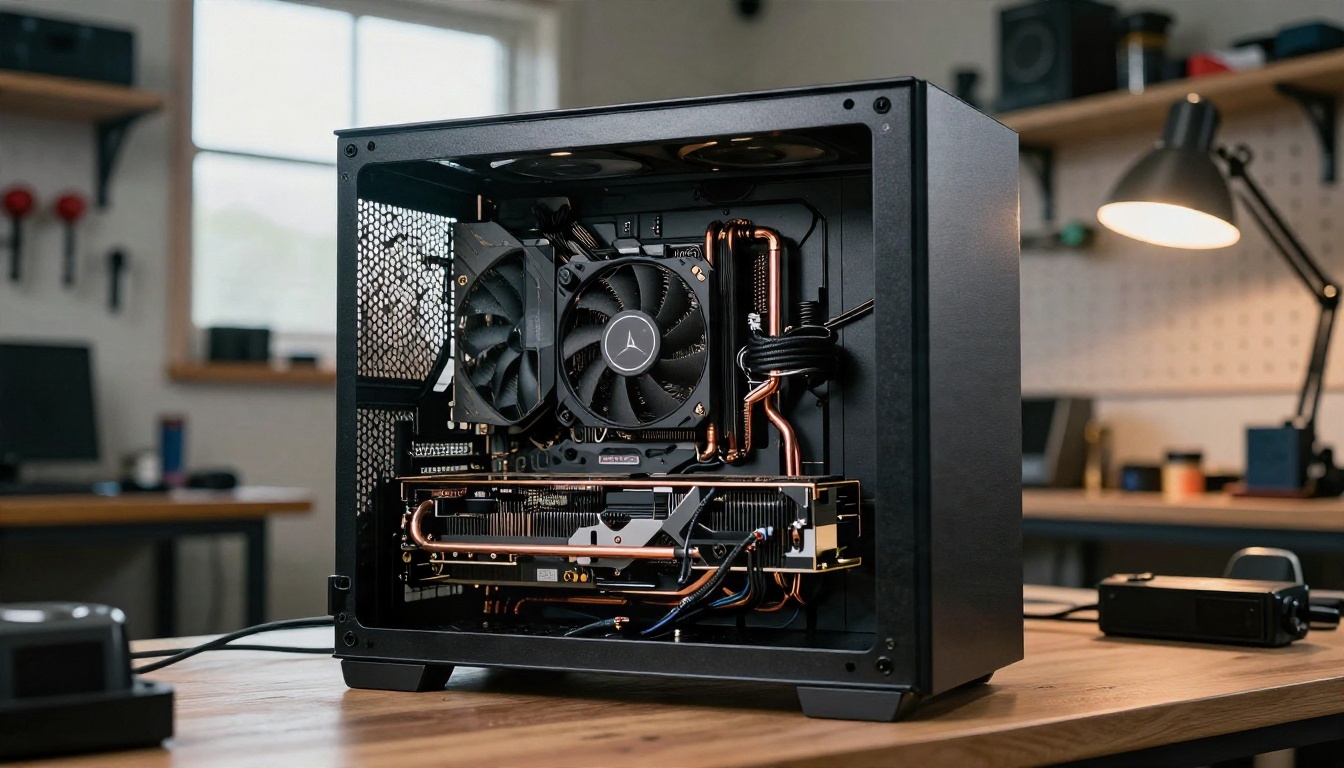
- GPU memory. Larger LTX checkpoints are demanding. Distilled and quantized builds are the usual compromise on mid-range cards.
- Setup time. You need ComfyUI, the right nodes, compatible drivers, and a few hours of troubleshooting the first time.
- Storage. Checkpoints, text encoders and audio components add up to dozens of gigabytes.
- Iteration speed. Without a high-end card, a single clip can take minutes, and you will want ten tries.
For many creators the math flips quickly: a few hours of setup and a weak GPU can cost more than a hosted option that returns clips in seconds.
Free Online Options That Work
If you want to try LTX without installing anything, you have a few realistic paths.
Demo Spaces and Community Hosts
Public demos let you run short generations, usually with queues, daily limits and lower resolution. They are good for testing a prompt and judging motion quality. They are poor for repeatable work: the queue can be long, the settings are locked, and the demo can disappear without notice.
Browser Based ComfyUI Services
Some cloud services run ComfyUI workflows in a browser. You pay by the minute or by credits, and you can load LTX workflows. It is flexible, but you pay for idle time while you figure out the nodes.
Generators Built Into Creative Platforms
The simplest path is a platform that already hosts LTX and wraps it in a clean interface. On PicassoIA you will find several LTX variants:

How to Use LTX 2.5 Fast on PicassoIA
This is the quickest way to see what LTX does with a glamour or lifestyle scene, with no GPU and no installation.
Step 1: Open the Model
Go to the LTX 2.5 Fast page and sign in. The interface gives you a prompt box and the generation options available for that model.
Step 2: Write a Motion Prompt
LTX responds best to a short, chronological description. Say who is in the frame, what moves, how the camera moves and what the light does. For example:
"A woman in a red swimsuit walks along a golden hour beach, wind moving her hair, slow tracking shot from low angle, soft waves in the background, warm backlight."
Step 3: Choose Duration and Resolution
Start with the shortest duration and a moderate resolution. Drafts at lower settings cost less time, and you can raise quality once the motion looks right. Check the model page for the exact options currently offered.
Step 4: Add a First Frame When Appearance Matters
If you want a specific look, generate the still first and feed it in as the starting image. This is the single most reliable way to control faces, outfits and framing. The next section explains how.
Step 5: Review, Then Refine

Watch the clip twice. The first pass checks motion and anatomy. The second pass checks the edges: hands, hair, fabric. If one section is off, use LTX 2 Retake to rewrite that part instead of regenerating the whole thing.
💡 Prompt tip: Keep prompts under about 60 words. Long, tangled prompts make video models drop details. One subject, one action, one camera move.
The First Frame Decides Everything
Whatever model you pick, image-to-video beats pure text-to-video for glamour content. The reason is simple: text-to-video asks the model to invent the subject, the lighting and the motion at once. Image-to-video locks in the first two, so the model only has to animate.
This is where PicassoIA has an edge. For the still, start with Seedream 4.5, which produces sharp, photorealistic portraits with convincing skin, fabric and light. If you need to adjust the result, PicassoIA Image Editor Pro offers unlimited generations, so you can iterate on outfits, poses and settings without counting credits.

A Practical Workflow
- Generate three to five stills with Seedream 4.5 until the pose, outfit and light are right.
- Polish details with Image Editor Pro: fix a strap, change a background, adjust the color mood.
- Pick the best frame and send it into an image-to-video model.
- Prompt only the motion: a head turn, a breeze, a slow camera push.
- Review, retake, and export.
What Counts as Non-Explicit Glamour
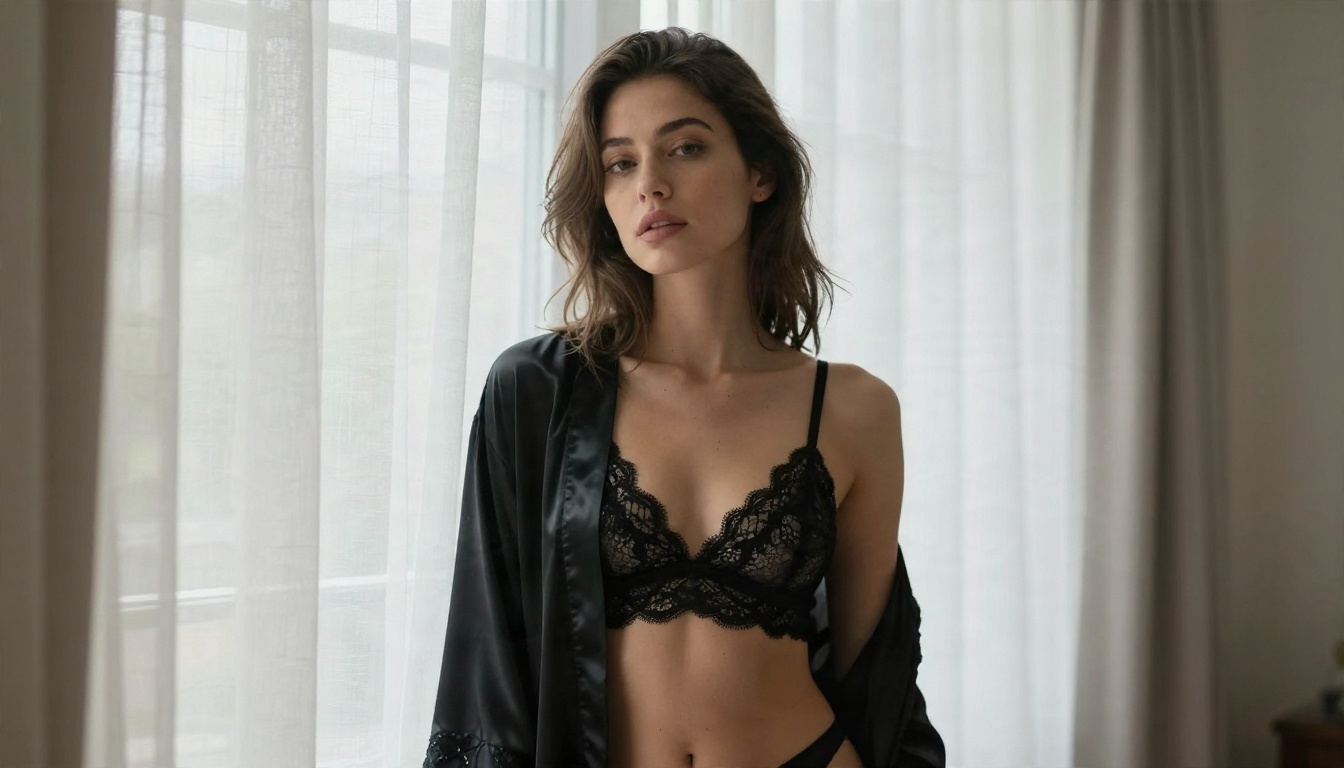
It helps to be clear about the target. Swimwear, lingerie style boudoir, evening wear, beach scenes and artistic, implied-nude framing are all suggestive, beautiful and widely produced. Explicit pornographic content is a different category, and it is not what this article or PicassoIA's showcase focuses on. Aim for aesthetics and you will get better results from nearly every model.
Alternatives Worth Trying
LTX is not the only strong option, and for some looks it is not the best. These alternatives are all on PicassoIA.
| Model | Best for | Notes |
|---|
| Seedance 2.5 Lite | Free, unlimited clips up to 10 seconds | Good starting point when you want volume |
| PicassoIA Video | Free, unlimited text or image to video | Simple interface, no credit anxiety |
| Wan 2.7 I2V | Animating a still image | Strong motion from a single photo |
| Seedance 2.0 | Cinematic motion with built in audio | Smooth camera work |
| Grok Imagine Video 1.5 | Image to video with audio | Quick turnaround |
When to Pick Each One
- You want volume and no limits: start with Seedance 2.5 Lite or PicassoIA Video.
- You have a polished still: use Wan 2.7 I2V or an LTX image to video run.
- You need long, cinematic clips: try Seedance 2.0.
- You want to rewrite part of a clip: LTX 2 Retake.

Why Some Clips Get Blocked
Even on open models, you may hit walls. They usually come from four places:
- Platform rules. A hosted site decides what it allows, regardless of the underlying weights.
- Prompt wording. Certain words trigger filters on hosted services even when the scene itself is harmless.
- Reference images. Some tools reject an input image of a real person without clear permission.
- Model blind spots. If the model rarely saw a scene in training, it produces strange results no matter what you ask.
How to Avoid Wasted Credits
- Describe the scene, the outfit and the light. Skip vague or loaded words.
- Test a five second draft before you commit to a long render.
- Use your own generated stills, not photos of real people.
- Keep one subject per clip. Crowded scenes break most models.

⚠️ Rights and consent: Never generate sexualized video of a real person without their consent. Use original characters or your own AI generated faces. This protects other people, and it keeps your account in good standing.
Local vs Hosted: A Straight Comparison
| Factor | Local LTX | Hosted on PicassoIA |
|---|
| Setup | Hours | Minutes |
| Hardware | Strong GPU needed | None |
| Speed | Depends on your card | Fast |
| Model choice | One checkpoint at a time | Many models in one place |
| Image creation for first frames | Separate tools | Seedream 4.5 and Image Editor Pro in the same account |
| Maintenance | Updates, drivers, nodes | None |
If you love tinkering, local is satisfying. If you want finished clips by tonight, hosted wins.
Prompt Examples You Can Copy
These are short motion prompts that work well across LTX and the alternatives. Pair each with a matching still for best results.
- Beach walk: "Woman in a red one piece swimsuit walks along the shoreline at golden hour, wind in her hair, slow low tracking shot, warm backlight."
- Window boudoir: "Woman in a satin robe turns slowly toward a tall window, soft morning light, curtains moving gently, slow push in."
- Rooftop evening: "Woman in an emerald dress stands at a rooftop railing at blue hour, breeze moves her hair, slow dolly around her shoulder."
- Poolside: "Woman in a white bikini adjusts her sunglasses beside a calm pool, light reflections ripple on the wall, static camera with a subtle drift."
Five Settings That Improve Results
- Use a 16:9 first frame so the output matches your screen.
- Keep the camera move to one verb: push, pan, orbit or hold.
- Name the light direction: "from the left," "backlit," "overhead."
- Add a texture cue: "silk," "wet sand," "linen."
- Limit the clip to 5 or 6 seconds for fewer artifacts.
The Honest Verdict
So, is LTX uncensored video real? Partly. The weights are open, a local setup removes the hosted gatekeeper, and community extensions widen what the model can do. But "uncensored" is a community label, not an official feature, license terms still apply, and the base model has limits that no setting can remove.
For non-explicit glamour, swimwear and boudoir-style video, you do not need a risky site or a monster GPU. You need a strong first frame, a motion prompt and a model that animates it cleanly. That combination is available on PicassoIA today, with unlimited generation options when you want to iterate freely.
Make Your Own Clip Now
Start with a still. Open Seedream 4.5, generate a portrait with the light and outfit you want, and polish it in PicassoIA Image Editor Pro. Then bring it to life with LTX 2.5 Fast, Seedance 2.5 Lite or Wan 2.7 I2V and compare the motion side by side.
Want to see every option in one place? Browse the full lineup at picassoia.com/en/all-models, pick a model, and run your first clip in minutes. The best way to judge any of these tools is to feed them your own idea and watch what comes back.


