Most people who search for LTX Video NSFW want the same thing: a short, smooth clip of a good-looking adult subject, without paying per second and without a wall of failed generations. The good news is that LTX Video is fast, it runs at 24 frames per second, and it responds well to a clean starting image. The bad news is that most guides online hand you vague advice and skip the numbers. This article gives you the numbers.
Below you will find the settings that produce stable motion, a prompt formula you can reuse, nine example frames that show the kind of tasteful glamour content that works, and a plain list of limits so you know where the model stops being useful. Everything here stays non-explicit: swimwear, boudoir light, editorial glamour. That is also where the model performs best.
💡 Quick answer: use image-to-video, CFG around 3, 30 steps, 97 frames, a long descriptive prompt, and a first frame that already looks the way you want the clip to look.
What LTX Video Actually Does
A fast model built for speed
LTX Video was designed to generate video faster than you can watch it. The version hosted on PicassoIA outputs 24 FPS clips at roughly 768x512 and lets you pick between 97 and 257 frames. At 24 FPS, 97 frames is about four seconds of footage and 257 frames is a little over ten.
Lightricks, the company behind it, released the weights openly, which is why you see so many "free" setups running it on a home GPU. A newer LTX 2 family followed, adding higher resolution and synchronized audio. If you want the newest quality on a hosted platform, LTX 2 Pro and LTX 2.5 Fast are both available. The original LTX Video stays popular because it is quick and forgiving, which matters when you iterate twenty times on one idea.
What "NSFW" means in practice
Open weights do not mean unlimited content. Hosted platforms apply their own filters, and the model itself is much better at suggestive, attractive, clothed or swimwear scenes than at anything explicit. Explicit output also tends to look broken: warped anatomy, melting hands, unstable faces. If you aim for glamour, you get cleaner results and fewer wasted runs.
Two rules apply to everything in this article. Depict adults only. And never use the likeness of a real person without their consent. Fictional subjects built from a prompt are the safe route.
Free Settings That Work
The core values
These are the settings I would start with on LTX Video. Change one value at a time, because the model is sensitive to combinations.
| Setting | Starting value | What it does |
|---|
| Model version | 0.9.1 | Newer of the two versions offered, steadier motion |
| CFG | 3 | How strictly the clip follows your prompt |
| Steps | 30 | More steps add detail but slow each run |
| Length | 97 frames | About 4 seconds, the most reliable length |
| Target size | 640 to 768 | Higher is sharper but exposes more flaws |
| Image noise scale | 0.15 | Lower values stick closer to your first frame |
| Negative prompt | low quality, worst quality, deformed, distorted | Removes the most common artifacts |
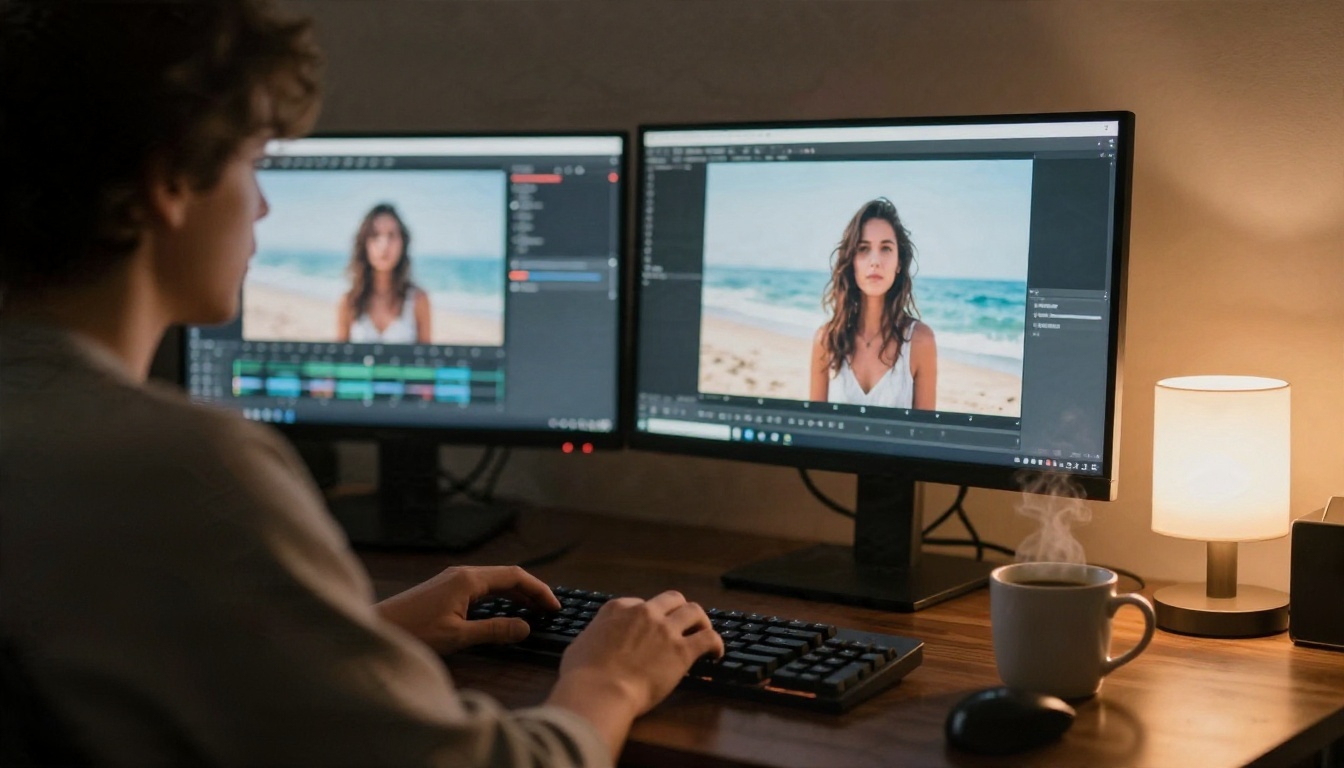
CFG and steps
CFG controls obedience. At 2 to 3, motion looks natural and slightly loose. Push it to 5 or higher and you get stiff, over-sharpened clips with a plastic skin look. For glamour content, where soft skin and gentle light are the point, stay near 3.
Steps follow a similar curve. Going from 20 to 30 gives a visible improvement. Going from 30 to 50 rarely does, and each run takes longer. If you are testing prompts, drop to 20 steps, then raise to 30 or 40 for the final render.
Length and resolution
Short clips behave better. At 97 frames the subject usually keeps the same face, outfit and body proportions from the first frame to the last. At 193 or 257 frames, drift becomes common: a bikini strap changes, hair color shifts, the background melts. If you need a longer sequence, render several 97-frame clips and cut them together.
💡 Local users: open-weight setups generally want dimensions divisible by 32 and a frame count that follows the 8n+1 pattern (97, 129, 161 and so on). The hosted length options already follow this rule.
Seed and image noise
Lock the seed once you find a clip that moves well. Then change only the prompt. This is the fastest way to refine motion without losing a good composition. The image noise scale works the other way: at 0.15 the clip stays loyal to your first frame, and at 0.3 or higher the model takes more liberty, which can add motion but also changes the face.
How to Use LTX Video on PicassoIA
Here is the workflow, step by step, using the real input fields of the model.
- Open the model page. Go to LTX Video on PicassoIA.
- Upload your first frame. Use the image field. When an image is provided, the aspect ratio field is ignored and the clip matches your picture. This is the single biggest quality boost.
- Write a long prompt. The model page states clearly that short prompts give poor quality. Aim for 60 to 120 words describing the subject, motion, camera and light.
- Fill the negative prompt. Keep the default, then add terms such as "extra fingers, warped face, flickering".
- Set the numbers. CFG 3, steps 30, length 97, target size 704, image noise scale 0.15.
- Run, then adjust. Keep the seed if the motion is good. Change only one value at a time.
- Render the final clip. Raise steps to 40 if you want extra smoothness.

The five-part formula
A reliable prompt for LTX Video follows this order:
- Subject and pose (who, wearing what, starting position)
- Motion (what moves, how fast, in what order)
- Camera (dolly, pan, handheld, static)
- Light and atmosphere (time of day, direction, haze)
- Quality tags (natural lighting, film grain, realistic skin texture)
Write it as one flowing paragraph, in chronological order. The model reads motion as a story that starts at frame one.
Example: beach at sunrise
A woman in a red one-piece swimsuit walks slowly along a white sand beach at sunrise, her wet footprints trailing behind her. A light sea breeze moves her hair and the soft pink sky brightens gradually. The camera sits low and tracks backward at walking pace. Warm backlight, light sea mist, fine film grain, natural skin texture.
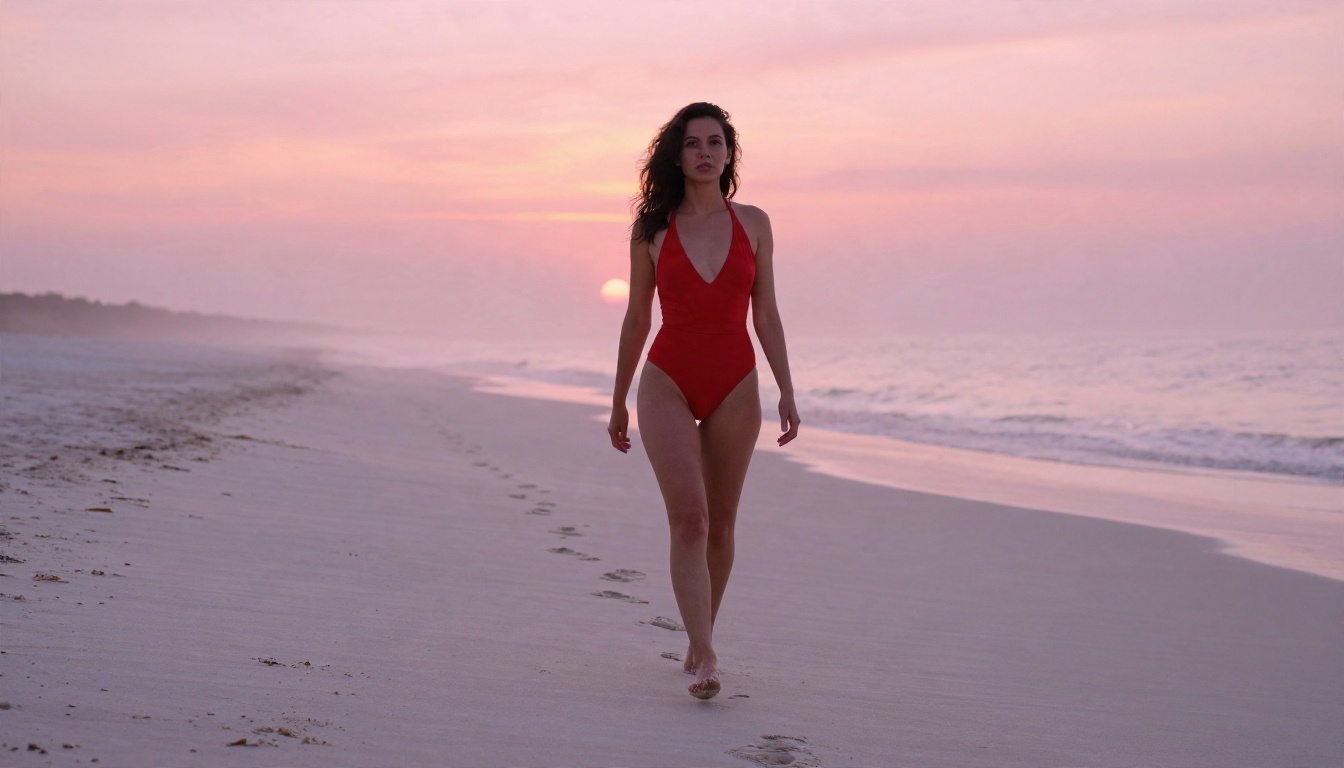
This works because the motion is simple and rhythmic. Walking, breeze and a slow camera are things the model has seen thousands of times.
Example: pool from above
Top-down view of a woman in a white bikini lying on a striped towel beside a rooftop pool. She lifts one hand to adjust her sunglasses, then relaxes. Water ripples throw moving light across the tiles. The camera drifts slowly upward. Hard midday sun, crisp shadows.
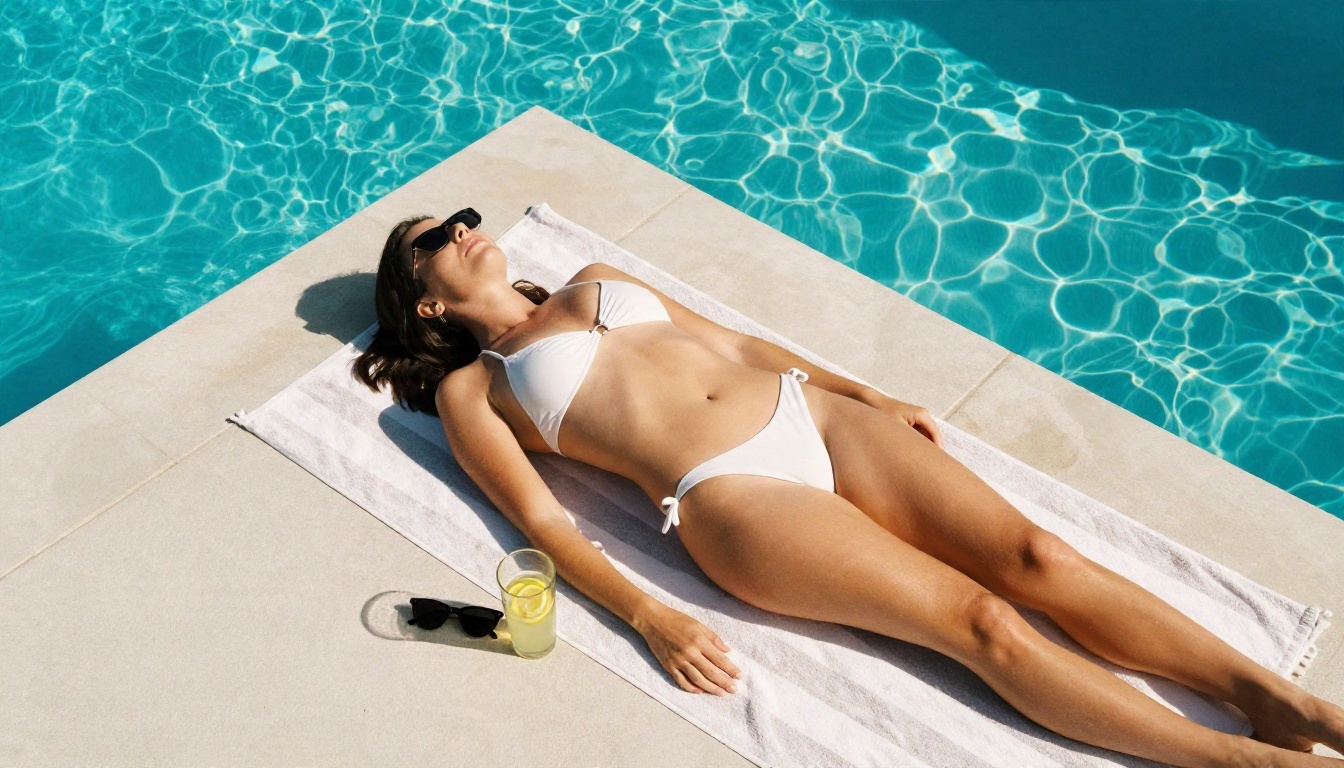
Overhead framing hides many problems. Faces are small, hands are simple, and the moving water supplies natural motion so you do not need to ask for complicated body movement.
Example: dune grass in wind
A woman in a sheer white cover-up over a navy bikini stands in tall golden grass. Strong wind pushes the fabric and her hair sideways while the grass bends in waves. The sun flickers behind her. Telephoto lens, slow push-in, warm sunset.
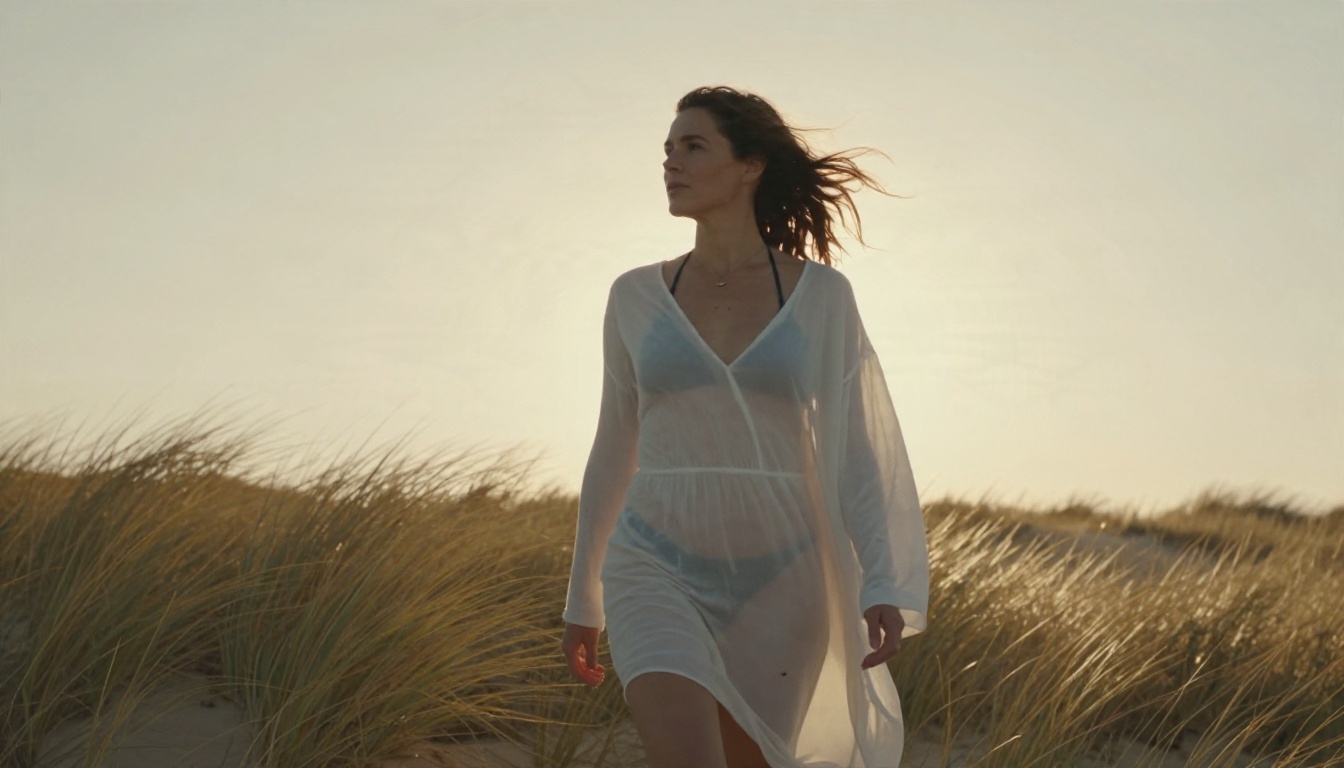
Wind is the cheat code of AI video. Fabric and hair move easily, the body stays mostly still, and the clip looks expensive.
Example: boudoir close-up
Close-up of a woman with dark curly hair lying on white linen, soft window light from the left. She slowly turns her eyes toward the camera and breathes in, a small smile forming. The camera pushes in a few centimeters. Morning haze, shallow depth of field.
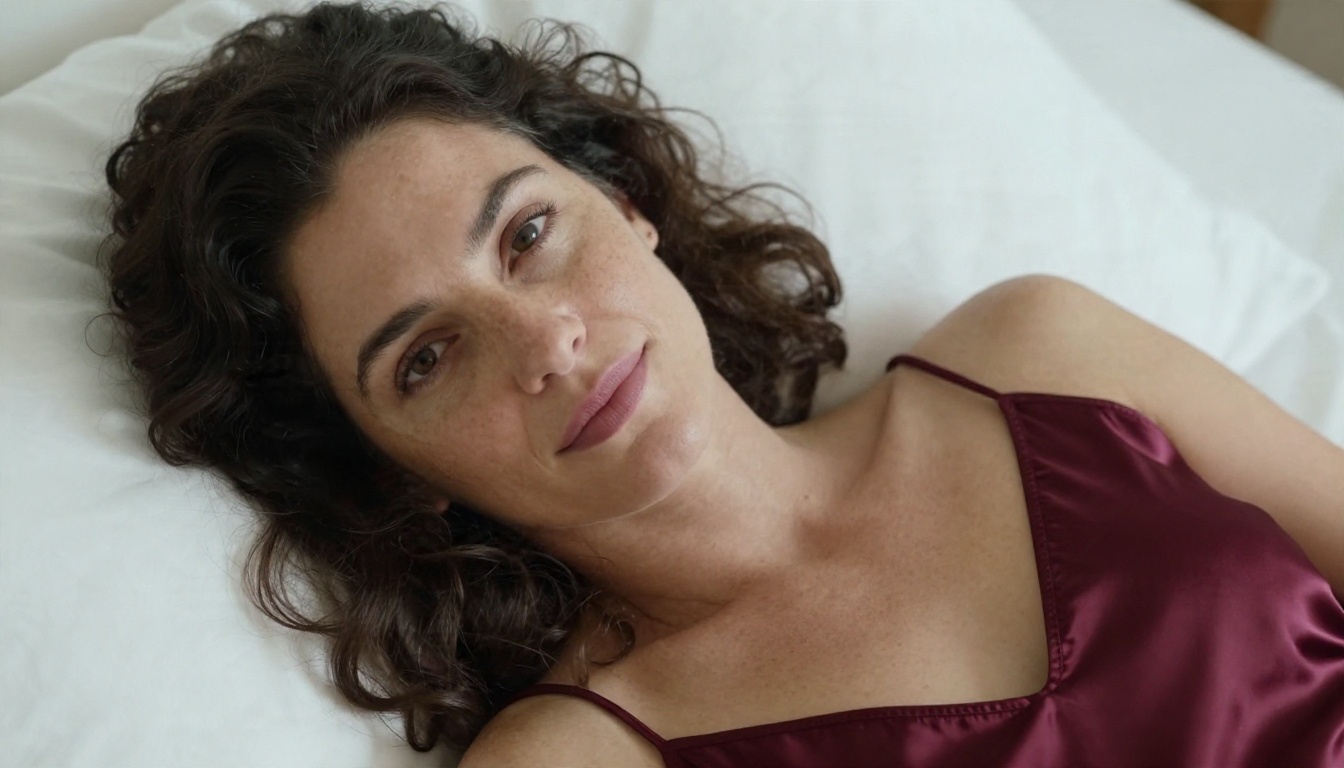
Micro-movements are the strongest tool for portraits. A blink, a breath and a tiny smile sell realism far better than big gestures.
Starting Frames Matter More Than Prompts
Build frames with Seedream 4.5
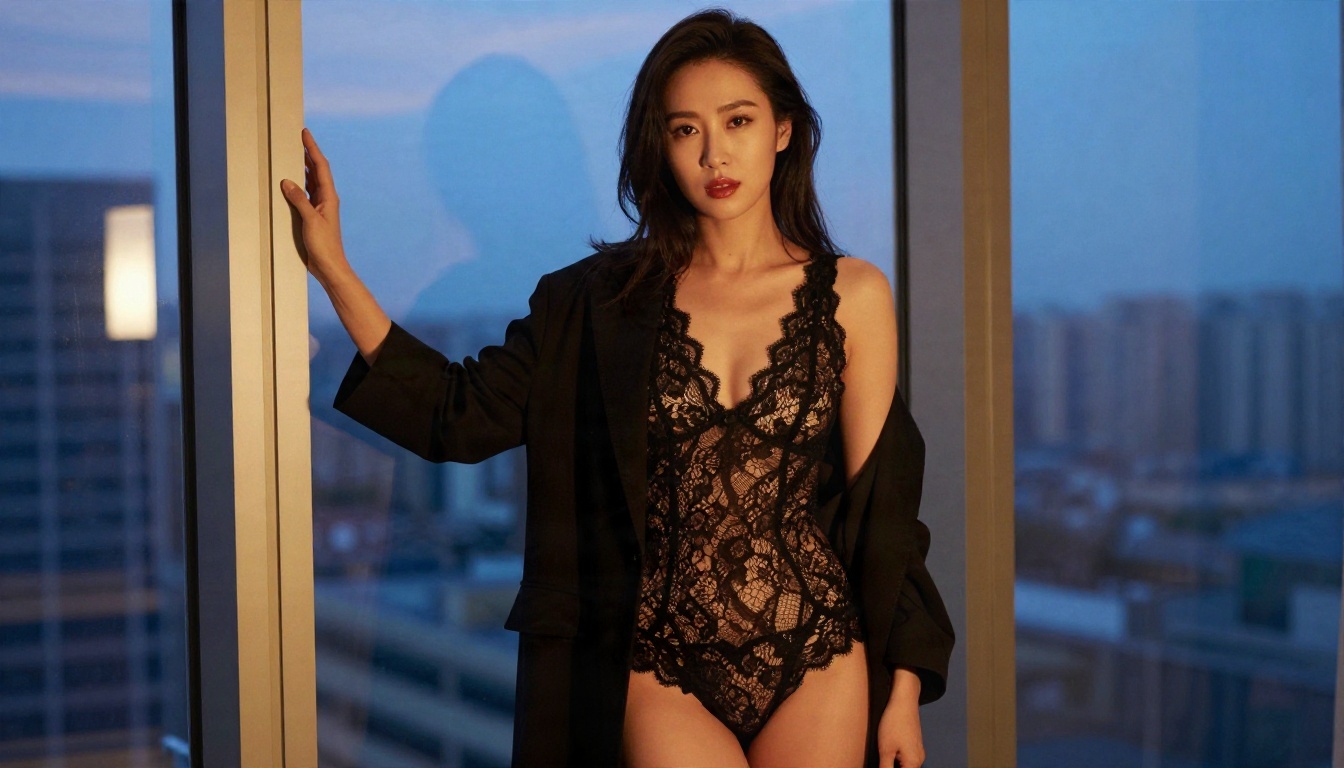
Your first frame decides roughly 70 percent of the result. For adult glamour frames, Seedream 4.5 is the first model to try. It produces sharp 4K stills with natural skin, handles swimwear and lingerie-style outfits, and gives you the kind of clean composition that video models love: one subject, clear background, readable light.
Prompt for the frame the way you would brief a photographer. Name the lens, the light direction and the mood. Every image in this article follows that pattern, with a subject on one side of the frame and open space on the other, so the model has room to animate hair, water or fabric.
Fix details with Image Editor Pro
Few frames are perfect on the first try. A strap sits wrong, a hand looks odd, the background distracts. PicassoIA Image Editor Pro lets you edit the frame with unlimited generations, so you can correct small problems without worrying about a counter. That matters for a workflow where you may refine the same picture ten times before it earns an animation.
💡 Fast workflow: generate the frame with Seedream 4.5, polish it in Image Editor Pro, then send it into LTX Video as the first frame.
Choose frames that animate well
Some images animate beautifully and others fall apart. Use this checklist.
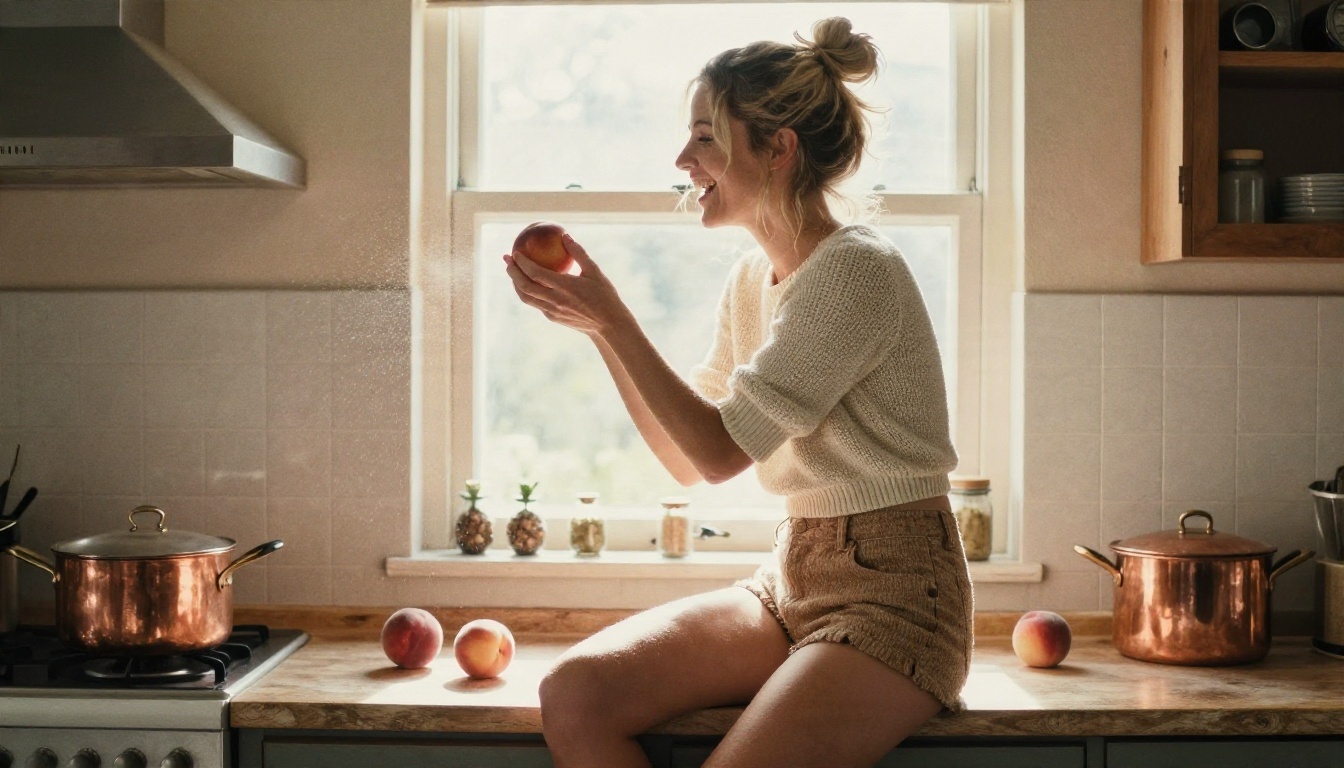
- One subject, fully visible, not cropped at awkward joints
- Hands relaxed or hidden, since fingers are the first thing to break
- Environmental motion available: wind, water, fabric, light
- Clear light direction so shadows stay consistent
- Simple background without text, crowds or reflections
Real Limits to Expect
Motion and anatomy
Be honest with yourself about what the model can do. Slow, simple motion works. Fast dancing, complex hand gestures, two people interacting and anything involving fine contact between bodies produce visible errors: limbs that merge, faces that slide, fabric that clips through skin.
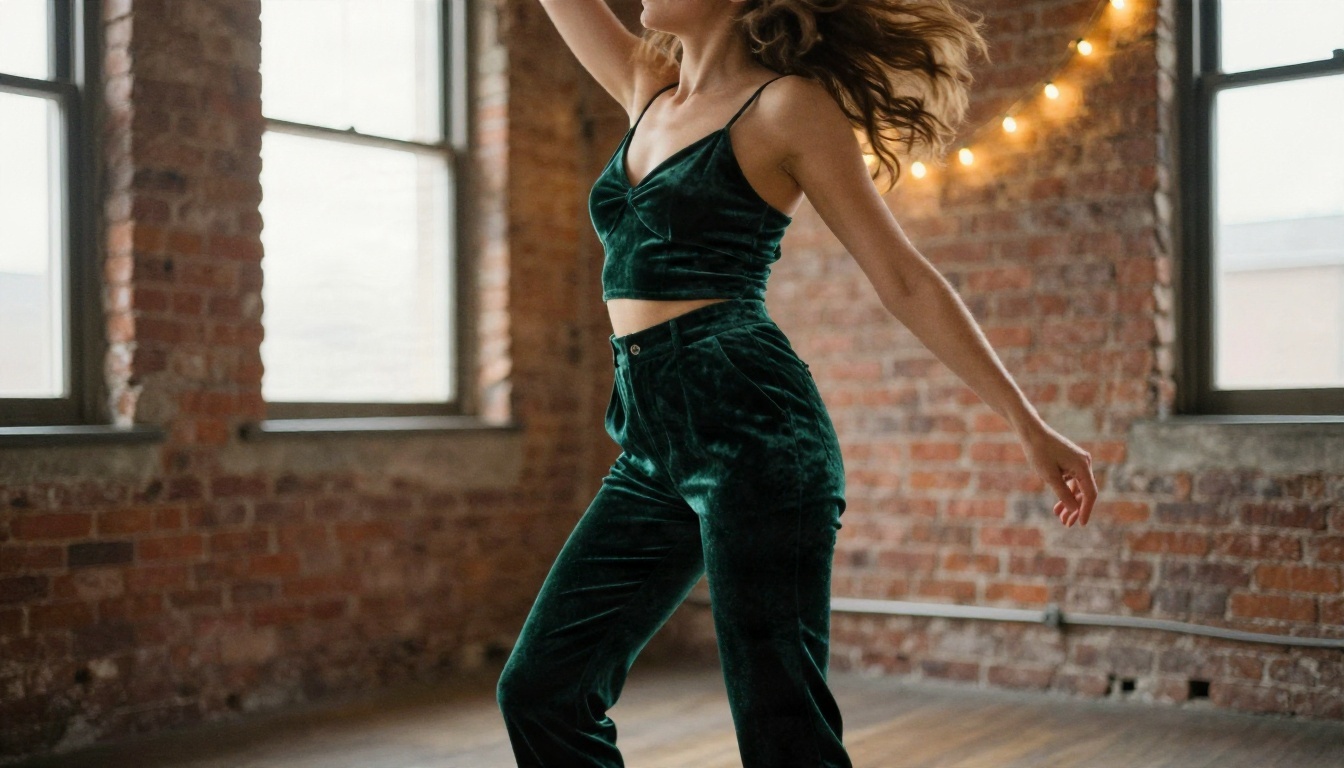
A slow sway like the one above is realistic to ask for. A choreographed routine is not. If you want dance, keep the camera still, ask for "slow movement", and use a 97-frame clip.
Length and consistency
| Length | Frames | Approx. seconds | Reliability |
|---|
| Short | 97 | 4 | High |
| Medium | 129 to 161 | 5 to 7 | Good, check faces |
| Long | 193 to 257 | 8 to 10 | Drift is common |
Resolution has a similar trade-off. Larger target sizes look crisper but reveal skin and hand flaws that smaller outputs hide.
Hardware and "free" reality
Running the open weights locally is free in money but not in hardware. Higher resolution, more frames and more steps all raise memory use. A mid-range graphics card handles short, lower-resolution clips. Anything longer needs a large amount of video memory, or patience.
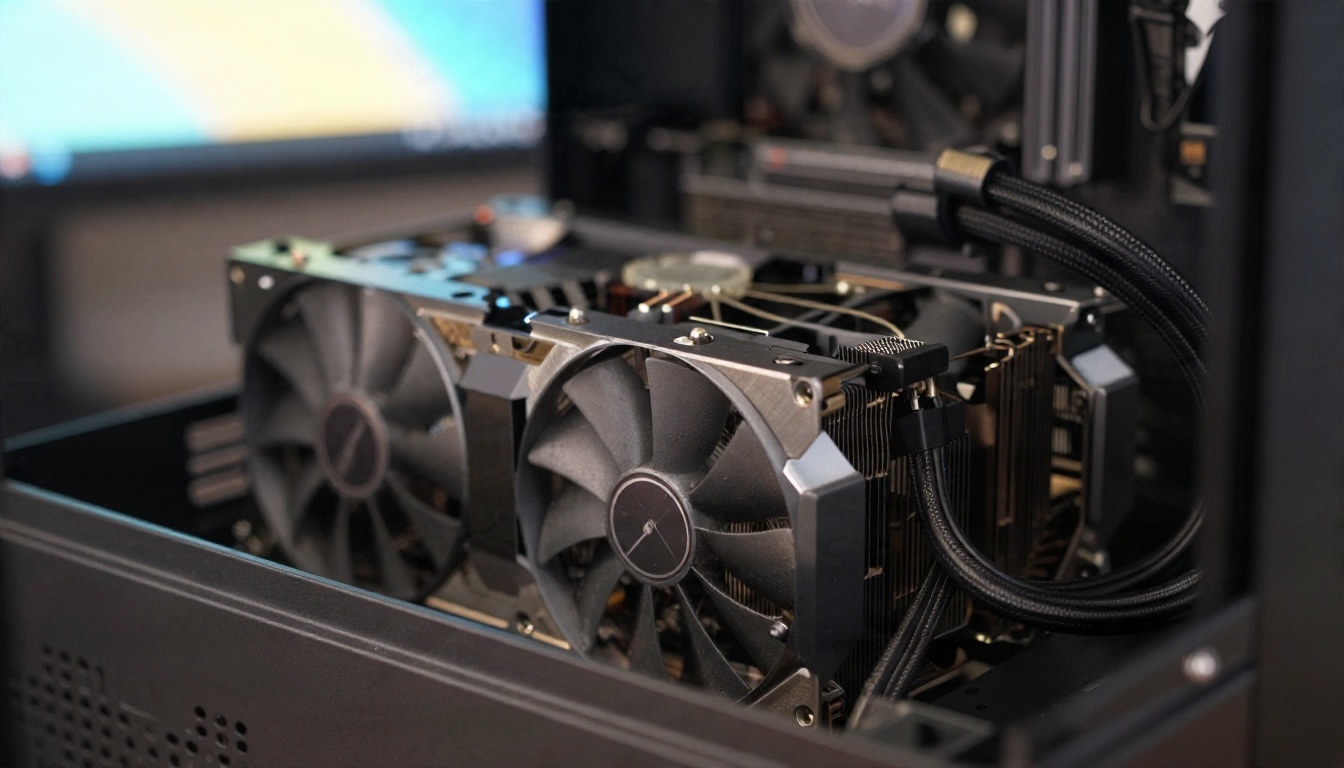
For many people, a hosted run is faster than configuring a local workflow, and it removes the setup entirely.
Content rules
Hosted tools apply moderation. Prompts that go beyond suggestive will be blocked or return distorted output. Keep your work to tasteful glamour: swimwear, lingerie-style editorial, boudoir light. That is the lane where the output looks good and where you will not run into rejected generations.
Alternatives Worth Testing
LTX Video is fast, but not the only option. If you want more realism in faces and fabric, or longer coherent shots, test these on PicassoIA:
Moderation differs from model to model, so test a harmless prompt first and keep the content suggestive rather than explicit. For stills, stay with Seedream 4.5 and PicassoIA Image Editor Pro, which are the strongest starting points for adult glamour frames. You can browse every option at picassoia.com/en/all-models.
Common mistakes
- Short prompts. The model needs long, descriptive text.
- Cranking CFG. Anything above 5 hardens the skin and flattens motion.
- Skipping the first frame. Text-only runs are far less predictable.
- Asking for too much motion. One action per clip.
- Going long too soon. Test at 97 frames, then extend.
Make Your Own First Frames
The fastest way to get a good LTX Video clip is to spend your time on the picture, not the video. Generate a handful of frames with Seedream 4.5, fix the small flaws in PicassoIA Image Editor Pro where generations are unlimited, then animate your best one with LTX Video using the settings above.
Start with a beach, a pool or a window-lit portrait, keep the motion simple, and change one setting per run. In an hour you will have a small set of clips that look polished and consistent. Open PicassoIA, pick a frame idea from this article, and try it today. When you want to compare other engines, the full list is at picassoia.com/en/all-models.


