Search for "Mage Flow NSFW" and you land in a mess. Half the results talk about Mage Space, a hosted website with a free tier and a paid plan. The other half talk about Mage-Flow, an image model from Microsoft that you download and run yourself. They are two different things, and the answers to "is it free" and "are there limits" change depending on which one you mean. This article separates them, says plainly what I could and could not confirm about adult content, and then points you to four alternatives on PicassoIA that work today.
💡 Short answer: Mage Flow itself is free to download, but it is not a website with an NSFW toggle. I found no official statement that it is built for adult images. If you want suggestive, glamour style results without hardware work, a hosted model is the faster route.
What Mage Flow Actually Is
Open weights, not a website
Mage-Flow is a compact text-to-image and image editing family from Microsoft. It has about 4 billion parameters, uses a native resolution diffusion transformer, and was released as open weights on Hugging Face in late July 2026 under an MIT license. ComfyUI support arrived quickly, which is why most tutorials show it inside a node graph on a home PC.
That tells you something important about the NSFW question. There is no login page, no account, no safe mode switch, and no moderation team sitting in front of the model. You get files, and what you do with them happens on your own machine.
Variants at a glance
According to the project's model list, there are three flavors for text-to-image, plus an editing version. I am describing them from researched reports, so check the model card before you plan around exact numbers.
| Variant | Typical steps | Best for |
|---|
| Base | About 30 | Fine-tuning and maximum flexibility |
| RL-aligned | About 20 | Better prompt following in daily use |
| Turbo | About 4 | Fast drafts and quick iteration |
| Mage-Flow-Edit | Varies | Instruction based photo edits |
Microsoft reports a GenEval score of 0.90 for the RL-aligned version. That is a self-reported benchmark number, and benchmark scores say very little about how well a model draws skin, fabric, or lighting in the style you personally like.
💡 Mage-Flow is not on PicassoIA at the moment, so there is no link for it here. Where I name PicassoIA models below, each one is linked to its real page.
Is Mage Flow Free?
The model costs nothing
The weights are free to download, and the MIT license is permissive. You do not pay a subscription, you do not buy credits, and nobody counts your generations. If your question was purely "is the model free," the answer is yes.
The hardware bill
Free does not mean cheap. A 4B model is small by current standards, but you still need a capable GPU, a working Python or ComfyUI setup, enough disk space for the checkpoints, and patience when something breaks after an update.
Here is what the real cost looks like:
- A GPU with enough memory. A recent graphics card with 12 GB or more is the comfortable range for a model this size.
- Your time. Installing nodes, matching versions, and fixing out of memory errors can eat an evening.
- Electricity and heat. Long batches run the card hard.
- No support. If a workflow fails, you search forums.

If you already own a strong gaming PC, free really is free. If you do not, the cheapest path is usually a hosted tool where the hardware is somebody else's problem.
Any Limits on Mage Flow?
Hardware and resolution limits
Because you run it locally, your limits are physical. Higher resolutions need more memory. Batch sizes shrink on smaller cards. The Base variant is slower than Turbo, so a four step draft might take seconds while a thirty step render takes noticeably longer on the same machine.
There is no daily cap and no queue. That is the upside. The trade is that every limit you hit is a limit you have to solve.
Text and language quirks
Reviewers report that English text inside images is handled better than Chinese text. If you want signs, captions, or labels rendered inside the picture, keep them short and in English, and expect to retry. For glamour and portrait work this rarely matters, since the best approach there is to leave text out of the frame anyway.
| Limit | Where it comes from | Workaround |
|---|
| GPU memory | Your own hardware | Lower resolution, smaller batch |
| Speed | Variant and step count | Use Turbo for drafts |
| In-image text | Model weakness | Keep text short or skip it |
| Support | Community only | Use a hosted tool instead |
Mage Flow NSFW: What We Know
No official adult positioning
Here is where I stay careful. Microsoft presents Mage-Flow as a general purpose generation and editing model. I found no official statement about how it handles adult prompts, and I could not confirm what the base weights produce when you ask for suggestive imagery. Anyone claiming a definite answer without showing their own tests is guessing.
What is true in general for open weights models:
- A permissive license lets people modify and fine-tune the model.
- Community fine-tunes and LoRA files may change behavior, but quality and safety vary a lot, and I have not verified any for this model.
- Local use puts the responsibility on you. Follow the laws where you live, only depict adults, and never use a real person's likeness without consent.
💡 The photos in this article show what tasteful, non-explicit glamour looks like: swimwear, silk, soft light. That is the range most people actually want for portraits, social posts, and mood boards.
Mage Space is a different product
Part of the confusion comes from Mage Space, a separate hosted site. Reports about it disagree. Some say its free tier allows suggestive output once a safe mode setting is off. Others say the free tier is filtered, that free users wait behind paying subscribers, and that unrestricted output needs a paid plan. Prices in those reports also differ, so treat any figure as unconfirmed and check the site itself before paying.
The practical point: Mage Space rules do not apply to Mage-Flow, and Mage-Flow rules do not apply to Mage Space. If a tutorial mixes them, close the tab.
Best Alternatives on PicassoIA
Mage-Flow is not on PicassoIA yet; for similar results today, try the models below. They run in the browser, need no GPU, and are listed in the order I would try them for glamour and adult themed photography.
Seedream 4.5 comes first
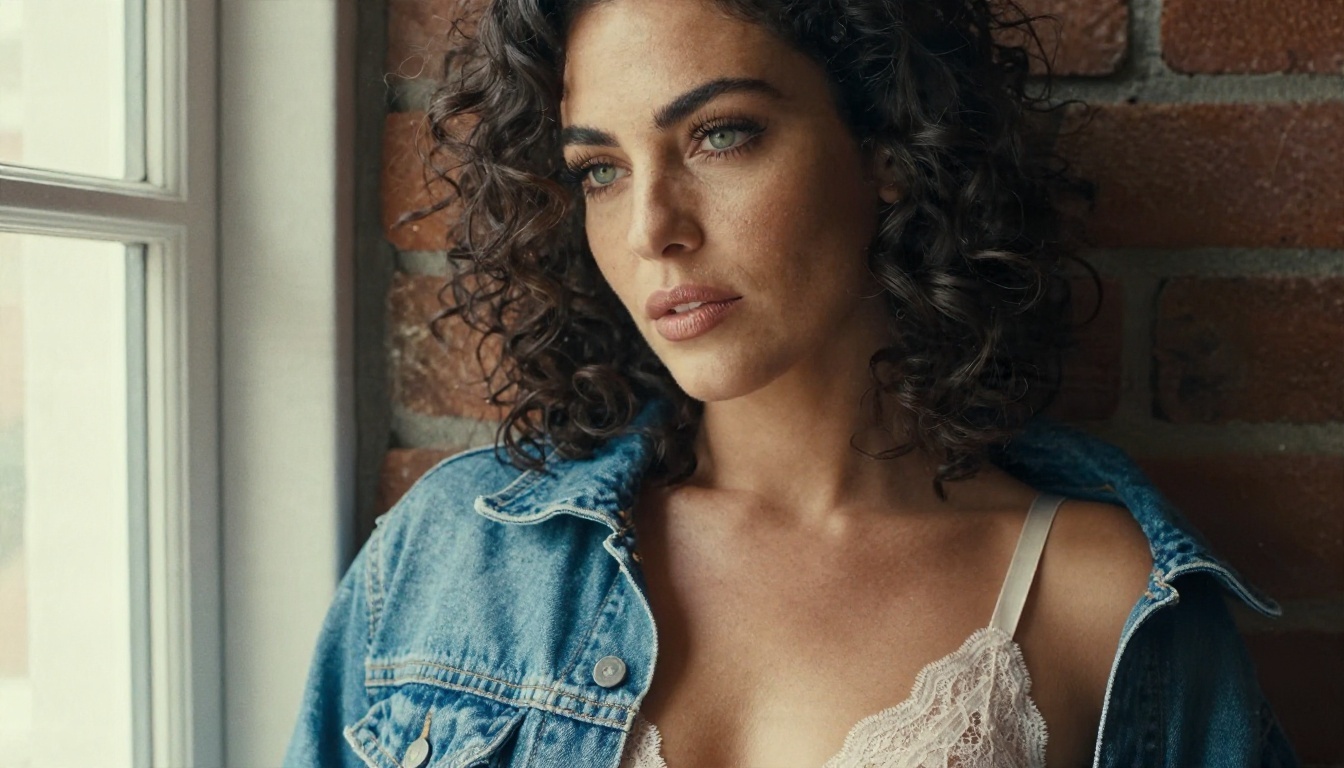
Seedream 4.5 is my first pick. It produces sharp, high resolution photographs with convincing skin texture, believable fabric, and clean lighting. It also follows long, detailed prompts well, which matters when you describe a lens, a light direction, and a wardrobe in the same sentence. For uncensored, unlimited style creation with fast turnaround, this is where I start.
PicassoIA Image Editor Pro
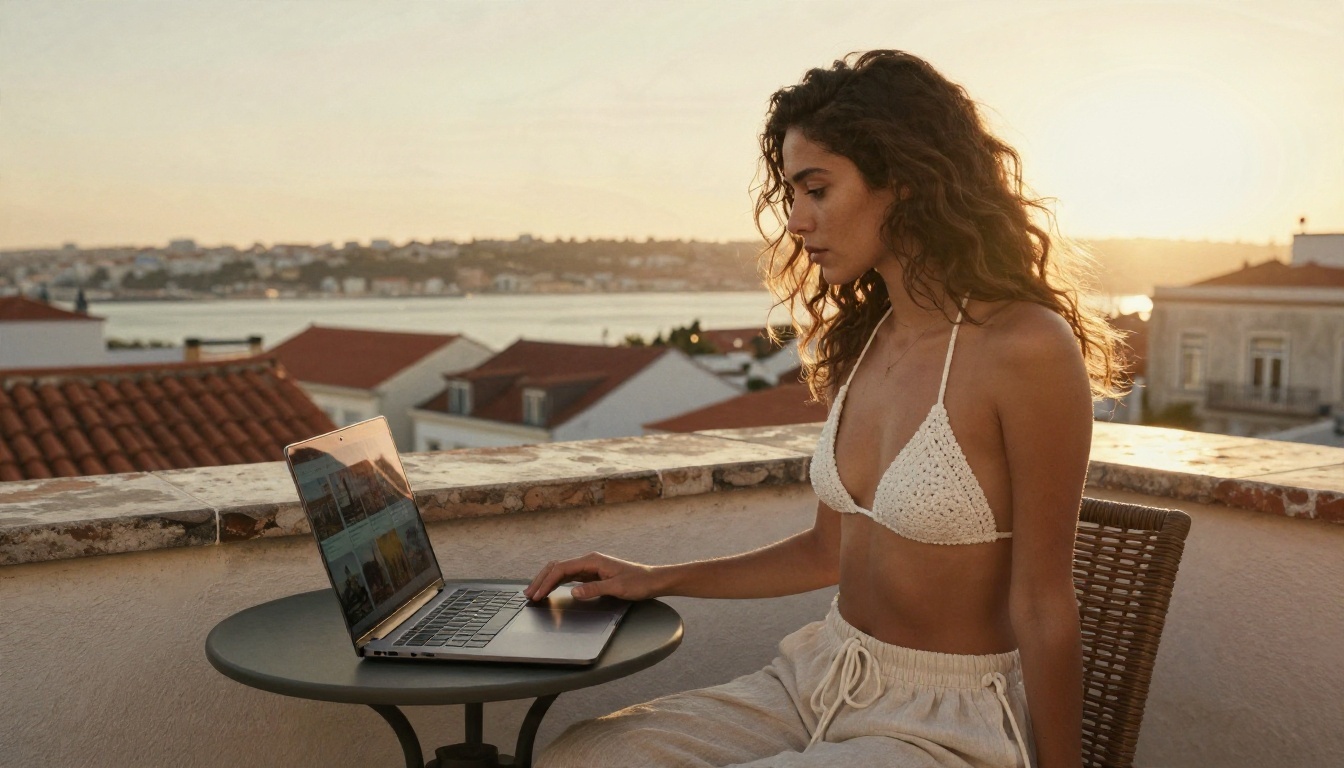
PicassoIA Image Editor Pro is the one to use when you already have a photo and want to change it: swap an outfit, adjust the background, fix lighting, or refine details. It offers unlimited generations, so you can iterate as many times as you want without watching a credit counter. That alone removes the biggest frustration people report with free tiers.
Z Image Turbo for speed
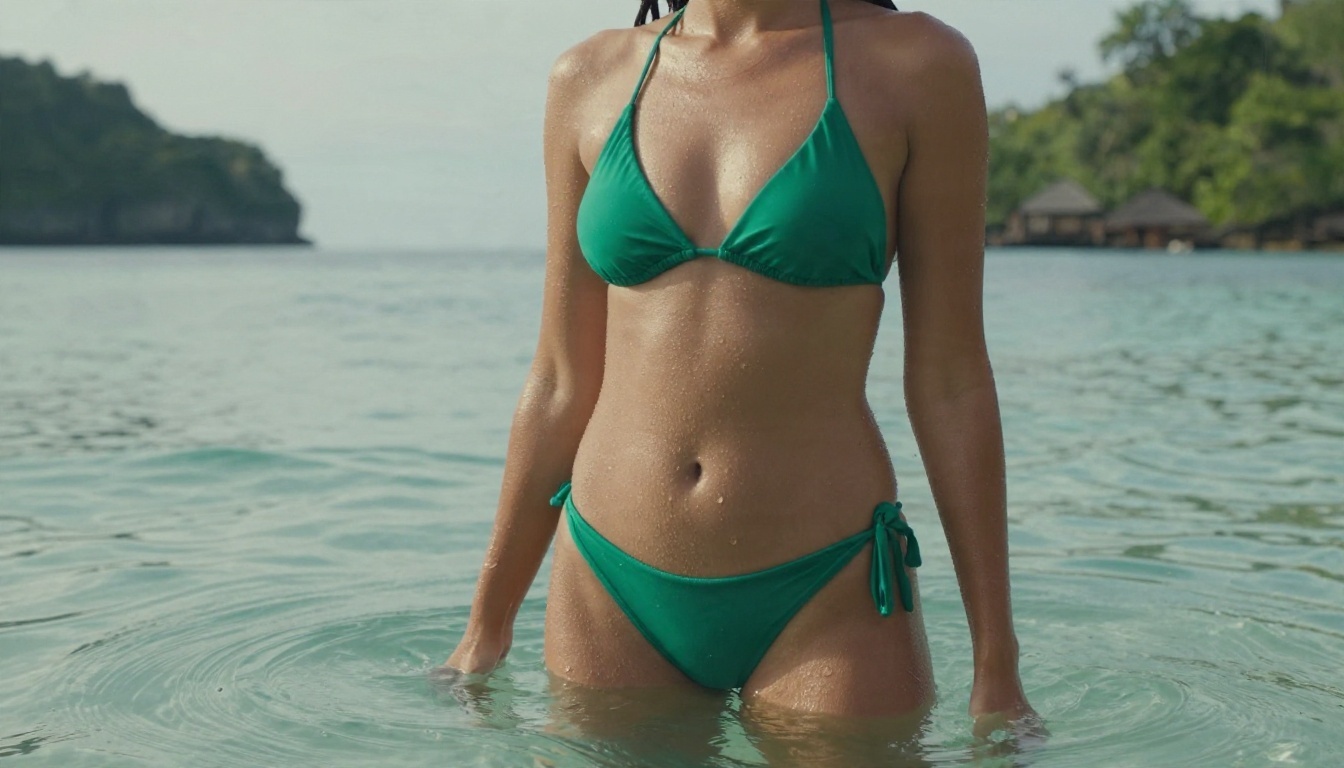
Z Image Turbo is built for speed. If you like Mage-Flow's Turbo idea of a few quick steps, this is the closest match in spirit. Run twenty drafts in the time another model finishes five, pick the best composition, then refine it elsewhere.
Flux 2 Klein 9B Base LoRA
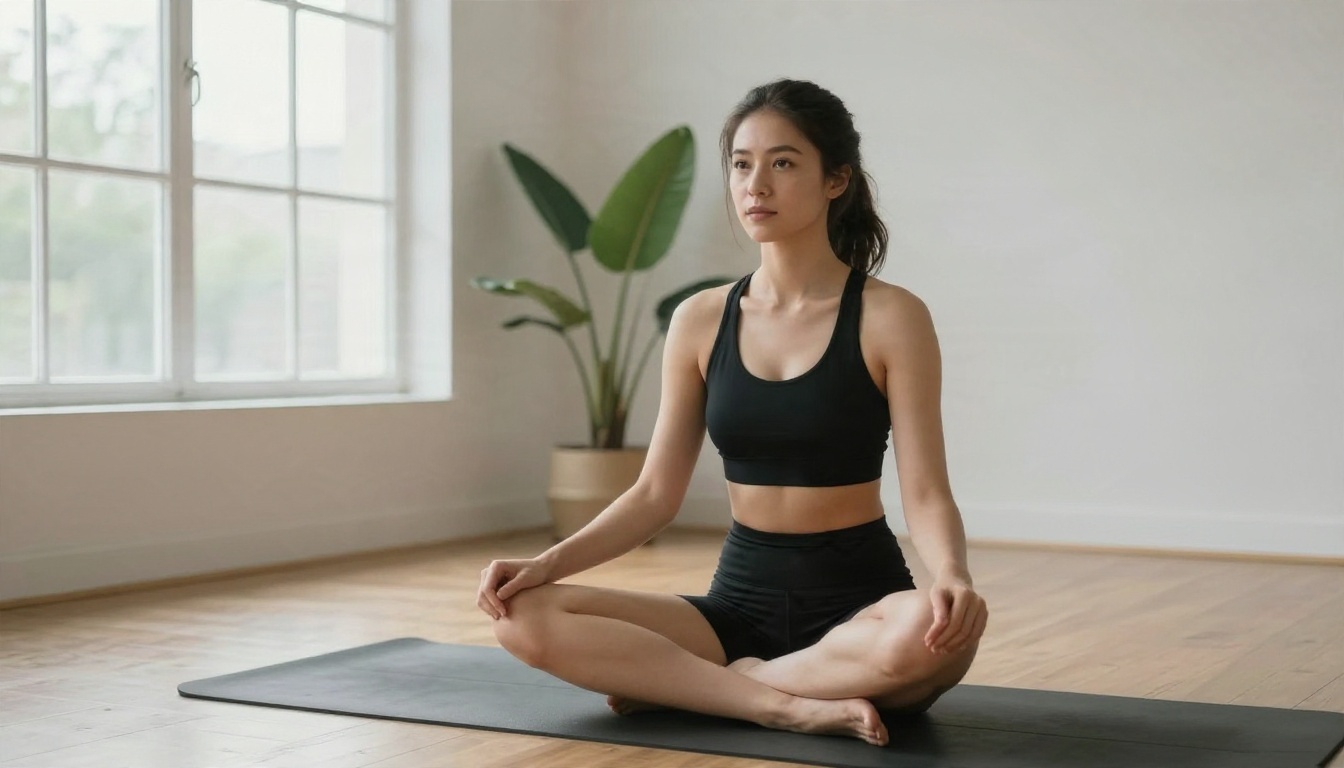
Flux 2 Klein 9B Base LoRA is the option for styled output. LoRA support means you can steer the look toward a certain film tone or aesthetic, which is the same appeal that draws people to open weights models in the first place.
Side by side
How to Get Similar Results on PicassoIA
This walkthrough uses Seedream 4.5, since it is the strongest first choice for realistic glamour photography.
Step by step with Seedream 4.5
- Open the model page. Go to the Seedream 4.5 page on PicassoIA.
- Write a subject line first. Start with who or what is in the frame: "adult woman in a black satin two piece, seated on a linen daybed."
- Add the setting. Name the place and time: "villa terrace, golden hour, calm pool behind."
- Describe the light. Say where it comes from: "warm sunlight from camera left, soft rim light on shoulders."
- Name the lens. Phrases such as "85mm f/1.8, shallow depth of field" push the result toward a photographic look.
- Choose a 16:9 ratio for banners and headers, or portrait for social posts.
- Generate, review, and adjust one thing at a time. Change the light, then the outfit, then the angle. Do not rewrite the whole prompt every round.
Prompt tips that work
- Texture words help. "Fine freckles, natural pores, fabric creases" beat vague words like "perfect" or "beautiful."
- Film stock references such as Kodak Portra 400 give warm, natural skin tones.
- Keep the style photographic. Avoid asking for illustration or digital art if you want realism.
- Stay tasteful. Swimwear, silk, lace, and soft light produce the most attractive results, and they work everywhere you might want to post.
- Use the editor for fixes. If the pose is right but the background is wrong, take it into PicassoIA Image Editor Pro instead of regenerating from zero.
💡 If a draft is close, do not discard it. Feed it to the editor, adjust one detail, and keep going. Unlimited runs make small corrections cheap.
Which Option Fits You
Pick the route that matches how you work, not the one with the loudest tutorial.
A few honest reminders before you start:
- Check the source. A claim like "Mage Flow is fully uncensored" needs a screenshot or test behind it. Without one, it is noise.
- Adults only. Every image you make should depict adults, and real people need their consent.
- Read the terms of any hosted service. Free tiers, filters, and queues change often.
Make Your Own Images Today
You now know the real situation: Mage-Flow is a free, open weights model from Microsoft that you run on your own hardware, its adult content behavior is unconfirmed, and Mage Space is a separate website with its own rules. If you would rather skip the setup, the PicassoIA models above give you sharp, photorealistic results in your browser within a minute.
Start with Seedream 4.5, send your favorite draft to PicassoIA Image Editor Pro for unlimited refinements, and try Z Image Turbo when you want speed. When you are ready to try other options, browse everything at picassoia.com/en/all-models and see which model matches your style.


