You typed a prompt, waited in a queue, burned through your credits on three bad hands, and then hit a paywall right when the lighting finally looked good. That is the moment most people start searching for a Mage Space alternative for NSFW images. Mage Space built its name on being easy to try, but free allowances, gem balances and plan tiers change often, and the third-party listings that describe them disagree with each other. If you want glamour, swimwear and suggestive portraits without counting every render, the sensible move is to compare your options on three things: what is free, how good the photos look, and how many times you can retry before something runs out.
This article does that comparison in plain terms. You will see which models handle adult-leaning glamour well, which ones let you iterate without a meter running, and which prompts give you realistic skin and light instead of plastic faces. Everything here stays on the suggestive and artistic side: bikinis, lingerie, boudoir lighting, implied nudity. Nothing explicit.
💡 Quick note: Mage Space is not on PicassoIA. Plan details for it change frequently, so check its own site for current numbers before you decide anything. The alternatives below are all models you can use on PicassoIA today.
Why People Leave Mage Space
The Credit Counter Problem
Pay-per-render systems have one built-in flaw for glamour work: a good photo almost never arrives on the first try. You adjust the pose, the outfit, the light. Each attempt costs something. When your balance is measured in gems or credits, you start writing safer, shorter prompts just to avoid waste, and the results get duller.
Listings that track Mage Space pricing mention a free tier, entry plans around the ten dollar mark, a pro tier around thirty dollars, and a very expensive top tier. They also disagree on whether the free tier is a monthly allowance or a one-time grant. That uncertainty alone is a reason to want something simpler.
Queues and Waiting
Free users on most hosted generators sit behind paying users. Even a thirty second wait feels long when you are testing ten variations of the same scene. Speed matters more than people admit, because fast feedback is what teaches you how a model reads your words.
Content Rules That Shift
Platforms adjust what they permit as payment processors, app stores and legal pressure change. A model that accepted your prompt last month may return a blank or blurred result this month. A stable, uncensored-leaning workflow means fewer surprises and fewer wasted attempts.
Mage Space Alternative NSFW Options Compared
The Side by Side Table
Here is how the models I recommend stack up for non-explicit adult glamour. "Retry cost" means how painful it is to run the same idea again.
What "Free" Really Means
The word free hides three different things. A free trial gives you a fixed pile of credits once. A free tier refills on a schedule but caps daily or monthly runs. Unlimited means no counter at all, though it may still come with a speed difference.
Ask these questions about any tool before you commit:
- Does the free allowance refill, or is it a one-time grant?
- Are NSFW-leaning prompts treated the same as safe ones?
- Do failed or blocked generations still cost you credits?
- Is there a watermark or a resolution cap on free output?
- Can you edit an existing image without paying again?
Seedream 4.5 Is the First Stop
Why It Handles Glamour Well
Seedream 4.5 is where I would start for suggestive photography. It reads long, descriptive prompts faithfully, which matters when you stack outfit, pose, room, lens and light into one paragraph. Fabric looks like fabric: satin shows a believable sheen, lace keeps its pattern, linen wrinkles where linen should.
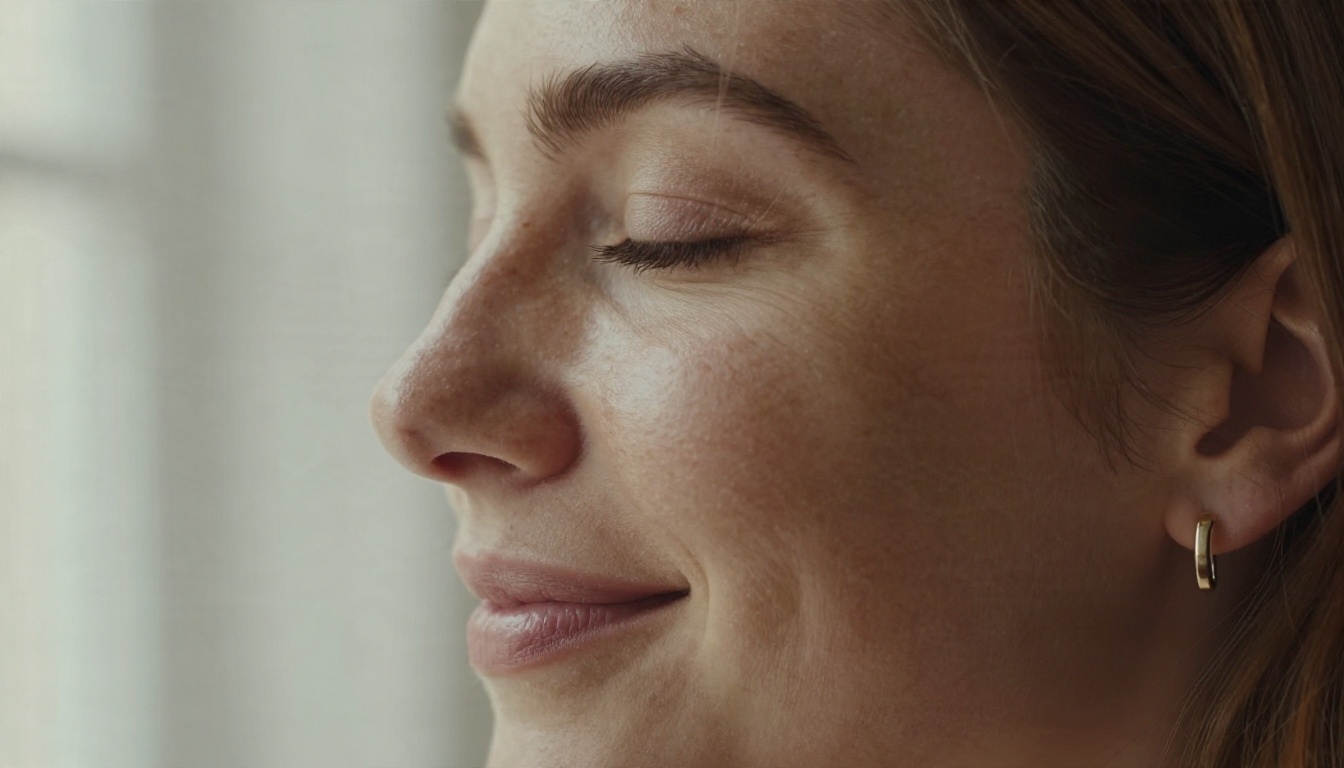
Skin is the other big win. Instead of airbrushed wax, you get pores, small freckles, flyaway hairs and uneven highlights. That is the difference between an image that feels photographed and one that feels generated.
💡 Tip: Seedream 4.5 is the right pick for adult glamour. Do not substitute Seedream 5 Lite for this kind of work, because it blocks adult content.
How to Get Similar Results on PicassoIA
Mage Space is not on PicassoIA, but you can get the same kind of photoreal glamour output with Seedream 4.5. Here is the routine I use:
- Open the model page and choose a 16:9 or 3:2 frame for scene shots, or a vertical ratio for full-body portraits.
- Write the prompt in layers: subject and pose first, then wardrobe, then room, then light, then lens.
- Name the light direction, such as "soft window light from the left" or "golden hour from behind." Direction creates shape on skin.
- Add texture words like "visible pores," "fabric creases," "film grain." They push the model away from a plastic look.
- Generate, then change one thing. Swap the lens, the time of day or the outfit color, not all three at once.
- Keep the seed when a result is close, so you can vary the prompt while holding the composition steady.
💡 Parameter tip: Keep prompts between 60 and 120 words. Shorter prompts leave too much to chance, and much longer ones start to contradict themselves.
Image Editor Pro for Unlimited Runs
Edit Instead of Rerolling
PicassoIA Image Editor Pro solves the retry problem directly: it offers unlimited generations. That changes how you work. You stop rationing attempts and start treating each image as a draft.
The editing side is just as useful. Instead of rewriting a whole prompt because the swimsuit color is off, you upload the image and ask for the change. The pose, the beach and the lighting stay put, and only the detail you named moves. Mage Space users who relied on repeated reruns to fix small issues will notice the difference right away.
Where Unlimited Pays Off
Unlimited generation matters most in four situations:
- Pose hunting, where you need ten tries to find the right hand placement.
- Wardrobe testing, such as the same scene in five different outfits.
- Lighting studies, comparing sunrise, overcast and tungsten versions.
- Batch consistency, when you want a set of images that feel like one photoshoot.
💡 Workflow idea: Draft the base scene in Seedream 4.5, then bring it into Image Editor Pro for the small changes. You get a strong first frame and then unlimited polish.
Other Models Worth Trying
Z Image Turbo for Speed
Z Image Turbo is built for quick turnaround. I use it as a sketchbook: ten prompt variations in a couple of minutes, pick the two best compositions, then rebuild those in a more detailed model. It is especially good for testing whether a pose or camera angle reads well before you invest effort in polish.
Realistic Vision v5.1 for Skin
Realistic Vision v5.1 has a loyal following among people who care about portrait realism. It leans toward natural, slightly film-like tones. For close-ups, shoulder shots and window-light portraits, it often gives you that unforced look where nothing seems over-processed.
Flux 2 Klein LoRA for Style
Flux 2 Klein 9B Base LoRA is the choice when you want a specific look applied consistently, such as a vintage editorial feel or a particular color grade. LoRA support gives you a handle on style that plain prompts struggle to hold across a whole series.
| Goal | Start with | Then refine in |
|---|
| One polished hero image | Seedream 4.5 | Image Editor Pro |
| Fifty quick drafts | Z Image Turbo | Seedream 4.5 |
| Natural close-up portrait | Realistic Vision v5.1 | Image Editor Pro |
| Consistent styled series | Flux 2 Klein 9B Base LoRA | Image Editor Pro |
Prompts That Work Without Going Explicit
A Simple Prompt Formula
Good glamour prompts follow a rhythm. Use this order and you will rarely get lost:
Subject and pose + wardrobe + environment + light direction + lens + texture and mood
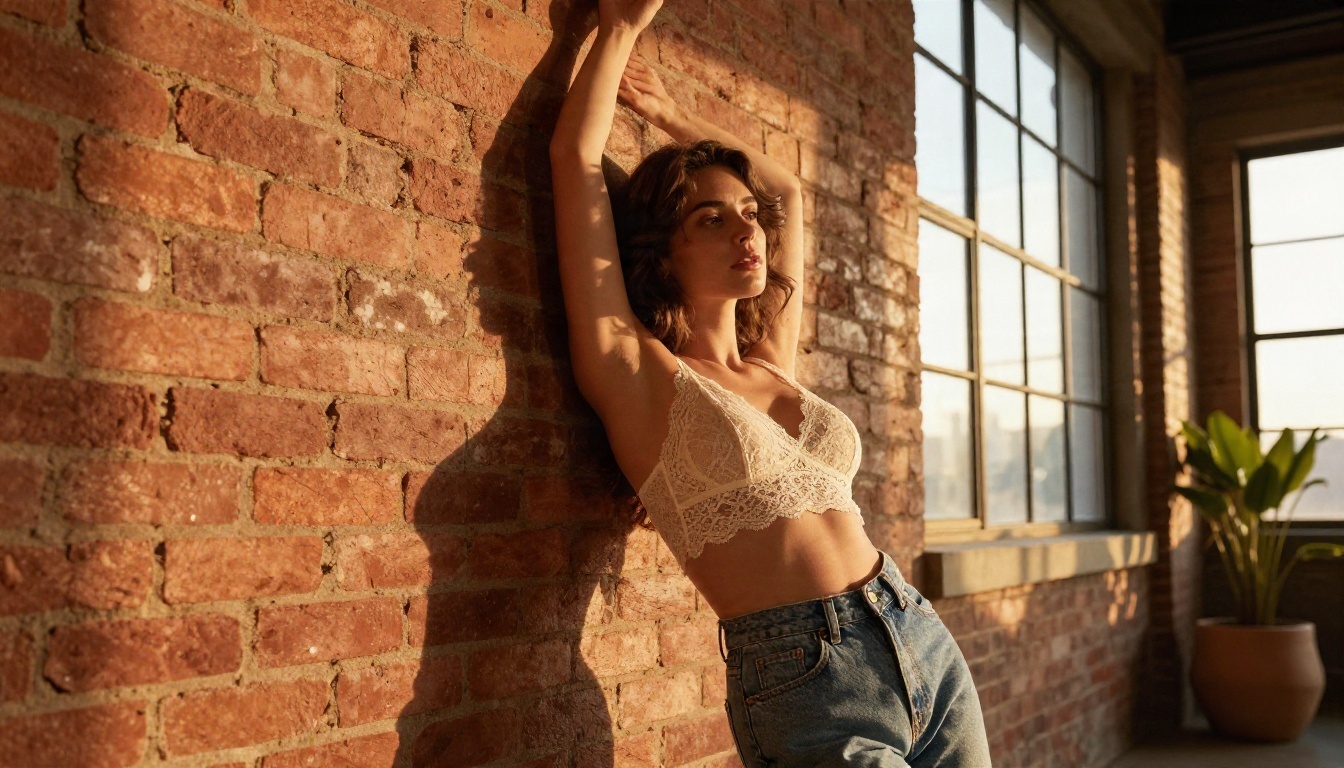
For example: a woman in a cream lace bralette leaning against a brick loft wall, one arm raised, large industrial windows behind her, golden hour light from the right, 70mm f/2 lens, visible skin pores and denim weave, Kodak Portra 400 film grain.
Notice there is nothing explicit in it. Suggestion comes from mood, fabric and light, not from describing anatomy. That is also why it tends to look better: the model spends its effort on realism.
Five Prompts to Copy
Adapt these freely. Change the room, the color or the lens and see what happens.
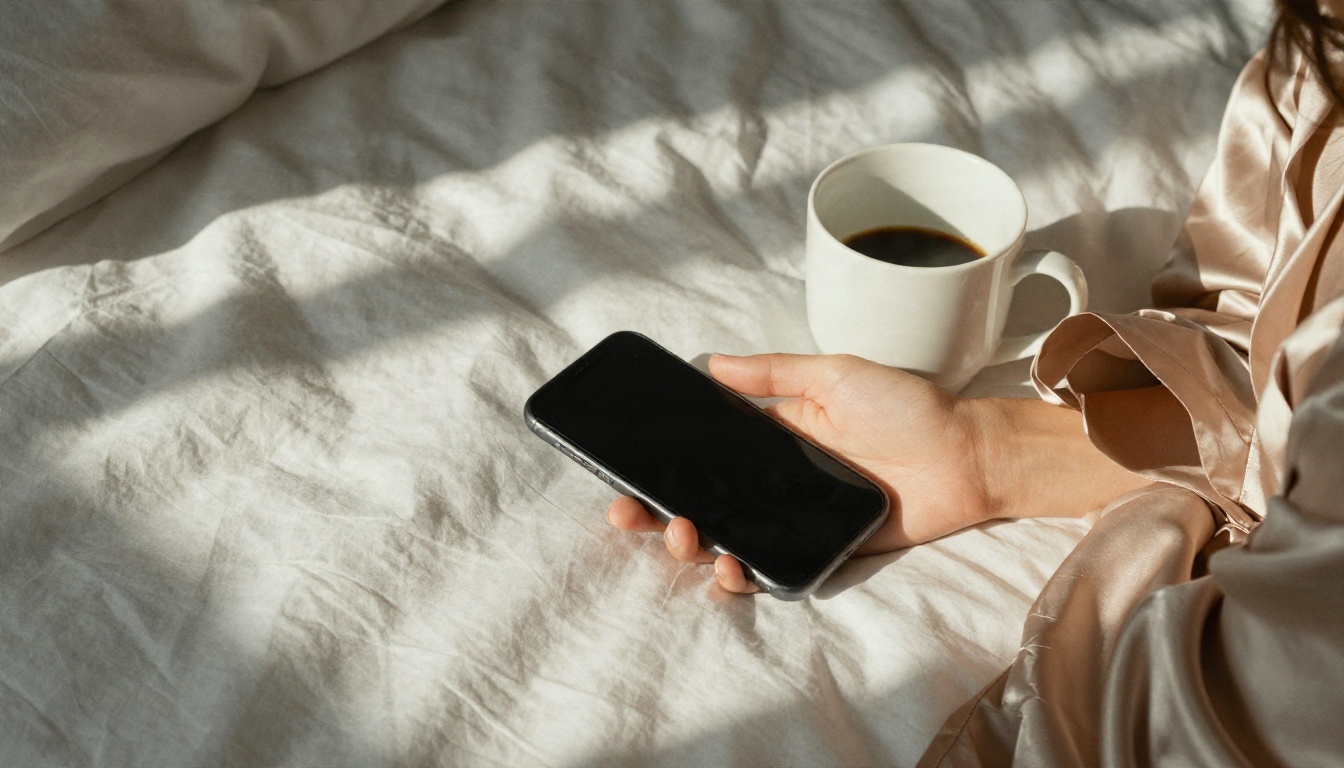
- A woman in a black satin slip dress sitting on the edge of a white linen bed, morning light through sheer curtains from the left, 85mm f/1.8, freckled skin, soft film grain.
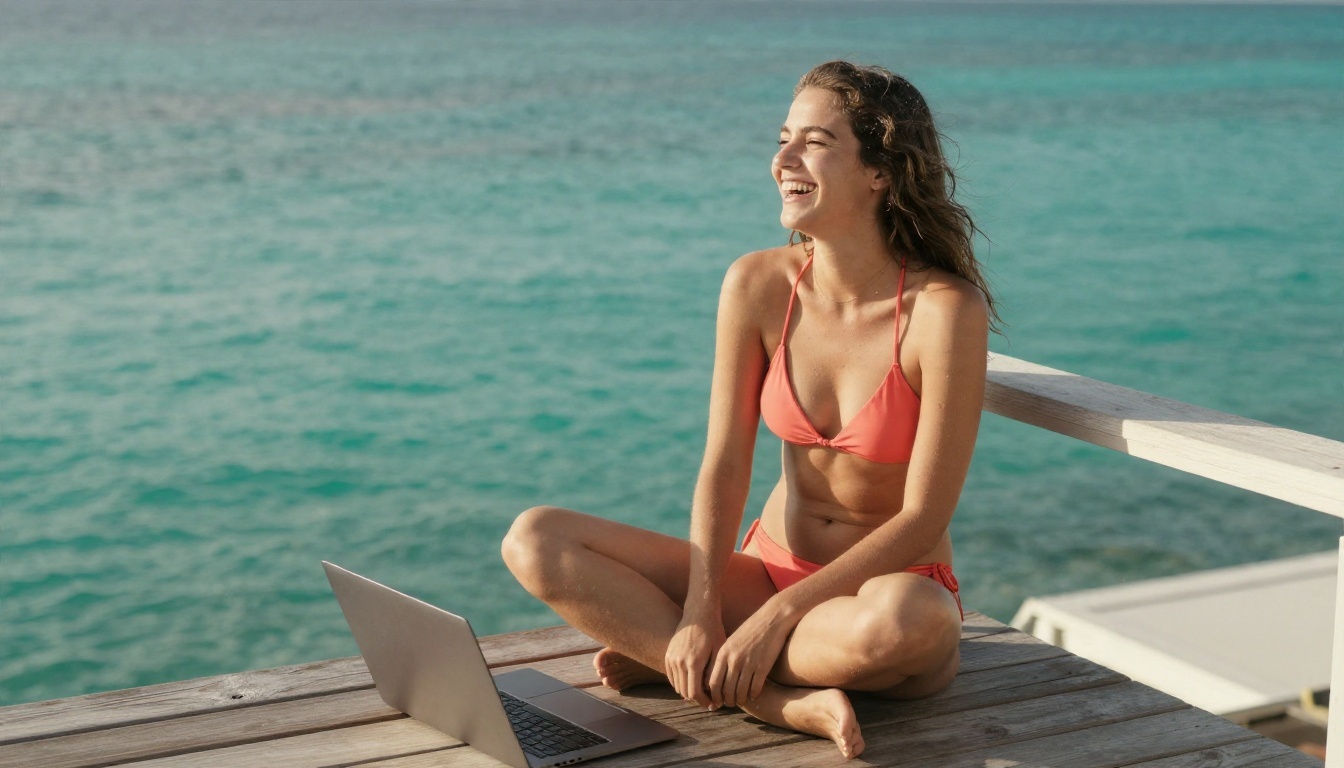
- A woman in a coral bikini on a wooden balcony above a turquoise sea, late afternoon sun from the right, 35mm f/2, salt-dried hair, warm skin tones.
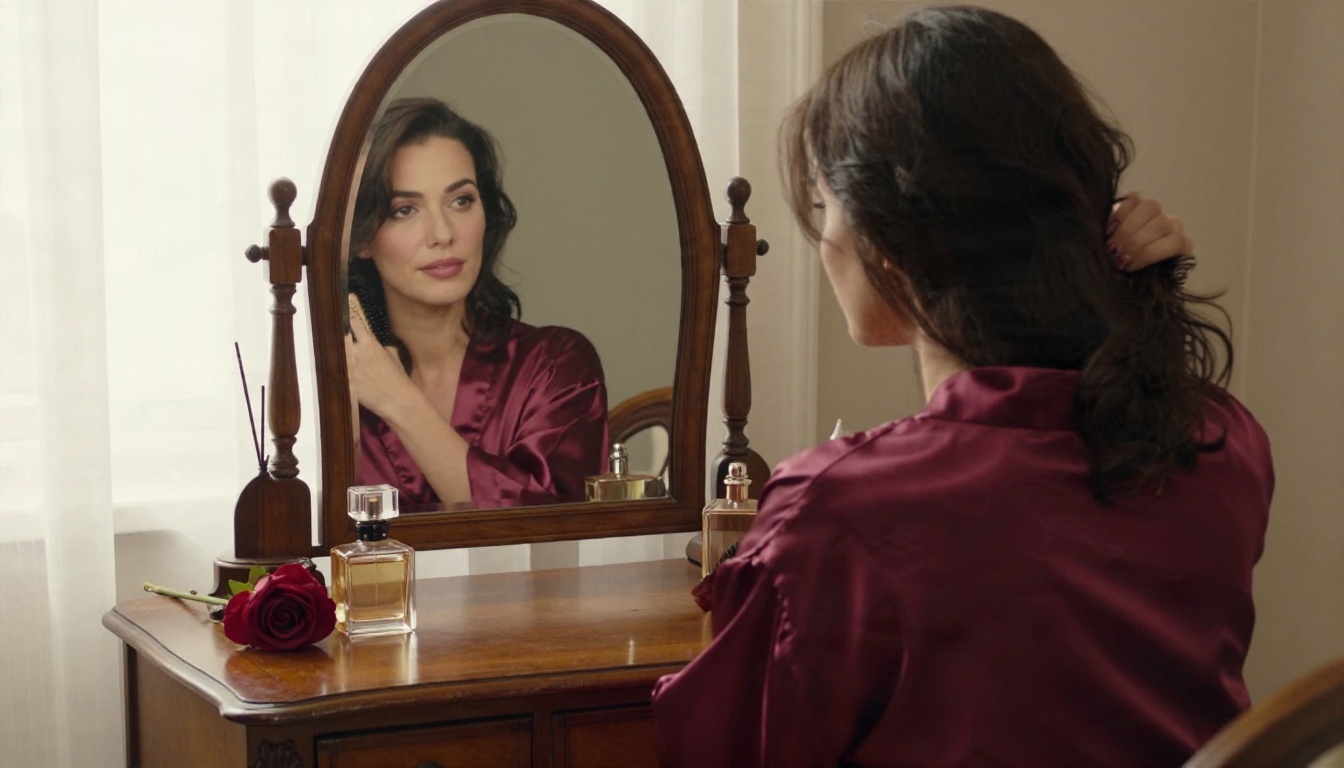
- A woman in a burgundy silk robe at a vintage dressing table, tungsten lamp glow from the left, 85mm f/1.8, silk sheen, wood grain, shallow depth of field.
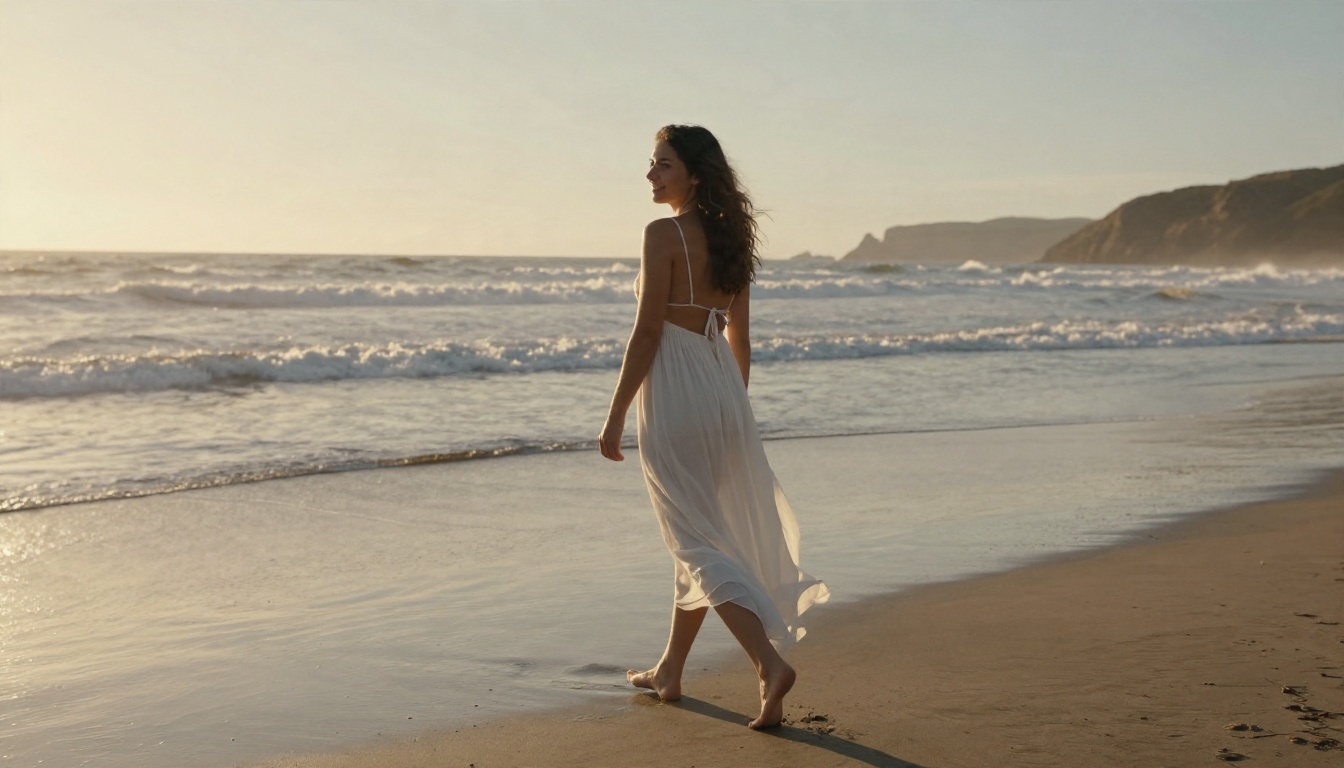
- A woman in a white summer dress over a bikini walking along the shoreline at sunset, backlit rim light, 135mm f/2.8, wet sand texture.
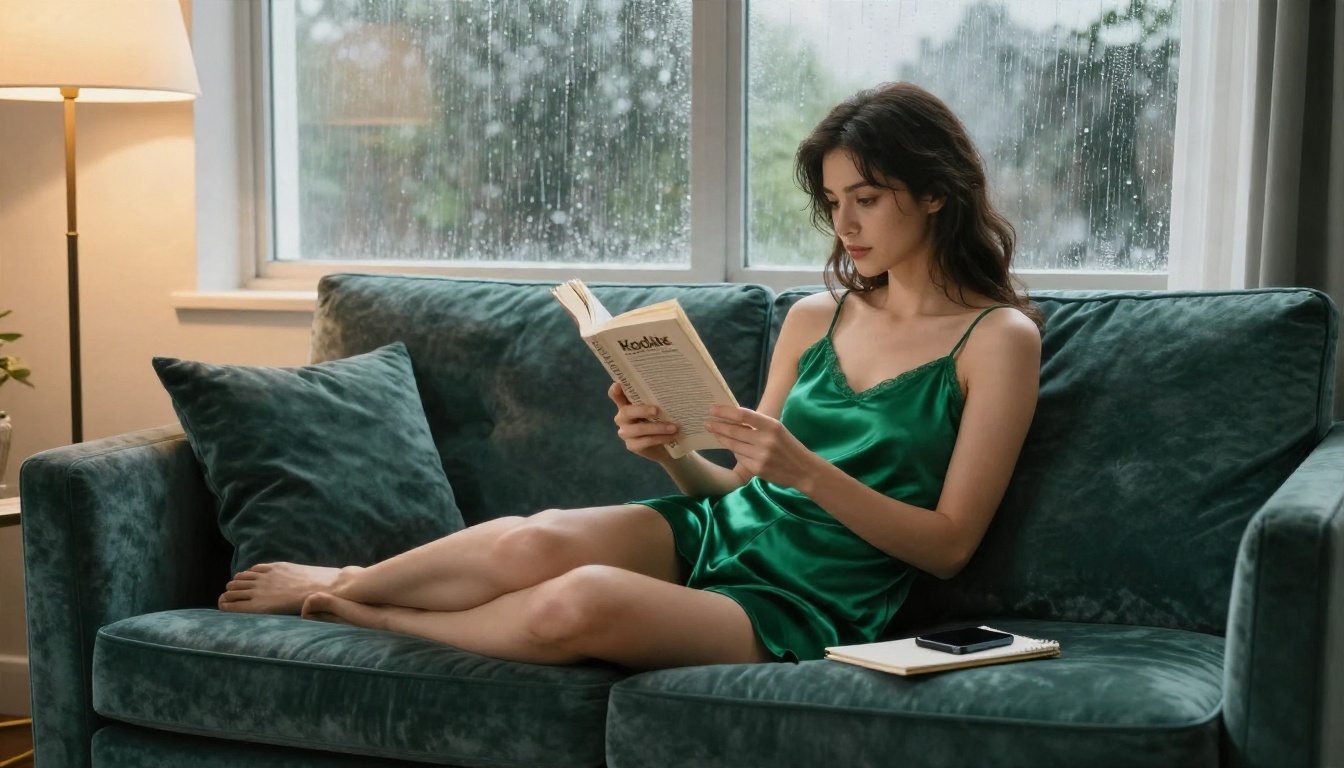
- A woman in an emerald satin camisole on a velvet sofa with a book, rain on the window, overcast light plus warm floor lamp, 50mm f/1.8.
Three Common Mistakes
Mistake one: stacking quality buzzwords. Strings like "masterpiece, ultra detailed, best quality" were popular with older models. Newer ones respond better to real photographic language: lens, light, location.
Mistake two: ignoring the background. A vague setting gives you a vague photo. Name three objects in the room. The scene suddenly feels lived in.
Mistake three: changing everything at once. If you alter outfit, pose, light and lens in one go, you cannot tell what caused the improvement or the damage. Change one variable per run.
Limits You Should Know About
Content Limits
Even uncensored-leaning tools keep some lines. Explicit sexual content, anything involving minors, and any real person without consent are off the table, and good platforms enforce this. Stay with fictional adults, artistic framing and suggestive styling. It keeps your work safe to share and easier to keep producing.
Resolution and Speed Limits
Free tiers elsewhere often cap output size or slow you down at busy hours. When comparing tools, check the maximum resolution, whether outputs carry a watermark, and how long a typical render takes at peak time. Fast models like Z Image Turbo make these limits less painful, because a short wait costs little even when you rerun ten times.
Quick Checklist Before You Switch
- Write down what you generate per week now.
- Test the same three prompts on two or three alternatives.
- Compare skin detail at 100% zoom, not as thumbnails.
- Note how many attempts it took to get a keeper.
- Check whether editing an existing image costs extra.
Start Creating Your Own Images
Switching away from a credit meter is less about leaving one site and more about changing how you work. Start with Seedream 4.5 for your best first frame. Move into PicassoIA Image Editor Pro when you want to adjust details without worrying about a counter. Keep Z Image Turbo nearby for fast drafts, and reach for Realistic Vision v5.1 or Flux 2 Klein 9B Base LoRA when you need a particular look.
Pick one of the five prompts above, run it today, then change just the light. Do that three times and you will see how much control you have. When you want to see every option on the platform, browse picassoia.com/en/all-models and try a few side by side. Your next favorite image is probably one prompt away.


