You typed "Mage Space free NSFW video" into a search bar because you want one thing: a moving, glamorous clip, without a credit card and without a three-minute wait staring at a progress bar. Fair. The problem is that the answer on most review sites is a muddle. One says everything is free and unlimited, another says adult content sits behind a paid plan, and nobody agrees on what a video actually costs you in time.
This article sorts out what Mage Space does, where the free tier stops being useful, and which online alternatives give you suggestive, good-looking video with far less friction. Everything here stays on the non-explicit side: bikinis, silk, boudoir lighting, beach golden hour. That is where AI video looks best anyway.

What Mage Space Actually Is
Mage Space is a browser-based AI generator that started as an image tool and later added video. It lets you type a prompt, pick a model, and get an image back, with a free tier that people describe as generous on paper. It also has paid plans that raise priority, unlock extra models and, according to several reviewers, widen what you can do with adult content.
It is not a single model. It is a front end that hosts several of them, so "Mage Space video" really means "whichever video model Mage Space has wired in this month." That matters, because the quality of your clip depends on the model underneath, not on the website's logo.
The free tier in plain words
Based on what reviewers report, the free tier lets you generate without a hard counter, but requests wait in a shared queue. At quiet hours that is fine. At busy hours, people report waits of several minutes for a single still image. Video is heavier than an image, so expect the pain to scale.
Where NSFW fits in
Reports conflict. Some reviewers say the free tier is worth testing for adult content. Others say NSFW outputs need the paid plan. Pricing figures also disagree between listings, ranging from single-digit monthly prices up to roughly twenty dollars. I could not confirm a current number, so treat any price you read, including here, as something to check on the live pricing page before you pay.
💡 Quick rule: if a site says "free and unlimited," look for the words queue, priority and watermark. Those three are where the real limits hide.
The Real Limits You Will Hit
Free generators rarely cap you with a loud wall. They wear you down with small frictions. Here is how those show up in practice.
| Limit | What it feels like | Why it matters for video |
|---|
| Shared queue | Waiting minutes for one result | A 5 second clip needs many retries to get right |
| Slower free models | Softer detail, odd hands, flicker | Motion exposes every weakness |
| Paywalled adult content | Prompts refused or blurred on free | Glamour themes may not run at all |
| Short clips | Brief loops, not scenes | Hard to build anything longer |
| Unclear pricing | Different numbers on different sites | You pay before you know the rules |
Queue time is the hidden cost
Video prompts are rarely right the first time. A skirt moves wrong, a hand melts, a camera drifts the wrong way. You regenerate. If each attempt costs four minutes, one decent clip eats an evening. That is the single biggest reason people look for an alternative.
Quality drifts when you are on free
Free tiers often route you to lighter models. For stills that is tolerable. For video, lighter models show flicker, face warping and rubbery skin as soon as the subject turns. You can see it in the first second.
What Good NSFW Video Looks Like
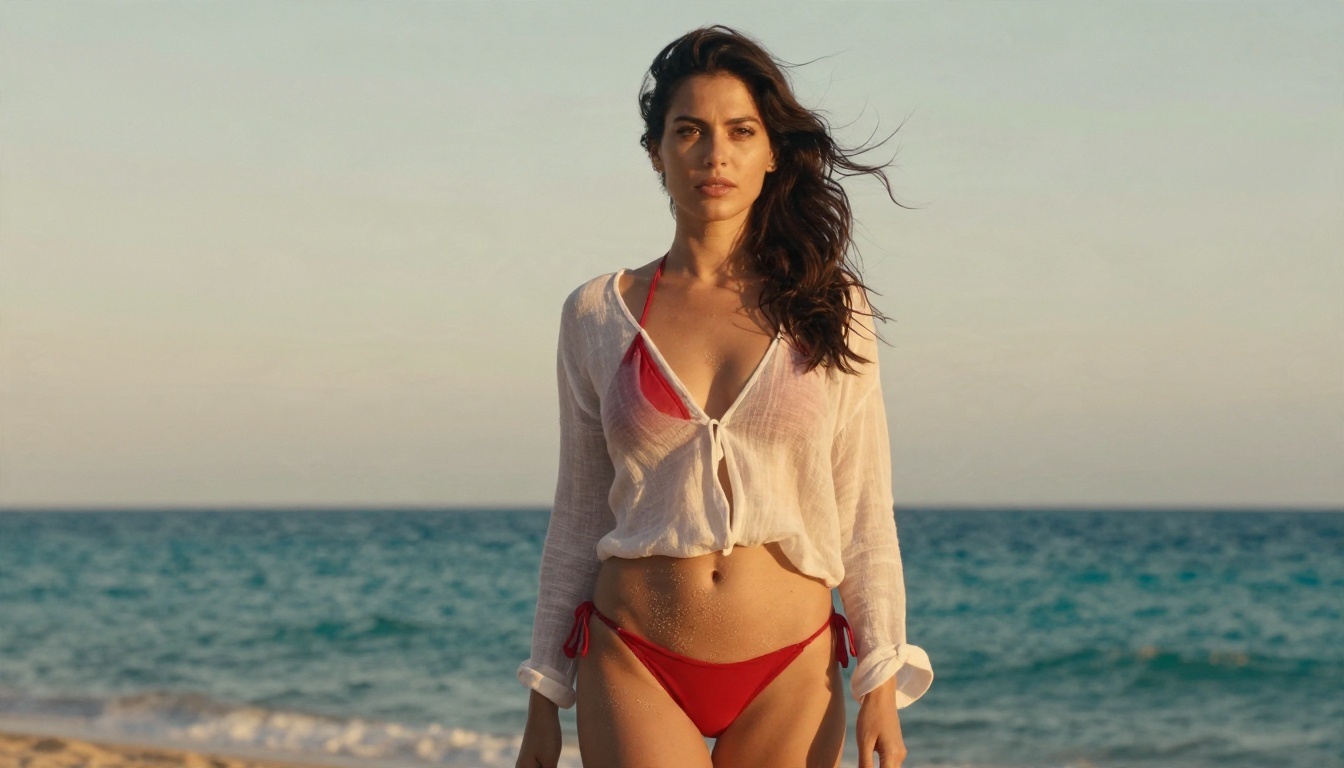
Before comparing tools, it helps to define the target. Non-explicit glamour video works when three things line up: a clean first frame, believable motion, and consistent light. Wind in hair. Water on a shoulder. A slow push-in on a face. Nothing frantic.
Start from a strong still
The best results come from image-to-video, not pure text-to-video. You build a flawless still first, check the skin texture, the fabric, the light, and then animate it. If the still is wrong, the video is wrong. If the still is right, the model only has to add motion, which is the easier job.
Keep the motion small
Five seconds is short. Ask for one gesture: a head turn, a slow walk, a breeze. Prompts that stack five actions produce mush. Think of it like directing a model on a photo shoot, one pose at a time.

Online Alternatives Worth Using
If the free tier on Mage Space leaves you waiting, the useful question is simple: which tools give you the same kind of output, faster, and with fewer walls? Here is the order I would use for glamour and suggestive content on PicassoIA, built around the platform's recommended lineup for adult-leaning creative work.
Seedream 4.5 for the first frame
Seedream 4.5 is the model I would lead with for the still. It handles skin texture, fabric sheen and lighting direction with a calm, photographic feel, and it follows long prompts well. That is exactly what you want when the still becomes the first frame of a video. It is also permissive enough for tasteful glamour, bikinis and boudoir styling.
PicassoIA Image Editor Pro for fixes
PicassoIA Image Editor Pro is built around unlimited generations, which changes how you work. You can change an outfit, soften a shadow, fix a hand or swap a background, then regenerate as many times as you like without watching a counter. For video prep that is huge, because every still deserves three or four passes before you animate it.
Seedance 2.5 Lite for free, fast motion
Seedance 2.5 Lite is described as a free and unlimited video generator with clips up to ten seconds. For anyone coming from a queue-heavy site, that pairing of speed and no daily cap is the point. Use it for drafts and for final clips when the look is already right.
Other video models to keep in reach
Mage Space vs PicassoIA Workflow
Here is how the two approaches compare in daily use. I am describing workflow, not trashing anyone. Mage Space is a real tool with real fans, and its free tier suits casual image play.
| Factor | Mage Space free tier | PicassoIA route |
|---|
| Waiting | Shared queue, longer at peak | Fast generation, built for repeat attempts |
| Adult-leaning content | Reports differ, often tied to paid plans | Permissive for tasteful glamour with the recommended models |
| Image editing | Limited on free | Unlimited edits with Image Editor Pro |
| Video length | Short clips | Up to 10 seconds free, up to 30 with Seedance 2.5 |
| Pricing clarity | Different figures across listings | Free and unlimited options clearly labeled |
| Models | A set chosen by the site | Large catalog across image and video |
When Mage Space still makes sense
If you only want quick stills, enjoy browsing community styles, and do not mind a slow queue, the free tier is a decent sandbox. Nothing wrong with that.
When to switch
Switch when you want video and you want to iterate. Video punishes slow loops. Faster generation and no cap turn a frustrating evening into twenty minutes.
How to Make a Glamour Clip on PicassoIA
This is the workflow I would follow from zero to a finished five-second clip. It uses the models above in order.
Step 1: Build the still with Seedream 4.5
Open Seedream 4.5 and write one long, specific prompt. Name the subject, the outfit, the setting, the light direction, the lens and the film look.
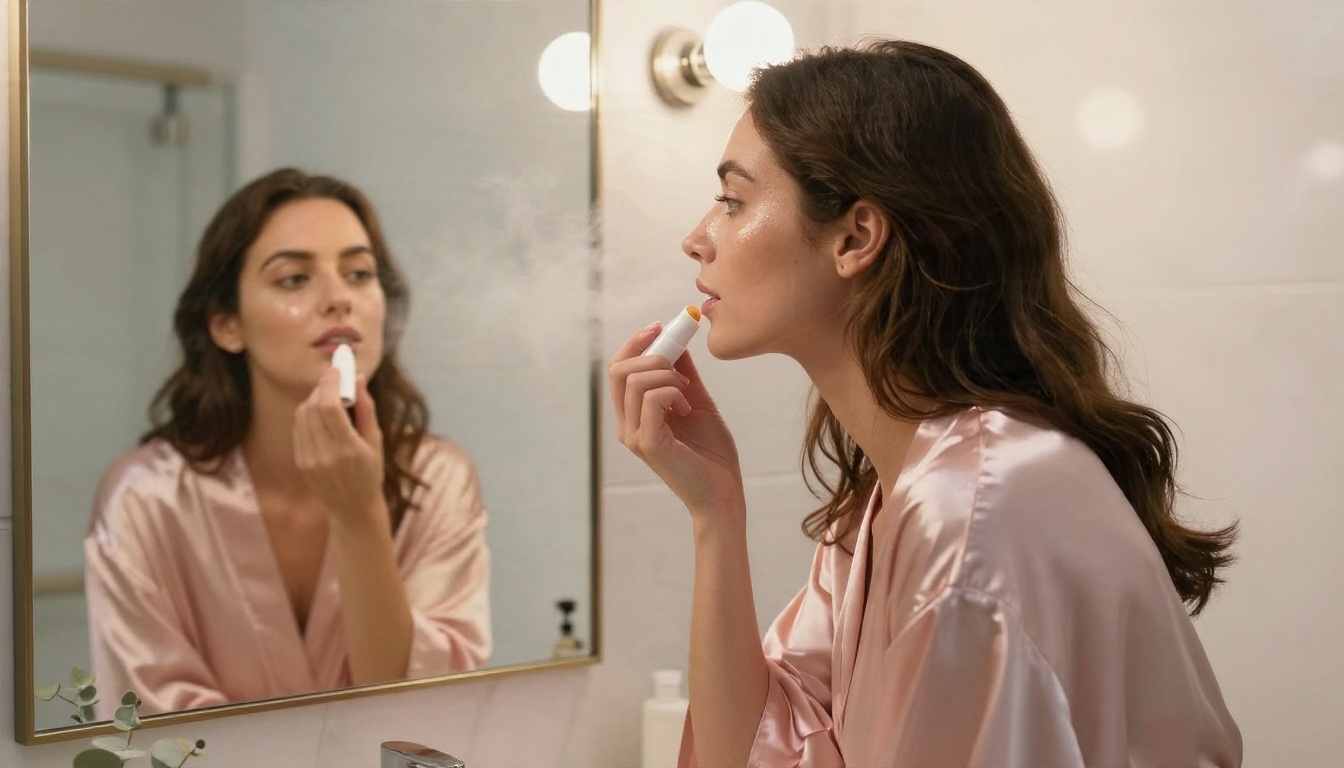
A prompt that works: "Photograph of a woman in a silk robe at a vanity mirror, warm bulbs, soft steam, window light from the left, 70mm f/2, natural skin texture, Kodak Portra 400 grain."
Parameter tips:
- Use a 16:9 ratio so the video matches a widescreen frame.
- Ask for natural skin texture to avoid the plastic look.
- Keep the outfit suggestive, not explicit, so the result stays clean and shareable.
Step 2: Fix flaws in Image Editor Pro
Load the still into PicassoIA Image Editor Pro. Look at hands, jewelry edges and fabric folds. Because generations are unlimited, fix everything now. A flaw in frame one becomes a glitch in second three.
Step 3: Animate with Seedance 2.5 Lite
Take the finished still into Seedance 2.5 Lite. Describe only the motion:
"Slow push-in on her face, she turns her head toward the window, hair moves slightly, soft light shifts across her cheek."
Parameter tips:
- One subject action plus one camera move is plenty.
- Pick the shorter duration first. If it looks good, extend.
- If the face drifts, shorten the prompt rather than lengthening it.
Step 4: Pick the best take
Generate a few versions. Compare the first and last frame. The strongest clip keeps the face stable from start to finish.
Prompt Ideas That Hold Up
Short, visual, specific. These work across the models mentioned above.
Beach and pool scenes
- Golden hour, a woman in a red bikini, wind lifting her hair, camera slowly orbiting.
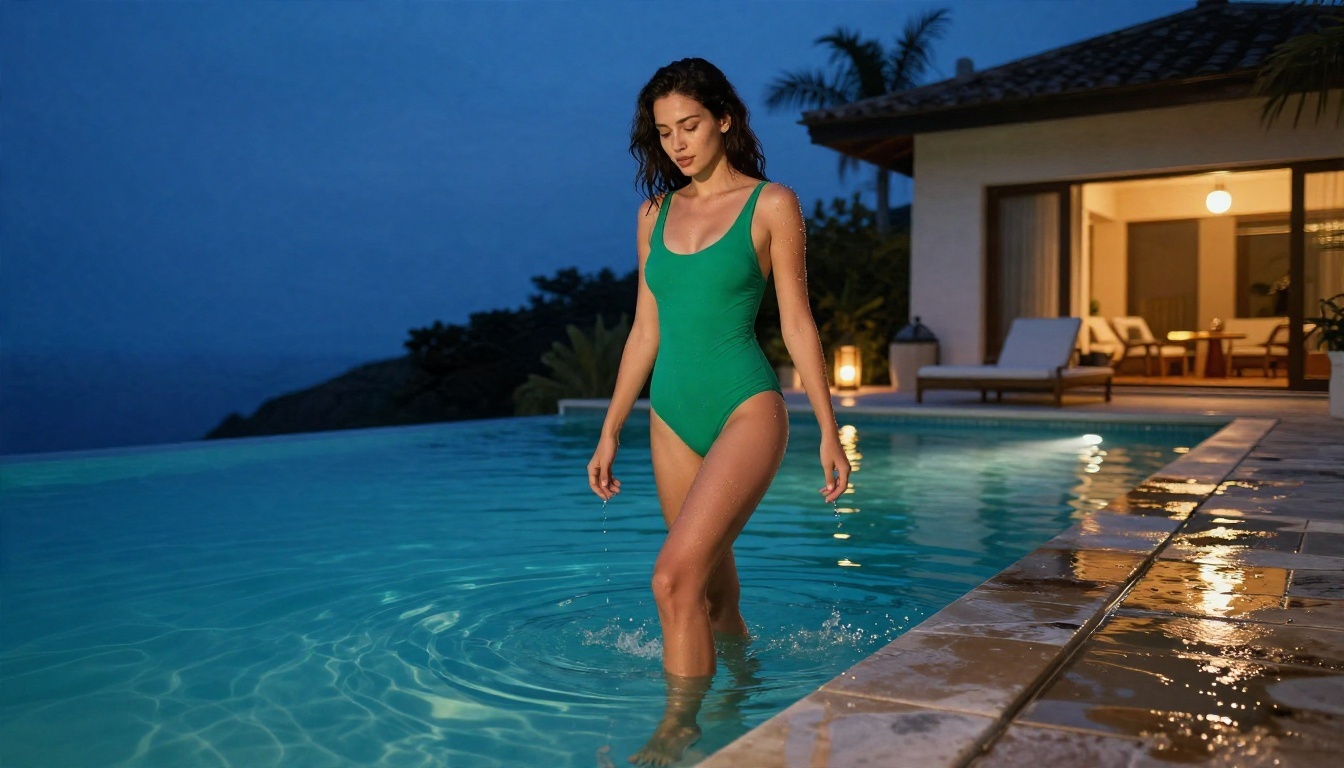
- Infinity pool at dusk, water drops on her shoulders, gentle handheld sway.
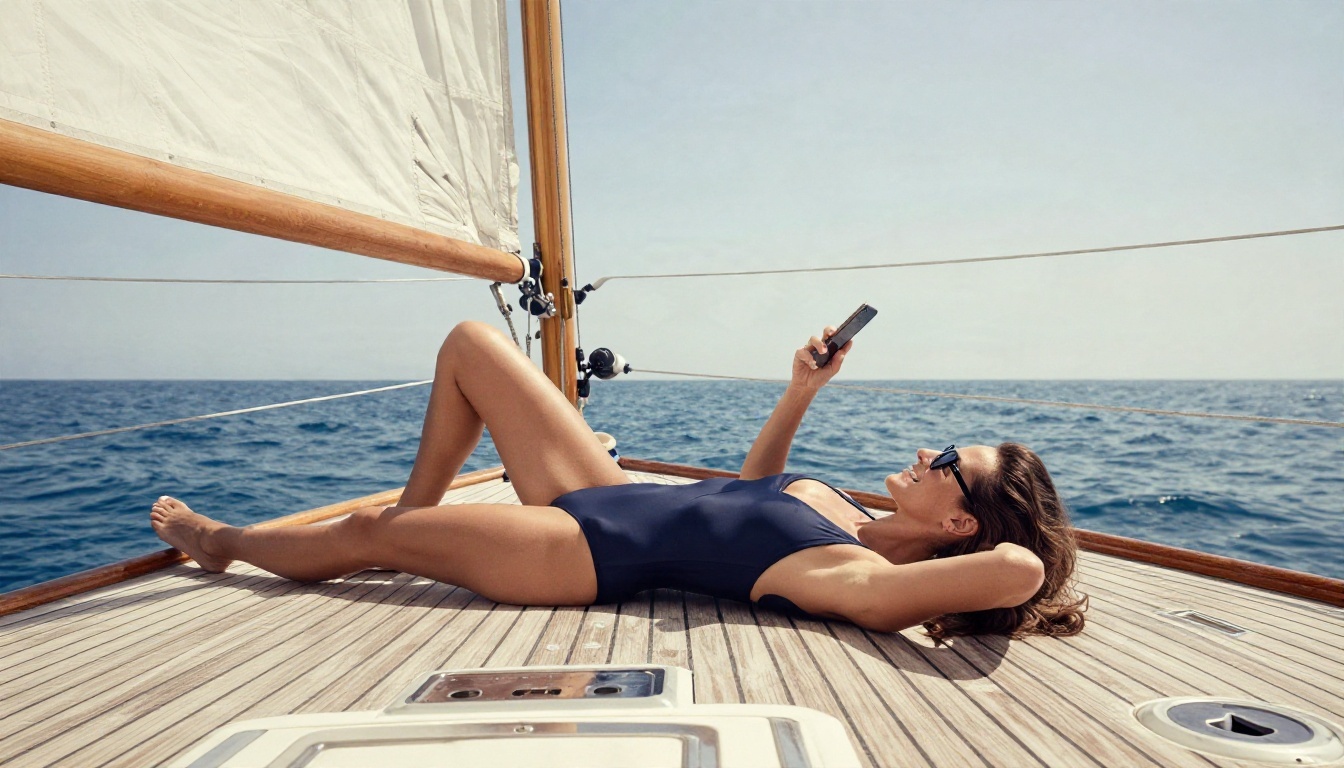
- Sailboat deck, midday sun filtered by a white sail, a slow tilt from phone to face.
Indoor and boudoir styling
- Silk robe, vanity mirror, warm bulbs, a faint breath of steam.
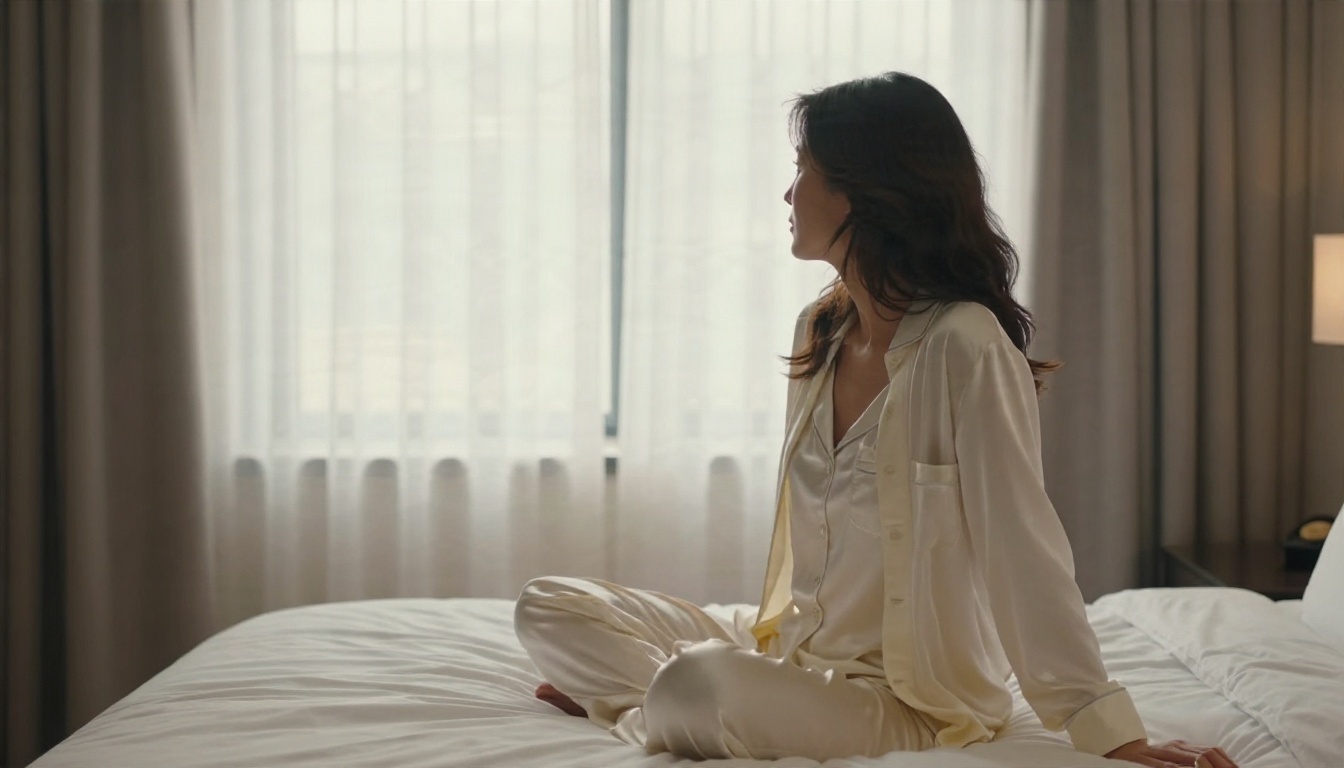
- Hotel window, sheer curtains moving, backlit hair, slow dolly-in.
- Satin camisole, dim studio, monitor glow on one side, lamp on the other.
Street and fashion
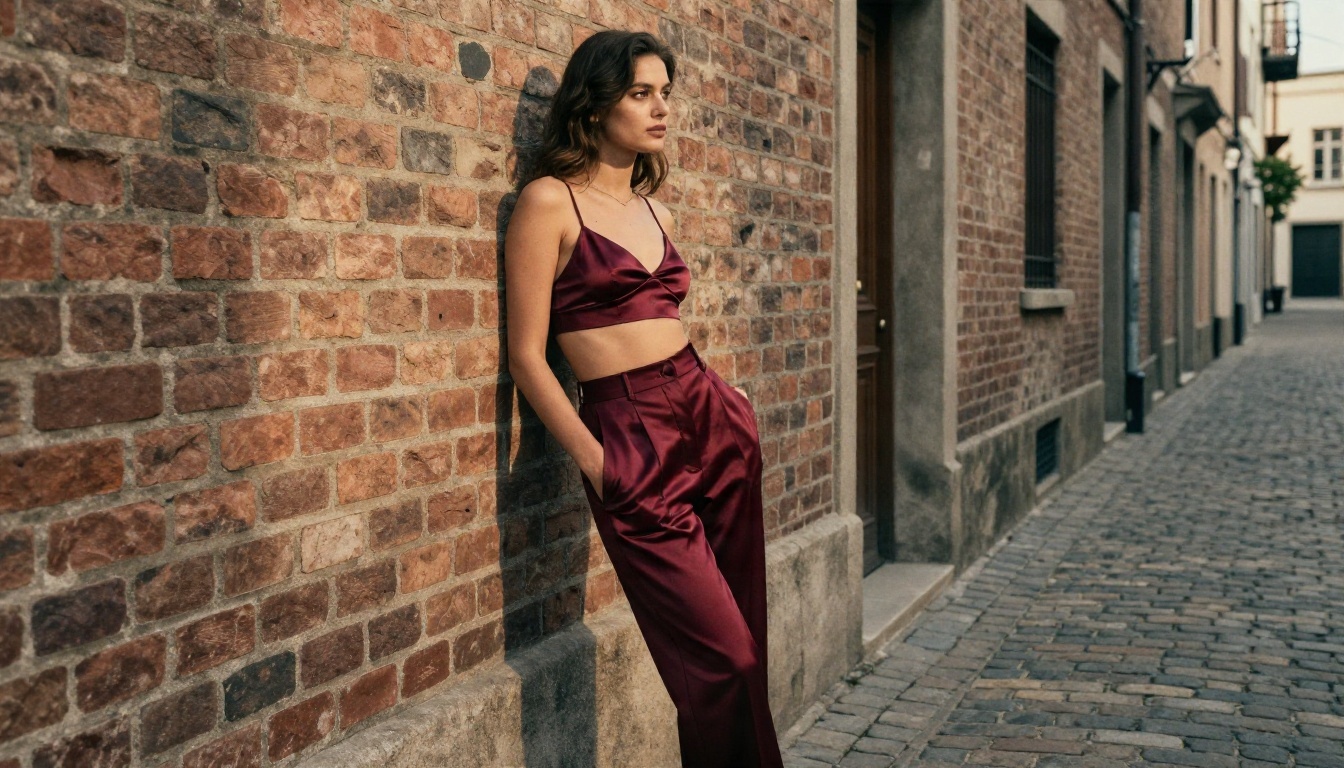
- Brick alley, late afternoon, hands in pockets, a slow lateral track.
- City rooftop at blue hour, wind in a thin scarf, shallow focus.
💡 Tip: put the light in every prompt. "Window light from the left" does more for realism than any adjective like "beautiful."
Mistakes That Waste Your Time
A few habits cost people hours. Avoid these and you will get usable clips sooner.
Writing text-only prompts for video
Pure text-to-video is a lottery. Image-to-video gives you control over the face, outfit and setting before any motion exists.
Asking for too much motion
A running, spinning, hair-flipping, camera-swooping five seconds will break any model. Choose one move.
Skipping the still review
Zoom in on the still. Check fingers, earrings, straps. Fix in the editor first.
Ignoring the first-frame ratio
If the still is square and you want widescreen, you will crop and lose detail. Generate at 16:9 from the start.
Trusting "unlimited" blindly
Read the fine print on every site, including this one. Check queue behavior, watermarks and what content types each plan allows before you commit time or money.
Staying Safe and Keeping It Clean
Adult-leaning AI content comes with responsibilities that no pricing page mentions.
Use fictional subjects only
Generate original characters. Do not create images or video of real people without their consent. That includes celebrities and anyone you know. It is harmful, and in many places it is illegal.
Keep it non-explicit
Suggestive and beautiful beats explicit every time, both for quality and for where you can share it. Most platforms, social networks and payment processors draw the line at explicit material. Glamour, swimwear and boudoir styling travel much further.
Label AI content when you post it
Say it is AI-generated. It builds trust and keeps you on the right side of platform rules.
Check your local rules
Laws on adult content and synthetic media differ by country. If you plan to publish or sell clips, read the rules where you live.
Make Your First Clip Today
If you came here to decide whether Mage Space is the right place for free NSFW video, the short version is this: it is a fine place to play with stills, but its queue, its model limits and its unclear adult-content rules make it a slow route for video. The free tier may suit you if patience is cheap. If your time is not, switch.
The faster path is a simple three-step loop. Build a gorgeous still with Seedream 4.5. Polish it with PicassoIA Image Editor Pro, where generations are unlimited. Then bring it to life with Seedance 2.5 Lite and try a second take, then a third, without watching a counter.
You do not need to read another review to find out which works for you. Pick one outfit, one setting, one light direction, and run it. Five minutes from now you could be watching your own clip.
Ready to experiment? Open Seedream 4.5, write your first prompt, and see how far a single good image can go. When you want more options, browse every image and video model at picassoia.com/en/all-models and build your own workflow.


