You opened a free account, typed a glamour prompt, and got a blurred tile or a polite refusal. Or maybe you got a perfect result on the first try and now you're wondering why a friend's account behaves differently. That confusion is the real story behind the Mage Space free tier NSFW policy. Reviews published over the last year contradict each other, the settings page has changed more than once, and nobody explains where the free tier ends and the paid plan begins.
This article lays out what is reported, where the sources disagree, and what you can do about it. I'll also show you a faster route for non-explicit, photorealistic adult glamour that doesn't depend on a toggle, a queue or a subscription.
💡 Quick answer: Mage Space's free tier is described as unlimited but slow, with a safety filter on by default. Some reviews say you can switch "safe mode" off in account settings at no cost. Others say explicit output requires the Pro plan. Treat any single claim with caution and check the pricing page before you pay for anything.

What the Free Tier Actually Offers
Mage Space is a browser-based image and video generator that hosts a large library of community and in-house models, often described as 160 or more. It runs on a freemium model, so the first question is always what you get without paying.
Unlimited, but Slow
The most consistent claim across reviews is that free users can generate images without a daily cap. The trade-off is speed. Free jobs wait in a shared queue, and during busy hours that wait can stretch to several minutes per image.
For casual use, that's fine. For anyone iterating on a prompt ten or twenty times to get a pose, a face or a lighting setup right, it gets old quickly.
Safety Filters and Privacy
Free accounts are reported to run with safety filters enabled, and images created on a free plan are generally not private. That second point matters more than people expect. If your experiments are personal, a public gallery is a real limit, not a footnote.
| Feature | Free tier (as reported) | Paid tier (as reported) |
|---|
| Image generation | Unlimited, slower | Faster queue priority |
| Model library | Large, with some restrictions | Full access |
| Private images | No | Yes |
| Resolution | Standard | Higher resolution options |
| Safety filter | On by default | Adjustable |
| Monthly credits | None mentioned | Extra credits included |
What Is Allowed on Free Accounts
This is where the sources split, so let's be precise about what is claimed rather than pretend there is one clean answer.
The Safe Mode Toggle
Several reviews describe a "Safe mode off" setting inside account settings. According to these write-ups, flipping it allows suggestive and adult-themed generations, and no subscription is required. Another review frames it differently: the platform hosts both SFW and NSFW content, and the default setting simply hides mature material from view until you change the filter.
If that's accurate, the free tier can produce adult-themed images once you adjust your settings.
The Paywall Claim
A 2026 comparison says the opposite: that explicit output technically requires the Pro plan, quoted at about $15 a month. Other sources put paid plans anywhere from $4 to $10 a month, and one mentions an $8 Pro tier with faster queue priority, higher resolution and monthly credits.
Those numbers don't line up, which tells you pricing and plan names have shifted over time. I can't tell you which figure is current today, and I'd rather say so than invent certainty.
Suggestive Versus Explicit
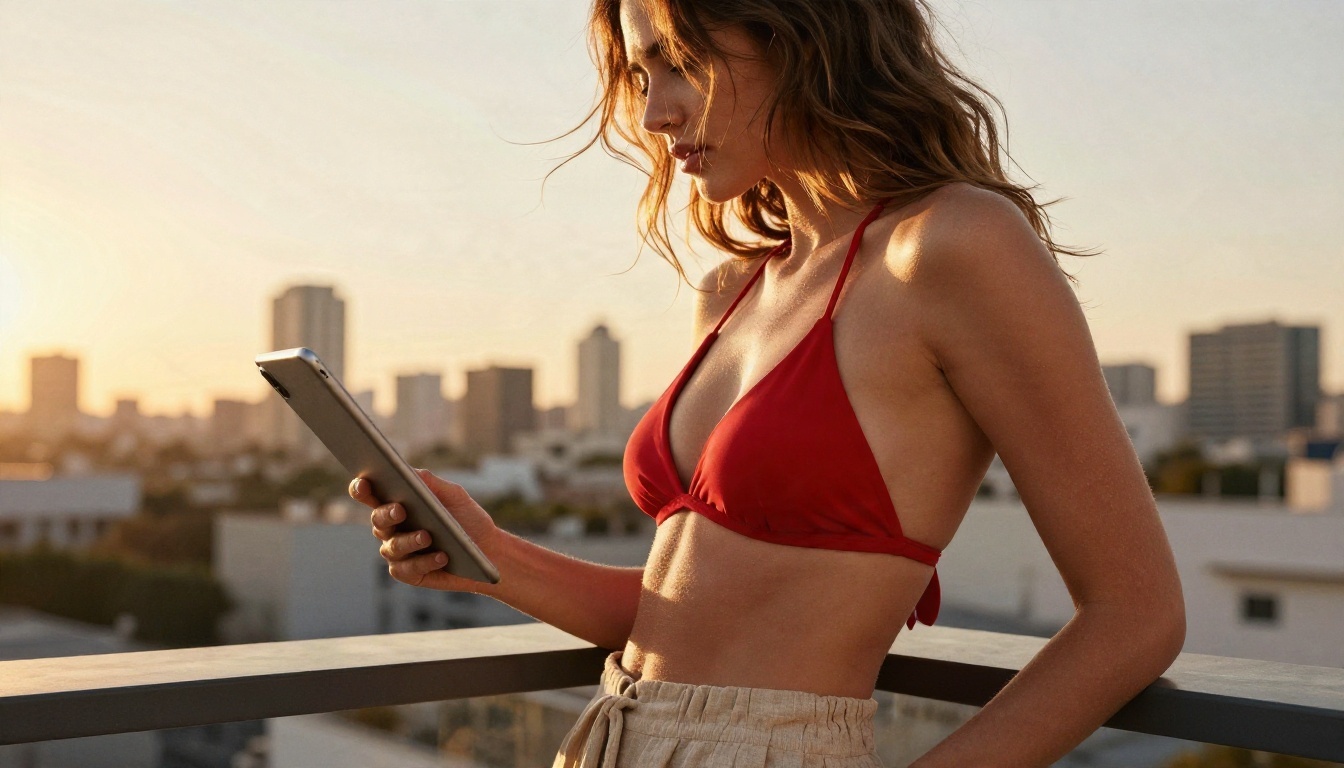
Here's a distinction worth keeping in mind. Plenty of what people call "NSFW" is really glamour: bikinis, lingerie, boudoir lighting, implied nudity, editorial swimwear. That category is far easier to generate on almost any platform than explicit material, and filters usually treat it more gently.
If your goal is attractive, non-explicit imagery, the free tier question matters less than you think. If your goal is explicit content, expect more friction, more gating and more variation between accounts, models and days.
💡 Rule of thumb: The more explicit the request, the more likely a filter, a plan check or a model-level block gets in the way. Glamour, swimwear and artistic portraits rarely hit those walls.
Limits You Will Actually Hit
Even if the content rules suit you, the practical limits shape your day-to-day experience.
Queue Waits at Peak Hours
Free generation is slower by design. Reports mention queue waits that grow in the evening and at weekends, when more people are online. A single prompt can take a few minutes, and a batch of variations multiplies that.
Public Gallery, No Private Images
Without a paid plan, your outputs are reported to be visible in shared spaces. Anyone creating personal or portfolio-style adult glamour should weigh that before they start.
Resolution and Credits
Higher resolution output and monthly credits are listed as paid perks. On the free plan you're typically working at standard sizes, which is fine for social posts and tests but soft for prints, wallpapers or detailed editing.
Here's a quick summary of the friction points:
- Queue speed: slower than paid users, sometimes by minutes
- Privacy: no private mode on free accounts
- Resolution: standard sizes only
- Filters: on by default, adjustable according to some reviews
- Plan clarity: pricing varies across sources, so verify before paying
How the Filters Work
Filters on image platforms usually operate at two separate levels, and mixing them up is the main reason people say "it works for me" while others say "it never works."
Account-Level Filters
This is the setting in your profile that decides what you can see and what categories of model are unlocked for you. It's the toggle that reviews describe when they say safe mode can be switched off. If it's on, mature material is hidden or blocked.
Prompt-Level and Model-Level Blocking
Even with the account setting changed, an individual model can have its own limits. Some models refuse certain words. Some output a blurred or darkened tile when the result trips a classifier. And some silently soften the request, so you get a fully dressed version of what you asked for.
That's why two users with identical settings can report completely different results: they're often using different models.
Why Results Vary Between Users
| Cause | What you see |
|---|
| Different model selected | One account gets glamour shots, another gets refusals |
| Account filter on or off | Blurred tiles versus full images |
| Wording of the prompt | Same idea, different outcome |
| Plan changes over time | Old tutorials no longer match the interface |
| Peak-hour load | Slow or failed jobs misread as "blocked" |
Free Versus Paid: The Real Cost
If you decide the free tier isn't enough, the question becomes whether a subscription is worth it for your use.
When Paying Makes Sense
Paying helps most if you need private images, faster queue priority or higher resolution output. It also makes sense if the model you want is gated behind a plan. If you only want a handful of tasteful swimwear or boudoir shots a week, you're paying mostly for speed.
When It Doesn't
If your main complaint is queue waits and content friction, a subscription solves only part of that. You still depend on one platform's filters, one platform's model list and one platform's pricing page, which, as the reviews show, can change.
Better Options for Glamour Images
For non-explicit adult glamour, a platform built around fast, high-quality photorealistic models is often a better fit than a queue-based free tier. On PicassoIA, you can pick the model directly, so you aren't guessing which hidden model sits behind a button.
Mage Space is a separate platform and is not a PicassoIA model. For similar results today, try the models below.
Seedream 4.5 First
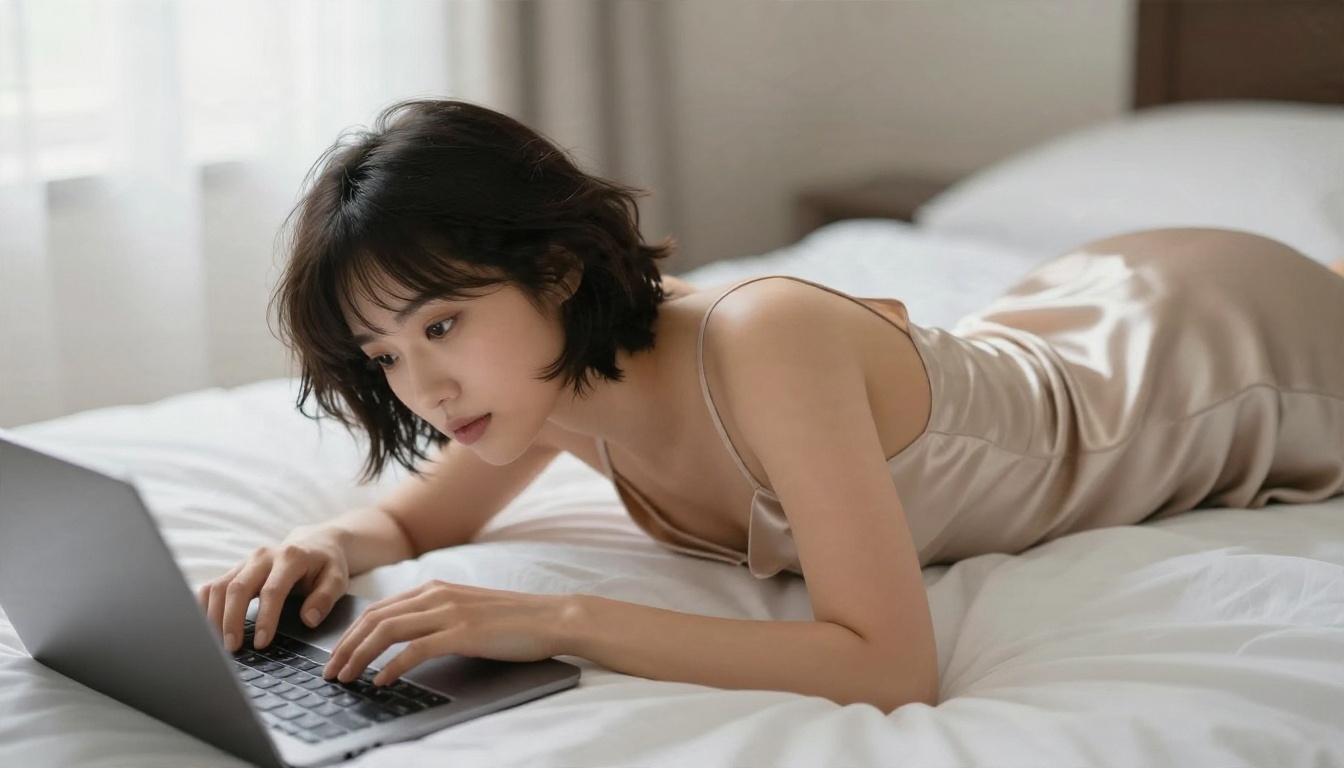
Seedream 4.5 is my first pick for glamour work. It produces sharp, photorealistic skin, fabric and lighting, handles swimwear and boudoir-style prompts well, and outputs up to 4K. Faces stay consistent and hands rarely fall apart.
PicassoIA Image Editor Pro
PicassoIA Image Editor Pro offers unlimited generations, so you can iterate as many times as you want without watching a counter or waiting in a long line. It's also built for editing: change an outfit, adjust the background, refine a face or fix a detail without starting over.
Two More Worth Trying
Z Image Turbo is quick and sharp when you want many variations fast. Flux 2 Klein 9B Base LoRA is a good choice when you want a more styled, fine-tuned look.
| Model | Best for | Speed | Link |
|---|
| Seedream 4.5 | Photorealistic glamour, 4K output | Fast | Open |
| Image Editor Pro | Unlimited iterations and edits | Fast | Open |
| Z Image Turbo | Rapid variations | Very fast | Open |
| Flux 2 Klein 9B Base LoRA | Styled, fine-tuned looks | Fast | Open |
How to Get Similar Results on PicassoIA
Here's the workflow I use with Seedream 4.5 for tasteful, non-explicit adult imagery.
Step by Step
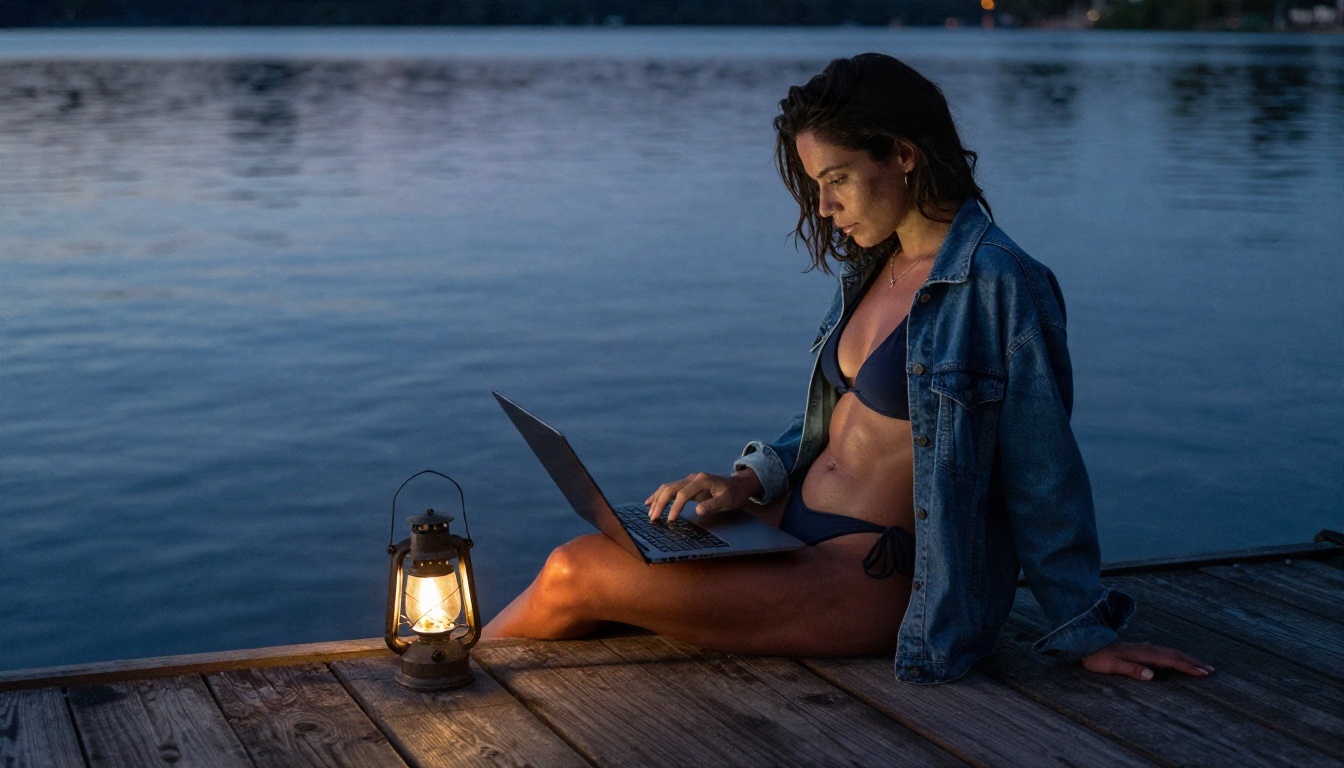
- Open the model page. Go to Seedream 4.5 on PicassoIA.
- Write a subject line. Describe who and what: age range, hair, outfit, pose and expression.
- Add the setting. A rooftop, a pool, a loft with large windows. Real places beat vague words like "beautiful background."
- Name the light. "Golden hour from behind," "soft window light from the left," or "warm lamp with cool fill."
- Specify the camera. An 85mm lens at f/1.8 gives a portrait look. A 35mm lens suits environmental shots.
- Pick 16:9 or 3:4. Wide for scenes, tall for portraits.
- Generate, compare and refine. Change one detail at a time.
Prompt Tips That Work
- Be specific with fabric: satin, lace, crochet, knit and velvet all render differently and look more believable than "outfit."
- Ask for skin texture: words like "fine pores," "peach fuzz" and "natural freckles" push away the plastic look.
- Add film grain: "Kodak Portra 400" gives warm tones and a photographic feel.
- Keep it tasteful: suggestive framing and implied styling produce better, more attractive pictures than blunt wording.
- Avoid contradictory words: "studio" and "beach at sunset" in the same prompt confuse the scene.
Polish in Image Editor Pro
Once you have a strong base image, bring it into PicassoIA Image Editor Pro. Change the swimsuit color, soften a shadow, swap the background or clean up a small flaw. Since generations are unlimited, you can test five versions of the same edit and pick the best.
💡 Workflow tip: Generate in Seedream 4.5 for the base, then refine in Image Editor Pro. Two tools, one clean result, no queue.
Sample Prompt
Try something like this and adjust it to your taste:
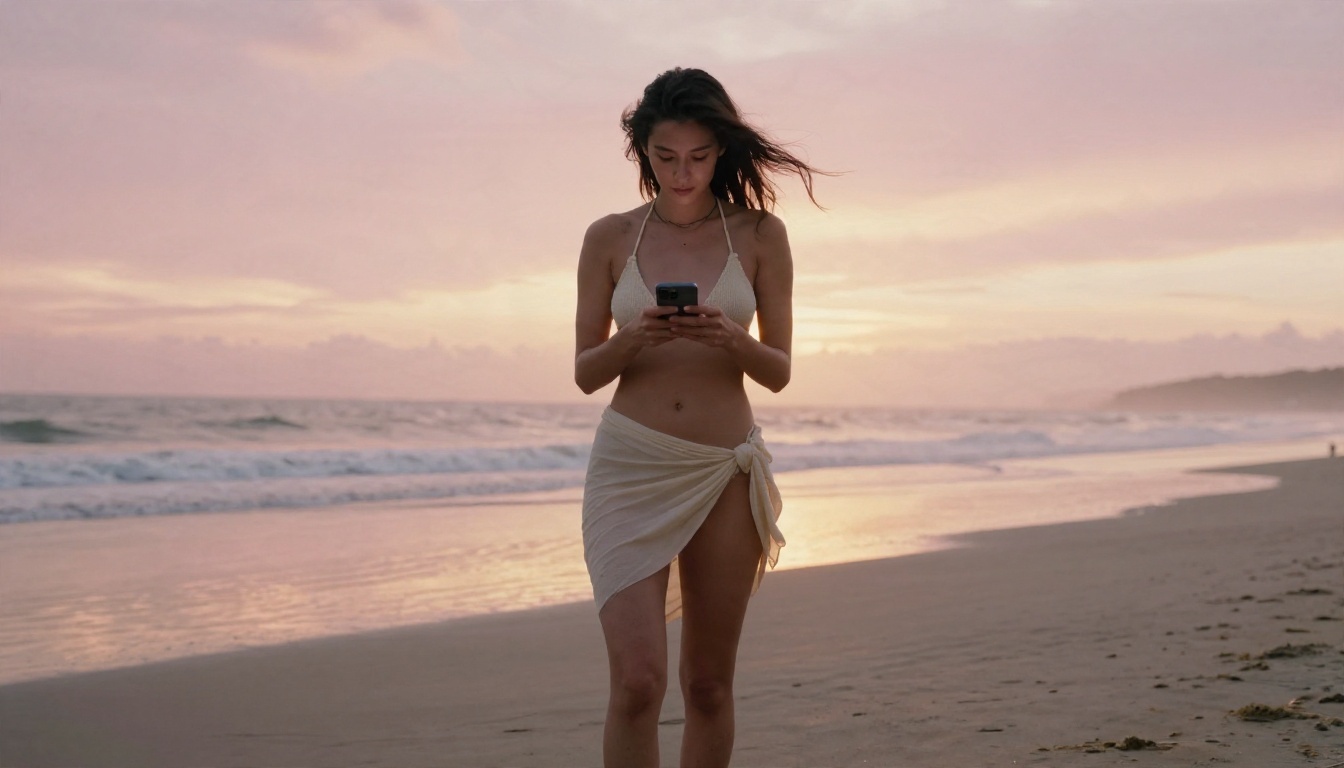
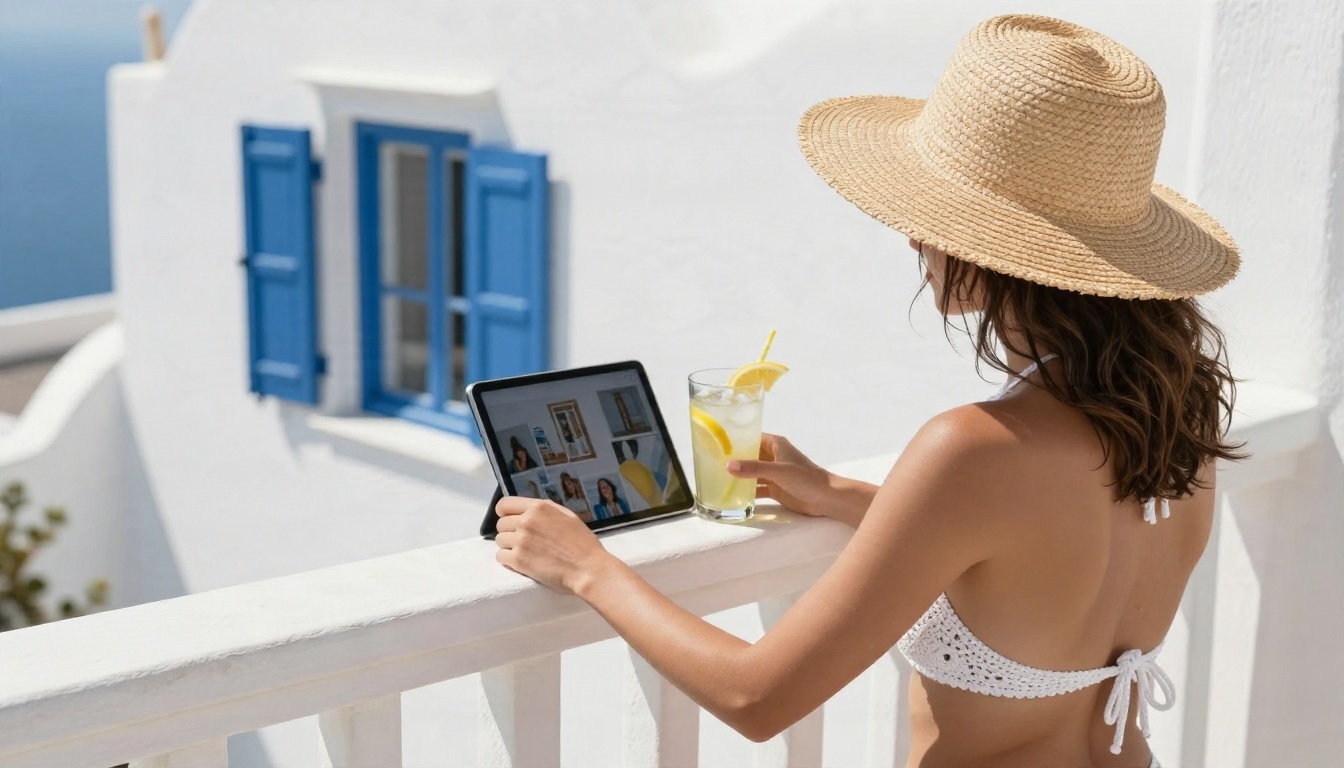
A woman in her late twenties with sun-kissed skin and wavy chestnut hair, wearing a white crochet bikini and a wide straw hat, standing on a whitewashed Greek villa balcony, hard midday sunlight with crisp shadows, shot with a 35mm lens at f/2.8, visible skin texture, Kodak Portra 400 film grain, photorealistic.
Common Mistakes With NSFW Free Tiers
A few errors keep coming up when people try to get adult-themed images from free platforms.
- Trusting one review. Interfaces and plans change, so a tutorial from months ago may be wrong today.
- Blaming the filter when it's the queue. Slow jobs at peak hours often look like blocks.
- Switching models without changing the prompt. Each model reacts to wording differently.
- Ignoring privacy. A free plan may place your images in a public feed.
- Paying before testing. Spend an afternoon on the free tier first and see whether it actually meets your needs.
Try It Yourself
The honest summary of the Mage Space free tier is this: it's generous on volume, slower on speed, light on privacy and unclear on the exact NSFW line. Some users say a free settings toggle opens up adult-themed output. Others say you need Pro. Until the official page spells it out for your account, plan for either.
If you'd rather skip the guesswork, open Seedream 4.5, write one detailed prompt and see what a modern photorealistic model does with real lighting, real fabric and real skin texture. Then refine the result in PicassoIA Image Editor Pro, where unlimited generations mean you can keep iterating until the picture is right.

Want to see more options? Browse the full catalog at picassoia.com/en/all-models, pick the model that matches your style and start creating your own images with Picasso IA today. Try the same prompt across two or three models, compare the results side by side and keep the one that looks best.


