You typed "Mega Space AI" into a search bar hoping for a free image generator with no filters, and what you got was a pile of affiliate reviews that contradict each other. One page says unlimited. Another says capped. A third says you wait in a queue behind paying users. Nobody agrees on what is actually allowed.
I spent time sorting through it, and the honest answer is more useful than any hype. This article covers where the name comes from, what free tiers usually limit, which alternatives let you keep generating, and a set of uncensored-style prompts that produce suggestive, attractive, photorealistic results without going explicit.
What Mega Space AI Actually Is
The Name Problem
Here is the first thing to know: I could not confirm a product that is officially called Mega Space AI. Search results for the phrase keep landing on a different tool, Mage Space, and most people who type "Mega Space" appear to be misremembering that name or mixing it with similar sounding sites. The pages that mention both names describe Mage Space in the actual text.
So treat "Mega Space AI" as a search label, not a verified product. It is not available on PicassoIA, and it has no page here. Everything below about its limits comes from third party reviews of the tool people usually mean, and those reviews are mostly affiliate style pages, so check any current pricing yourself before paying for anything.
💡 Tip: If a site you found uses the "Mega Space" name, look for a real company address, a pricing page and a clear terms page. A generator with none of those is a risk for your payment details and your uploads.
What Reviewers Report
Across the reviews I read, a few claims repeat:
- The free tier allows a large number of generations, sometimes described as unlimited.
- Free users reportedly sit behind paying users in the queue.
- Some models are reserved for paid plans.
- A paid entry plan was described at roughly ten dollars a month.
- The platform is said to allow adult themed content with fewer workarounds than the big mainstream tools.
Treat each of those as a claim, not a fact. Pricing and rules change every few months, and reviewers rarely retest.
The Limits You Will Hit
Even when a free tier is called unlimited, there is almost always a catch somewhere else. These are the places the catch usually hides.
Queues and Priority
Unlimited does not mean instant. Free users are commonly placed in a shared queue, and at busy hours that can mean minutes per image instead of seconds. If you iterate on a prompt ten or fifteen times, a two minute wait per try turns a quick session into an evening.
Model and Resolution Caps
Free plans often restrict you to older or smaller models, lower resolution, and a small number of images per batch. Photorealism is where this shows up first. Skin looks plasticky, hands go wrong, and fabric textures turn soft. The sharpest models tend to sit behind the paywall.

Content Rules Vary
"Uncensored" is a marketing word, not a technical one. In practice every platform draws a line somewhere. Some block explicit sexual content, some block real people's faces, some block minors completely (as every responsible platform should), and some quietly blur outputs. Rules also change without announcement, which is why a prompt that worked last month can fail today.
💡 Reality check: If a tool promises "no limits at all," read the terms. Legitimate services always prohibit illegal content, and you should never try to generate anything involving minors or real people without their consent.
Free Alternatives Worth Trying
The best replacement is not another site with the same queue. It is a platform where the limits are clear and the models are strong. Here is how the options on PicassoIA compare for photorealistic, glamour style work.
Seedream 4.5 First
If realism is the goal, start with Seedream 4.5. It handles skin micro texture, wet fabric, satin sheen and warm golden light better than most free tier models, and it follows long prompts without dropping details. It also accepts adult themed glamour prompts as long as they stay suggestive rather than explicit, which is exactly the lane most people want.
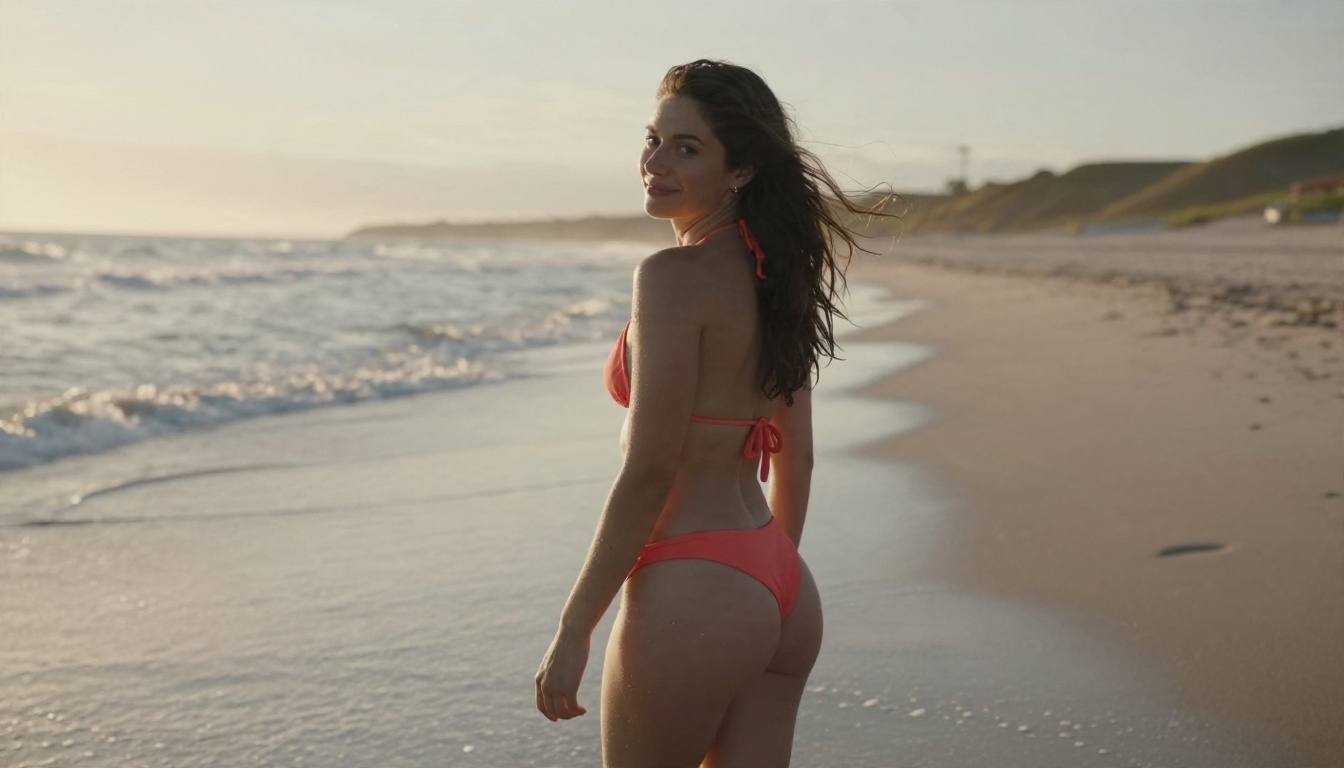
Image Editor Pro, No Cap
The biggest complaint about free generators is the counter that runs out. PicassoIA Image Editor Pro offers unlimited generations, so you can iterate on a prompt thirty times without watching a credit balance. It is also an editor, which means you can take an image you like and change the outfit, background or lighting instead of starting from zero.
Fast Options for Drafts
When you only want to test an idea, Z Image Turbo returns sharp images in seconds. For a particular look, Flux 2 Klein 9B Base LoRA gives you more stylistic control. A sensible workflow is to draft in the fast model, then move your best prompt to Seedream 4.5 for the final render.
Want a wider list? Browse everything at picassoia.com/en/all-models.
Uncensored Image Prompts That Work
Most people searching for an uncensored generator do not want explicit material. They want attractive, confident, suggestive portraits that a filter keeps rejecting for no good reason: swimwear, lingerie style sleepwear, satin robes, evening gowns. Those are all fine when the camera language is photographic and the mood is glamour.
Glamour and Swimwear Prompts
Swimwear prompts work best when you describe the place, the light and the lens, not just the outfit. Try this one:
A woman in a coral bikini walking along a quiet beach at golden hour, hair tousled by the sea breeze, glancing back over her shoulder with a relaxed smile. Wet sand reflects the low sun, backlight creating a rim glow on her skin, fine water droplets visible. Shot at eye level with an 85mm f/1.8 lens, shallow depth of field, Kodak Portra 400 film grain, raw photography.
Why it works: the sun gives the model a lighting recipe, the lens gives it a look, and the film stock keeps skin tones natural instead of airbrushed.
Boudoir Style, Kept Tasteful
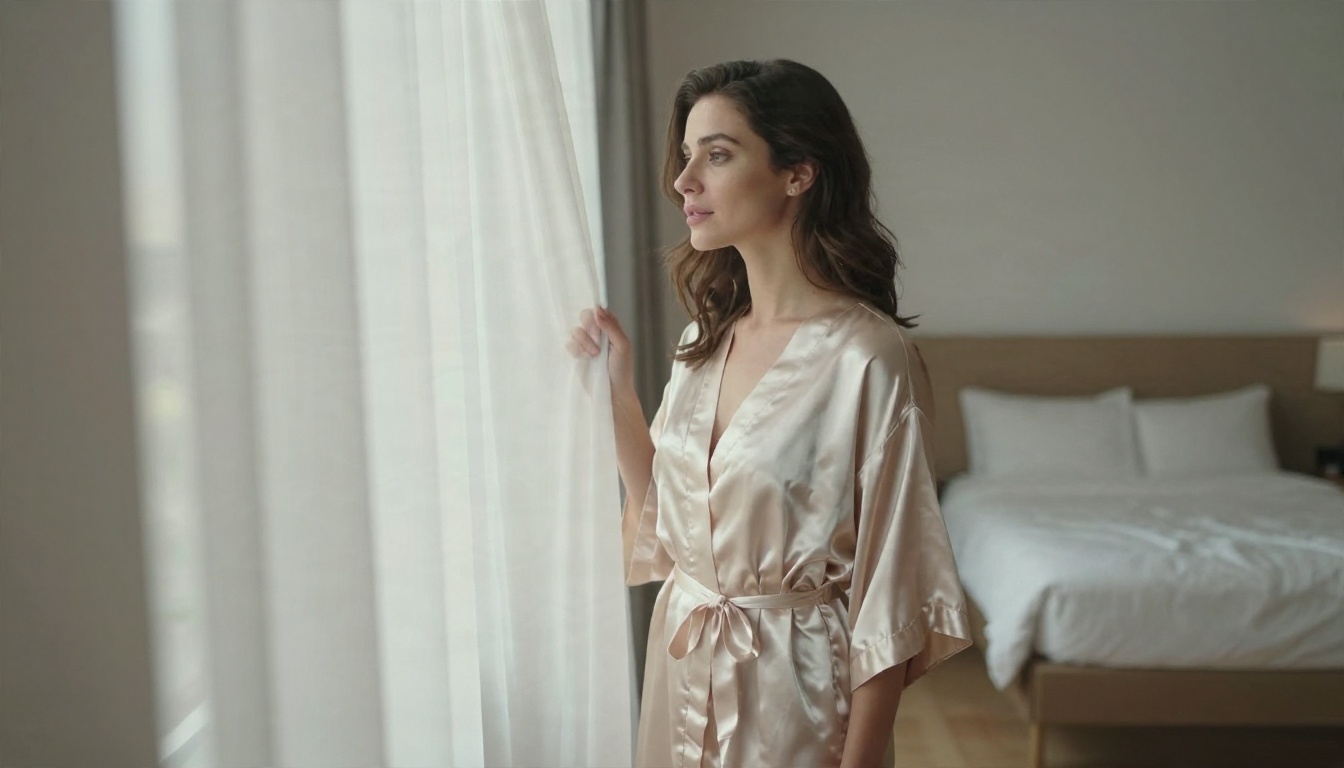
Boudoir is about suggestion. A satin robe, a window, soft shadows. The less you show, the more the picture says.
A woman in a pale champagne satin robe standing by a tall bedroom window in soft morning light, one hand holding the sheer curtain, serene and alluring expression. Minimalist hotel suite behind her. Volumetric morning light from the left, soft shadows on her shoulders. Side profile, 85mm f/1.8 lens, satin sheen, fine skin texture, Kodak Portra 400 grain.
Notice there is nothing explicit in the prompt, and still the result reads as sensual. That is the point. Platforms with strict filters usually block explicit words, not the mood.
The Prompt Formula
Use this structure and you will get consistent results on nearly any model:
- Subject and pose: who, doing what, with what expression.
- Outfit and fabric: satin, lace trim, wet cotton, silk.
- Environment: beach, hotel suite, rooftop pool, studio.
- Lighting direction: golden backlight, window light from the left, softbox with reflector.
- Camera and lens: 85mm f/1.8, 35mm low angle, 50mm eye level.
- Texture and grain: skin pores, fabric folds, film grain.
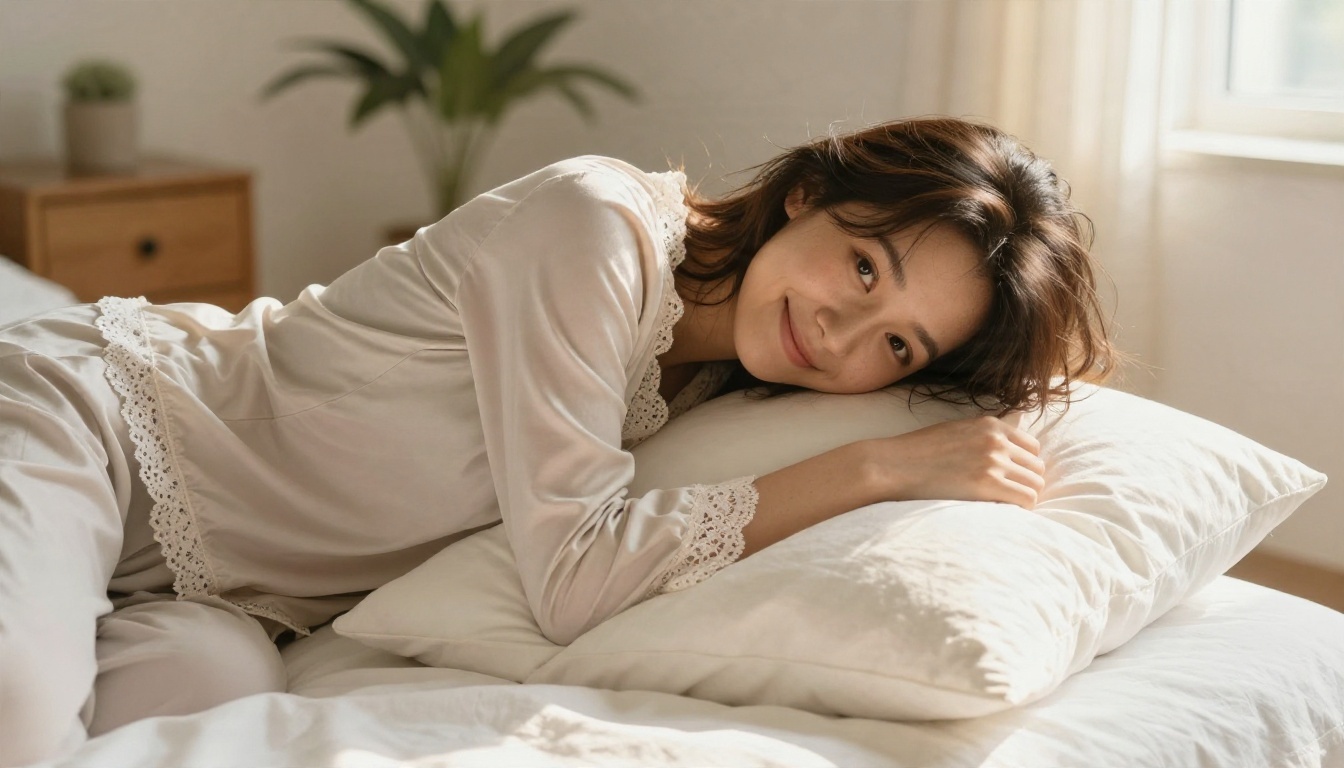
Here is a second example in the same formula, aimed at playful and warm rather than moody:
A woman in ivory lace trimmed sleepwear sitting on the edge of a rumpled white bed, hugging a pillow and smiling playfully, tousled hair. Airy bedroom with a plant and wooden nightstand. Diffused golden sunlight from the window at right. Slightly high angle, 50mm f/1.8 lens, lace and cotton texture, natural skin with fine pores, Kodak Portra 400.
💡 Tip: Name a real film stock like Kodak Portra 400 and a lens like 85mm f/1.8. Those two phrases alone push most models away from the glossy fake look and toward believable photography.
How to Get Similar Results on PicassoIA
Mega Space AI is not on PicassoIA, so here is how to get the same kind of output with Seedream 4.5, which is the model I would reach for first.
Step by Step
- Open the Seedream 4.5 page on PicassoIA.
- Paste one of the prompts above into the prompt box, or write your own using the six part formula.
- Set the aspect ratio. Use 16:9 for banners and scenery, 3:4 or 2:3 for portraits.
- Generate, then look at the result for skin detail, hands and fabric.
- Change one thing at a time: the light direction, the lens, the outfit. Generate again.
- When the composition is right, move the image to PicassoIA Image Editor Pro for unlimited tweaks to clothing, background or mood.
Parameter Tips
| Setting | Recommended | Why |
|---|
| Aspect ratio | 16:9 or 3:4 | Match your final use |
| Prompt length | 50 to 90 words | Enough detail without confusing the model |
| Lighting | Always name a direction | Gives depth and a natural look |
| Lens | State mm and aperture | Controls blur and perspective |
| Style words | "raw photography", "film grain" | Avoids the plastic render look |
For quick tests, run the same prompt through Z Image Turbo first. If the pose and framing look right there, they will almost always look better in Seedream 4.5.
Common Mistakes to Avoid
Most failed generations are not the model's fault. They are prompt problems.
- Piling on adjectives. "Sexy, hot, stunning, gorgeous" tells the model nothing about light or camera. Describe the scene instead.
- Skipping the lighting. Without a direction, you get flat, front lit faces.
- Ignoring the background. A blank background makes the whole image look generated. Add a window, a plant, a wall texture.
- Changing five things at once. You will never know which edit helped.
- Trusting "unlimited" blindly. Check the queue time and the model quality, not only the image count.
- Using real people's faces without consent. That is a line to stay behind on any platform, and one that can cause real harm.
💡 Workflow tip: Keep a notebook of prompts that worked. Copy the good ones, change the location or outfit, and you will build a personal library faster than starting fresh each time.
A Quick Budget Check
Before you pay for any generator, run this check:
| Question | Good sign | Bad sign |
|---|
| How long is the free queue? | Seconds | Minutes |
| Which models are free? | Current ones | Only old ones |
| Is the cap clear? | Stated on the page | Hidden in the terms |
| Can I edit results? | Yes, built in | Only regenerate |
| Are the rules written down? | Yes | "No limits" with no terms |

Make Your Own Images Today
You do not need to chase a half remembered name across reviews that disagree. Pick a model that is clear about what it does, write a prompt with real light and a real lens, and iterate until the picture looks like something a photographer shot.
Here is a simple plan for the next ten minutes:
- Open Seedream 4.5 and paste the beach prompt from this article.
- Run it, then change only the time of day or the outfit.
- Move your favorite to PicassoIA Image Editor Pro and keep refining with no generation cap.
- Try Z Image Turbo when you want ten quick drafts in a row.
Picasso IA gives you the models, the speed and the room to experiment, so the only limit left is your own prompt. See everything available at picassoia.com/en/all-models, pick one, and start creating your own images now.


