You wire up a meme API on a Friday night, the first caption comes back in 200 milliseconds, and it feels like a win. Then Monday arrives with a watermark on every image, a wall of 429 errors, and a pricing page that says "contact us." That gap between a fun prototype and a bill you can predict is exactly what this article is about. Meme API pricing is rarely simple, because the free tier, the paid tier and the hidden costs all live in different places.
Below you will find what these APIs actually sell, which free options are realistic for a side project, where limits hurt, and how to get the same result for less by generating your own base images. Prices change often, so treat every number as something to confirm on the provider's page before you commit.
💡 Quick answer: Free meme API endpoints exist and work well for hobby bots. The money starts when you need template search, automatic captions, AI generated memes or watermark removal. If you need volume, owning your own image library is usually cheaper.
What a Meme API Actually Sells
Before comparing prices, it helps to know what you are paying for. A meme API is not one product. It is a bundle of three separate things, and providers price them differently.
Templates, Captions and Hosting
Every meme has three parts: a base image (the template), a caption layer (top text, bottom text, or custom boxes) and a hosted output (a URL you can embed or share). Some services only give you the caption layer and expect you to bring images. Others give you a library of thousands of templates and host everything on their servers.
- Template library: a list of popular formats you can pick by ID.
- Caption endpoint: you send text, they return a finished image.
- Search and discovery: find a format by keyword, which is often the paid part.
- Hosting and bandwidth: the image lives on their CDN, and heavy traffic can cost them money.
Where the Real Cost Hides
The sticker price is only one line. A few other costs show up once the project grows:
- Developer time spent working around rate limits.
- Brand damage from a watermark you cannot remove on the free plan.
- Lock in when your bot relies on a template ID that disappears.
- Moderation work when users can submit any text they like.

Free Options Worth Using
There are genuinely useful free choices. The trick is knowing what each one gives up in exchange for costing nothing.
Imgflip Free Endpoints
Imgflip is probably the best known name in this space. Its API requires an account, accepts form encoded requests and returns JSON. The basic endpoints, such as listing popular templates and captioning an image, are free. According to the information I could find, those free endpoints stay free even if you later buy an API Premium subscription, and you only pay for the extra features.
The catch is the output. Free captioned images carry a watermark, and removing it requires a paid subscription. Search across a library of more than a million templates, automatic meme text and AI meme generation are also tied to the Premium side. I could not confirm exact Premium prices or quota numbers from public sources, so check Imgflip's own API page, or email them, before you budget.
Memesio and Other Small Free APIs
Smaller services also offer free tiers. Memesio, for example, has a public free API that captions a stored template and returns a hosted meme URL. Its free output carries a Memesio watermark, it can answer with a 429 status when you go over the limit, and an optional API key gives you a higher free rate limit. The public description does not publish the exact numbers, which is common.
Open Source and Self Hosting
A third route is to skip hosted APIs altogether. Open source meme generators, such as Memegen, can be run on your own server. You pay for the server instead of per request, and you control watermarks, templates and rate limits yourself. For a Discord bot or an internal team tool, this is often the cheapest honest option, although you take on the work of hosting, updating and moderating.
| Option | Typical cost | Watermark | Best for |
|---|
| Hosted free endpoint | $0 | Usually yes | Prototypes, hobby bots |
| Hosted free with API key | $0 | Often yes | Small public tools |
| Hosted paid plan | Monthly fee | Removable | Apps that need search or AI memes |
| Self hosted open source | Server cost only | Your choice | Steady volume, full control |
| Your own images plus a caption library | Image generation cost | None | Brands and publishers |

Limits That Break Projects
Most developers do not outgrow a free tier because of price. They outgrow it because of a limit nobody warned them about.
Rate Limits and 429 Errors
A rate limit caps how many requests you can send in a given window. When you pass it, the server returns a 429 Too Many Requests response. For a personal script this barely matters. For a bot that reacts to messages in a busy group, it matters a lot, because a burst of 50 people laughing at once can burn through your allowance in seconds.
Practical ways to stay under the line:
- Cache finished memes. If two users ask for the same caption on the same template, return the stored image.
- Queue requests. Process them at a steady pace instead of in bursts.
- Back off on 429. Wait, then retry with an increasing delay instead of hammering the server.
- Request fewer templates. Fetch the template list once a day, not on every command.
💡 Tip: Log every 429 you receive. After a week you will know whether you need a paid plan or just better caching.
Watermarks and Template Rights
The watermark is the most visible limit. On a joke bot it is fine. On a brand account, a newsletter or a client project it looks cheap. Paying to remove it is reasonable, but check what else the plan includes, because some services bundle watermark removal with search or AI features you may not need.
The second hidden limit is rights. Many popular meme templates are photos of real people or screenshots from films and shows. A meme API can host those images, but that does not mean you have clear permission to use them in a commercial product. If you plan to sell something, use images you own or generate yourself.
What Paid Plans Really Include
When you do pay, it helps to know which features justify the fee and which are padding.
Features Behind the Paywall
Based on the public descriptions I found, paid meme API tiers tend to charge for the following:
- Template search: finding a format by keyword across a large library.
- Automatic meme text: you send an idea, the service picks a template and writes the caption.
- AI generated memes: the service creates both image and text.
- Watermark removal: clean output for public use.
- Higher or removed rate limits: more requests per minute or per month.
If your app already knows which template it wants and just needs text on top, you may never need the paid features. You are paying for convenience, not capability.
A Simple Budget Check
Here is a quick way to decide whether a paid plan makes sense. Estimate how many memes you will make per month, multiply by the cost per meme if the provider publishes one, then compare that figure with the cost of generating your own images.
| Monthly volume | Free tier likely enough? | What to consider |
|---|
| Under 500 | Yes | Watermark and rate limit only |
| 500 to 10,000 | Maybe | Caching, a key, or a small paid plan |
| 10,000 to 100,000 | Rarely | Paid plan or self hosting |
| Over 100,000 | No | Self hosting or your own pipeline |
💡 These bands are rough planning ranges, not provider quotas. Always check the live limits on the pricing page.

Cheap Alternatives to Per Call Fees
If you keep hitting limits or paying for features you barely use, there is another way to think about the problem. Split it into two jobs: making the image and putting text on it.
Generate Your Own Base Images
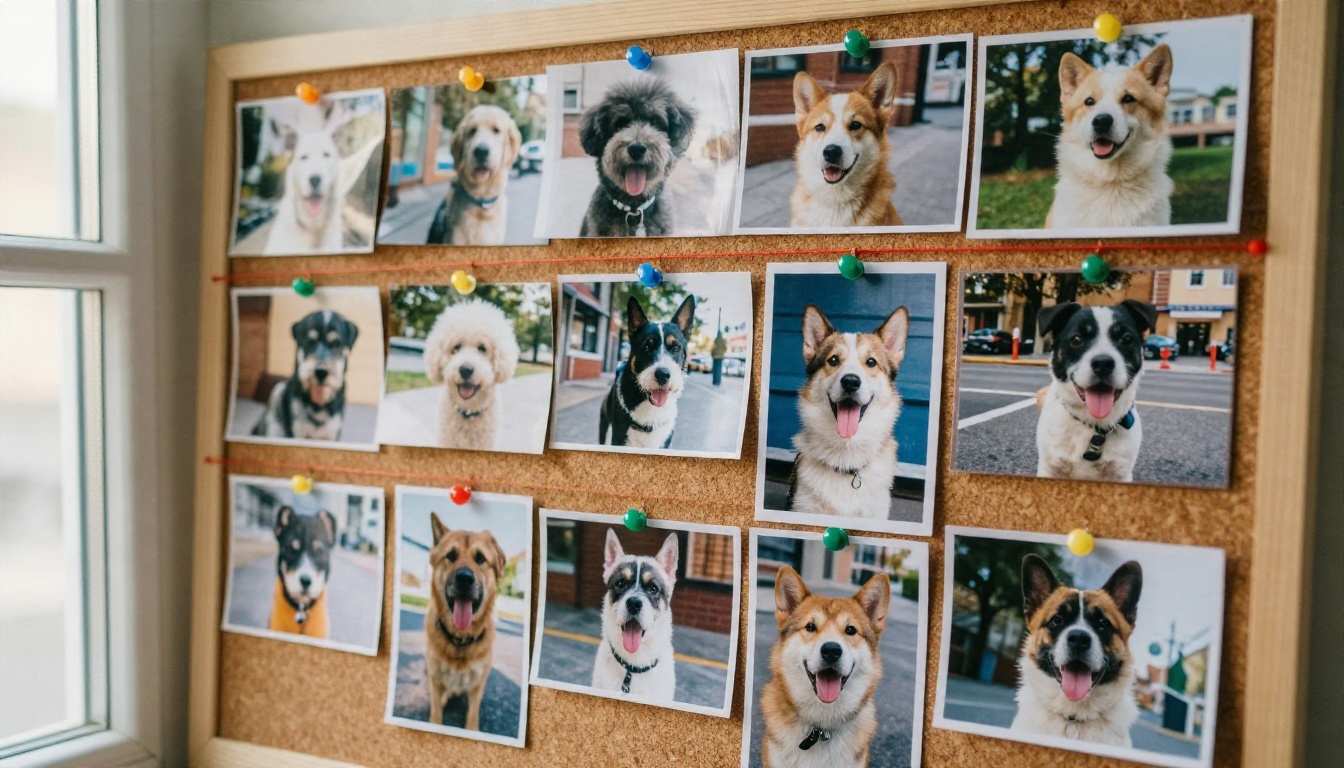
The image is usually the part you cannot easily get for free without rights worries. A text to image model can produce original reaction scenes, stock style photos and quirky characters that nobody else owns. Instead of renting a famous template, you create a fresh one that fits your brand.
Think about the kinds of base images that work well for memes: a surprised face, a confused person staring at a laptop, a pet with a dramatic expression, a messy desk, a smug coffee drinker. All of them are easy to describe in a sentence, which makes them ideal for a prompt.

Add Captions Locally
Once you have the image, caption it in your own code. Libraries for image processing exist in almost every language, and drawing white text with a black outline on a picture takes a few lines. You pay nothing per request, you hit no rate limit, and no watermark appears. If you need consistent layouts, define a few caption templates and reuse them.
A simple pipeline looks like this:
- Generate a batch of reaction images once.
- Store them in a folder or bucket with short tags.
- Pick an image by tag when a user triggers the bot.
- Draw the caption locally and send the result.
This is the cheapest approach at scale, because the expensive step (image generation) happens once per image, not once per meme.
Build Meme Backgrounds on PicassoIA
PicassoIA gives you a way to produce those base images without paying per meme to a template host. The idea is to generate a small library, then reuse it as often as you like.
Pick a Model for the Job
Different models suit different budgets and goals:
- Z Image Turbo is quick and sharp, which makes it handy for large batches of reaction images.
- Flux Schnell is built for speed when you want many variations of the same idea.
- Nano Banana works well for editing an existing photo, such as changing a background or an expression.
- GPT Image 2 is useful when you want short readable text inside the picture.
- Imagen 4 Fast gives clean photographic results quickly.
- Seedream 4.5 is a good pick when you want high detail at larger sizes.
A Quick Workflow
- Write a short prompt that describes the subject, the expression and the setting, for example "a person squinting at a laptop in a bright kitchen, natural window light."
- Choose a model from the list above and generate a first image.
- Generate variations by changing one detail at a time: the expression, the object, the background.
- Keep the 16:9 or 1:1 ratio that fits where you will post, since cropping later wastes pixels.
- Save the best ones with tags such as "surprised," "tired," "proud" or "confused."
- Add captions locally, or use an editing model such as Nano Banana when you want text built into the scene.
💡 Prompt tip: Ask for plain backgrounds and clear faces. Memes read faster when the subject is obvious and the space for text is not cluttered.

Which Route Fits Your Project
Here is a blunt summary of the choices, based on who you are and what you need.
| If you are... | Best route | Why |
|---|
| Building a hobby bot | Free hosted endpoint | Zero cost, watermark is acceptable |
| Running a small public app | Free tier with API key, then paid | Higher limit, upgrade if it grows |
| Publishing for a brand | Your own generated images | No watermark, no rights confusion |
| Sending high volume | Self hosting or local captions | No per call fees |
| Testing an idea this weekend | Any free option | Speed matters more than polish |
A few rules of thumb:
- Start free, measure, then pay. Do not buy a plan before you know your real volume.
- Avoid depending on one template. Keep a few backups in case an ID changes.
- Cache everything. It is the cheapest optimization you can make.
- Own your images when money is involved. It removes both watermark and rights problems.
Try It Yourself
The cheapest meme API is the one you do not need to call. Spend an hour generating a set of original reaction images on PicassoIA, tag them, and caption them in your own code. You will have a library that is yours, free of watermarks, and ready for as many memes as your project can produce.
Open a text to image model, type a one sentence idea, and see what comes back. Then change a single detail and generate again. Within a few minutes you will have a first batch of base images for your own meme workflow. You can also browse every available model at picassoia.com/en/all-models to find the one that fits your style and budget.


