You typed a perfectly reasonable prompt for a beach shoot, hit enter, and got a "banned prompt" warning. Or worse, you got a time-out. If you have ever searched for Mid Journey NSFW, you already know the frustration: a tool that makes stunning portraits, but draws a hard line the second a swimsuit, a silk robe or a boudoir mood enters the picture. This article lays out what is actually allowed, what gets flagged, and where you can generate tasteful, photorealistic glamour images today without fighting a filter. You will also get prompts that work, tested wording you can copy and adapt.
💡 Quick answer: Mid Journey does not allow adult content. Its rules require every image to be safe for work, and some text inputs are blocked automatically. If you want glamour, swimwear and boudoir style photography, you need a platform with a more permissive approach.
Does Mid Journey Allow NSFW?
Short version: no. Midjourney describes itself as an open-by-default community, and to keep the service welcoming to the broadest audience it asks that all content be "safe for work." That single rule shapes everything else, from the prompt filter to the moderation team.
What the Rules Say
The published community rules tell users not to create, or attempt to create, gore or adult content. The examples listed as adult content include nudity, sexual organs, fixation on those things, sexualized imagery and fetish material. Content that sexualizes children or minors is banned outright, whether the image is real or generated. Imagery of real people made to harm or harass them is also off the table.
Two details surprise people:
- The rule applies to private and deleted images too, not only what you post in public channels.
- The Editor has its own enforcement. Anyone trying to break the rules through image editing can face suspension or a ban without a refund.
What Gets Blocked
Midjourney states that it blocks some text inputs automatically. The company has never published the list of banned words, so nobody outside the team can give you a definitive set. What creators report, and what you can verify yourself with a few tests, is that the filter looks at the meaning and combination of words, not just a single term.
| Prompt type | Typical outcome |
|---|
| Nudity or sexual terms | Blocked immediately |
| Fetish or sexualized framing | Blocked, possible warning |
| Swimwear on a beach | Usually fine, sometimes flagged |
| Lingerie or boudoir styling | Frequently flagged |
| Fashion editorial with bare shoulders | Mixed results |
What Happens If You Push It
Users who violate the terms may get a warning from a moderator, a time-out, or a block from the service. Repeated attempts to dodge the filter are the fastest route to losing an account you paid for. I would not recommend trying clever misspellings or coded vocabulary. Even when they work once, they put a paid subscription at risk for very little payoff.
Why the Filter Frustrates Creators
The rule itself is clear. The problem is how it feels in practice. Photographers, fashion designers, swimwear brands and portrait artists all work with skin, fabric and mood. A filter tuned for the broadest possible audience will always catch some legitimate work.
False Positives on Normal Prompts
A common complaint is that harmless prompts get blocked because one word sits close to a flagged concept. "Bath," "sheer," "wet," "bed" or "bare" can each trigger a warning in the wrong sentence. You rewrite the prompt three times, burn through fast hours, and still end up with a generic result.
No Adult Mode, No Opt-In
There is no account setting that lifts the safe-for-work rule. Paid plans, stealth mode and private generation do not change what the moderation system accepts. If your project involves glamour, boudoir, swimwear campaigns or artistic implied nudity, you are working against the platform instead of with it.
💡 Reality check: Wanting tasteful glamour imagery is a normal creative goal. The practical question is simply which tool is built for it.
Free Alternatives That Allow Glamour
Mid Journey is not on PicassoIA, and this article does not suggest otherwise. For similar photorealistic results today, here are the models worth trying, in the order I would use them. All of them run in the browser with no installation.
Seedream 4.5 First
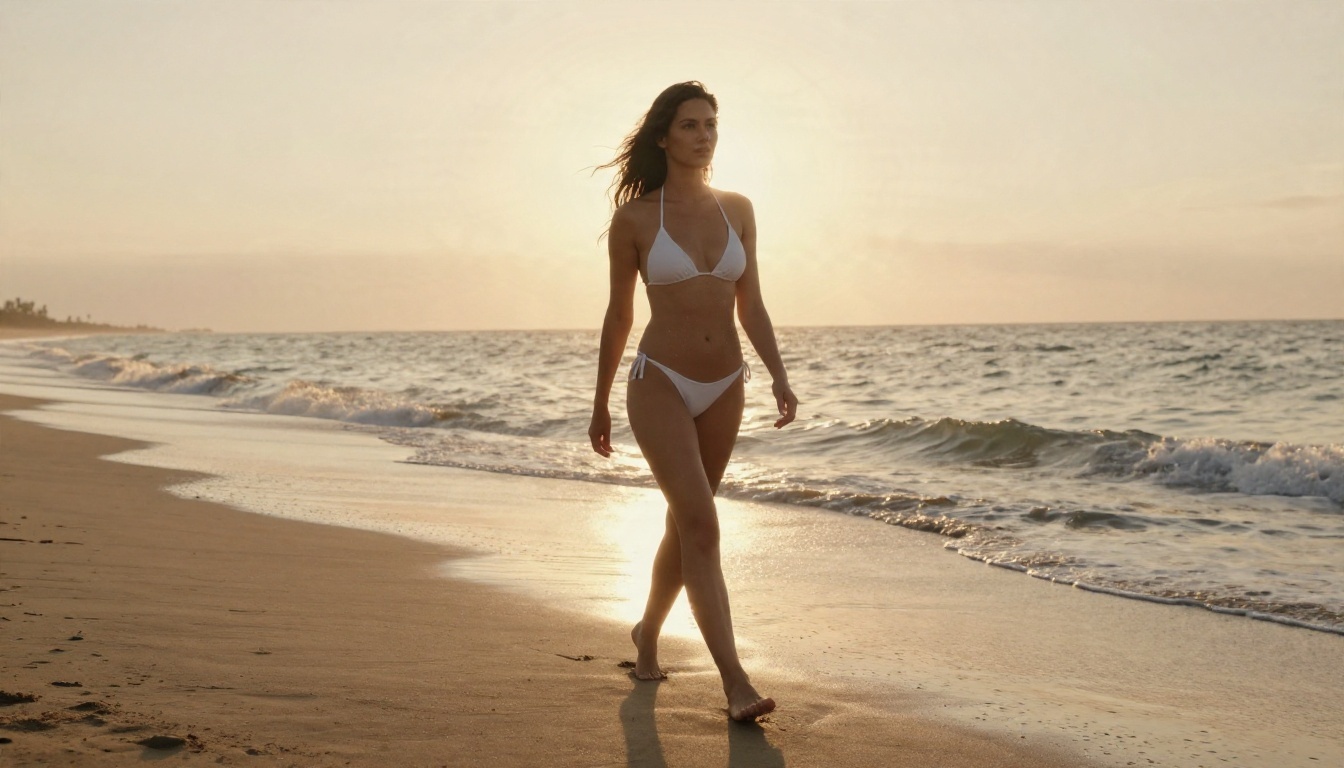
Seedream 4.5 is where I would start. It handles skin texture, fabric sheen and lighting direction better than most models, and it reads long descriptive prompts without losing track of details. For swimwear, boudoir and fashion editorial work, the results look like a real camera shot rather than an AI render. The freedom to write natural descriptions, without reworking each sentence around a banned-word list, saves a lot of time.
Image Editor Pro for Unlimited Runs
PicassoIA Image Editor Pro is the one to open when you want to iterate. Generations are unlimited, so you can test ten variations of a pose, change an outfit, adjust the lighting or fix a small detail without watching a credit counter. That matters most for glamour work, where the difference between a good image and a great one is often the fifth or sixth attempt.
Z Image Turbo and Flux 2 Klein LoRA
Z Image Turbo is built for speed. Use it to test prompt wording in seconds, then move the winner to Seedream 4.5 for a final render. Flux 2 Klein 9B Base LoRA is worth a try when you want a specific styled look that holds across several images.
💡 Note on content limits: Every platform has a floor. Pornographic or explicit imagery is not the goal here, and content involving minors or real people without consent is never acceptable anywhere. Everything in this article is about tasteful, attractive, non-explicit photography: swimwear, boudoir, fashion and fine art.
How to Get Similar Results on PicassoIA
Here is the workflow I use with Seedream 4.5 when I want the polished photographic look that Mid Journey fans expect.
Step by Step
- Open the Seedream 4.5 page and start a new generation.
- Write the prompt in plain, descriptive sentences. Describe the subject, outfit, setting, light and lens.
- Choose a 16:9 ratio for wide editorial shots, or a portrait ratio for full-body fashion.
- Generate, then compare the result against your intent. Note what to change: light direction, pose, background.
- Edit one element at a time and run it again. Changing everything at once makes it impossible to tell what helped.
- When a draft works, switch to Image Editor Pro for unlimited touch-ups and variations.
Parameter Tips
- Be specific about light. "Soft morning light from the left" beats "nice lighting" every time.
- Name a lens. "85mm f/1.8" pushes the model toward portrait depth of field and natural compression.
- Add film language. "Kodak Portra 400, fine grain" gives warm skin tones and a photographic feel.
- Describe texture. "Visible pores, fine hair strands, satin sheen" prevents the plastic skin look.
- Keep the prompt under roughly 120 words. Past that, the model starts dropping details.
Prompts That Work
These are tested starting points. Replace the bracketed parts with your own details. Every prompt describes an adult subject and a non-explicit, magazine style result.
Beach Glamour
Full body photograph of an adult woman in a white string bikini walking along wet sand at golden hour, long wind-blown dark hair, gentle waves around her ankles, low sun behind her creating warm rim light, wide low-angle shot, 35mm f/2.8 lens, glistening skin with fine water droplets, Kodak Portra 400 film grain.
Why it works: the sentence describes a scene and a camera, not just a body. The model gets a story, a light source and a lens, which keeps the result looking like a real photograph.
Poolside Resort Editorial
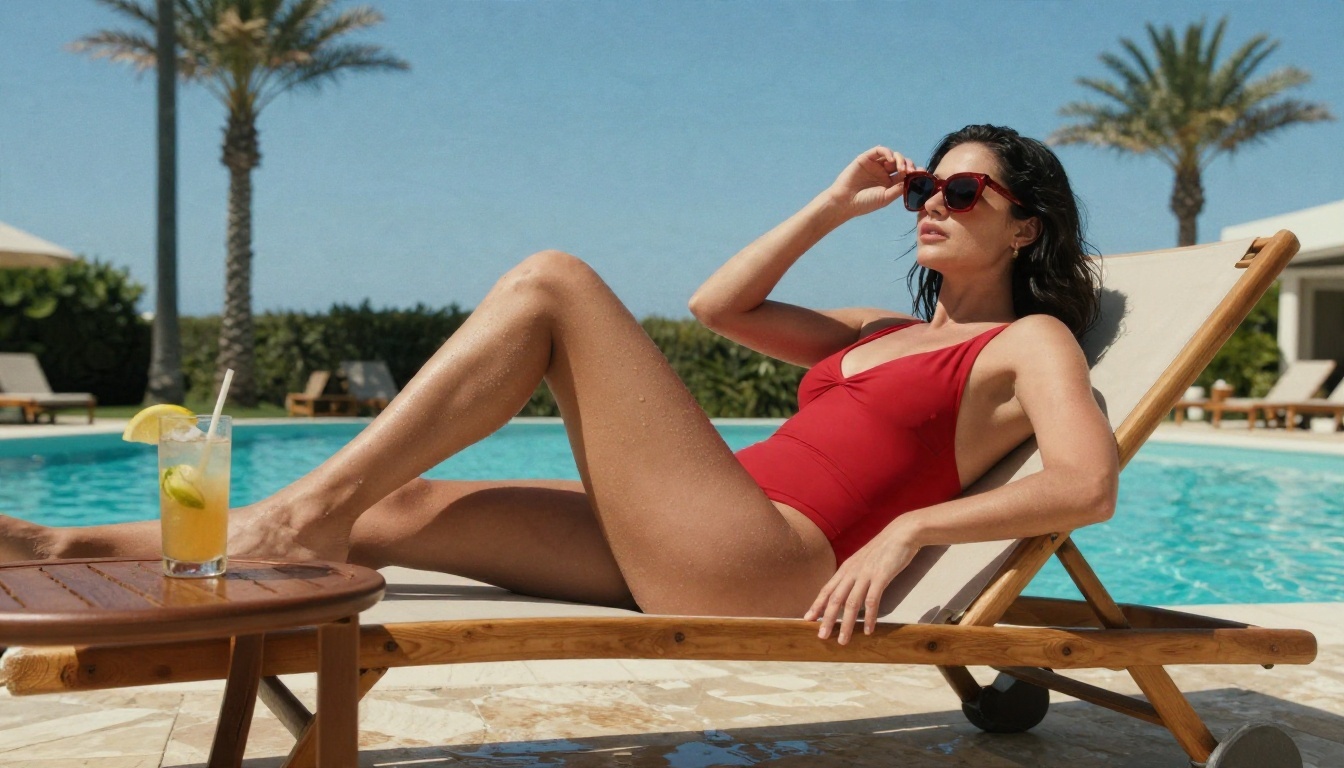
Low-angle photograph of an adult woman in a red one-piece swimsuit and oversized sunglasses on a teak lounger beside a turquoise infinity pool, one leg bent, iced lemonade on a side table, hard midday sun from the upper right with crisp shadows, 24mm lens, sun-warmed skin with water beads.
Why it works: props like the drink and the sunglasses anchor the image in a believable setting. Hard light and a wide lens give that travel magazine look.
Boudoir Mood
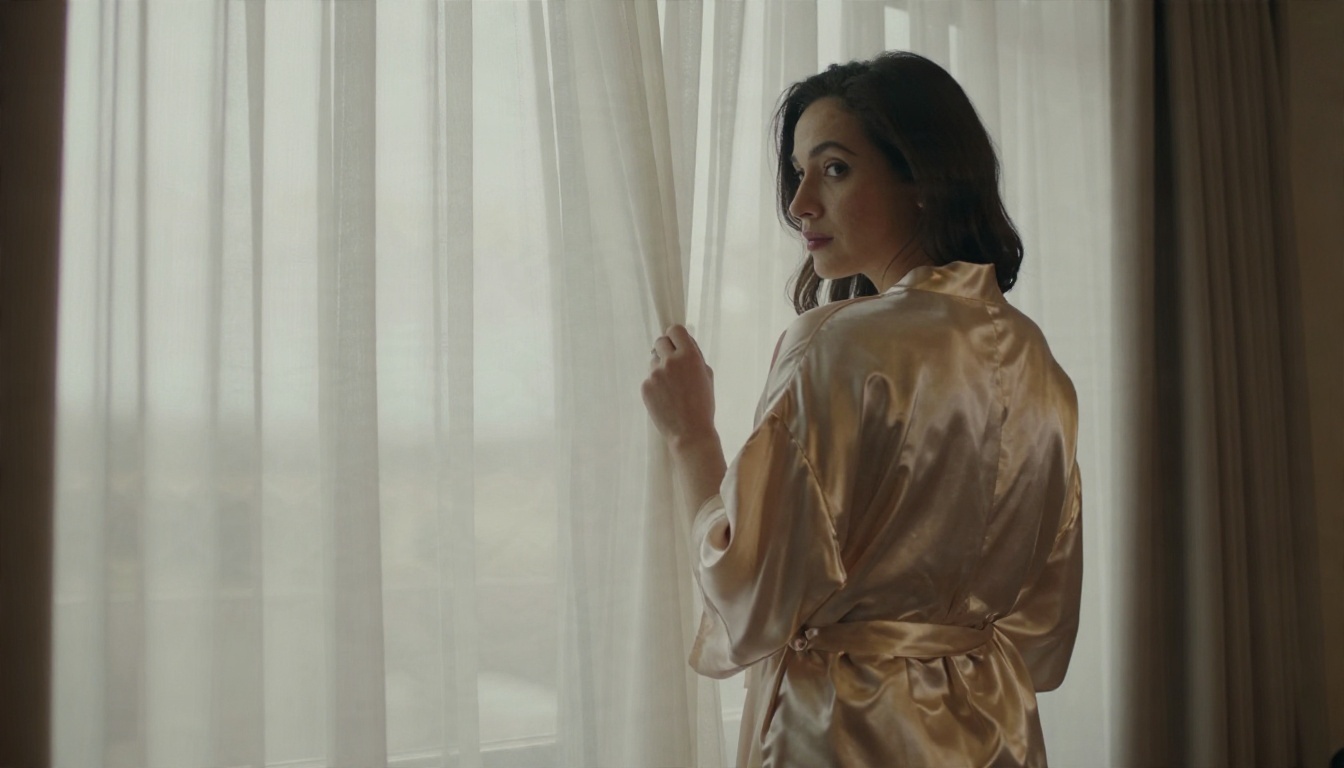
Medium shot of an adult woman in a champagne silk robe at a tall hotel window, back partially turned, glancing over her shoulder, sheer curtains lifting in a breeze, soft diffused daylight from front left, 50mm f/1.8 lens, visible silk sheen and fabric folds, muted warm tones.
Why it works: the mood comes from light, fabric and gesture. A glance over the shoulder is far more evocative than anything explicit, and it keeps the image elegant.
Studio Fashion
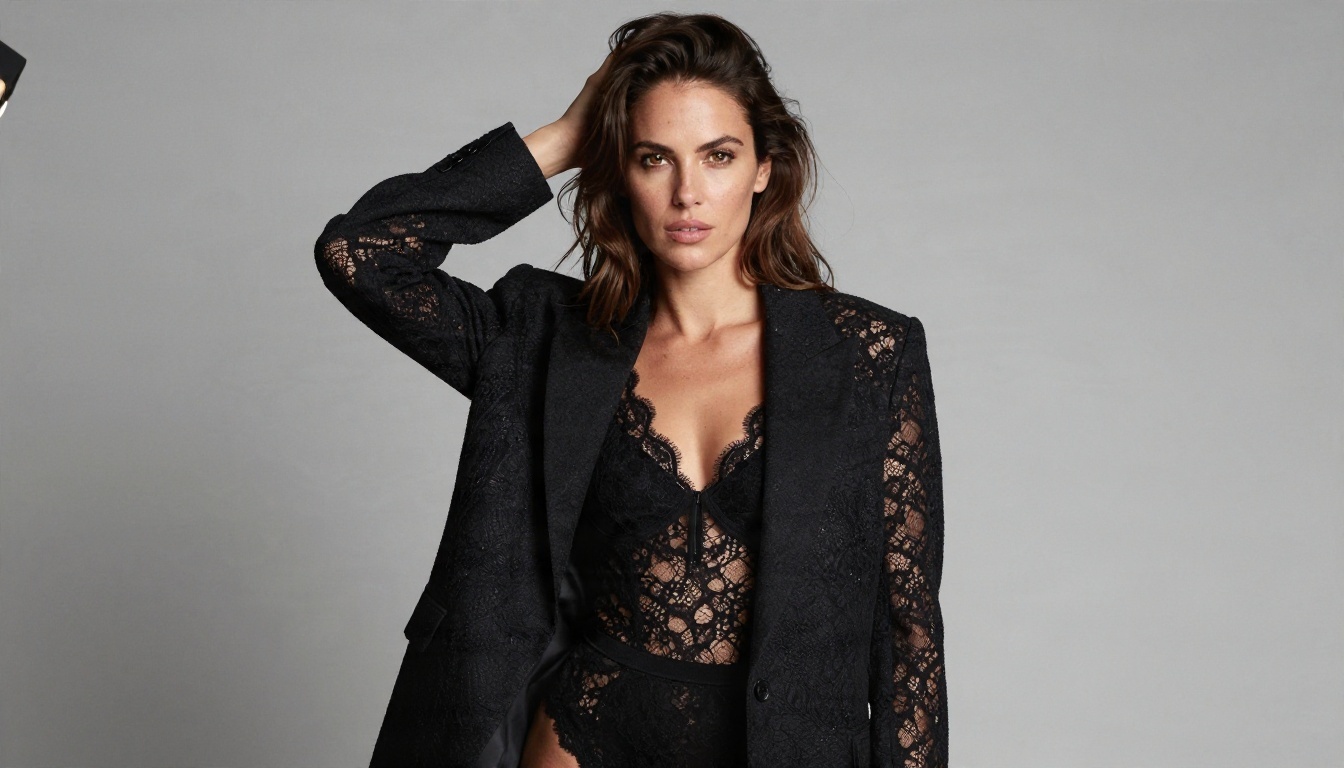
Studio fashion portrait of an adult woman in a black lace bodysuit layered under a tailored oversized blazer, seamless warm gray backdrop, one hand in her hair, direct confident gaze, single large softbox from camera left, 85mm f/2 lens, delicate lace pattern, natural skin texture with faint freckles.
Why it works: layering clothes gives you the fashion feel without losing control of the composition. Lace is a texture the model renders beautifully.
Fine Art Mood
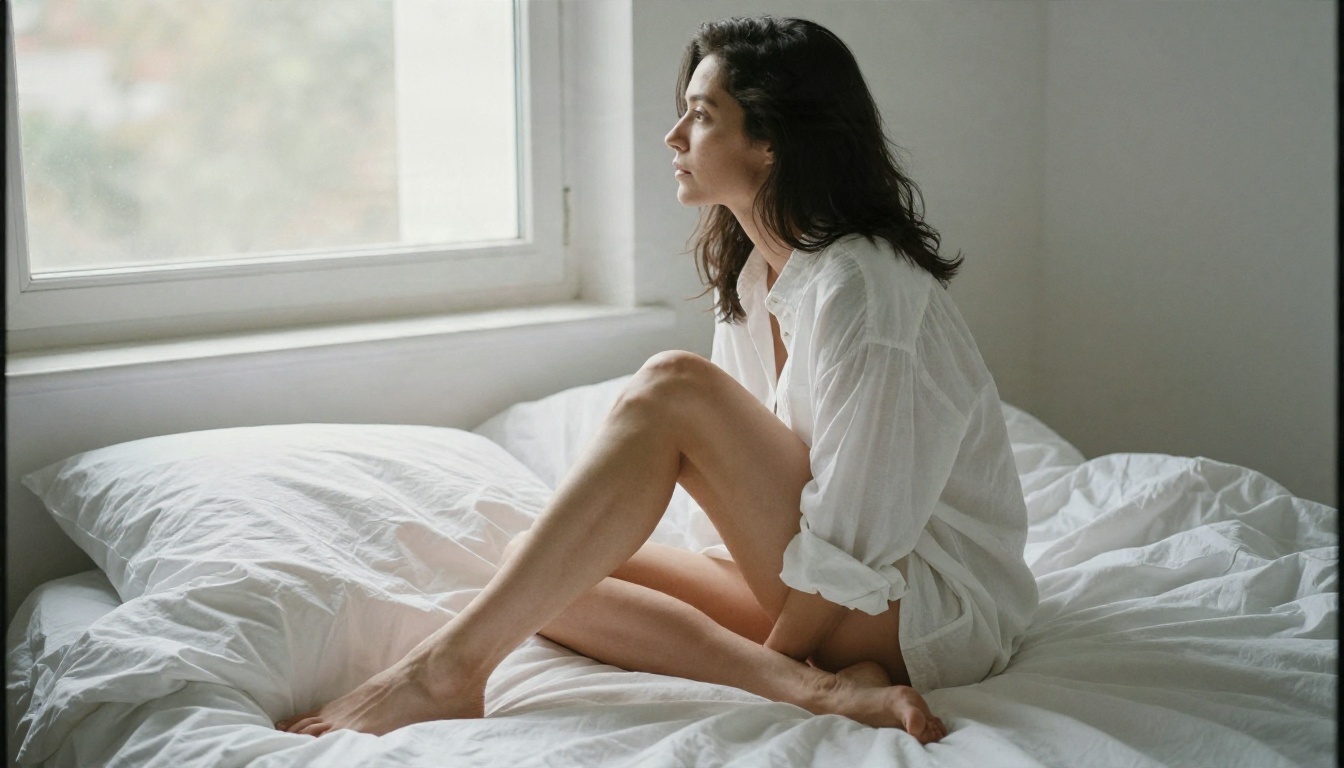
Artistic photograph of an adult woman in an oversized white cotton shirt sitting on rumpled white bed linen by a window, knees drawn up, dark hair loose, dreamy expression looking out, soft morning light raking across the folds, three quarter angle from slightly above, 50mm f/2 lens.
Why it works: white on white, with side light, creates depth through shadow alone. It reads as fine art photography and leaves everything to the imagination.
After a few hundred generations, I stopped writing prompts from scratch. I use a five-part structure, and it works across every model in the table above.
The Five Parts
- Subject and pose: who, what they wear, what they are doing.
- Environment: the room, beach or studio, plus two or three props.
- Light: direction, quality (soft, hard, diffused), time of day.
- Camera: lens length, aperture, angle, distance.
- Texture and finish: skin, fabric, grain, film stock.
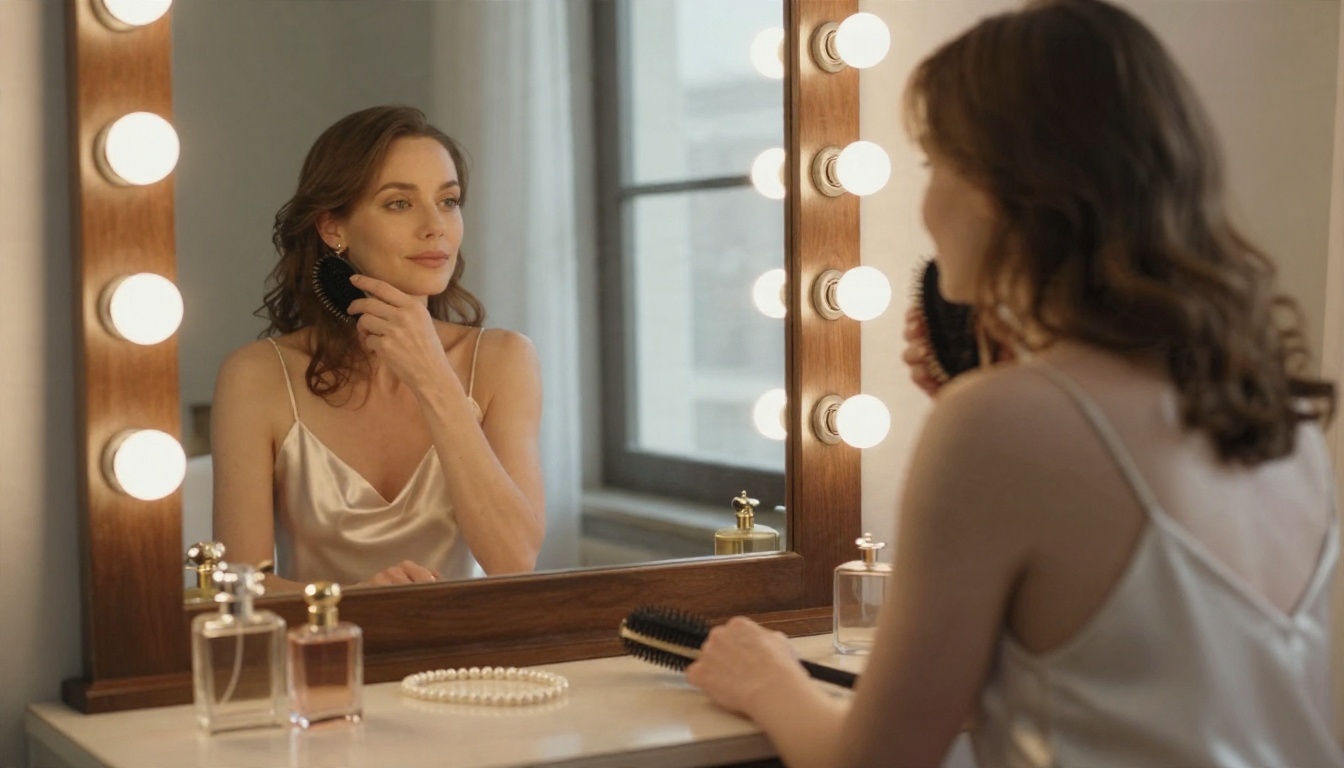
A filled-in example: an adult woman in a satin slip at a vintage vanity (subject), round warm bulbs and perfume bottles (environment), mixed warm bulb light and window daylight (light), 50mm f/1.8 eye level (camera), satin sheen and fine skin texture, Kodak Portra 400 grain (texture).
Words to Swap
If a platform flags a prompt, rewording often solves the problem without losing the mood. Here are swaps that work when a filter is touchy.
| Instead of | Try |
|---|
| "Sexy" | "glamorous," "confident," "editorial" |
| "Revealing outfit" | "satin slip," "silk robe," "string bikini" |
| "Bedroom scene" | "sunlit hotel room, linen sheets" |
| "Seductive pose" | "glance over the shoulder, relaxed posture" |
| "Wet look" | "water droplets, sea mist" |
Common Mistakes to Avoid
Most failed generations come from the same few habits.
Writing a List of Adjectives
"Beautiful, hot, stunning, perfect" gives the model nothing visual to work with. Describe what a camera would see. Light, fabric and pose beat adjectives.
Skipping the Lens and Light
Without a lens and a light source, the model falls back on a flat, generic look. A single line like "85mm f/1.8, soft window light from the left" is often the difference between a stock-photo face and a portrait with depth.
Changing Everything at Once
If a draft is close, resist the urge to rewrite the whole prompt. Change one element and generate again. With unlimited runs in Image Editor Pro, there is no reason to guess.
Ignoring the Platform's Limits
Whichever tool you use, read its content rules. A few minutes of reading saves you from a lost account, and it keeps your work on the right side of what is acceptable: adult subjects only, no minors, no real people without consent, nothing pornographic.
Start Creating Your Own Images
Mid Journey is a brilliant tool for general imagery, but its safe-for-work rule means glamour, boudoir and swimwear work will always be a fight. You do not have to keep fighting it. Pick a model built for photorealism, write prompts the way a photographer thinks, and iterate fast.
Open Seedream 4.5 for your first polished render, switch to PicassoIA Image Editor Pro when you want unlimited variations, and use Z Image Turbo to test wording in seconds. Copy one of the prompts above, change the outfit or the location, and see what comes back.
Ready to try it? Browse every available model at picassoia.com/en/all-models and make your first image with Picasso IA today.


