Picking between Minimax Video and Kling 2.6 Pro for short-form content is one of the most common dilemmas facing AI video creators right now. Both tools produce stunning clips, but they behave very differently under real conditions. If you are making reels, social shorts, or demo clips, the wrong choice costs time and credits.
This head-to-head breaks down every dimension that matters for short clips: prompt fidelity, motion realism, generation speed, output resolution, and cost per second of footage. By the end, you will know exactly which tool fits your workflow.
Minimax Video in a Nutshell
Minimax, the company behind the Hailuo model family, has positioned its video AI as a high-fidelity, cinematic clip generator. The flagship models, Hailuo 2.3 and Hailuo 2.3 Fast, target realistic human motion and natural scene rendering. The earlier Video-01 and Video-01 Director variants introduced camera movement controls that became widely adopted across the creator community.
Minimax Video excels at fluid facial expressions, realistic crowd scenes, and consistent lighting across frames. It generates clips in the 6 to 10 second range by default, which is the sweet spot for most short-form platforms.
Kling 2.6 Pro in a Nutshell
Kling v2.6 from Kwai is a direct competitor targeting professional-grade short clip generation. The Pro tier adds extended duration support, higher resolution output, and more precise motion control compared to standard versions. Its companion model, Kling v2.6 Motion Control, lets you inject specific movement paths into generated footage, which is a significant advantage for creators who need precise camera choreography.
Kling 2.6 Pro targets detailed scene construction, complex multi-subject shots, and physics accuracy, making it a strong choice for commercial and brand-driven content.
Prompt Accuracy Side by Side
How Each Handles Simple Prompts
Simple, single-subject prompts like "a woman walking through a park at sunset" are where both tools perform confidently, but with distinct flavors.
Minimax Video / Hailuo 2.3 tends to produce warmer, more cinematic color grading by default. Skin tones look naturalistic. Movement feels organic because the model has been trained heavily on real-world human motion data. You can drop a fairly short prompt and still get a polished result.
Kling 2.6 Pro leans toward sharper image fidelity. Textures are crisper, backgrounds more detailed. Subject behavior, however, can occasionally feel slightly rehearsed compared to Minimax's fluid naturalism, especially on simple walking or talking scenarios.
💡 For TikTok and Instagram Reels: Minimax's warmer color grade tends to perform better natively. Kling's sharpness is more suitable for YouTube Shorts where viewers expect higher perceived production value.
Complex Prompts and Multi-Subject Scenes

This is where the gap widens. Prompts involving two or more interacting subjects, or scenes requiring spatial logic such as a person picking up an object and handing it to another person, reveal each model's real limitations.
| Scenario | Minimax Hailuo 2.3 | Kling 2.6 Pro |
|---|
| Two people in conversation | Fluid, natural facial sync | Slightly stiffer but accurate posture |
| Object interaction | Occasional hand artifacts | Better grip and physics accuracy |
| Background consistency | Excellent temporal coherence | Very good, minor flicker on fine details |
| Crowd scenes | Strong, convincing depth | Good but more uniform-looking extras |
| Product close-up | Soft texture edges | Sharp, commercial-quality output |
For short clips specifically, the 5 to 10 second constraint means neither model has time to catastrophically fail on longer temporal coherence. Both remain highly competitive in this range, which is precisely why the choice comes down to aesthetic preference and use-case specifics rather than one model being definitively broken.
Motion Quality and Realism
Character Movement and Physics

Motion quality is where most users feel the real difference in daily production.
Minimax Hailuo 2.3 produces movement that feels genuinely alive. Hair physics, fabric drape, and limb acceleration all read as natural. When a character walks, their weight shifts believably. For beauty, fashion, or lifestyle content, this visceral realism is hard to beat. The model has a particular strength with subtle micro-expressions and secondary motion in clothing that makes the footage feel less synthetic.
Kling 2.6 Pro handles physics scenarios with more structural accuracy. A character picking up a heavy object will show appropriate shoulder load. Water, smoke, and particle effects follow realistic simulation logic more consistently than Minimax. For action sequences, sports content, or anything involving environmental interaction, Kling's physics grounding is the more reliable output.
For pure human motion in lifestyle and beauty short clips, Minimax wins on feel. For physics-driven scenes covering action, sports, and product demonstrations, Kling 2.6 Pro has the definitive edge.
Camera Motion and Stability

Camera motion is where Kling v2.6 Motion Control creates a legitimate production advantage. You can specify camera trajectories, pan directions, and orbital paths with a precision that Minimax's standard text prompting cannot reliably replicate.
Minimax's Video-01 Director does offer camera movement controls, and they work well for broad directional instructions. But Kling's implementation is more granular and gives repeatable, predictable results when you need a very specific camera behavior locked in.
💡 For drone-style or cinematic sweeps in short clips: Kling's motion control system gives you more reliable, repeatable results when you need a specific camera behavior on every iteration.
Speed, Cost, and Credits
Generation Time per Clip
Speed matters when you are iterating quickly on short-form content. Generating five variations to pick one usable clip is completely normal creative workflow for short-form video production.
| Model | Typical Generation Time | Output Duration |
|---|
| Minimax Hailuo 2.3 Fast | ~30 to 60 seconds | 6 seconds |
| Minimax Hailuo 2.3 | ~60 to 90 seconds | 6 seconds |
| Kling 2.6 Standard | ~60 to 90 seconds | 5 to 10 seconds |
| Kling 2.6 Pro | ~90 to 150 seconds | 5 to 10 seconds |
The Hailuo 2.3 Fast variant is notably quicker and retains most of the quality of the full model, making it the best option for rapid iteration on draft content before committing to a final generation.
Pricing Breakdown
Both tools operate on credit-based systems, and costs vary by resolution, duration, and processing mode. On a per-second-of-output basis, Minimax Fast variants offer the lowest entry cost for high-quality results. Kling Pro charges a premium for its extended duration and higher resolution outputs, which is justified when the clip will be used in paid placements or brand campaigns.
For batch social content production where speed and volume matter most, Minimax Fast is the better budget allocation. For hero clips that will anchor paid campaigns or brand work, Kling Pro's quality ceiling justifies the cost difference.
Output Quality and Resolution
Visual Sharpness and Detail
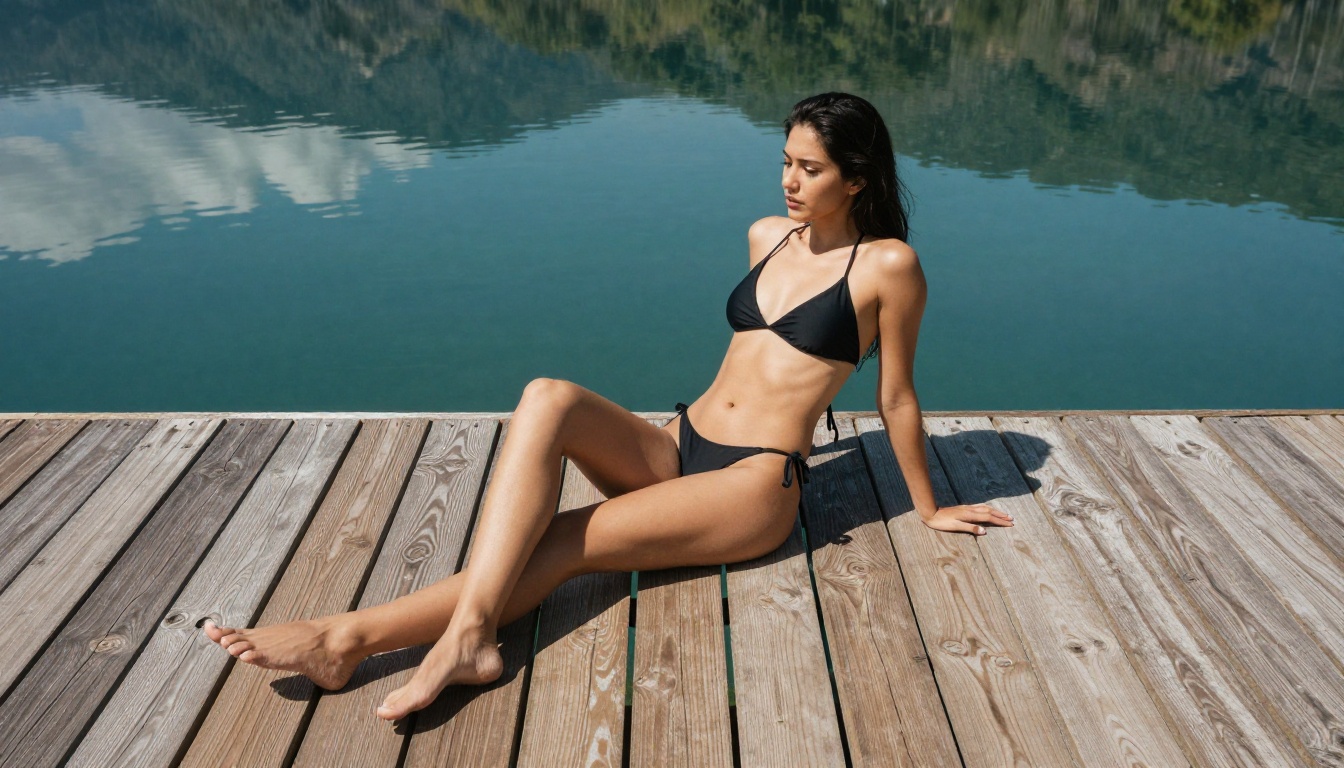
Resolution capability and perceived sharpness are not the same thing, and this distinction matters a lot for short clips. Minimax Hailuo 2.3 outputs at competitive resolutions, but its aesthetic leans toward filmic softness, which reads as cinematic but may appear slightly less sharp on technical inspection at full pixel level.
Kling 2.6 Pro's output at maximum settings delivers crisper edge definition. Fine details like fabric weave, hair strands, and distant architecture remain readable in ways that Minimax's processing softens. For still-frame grabs from the video, Kling outputs noticeably better.
Winner for raw sharpness: Kling 2.6 Pro.
Winner for aesthetic quality in lifestyle content: Minimax Hailuo 2.3.
Color, Lighting, and Texture
Color science is one of the most underrated dimensions of AI video comparison. Minimax Video tends to produce footage that already looks color-graded, warm, and ready to post without further adjustment. This is a significant time-saver for creators who do not want to touch post-production software.
Kling 2.6 Pro outputs more neutral, technically accurate color that gives colorists more room to work with in post-production. For creators doing their own grading in DaVinci Resolve or Premiere Pro, this neutrality is actually the preferred starting point.
💡 Lighting accuracy: Both models handle extreme backlighting scenarios with similar difficulty. Mixed indoor and outdoor lighting within the same shot is handled more gracefully by Kling in most real-world test cases.
Best Use Cases for Short Clips

When to Pick Minimax Video
- TikTok and Reels content: The filmic, warm output performs well natively without any post-processing.
- Lifestyle and beauty clips: Human motion realism and skin rendering are best-in-class for this content type.
- High-volume iteration: The Fast variant lets you generate and test many clip variations in a short production session.
- Beginner-friendly prompting: Simple, direct prompts translate to good results without requiring detailed technical input.
- Budget-conscious production: Lower per-credit cost on the fast tier makes it practical for daily content creation at scale.
When Kling 2.6 Pro Wins
- Action and sports content: Physics accuracy makes athletic movement and dynamic scenes more believable to audiences.
- Commercial and brand clips: Sharper output and neutral color grade suit high-end production pipelines.
- Precise camera choreography: Kling v2.6 Motion Control gives exact camera path definition for scripted shots.
- Product showcase clips: Object fidelity and surface texture detail are consistently superior for product-focused content.
- Multi-model workflow: Kling's sharper output integrates more cleanly with post-processing and AI video upscaling pipelines.

Both Minimax and Kling models are available directly through the platform, so you can test and compare outputs side by side without switching between different services or managing separate API keys.
Running Minimax Hailuo on the Platform
- Go to the Hailuo 2.3 model page.
- Enter your text prompt in the input field. Keep it between 50 and 150 words for best results.
- For faster iteration, switch to Hailuo 2.3 Fast to generate drafts at a significantly reduced wait time.
- If you need director-level camera control, the Video-01 Director model adds pan, zoom, and orbit options to your generation.
- Download your clip or feed it into an AI video enhancement pipeline for resolution upscaling before publishing.
Prompt tip for Minimax: Lead with the subject description, then lighting, then movement. Example: "A woman in a white dress walks slowly along a beach at sunrise, soft golden light, long shadows, gentle wind in hair."
Running Kling v2.6 on the Platform
- Navigate to Kling v2.6 on the platform.
- For standard text-to-video generation, input your prompt with emphasis on environment, lighting, and action sequence.
- For precise camera work, use Kling v2.6 Motion Control and define the camera trajectory in the motion settings panel.
- Select Pro mode for maximum resolution and longer duration output.
- For the latest generation quality, also test Kling v3 Video, which builds directly on the 2.6 foundation with improved temporal coherence.
Prompt tip for Kling: Be descriptive about surfaces and physics behavior. Example: "A skateboarder performs a kickflip on wet concrete at night, neon reflections on asphalt, slow-motion capture, sharp detail on board grip tape and shoe rubber."
Your Next Clip Starts Here
The verdict comes down to your specific use case. For natural, warm, high-volume social content, Minimax Hailuo 2.3 delivers the best output-per-credit ratio with the least friction. For precise, sharp, commercially polished clips that demand physics accuracy and camera control, Kling 2.6 Pro is the stronger choice.
The real advantage is that you do not have to commit to just one. The platform hosts both, alongside dozens of other cutting-edge video models including LTX-2.3-Pro, Veo 3, and Seedance 1.5 Pro, giving you the full spectrum of AI video generation from a single workspace.

Start with a prompt you have been holding back. Run it through Hailuo 2.3 Fast for a quick draft. Then try the same prompt in Kling 2.6 Pro and see which output fits your creative vision. The best way to pick a tool is to use it on a real project, not a benchmark chart.
Both models are live and ready on the platform. Your next short clip is one prompt away.


