You have a story in your head, a phone in your hand, and about ten minutes before the idea goes cold. That is the exact moment people search for tools like Viz Story. They want to type a sentence, tap a button, and get back a short vertical video they can post. The promise is simple. The reality depends on which app you pick, what the free plan really allows, and how well you write the prompt.
This article sorts through all three. You will see what to expect from a name like Viz Story, which free alternatives are worth your battery, how mobile apps differ by job, and ten prompts you can copy right now. Everything is written for someone working from a phone, a bus seat, or a kitchen table, not a production studio.
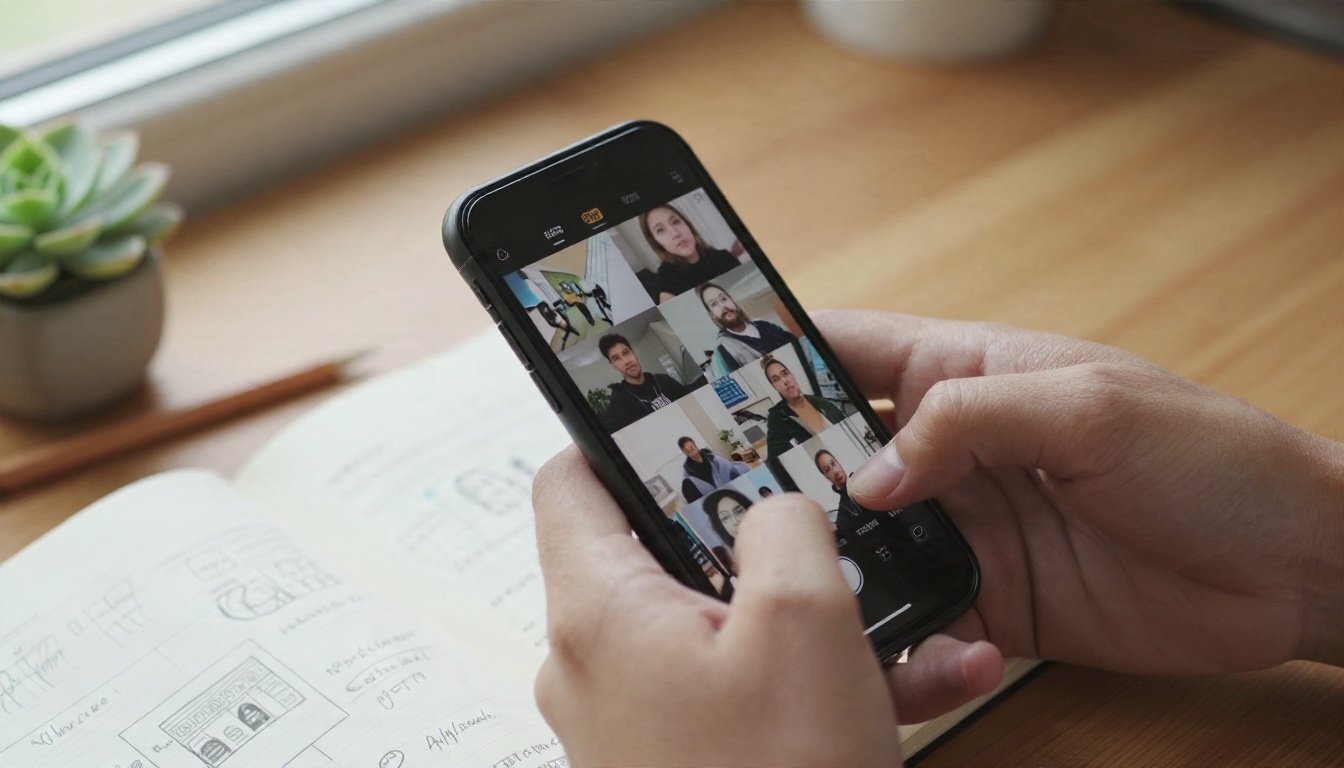
What Viz Story Actually Is
The Name Problem
Here is the honest part. When I searched for it, I could not confirm a single, clearly official app called Viz Story. What came back was a crowd of similarly named products: Vizmo AI, VIZ AI, Vizard, StoryZ and a handful of others with "Viz" or "Story" somewhere in the title. Some turn a photo into a moving clip. Some generate a video from a text prompt. Some cut long recordings into short highlights. They are different tools with similar names.
That matters because reviews and screenshots for one app often get attributed to another. Before you pay for any subscription, check the developer name on the store page, read the most recent reviews rather than the top ones, and look at what the free tier produces with a watermark and a length limit.
Viz Story is also not a model on PicassoIA, so there is no page to link and nothing to promise here. What follows is about the job you want done, and the tools that do that job today.
What People Want From It
Strip away the branding and the intent behind the search is consistent:
- Speed: a finished clip in minutes, from a phone, with no timeline editing.
- Story structure: a beginning, a middle and a payoff in under 15 seconds.
- Low cost: ideally free, or cheap enough to test without guilt.
- Vertical output: 9:16 framing that fits short-form feeds without cropping.
- Prompt control: the ability to steer the result with words instead of sliders.
Any tool that delivers those five things is a fair replacement, whatever it is called.
Free Alternatives Worth Trying
Free Models on PicassoIA
Viz Story is not on PicassoIA yet; for similar results today, try these models, which all run from a mobile browser:
| Model | Best for | Link |
|---|
| Seedance 2.5 Lite | Free, unlimited text-to-video up to 10 seconds | Seedance 2.5 Lite |
| Wan 2.5 I2V Fast | Animating a still photo you already have | Wan 2.5 I2V Fast |
| Veo 3.1 Fast | Native audio and sharper cinematic motion | Veo 3.1 Fast |
| Kling v3 Video | Smooth human movement and longer prompts | Kling v3 Video |
If your goal is volume, start with Seedance 2.5 Lite. A free, unlimited model removes the fear of wasting a generation, and that fear is what keeps most people from experimenting with prompts. When a concept works, rerun it on Veo 3.1 Fast or Kling v3 Video for a more polished take.
Free Tiers on Phone Apps
Most dedicated mobile apps give you a handful of free generations, then ask for a weekly or monthly plan. That is fine for a test, but read the screen before you tap "continue." Look for these things:
- Watermarks. A free clip with a logo in the corner is not usable for a business page.
- Resolution caps. Some free tiers export at low resolution and charge to unlock HD.
- Queue times. Free users often wait behind paying ones.
- Auto-renewing trials. A free trial that converts to a weekly charge is the most common complaint in app reviews.
The Hidden Cost of Free
Free is rarely free. You pay with time, with a watermark, or with the number of clips you can make before the tool slows down. A browser model with no daily cap often beats a polished app with a three-clip limit, even if the app looks nicer.
💡 Tip: Run the same prompt on two tools before you commit to either. Ten minutes of side-by-side testing tells you more than any review.

Mobile Apps by Job
The word "video app" hides at least four different jobs. Matching the app to the job saves more money than any coupon.
Text-to-Video Apps
These take a sentence and return a clip. Apps such as Vizmo AI and VIZ AI sit in this group, and many market effects like levitating or exploding objects. They are fun, quick and often built around trends. Expect short clips, stylised motion and a subscription wall.
Photo Animation Apps
StoryZ-style apps animate a photo you already own. This is the safest way to get a believable result, because the first frame is real. Faces, products and places stay consistent since the model only has to invent motion, not the whole scene. On PicassoIA, Wan 2.5 I2V Fast does the same job from a browser.
Clip Cutters and Editors
Tools like Vizard take a long recording and pull out short highlights. They do not invent footage. If you already film interviews, podcasts or lessons, this is the cheapest way to get ten posts from one session.
Comparing the Four Jobs
| Job | Input | Output | Best for |
|---|
| Text to video | A prompt | A new clip | Concepts, mood pieces, ads |
| Photo to video | A photo | An animated version | Products, portraits, travel shots |
| Clip cutting | A long video | Several short clips | Podcasts, talks, tutorials |
| Manual editing | Your footage | A finished edit | Full control, brand work |

Prompts That Work on a Phone
Typing on glass is slow, so your prompts need to be short and dense. A good prompt names a subject, a motion, a camera move and a light condition. Everything else is optional.
The Four-Part Formula
Write in this order: subject, action, camera, light. For example: "A baker dusts flour over dough, slow push-in from the side, warm morning window light." That is fourteen words, and a capable model will give you something usable on the first try.
Why does order matter? Most models weigh the opening words more heavily. Put the thing you care about most first, and push style words to the end.
Ten Prompts to Copy
Paste these into a text-to-video model such as Seedance 2.5 Lite and change the nouns to fit your own project.
- A ceramic cup of coffee steams on a wooden windowsill, slow dolly-in, soft golden morning light, quiet room tone.
- A cyclist rides through a narrow cobblestone street at dawn, tracking shot from behind, long shadows, light mist.
- Hands pour olive oil over a fresh salad, close-up, shallow focus, kitchen daylight, gentle clinking sounds.
- A woman walks along a windy beach in a wool coat, camera drifts alongside, overcast silver light, waves audible.
- A small bookshop owner flips the door sign to open, wide shot from the street, warm interior glow, bell chime.
- A mountain lake at sunrise, mist rising off the water, slow aerial glide forward, pale pink and gold light.
- A skateboarder lands a trick in an empty car park, low angle, slight slow motion, late afternoon sun.
- A chef plates a dessert with tweezers, macro view, steady camera, soft studio light, quiet ambience.
- A child chases soap bubbles across a garden lawn, handheld feel, backlit by low sun, laughter in the distance.
- A rainy city window at night, drops sliding down the glass, slow rack focus to a blurred streetlight, soft rain sound.
Mistakes That Waste Credits
- Stacking too many actions. One verb per clip. Five seconds cannot hold a plot.
- Vague adjectives. "Beautiful" and "amazing" tell the model nothing. Use light, texture and distance instead.
- Ignoring the aspect ratio. Choose 9:16 before you generate, not after.
- Asking for readable text. Models still struggle with signs and captions. Add titles in an editor.

How to Get Similar Results on PicassoIA
Since Viz Story has no PicassoIA page, here is how to get the same short, story-style clip with Seedance 2.5 Lite, a free and unlimited text-to-video model that makes clips up to 10 seconds long.
Step by Step
- Open the Seedance 2.5 Lite page in your phone browser.
- Paste one of the prompts above into the prompt box.
- Set the duration to the length you need. Five seconds is enough for a single beat of a story.
- Pick a vertical aspect ratio if the option is shown.
- Generate, watch the clip twice, and note what moved well and what did not.
- Change one detail in the prompt and run it again.
Settings Worth Adjusting
| Setting | What it does | My suggestion |
|---|
| Duration | Sets clip length | 5 seconds for tests, 10 for finals |
| Aspect ratio | Frames the shot | 9:16 for feeds, 16:9 for YouTube |
| Prompt length | Controls detail | 20 to 40 words |
| Reference image | Fixes the first frame | Use it for products and faces |
When to Switch Models
If the motion looks stiff, try Kling v3 Video. If you need sound baked in, try Veo 3.1 Fast. If you have a strong photograph already, animate it with Wan 2.5 I2V Fast. For a full catalogue, browse all PicassoIA models.

AI video is not only about prompts. If you mix generated clips with real footage, or feed a real photo into an image-to-video model, the quality of what you start with sets the ceiling.
Light Before Anything Else
Window light beats any ring light you can buy cheaply. Stand with the window to your side, not behind you, and the phone will pick up soft shadows that make faces and products look dimensional. Avoid mixed lighting, such as a warm lamp against cold daylight, which confuses both cameras and models.
Hold Steady, Move Slowly
A shaky source clip produces a shaky result. Use a small tripod, a stack of books, or a gimbal like the one in the market photo above. When you do move, move slowly. A two-second push toward the subject looks deliberate. A fast pan looks like a mistake.
Think in Five-Second Beats
Short-form stories work in beats: a setup, a change, a payoff. Plan three clips of five seconds each rather than one clip of fifteen. You will get better control, and a failed beat costs less to redo.
💡 Tip: Sketch three rough frames on paper before you shoot or generate. It takes two minutes and prevents most rambling edits.

A Workflow for Small Brands
A shop owner, a freelancer or a one-person agency needs a repeatable routine, not a clever one-off. This is a workflow that fits into a lunch break.
Plan on Monday
Write five prompts, one for each weekday. Mix formats: a product close-up, a behind-the-scenes moment, a customer-style scene, a mood clip and a seasonal one. Keep each under 30 words.
Generate in Batches
Run all five in one sitting. Pick the best two takes per prompt. With a free, unlimited model like Seedance 2.5 Lite, there is no reason to settle for the first result.
Finish in a Simple Editor
Trim each clip to its strongest three or four seconds, add a caption in your editing app, and export in vertical. If a clip looks soft on a large screen, run it through a super resolution model before posting.
What to Avoid
- Do not imply that AI footage is a real customer or a real event.
- Do not generate clips that look like a real, identifiable person without their permission.
- Do not promise a product result that the clip cannot back up.
Quick Answers to Common Questions
Is there a free Viz Story alternative? Yes. A free, unlimited text-to-video model such as Seedance 2.5 Lite covers the same basic job, and several phone apps offer a few free generations.
Can I make a video from one photo? Yes. Image-to-video models like Wan 2.5 I2V Fast animate a still photograph and keep the first frame faithful to the original.
How long should a prompt be? Between 20 and 40 words. Shorter and the model guesses. Longer and it starts ignoring parts.
Do I need an app at all? Not necessarily. A mobile browser is enough for generation, and any basic editor handles trimming and captions.
Which model gives the best audio? For built-in sound, Veo 3.1 Fast is a strong place to start.
Make Your First Clip Today
You do not need to wait for the perfect app. Pick one prompt from the list above, open Seedance 2.5 Lite on your phone, and generate a five-second test. Then change a single word and run it again. By the fifth run you will see how much a small edit to the light or the camera move changes the result.
Once you have a clip you like, try the same idea on Kling v3 Video or Veo 3.1 Fast and compare. Then browse all PicassoIA models for tools that handle voice, music, upscaling and lip sync.
Open PicassoIA, write your first prompt, and see what your idea looks like in motion.


