Type "most explicit AI" into a search bar and you get a wall of tabs promising "no filters," "unlimited," and "100% free." Most of them break at least one of those promises within five minutes. A few are honest, a few are traps, and the rest are free tiers with a paywall hiding behind the third image.
This article sorts the real from the noise. You will see how permissive each type of generator actually is, which prompts produce attractive, adult-oriented results without getting blocked, and the limits nobody mentions on the landing page: daily caps, resolution ceilings, queue times, and legal lines that no tool can remove. Every image in this article was made to stay tasteful and non-explicit, because that is the territory where AI photography looks best anyway.
💡 Quick answer: The most permissive options are local open-weight models (free, but you need a decent GPU) and platforms that relax moderation to block only illegal content. For a hosted option with fast results, Seedream 4.5 and PicassoIA Image Editor Pro are the two to start with.
What "Most Explicit" Really Means
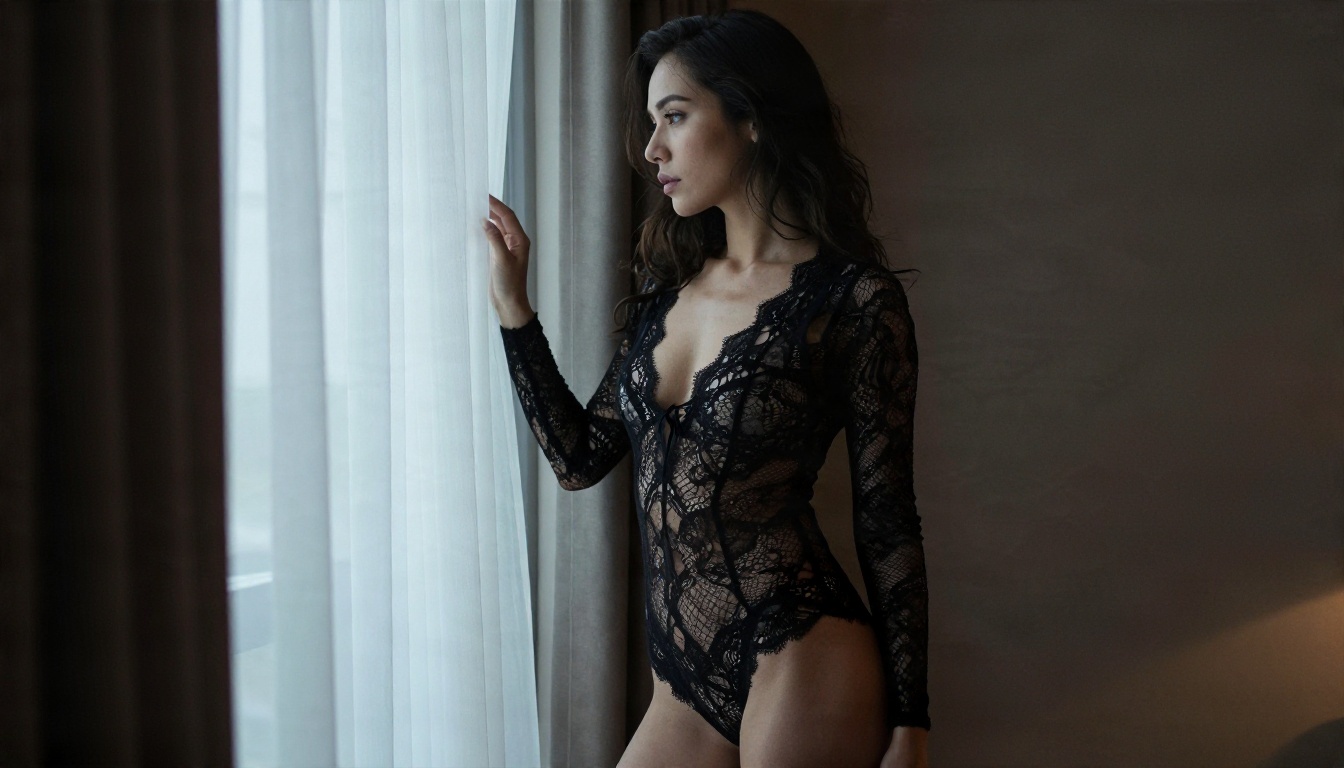
Nobody agrees on what "explicit" means, which is why the search term is so messy. For a mainstream chatbot, a bikini photo can trigger a refusal. For a local Stable Diffusion setup, almost nothing triggers anything. Between those two poles sits a very wide gray zone.
Filters Are a Sliding Scale
Think of moderation as a dial with four rough settings:
| Level | What it blocks | Typical example |
|---|
| Strict | Swimwear, lingerie, anything suggestive | Big-brand assistants and office tools |
| Moderate | Nudity and sexual acts, allows glamour | Most hosted free tiers |
| Relaxed | Only clearly illegal content | Platforms with a safety toggle |
| None | Nothing, you are the filter | Local models on your own hardware |
When people say "uncensored," they usually mean the third or fourth row. "Explicit" is a separate question: it describes what you ask for, not what the tool allows.
Where the Hard Line Sits
Even the loosest setup has a floor. Content involving minors is illegal everywhere and blocked by every serious platform, including relaxed ones. The same goes for realistic images of real people made without their consent, which creates legal exposure in a growing number of countries. Keep every subject a clearly adult, fictional character and you stay on the right side of both.
⚠️ An uncensored tool removes platform filtering. It does not remove the law. You remain responsible for what you generate and share.
Free Uncensored Generators Compared
"Free" comes in three flavors, and each has a different catch. Reviews from 2026 agree on the broad picture: the only options that consistently avoid filters are self-hosted, while hosted free tiers come with caps or paywalls. Many of those reviews are written by companies promoting their own tools, so treat any ranking with caution and check current terms yourself.
Hosted Free Tiers
Browser-based generators are the easiest entry point. You type, you wait, you download. The trade-offs:
- Daily caps: one report put a typical free allowance at around 15 prompts a day.
- Queues: on some sites, free users sit behind paying users, so a 10 second image can become a 3 minute wait.
- Model access: the best model is often locked to paid plans.
- Moderation: usually moderate. Glamour and swimwear pass, nudity does not.
Perchance is a no-login favorite for quick tests, though reviewers note it tops out around 768 by 1024 pixels. Mage.space gives creative flexibility on its free tier but not full adult freedom.
Local Open Weights
Running Stable Diffusion or FLUX on your own computer is the closest thing to a true no-filter setup. The software is free. The setup is not: you need a GPU with enough memory, patience with installation, and some comfort managing model files.
💡 If you have 12 GB of VRAM or more and an evening to spare, local is the most flexible path. If you want results in 20 seconds on a laptop, it is not.
Fake "Unlimited" Sites
A test of several "free unlimited, no restrictions" pages found some that returned an error instead of an image and others that were simply a paywall wearing a free-trial costume. A 2025 review also warned about fake "download now" buttons that can install spyware. The rules of thumb:
- Never install an executable from a generator site.
- Be suspicious of "unlimited" with no account and no stated limit.
- If the pricing page is hard to find, assume the free tier is a teaser.
Limits You Will Actually Hit
The marketing talks about freedom. The product pages talk about limits. Here is what to expect in practice.
Daily Caps and Queues
Credits are the quiet limiter. A site can be technically uncensored and still useless if you get 15 images per day and each prompt needs three tries. Plan for a 3 to 5 attempts per keeper ratio, and count your budget in finished images, not generations.
Resolution Ceilings
Free tiers often cap resolution well below what you need for print or a large monitor. Compare:
| Setup | Typical max resolution | Good for |
|---|
| No-login web tools | Under 1 megapixel | Quick tests |
| Free hosted tiers | 1024 px to 1536 px | Social posts |
| Local models | Limited by your VRAM | Anything with patience |
| Seedream 4.5 | 2K or 4K (up to 4096 px) | Prints, wallpapers, portfolios |
If you are stuck with a small image, an upscaler such as those in the super resolution category on PicassoIA can double or quadruple the size without ruining skin texture.
Legal Lines
Three limits apply to every tool, free or paid:
- Age: subjects must be clearly adult. No exceptions, no "age-ambiguous" workarounds.
- Consent: do not generate realistic images of real, identifiable people.
- Distribution: the platform you post on has its own rules, often stricter than the generator's.
Prompts That Work (and Why)
A permissive model does not rescue a lazy prompt. The images that look most "real" are almost always the ones with specific camera and light language, not the ones with the boldest adjectives.
Anatomy of a Strong Prompt
Build every prompt in the same five layers:
- Subject and pose: who, doing what, wearing what.
- Environment: where, with two or three concrete props.
- Light: direction, time of day, softness.
- Camera: lens, aperture, angle, distance.
- Texture: skin, fabric, film grain, imperfections.
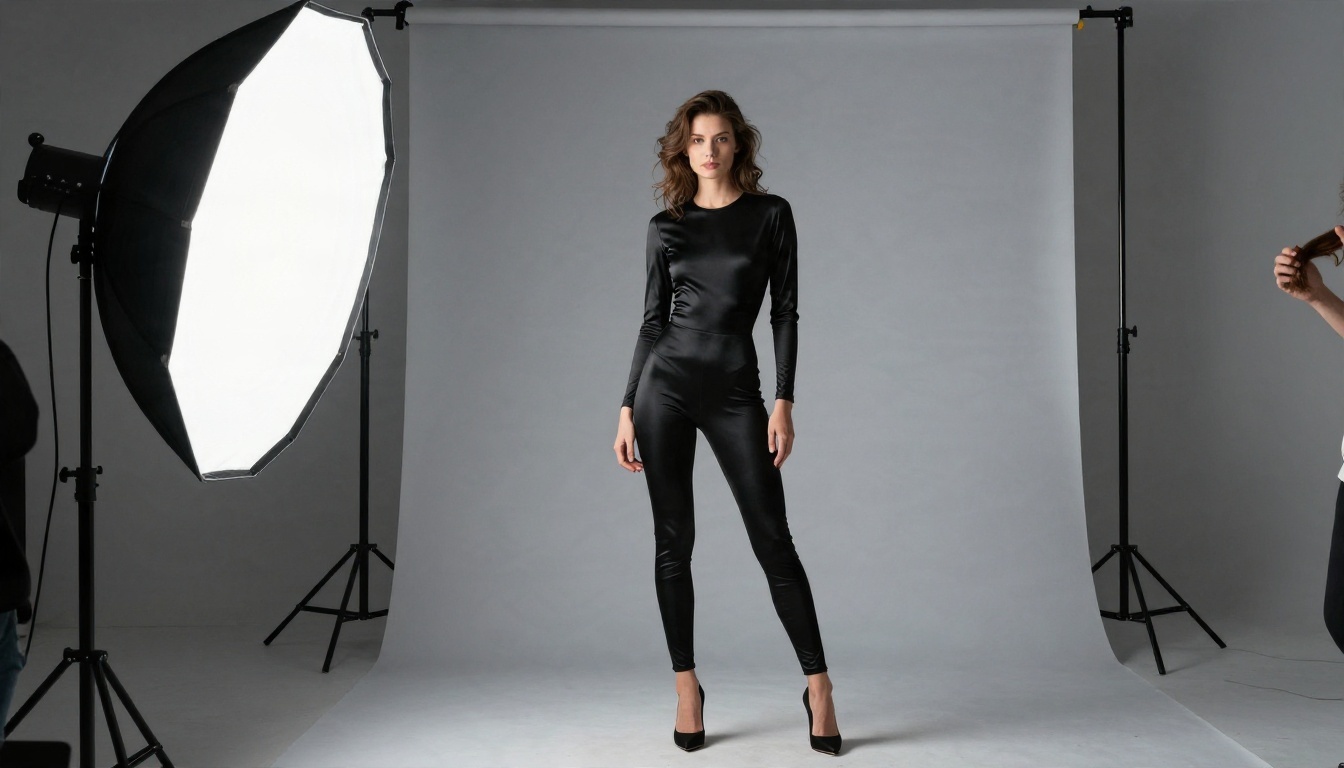
The studio shot below came from exactly that structure: a satin bodysuit, a grey seamless backdrop, a softbox from the left, a 70mm lens, and visible skin texture.
Prompt Examples
Here are three prompts that stay tasteful and produce reliable results. Copy them, then change one variable at a time.
Boudoir portrait: "Adult woman in a champagne satin slip on an unmade linen bed, golden morning light from the left through sheer curtains, 85mm f/1.8, natural skin pores, Kodak Portra 400 film grain, raw photograph."
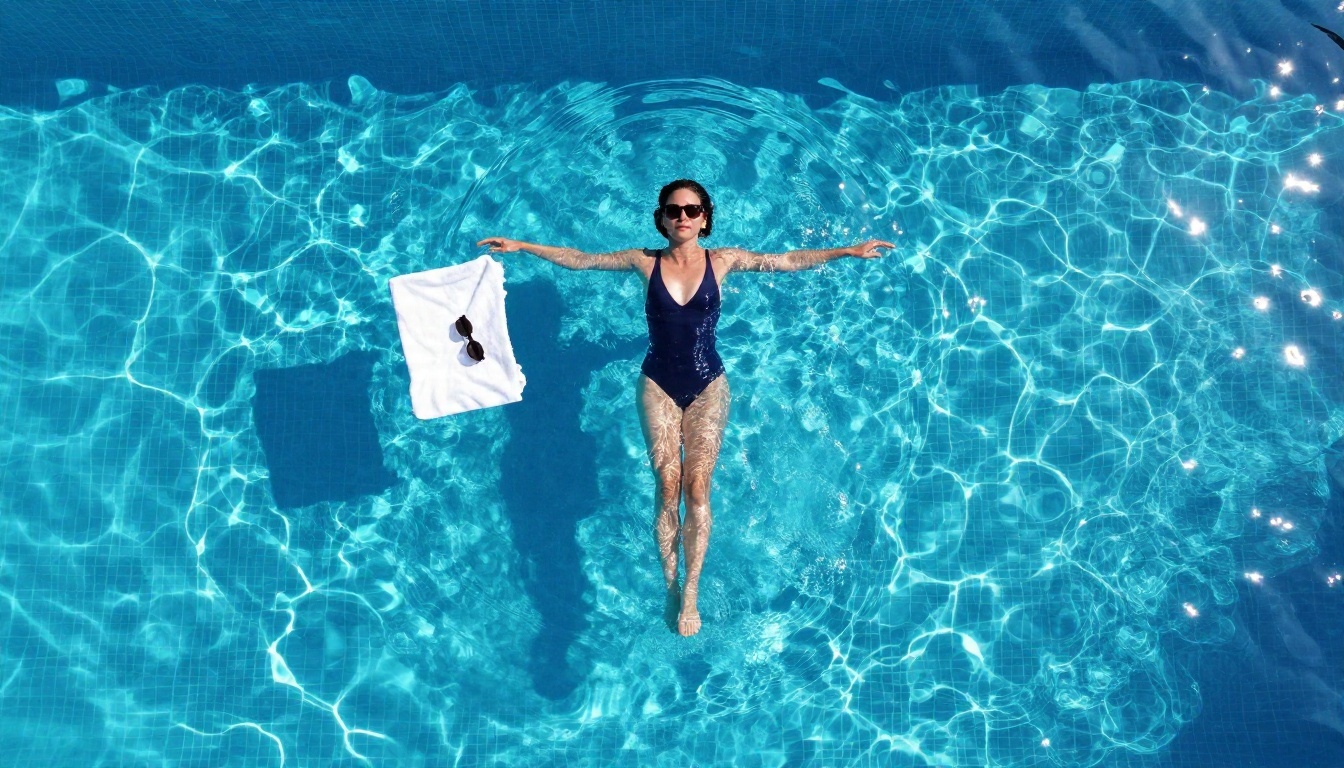
Poolside: "Aerial top-down view of an adult woman in a navy one-piece floating in a clear resort pool, hard noon sun, water caustics on the tile, 24mm lens, natural color, fine film grain."
Mirror scene: "Adult woman in a white satin robe applying lipstick in an antique gilded mirror, warm lamp light on one side and cool window light on the other, 50mm f/2, shallow depth of field."
Words That Trigger Blocks
Even on relaxed platforms, some inputs get flagged. Common triggers:
- Any wording that suggests a subject under 18, including "teen," "schoolgirl," or "petite child-like."
- Real celebrity or public figure names.
- Extreme violence combined with adult themes.
Swap flagged words for neutral, specific ones. "Adult woman in her late twenties" works better than any vague descriptor, and it keeps the output unambiguous.
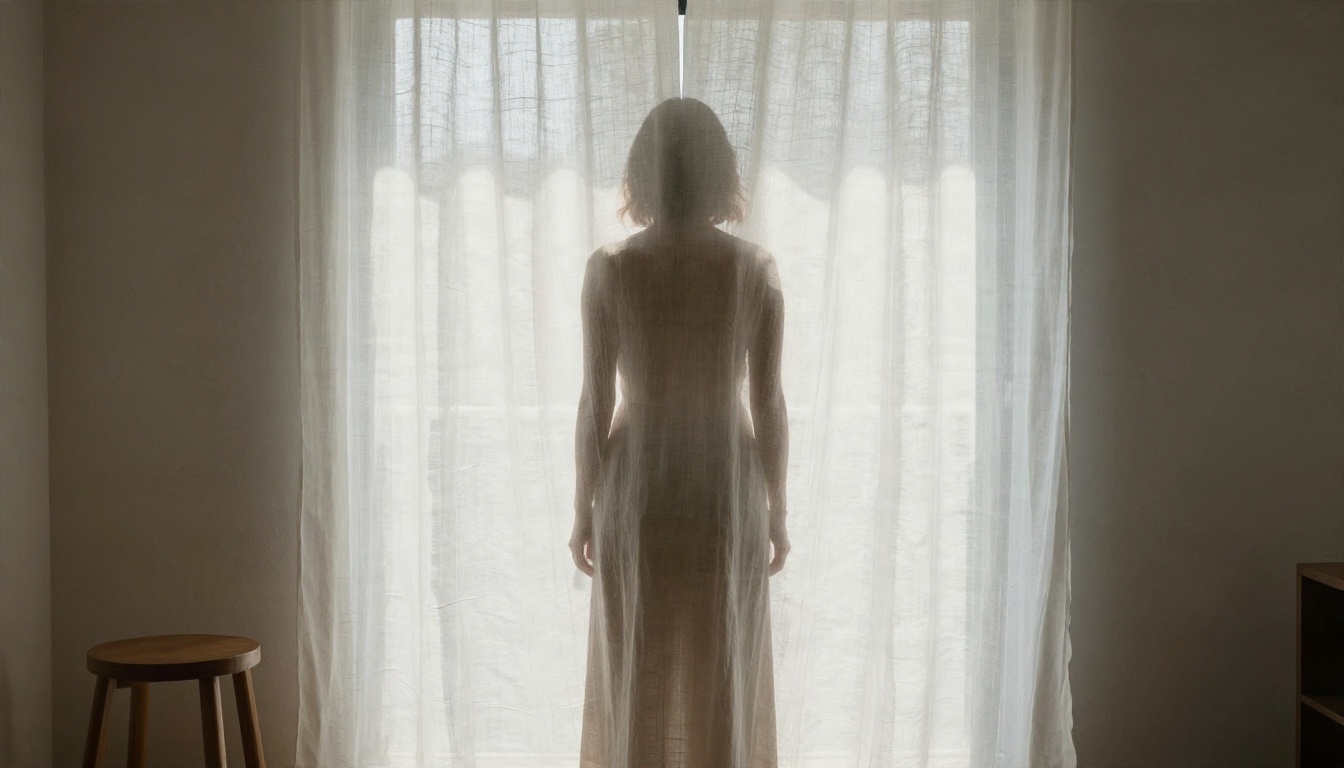
💡 Tip: Suggestion beats description. A backlit silhouette behind a sheer curtain, a mirror reflection, or a robe slipping off a shoulder often looks more striking than anything literal, and it passes moderation on nearly every platform.
How to Use Seedream 4.5 on PicassoIA
Seedream 4.5 is the model to lead with when you want photorealistic adult-oriented imagery without the constant refusals. It outputs 2K or 4K images, handles skin and fabric texture well, and accepts long prompts of up to 4,000 characters.
Step by Step
- Open the Seedream 4.5 page on PicassoIA.
- Paste your prompt into the Prompt field, using the five-layer structure above.
- Set size to 2K for drafts or 4K for final images.
- Pick an aspect ratio: 16:9 for banners, 3:4 or 2:3 for portraits, 9:16 for phone wallpapers.
- Generate, compare, and change only one element in the prompt per retry.
Parameter Tips
| Setting | Recommendation |
|---|
| size | Start at 2K, move to 4K only for keepers |
| aspect_ratio | 16:9 for scenes, 2:3 for full-body portraits |
| max_images | Set to 4 to 6 with sequential generation on "auto" to get variations of one character |
| image_input | Upload up to 14 references to keep a character consistent across shots |
| disable_safety_checker | Relaxes input moderation so that only illegal content is blocked. Use it responsibly, and only for adult, fictional subjects |
💡 For consistent characters, generate one strong portrait first, then feed it back through image_input with a new scene prompt. It beats rewriting the character description every time.
Other PicassoIA Models Worth Trying
Once you have a workflow, a second model is useful for editing and variety. In this order:
- Seedream 4.5: the best all-round pick for realistic adult-oriented portraits and scenes.
- PicassoIA Image Editor Pro: unlimited generations and edits, so you can retry and refine without watching a credit counter.
- Z Image Turbo: very fast drafts when you are testing prompts.
- Flux 2 Klein 9B Base LoRA: useful when you want a specific style from a LoRA.
- Qwen Image 3 Pro: strong photorealism and prompt following.
- Realistic Vision v5.1: a lightweight classic for lifelike portraits.
⚠️ Moderation differs between models. If one refuses a harmless prompt, rephrase it or move to the next model on the list rather than fighting the filter.
Try It Yourself on PicassoIA
The honest summary: "most explicit" is rarely the best target. The images that get shared, saved, and printed are the ones with believable light, real skin texture, and a sense of suggestion. A permissive model gives you room to work, and a good prompt does the rest.
Pick one of the three prompts above, run it through Seedream 4.5, then take the best result into PicassoIA Image Editor Pro and refine it as many times as you like. To see every image model available, browse picassoia.com/en/all-models and start your own set today.


