Open any social feed today and you will scroll past dozens of photographs that never existed. A fisherman with salt-cracked skin, a fox standing in dawn frost, a loaf of bread with a torn, glossy crumb: all of them can be generated in under a minute. The question is no longer whether AI can make a believable picture. The question is which model gets you there most reliably, what to type into the prompt box, and how to do it without paying for every attempt.
This article answers all three. You will find the most realistic AI images I could produce, the best models for photorealism, prompt formulas that borrow the language of real cameras, free options, and nine examples with the exact thinking behind each one.
💡 Quick answer: For the most lifelike people, start with Seedream 4.5 or Nano Banana Pro. For strict prompt accuracy, try GPT Image 2. For natural light and landscapes, try Imagen 4.
What Makes an AI Image Realistic
A realistic image is not a sharp image. Sharpness is the first thing beginners push, and it is usually the thing that gives the fake away. Real photographs are full of small flaws: uneven focus, grain, a hair out of place, a shadow that falls where physics says it should.
Skin, Light and Imperfection
Human eyes are brutally good at spotting fake faces. We read pores, tiny asymmetries, moisture on the eyes and the way light scatters just under the skin. When a model smooths all of that away, the result lands in the uncanny zone.
The close-up below works because the prompt asked for flaws on purpose: crow's feet, sun spots, silver stubble, wet catchlights in pale eyes, and flat overcast daylight that does not flatter.
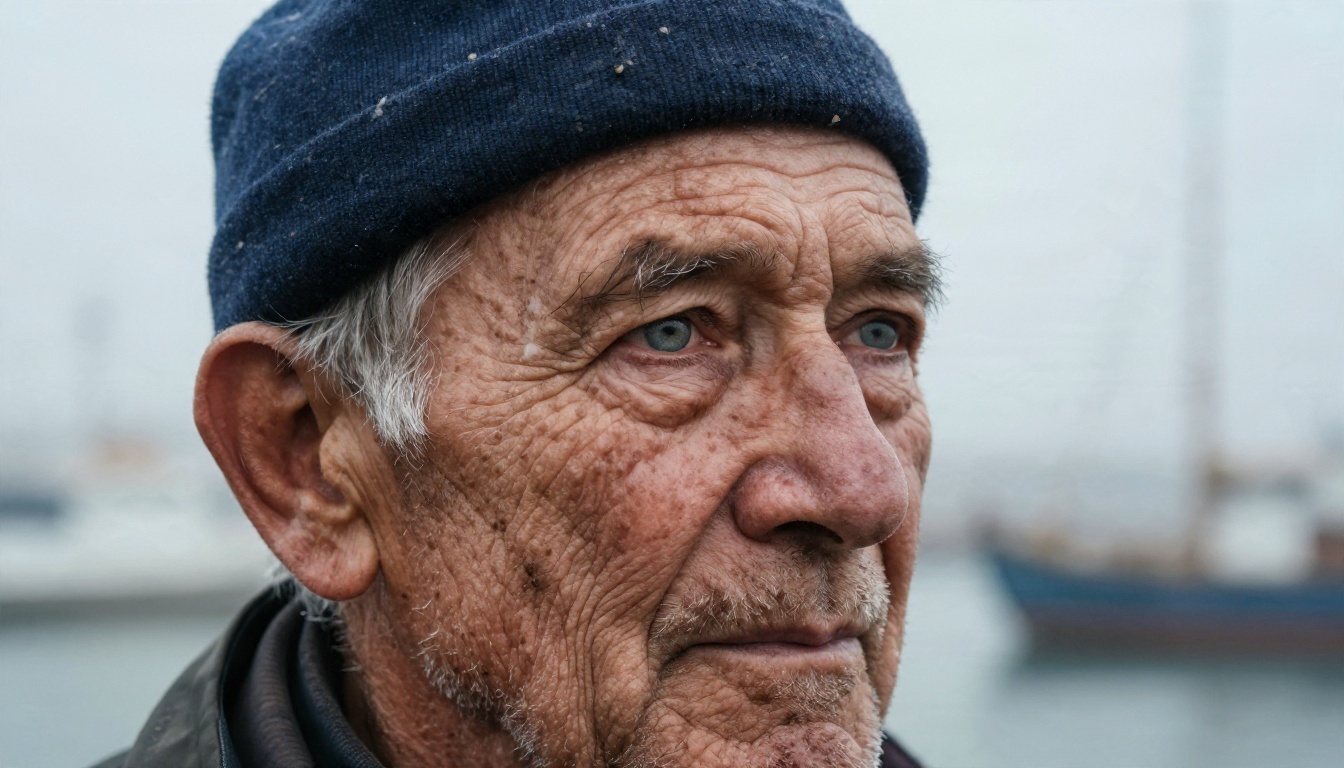
Notice what is missing: no glow, no beauty filter, no perfect teeth. Realism comes from restraint.
Physics a Camera Would Capture
Cameras obey rules. Shallow depth of field blurs the background in predictable circles. High ISO adds grain in dark areas. Warm bulbs throw orange light and cast soft, directional shadows. Steam, motion and reflections follow the scene.
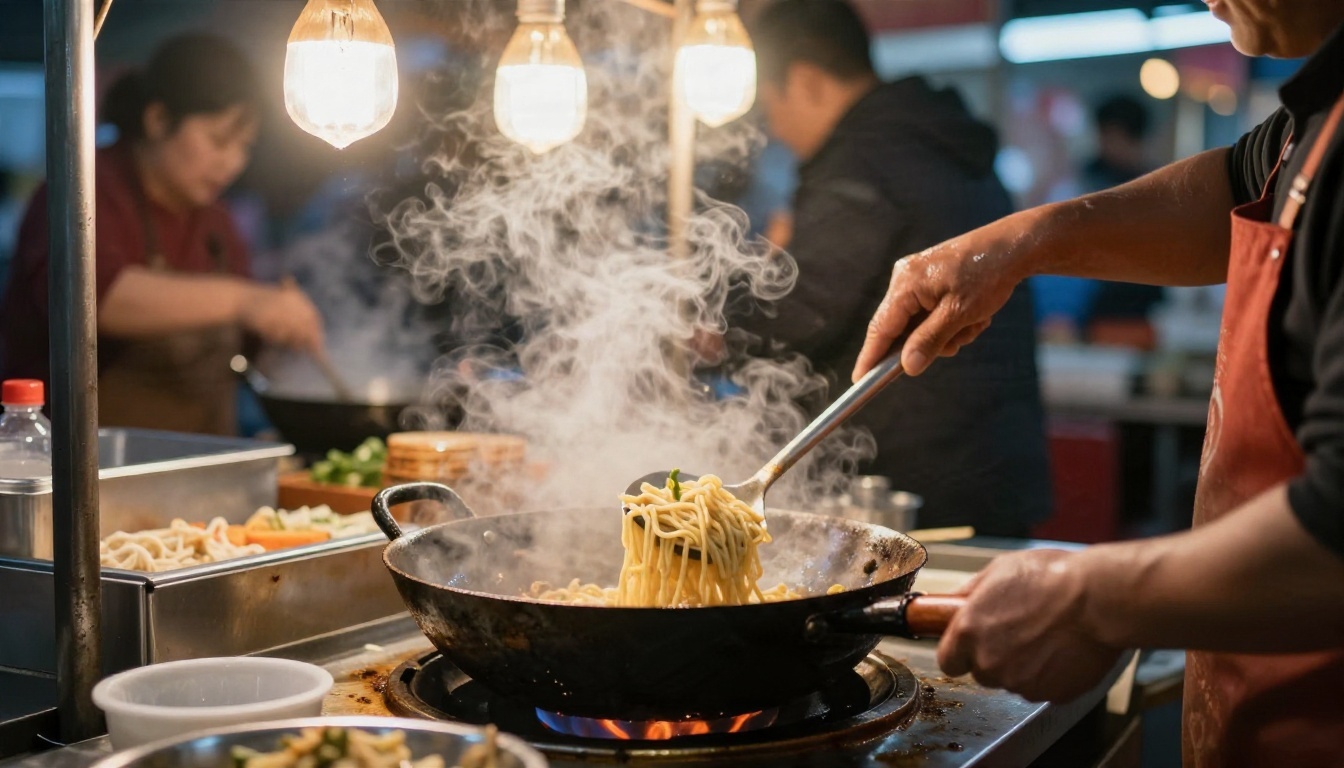
When you name those rules in a prompt, models respond. The night market shot below used a wide aperture, high ISO and bare tungsten bulbs as the only light source. The orange cast on the vendor's arms and the blur on the spatula are the details that sell it.
💡 Rule of thumb: If a detail would exist in a RAW file from a real camera (grain, vignette, chromatic softness, lens compression), mention it. If it only exists in digital painting (glow, perfect symmetry, hyper saturation), leave it out.
Best Models for Realistic AI Images
No single generator wins every category. Rankings published across the web disagree with each other, and many come from vendors testing their own products. What does hold up in practice is that different models have different strengths. Here is how the main contenders available on PicassoIA compare.
Seedream 4.5 for Portraits
Seedream 4.5 produces high resolution output with convincing skin tones, believable fabric and clean composition. It tends to handle people, fashion and lifestyle scenes with very little prompt effort. If you want a face that reads as a real person photographed in a real room, this is a strong first choice. Its newer sibling Seedream 5 Pro is worth a test when you want sharp 2K output.
Nano Banana Pro and Imagen 4
Nano Banana Pro is a favorite for realism combined with editing. It keeps a subject consistent across edits, which matters when you want the same person in several scenes. Imagen 4 is known for natural skin, honest lighting and sound anatomy, and Imagen 4 Ultra pushes the fine detail further when you plan to print or crop heavily. For quick drafts, Imagen 4 Fast saves time.
GPT Image 2 for Prompt Accuracy
When your prompt lists eight specific objects and a precise layout, GPT Image 2 is among the best at following the whole list. Several independent comparisons rate it at or near the top for realism, and it is especially useful for scenes where every item in the frame matters, such as product shots and interiors. Ideogram v4 Quality is the natural pick when a realistic scene also needs readable signs or packaging text.
Budget and Speed Picks
You do not need the heaviest model for every job. Z Image Turbo returns sharp images in seconds, Flux Schnell is excellent for rapid iteration, and Realistic Vision v5.1 remains a dependable option for lifelike portraits with a classic photographic feel. Qwen Image 3 is another solid choice for photorealistic scenes, and Flux 2 Klein 4B Base suits people who like to fine tune a look.
Prompts That Produce Real Photos
Most failed attempts share one problem: the prompt describes a subject but not a photograph. Telling a model "a woman in a cafe" gives it room to paint. Telling it which lens, light and film stock to imitate makes it behave like a camera.
The Five Part Formula
Use this order. It works across nearly every model listed above.
- Subject and action: who or what, and what they are doing right now.
- Environment: specific objects, surfaces and background details.
- Light: direction, quality and source ("soft window light from the left", "low golden sun behind the subject").
- Camera: lens, aperture, angle ("85mm f/1.8, eye level", "24mm wide, shot from above").
- Texture and film: grain, color science, small flaws ("fine film grain, Kodak Portra 400 tones, visible pores").
💡 Tip: Put the camera and light details before the style words. Models weigh early tokens more heavily, so the photographic frame gets set first.
Copy Ready Prompt Examples
Here are three prompts you can paste and adjust.
Portrait: Candid portrait of a woman in her thirties at a window table in a small cafe, freckled skin with visible pores, cream wool sweater, soft window light from the left, 85mm f/1.8, shallow depth of field, Kodak Portra 400 film grain, no retouching.
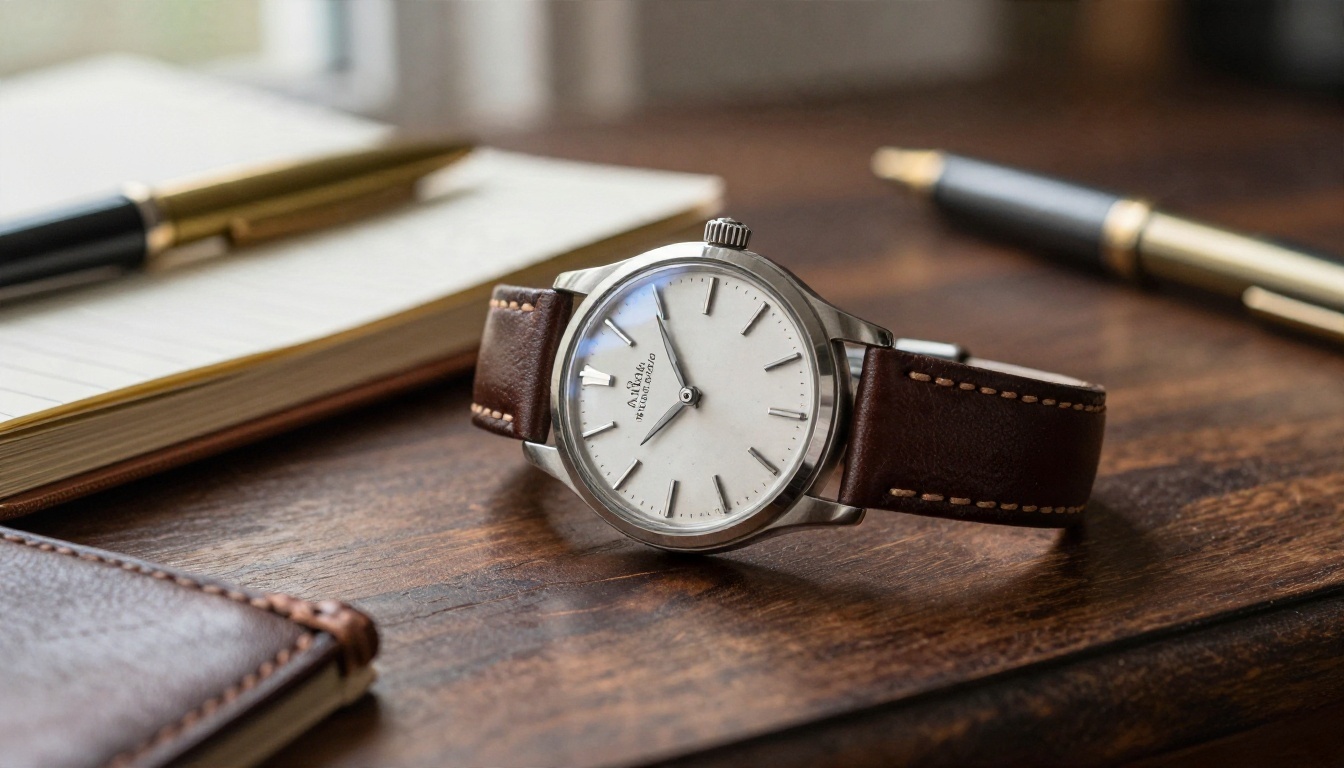
Product: Vintage steel wristwatch with brown leather strap on a dark walnut desk, soft diffused window light, tiny scratches on the case, 100mm macro f/4, creamy background, fine grain.
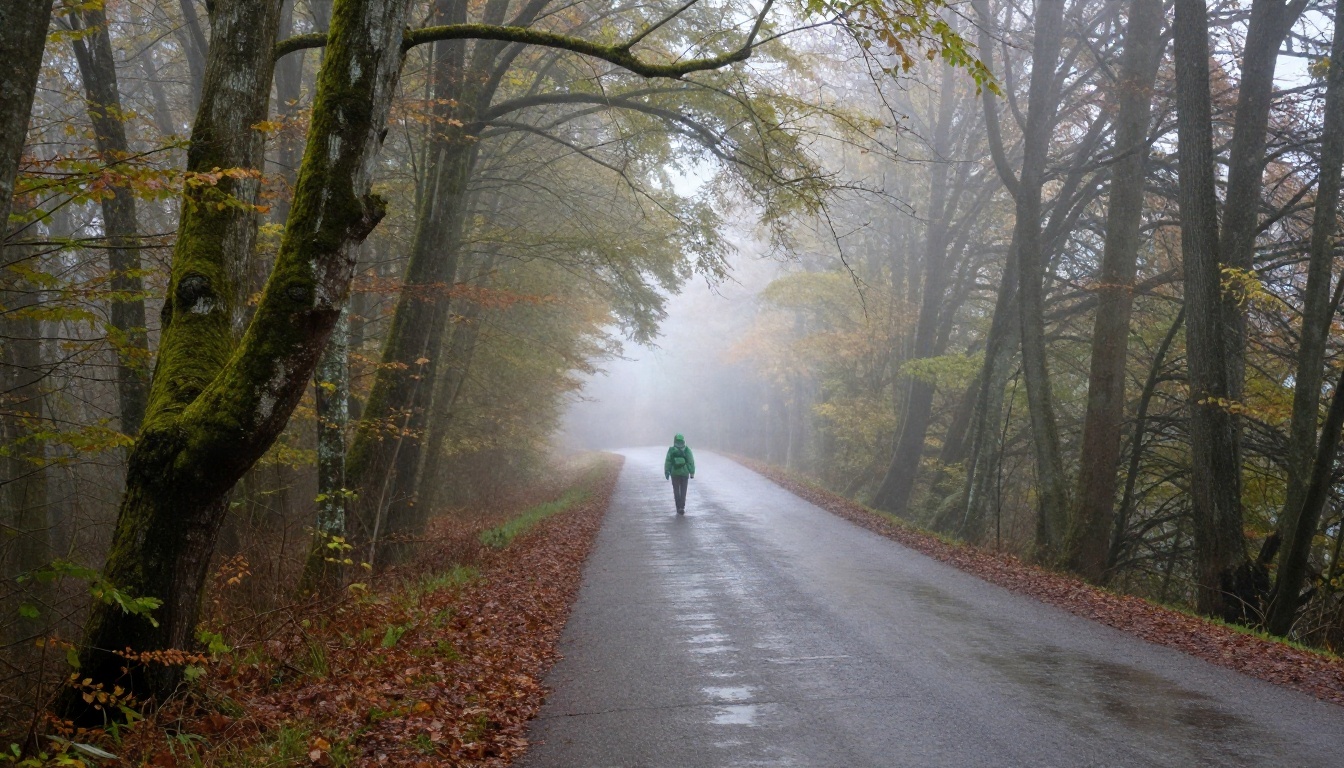
Landscape: Misty forest road at sunrise after rain, wet asphalt reflecting a pale sky, moss covered beech trunks, light shafts through fog, 70mm telephoto compression, muted natural colors.
The product prompt above produced the watch below. Look at how the sapphire crystal catches a soft reflection and the leather stitching holds real depth.
Free Options That Work
Photorealism does not have to cost money. Several approaches let you test models before committing to anything.
- Use the free access on model pages. Some PicassoIA models, including Nano Banana Pro and Ideogram v4 Quality, are listed with free access in their page titles. Check each page for the current limits.
- Draft on a fast model, finish on a strong one. Run ten quick tests on Z Image Turbo or Flux Schnell, then send only your best prompt to Seedream 4.5 or Imagen 4 Ultra.
- Reuse prompts that worked. Keep a short note with your best lighting and lens phrases. A reliable prompt is worth more than ten new experiments.
- Compare side by side. Use one prompt across three models. The differences show you immediately which one suits your subject.
💡 Budget move: Spend your effort on the prompt, not on the generator. A well written prompt on a fast model beats a lazy prompt on a premium one.
Realistic AI Image Examples
Words only go so far, so here are four more scenes that show how the same formula adapts to different subjects. Each one uses a different angle, distance and light.
Aerial and Landscape Scenes
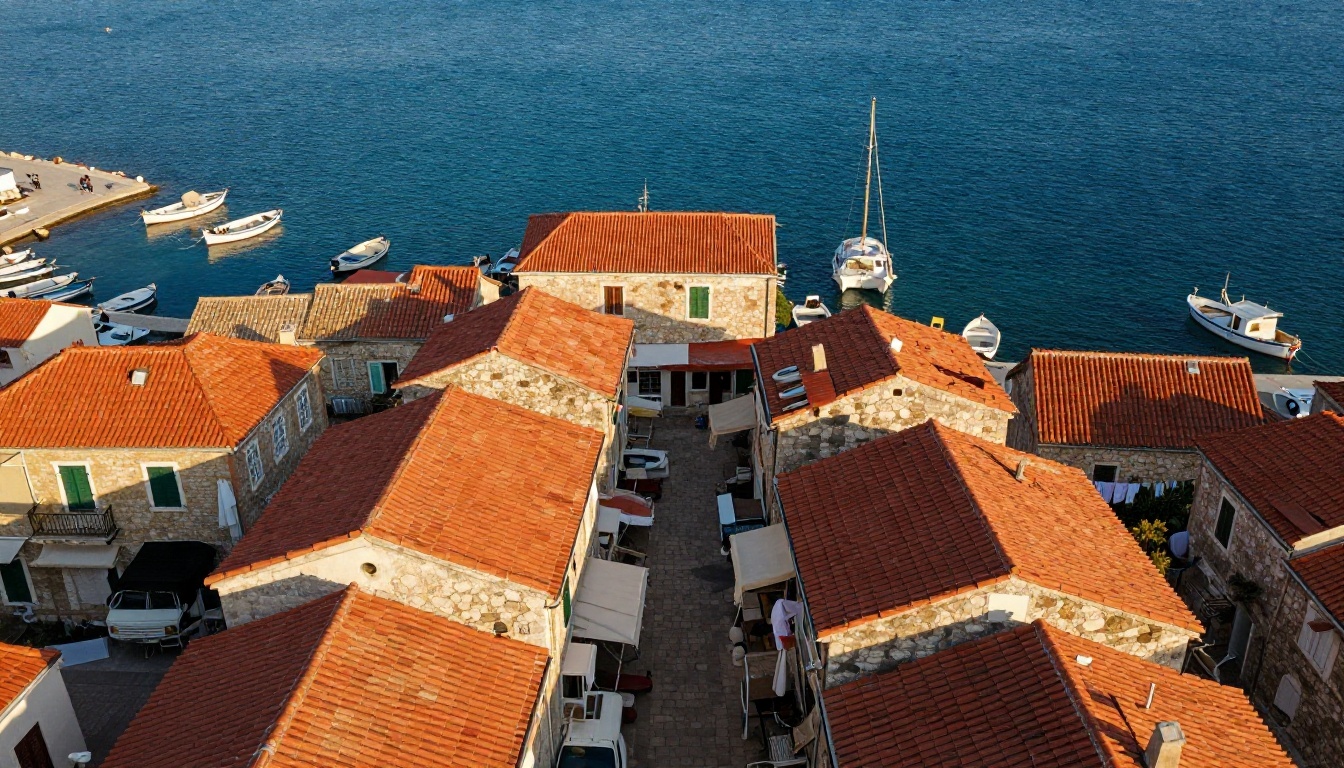
Drone perspectives are one of the easiest ways to get convincing results, because the viewer has less reference for scale and detail. The village below uses a straight down angle, low golden light from the left and a 24mm wide lens. Rooftop tiles, laundry lines and boats give the model enough small, real objects to anchor the picture.
The foggy road scene works for the opposite reason. Telephoto compression flattens the trees, mist softens distance and the small hiker gives human scale.
Interiors Lived In, Not Staged
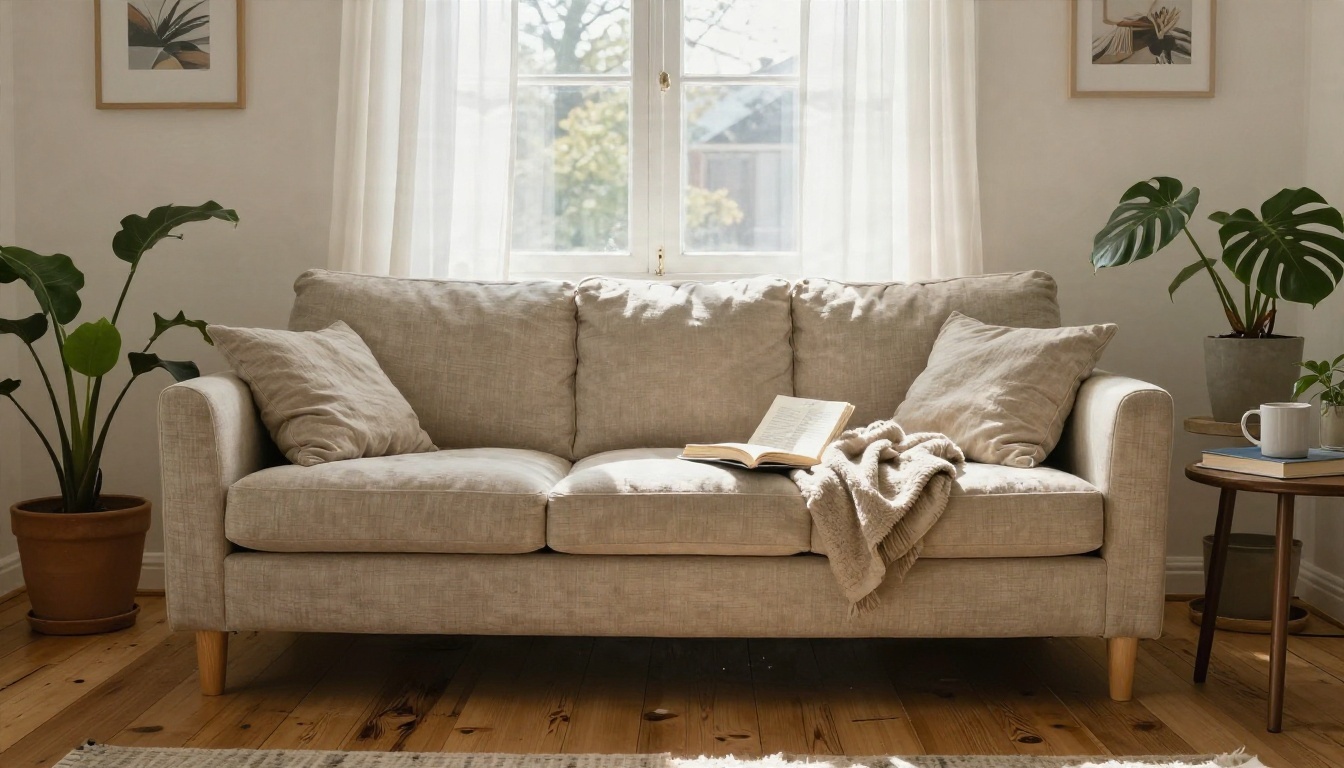
Showroom perfection looks fake. A believable interior needs a rumpled blanket, a half read paperback, worn floorboards and a sunbeam with a hint of dust. The prompt for the room below asked for exactly those signs of life, plus a 24mm lens at eye level.
Wildlife and Telephoto Detail
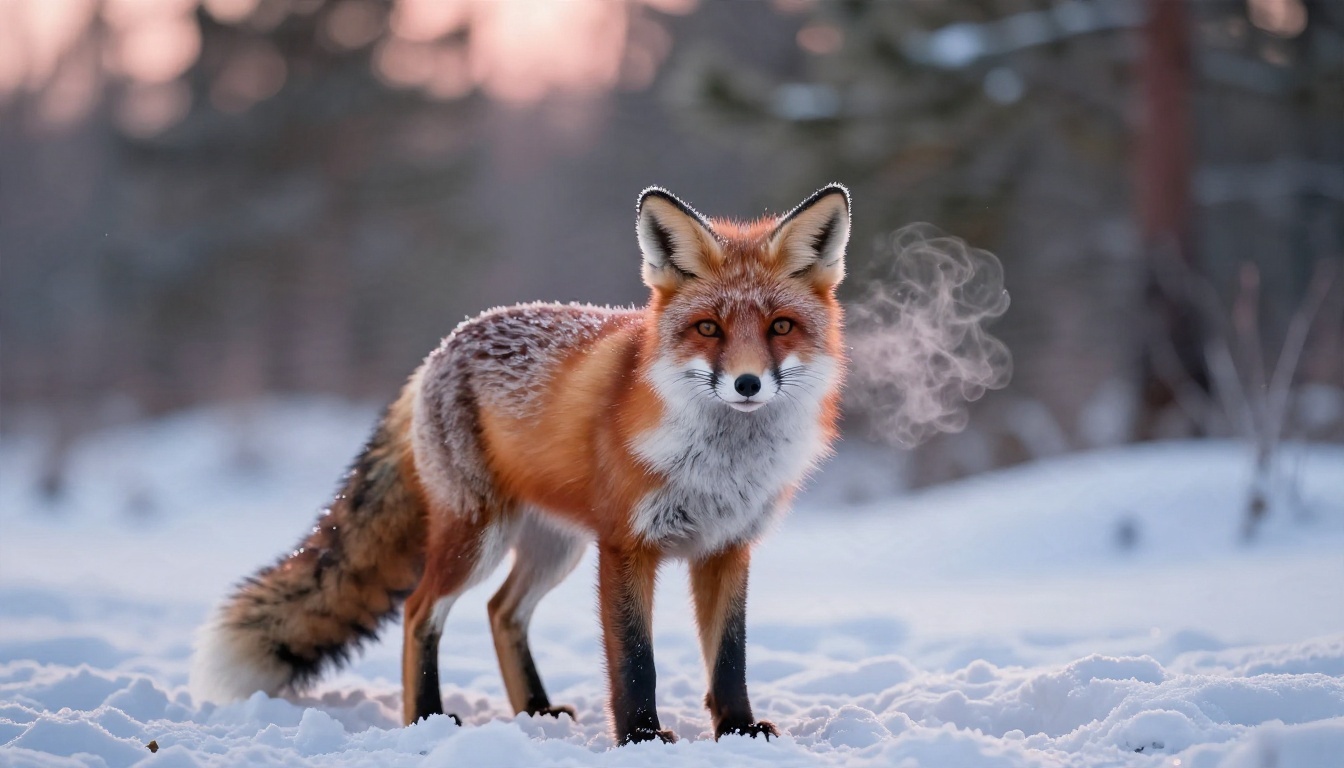
Long lenses are a gift to AI realism. A 400mm look gives you compressed backgrounds, heavy blur and a rim of light on every strand of fur. The fox below combines frost, visible breath and low pink-gold light from behind.
Food Photography That Looks Edible
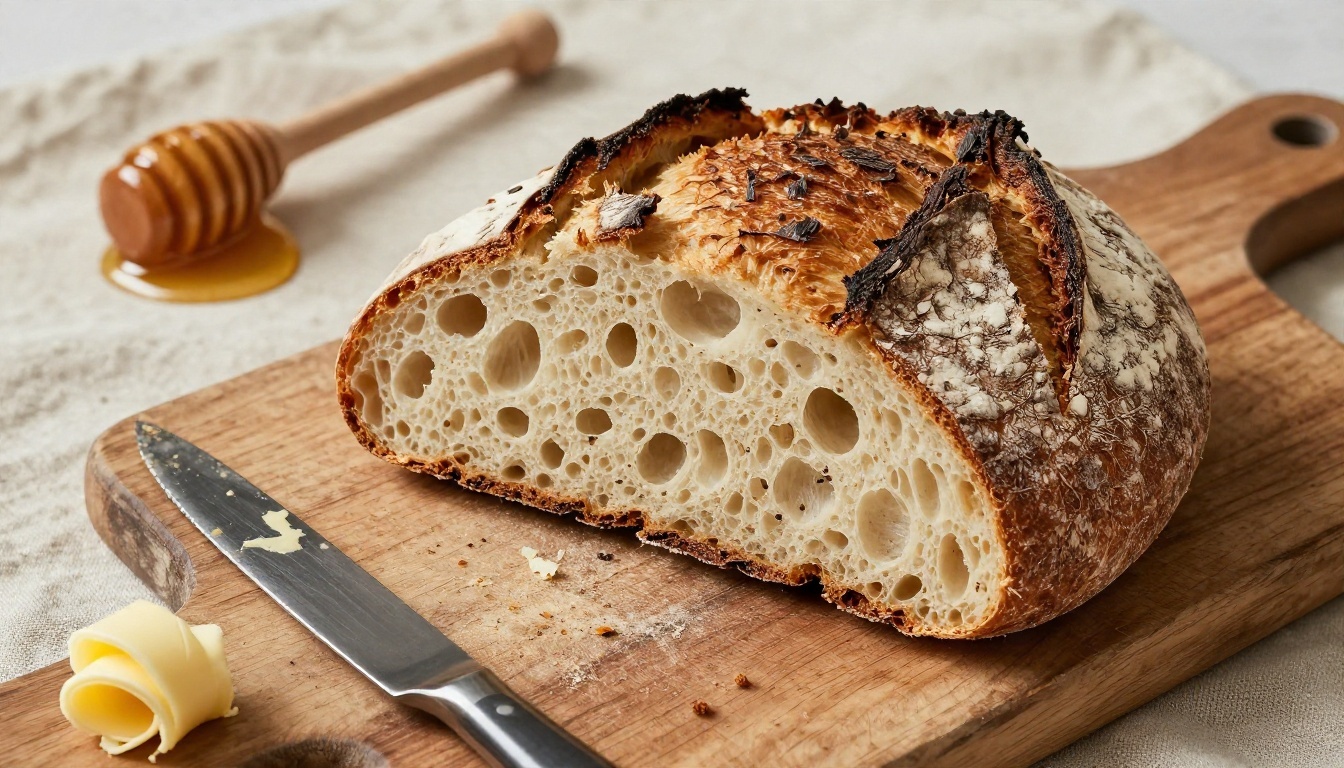
Food is forgiving when you describe texture. Crackled crust, irregular crumb holes, a honey thread and scattered flour all signal reality. Shooting from directly above with side light keeps shadows natural.
Mistakes That Make Images Look Fake
Even strong models slip. These are the tells I see most often, and how to remove them.
Plastic Skin
Cause: words like "perfect", "flawless", "beautiful" or "8K ultra detailed" push models toward a smoothed beauty filter look.
Fix: ask for pores, freckles, fine hairs, uneven skin tone and "no retouching". Use diffuse light rather than dramatic studio glamour.
Hands and Fingers
Hands remain the most common giveaway, especially in complex poses. The most reliable fix is to give hands a task. Kneading dough, holding a cup or gripping a tool anchors the pose. Name the details too: knuckle creases, short nails, flour on the skin.
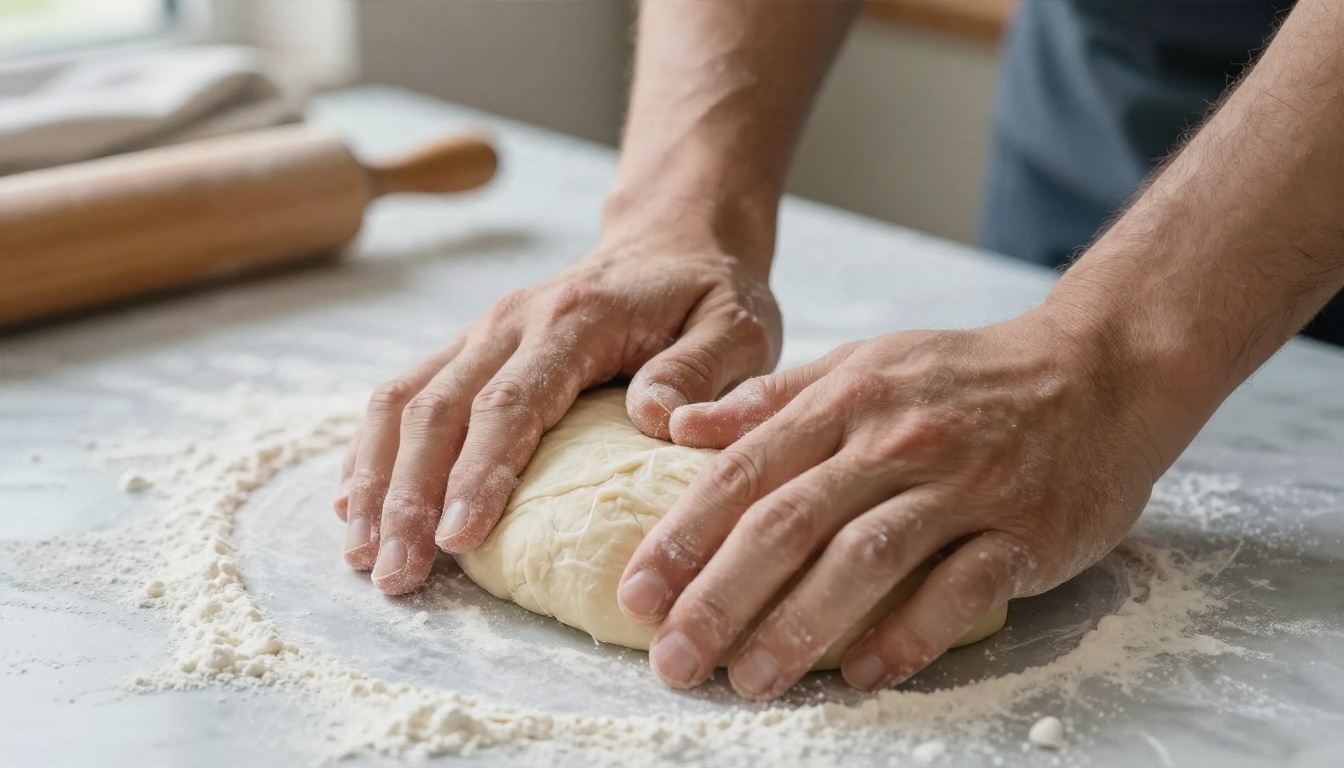
If a hand still fails, regenerate with a slightly different seed or crop the frame so the hand sits partly out of view, the way many real photographers do.
Impossible Lighting
Two suns, shadows pointing in different directions or a face lit from a source that does not exist in the scene all break the spell. State the light source once, clearly, and keep it consistent: "single window on the left, warm bounce from the right wall".
Too Much Style Language
Terms like "cinematic masterpiece", "trending", "hyper detailed" and "HDR" belong to the illustration look. Replace them with camera facts. "Shot on a full frame camera, 50mm f/2, ISO 400" tells the model more than any adjective.
💡 Quick check: Zoom to 200 percent. Look at eyes, hands, text and the edges where objects overlap. If those hold up, the image will survive a scroll.
A Simple Workflow for Better Results
Here is the process that consistently gets me usable images in a few rounds.
- Pick the model by subject. People: Seedream 4.5 or Nano Banana Pro. Exact layouts: GPT Image 2. Quick tests: Z Image Turbo.
- Write the five part prompt. Subject, environment, light, camera, texture.
- Set the ratio first. Use 16:9 for landscapes and interiors, 3:4 or 4:5 for portraits, 1:1 for products.
- Generate four variations. Judge them at full size, not as thumbnails.
- Change one variable. If the light is wrong, change only the light phrase. Changing everything makes it impossible to know what helped.
- Edit instead of rerolling. When an image is 90 percent right, use an editing model such as Nano Banana to fix the last detail rather than starting over.
- Upscale last. Increase resolution only after the composition is final, so you do not spend time sharpening an image you will discard.
💡 Consistency trick: Keep your lens and film phrases identical across a series, and only change the subject and setting. The set will look like it came from the same camera bag.
Make Your Own Realistic Images
Everything in this article, from the weathered fisherman to the frosted fox, started as a single paragraph of text. The difference between a flat result and a convincing photograph is almost always in how well the prompt imitates a real camera, a real light and a real flaw.
Pick one subject you care about, such as a portrait, a product or a place, and run the five part formula through two or three models. Compare them side by side, keep the version that feels most like a photograph you could have taken, and refine from there.
PicassoIA puts the leading photorealistic generators in one place, so you can test them against each other without hopping between sites. Browse the full catalog at picassoia.com/en/all-models, open a model from the list above, paste one of the prompts from this article and see how close you can get on your first try.


