You typed "Motion Muse NSFW" into a search bar because you want a straight answer: will the tool let you make suggestive or adult-leaning content, or will it shut the door after your first prompt? Short version: assume it will not. Public write-ups about Motion Muse describe a platform that blocks explicit adult material, and I could not find an official statement that says otherwise. That does not mean your creative idea is dead. It means you need the right tool for the job.
This article walks through what is known about the Motion Muse policy, what "free" usually means for tools like it, and where you can create glamour, boudoir and swimwear visuals without constant refusals. Everything here stays on the tasteful, non-explicit side: think magazine editorials, not pornography.
💡 Quick take: Motion Muse is not on PicassoIA. If your goal is attractive, suggestive AI imagery with fewer restrictions, the alternatives below are the faster route.
Does Motion Muse Allow NSFW?
What the Policy Appears to Say
I ran a search for an official Motion Muse content policy and came back empty. The only direct source was a third-party explainer stating that the platform does not allow explicit adult or pornographic content, pointing to legal exposure, app store rules and payment processor requirements as the reasons.
That is a secondhand claim, not the company's own terms. So treat it as a strong hint rather than a verified rule. Before you pay for anything, open the terms of service and the acceptable use section on the Motion Muse site yourself. Look for words like "sexually explicit," "nudity," "adult," or "mature."
Why Most Platforms Say No
Mainstream AI apps rarely allow adult content, and the reasons are boring but real:
- Payment processors can freeze accounts that handle adult material.
- App stores reject apps that produce explicit imagery.
- Legal risk around consent, likeness and age verification is huge for a small team.
- Brand safety matters when a product wants to be used by schools, agencies and companies.
None of that is a judgment about you. It is a business decision. The practical result is that a general-purpose animation or "motion" tool will usually apply filters to prompts, uploads and outputs alike.
What "Not Allowed" Usually Means in Practice
Even when a platform bans explicit content, the enforcement is rarely a single switch. You tend to run into a few layers:
| Layer | What happens |
|---|
| Prompt filter | Certain words trigger an instant refusal |
| Upload scan | Photos showing skin or lingerie get flagged |
| Output check | The finished clip is blocked or blurred |
| Account review | Repeated attempts can lead to a ban |
Knowing this saves you time. If you keep hitting walls, rewording prompts rarely helps, and repeated attempts can put your account at risk.
Free Options: What Is Realistic
Free Tiers Come With Limits
I found nothing reliable about a Motion Muse free plan, so I will not invent numbers. What I can say is how free tiers on similar tools typically behave:
- Credits that run out after a handful of generations.
- Watermarks on every export.
- Queue times that push free users behind paying ones.
- Lower resolution until you upgrade.
- Stricter filters on free accounts than on paid ones.
If your goal is NSFW-adjacent content, a free tier on a filtered platform is the worst of both worlds. You burn credits on refused prompts.
Beware of Lookalike Names
Searches like this one pull in similarly named products. One example: a separate product called MuseUnbound has been advertised as an adult content generator with free starter credits. It is not Motion Muse, and I cannot vouch for it. Before signing up for anything with "Muse" in the name, check who runs it, what the privacy policy says about your uploads, and whether it asks for payment details upfront.
⚠️ Safety note: Never upload photos of real people without their clear consent, and never upload anyone under 18. Reputable platforms and PicassoIA's own rules prohibit it, and it is simply wrong.
Safe Ways to Test Without Paying
You can check any tool honestly in about ten minutes:
- Read the content policy before creating an account.
- Try one harmless prompt, such as a woman in a summer dress on a beach, to see output quality.
- Try one mildly glamorous prompt, such as a bikini at a pool, to see where the filter sits.
- Check whether exports carry a watermark.
- Confirm you can delete your uploads.
If the second test gets refused, you have your answer without spending a cent.
What Counts as Non-Explicit Glamour
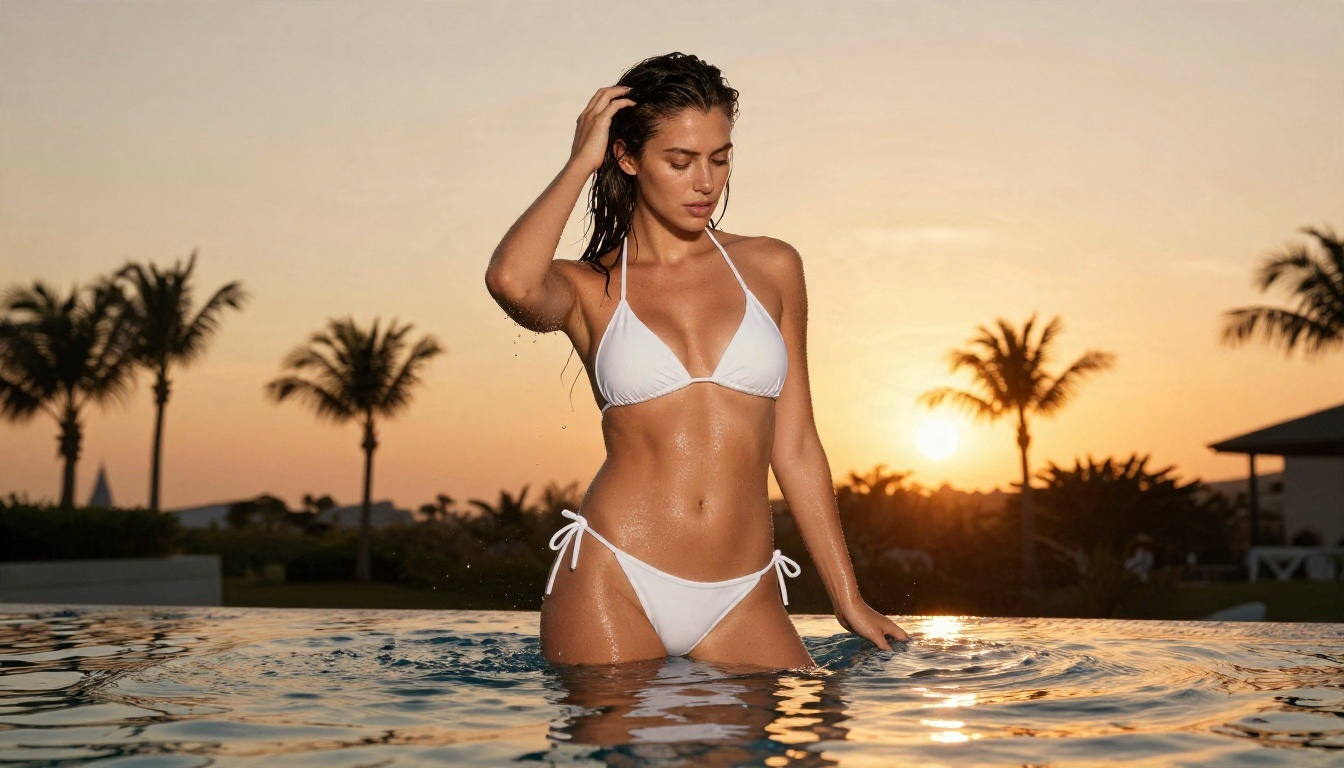
There is a huge creative space between "blocked" and "explicit." Most people searching for NSFW AI actually want attractive, confident, sensual visuals: the kind of images you see in swimwear campaigns, fashion editorials and boudoir photography. That includes:
- Swimwear and beach scenes with natural light
- Lace, satin and silk in styled lingerie editorials
- Implied intimacy through pose, gaze and mood
- Golden hour portraits with warm skin tones
None of this needs explicit content to look striking. In fact, the best photographers lean on light, texture and expression rather than showing everything.
The Look That Sells
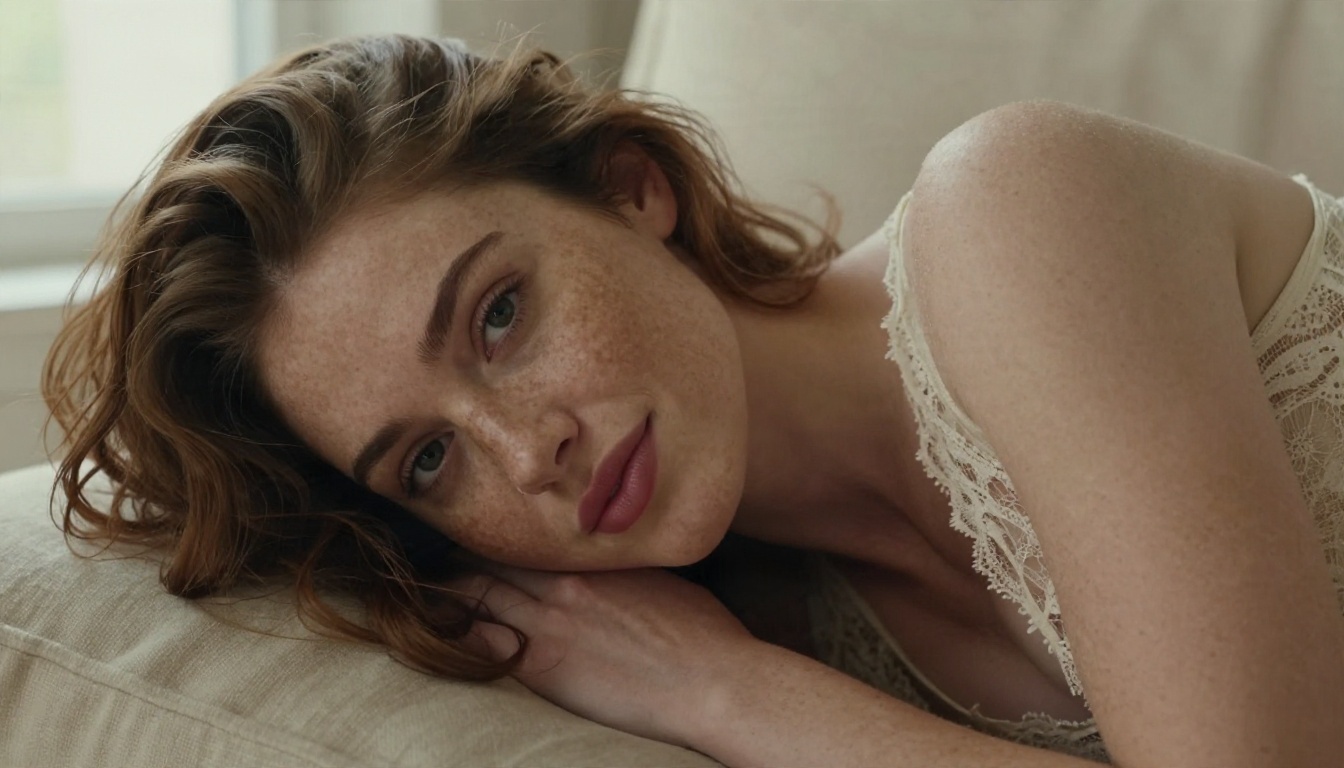
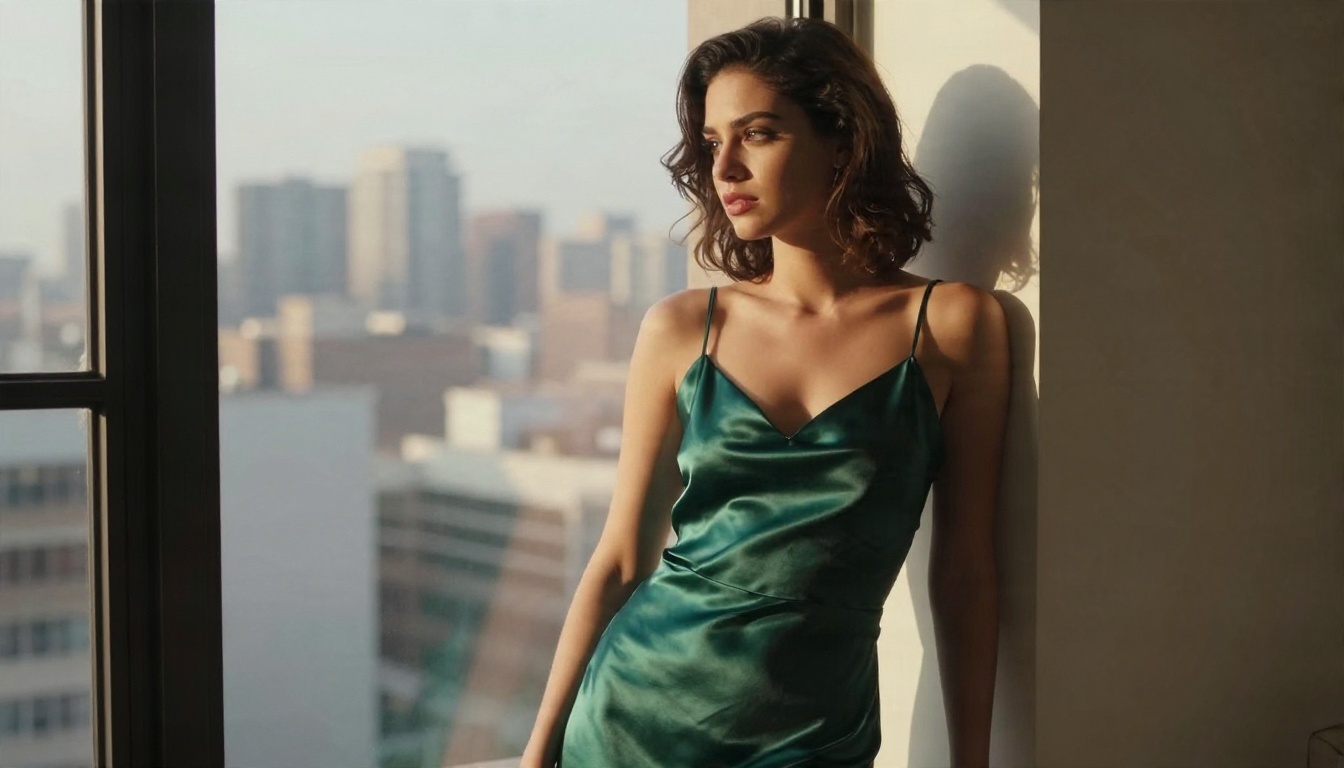
Boudoir style works because it feels personal. Soft window light from one side, a shallow depth of field, visible skin texture and a relaxed expression do more than any explicit detail could. If you prompt for those ingredients, even modest models produce results that look like real photographs.
Why Realism Beats Polish
Many AI images look fake because the skin is airbrushed to plastic. Add real photographic cues to your prompt: pores, fine hair strands, fabric thread detail, film grain and a specific lens such as an 85mm at f/1.8. These details tell the model to produce a photograph, not an illustration.
Better Alternatives on PicassoIA
Motion Muse is not on PicassoIA yet, and PicassoIA does not offer it. For similar results today, try these models, listed in the order I would reach for them for glamour and adult-leaning aesthetics. Always keep your content legal, consensual and within each model's rules.
Seedream 4.5 Comes First
Seedream 4.5 is the model I would open first. It produces sharp skin, believable fabric and natural light, and it outputs at up to 4096 by 4096 pixels. It also accepts reference images, so you can keep a character or outfit consistent across a series. For glamour and swimwear shoots, that consistency matters more than any single perfect frame.
Seedream 4.5 also includes a safety checker setting. When relaxed, moderation is limited to blocking illegal content. That setting is there for adult creators working with fictional subjects, and it comes with responsibility: no real people without consent, nobody underage, nothing illegal, ever.
Image Editor Pro Is the Speed Option
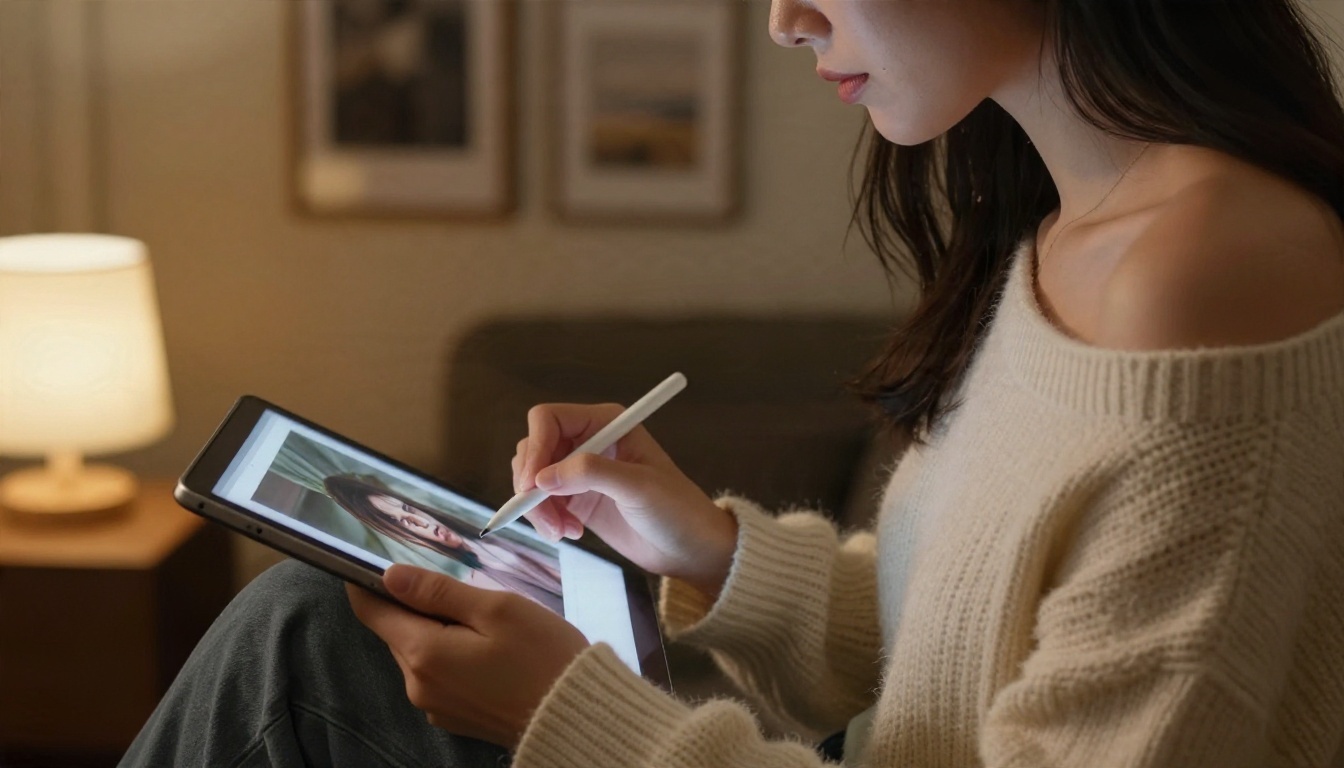
PicassoIA Image Editor Pro is built for people who iterate. Edits finish in a few seconds, and there is no per-edit cap and no daily quota. That changes how you work. Instead of rationing credits, you can try ten wardrobe changes, five lighting setups and three backgrounds in one sitting. It accepts up to three reference images, and you can address each by name in your prompt ("image 1" for the person, "image 2" for the outfit).
Flux 2 Klein for Repeatable Styles
Flux 2 Klein 9B Base LoRA is useful when you want a consistent aesthetic across many images, such as a fixed color grade or editorial look. It rewards patient prompting, so keep your wording specific.
What About Motion and Video?
Motion Muse is attractive because it adds movement. PicassoIA also has a wide range of video models, and you can browse them all at picassoia.com/en/all-models. A strong workflow is to perfect a still image first, then animate it. Stills are cheaper to iterate on, so you will waste fewer video renders.
How to Get Similar Results on PicassoIA
This tutorial uses Seedream 4.5, the first alternative above. You can follow the same flow in Image Editor Pro.
Step by Step Setup
- Open the Seedream 4.5 page on PicassoIA.
- Write your prompt in the prompt box (it accepts up to 4,000 characters).
- Set size to 2K for quick tests or 4K for final images.
- Set aspect ratio to 16:9 for wide scenes or 9:16 for phone-first content.
- Leave sequential image generation on "disabled" for a single image, or switch to "auto" and raise max images (up to 15) to get a related set.
- Optionally upload one to 14 images in image input to keep a face, outfit or setting consistent.
- Generate, pick your favorite and refine the prompt.
Parameter Tips That Matter
| Setting | Recommended value | Why |
|---|
| Size | 2K while testing, 4K to finish | Saves time on drafts |
| Aspect ratio | 16:9 or 3:2 | Matches photography framing |
| Max images | 4 to 6 | Gives variety without chaos |
| Image input | 1 to 3 references | Keeps character consistent |
Prompt Structure That Works
Follow a repeatable formula: subject and pose, setting, light direction, lens, texture details, film look. Here is an example:
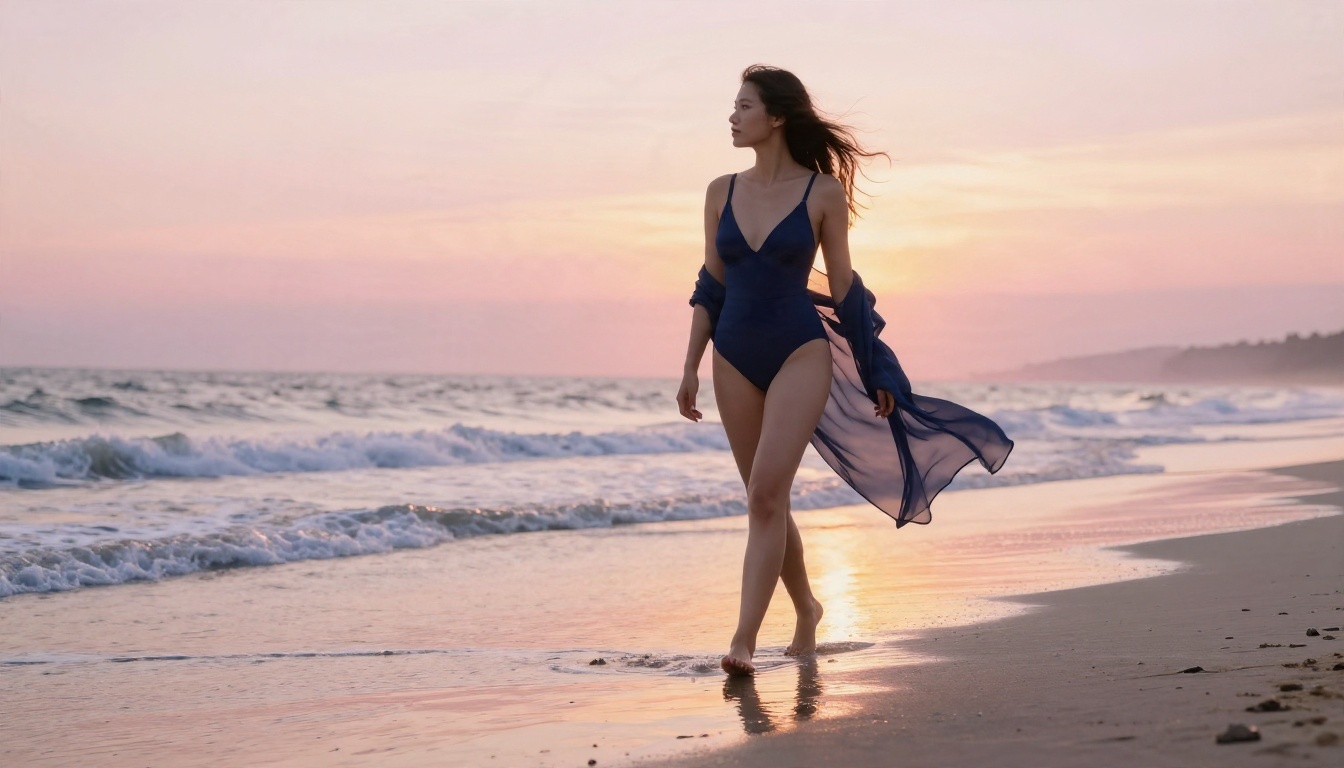
A woman in a navy one-piece swimsuit and sheer wrap walking along a quiet shoreline at sunrise, wet sand reflecting pink and gold sky, backlit soft morning light, 24mm lens at low height, windblown hair, realistic sand grain and skin texture, Kodak Portra 400 film grain.
Prompt Recipes for Glamour Scenes
Here are three ready-to-adapt recipes. Swap the details to fit your own character.
Poolside Golden Hour
Low-angle photograph of a tanned woman in a classic white bikini at the edge of an infinity pool, water droplets on her shoulders, palm trees, warm orange sky, rim light from the right, 35mm f/2, realistic skin texture, Kodak Portra 400 grain.
Why it works: the low angle adds confidence, and the rim light separates the subject from the sky.
Boudoir by the Window
Close-up of a woman with freckles in a cream lace bodysuit on a linen couch, soft window light from the left, 85mm f/1.4, visible pores and lace thread detail, creamy background blur.
Why it works: one light source keeps the mood intimate and the shadows soft.
Rooftop Fashion at Dusk
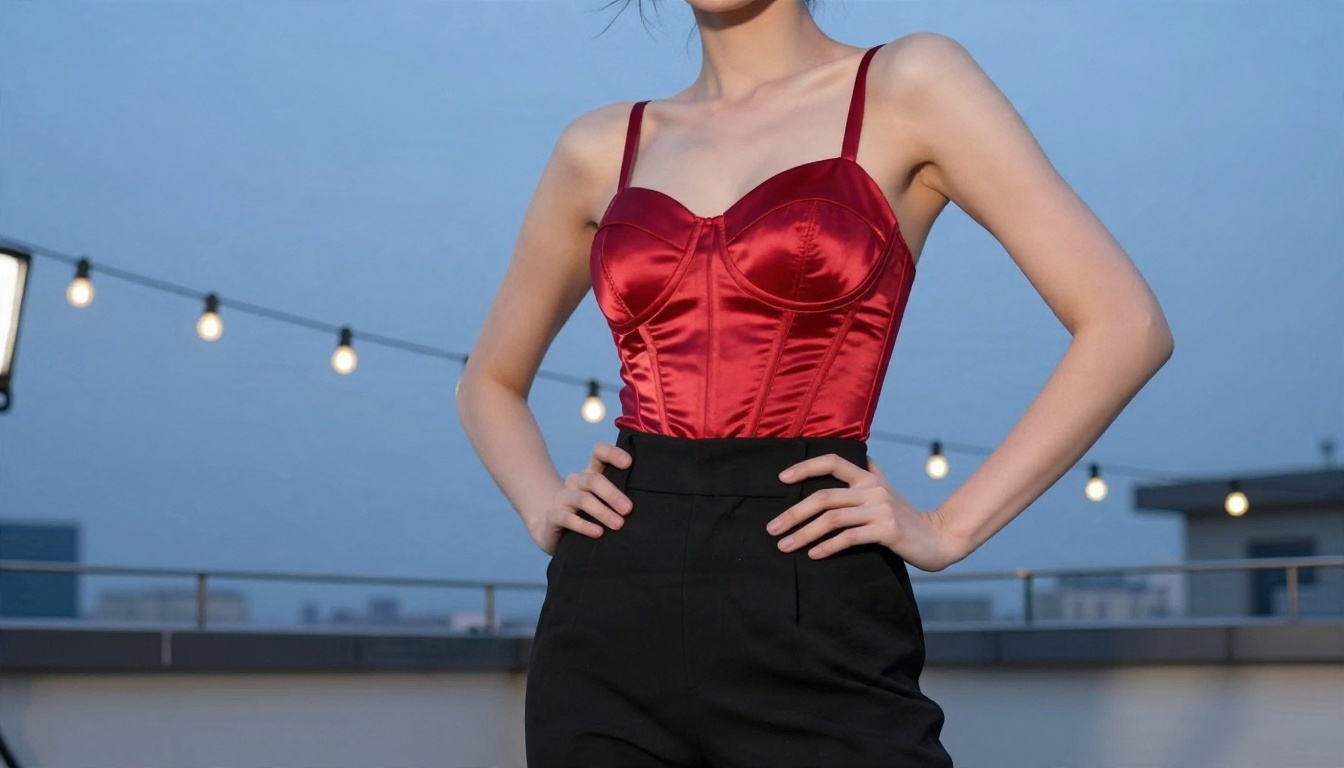
Full-length photograph of a woman in a red satin corset-style top and tailored black trousers on a rooftop terrace at blue hour, hand on hip, reflector fill from the left, 70mm f/2, satin sheen and stitching detail.
Why it works: mixing bold lingerie-inspired pieces with tailoring gives a fashion editorial feel without anything explicit.
Three Common Mistakes
- Vague prompts. "Sexy woman" gives generic results. Specify light, lens and fabric.
- Over-smoothing. Asking for "flawless skin" produces plastic faces. Ask for pores and natural texture.
- Too many subjects. One person per image keeps anatomy clean.
Motion Muse vs PicassoIA Models
| Question | Motion Muse | PicassoIA alternatives |
|---|
| Explicit content | Reported as not allowed | Not the goal here, stay non-explicit |
| Official policy found | No | Model pages list their features and inputs |
| Free plan details | Could not be confirmed | Several models offer free generation |
| Edit quota | Unknown | Unlimited with Image Editor Pro |
| Resolution | Unknown | Up to 4K with Seedream 4.5 |
I would rather admit what I could not verify than pad this table with guesses. If you already use Motion Muse for safe-for-work animation and are happy with it, keep using it. If you hit its filter, switch tools instead of fighting it.
Rules Worth Following
Adult-leaning creative work comes with responsibilities, and the good tools only stay good if people use them sensibly.
- Fictional subjects are safest. Create original characters rather than copying a real person's face.
- Get consent if you ever use a real person's photo, and keep records.
- Never involve minors, in any form, ever.
- Respect platform rules where you publish. Many social networks restrict even tasteful swimwear content, so check before posting.
- Label AI content when a platform asks you to.
💡 Tip: Keep a folder of your best prompts with the seed number and settings. When you land a look you love, you can reproduce it later.
Try It Yourself
The honest answer to "Is Motion Muse NSFW friendly?" is probably no, and you do not need it to be. If what you want is glamour, boudoir and swimwear imagery that looks like real photography, you have better options sitting a click away.
Start with Seedream 4.5 for a first batch of sharp, photorealistic portraits. Bring your favorites into PicassoIA Image Editor Pro and iterate as many times as you like with no edit cap. Add Flux 2 Klein 9B Base LoRA when you want a consistent signature style.
Pick one of the prompt recipes above, change three details to make it yours, and run it. Then browse everything else on offer at picassoia.com/en/all-models. Your next favorite image is one prompt away.


