You have probably done this already: pasted the same brief into two chatbots, squinted at both answers, and stitched together the best paragraphs by hand. That habit is the whole idea behind multi model AI writing. Instead of trusting one system to be good at everything, you ask several, compare the drafts, and keep what works. It takes a few extra minutes and it often produces a noticeably better first version.
This article walks through how the workflow works, which free tools are worth opening, prompts you can copy today, examples of how different models handle the same task, and what pricing looks like once limits and credits enter the picture.
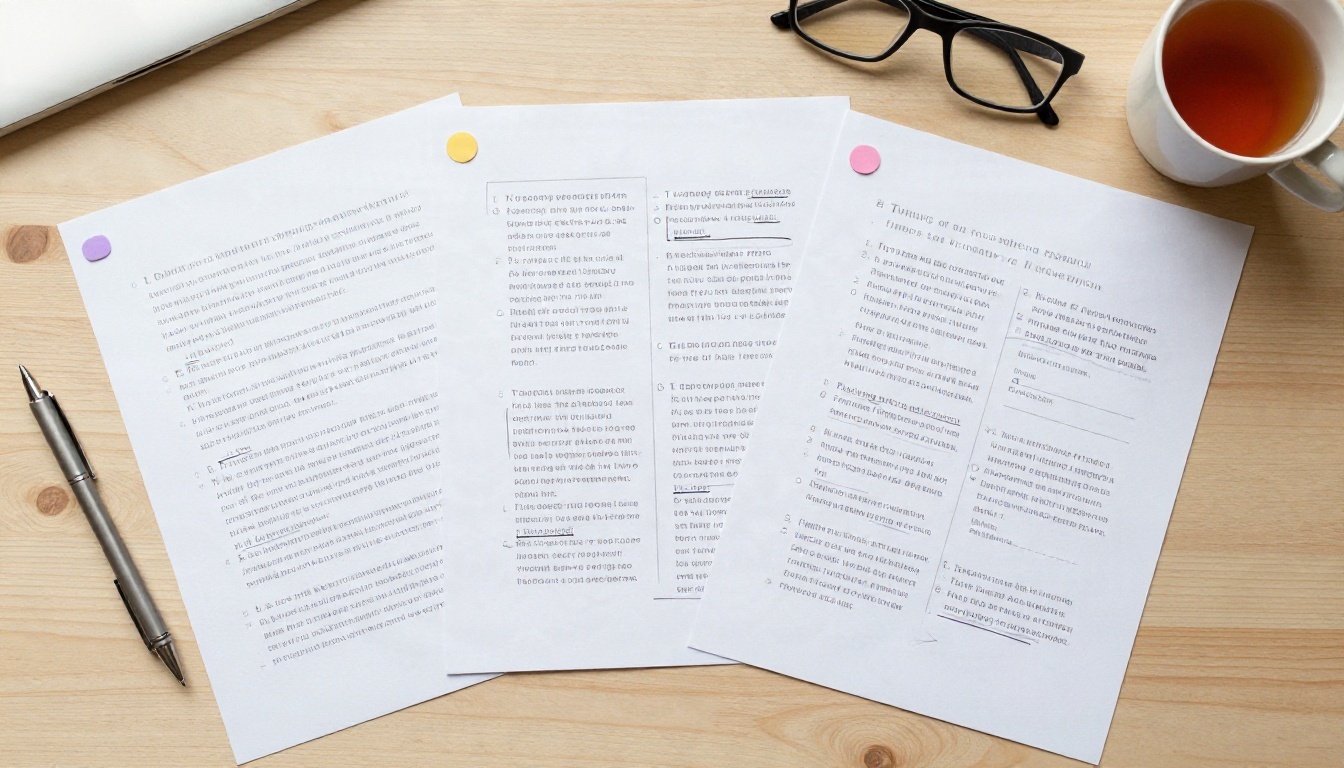
What Multi Model AI Writing Means
One Prompt, Several Voices
Multi model writing means sending one brief to two or more language models and treating their answers as raw material. One draft might have the sharpest opening line. Another might structure the argument better. A third might simply be shorter and cleaner. You are the editor, and the models are three writers who never get tired.
There are two common ways to do it:
- Parallel drafting: same prompt, several models, compare outputs side by side.
- Relay drafting: one model writes, another critiques, a third rewrites using the critique.
Parallel drafting is faster and good for headlines, intros and product copy. Relay drafting takes longer but suits articles, reports and anything where accuracy matters.
Why One Model Falls Short
Every model has habits. Some pad every answer with caveats. Some love bullet points. Some write warm, flowing prose but invent a statistic when you are not looking. Using a single model means inheriting its habits in every document you produce, and after a few weeks readers can often spot them.
💡 Quick test: paste the same paragraph request into two different models. If both answers open with the same sentence shape, your prompt is steering the style more than the model is. Add a voice instruction and try again.
A second reason is cost and speed. Small, fast models handle social captions and rewrites perfectly well. Larger reasoning models earn their price on long, structured pieces. Matching the model to the job saves both time and money.
Chat Assistants With Free Tiers
The big general assistants all offer some kind of free tier, and for casual writing that is often enough. The catch is that limits change often: message caps, slower responses at busy hours, and access to older or smaller models only. Check each vendor's current page before you plan a workflow around it, because figures quoted in reviews vary and age quickly.
What free tiers are good for:
- Rewriting a paragraph in a different tone
- Producing five headline options
- Summarizing a long email thread
- Turning bullet notes into a first draft
What they are less good for: long documents, heavy daily use, and anything where you need a specific model every time.

Open Weight Models on PicassoIA
If you want several models in one place, PicassoIA's large language model collection is a practical starting point. Many of the models there come from open families, which is why you will see them described as free to try. A few worth testing for writing:
Writing Apps With Credit Plans
Dedicated writing apps such as Writesonic, Chatsonic and Copy.ai bundle templates, a brand voice feature and access to several underlying models. Their free plans usually come with a small word or credit allowance. Reported paid prices vary a lot between review sites, roughly from the high teens to a few dozen dollars per month at the entry level, so treat any single number with caution and confirm it on the vendor's own page.
| Tool type | Best for | Typical free limit | Watch out for |
|---|
| General chat assistant | Quick rewrites, ideas | Daily message cap | Older model on free tier |
| Writing app with templates | Marketing copy at volume | Small monthly word or credit pool | Credits burn faster on larger models |
| Open model collection | Comparing many models | Varies by model | You choose the model, so you need a plan |
Prompts You Can Copy
Good prompts do more work than model choice. The three below are designed for multi model use: the same text goes to every model, so differences in the output come from the model and not from your wording.

The Three Draft Prompt
Write the opening 120 words of a blog post about [topic] for [audience]. Tone: [warm, direct, a little dry]. No clichés, no rhetorical questions, no lists. End on a sentence that makes the reader want the next paragraph.
Run it on three models. Pick the strongest opening, then ask a different model to continue from it. The constraints at the end (no clichés, no lists) matter: they strip out the habits models fall back on when left alone.
The Critic Prompt
Here is a draft. Act as a blunt editor. List the five weakest sentences, say why each is weak in one line, and suggest a tighter version. Do not rewrite the whole piece.
This works best when the critic is a different model from the writer. A model tends to approve of its own phrasing, so a second opinion catches flat sentences and repeated points more reliably.
The Voice Match Prompt
Below are two samples of my writing. Describe my voice in five bullet points: sentence length, vocabulary, humour, punctuation habits, and what I never do. Then rewrite the draft below to match.
Run the description step once, save the result, and paste it at the top of future prompts. That small block of text becomes a reusable style sheet that you can carry across models.
💡 Tip: keep a single note with your three best prompts. Copy, paste, compare. The speed of the workflow depends on how little you retype.
Real Examples Side by Side
These examples describe typical differences you will see when comparing models on the same brief. Outputs vary from run to run, so use them as a pattern to look for, not as a ranking.

Product Description Test
Brief: a 60 word description of a hand poured soy candle for a small online shop.
- A fast, small model such as GPT 5.6 Luna tends to return something tidy and neutral in seconds. Good enough for a catalogue, a bit generic for a homepage.
- A larger model such as GPT 5.6 Terra usually adds more sensory detail and a clearer closing line, at the cost of a little more waiting.
- Claude Sonnet 5 often leans towards a gentler, more literary tone, which suits boutique brands and gift shops.
The useful move is not choosing a winner. It is lifting the best sensory phrase from one draft, the cleanest structure from another, and the closing line from a third.
Newsletter Intro Test
Brief: a 100 word intro for a weekly newsletter about local cycling routes.
- Gemini 3.5 Flash tends to be quick and upbeat, good for casual newsletters.
- Kimi K2.6 can produce longer, more structured answers, so you may need to trim.
- Claude Fable 5 is built for harder tasks, and on a short brief like this it is often more than you need. Save it for long or tangled assignments.
💡 Rule of thumb: short and routine means a fast model. Long, structured or high stakes means a larger one.
Which Model Writes What Best
No table can replace trying your own brief, but patterns hold well enough to give you a starting lineup. Treat the "best for" column as a hypothesis to test.

A few habits make the comparison fair:
- Same prompt, word for word. Do not tweak it between models.
- Same length limit. Otherwise the longer answer always feels richer.
- Judge the draft cold. Read it the next morning or after a break, not right after generating.
- Fact check names, dates and numbers. Every model can state something wrong with total confidence.
The Real Cost of Pricing
Subscriptions vs Pay Per Use
There are two main ways to pay for writing models. A flat subscription gives you a monthly allowance and predictable cost. Usage based pricing charges for what you generate, which is cheaper if you write a little and more expensive if you write a lot.

| Your habit | Likely best fit | Why |
|---|
| A few prompts per week | Free tiers | Limits rarely get in the way |
| Daily short copy | One subscription plus free tools | Predictable cost, extra models on the side |
| Heavy long form output | Usage based access to several models | You pay larger models only when needed |
| Team workflows | A shared plan with a brand voice feature | Consistency across writers |
Hidden Limits
Sticker prices rarely tell the full story. Before paying, look at:
- Model access: does the plan include the model you actually want, or only a smaller sibling?
- Credit burn: larger models often use more credits per word.
- Context length: short limits make long documents painful.
- Speed at busy hours: free and low tier users may queue behind paying ones.
- Export and ownership: check that you can take your text with you.
💡 Budget trick: draft with a fast, inexpensive model, then send only the final two or three paragraphs to a larger model for polish. You spend premium credits where they show.
Run This Workflow on PicassoIA
You do not need to juggle five tabs. The same prompt can be run across several models from one place. Here is a simple routine:
- Open the large language models collection on PicassoIA and pick three models. A good mix is one fast model, one balanced model and one larger model, for example Gemini 3.5 Flash, Claude Sonnet 5 and GPT 5.6 Terra.
- Paste the Three Draft Prompt from above into each one, unchanged.
- Copy the three outputs into a single document and mark the best sentence in each.
- Send the merged draft to a fourth model with the Critic Prompt.
- Apply the edits, then do a final read yourself.

Parameter tips:
- Lower temperature (where offered) for factual, consistent copy. Raise it for brainstorming.
- State the length as a number of words, not "short" or "long".
- Name the reader. "For first time home buyers" beats "for everyone".
- Paste your voice description at the top of every prompt.
For students and solo writers: the free open models are enough for outlines, rewrites and study notes. Keep a larger model for the one piece that really matters.

Try It Yourself Today
Pick one piece you need to write this week: an email, a product description, a newsletter intro. Run the Three Draft Prompt on three different models, keep the best lines, and let a fourth model act as your editor. The first round will feel slower. By the third, you will have a routine that takes about ten minutes and produces copy that reads less like a chatbot and more like you.
PicassoIA brings many of these language models together, and the same account also covers image, video, voice and music tools, so your article, its illustrations and its audio version can all come from one workspace. Open the model list, choose three writers, and run your first side by side test.