Type "naked AI no login" into a search bar and you get a wall of promises: free, unlimited, uncensored, no account needed. Then you click, and half of those pages ask for an email, show a credit counter or quietly blur the result. That gap between the headline and the reality is exactly what this article is about. You will see what no-login adult AI tools usually offer, where the limits hide, what the privacy and legal risks look like, and which alternatives give you attractive, photorealistic results without the runaround.
💡 Quick answer: Truly free, no-login, no-limit adult AI is rare. Most tools trade one of those three things away. The most reliable route for suggestive, non-explicit images today is a platform with strong photorealistic models and generous generation limits.
What "Naked AI No Login" Really Means
The search intent behind it
People who type this phrase want three things at once: zero friction, zero filters and zero cost. They do not want to hand over an email, they do not want a refusal message, and they do not want a paywall after the second try. It is a reasonable wish. It is also a combination that very few services can afford to offer, because running GPU-heavy image models and large chat models costs real money for every single request.
That is why so many "free uncensored" pages are really lead funnels. They show a prompt box, let you type, and then ask you to sign up before the output appears.
Chat versus image tools
The phrase covers two different products, and mixing them up causes most of the disappointment.
| Type | What you get | Typical catch |
|---|
| Uncensored chat | Roleplay, flirty conversation, story writing | Short memory, message caps, login after a few turns |
| Image generators | Suggestive portraits, swimwear, boudoir style | Credits, watermarks, low resolution, queue times |
| Photo editors | Outfit swaps, background changes, retouching | Account needed to export full quality |

Free Uncensored Chat Without an Account
What no-login chat gives you
Anonymous chat bots are the easiest category to find. You open a page, type a message and get a reply. Many of them run smaller open-weight language models, which tend to follow loose instructions more readily than the big commercial assistants. For flirty dialogue, fan fiction or character roleplay, that can be enough.
Expect the following in practice:
- Short context windows. The bot forgets details from ten messages ago.
- Repetitive style. Smaller models fall into the same phrases quickly.
- Silent moderation. Some sites say "uncensored" but still trim replies behind the scenes.
Where the limits show up
The wall usually arrives after five to twenty messages. A pop-up asks you to create an account, or a daily counter reaches zero. Some reviewers report free tiers capped at roughly fifteen prompts per day, and that figure matches what many sites do in practice. Treat any "unlimited" claim as unproven until you have sent a few dozen messages yourself.
💡 Test before you trust: Send ten messages in a row, refresh the page, then send ten more. If the site still answers without asking for anything, the claim holds up. If not, move on.
Names people keep mentioning
A handful of services come up again and again in reviews of no-login image generators. Perchance is the most frequently named, and people describe it as open without an account. Mage.space, DeepAI and Venice AI also appear in lists of tools that let you try generation before registering. Reviewers describe the results as moderate in resolution, often with simple interfaces and a limited choice of models.
These are third-party products, and their rules change often. A tool that was open last spring may now ask for a login. Always check the current terms on the site itself.
Hidden catches to watch for
The honest picture from hands-on tests is mixed. Some tools advertised as "free unlimited" display a login prompt or a credit message the moment you press generate. Others lead to a trial workspace that already shows zero credits. The common catches are:
- Credit systems. Free credits run out after a handful of images.
- Watermarks. The clean file is behind a subscription.
- Low resolution. Free output is often small, with soft skin detail and warped hands.
- Slow queues. Free users wait while paid users jump ahead.
- Hidden filters. The word "uncensored" in the title does not guarantee it in the product.
Limits, Privacy and Legal Lines
Real people are off the table
This is the most important section of the article. An uncensored tool removes platform filtering. It does not remove the law. Creating nude or sexual images of a real person without their consent is harmful, and in many countries it is a crime, whichever website or model you used. That includes celebrities, coworkers, exes and anyone whose photo you did not create yourself with permission.
Keep your projects to fictional adult characters, original models you invent, or your own consenting self. Never involve anyone who looks or is described as under 18. Good platforms block these requests, and you should not try to work around that.
Your data and your logins
No-login sites sound private, but the reverse can be true. Without an account system, there is often little documentation about how prompts and generated images are stored. A few habits protect you:
- Never upload photos of other people.
- Do not reuse a main email or password on small, unknown sites.
- Assume prompts may be logged, and write nothing you would not want read aloud.
- Skip any site that asks you to install a browser extension just to generate an image.
Better Alternatives on PicassoIA
If your goal is attractive, suggestive, photorealistic images such as swimwear, lingerie, boudoir and glamour portraits, a platform built around strong image models will beat a random no-login page on quality, speed and consistency. PicassoIA focuses on non-explicit adult aesthetics, and the lineup below is ordered by how well it fits that use.
Seedream 4.5 comes first
Seedream 4.5 is the model to start with. It produces sharp, high-resolution portraits with convincing skin texture, natural lighting and clean hands, which are the exact areas where free no-login tools struggle most. It handles swimwear, silk robes, lace and beach scenes with ease, and it follows long, detailed prompts closely.
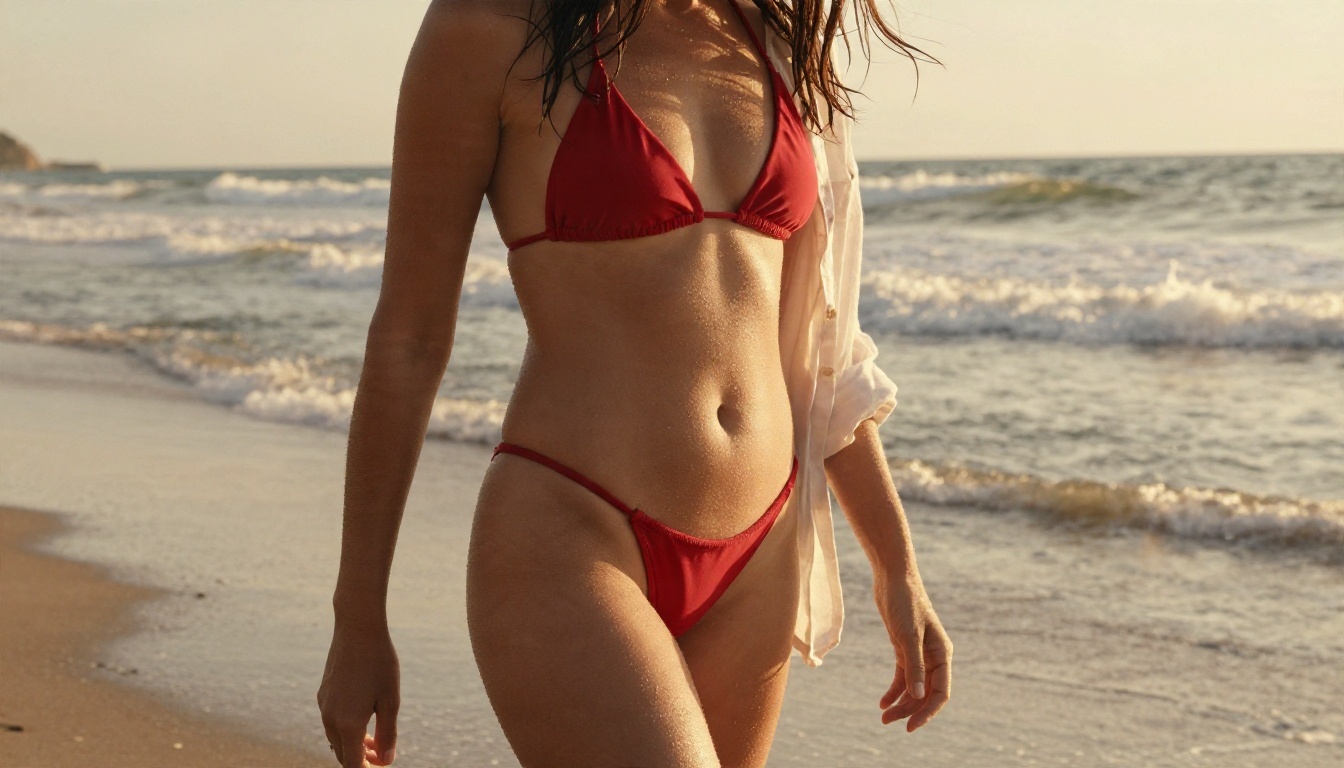
Image Editor Pro for unlimited edits
PicassoIA Image Editor Pro is the second stop. It is built for unlimited generations, which solves the biggest complaint about the free tools above: running out of credits after three attempts. Use it to change outfits, adjust lighting, swap a background or fix small details on an image you already like. Because there is no counter ticking down, you can iterate ten or twenty times until the result looks right.
Other models worth trying
| Model | Best for | Link |
|---|
| Seedream 4.5 | Detailed glamour portraits, 4K realism | Open model |
| Image Editor Pro | Unlimited edits and outfit changes | Open model |
| Qwen Image 3 Pro | Photorealistic faces and natural light | Open model |
| Z Image Turbo | Very fast drafts while you refine a prompt | Open model |
| Flux 2 Klein 9B Base LoRA | Styled looks with LoRA control | Open model |
💡 Good to know: Content moderation exists on every serious platform. A prompt that leans too explicit may be blocked, and rewording it toward swimwear, silk or implied boudoir styling usually solves it. I hit exactly that while building this article: one overly bare prompt was refused, and a more modest version of the same scene worked on the next try.
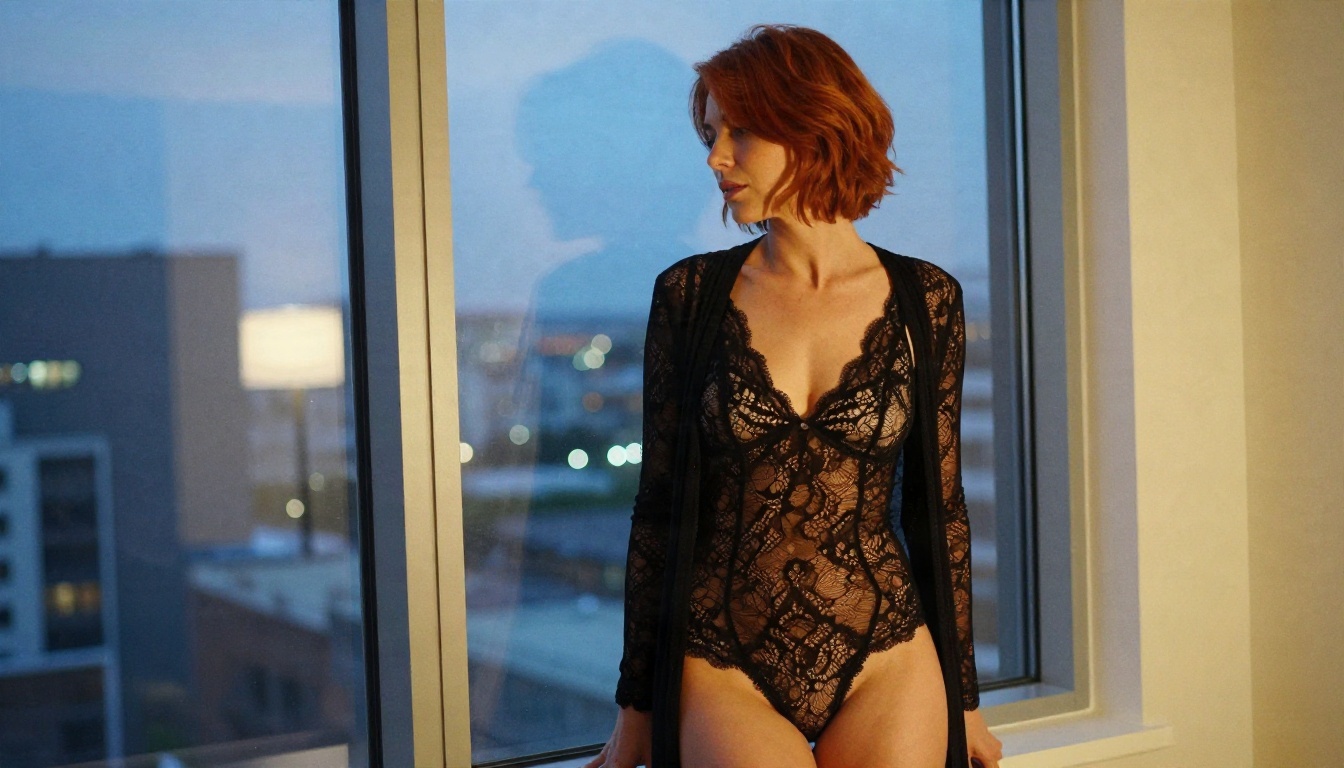
How to Use Seedream 4.5 on PicassoIA
Step by step
- Open the model page. Go to Seedream 4.5 on PicassoIA.
- Write a subject-first prompt. Start with the person, the pose and the outfit, for example "adult woman in a white one-piece swimsuit on a teak sun lounger".
- Add the environment. Name the place, the time of day and the background details.
- Describe the light. "Morning sun from the upper left" or "warm lamp light from the right" does more than any style word.
- Name the camera. Add a focal length and aperture, such as "85mm f/1.8", for natural depth of field.
- Pick 16:9 or 3:4. Wide frames suit scenery and lifestyle shots, tall frames suit portraits.
- Generate, compare and refine. Change one detail per run so you can see what each edit does.
Prompt tips that work
- Texture words win. "Visible skin pores", "fine freckles", "silk micro-folds" and "lace pattern detail" push the model toward realism.
- Film language helps. "Kodak Portra 400, fine grain" gives warm, natural color instead of a plastic look.
- Keep it tasteful. Terms like "boudoir", "glamour", "silk robe" and "bikini" give attractive results and pass moderation.
- Avoid style clutter. Skip "neon", "glowing" and "3D render" if you want a real photograph.
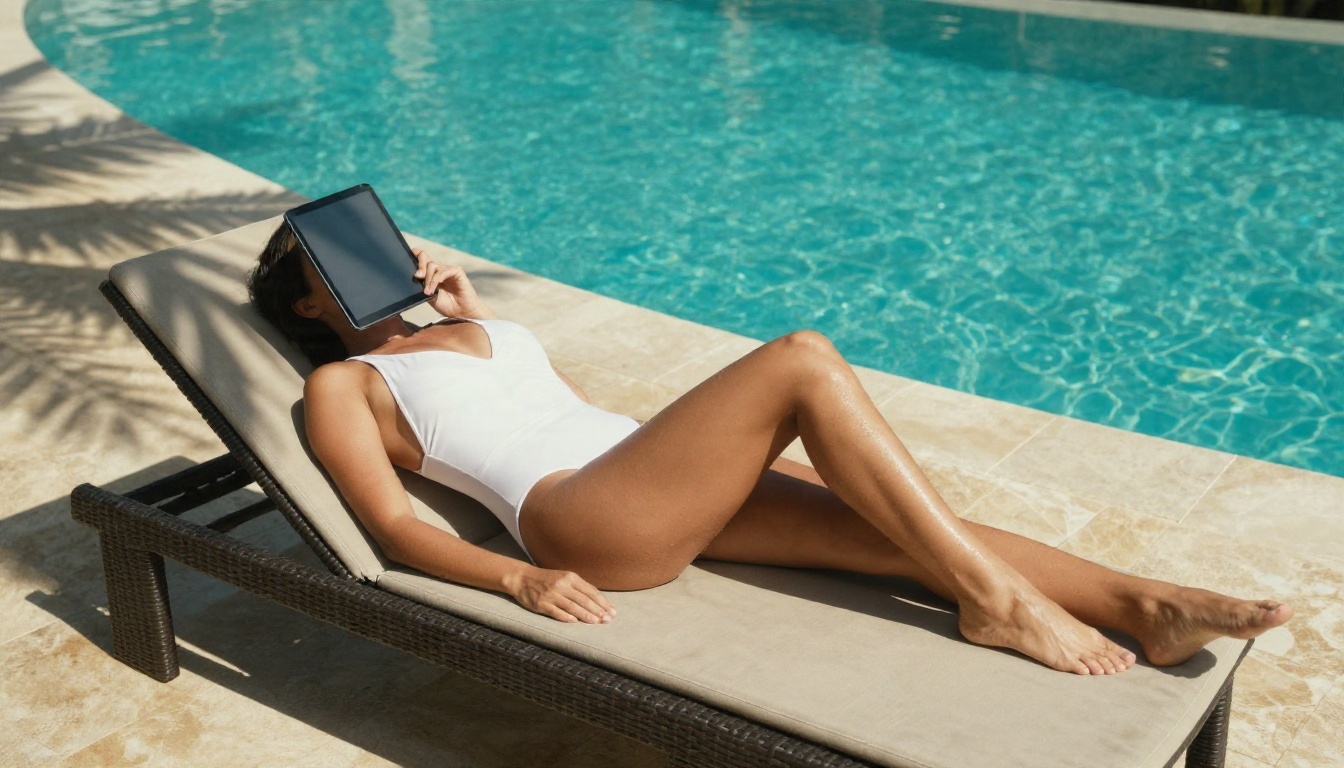
Using LLMs to Write Better Prompts
Let a chat model draft the prompt
Chat models are less useful as a source of adult content and far more useful as a prompt writer. Describe the scene in plain words and ask a model to expand it into a detailed image prompt with lighting, lens and texture details. Gemini 3.5 Flash is quick and handles long instructions well. Granite 4.1 8B is a free option for lighter jobs, and Qwen3.7-Plus is a strong pick when you want to feed in a reference image and ask it to describe the lighting.
A simple instruction works well: "Write a 70-word photorealistic image prompt of an adult woman in a silk robe in a sunlit loft. Include lighting direction, lens, skin texture and background details."
Check content before you share it
Llama Guard 4 12B is a moderation model. If you run a community, a blog or a shared gallery, it can help you screen prompts and captions before they go public. It is a practical safeguard when you publish adult-themed work.
💡 A note on honesty: Chat models differ in how they handle adult themes, and I cannot promise any particular model will discuss them. Try your use case with a short test first.
Start Creating Your Own Images
The honest summary of the no-login scene is simple. Free and anonymous tools can be fun for a quick test, but they trade away quality, privacy or limits, and the "uncensored" label rarely survives a few real attempts. If you want portraits that look like real photographs, with believable skin, light and fabric, you will get further with a proper model and room to iterate.
Here is a short plan you can follow today:
- Open Seedream 4.5 and write your first prompt using the subject, setting, light and lens pattern above.
- Move your best result into PicassoIA Image Editor Pro and refine outfits, backgrounds and details without worrying about a credit counter.
- Try Qwen Image 3 Pro or Z Image Turbo to compare looks and speed.
- Keep every character fictional and every subject an adult.
Picasso IA gives you a full set of photorealistic image models in one place, so experiment freely: change the light, swap the lens, try a new outfit and see how each tweak shifts the result. To see every model you can use, browse the full list at picassoia.com/en/all-models and start creating your own images today.


