Nano Banana 2 NSFW Prompts: Free Examples, Settings and Filter Not Working
Copy-ready Nano Banana 2 prompts for glamour, swimwear and boudoir style photos, a plain explanation of how its safety filter behaves, fixes for false blocks, and faster alternatives when you want fewer limits on adult-themed images.
You typed a perfectly normal prompt, a woman in a swimsuit on a beach at sunset, and Nano Banana 2 answered with a blank result or a polite refusal. Or maybe you went the other way and expected the filter to relax if you toggled the right setting, and nothing changed. Both situations are common, and both have a clear explanation. This article gives you free Nano Banana 2 NSFW prompts that stay on the suggestive, glamour side, shows which settings count, explains why the filter is not working the way you expected, and points you to models that handle adult-themed photography with far fewer headaches.
💡 Quick answer: Nano Banana 2 will not produce explicit content, and no prompt trick or setting changes that. It does produce tasteful glamour, swimwear and boudoir style photos, but its filter is jumpy. Rewording usually fixes false blocks. If you want fewer limits, jump to the section on Seedream 4.5 and PicassoIA Image Editor Pro.
What Nano Banana 2 Actually Allows
Nano Banana 2 is Google's fast image model for generating, editing and fusing pictures. It is strong at photorealism, consistent faces across edits, and following long, detailed instructions. It is also built by a company with strict content policies, and that shapes everything below.
Where the Line Sits
Based on what developers and users report, the behavior falls into three zones:
Lingerie campaigns, boudoir style portraits, wet hair and towel shots
Blocked
Refusal or empty output
Explicit nudity, sexual acts, real public figures, minors in any suggestive context
So when people search for NSFW with this model, the realistic target is the middle zone: suggestive, attractive, non-explicit photography. That is what the examples below aim for.
Two Filter Layers, Not One
Reports describe two separate layers. The first is an input and output check that developers can sometimes tune through API safety thresholds. The second is a server-side policy check that sits behind it. Setting thresholds to the most permissive value on older Nano Banana models still led to image-safety blocks for many developers, which is why the idea of a "switch to turn the filter off" keeps disappointing people.
💡 Third-party blogs disagree on the details, and Google changes its filters without much notice. Treat any article that promises a permanent bypass as unreliable, including old ones that worked last month.
Why Harmless Prompts Get Blocked
The filter is cautious by design. Fashion sellers and photographers have complained that underwear catalog photos and ordinary swimwear shots trigger image-safety errors even when nothing is explicit. Words, body framing, wet fabric, extreme close-ups of skin, and certain pose descriptions all raise the score. The result looks random, but it is not. A few patterns explain most false blocks, and the fixes section below handles them one by one.
Free Prompt Examples You Can Copy
Every prompt below is written for adult subjects only, stays non-explicit, and uses the structure that tends to pass Nano Banana 2: subject, clothing, setting, light, lens, texture. Swap details freely.
Boudoir Portrait on a Sunlit Bed
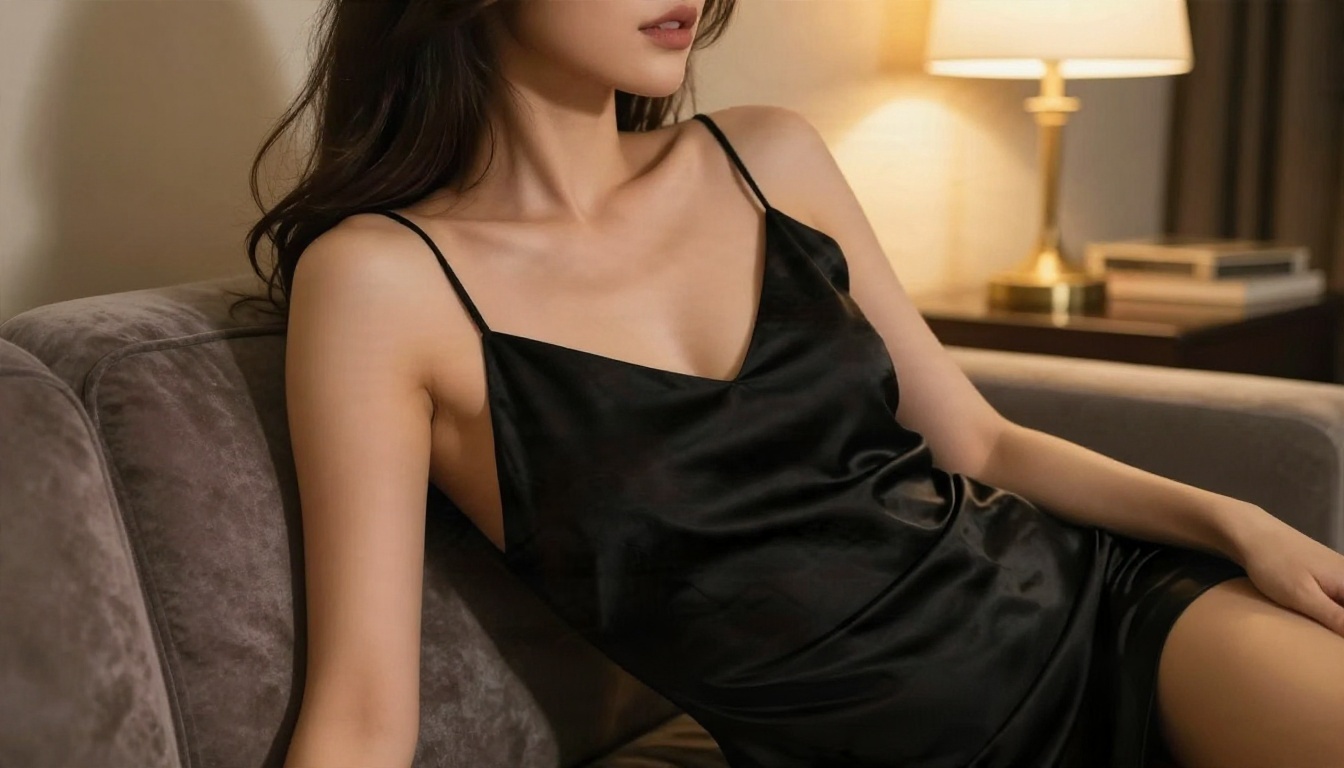
Photorealistic portrait of an adult woman in her late twenties with wavy
chestnut hair, wearing a black satin slip dress, lounging on a velvet sofa
and glancing over her shoulder at the camera. Warm table lamp light from the
right, soft shadows along the neck, 85mm f/1.8 lens, shallow depth of field,
natural skin texture with visible pores, satin sheen, Kodak Portra 400 film
grain, elegant editorial mood.
Why it works: the clothing is clearly named, the mood is "editorial", and nothing in the wording points to nudity. Naming a lens and film stock pushes the model toward a fashion magazine look instead of a risky one.
Golden Hour Beach Swimwear
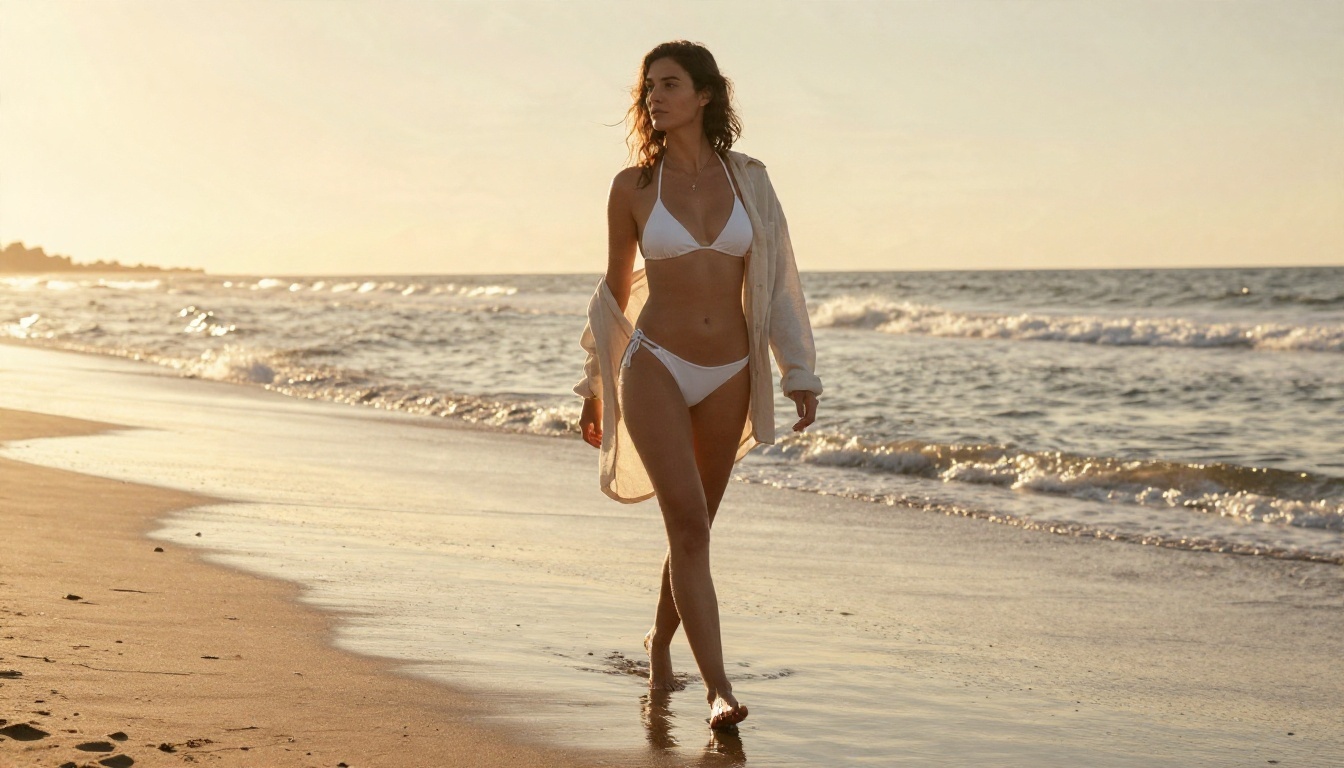
Wide low-angle photograph of an adult woman in a classic white bikini walking
along an empty Mediterranean beach at golden hour, linen shirt over her arm,
gentle waves around her ankles, warm backlight creating rim light on her
hair, sun-kissed skin texture, salt spray in the air, 35mm f/2 lens, Kodak
Portra 400 grain, tasteful swimwear photography.
Wide shots are safer than tight crops. The further the camera sits from the body, the less likely the filter is to flag the frame.
Poolside From Above
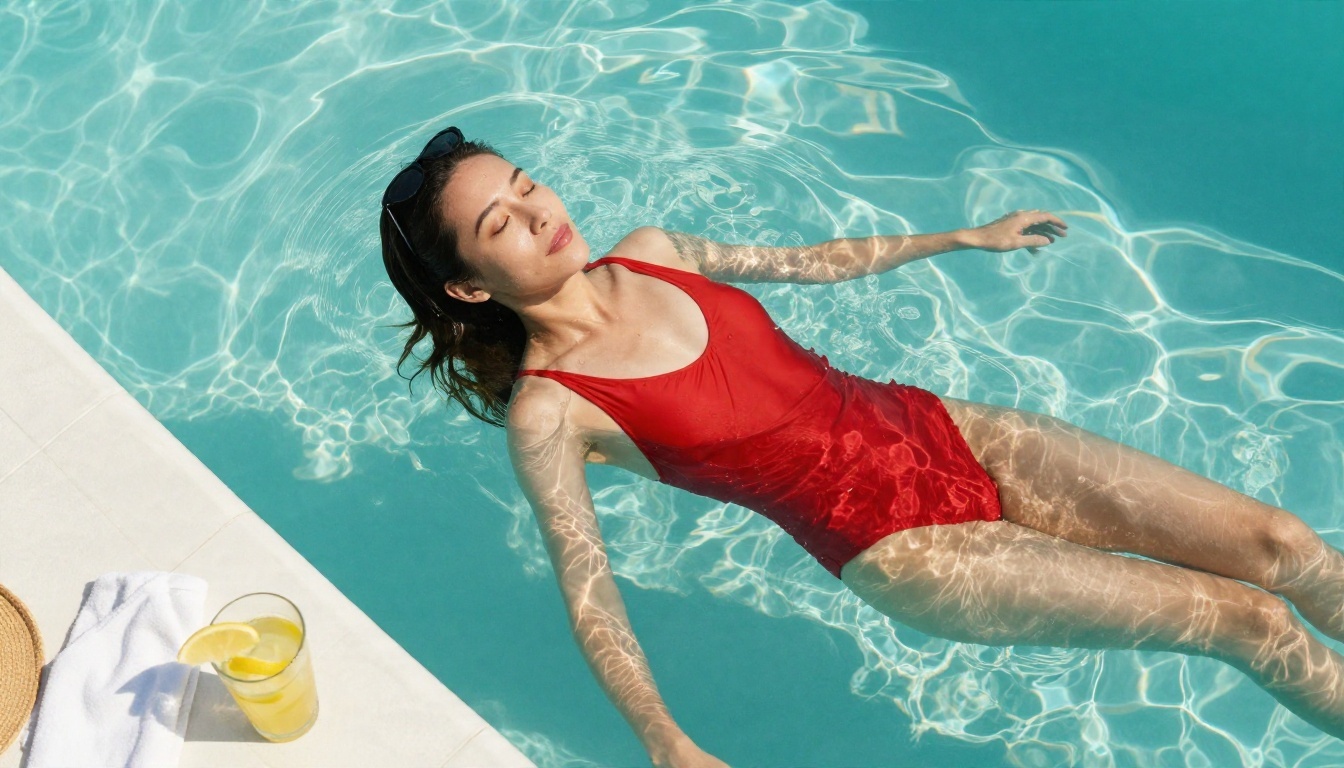
Overhead photograph of an adult woman in a red two piece swimsuit floating on
her back in a turquoise infinity pool, sunglasses pushed up into her hair,
caustic water patterns on the tiles, a folded towel and a glass of lemonade
on the pool edge, hard midday sun, 24mm f/4 lens, crisp water droplets,
Kodak Portra 400 film grain, summer glamour.
An aerial angle adds variety and puts the focus on color and setting. Props like lemonade and towels make the image read as a lifestyle shot.
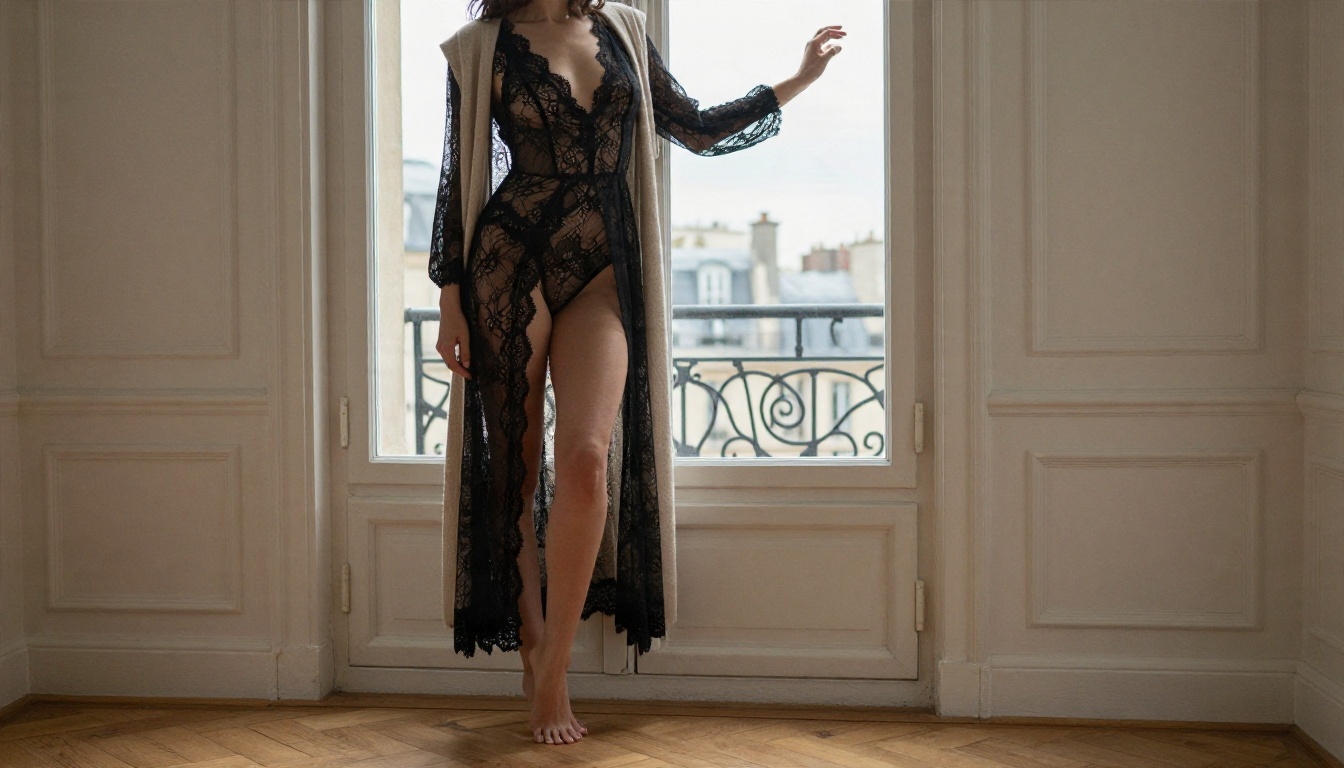
Lace and Window Light in Paris
Medium shot of an adult woman in a black lace bodysuit with a long cream
cardigan draped over her, standing at a tall window in a Paris apartment,
overcast daylight from the front left, parquet floor, moulded walls, one hand
on the window frame, 50mm f/1.8 lens, detailed lace texture, subtle film
grain, editorial boudoir.
Adding a cardigan or robe is the single easiest way to keep a lingerie-style prompt out of the blocked zone. It also adds layers and texture that look good on camera.
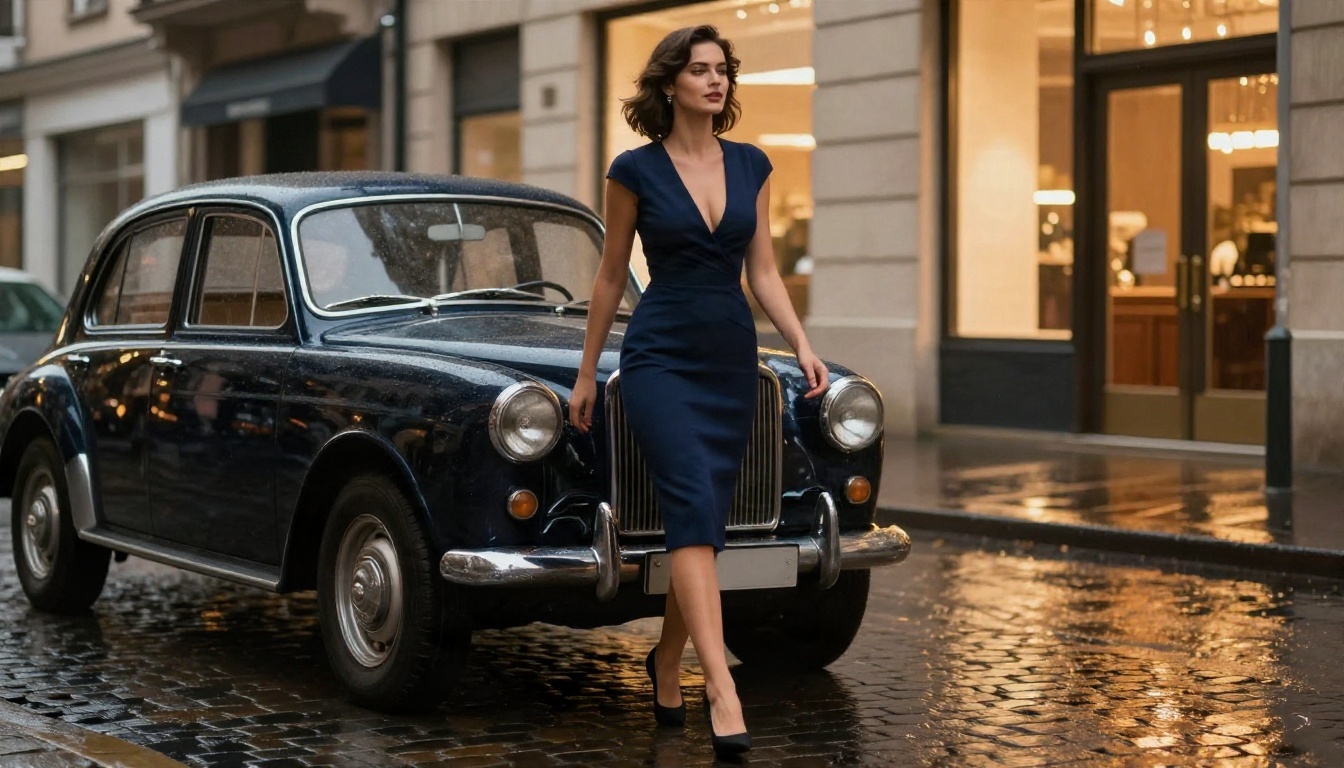
Evening Glamour in the Rain
Full-length low-angle photograph of an adult woman in a fitted navy cocktail
dress with a deep neckline, stepping out of a vintage car on a rainy city
street at dusk, warm shop window light on her right, wet cobblestones
reflecting amber highlights, 70mm f/2 lens, natural skin and fabric detail,
subtle film grain, classy suggestive fashion glamour.
This one proves that "suggestive" does not need skin. A deep neckline, rain, and good light carry the mood.
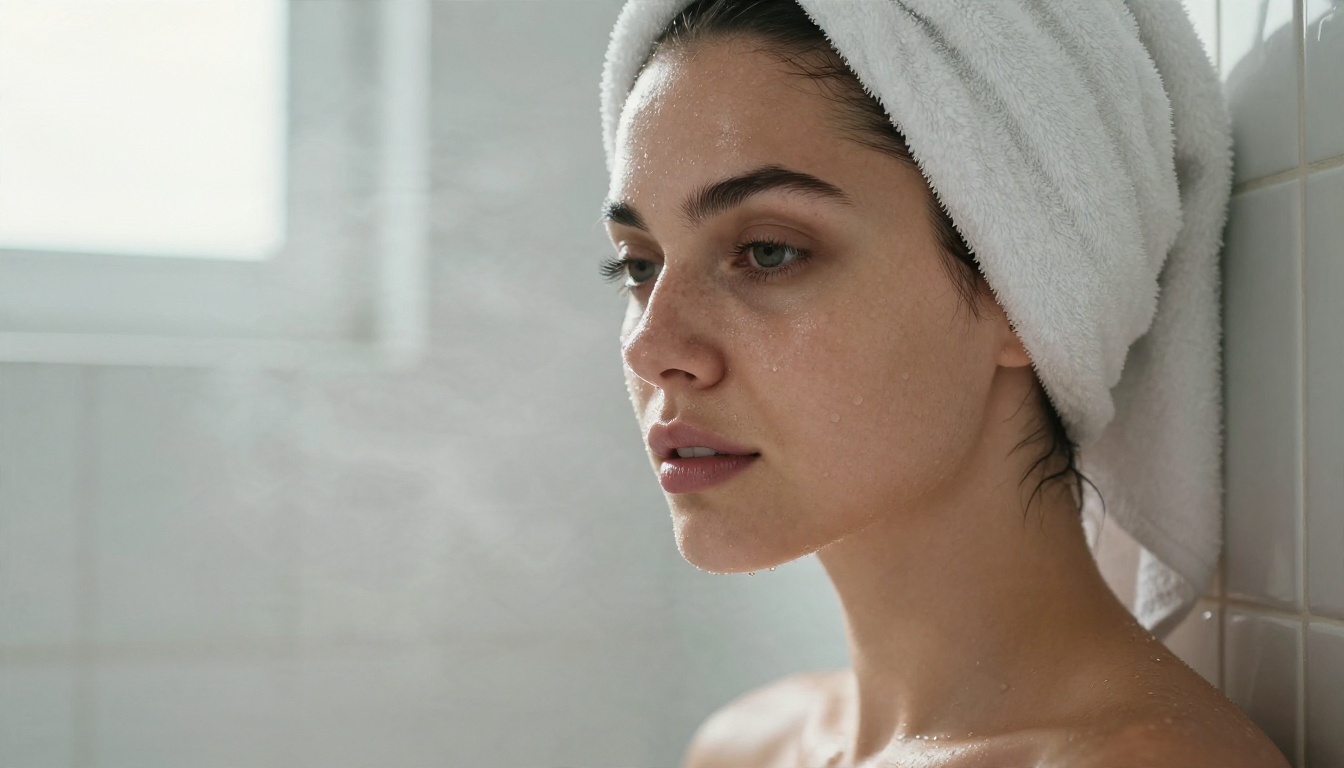
Spa Morning Close-Up
Tight portrait of an adult woman with damp hair wrapped in a white towel at
shoulder level, fresh dewy skin with light freckles, leaning against a tiled
wall, diffused window light from the left, faint steam, 100mm macro f/2.8
lens, detailed skin pores and water droplets, Kodak Portra 400 grain, spa
glamour.
Keep the frame at shoulder level. Wet skin plus a low crop is exactly the combination that trips the filter.
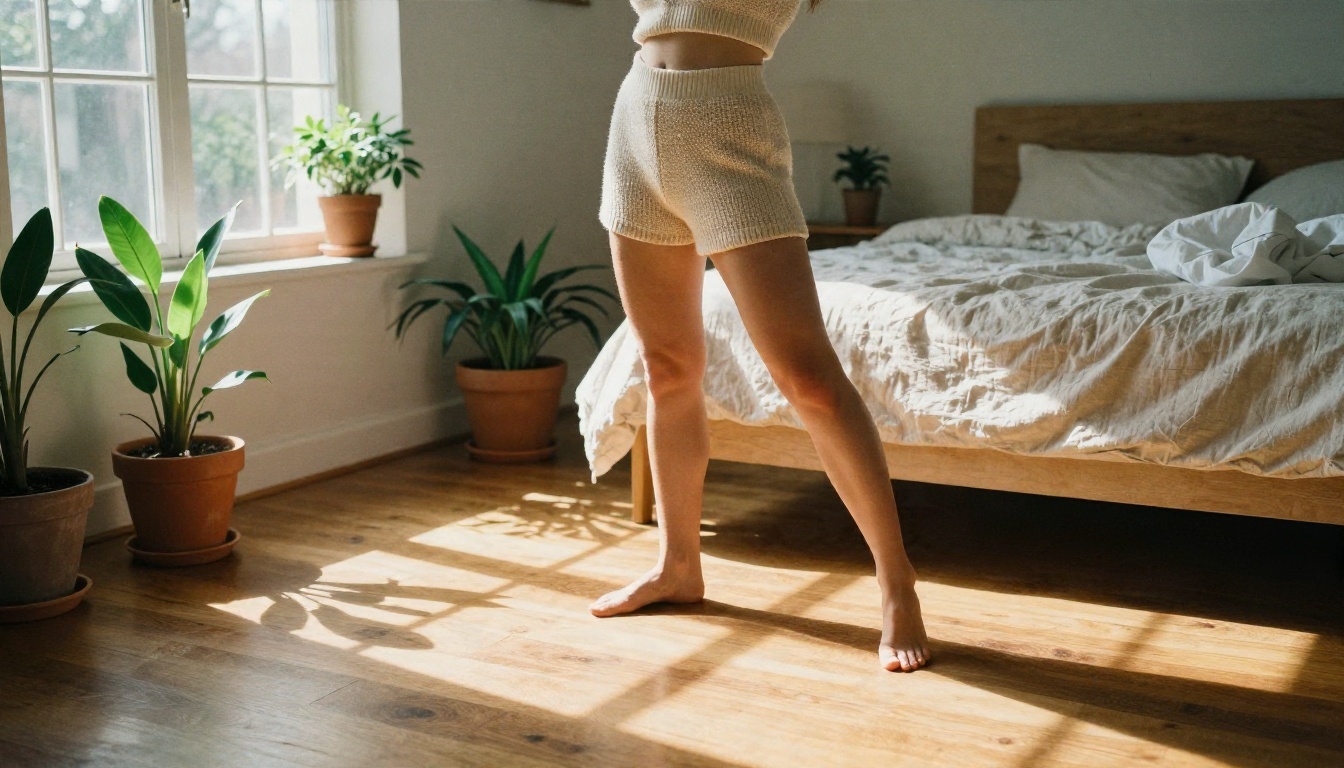
Casual Bedroom Morning
Wide interior photograph of an adult woman in a cream knit crop top and
high-waisted shorts stretching by a sunlit bedroom window with potted plants,
linen bed behind her, low sun from the right casting long warm shadows on the
wooden floor, 28mm f/2.8 lens, natural skin glow, fabric weave texture,
Kodak Portra 400 film grain, casual lifestyle glamour.
Everyday clothes with a bedroom setting read as lifestyle photography and pass far more reliably than anything labeled "sexy".
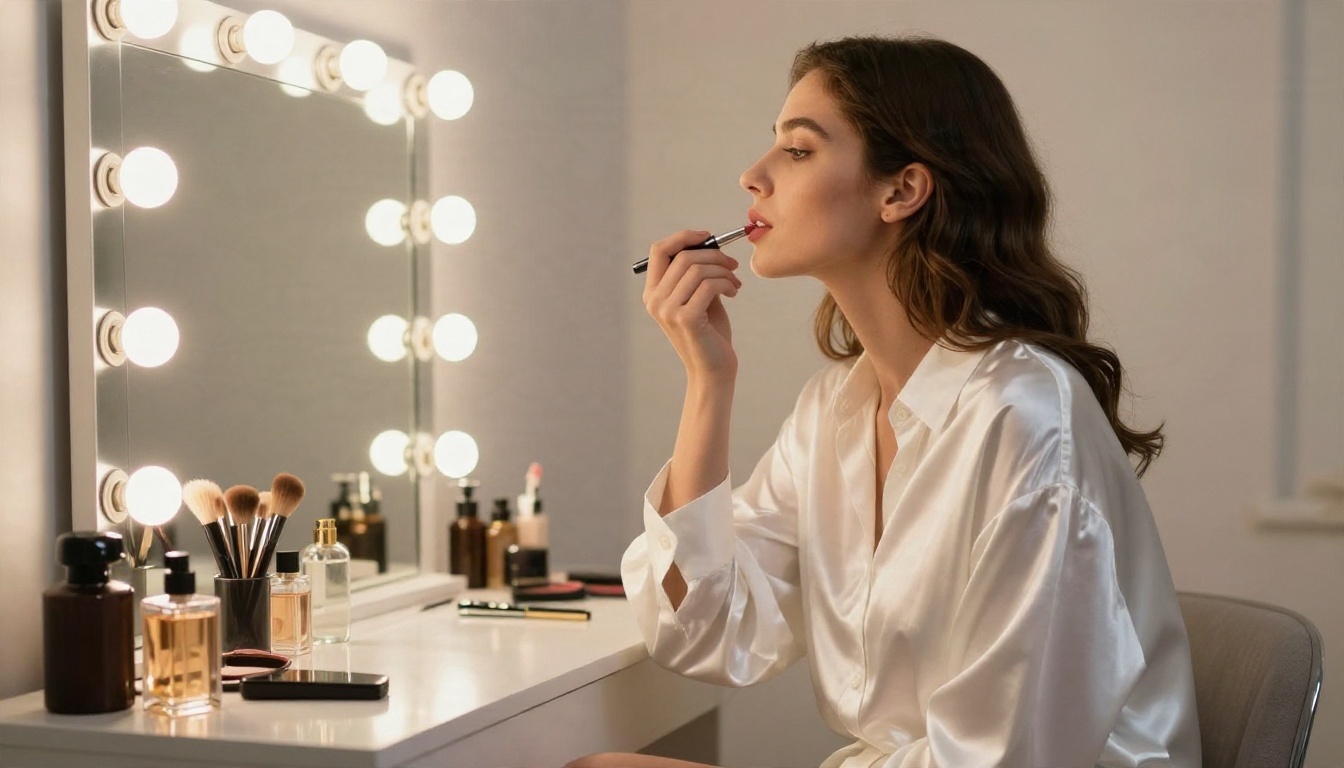
Dressing Room Vanity
Side profile photograph of an adult woman in an oversized white button-up
shirt with a satin robe draped over her shoulders, applying lipstick at a
bulb-lined vanity mirror in a dressing room, warm frontal light, perfume
bottles and brushes on the table, 85mm f/1.8 lens, shallow depth of field,
satin sheen, Kodak Portra 400 grain, fashion editorial.
💡 Prompt formula: [adult subject] + [named clothing] + [setting] + [light direction] + [lens] + [skin and fabric texture] + [film stock] + [editorial mood]. Remove any word that names a body part in a sexual way, and the model rarely complains.
Settings That Actually Matter
There is no "NSFW toggle" in Nano Banana 2. What you control is how much risk your request carries, and how well the model can read your intent.
Prompt Wording
Setting or habit
Safer choice
Riskier choice
Adjectives
elegant, editorial, glamour, classy
sexy, naughty, seductive, erotic
Clothing
named garments plus a layer on top
"barely wearing", "almost nothing"
Framing
medium or wide shot
tight crop on chest or hips
Skin state
dry, natural light
oiled, soaked, dripping
Subject
clearly adult, invented person
real names, celebrities, youthful wording
Style
photography terms, lens, film stock
"uncensored", "nsfw", "no filter"
The last row matters most. Typing "nsfw" or "uncensored" into a prompt is a flag, not a key. It only makes a block more likely.
Aspect Ratio, Resolution and Seeds
Aspect ratio and resolution do not change the filter, but they change how much body appears in the frame. A tall 9:16 portrait invites full-body composition, while 16:9 tends to include more environment, and environment is your friend. Use a fixed seed when a prompt finally passes, so you can adjust one detail at a time and keep the result stable.
API Safety Thresholds
If you call the model through an API, you may see safety threshold parameters. Developers report that lowering them does not guarantee a result, because the server-side policy check still runs. Some platforms mention a review process for specialized contexts such as age-verified adult services, but that is a business arrangement, not something you set in a prompt. Never rely on it for a personal project.
Reference Images and Editing
Nano Banana 2 shines at editing: you upload a photo and ask for a new outfit, a new background or a lighting change. Edits tend to be checked more strictly than fresh generations, especially when a real person's photo is involved. Only edit images of yourself or people who gave clear permission.
Filter Not Working? Try These Fixes
When people say the filter is not working, they mean one of two things: it blocks everything, or it does not unlock anything. Here is how to deal with each.
Fix 1: Rewrite the Prompt Calmly
Read your prompt like a moderator would. Replace emotional or sexual adjectives with photography language. Move the focus from the body to the setting. Most false blocks disappear after this one pass.
Fix 2: Add a Layer and Widen the Shot
If a boudoir prompt is refused, add a robe, cardigan, shirt or blanket, and switch from "close-up" to "medium shot". These two changes solve a large share of refusals on their own.
Fix 3: Split the Request in Two
Generate a clean base image first: the person, the room, the light. Then use the model's edit mode for small changes, such as swapping a dress color or adjusting hair. Smaller steps carry less risk than one heavy prompt.
Fix 4: Check the Error Type
Message
Likely meaning
What to do
Image safety block
Output looked risky
Soften wording, widen frame
Prompt blocked
Input text flagged
Remove flagged words
Empty result, no text
Silent policy refusal
Reword and retry with a new seed
Works once, fails after
Filter updated or session flagged
Wait, start fresh, simplify
Fix 5: Stop Chasing Bypasses
Prompt injection tricks, role-play setups and character-swapping strings circulate on forums. They break often, they get patched, and using them to get around a provider's rules can violate its terms. A better answer is to use a model that was built for the content you want. That is the next-to-last section.
💡 If a prompt is blocked three times in a row, stop. Repeated attempts on one account can make future requests stricter.
How to Use Nano Banana 2 on PicassoIA
If your goal is tasteful glamour, swimwear or fashion photography, Nano Banana 2 is a solid choice on PicassoIA, and you can run the prompts above directly.
Paste one of the prompts above into the prompt box.
Choose a 16:9 ratio for scenes with environment, or 3:4 for portraits.
Generate, then review the result before changing anything.
If you get a refusal, apply the fixes from the previous section, one change at a time.
When you like a result, upload it back into the model as a reference and ask for a small edit, such as a different outfit color or time of day.
Parameter Tips
Be specific about clothing. Named garments pass more often than vague descriptions.
Describe light in words. "Soft window light from the left" gives realism and a calm tone.
Mention the lens. An 85mm portrait lens or 35mm lifestyle lens pushes the style toward real photography.
Keep skin natural. Words like "visible pores" and "fine peach fuzz" give believable detail without sexual wording.
Want a lighter and cheaper version for quick drafts? Nano Banana 2 Lite is built for speed, and Nano Banana Pro handles sharper 4K output when you want detail. The original Nano Banana is still useful for simple edits.
Better Options for Adult Themes
If your prompts keep colliding with a strict filter, the practical move is to switch tools, not fight the tool. These are the models to try on PicassoIA, in the order I would test them.
Seedream 4.5 First
Seedream 4.5 is the first model to try for adult-themed photography. It produces sharp 4K images, handles skin and fabric with a natural look, and is far less jumpy about swimwear, lingerie style and glamour prompts. The same prompts from this article usually work without the extra softening steps. Speed is good too, so you can run several variations in a row.
PicassoIA Image Editor Pro
PicassoIA Image Editor Pro is the one for unlimited generations. You can iterate as often as you like, edit outfits, backgrounds and lighting, and not worry about burning through a quota while you find the right wording. It is a good second step after Seedream 4.5: generate the base image there, then refine it in the editor.
💡 Whatever model you pick, keep your subjects adult and invented, and keep your results within the rules of the platform you use. Good glamour photography is about light, mood and styling, not shock.
Nano Banana 2 vs the Alternatives
Question
Nano Banana 2
Seedream 4.5 and Image Editor Pro
Explicit content
Not allowed
Check each model's rules
Swimwear and glamour
Works, with occasional false blocks
Works with fewer refusals
Editing and fusing photos
Excellent
Excellent, with unlimited use in the Editor Pro
Speed
Fast
Fast
Best use
Realistic fashion and lifestyle
Adult-themed glamour with fewer limits
A simple workflow: draft in Nano Banana 2 when the prompt is clean and you want its editing strength, and move to Seedream 4.5 or the Editor Pro the moment a harmless prompt keeps getting blocked.
Make Your Own Images Now
You now have seven ready-made prompts, a formula for writing new ones, and a short checklist for when the filter acts up. The fastest way to build your own style is to run a prompt, change one detail, and compare. Try a different lens, a different time of day, or a new outfit layer, and see how the mood shifts.