You typed a perfectly reasonable glamour prompt into Nano Banana, hit generate, and got a blank result or a polite refusal. Sound familiar? You are not doing anything wrong. Google's image model is one of the sharpest photorealistic generators around, but its safety layer is strict, and in 2026 it got stricter. The good news is that a lot of suggestive, beautiful, non-explicit work still goes through if you phrase it the right way, and when it does not, there are free alternatives that simply say yes more often.
This article gives you the real picture: what Nano Banana blocks, which NSFW-style prompts (swimwear, boudoir, evening wear, glamour portraits) usually pass, copy-ready examples, and the best options when you need fewer limits.
💡 Quick answer: Nano Banana will not produce explicit content. Suggestive fashion and glamour prompts can work, but borderline wording is often blocked. For uncensored, unlimited generation, start with Seedream 4.5 or the PicassoIA Image Editor Pro.
What Nano Banana Actually Allows
Nano Banana is the nickname for Google's Gemini image model, and it ships with a safety filter that checks both your prompt and the picture it generates. Developer reports and community threads point to the same pattern: pornographic and sexually explicit requests are refused, anything involving minors is shut down with zero tolerance, and implied or suggestive content gets caught more often than people expect.

The filter checks twice
First your text is screened. Then the generated image is screened again. That is why you sometimes see a prompt accepted and still receive nothing back: the output itself tripped the second check. If the response comes back empty, the cause is usually the picture, not your words.
Stricter since early 2026
Several developer write-ups describe a tightening of the safety review around late January 2026. People report new blocks on implicit adult content, outfit swaps on real people, and famous faces. Some prompts that worked in 2025 now fail. If an old prompt list you found online stopped working, that is the likely reason.
False positives are common
Even clean fashion shoots get blocked. Forum posts from developers describe ordinary clothing photos refused because a crop framed the body in an unlucky way. The filter reacts to framing, skin ratio, and certain trigger words, not only to intent.
| What you ask for | Typical result |
|---|
| Explicit or pornographic scenes | Always refused |
| Anything involving minors | Always refused |
| Famous people, real faces | Frequently blocked |
| Bikini, swimwear, beach scenes | Often allowed |
| Boudoir or lingerie-adjacent wording | Hit and miss |
| Glamour portraits, evening gowns | Usually allowed |
Prompts That Usually Pass
The trick is to describe a photograph, not a body. Talk about light, lens, fabric, mood, and setting. Keep the subject an adult woman, clothed in something clearly fashion-oriented, and let the atmosphere carry the allure.
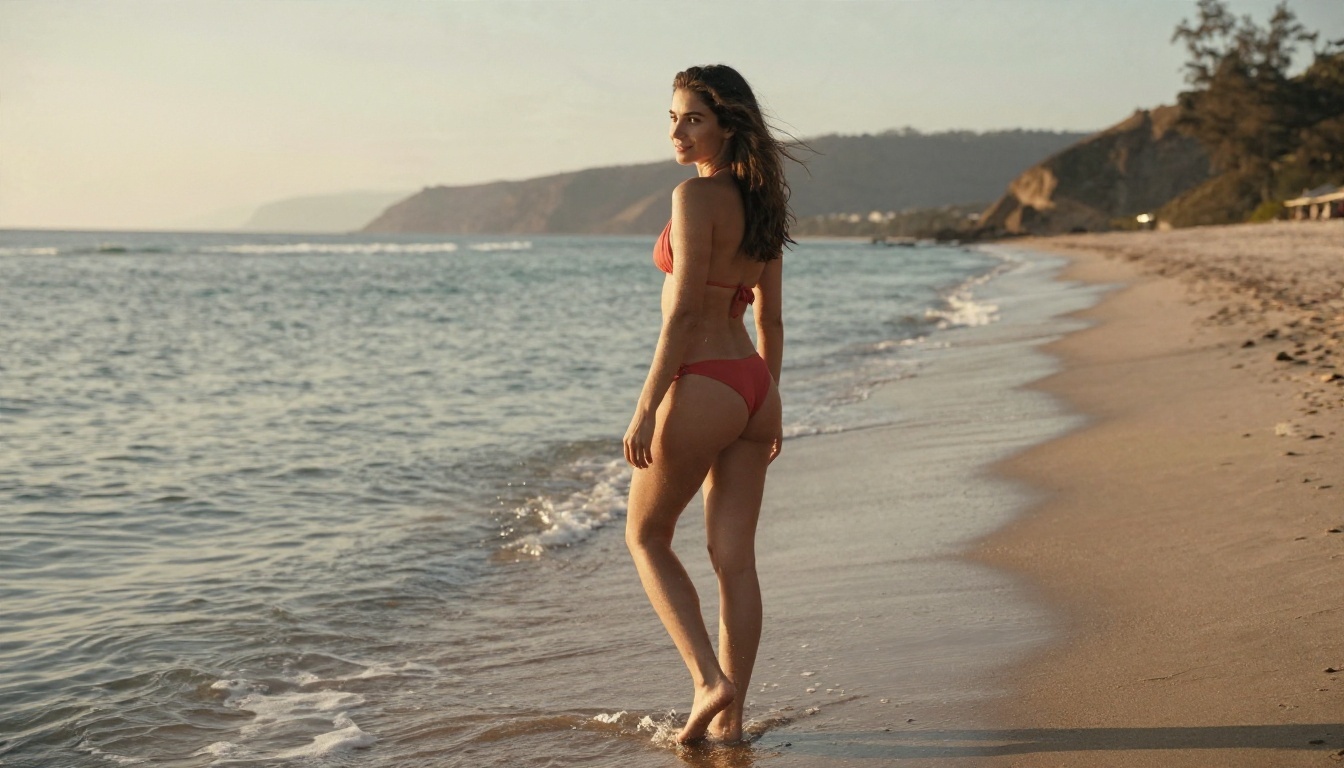
Beach and swimwear prompts
Swimwear is the safest entry point because it reads as lifestyle photography.
Example prompt:
Adult woman in a coral bikini walking along the waterline of an empty beach at golden hour, hair tousled by sea wind, glancing back over her shoulder, wet sand reflecting the sky, warm low sun from camera right, 50mm f/1.8 lens, visible skin texture, Kodak Portra 400 film grain, photorealistic.
Why it works: a clear setting, a natural pose, and photographic vocabulary. There is nothing in it the filter reads as a request for explicit content.
Boudoir with soft light
Boudoir is where wording matters most. Words like "lingerie" or "undressed" raise flags quickly. Describing the mood and the fabric works better.
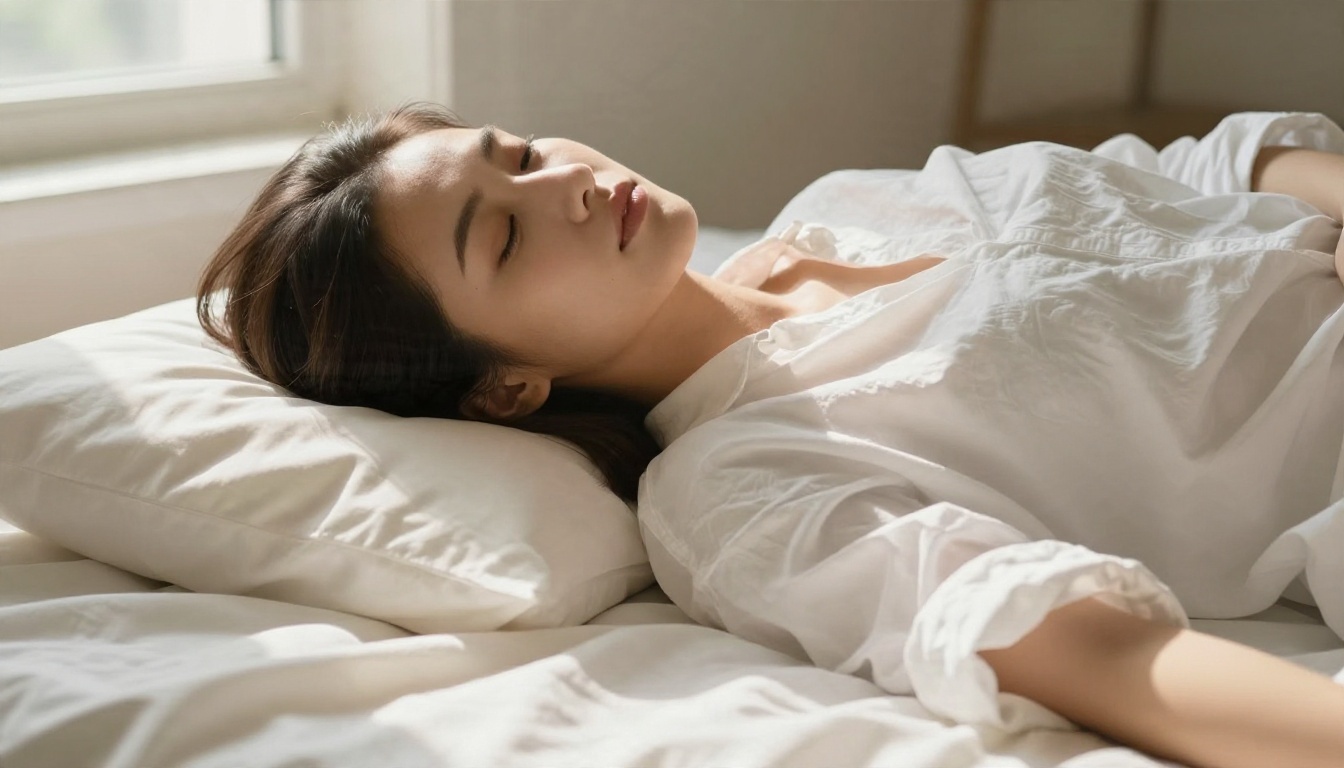
Example prompt:
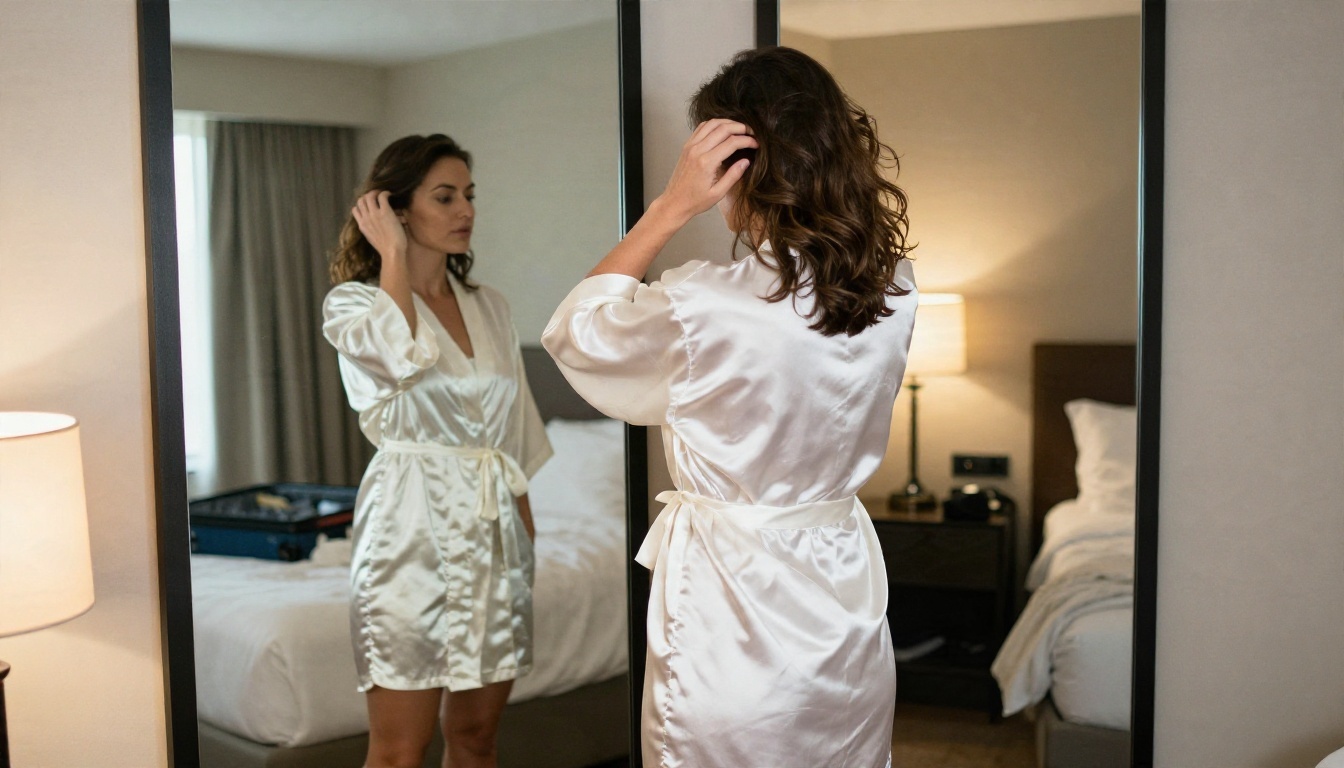
Close-up of an adult woman lying on rumpled ivory silk sheets in soft morning light, wearing an oversized white cotton shirt, one arm above her head, eyes half closed, window light from the left, fine fabric weave visible, 100mm lens at f/2.0, warm Kodak Portra 400 tones, photorealistic.
Evening wear and fashion drama
An open-back gown, a marble staircase, a chandelier. This is a fashion editorial, and filters treat it that way.
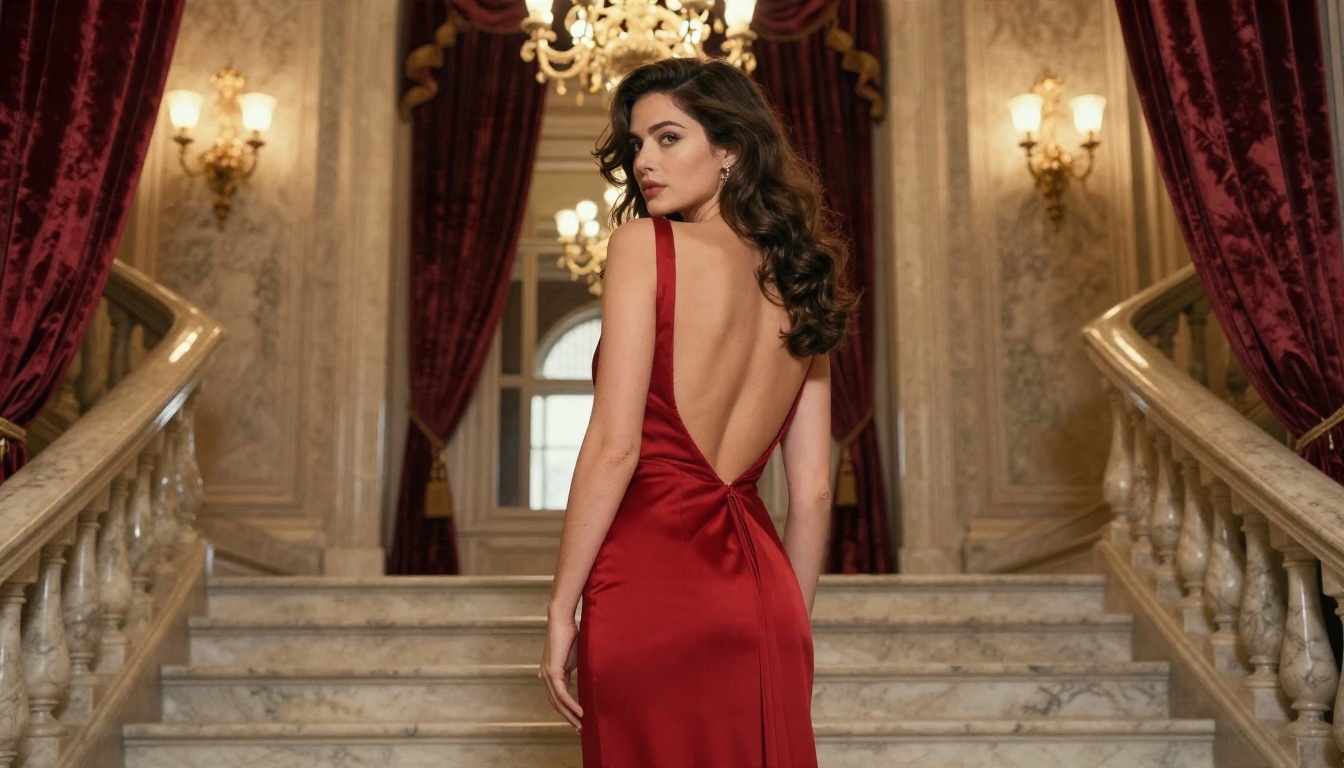
Example prompt:
Rear three-quarter view of an adult woman in a deep red evening gown with an open back, standing at the top of a marble staircase in an old European hotel, looking over her shoulder, warm chandelier light mixed with window light, 35mm f/2.0 lens at slight low angle, realistic silk texture, subtle film grain.
💡 Tip: Always include the word "adult" and a believable photographic setup. It removes ambiguity and reduces false blocks.
Words That Trigger Blocks
Most refusals come from a short list of habits. Fix these and your pass rate climbs.
Trigger words to drop
- Explicit anatomy terms and slang of any kind
- "Nude", "naked", "topless", "undressed", "see-through"
- "Sexy" stacked with "seductive" and "provocative"
- Names of real celebrities or influencers
- Ages that are vague, youthful, or missing
Safer replacements
| Instead of | Try |
|---|
| "Sexy girl in lingerie" | "Adult woman in a satin slip dress, editorial boudoir mood" |
| "Naked on the bed" | "Lying on silk sheets in an oversized shirt, morning light" |
| "Seductive pose" | "Relaxed confident pose, chin lifted, soft gaze" |
| "Wet see-through top" | "Damp hair, water droplets on skin, steamy window light" |
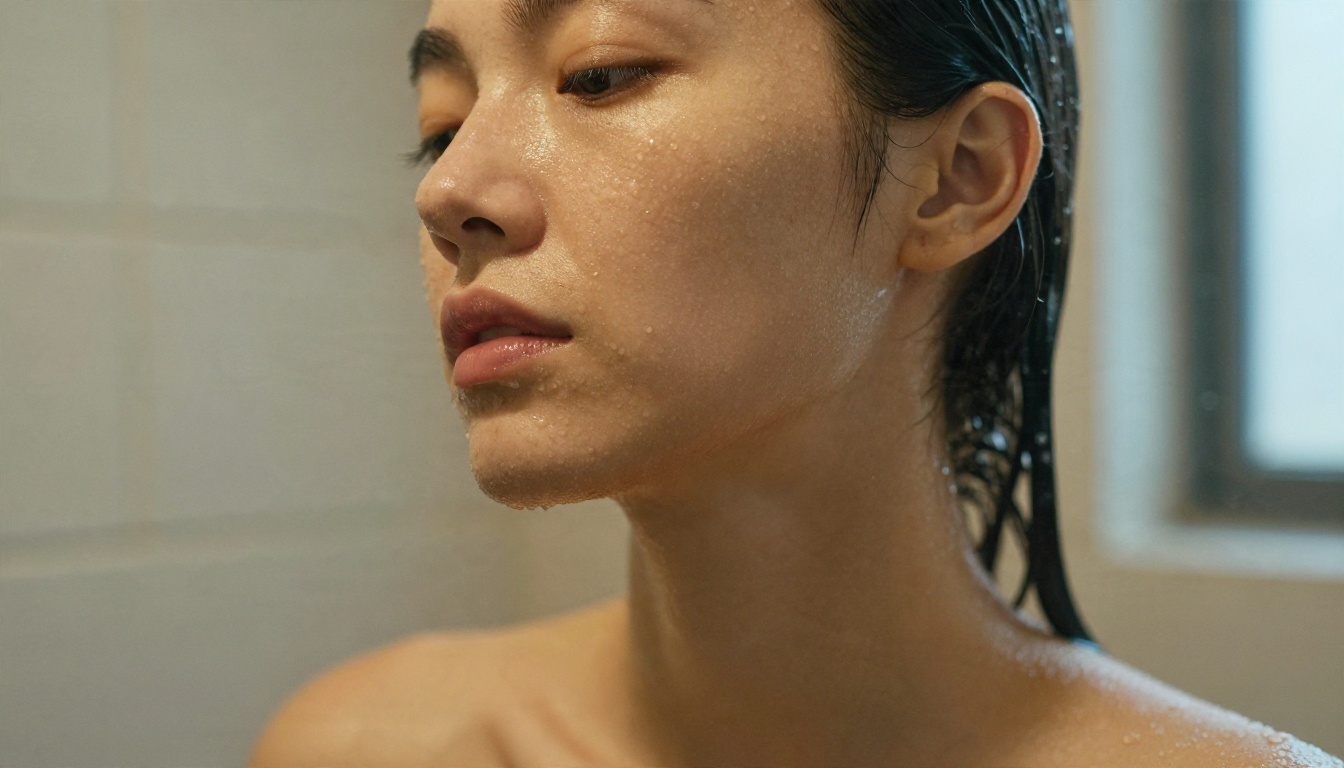
Close-ups beat full-body shots
Tight beauty framing usually passes more often than wide body-focused framing. A 135mm portrait with water droplets and soft light delivers the same sensual mood with far fewer refusals.
How to Use Nano Banana on PicassoIA
Nano Banana is available on PicassoIA, so you can test your glamour prompts without setting up an API key or a Google account. Here is the simple route.
Step by step
- Open the Nano Banana page on PicassoIA.
- Write your prompt in photographic language: subject, setting, light direction, lens, film look.
- Add "adult woman" and a clear fashion context such as swimwear, evening gown, or robe.
- Choose a 16:9 or 3:2 ratio for scenic shots, 4:5 or 2:3 for portraits.
- Generate, then adjust one variable at a time if the result is blocked or empty.
Parameter tips
- Prompt length: 40 to 80 words works best. Longer prompts give the filter more chances to find a trigger.
- Reference image: Nano Banana also edits photos. Upload your own picture to change lighting, background, or outfit style.
- Iteration: If a prompt fails, change the framing first (closer crop, different pose) before changing the subject.
- Siblings: Nano Banana Pro pushes resolution to 4K, and Nano Banana 2 Lite is a quick option for fast drafts. They share the same cautious approach to adult content.
Free Options With Fewer Limits
Sometimes careful phrasing is not enough. You want to stop rewriting prompts and just generate. That is where alternatives come in.
Seedream 4.5 first
Seedream 4.5 is the first model to try when Nano Banana says no. It produces sharp 4K photographic images, handles skin texture and fabric very well, and does not apply the heavy filtering that makes glamour work frustrating elsewhere. Prompts you wrote for Nano Banana can be pasted in unchanged, and you can then push the mood further without constant refusals.
Image Editor Pro for unlimited runs
The PicassoIA Image Editor Pro is built for people who iterate a lot. Generations are unlimited, so you can test ten variations of a pose or outfit without watching a counter. It also edits uploaded photos, which makes it ideal for changing wardrobe, lighting, or background on an image you already have.
💡 Workflow that saves time: Draft the composition in Seedream 4.5, then refine details in Image Editor Pro with as many passes as you like.
More models worth testing
Side-by-Side Comparison
| Model | Strength | Adult-content tolerance | Best use |
|---|
| Nano Banana | Realism, photo editing | Low, strict filter | Safe glamour, fashion edits |
| Seedream 4.5 | Sharp 4K detail | High, uncensored | Main generator for suggestive work |
| Image Editor Pro | Unlimited generations, editing | High | Iteration and photo edits |
| Z Image Turbo | Speed | Test per prompt | Fast drafts |
Prompt Examples to Copy
These are written for non-explicit, attractive results. Each one works as a starting point on Nano Banana and can be reused in the alternatives above.
Studio fashion
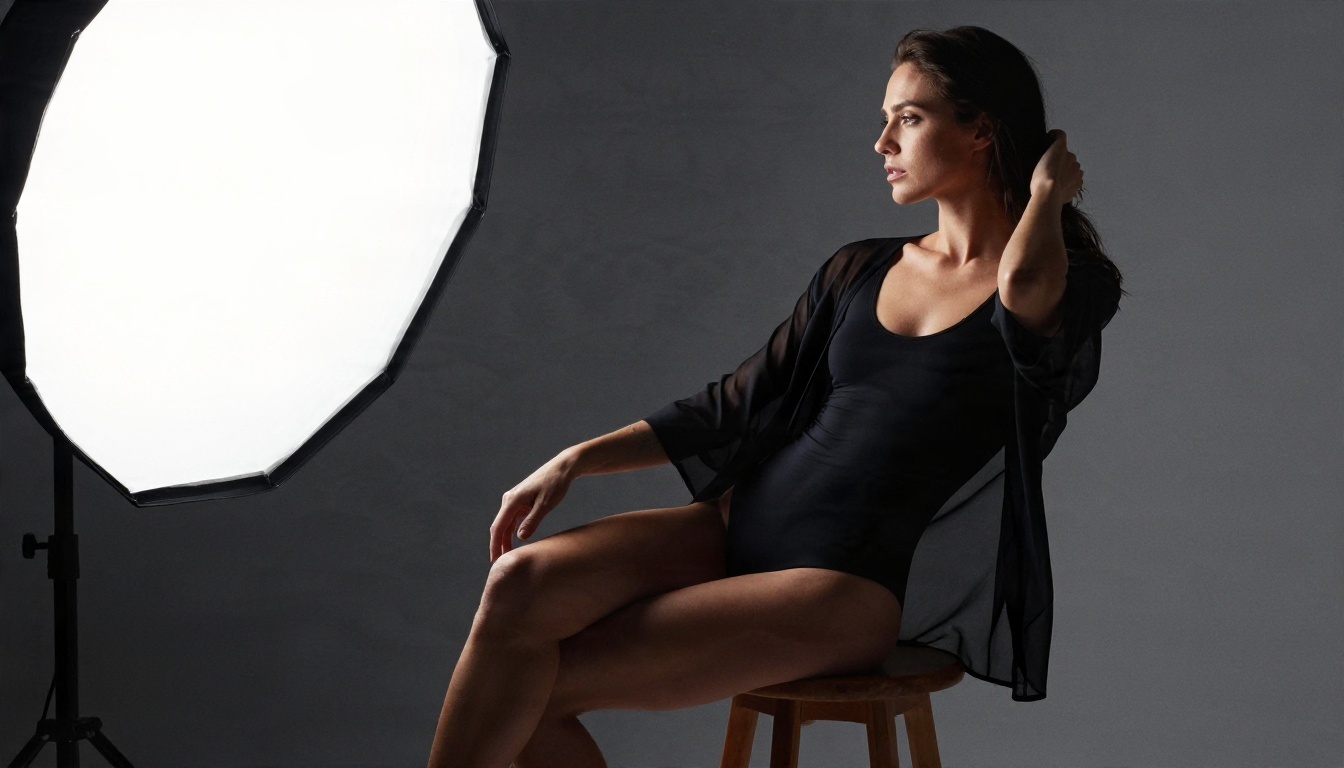
Studio fashion photograph of an adult woman in a fitted black bodysuit and sheer robe, seated sideways on a wooden stool against a charcoal seamless backdrop, chin lifted, hands in her hair, a single large softbox from camera right creating sculpted shadows, 105mm f/2.8 lens at eye level, fine skin pores, subtle film grain.
Poolside summer
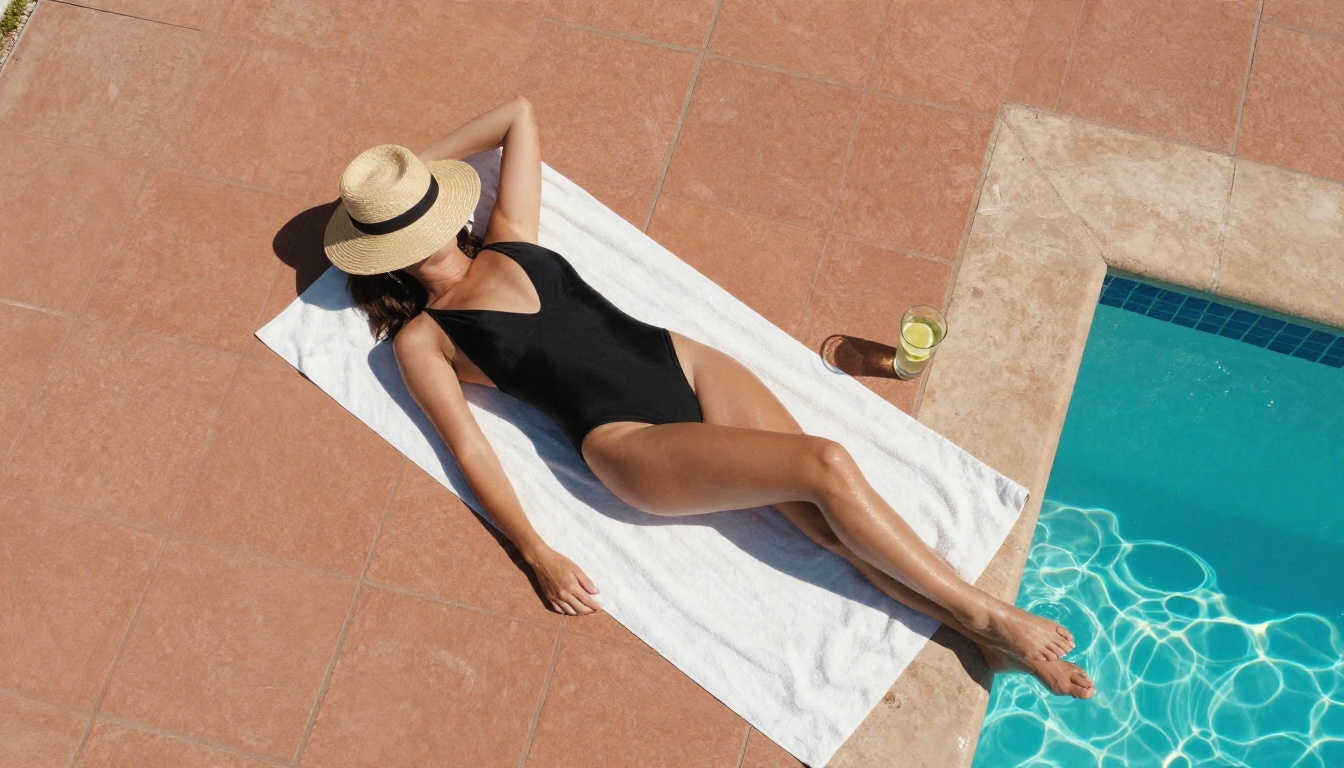
Wide aerial shot of an adult woman in a black one-piece swimsuit and sunglasses lounging on a white towel beside a turquoise swimming pool, terracotta tiles, straw hat and lemonade nearby, strong midday sun with crisp short shadows, 24mm lens, top-down angle, natural skin sheen, film grain.
Sunset yacht
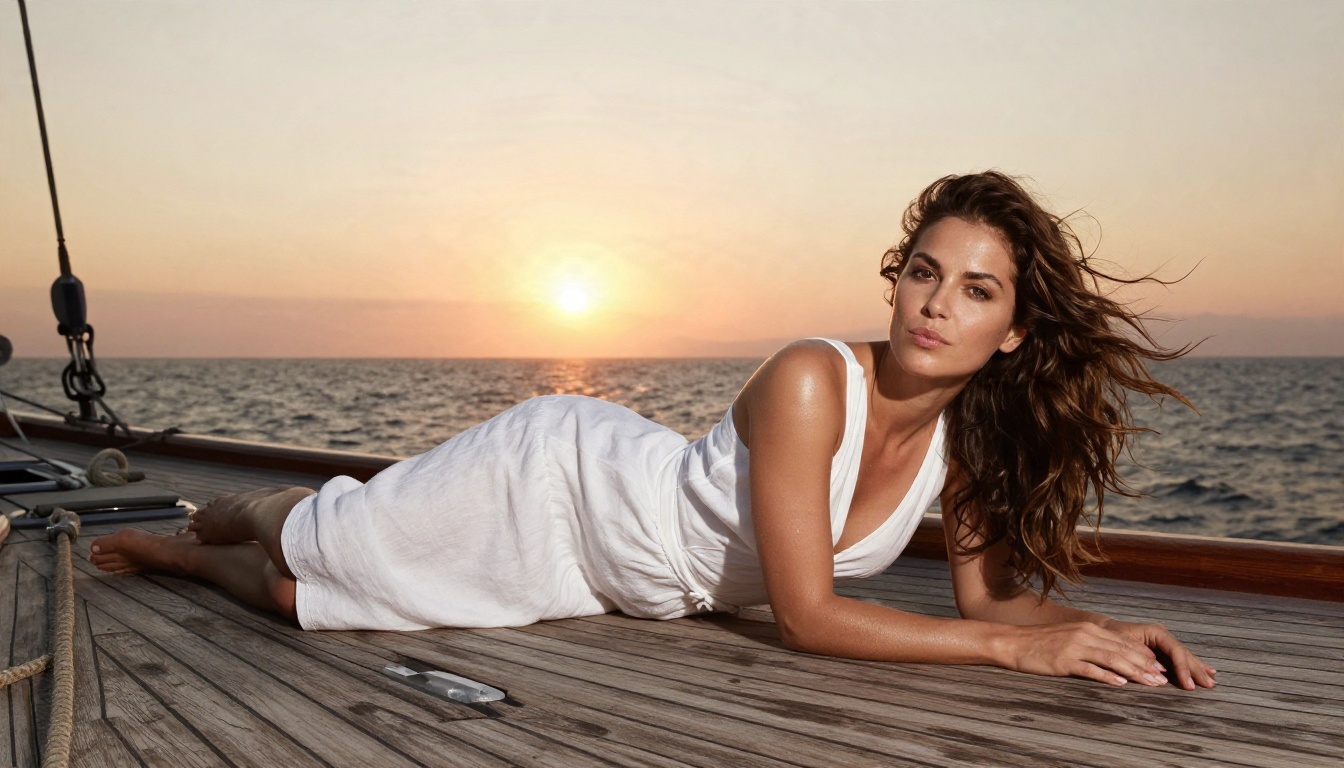
Adult woman in a white linen two-piece resort set lying on a wooden sailing yacht deck at sunset, sea horizon behind, hair blowing softly, playful look at the camera, warm orange backlight creating rim light, 70mm f/2.2 lens at deck level, weathered teak grain, Kodak Portra 400.
Cozy at home
Over-the-shoulder view of an adult woman in an oversized gray sweater sitting cross-legged on a sofa, typing on a laptop at dusk, warm lamp light from the right and cool window light from the left, mug of tea, knit texture, 50mm f/1.8 lens, film grain.

💡 Prompt formula: Subject (adult woman) + outfit + pose + setting + light direction + lens + film stock. Keep it to one clear scene.
Mistakes That Waste Your Time
Chasing "jailbreak" prompts
Lists of tricks that promise to bypass the filter go stale within weeks, and they tend to make the refusal rate worse because the odd wording is itself a trigger. Spending an hour on a clever workaround costs more than switching to a model that does not need one.
Ignoring the second filter
Remember that the output is checked too. If your clean prompt returns nothing, change the pose, the crop, or the amount of visible skin, not only the text.
Mixing real people in
Prompts built around real celebrities or a specific person's photo are blocked more often and carry real-world consequences. Use invented subjects and generic descriptions. Keep every image to adults, always.
Skipping the editing step
A near-miss image is often one small edit away from the picture you wanted. Instead of regenerating from scratch, upload it to Image Editor Pro and adjust the light, outfit, or background.
Try Your Own Prompts Today
You now have the full picture. Nano Banana is excellent for clean, filter-friendly glamour, swimwear, and fashion shots, but it will keep refusing anything that edges toward explicit. When you want room to experiment, use Seedream 4.5 for uncensored 4K results and the PicassoIA Image Editor Pro for unlimited iterations and edits.
Pick one prompt from the examples above, paste it into a model, and change a single detail: the light, the lens, the location. In ten minutes you will have a set of images that look like they came from a real photo shoot. Ready to see what else is available? Browse every image and video model at picassoia.com/en/all-models and start creating.


