Type a perfectly innocent swimwear prompt into Nano Banana Pro, and sometimes you get a gorgeous photo. Other times you get a blank result and a vague error. If you have ever wondered why the same kind of request works on Monday and fails on Friday, you are not imagining it. Nano Banana Pro NSFW prompts live in a gray zone, and the safety filter sits right in the middle of it.
This article shows what the filter tends to allow, what it tends to block, which prompt structures give you glamour and swimwear results without friction, and which free tools give you more room when Nano Banana Pro says no. Everything here stays non-explicit: suggestive, attractive and photographic, never pornographic.
What Nano Banana Pro Actually Is
Nano Banana Pro is Google's higher-end image model, built on the Gemini 3 Pro image stack. It is known for sharp text rendering, strong prompt following, realistic skin and fabric, and output up to 4K. You can try it on PicassoIA through the Nano Banana Pro page, and its lighter sibling Nano Banana is there too if you want faster, cheaper drafts.
What matters for this topic: Nano Banana Pro is a mainstream, safety-tuned model. Google runs it with filters on both the prompt and the generated image. That is a design choice, not a bug, and it shapes everything below.
💡 Quick truth: Nano Banana Pro is built to be a general-purpose photo model. It is excellent at fashion, portraits and lifestyle shots, and deliberately conservative about anything sexual.
Why people search for NSFW prompts anyway
Most people typing this keyword are not looking for explicit material. They want things like:
- A bikini editorial for a travel or swimwear brand
- Boudoir-style portraits with lingerie or silk
- Glamour photography with a sensual mood
- Character art for a novel, a game or a social account
- Fashion ecommerce mockups that include underwear or swimsuits
Those are legitimate creative needs, and they are exactly where Nano Banana Pro's filter gets inconsistent.
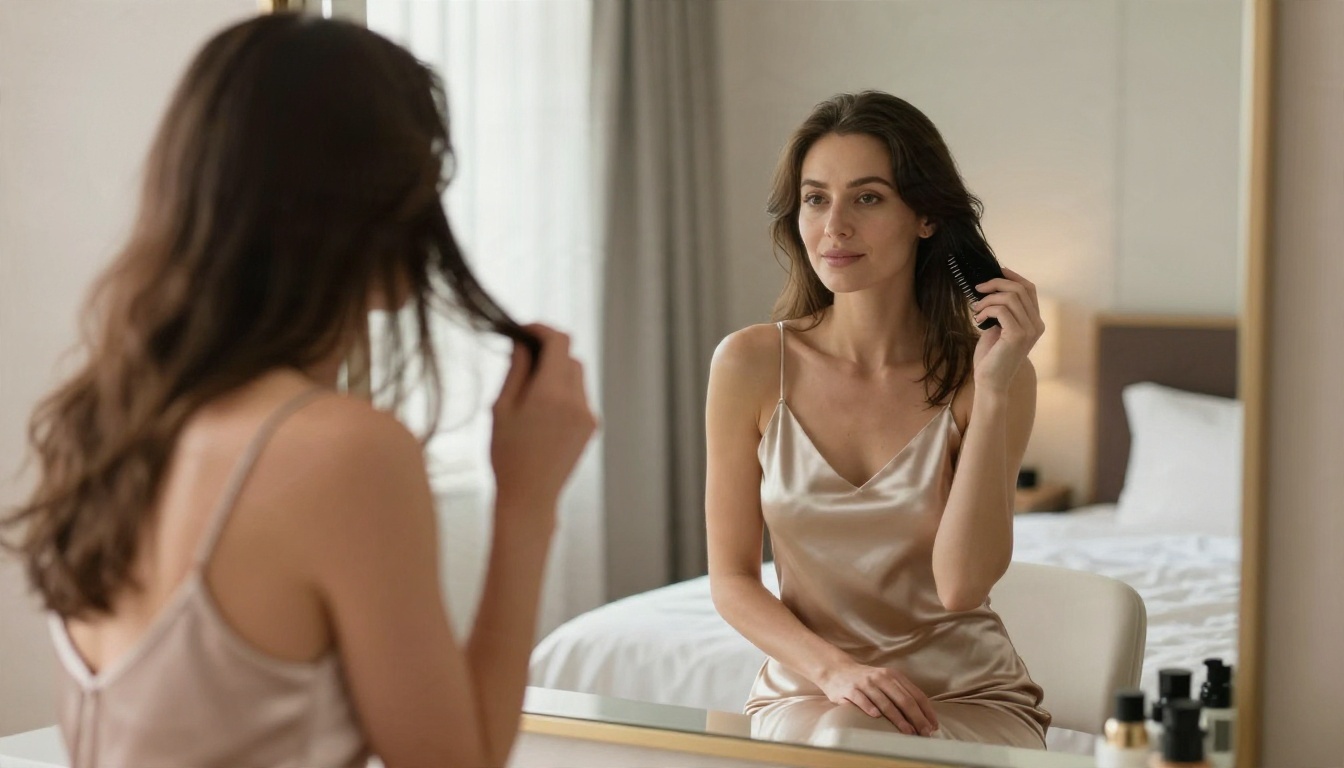
How the Filter Really Behaves
The safety system works in layers. First your text prompt is checked. Then, after generation, the image itself is scanned. A prompt can look fine and still produce an image that gets flagged at the second layer, which is why failures often feel random.
The two block types you will see
| Block type | When it happens | What you usually see |
|---|
| Prompt block | Your wording trips a rule before anything is drawn | An instant refusal or a policy message |
| Image block | The finished image is judged too revealing | A silent empty result or a generic "image safety" error |
| Reference block | An uploaded photo is judged unsafe | A vague "other reason" style error |
Developer forums in recent months are full of reports about harmless fashion and underwear product shots getting rejected with image safety errors. Some users say the filter became stricter over time. Others say prompts that worked for weeks suddenly failed. There is no official Google statement confirming a tightening, so treat these as user reports, not proven facts. But the pattern is consistent enough to plan around: expect false positives.
What never passes
Some lines are fixed in every serious model:
- Anything involving minors, or anyone who could read as a minor. This is a zero tolerance area.
- Explicit sexual acts and visible genitals
- Real people in sexualized scenes without consent
- Sexual content paired with violence
If your prompt touches any of those, no rewording will fix it and none should be attempted.
Prompts That Usually Work
Here is where Nano Banana Pro is genuinely good. When you write like a photographer instead of a thrill seeker, it rewards you. The filter reads intent from tone, so editorial language tends to pass more often than vague, suggestive language.
Example 1: Resort bikini editorial
An adult woman in her late twenties lounging on a whitewashed villa terrace at golden hour, wearing a black high-waisted bikini and an open linen shirt, relaxed confident smile, 85mm f/1.8 lens, warm sidelight, visible skin texture, Kodak Portra 400 film grain, magazine editorial style.
Why it works: the clothing is named plainly, the setting is a normal public or semi-private place, age is stated as adult, and the tone is fashion.
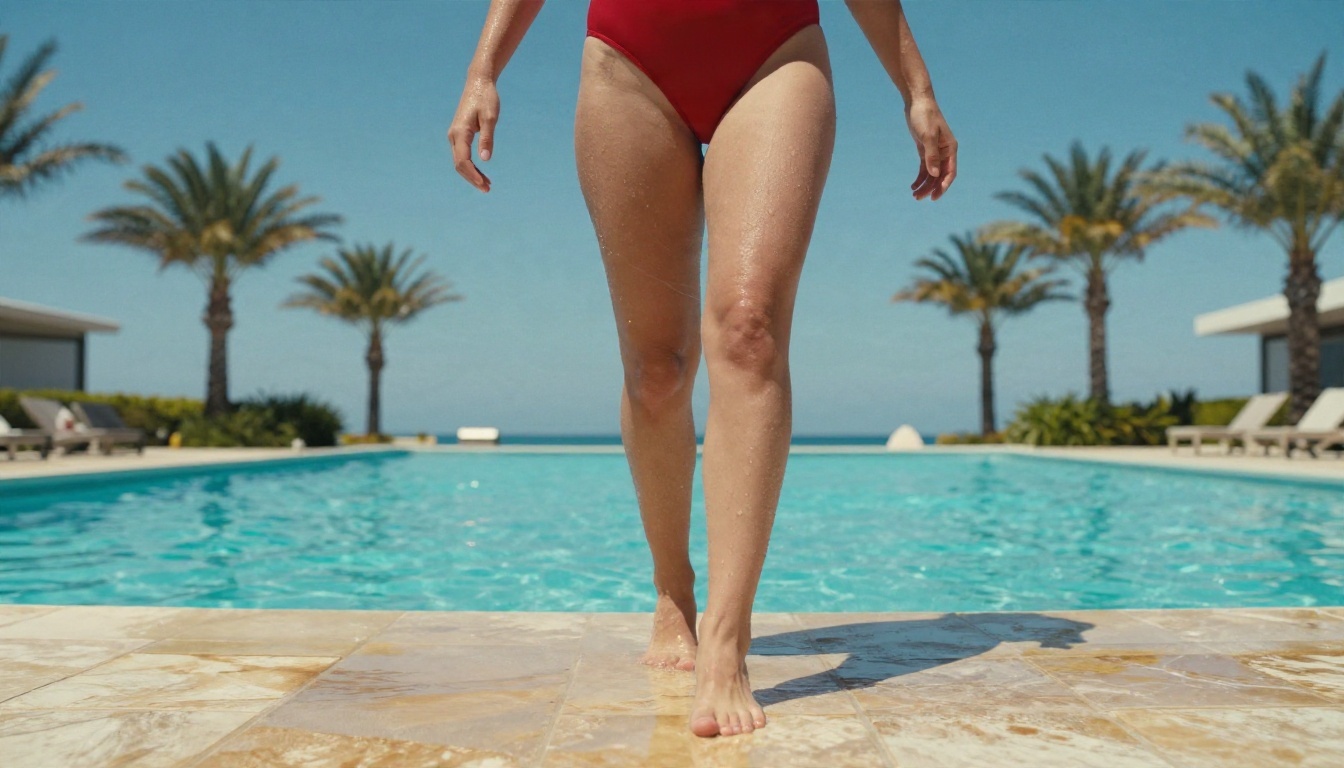
Example 2: Poolside swimsuit shot
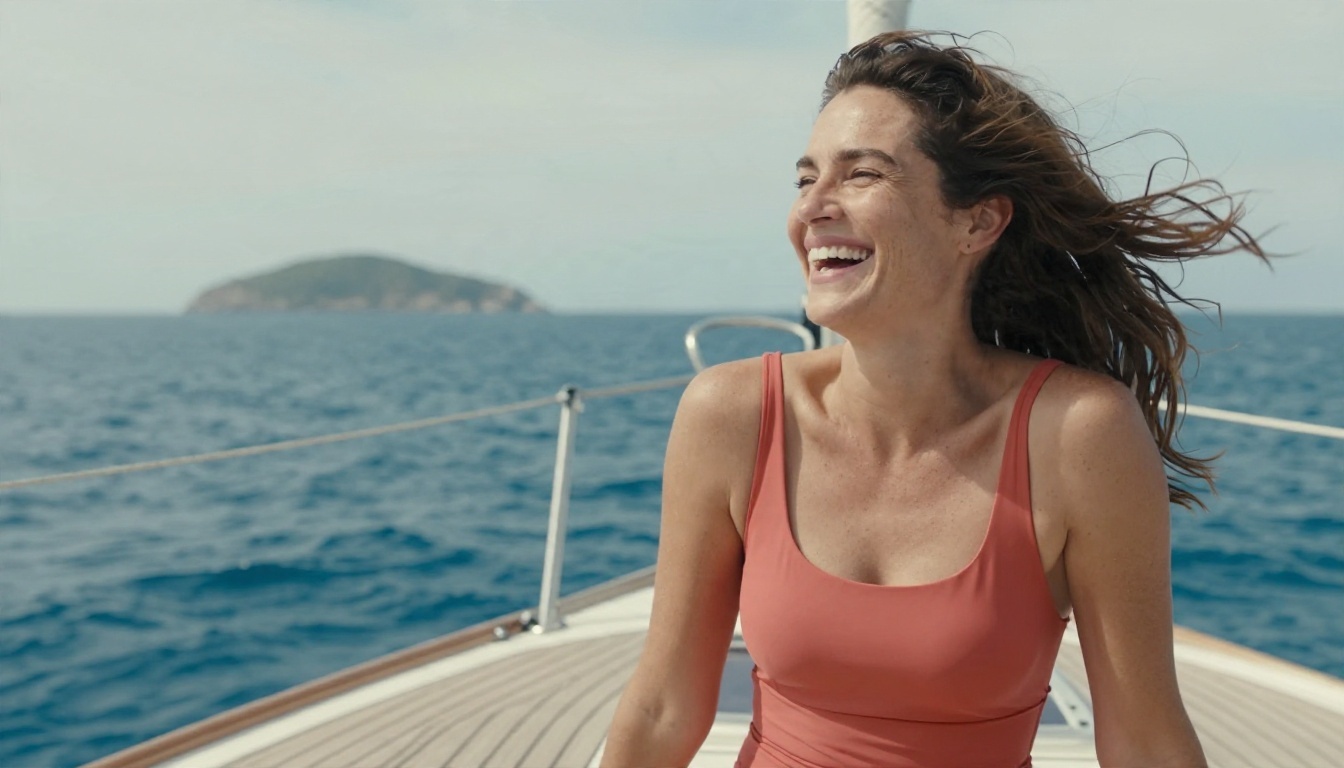
Low-angle photo of an adult woman in a red one-piece swimsuit stepping out of an infinity pool, water droplets on her arms, palm trees and blue sky behind, harsh midday sun, 35mm lens, glossy wet skin texture.
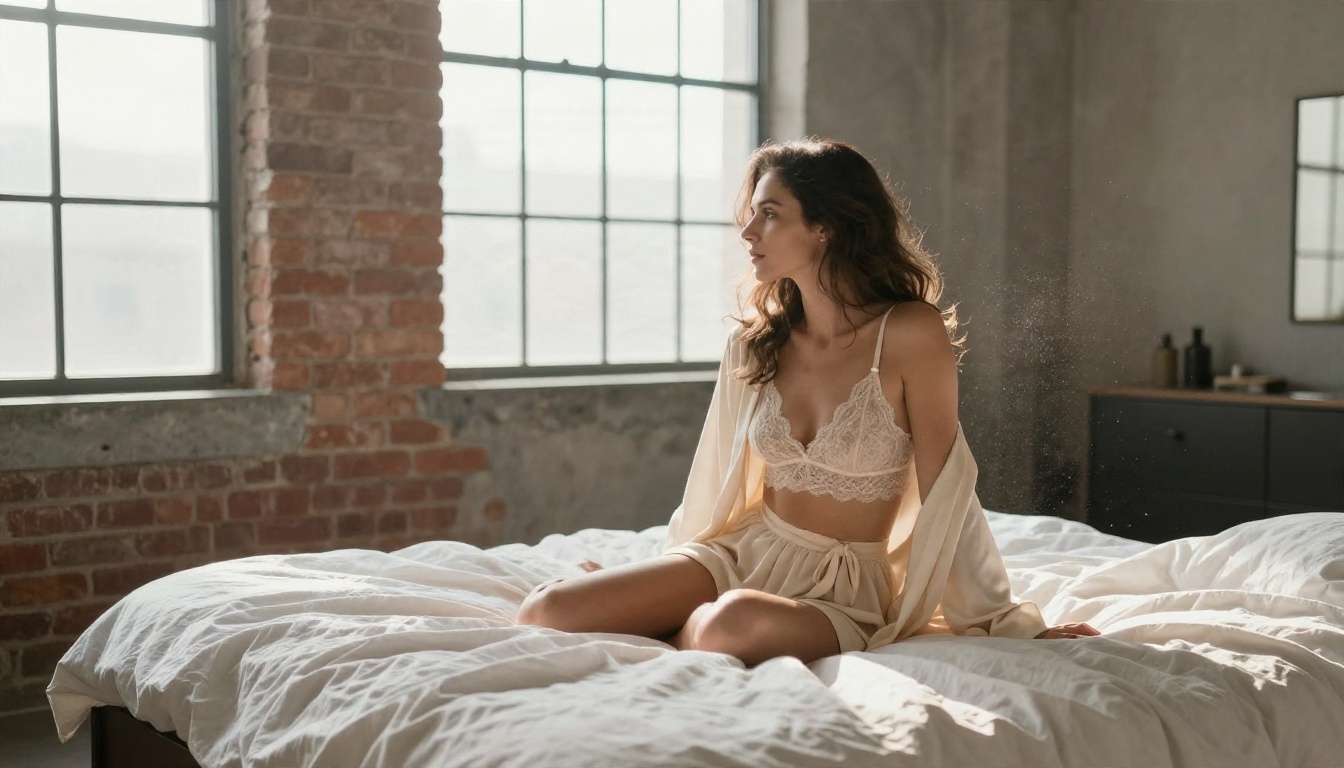
Example 3: Soft boudoir portrait
An adult woman in an ivory lace bralette and a loose robe, seated on an unmade linen bed in a sunlit loft, morning window light from the right, rumpled sheets, exposed brick wall, tasteful boudoir editorial, 50mm f/2.
This is the edge of what the model accepts. Lingerie plus a bedroom is where results vary the most from day to day. If it fails, shift the setting toward a vanity, a hotel suite or a studio and keep the garment neutral.
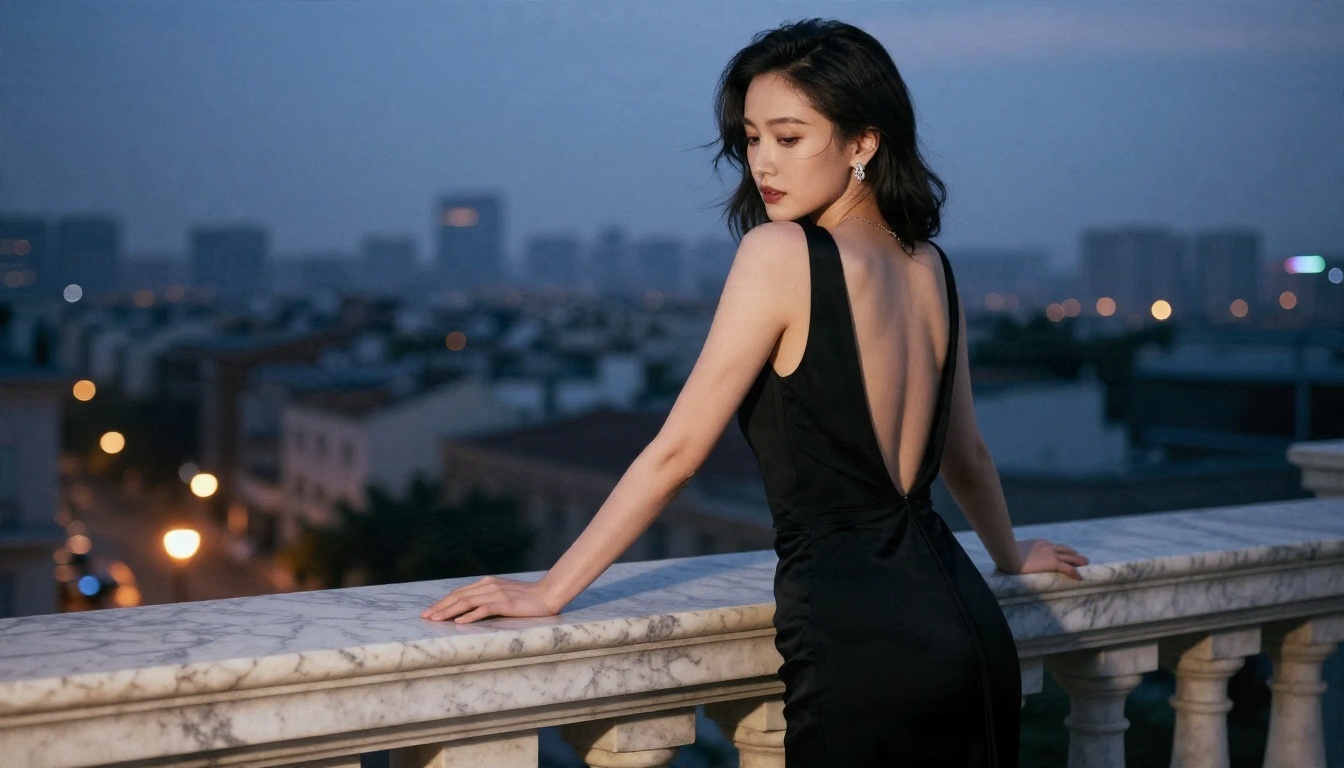
Example 4: Evening glamour
Medium portrait of an adult woman in a fitted black gown with an open back, leaning on a marble balcony at dusk, city lights blurred behind her, 85mm f/1.4, silk folds, subtle jewelry.
Glamour that suggests rather than shows is the safest and often the most attractive result.
Wording That Gets Blocked
You do not need a list of forbidden words to predict failures. Most blocks come from a few patterns.
| Risky pattern | Safer rewrite |
|---|
| "sexy", "seductive", "provocative" stacked together | Describe the pose, light and outfit instead |
| Body-part focus ("close-up of chest") | Frame as a portrait or waist-up shot |
| "Nude", "topless", "see-through" | Use "bikini", "slip dress", "robe" |
| Vague age or youthful words like "girl" | State "adult woman, late twenties" |
| Bedroom plus lingerie plus wet skin | Pick one strong element, not three |
| Uploading a skin-heavy reference photo | Use a clothed reference or describe the look in text |
The stacking problem
The most common cause of a surprise block is stacking. Each element is fine alone. Wet skin is fine. Lingerie is fine. A bed is fine. Put all three in one prompt with a close crop and the image scanner reads the whole as higher risk. When a prompt fails, remove one element rather than rewriting the whole thing.
💡 Debug trick: Change one variable at a time. Swap the setting first, then the crop, then the garment. You will find the trigger in two or three tries.
What not to bother with
Forums are full of "bypass" prompts. Skip them. Filters change without notice, those tricks stop working within days, and chasing them wastes more time than switching to a model built with different rules. If a concept is outside Nano Banana Pro's policy, the efficient move is a different tool, not a cleverer disguise.
How to Use Nano Banana Pro on PicassoIA
For everything in the safe zone above, Nano Banana Pro is a strong choice. Here is a clean workflow.
Step by step
- Open the Nano Banana Pro page on PicassoIA.
- Write your prompt in this order: subject and age, outfit, setting, light, lens, film style.
- Choose a 16:9 or 4:5 ratio depending on whether it is a banner or a social post.
- Generate one image first. Do not queue a batch until the first one passes.
- If it is blocked, change one variable (setting, crop or garment) and run again.
- Once you like the composition, upscale or edit it.
Parameter tips
- Resolution: Start at a lower size for drafts, then go to 4K for the final.
- Prompt length: 40 to 80 words is the sweet spot. Longer prompts raise the chance of a stacking block.
- Lens words: "85mm f/1.8" and "35mm f/2.8" push the result toward real photography, which lowers the odds of a stylized, riskier look.
- Film words: "Kodak Portra 400" gives warm, natural skin tones.
Free Alternatives With More Room
When your concept is valid but Nano Banana Pro keeps refusing it, you have better options than fighting the filter. These are the models to try, in the order I would try them.
1. Seedream 4.5 first
Seedream 4.5 is the model I would reach for first for adult, glamour and swimwear work. It produces realistic skin, believable fabric and natural lighting, and it is far less touchy about lingerie, boudoir and bikini prompts than Nano Banana Pro. It also renders fast, so testing three or four variations takes minutes.
2. PicassoIA Image Editor Pro
PicassoIA Image Editor Pro is the one to use when you already have an image and want to change it: outfit, background, lighting or pose. It offers unlimited generations, which matters because editing is trial and error. You can iterate twenty times without watching a credit counter.
3. Other models worth testing
| Model | Best for | Link |
|---|
| Flux 2 Klein 9B Base LoRA | Styled looks and fine-tuned character consistency | Open model |
| Qwen Image 3 Pro | Photorealistic portraits with clean detail | Open model |
| Nano Banana 2 Lite | Fast, cheap drafts of safe concepts | Open model |
Each model has its own rules and tolerance, so test your exact prompt rather than assuming. A model that is relaxed about bikinis may still stop at other content, and the explicit lines described earlier stay off limits everywhere.
Nano Banana Pro versus the alternatives
| Factor | Nano Banana Pro | Seedream 4.5 | Image Editor Pro |
|---|
| Swimwear and glamour | Works, inconsistent | Reliable | Reliable |
| Lingerie and boudoir | Often blocked | Usually fine | Usually fine |
| Text inside images | Excellent | Good | Good |
| Editing existing photos | Good | Limited | Excellent |
| Generation limits | Credit based | Credit based | Unlimited |
| Speed | Medium | Fast | Fast |
A Prompt Template You Can Reuse
This structure works across all the models above. Fill the brackets and keep it under 80 words.
[Adult woman, late twenties], [outfit], [pose or action], [location], [light direction and time of day], [lens and aperture], [skin and fabric texture], [film stock], [mood word like "editorial" or "resort glamour"].
Three small habits that raise success
- Name the light. "Warm sidelight from the left at golden hour" gives the model a photographic anchor and keeps the mood tasteful.
- Name the lens. It pulls the output toward real photography and away from risky, over-stylized looks.
- Keep one focal idea. One outfit, one location, one mood. Complexity invites false positives.
Common Mistakes to Avoid
- Rewriting the same blocked prompt ten times. Change the setting or crop instead.
- Stating no age. Always say "adult woman" with an age range. It clarifies intent and avoids misreads.
- Using a skin-heavy reference photo. Reference images are scanned too, and they are a frequent cause of vague errors.
- Expecting identical results daily. Filters update quietly. A prompt bank that worked last month deserves a quick retest.
- Using real people's faces. Besides the policy problem, it is a consent problem. Create original characters.
A note on responsible use
Keep creations to fictional adults, label AI images where a platform requires it, and never publish content that resembles a real person without permission. Those habits protect you as much as anyone else, and they keep your accounts safe from takedowns.
Try It Yourself Today
You now have working prompt examples, a clear picture of where Nano Banana Pro draws its lines, and a short list of tools to switch to when it refuses. The fastest way to see the difference is to run the same prompt through two models side by side.
Start with Seedream 4.5 for a fresh glamour or swimwear idea, then bring that image into PicassoIA Image Editor Pro to adjust the outfit, light and background with unlimited generations. Keep Nano Banana Pro in your toolkit for the shots where its sharpness and text rendering shine.
Ready to see more options? Browse every available model at picassoia.com/en/all-models and build your own prompt library today.


