You type a perfectly normal prompt. A model in a bikini on a beach, a silk robe for a product page, a portrait with bare shoulders. Nano Banana Pro thinks about it for a few seconds and then returns nothing, or a vague message about safety. If that sounds familiar, you are not alone, and you are probably wondering whether an uncensored version exists. Short answer: it does not. Longer answer: there are good reasons the blocks happen, a few honest ways to reduce them, and several free online models that simply say yes to glamour and fashion work.
This article walks through what the filter actually does, why harmless requests get caught, and where to generate swimwear, boudoir style and editorial portraits without fighting a refusal message every other try. Everything here stays on the tasteful side: suggestive, attractive, never explicit.
Is Nano Banana Pro Really Uncensored?
No. Nano Banana Pro is Google's high-fidelity image model, and Google runs it with safety controls that sit on top of the model itself. Those controls are not a toggle you can flip. When people search for "Nano Banana Pro uncensored", they usually find one of two things: marketing from sites that claim to remove the filter, or forum threads from frustrated users who hit it.
What "uncensored" actually means
In the AI image world, the word gets used loosely. For most people searching it, it means one of these:
- A model that renders swimwear, lingerie and glamour without refusing.
- A model that allows artistic, implied nudity in a fashion or fine art context.
- A model with no moderation at all, including explicit material.
Nano Banana Pro does none of the three reliably. The third category is also outside what this article covers. We focus on the first two, because that is where nearly all real demand sits: creators, photographers, e-commerce sellers and artists who want attractive, adult-oriented imagery that is still tasteful.
The short answer
Treat Nano Banana Pro as a strict, general-purpose model. It is excellent at text rendering, clean lighting, product shots, infographics and 4K output. It is not built for glamour work, and it was never meant to be. Picking the right tool for each job saves hours.
💡 Quick rule: if your project is fashion, beachwear, boudoir or glamour, start with a more permissive model. Keep Nano Banana Pro for everything else.
Why It Blocks Your Images

Refusals do not come from a single place. Developer documentation and community threads describe several layers working together, and each one can end your request.
Three filter layers
| Layer | What it checks | What you see |
|---|
| Prompt filter | The words in your request | An immediate refusal or a policy message |
| Reference image filter | Photos you upload for editing or style | A block even if your text is harmless |
| Output filter | The image after it is generated | A silent failure or an IMAGE_SAFETY style error |
The third layer is the one that frustrates people most. Your prompt passes, the model spends time rendering, and then the result is thrown away because the finished picture looked too close to a restricted category. You get no preview and no explanation.
Common error messages
Developers working with the API report a handful of labels. IMAGE_SAFETY points at the output check. PROHIBITED_CONTENT and SAFETY are broader rejection categories. In consumer tools the same events show up as "I can't create that" or an empty response. None of them tell you which word or which pixel triggered the block.
Prompts that trip it
From community reports, these categories get flagged most often:
- Explicit or strongly implied sexual content, in text or in reference photos
- Violence, gore and hateful imagery
- Real, famous people, especially in compromising or altered scenes
- Outfit swaps on photos of real individuals
- Minors anywhere near a suggestive context, which is blocked everywhere and should be
Reports also suggest the filter tightened after newer Nano Banana releases arrived in early 2026, with more attention on celebrity likeness and implied sexual content. Since Google updates these systems without notice, a prompt that worked last month can fail today.
When Safe Prompts Get Blocked
Here is where the story gets interesting. Many of the complaints are not about adult content at all.
Swimwear and lingerie false positives
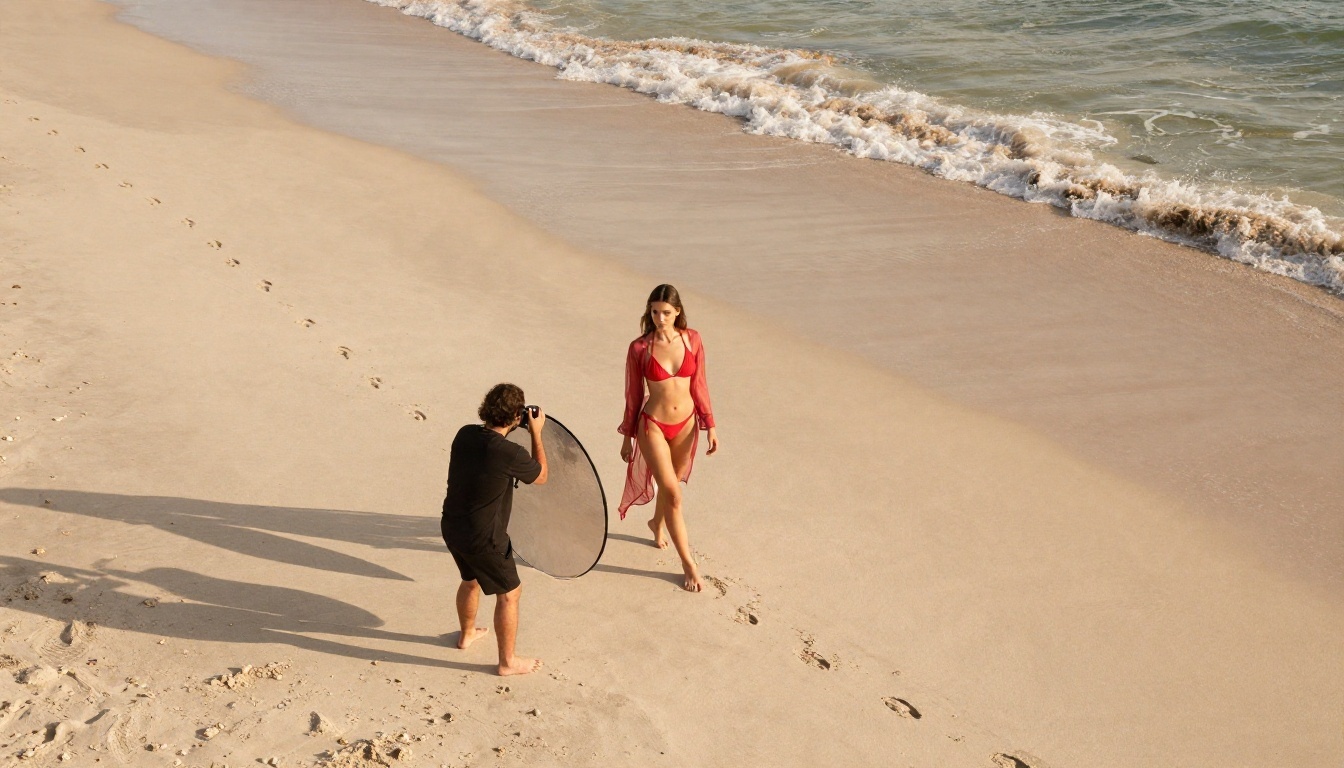
Fashion and e-commerce developers have posted threads on Google's own forums describing non-explicit underwear, lingerie and swimwear images being rejected with IMAGE_SAFETY errors. One thread calls the filtering overcorrected. These are product photos, the kind you see on any clothing website, and they still get blocked at inconsistent rates.
If you sell swimwear, shoot campaign imagery or make mood boards for a lookbook, this is more than annoying. It breaks a workflow. A tool that accepts a request on Monday and refuses the identical one on Tuesday is hard to build on.
Real people and reference photos
The second big category involves uploads. If you give the model a photo of a real person and ask it to change clothing, pose or setting, the reference image filter becomes much stricter. Face likeness, skin exposure and the edit instruction are all weighed together. A harmless request like "put this person in a summer dress" can still be refused because the system cannot confirm who is in the picture or whether consent exists.
That caution is understandable. It also means editing real portraits with Nano Banana Pro is a gamble, particularly for beachwear and evening wear.
Can You Turn the Filter Off?
Plenty of pages promise to. None of them deliver in a way you should trust.
Safety settings reality
Google exposes some safety settings in its developer tools for text models, but for image generation the hardest limits are fixed. A secondary source I found says the filters cannot be fully disabled on the newer Nano Banana releases, and that matches what the forum threads show: developers lower the adjustable thresholds and still hit IMAGE_SAFETY. There is no confirmed official switch for an unrestricted mode.
Why workarounds waste time
You will see tricks online: rewriting prompts in other languages, splitting a request across several steps, adding disclaimers, or paying a reseller who claims to run an "unfiltered" copy. Here is why they rarely pay off:
- Output checks ignore your wording. The image itself is judged, so clever phrasing does not help.
- Resellers use the same model. They route to the same filtered system, or to a different model with the Nano Banana name attached.
- Failed generations still cost time, and sometimes credits.
- Accounts can be flagged when repeated attempts hit restricted categories.
Spending an afternoon fighting a filter is worse than switching to a model designed for the job.
💡 Practical tip: if the same prompt fails twice, stop rewording. Move it to a more permissive model and keep your Nano Banana Pro credits for jobs it handles well.
Free Options That Say Yes
If your goal is attractive, adult-oriented imagery that stays on the right side of explicit, these models are the better starting point. All of them run online on PicassoIA, so there is no install, no GPU and no setup.
Seedream 4.5 first
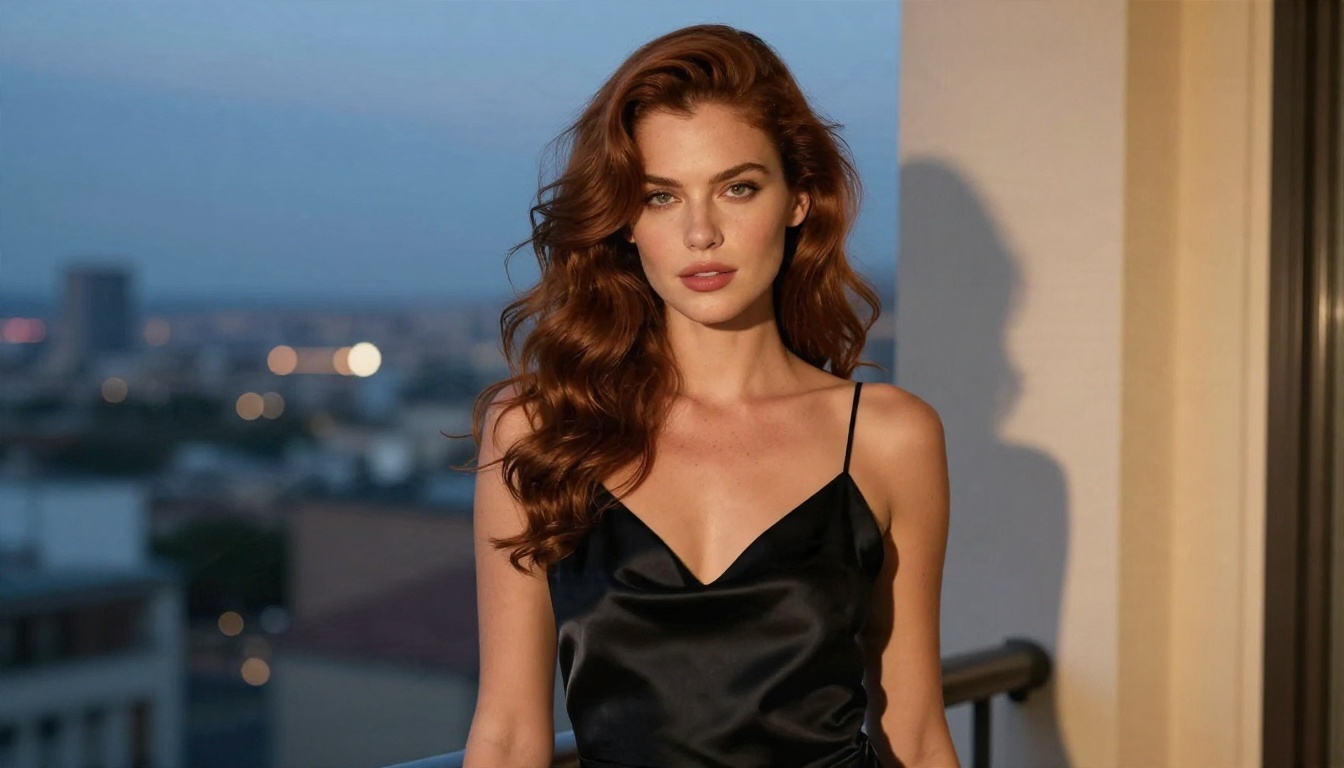
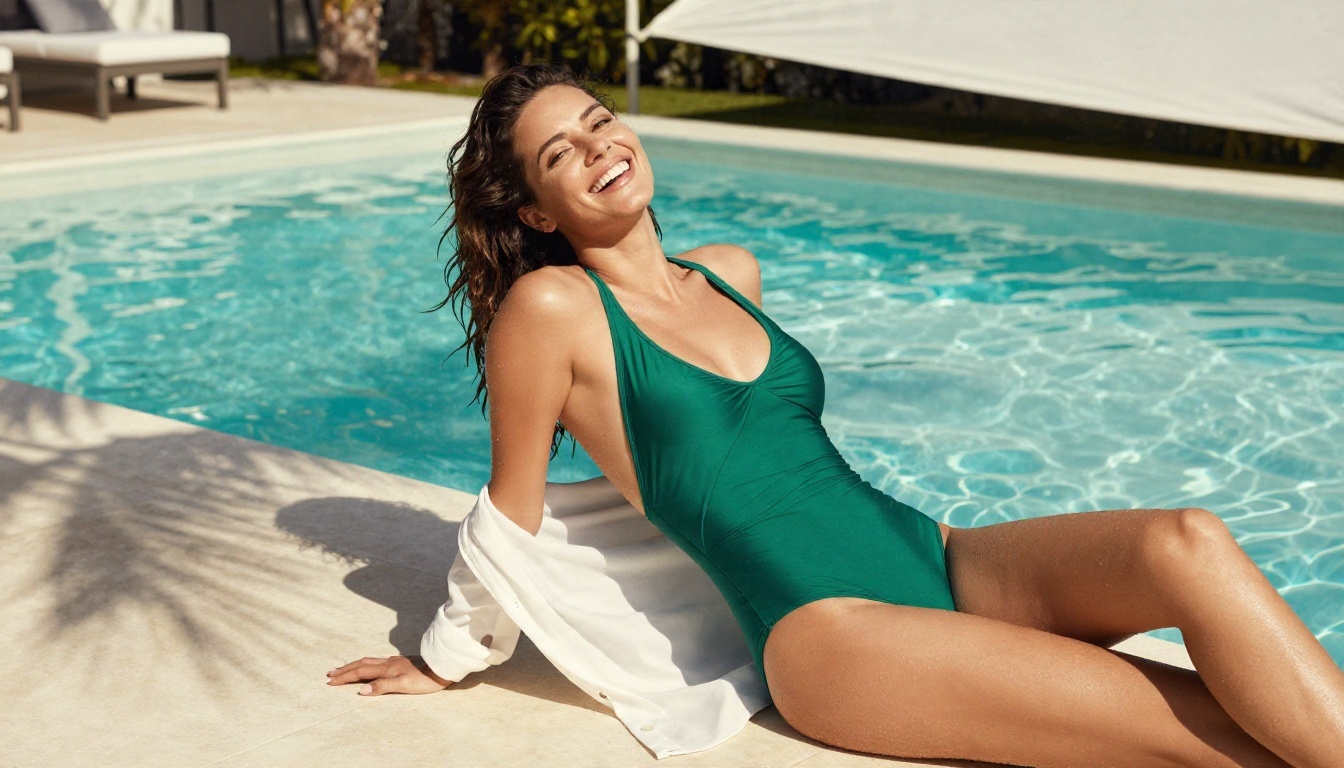
Seedream 4.5 is the model I would reach for first. It produces sharp, photographic skin and fabric, handles bikinis, satin, lace and glamour lighting with confidence, and refuses far less often than Nano Banana Pro on fashion prompts. Resolution goes up to 4K, which matters for print and large web hero images.
It is also fast. A typical request returns in seconds, so you can iterate on pose, outfit and lighting instead of waiting and hoping.
Image Editor Pro, unlimited
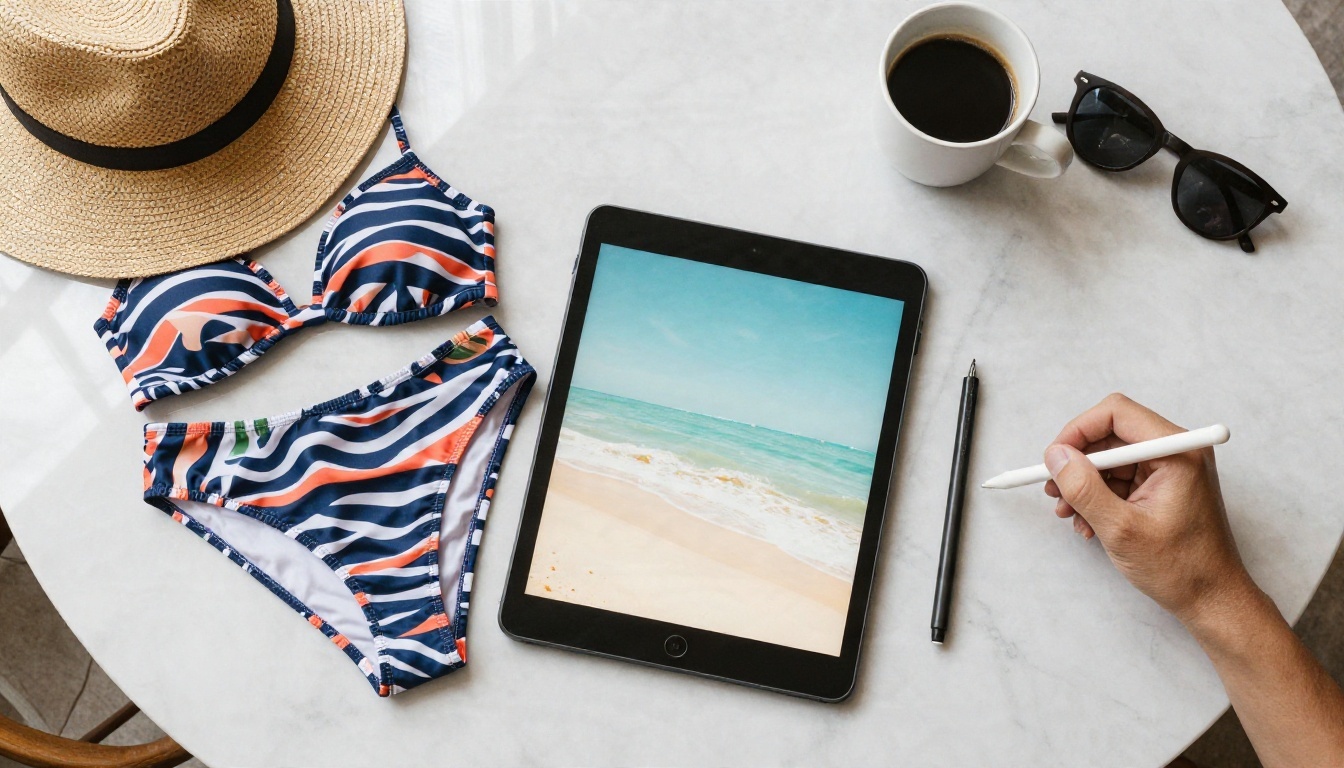
PicassoIA Image Editor Pro is the tool to use when you already have a photo and want to change it. Swap an outfit, adjust a background, fix lighting, extend a canvas. The big advantage is unlimited generations, so you can try ten variations without counting credits, and it handles swimwear and glamour edits that a stricter editor would block.
It pairs well with Seedream 4.5: generate the base image with one, refine details with the other.
Other models worth a try
Beyond the first two, these are worth keeping in your rotation:
Side by side comparison
| Model | Best for | Tolerance for fashion and glamour | Speed |
|---|
| Nano Banana Pro | Text in images, product shots, infographics | Low, inconsistent | Medium |
| Seedream 4.5 | Photoreal glamour, swimwear, portraits | High | Fast |
| Image Editor Pro | Editing existing photos, unlimited tries | High | Fast |
| Z Image Turbo | Quick concepts and drafts | Medium to high | Very fast |
| Qwen Image 3 Pro | Realistic lifestyle and portrait scenes | Medium | Medium |
💡 Note: Seedream 5 Lite is a different story. It blocks adult-oriented prompts, so skip it for this kind of work and stay with Seedream 4.5.
How to Use Nano Banana Pro on PicassoIA
Nano Banana Pro is still a great model when your subject fits inside its rules. It is on PicassoIA, you can try it without setting up an API key, and it is useful for clean product images, posters, UI mockups and anything with readable text. Expect the same safety behavior as elsewhere, since the filter belongs to the model itself.
Step by step
- Open the Nano Banana Pro page.
- Write a clear prompt that states the subject, setting, lighting and camera style.
- Pick an aspect ratio. Use 16:9 for banners, 4:5 for social posts, 1:1 for product tiles.
- Choose the resolution. Start low to test the idea, then raise it for the final render.
- Generate, review, then adjust one thing at a time.
Parameter tips
- Be specific about light. "Soft window light from the left" gives better skin and fabric than "nice lighting".
- Keep wording clinical for apparel. "Product photo of a navy swimsuit on a white backdrop" is safer than loaded adjectives.
- Avoid real names. Describe a fictional person instead of referencing a celebrity.
- Use short text. One or two words in an image render cleanly. Long sentences do not.
If a swimwear request gets refused after you tried a neutral phrasing, take it as a sign to switch models, not a puzzle to solve.
Prompt Habits That Reduce Refusals
Even permissive models respond well to a few habits. These are about clarity and quality, not about slipping past anything.
Describe the photo, not the effect
Photographic language steers a model toward editorial results. Name the lens, the lighting direction and the film look. "85mm portrait, soft golden hour light from the right, Kodak Portra 400 color, visible skin texture" does more than any adjective about attractiveness.
Use fashion and editorial vocabulary
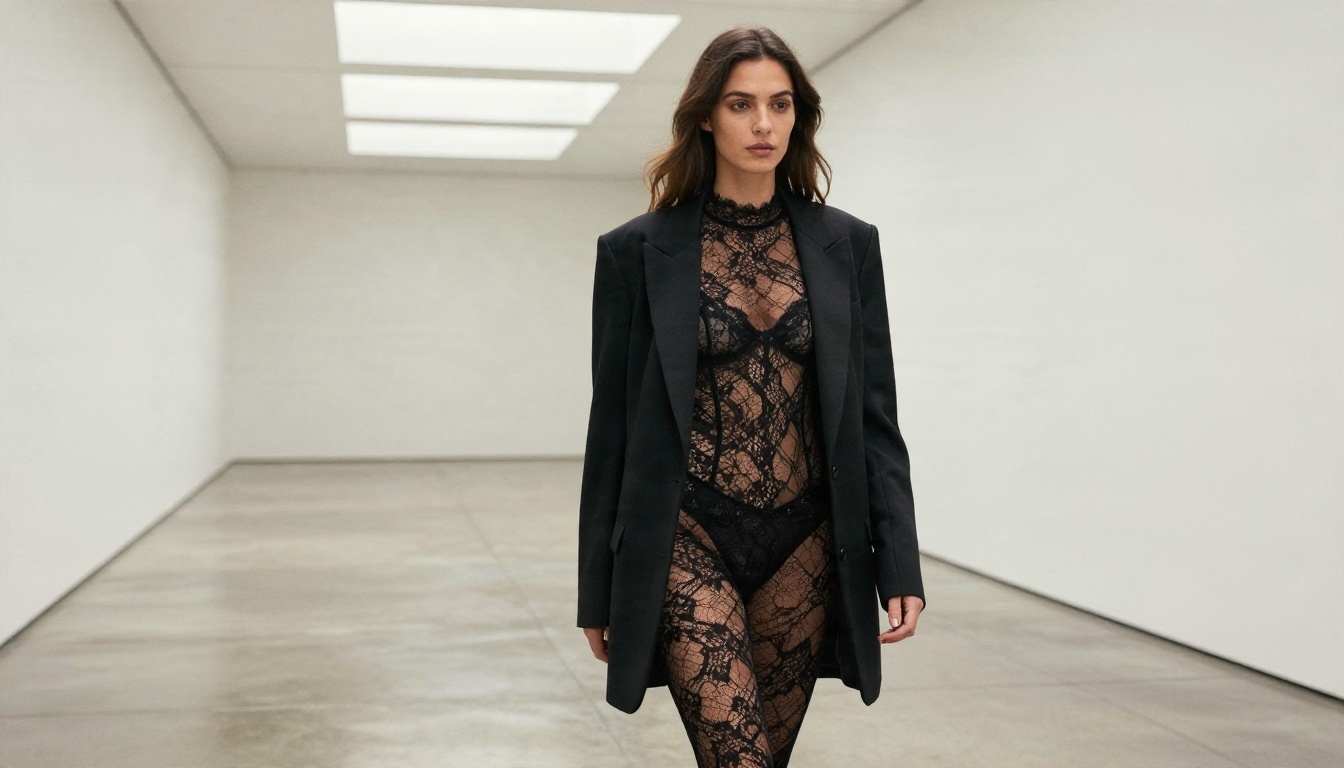
Words such as editorial, campaign, lookbook, resort wear and studio portrait describe the genre. They give the model context and produce more polished frames than vague phrases do. They also tend to sit comfortably with stricter filters, which is useful on any platform.
Iterate in small steps
Change one variable per attempt: the outfit, the pose, the location or the light. When something fails, you will know which change caused it. When something works, you can repeat it.
A quick checklist you can reuse:
- Subject and pose in one sentence
- Outfit and fabric, with a texture word (satin, lace, knit, linen)
- Location and time of day
- Light direction and softness
- Lens and depth of field
- Film look and grain
Start Creating Your Own Images
Nano Banana Pro is not uncensored, and no honest source will tell you otherwise. It blocks images through prompt checks, reference photo checks and an output filter that can reject harmless fashion work. You can keep using it for text-heavy graphics and product shots, and you should move glamour, swimwear and boudoir style projects to models built to handle them.

The fastest route: open Seedream 4.5 for the base image, then refine it in PicassoIA Image Editor Pro with unlimited generations. Write a detailed photographic prompt, run a few variations, and keep the ones you like. When you want to try more models, browse the full catalog at picassoia.com/en/all-models and pick the one that fits your next shoot.
Your first image takes about a minute. Go make something.


