Type "Nano Banana uncensored" into a search bar and you will find two kinds of pages: the ones promising a secret switch that turns the filters off, and the ones selling a "jailbreak" that stopped working last week. Neither is worth your time. Nano Banana is a genuinely excellent image model, but its safety layer lives on the service side, and no setting, subscription or clever phrasing turns it into an adult generator. What you can do is pick the right tool for each job, write prompts that stay inside what a model accepts, and keep a few alternatives ready when a request gets blocked.
This article lays out what Nano Banana really allows, the exact spots where it refuses, the free alternatives that handle glamour and adult themed work with far fewer headaches, and a set of prompts you can copy today. Everything shown here is suggestive and tasteful, never explicit, and every example features adults only.

What "Uncensored" Really Means Here
Why people search for it
Most people typing this phrase are not after anything shocking. They are photographers testing boudoir concepts, fashion sellers who need swimwear and lingerie mockups, creators building glamour portfolios, and writers who want a character portrait with a bit of attitude. They ran into a refusal message on a perfectly normal request and went looking for a way around it.
That frustration is fair. A bikini on a beach is not a scandal, yet many mainstream models treat it like one.
What Nano Banana actually allows
Nano Banana handles portraits, fashion, editing, character consistency and photorealistic scenes very well. It will happily produce a woman in a summer dress, a sporty portrait, or a moody evening shot. Where it draws the line is anything sexual, anything that reads as pornographic, and anything involving minors, which is a zero tolerance area everywhere.
Developer forums and third party write-ups describe the same picture. The model has no supported adult mode, paying for a higher tier does not change what is prohibited, and some of the checks that run on the finished image stay active no matter how you configure the request. In plain terms: there is no such thing as an official uncensored Nano Banana.
💡 Tip: Treat any site that claims to sell "unfiltered Nano Banana" with suspicion. At best it is routing you to a different model. At worst it is a scam asking for card details.
Nano Banana Limits You Will Hit
Safety filters on the prompt
The first filter reads your text. Words that point at nudity, explicit acts or fetish content get rejected before any pixels exist. The tricky part is that the filter is not purely keyword based. Context counts too, so a harmless sentence can fail if the overall request feels suggestive.
Output checks after generation
The second filter looks at the finished picture. Even if your prompt sailed through, the image can still be discarded when it looks too revealing. This is why you sometimes wait for a render and then get an error instead of a picture. You did nothing wrong in the wording; the output simply tripped a check.
False blocks on swimwear and fashion
This is the most irritating limit. Several developers have reported that ordinary editorial underwear, swimwear and fashion shots get stopped with a generic image safety error, including product photography with no sexual content at all. Reports also say the behavior seems to shift over time, so a prompt that worked last month can fail today.
Here is a quick view of what to expect:
| Request type | Nano Banana result | Practical note |
|---|
| Dress, casual outfit portrait | Works reliably | No tweaks needed |
| Swimsuit on a beach | Works most of the time | Wording matters, keep it editorial |
| Lingerie product shot | Hit or miss | Often blocked, even for catalog use |
| Implied artistic nude | Usually blocked | Silhouette and fabric framing may pass |
| Explicit content | Always blocked | No setting changes this |
| Anything involving minors | Always blocked | Never acceptable anywhere |
💡 Tip: If a render fails, do not resubmit the same prompt ten times. Repeated attempts rarely change the outcome and just waste your time.
Free Alternatives That Say Yes More Often
When Nano Banana refuses, the sensible move is not to fight it. Switch to a model with a more relaxed approach to glamour and adult themed imagery, and keep your prompt. PicassoIA hosts several, and you can try them side by side without juggling accounts.
Seedream 4.5 comes first
Seedream 4.5 is where I would start. It produces sharp, photographic skin, handles lingerie, swimwear and boudoir lighting with ease, and follows long descriptive prompts closely. It reads a glamour request as a lighting and styling exercise rather than a threat, so your fabric, pose and mood instructions actually make it to the output.
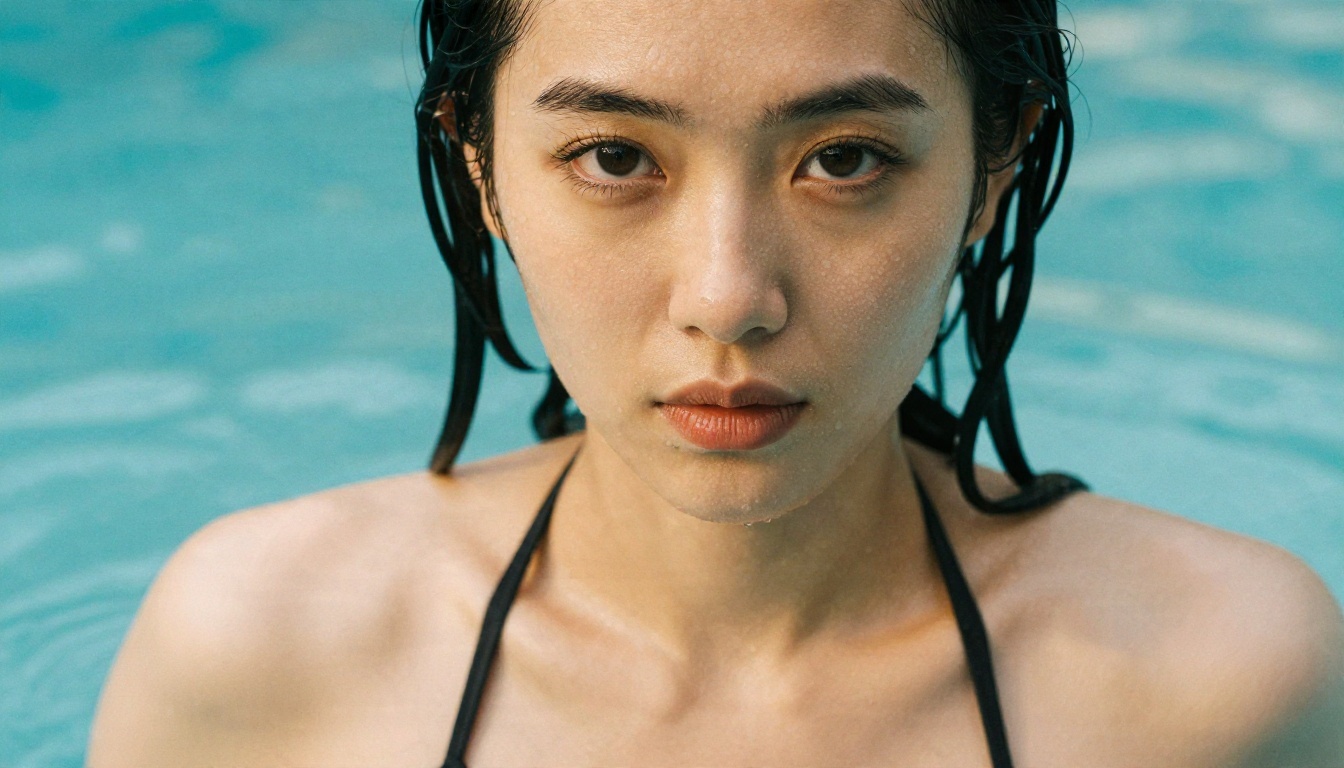
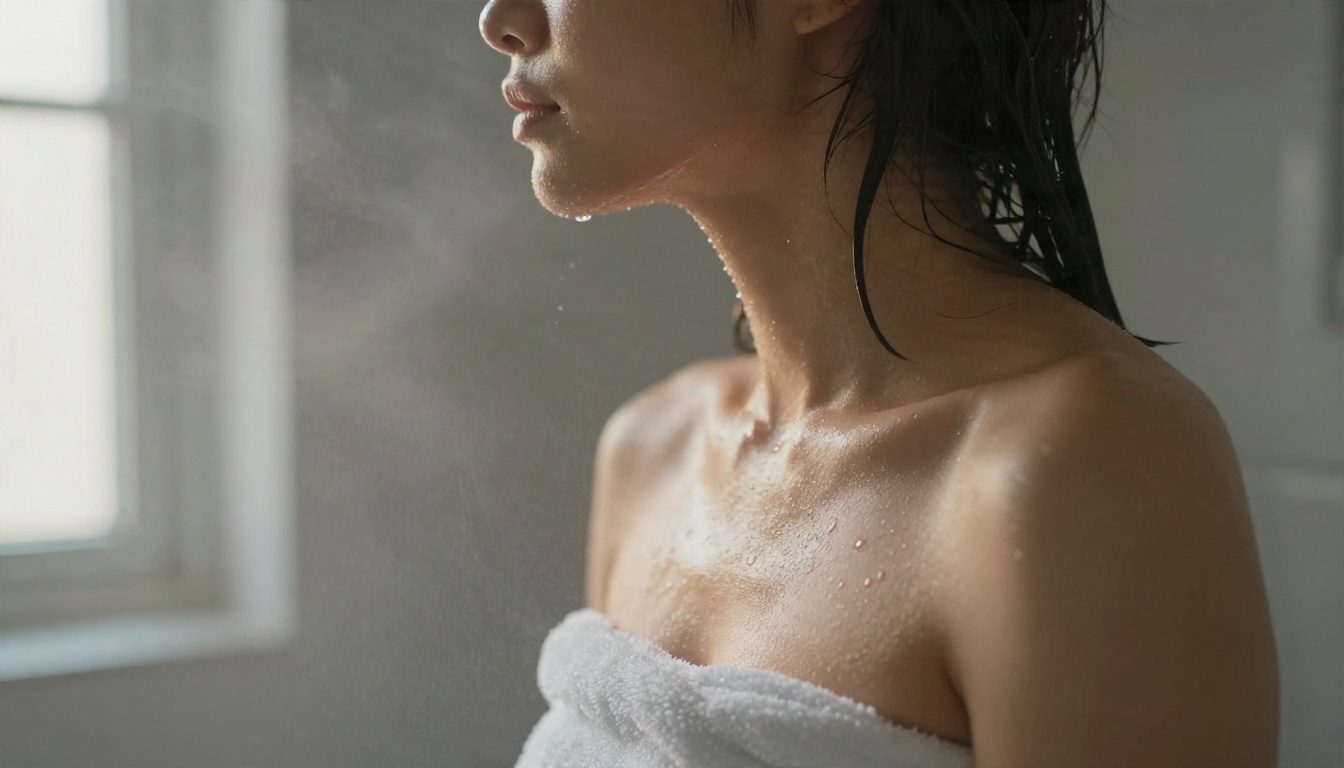
It also renders at high resolution, which matters for skin texture. Pores, fine hair, fabric weave and moisture on skin look believable instead of waxy.
PicassoIA Image Editor Pro
PicassoIA Image Editor Pro is the second stop, and the main reason is simple: unlimited generations. Adult themed work involves a lot of iteration. You adjust the outfit, the light, the pose, the framing, then adjust again. When every attempt costs credits, that gets expensive fast. With unlimited runs you can test freely, edit existing photos and refine details without watching a counter.
It is also fast, which keeps the loop tight. Describe a change, get a result in moments, adjust, repeat.
Other models worth a test
A few more options are worth keeping in your rotation, each with a different strength:
💡 Tip: Run the same prompt through two or three of these. Each model reads light and skin slightly differently, and you will quickly see which one matches your taste.
How to Use Nano Banana on PicassoIA
Nano Banana still earns its place for the work it does well: outfits, portraits, edits and character consistency. Nano Banana is on PicassoIA, and so are its siblings Nano Banana Pro for sharper 4K output and Nano Banana 2 Lite for quick, lightweight runs. Here is the basic routine.
- Open the model page. Go to the Nano Banana page and sign in.
- Write the prompt as a photograph. Name the subject, wardrobe, setting, light and lens. A line such as "adult woman in a linen summer dress on a balcony, soft morning light, 85mm, shallow depth of field" gives the model something concrete.
- Add a reference image if you have one. Nano Banana is strong at editing, so you can upload a photo and ask for a change in outfit, background or lighting.
- Keep the framing editorial. Phrases like "magazine portrait" and "fashion campaign" steer the model toward safe territory.
- Generate, review, adjust. Change one thing at a time. If you swap the outfit and the pose at once, you will not know which edit caused a block.
- Switch models when it refuses. Copy the same prompt into Seedream 4.5 or PicassoIA Image Editor Pro and compare.
Parameter tips:
- Use a 16:9 or 3:2 ratio for scenic and editorial shots, and 4:5 or 2:3 for portraits.
- Keep prompts between 40 and 80 words. Shorter ones leave too much to chance, longer ones can contradict themselves.
- Mention film stock or lighting once, not five times.
Prompts for Adult Images That Work
Good adult themed prompts look a lot like a photographer's shot list. They describe mood, fabric, light and camera, and they leave the rest to suggestion. The examples below are written for tasteful, non-explicit results, and they work well in Seedream 4.5 and Image Editor Pro.
Glamour and boudoir
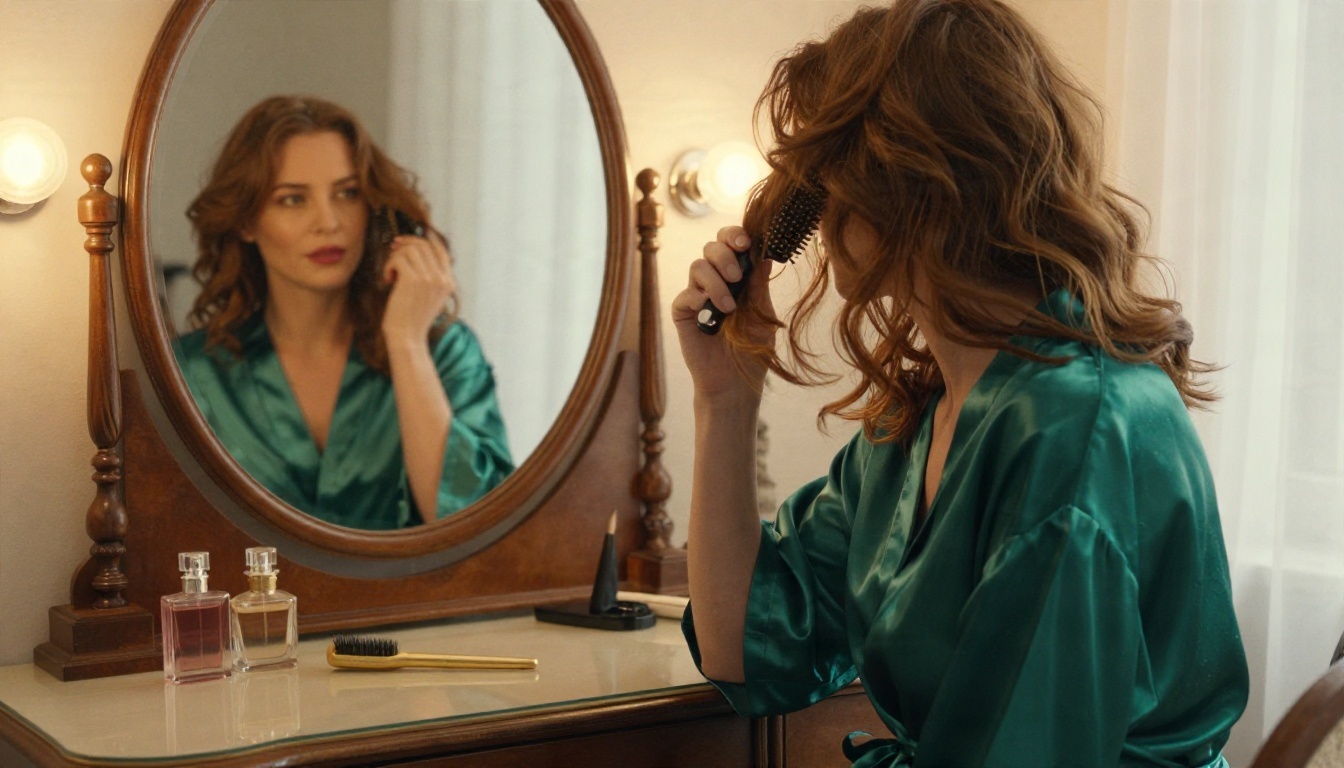
Adult woman in her late twenties wearing an emerald satin robe, seated at a vintage vanity with warm bulb lights around the mirror, brushing her auburn hair, soft window light from the right, 50mm f/1.8, visible silk sheen, natural skin texture, Kodak Portra 400 film grain.
Why it works: the garment, location and light do the storytelling. Nothing in the text pushes the image toward explicit territory, so the result stays elegant.
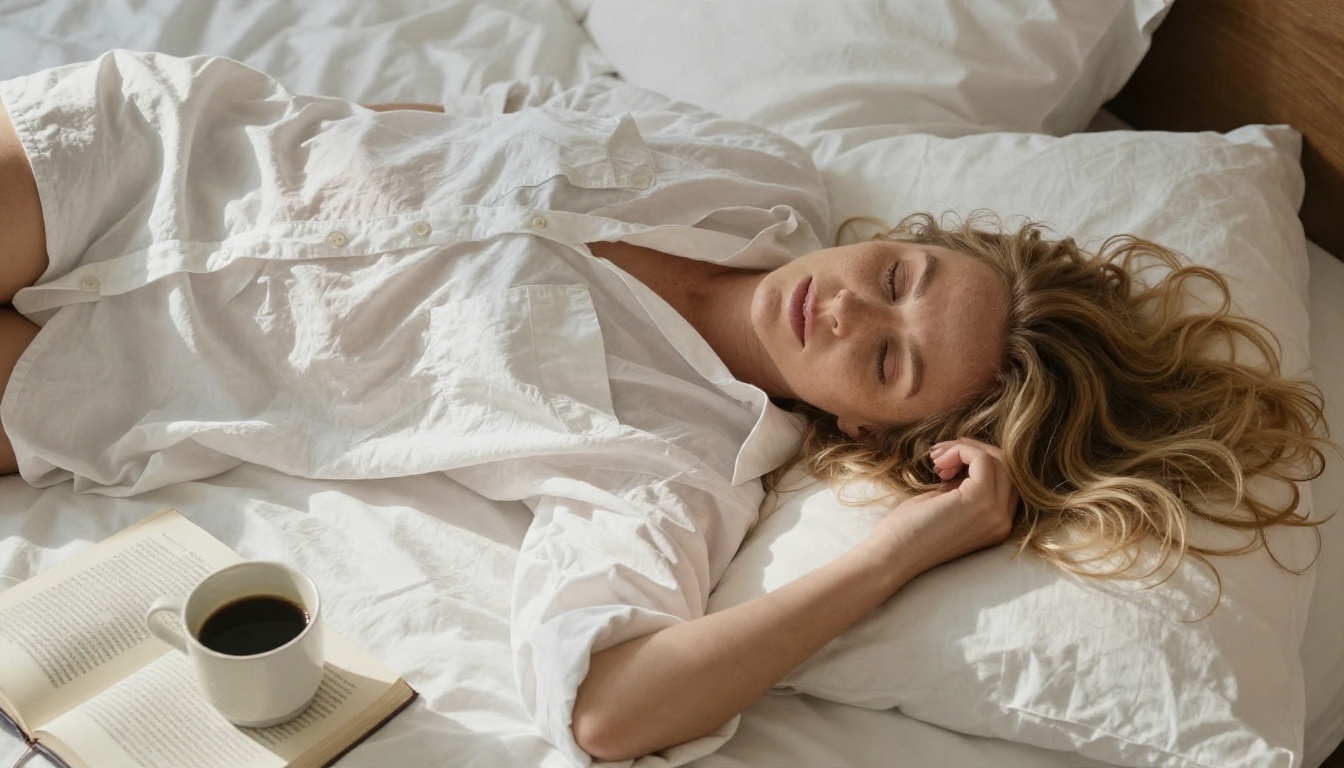
Variation: swap the robe for an oversized white shirt on rumpled linen sheets, shoot from overhead, and add "soft morning light from a window on the left."
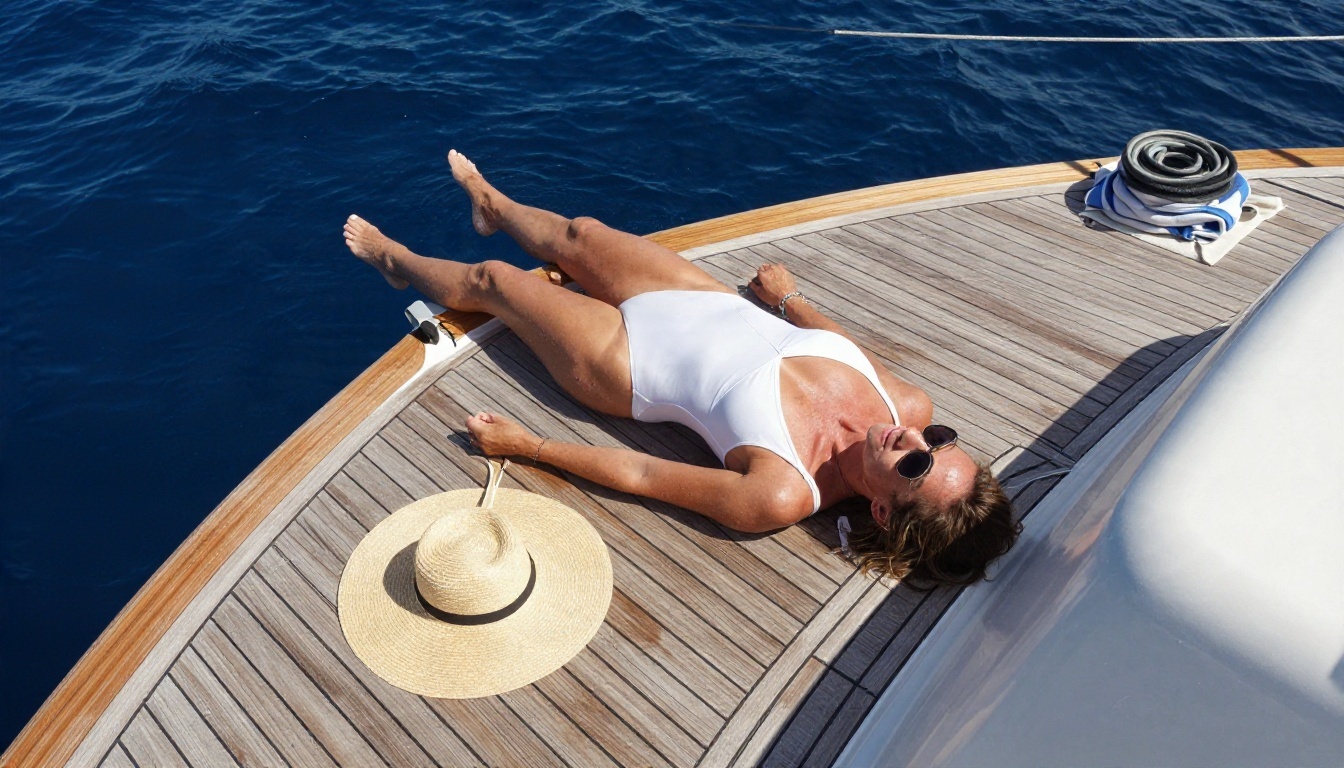
Swimwear and beach
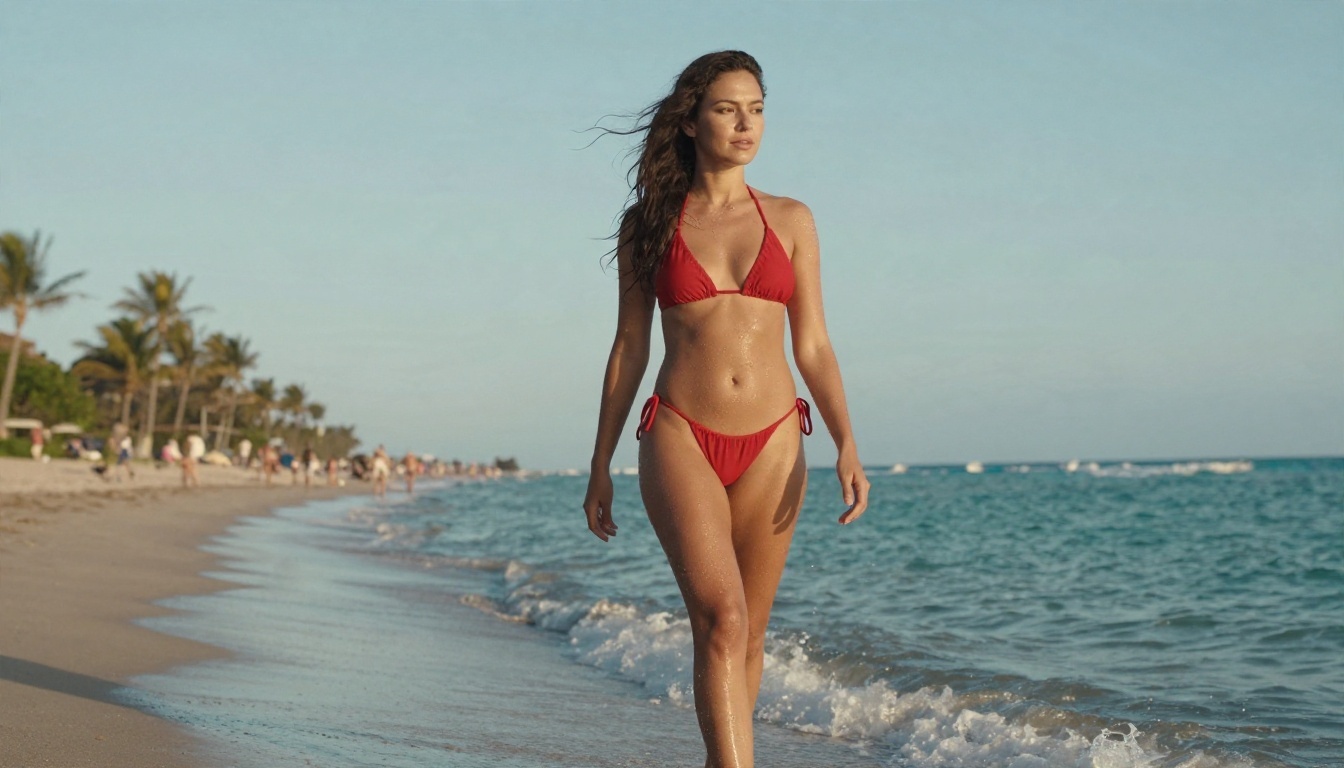
Adult woman in a red string-tie bikini walking out of shallow turquoise surf, water droplets on tanned skin, wind in her dark hair, low angle, late afternoon sun behind her, 35mm f/2, salt on her shoulders, natural colors.
Add details like droplets, wind and sun glare. They give the image a lived-in feel and distract the model from rendering anything rigid or doll-like.
Implied artistic nude
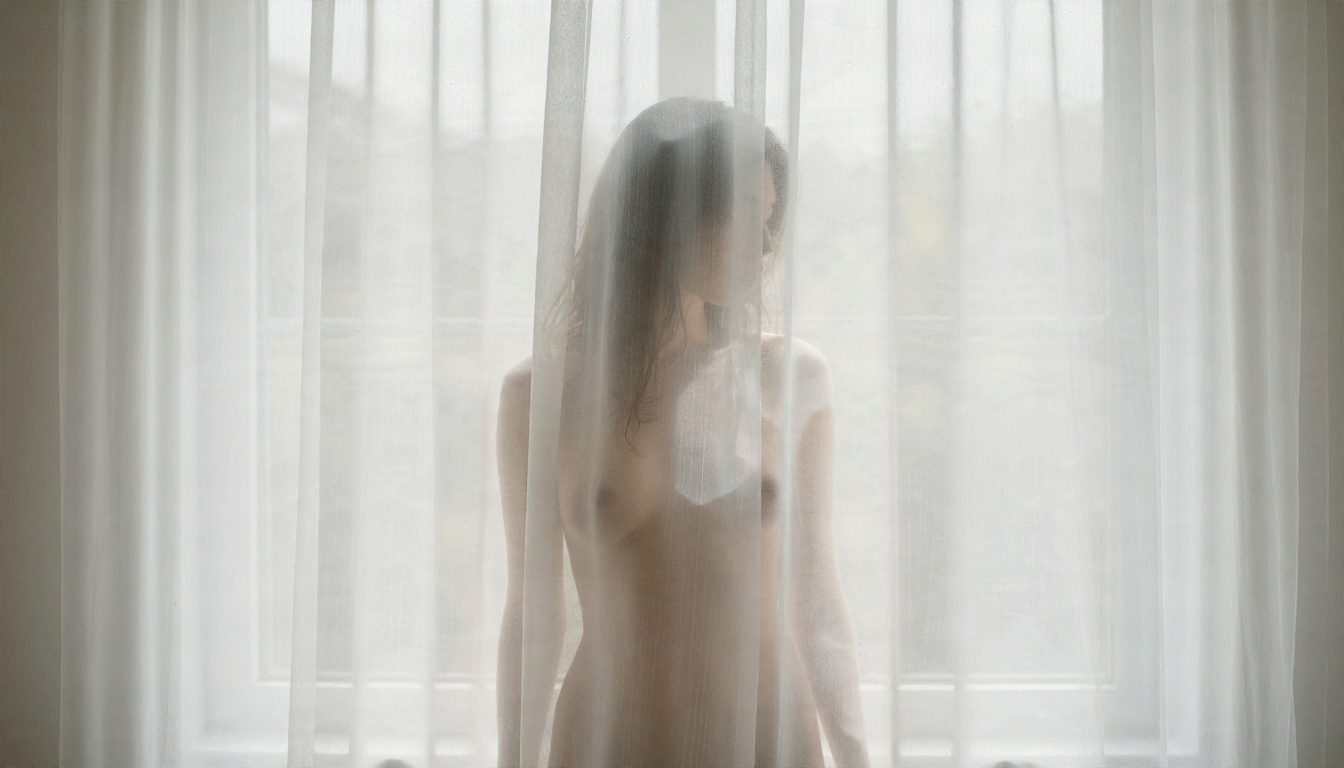
Silhouette and fabric are your friends here. The idea is to suggest, not show.
Backlit adult woman standing behind a floor-to-ceiling sheer white curtain, only a soft silhouette of shoulders, arms and long hair visible, bright diffused morning light, delicate fabric folds, 85mm f/2, fine art mood.
Models that are comfortable with artistic framing render this nicely. Nano Banana will often refuse it, which is a good example of when to switch.
A prompt formula you can reuse
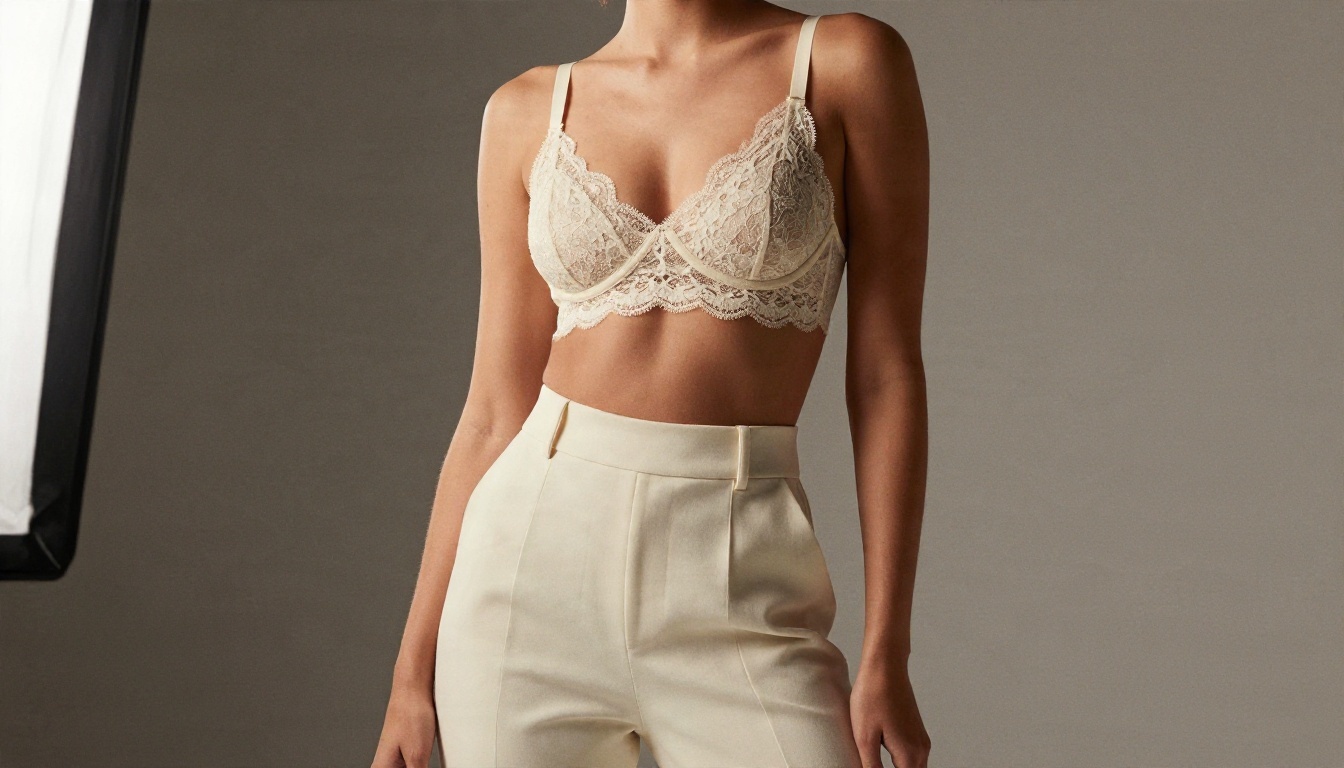
Fill in each slot, in this order:
- Subject: "adult woman in her late twenties" plus hair and expression
- Wardrobe: fabric and cut (satin, lace, knit, linen)
- Setting: hotel suite, pool, yacht deck, bathroom, studio
- Light: direction and quality (low sun from the left, soft window light, softbox)
- Camera: lens, aperture and angle (85mm f/1.8, low angle, overhead)
- Texture: skin pores, fabric weave, water droplets, film grain
- Mood: intimate, editorial, relaxed, confident
💡 Tip: Say "adult" in the prompt every time. It keeps results clearly on the right side of the line and avoids ambiguous faces.
Fixing Blocked Generations
Rewrite instead of repeat
When a prompt is rejected, change its framing, not just a word. Swap "sexy" for "editorial" or "glamour," swap anatomical focus for wardrobe and light, and move the emphasis to the setting. Compare these two:
| Likely to be blocked | Likely to pass |
|---|
| "Seductive woman, barely dressed, bedroom" | "Adult woman in a white shirt on linen sheets, soft morning light, boudoir portrait" |
| "Tiny bikini, close up of body" | "Adult woman in a red bikini at the shoreline, low angle, golden hour" |
| "Naked behind curtain" | "Silhouette behind a sheer curtain, diffused backlight, fine art photograph" |
Switch model, keep the prompt
Sometimes the prompt is fine and the model is the problem. Move the same text to Seedream 4.5, then to PicassoIA Image Editor Pro, and compare. If you have an existing photo that needs a small change, Image Editor Pro lets you refine it with unlimited attempts instead of regenerating from zero.

Rules Worth Keeping
Adults only, always
Every subject must be an adult. Prompts that suggest youth, school settings or childlike features are off the table everywhere, and rightly so. State the age range in your prompt and keep the styling clearly adult.
No real people without consent
Do not generate images of real individuals without their permission, and do not use another person's photo as a reference for suggestive output. Invent your characters. It protects other people and it keeps your portfolio safe to publish.
Keep it tasteful and labeled
If you publish adult themed imagery, follow the rules of the platform you post on, label it where required, and keep it away from audiences who should not see it. Suggestive, well lit and artistic images travel further than anything explicit anyway, because they pass moderation on most social platforms.
Try Your Own Images on PicassoIA
The honest answer to "Nano Banana uncensored" is that there isn't one, and you do not need one. Use Nano Banana where it shines, and move to Seedream 4.5 or Image Editor Pro the moment a glamour, swimwear or boudoir idea hits a wall. Unlimited generations mean you can test ten lighting setups in the time it takes to argue with a filter.
Pick one prompt from this article, run it in Seedream 4.5, then run it again in PicassoIA Image Editor Pro and compare the skin, the light and the mood. When you want more options, browse the full catalog at picassoia.com/en/all-models and build the look that fits your style.


