You typed "Nano Nano NSFW" into a search bar, hoping for a free image generator that finally says yes to a bikini shoot, a boudoir portrait or a moody glamour scene. Instead you probably landed on a pile of pages that all contradict each other. One says it is free. Another says it is locked behind credits. A third says it refuses everything. This article sorts the noise into something you can use today: what the name most likely refers to, what happens when you push adult prompts through it, which free options actually work, and ten photographic examples with prompts you can copy.
Everything here stays on the suggestive, non-explicit side: swimwear, lingerie fashion, silk, satin, golden light, confident poses. That is also where AI image models perform best, because skin, fabric and light are exactly the details modern generators are good at.
What Nano Nano Actually Means
The Name Problem
There is no image model called "Nano Nano" that I could find on PicassoIA, and searching the web for it returns almost nothing that points to a single product by that exact name. The phrase looks like a doubled or misspelled version of Nano Banana, the image generation and editing family from Google. That is the model most people mean when they type it, and it is the one the search results keep circling back to.
So to be direct: Nano Nano is not on PicassoIA as a model of its own, and nothing in this article suggests you can use it here under that name. What you can do is use the models that give you the same kind of result, and I will point to them below.
💡 If you landed here from a page that sold you a "Nano Nano NSFW" app or a browser extension, be careful with it. Unknown tools that ask for a payment upfront or a download before showing any output are a common pattern, and you can test better options for free first.
What Nano Banana Does With Adult Prompts
Google's Nano Banana models are strong at photorealism, text rendering and photo editing. They also ship with safety filters. In practice that means:
- Swimwear and fashion prompts often pass, especially when you describe a clothing and location setup like a magazine shoot.
- Anything explicit gets refused or quietly softened.
- Borderline prompts produce inconsistent results. The same sentence can pass once and fail the next time.
Several pages online claim that you can switch the filters off, or that a "nano" model has a hidden adult mode. Treat those claims with suspicion. The coverage is mostly marketing, and the sources contradict each other on basic facts like price and policy.
If you want to try the Nano Banana family for regular photography anyway, three versions are available on PicassoIA: Nano Banana, Nano Banana Pro and Nano Banana 2 Lite. They are good tools for portraits, product shots and edits. For glamour and swimwear that needs fewer refusals, the alternatives further down are a better fit.
Is a Free Generator Realistic?
What Free Usually Costs
"Free" in AI image generation almost always comes with a catch. The common ones:
| Catch | What it looks like | How much it hurts |
|---|
| Daily credit cap | 3 to 10 images, then a paywall | High, you cannot iterate |
| Watermarks | Logo stamped on the corner | Medium, ruins sharing |
| Slow queue | Minutes of waiting per image | Medium, kills momentum |
| Hard filter | Refusal on swimwear or lingerie | Very high, nothing to generate |
| Low resolution | 512 or 768 px output | Medium, skin looks smeared |
The last two matter most for this topic. A generator that blocks a bikini prompt is useless for glamour photography, no matter what it costs.
Unlimited Versus Free Trial
A free trial gives you a taste. Unlimited generation gives you a workflow. Glamour photography with AI depends on iteration: you change the lens, the light, the fabric, the pose, and you run the prompt six or seven times before one frame feels right. A cap of five images makes that impossible.
That is why the options below lean toward models with fast output and no per-image anxiety, including one editor that runs without generation limits.
Best Alternatives on PicassoIA
Nano Nano has no page here, so here are four models that are on PicassoIA and suit suggestive, non-explicit photography. For similar results today, try them in this order.
Seedream 4.5 First
Seedream 4.5 from ByteDance is the first model I would open for glamour work. It renders skin with believable pores and sheen, handles satin, lace and wet fabric well, and it follows long, detailed prompts without drifting. It also outputs at high resolution, which matters when you zoom in on faces and hands.
It is the strongest all-round pick for swimwear shoots, boudoir lighting and editorial portraits.
PicassoIA Image Editor Pro
PicassoIA Image Editor Pro is the one to use when you already have a photo and want to change it. Swap an outfit color, change the background from a studio to a beach, adjust the mood or fix small details. Its biggest advantage is that generations are unlimited, so you can keep refining without watching a counter.
Z Image Turbo for Speed
Z Image Turbo is built for quick drafts. When you are testing five versions of a poolside scene, speed beats perfection. Use it to find the composition you like, then rebuild the winner in Seedream 4.5 for the final render.
Grok Imagine Image Quality
Grok Imagine Image Quality produces crisp 2K images and does well with lifestyle and fashion scenes. It tends to give slightly more stylized color than Seedream, which some people prefer for warm, sunny beach shots.
💡 Not every model accepts the same prompts. Seedream 5 Lite, for example, blocks adult content, so skip it for this kind of work.
How to Get Similar Results on PicassoIA
Since the Nano Nano name leads nowhere, here is the workflow I would use with Seedream 4.5 to get the same kind of glamour output.
Step by Step
- Open the model page. Go to the Seedream 4.5 page and sign in.
- Write the subject first. Start with who and what: "adult woman in a coral bikini on a poolside daybed". Always say adult. It sets the tone and keeps results age appropriate.
- Add the setting. Name the location and the small objects around it: terracotta tiles, a glass of water, white linen.
- Describe the light. This is where most prompts fail. Write the direction and quality: "soft morning window light from the left" or "hard midday sun from upper right".
- Name the camera. Add a lens and an aperture, such as "85mm f/1.8". It pushes the model toward a believable depth of field.
- Set the ratio. Choose 16:9 for scenery and wide scenes, 3:4 or 2:3 for portraits.
- Generate, then adjust one thing. Change only the light, or only the pose, between runs. Otherwise you cannot tell what improved the result.
- Refine in the editor. Send the best frame to PicassoIA Image Editor Pro to adjust clothing, background or small flaws without starting over.
Parameter Tips
- Resolution: pick the highest option for portraits. Skin detail is the first thing to suffer at low resolution.
- Prompt length: 50 to 90 words works better than a single sentence. Short prompts give generic faces.
- Film language: words like "Kodak Portra 400", "film grain" and "matte finish" pull results toward a photographic look and away from the glossy, plastic skin typical of AI images.
- Negative habits: instead of listing what you do not want, describe what you do. "Natural skin pores and fine facial hair" beats "no plastic skin".
- Seeds: when a frame is close, keep the seed and only edit one phrase to get a controlled variation.
Prompts That Work
Below are five scenes, each with the prompt idea behind it. Copy them, then change the details. Every scene is suggestive but non-explicit, which is where models give their most natural results.
Poolside and Beach
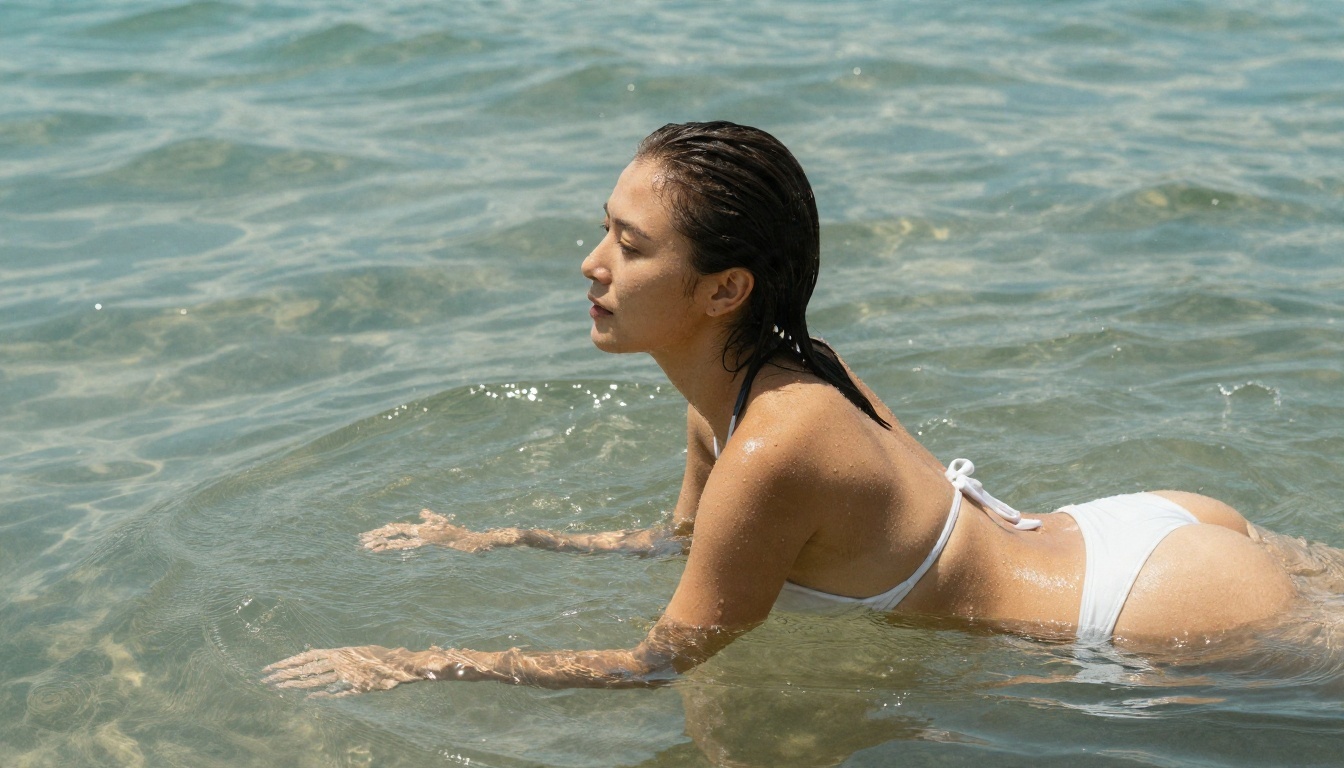
Swimwear is the easiest entry point. Water, sun and skin together give the model plenty of realistic texture to work with.
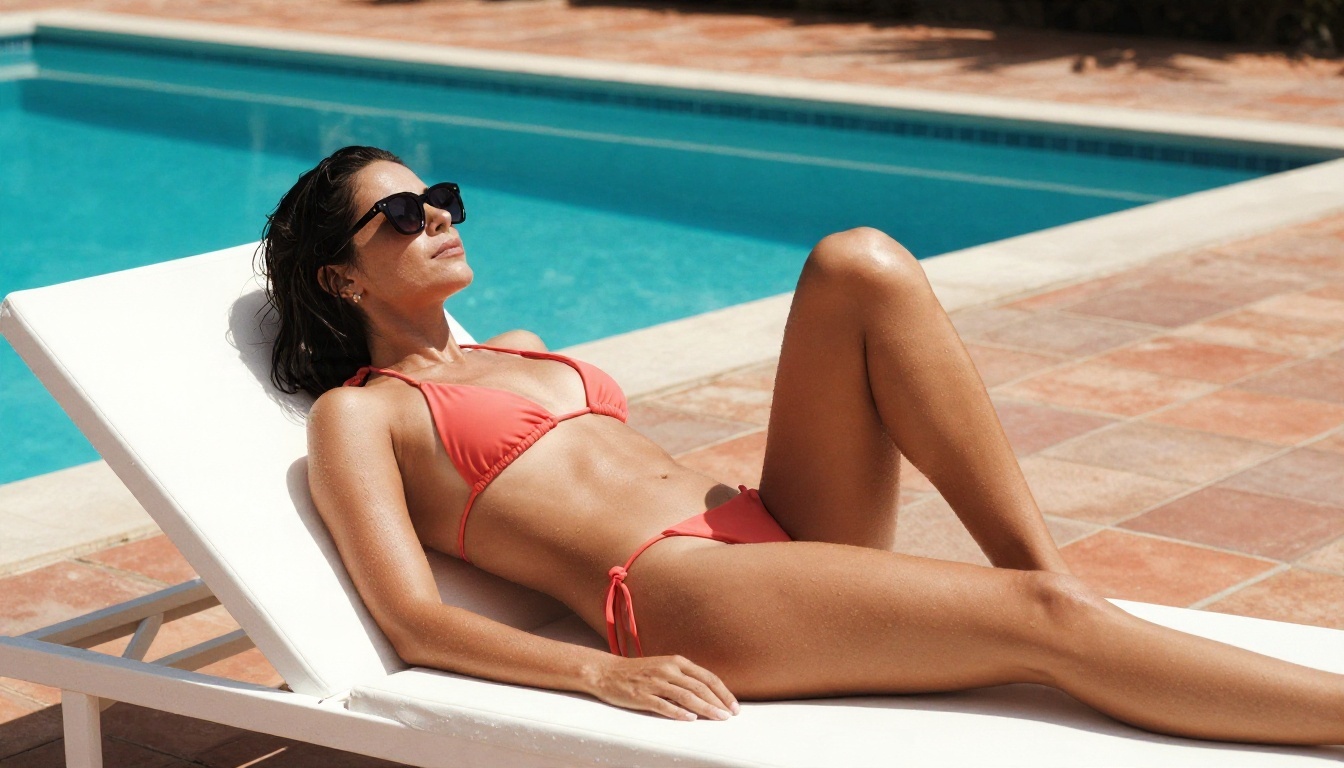
Adult woman in a coral bikini lounging on a white poolside daybed at a Mediterranean villa, one knee raised, sunglasses pushed into her dark hair, water droplets on tanned skin, turquoise pool and terracotta tiles behind her, hard midday sun from upper right, low three quarter angle, 50mm f/2 lens, Kodak Portra 400 film grain.
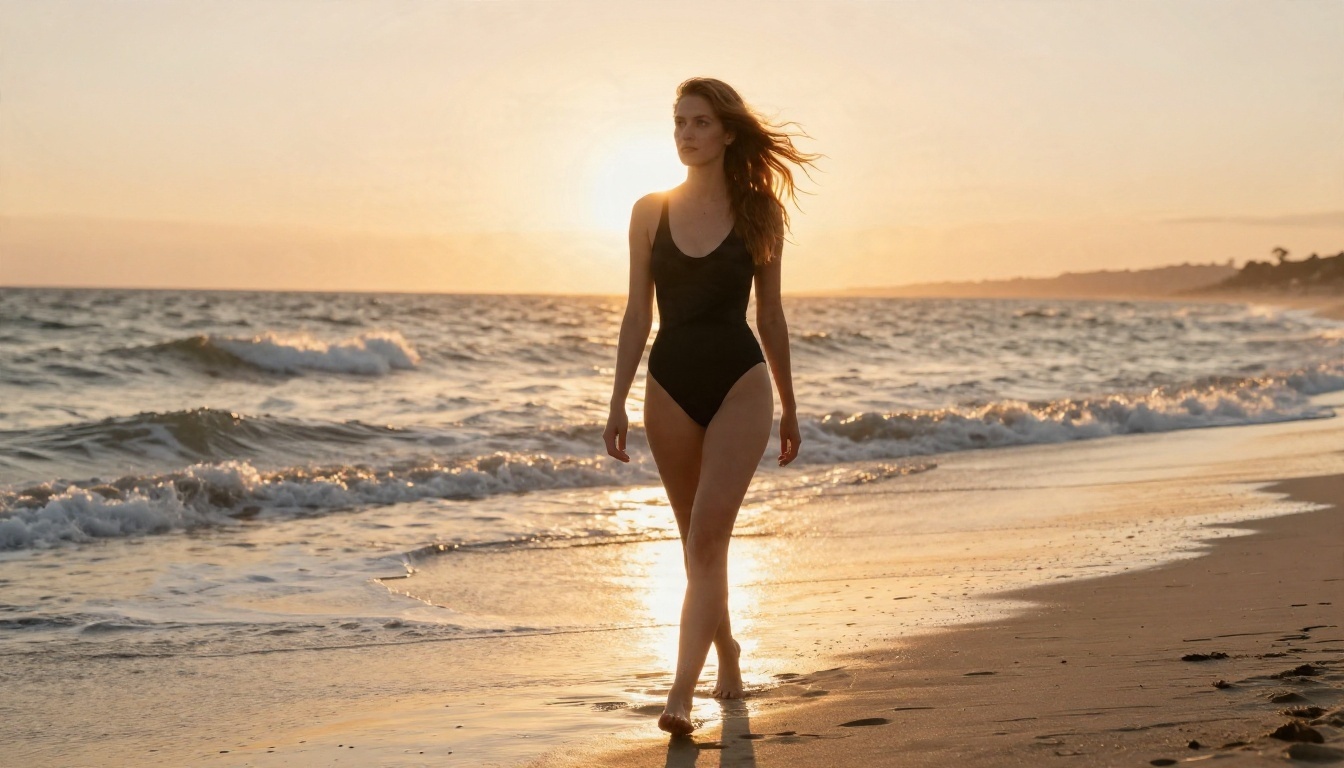
For a beach version, swap the daybed for wet sand, move the light to the horizon and use a backlit rim light on the shoulders. Wet skin shows up better when the sun sits behind the subject.
Boudoir and Satin
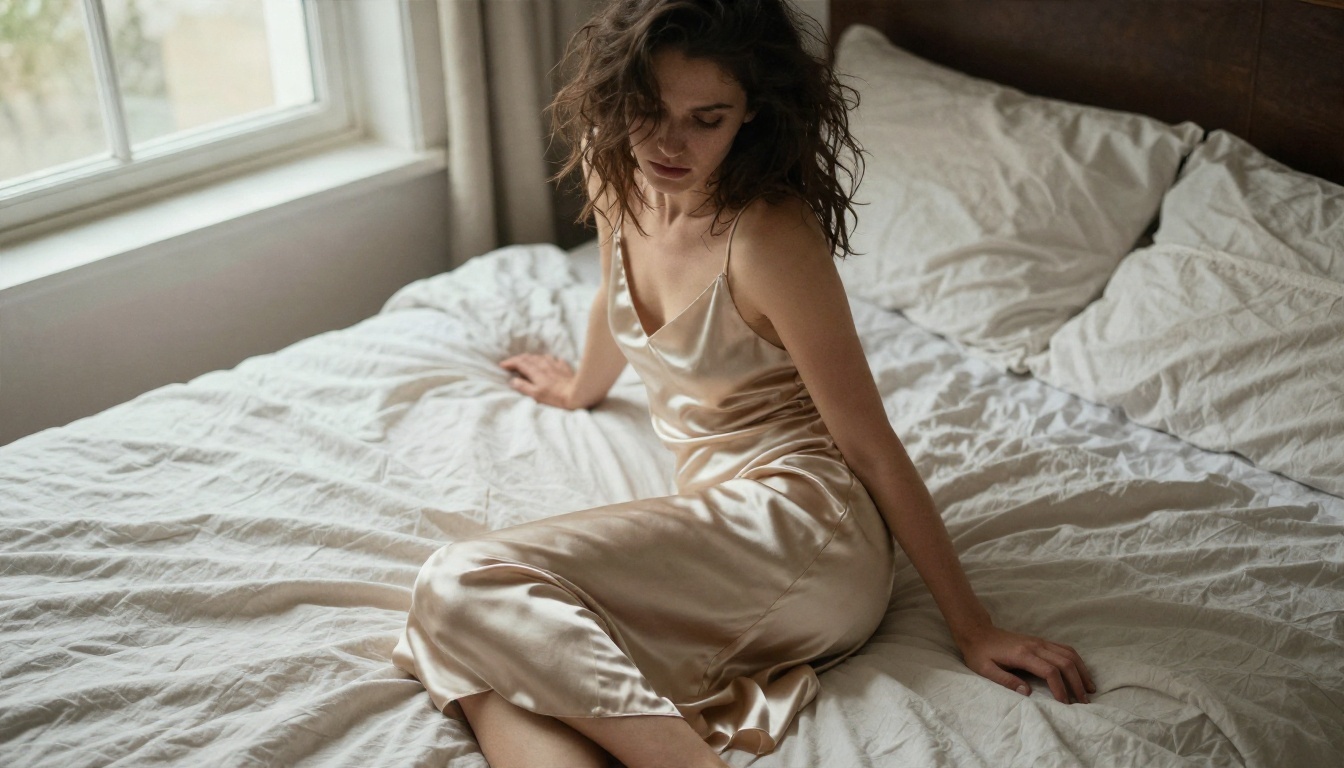
Soft window light, rumpled linen and a silk or satin slip. This is the classic boudoir look, and it works because the lighting does the storytelling, not the pose.
Adult woman in a champagne satin slip dress seated on the edge of a rumpled bed in a sunlit bedroom, tousled morning hair, soft diffused daylight from a large window on the left, satin creases with realistic highlights, linen texture, warm muted tones, 35mm f/2, film grain.
Add a small prop or two, like a glass of water or a bouquet of white flowers. It makes the scene feel lived in instead of staged.
Studio Editorial
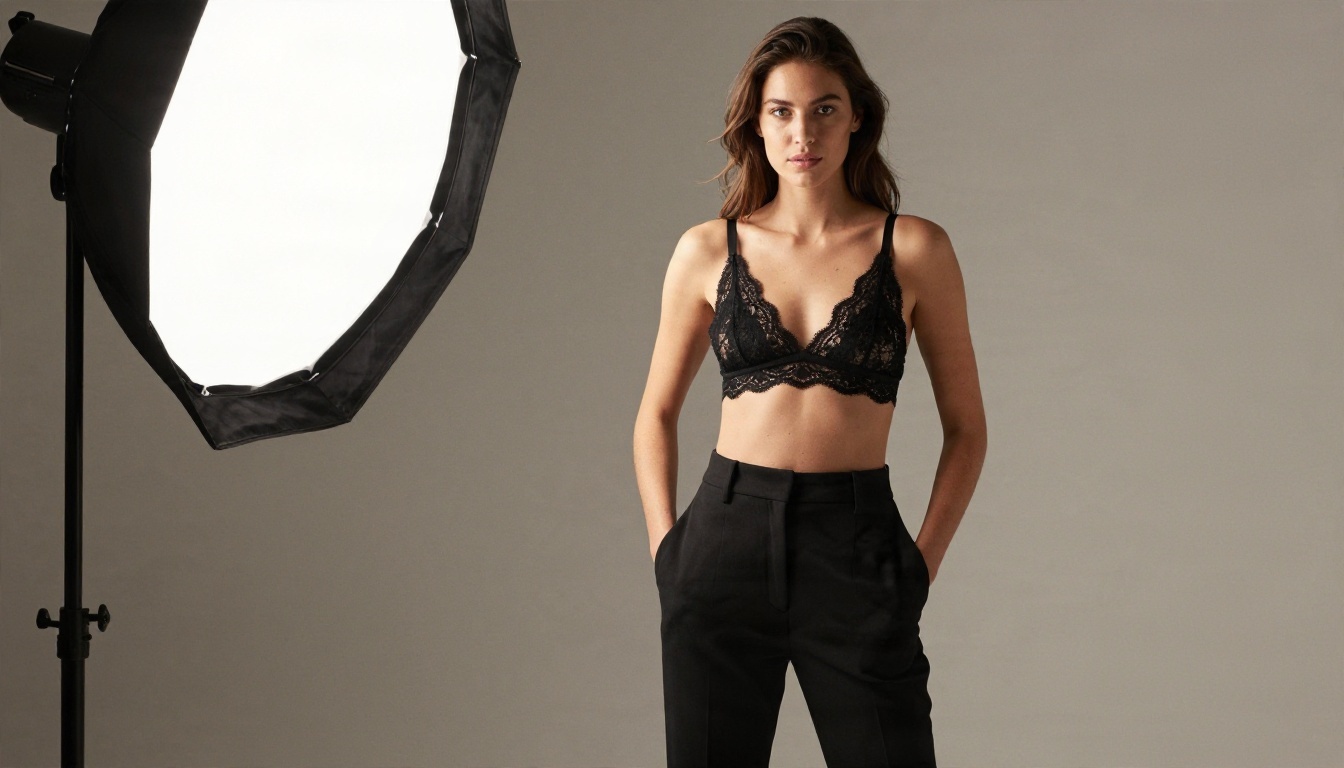
A seamless gray backdrop, one big softbox and a confident pose. Fashion photographers use this setup for lingerie campaigns because it keeps the focus on fabric and shape.
Adult fashion model in black lace bralette and high waisted tailored trousers against a seamless warm gray studio backdrop, hands in pockets, confident editorial pose, single large softbox from the left with soft falloff on the right, 70mm f/2.8, visible lace texture, subtle film grain.
Mixing lingerie with tailoring, as in the prompt above, also tends to produce more distinctive and less generic results.
Vintage Glamour
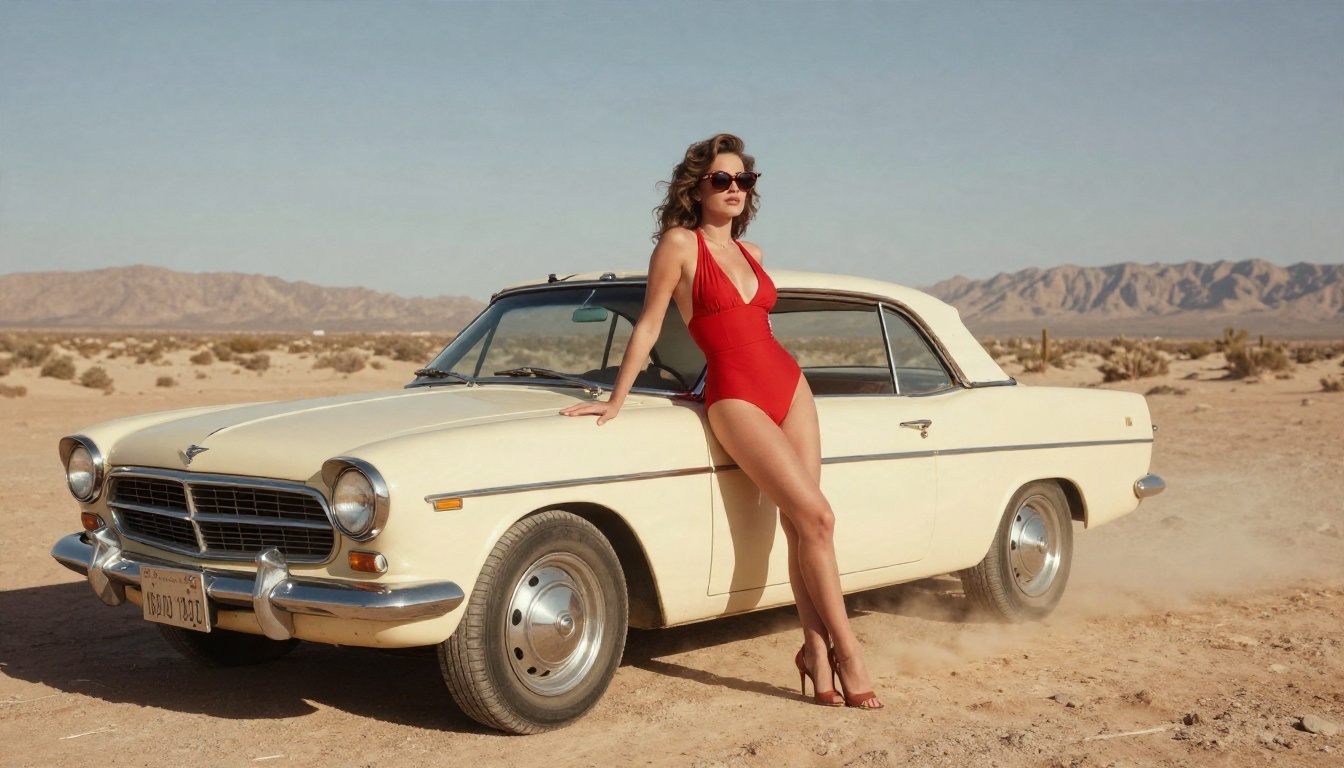
Era references give AI a ready made color palette. A 1970s road trip scene needs warm grain, faded reds and hard late sun, and the model fills in the rest.
1970s inspired glamour photograph of an adult woman in a red halter swimsuit leaning against a vintage cream convertible on a desert road, big sunglasses, wavy hair, low dramatic angle, 28mm f/4 lens, hard late afternoon sun from the right, warm grain, faded Kodak Portra 400 tones.
The wide lens exaggerates the car and the road, which gives the image that unmistakable old magazine feel.
Close-Up Portraits
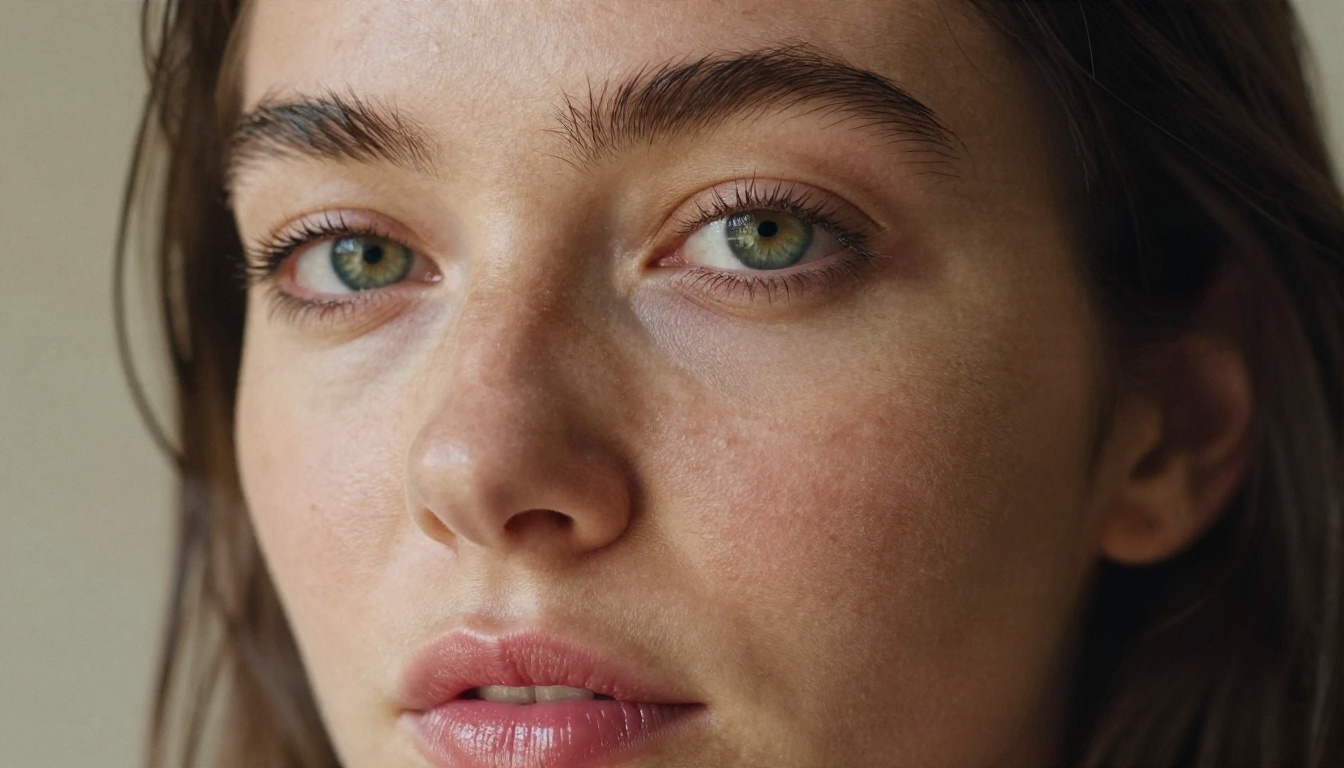
Close-ups are where cheap generators show their weakness, and where strong models shine. Ask for specifics: freckles, damp strands of hair, individual eyelashes, fine facial hair catching the light.
Extreme close-up portrait of an adult woman with green eyes, light freckles and glossy rose lips, damp hair strands across her forehead, soft window light from the right, neutral blurred beige background, 105mm f/1.8, natural skin pores, Kodak Portra 400 grain.
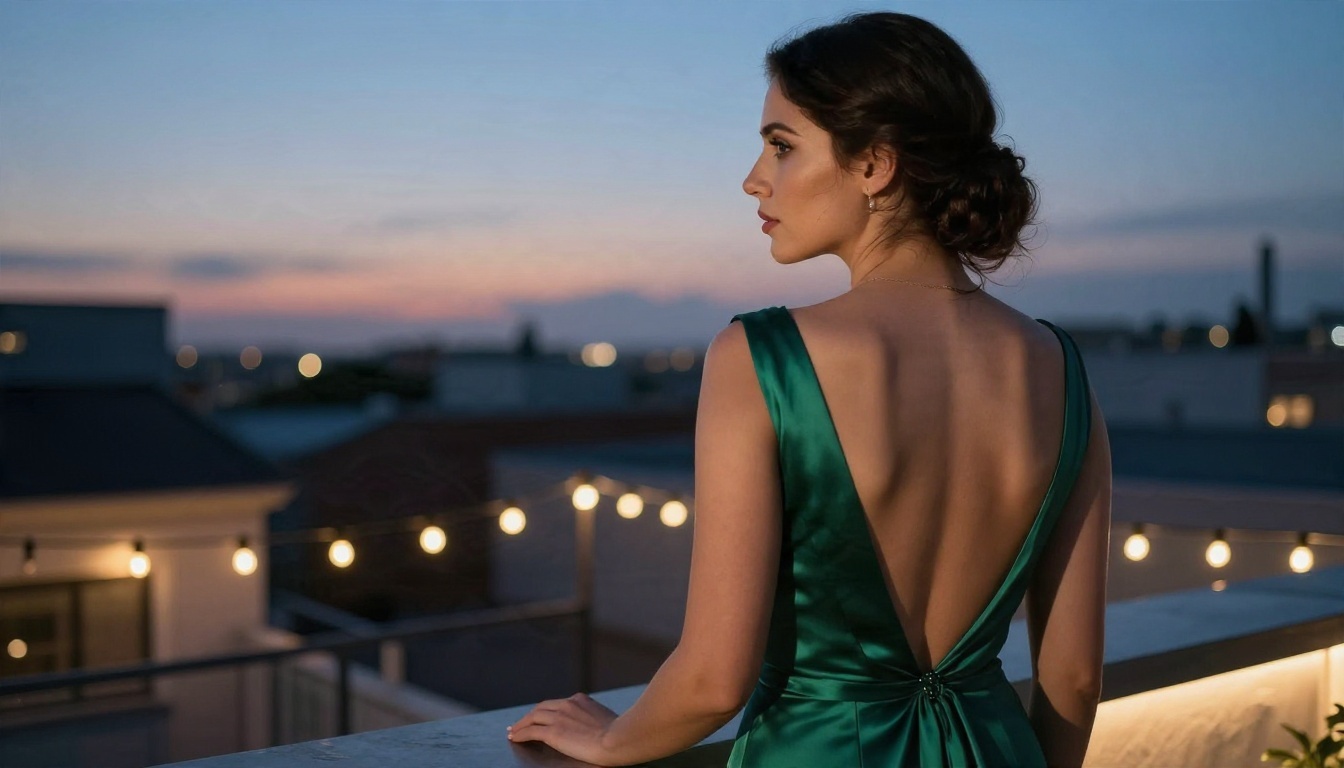
Evening looks work in the same way. Pair a backless gown with blue hour light and a rooftop, and the glamour comes from the atmosphere, not from showing more.
Common Mistakes
Most failed generations come down to a handful of habits. Here are the ones I see most.
1. Writing the outfit and forgetting the light. "Woman in a bikini" gives a flat, catalog look. Add direction and quality of light and the image gets depth right away.
2. Stacking too many styles. Mixing "cinematic", "editorial", "vintage" and "hyperreal" in one prompt confuses the model. Pick one visual era and one mood.
3. Using vague body words. Describing details of clothing, fabric and pose works far better than abstract terms. Fabric names such as silk, satin, lace and linen carry real visual information.
4. Ignoring hands. Hands remain the weak spot of image models. Give them something to do: holding a curtain, touching a collarbone, resting in pockets. Hands in pockets or hidden by objects avoid the worst errors.
5. Skipping the draft stage. Use a quick model like Z Image Turbo for composition tests, then finish in Seedream 4.5. It saves time and credits.
6. Trusting "unlock everything" tools. Pages that promise a secret mode for a famous model usually lead to paywalls or unrelated apps. A model that accepts your prompt openly is better than a trick that works once.
💡 Keep your images adult, consensual and fictional. Do not generate real people without permission, and do not generate content involving minors. A good platform and a good prompt both start from that rule.
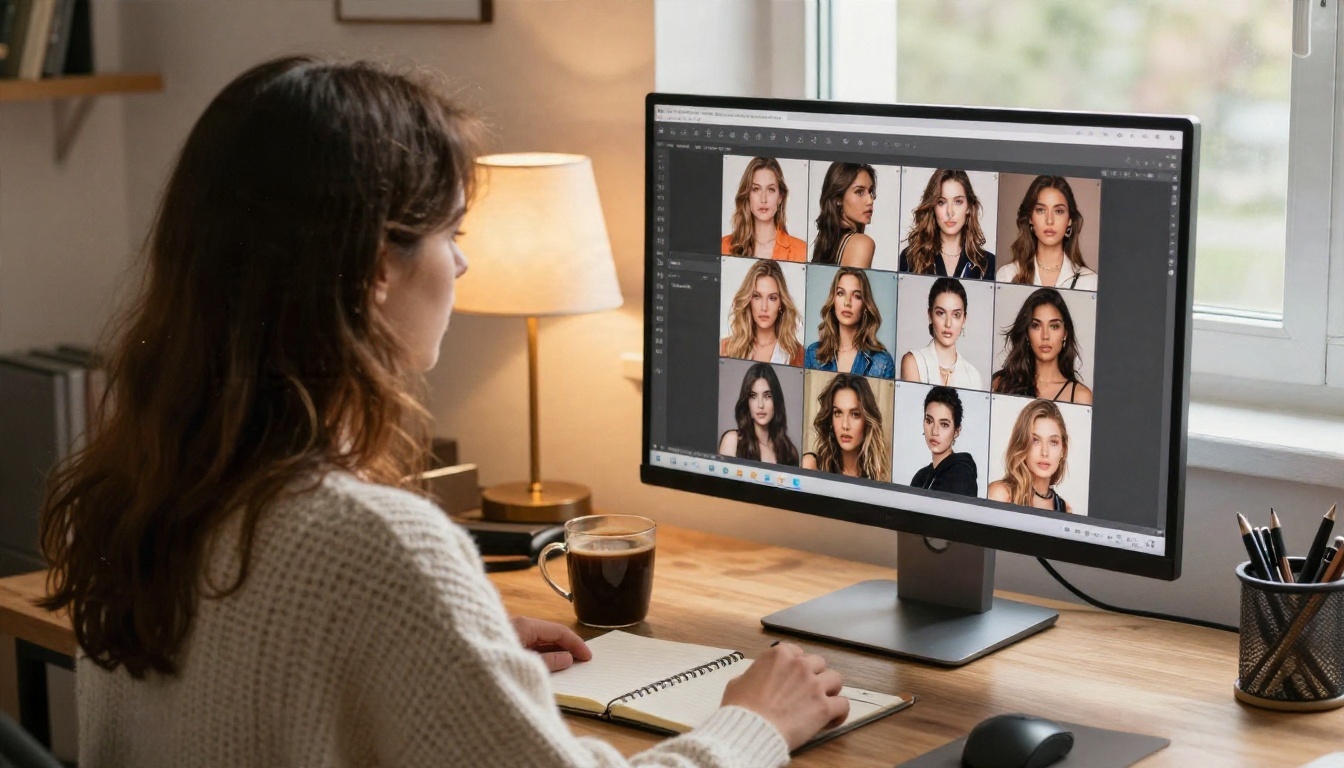
Try Your Own Prompts Today
The honest answer to "Nano Nano NSFW" is that the name points at something that does not exist as a single product, and the closest real family, Nano Banana, filters adult content. The practical answer is to skip the hunt and use models that are built for this kind of photography.
Here is a simple plan for your first session on PicassoIA:
- Open Seedream 4.5 and paste the poolside prompt from this article.
- Run it three times, changing only the light direction each time.
- Send your favorite frame to PicassoIA Image Editor Pro and swap the outfit color or the background.
- Test a quick variation in Z Image Turbo to see how a faster model reads the same idea.
You will know within ten minutes which model and which prompt style suits you. If you want to see what else is available, the full list sits at picassoia.com/en/all-models. Pick a scene from this article, change one detail to make it yours, and generate your own set of glamour photographs on Picasso IA.


