Most naughty AI apps sell you the same thing: a flirty character who texts back, and a few pictures when you ask nicely. The catch is the meter running underneath. Free plans run dry fast, picture replies cost more than text, and the "unlimited" tier often has a footnote. This article sorts out which free options are worth your time, how chat with pictures really works, what you can expect to pay, and how to get better images for less by splitting the job in two.
Prices and limits in this space change almost monthly, and review sites often disagree with each other. Treat every number below as an approximate range seen in 2026 roundups, and check the live pricing page before you pay for anything.
What Naughty AI Apps Actually Do
The label covers a lot of ground. Some apps are roleplay chat platforms where you talk to user-made characters. Others are "AI girlfriend" or companion apps with a fixed personality, a memory of your conversations, and a photo gallery. A third group is closer to image generators with a chat wrapper on top.
Chat, images and voice
Nearly every app mixes three features:
- Text chat with a persona, usually with fewer content filters than a mainstream assistant.
- Picture replies, where the character "sends" a generated photo that matches the scene.
- Voice messages or calls, often locked behind the most expensive plan.
Text is cheap to produce. Images and voice are not. That single fact explains almost every pricing decision you will run into.
Who uses them
People come for different reasons: casual flirting, long-running story roleplay, companionship, or simply curiosity about what an uncensored model will say. Your reason matters because it decides which limit hurts most. A storyteller burns through message caps. Someone who wants pictures burns through credits.
💡 Tip: Before you compare apps, decide whether you mostly want conversation or mostly want images. Those are two different products, and few apps are great at both.
Free Picks Worth Trying
No app is truly free forever. What you get is a trial with a ceiling. Still, some ceilings are higher than others.
Free tiers at a glance
The table below summarizes what 2026 roundups say about popular names. These are reported figures, not guarantees.
| App | Free access reported | Paid entry point (approx.) | Notes |
|---|
| CrushOn AI | Around 50 messages a day after an April 2026 change | Roughly $6 to $15 per month | Reviews disagree on exact tiers, so verify |
| SpicyChat | Limited free chat with slower queues | Low monthly tiers | Popular for user-made characters |
| Janitor AI | Free chat, quality depends on the model you connect | Optional paid add-ons | Character library is large |
| OurDream AI | Trial credits | About $8 per month | Includes a daily photo allowance |
| Candy AI | Small starter allowance | About $10 to $35 per month plus coins | Images, video and voice cost extra coins |
| aiAllure | Often listed as paid only | About $10 to $30 per month | Reported to have no free tier |
| Seduced AI | Often listed as paid only | About $15 to $40 per month | Image focused |
What "free" really means
Read the free tier as one of four things:
- A daily message cap. You can chat, but you stop after a set number of replies.
- A one-time credit pile. Once it is gone, it is gone.
- Slow-lane access. Replies queue behind paying users.
- Text only. Pictures, voice and video are paywalled.
Most free plans are a mix of two or three of these. A daily message cap resets, which makes it the friendliest model for casual use. A one-time credit pile is the most misleading, because it feels generous for the first hour.
Chat With Pictures: How It Works
"Chat with pictures" sounds like one feature, but it is really two systems stitched together. A language model writes the reply. A separate image model draws the picture. The app glues them with a prompt.
Text in, photo out
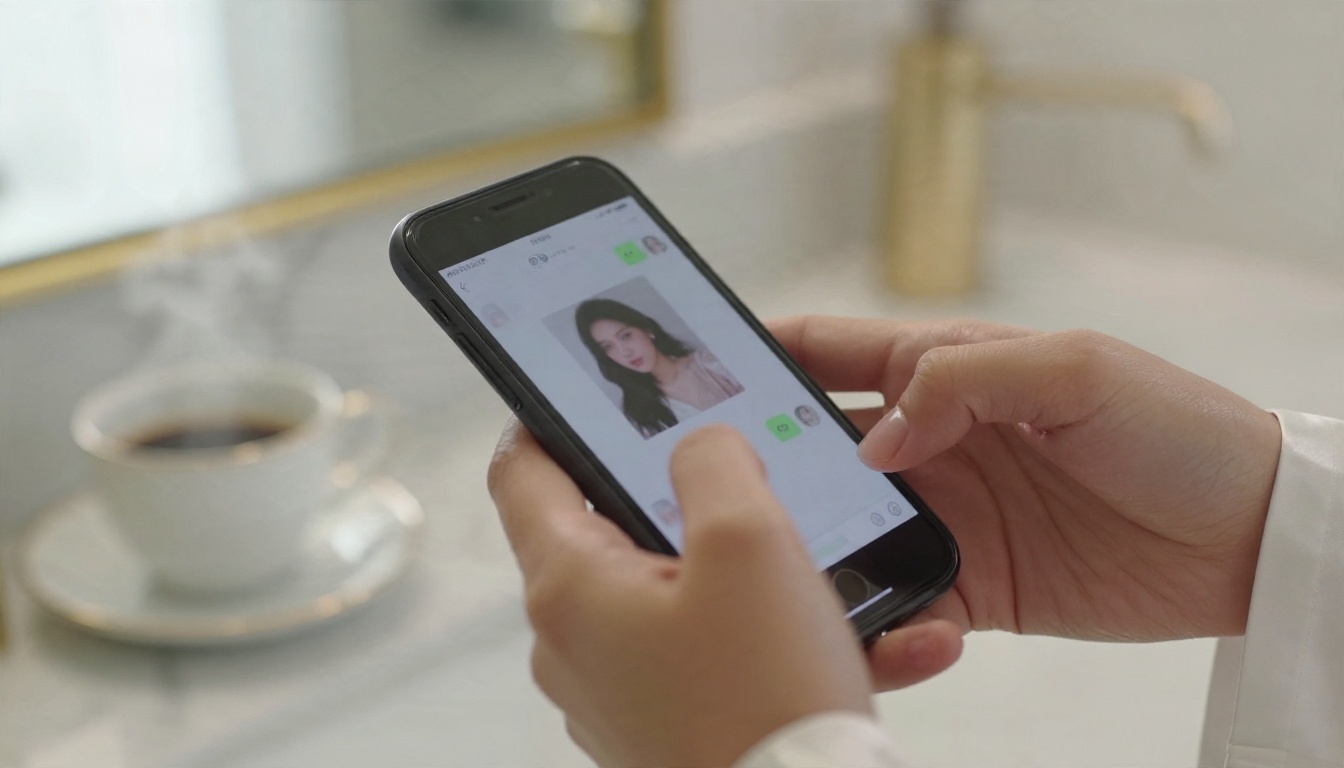
When you type "send me a photo from the beach," the language model turns that into a short image prompt: outfit, pose, setting, lighting. That prompt goes to an image generator, and the result is posted in the chat as if the character took it.
Some apps also let you send your own picture to the chat. A vision-capable model reads it and the character responds to what it sees. This is where privacy questions start, which we get to below.
Why image replies drain credits
Generating an image takes far more computing than writing a paragraph. That is why a free balance that feels roomy for text can vanish after a handful of pictures. Apps usually price it one of three ways:
- Coins or credits per image, with bundles that get cheaper in bulk.
- A daily image quota included in the plan.
- Unlimited text, metered images, which is the most common setup.
⚠️ Watch out: "Unlimited" almost always refers to text messages. Read what it says about photos, voice and video separately.
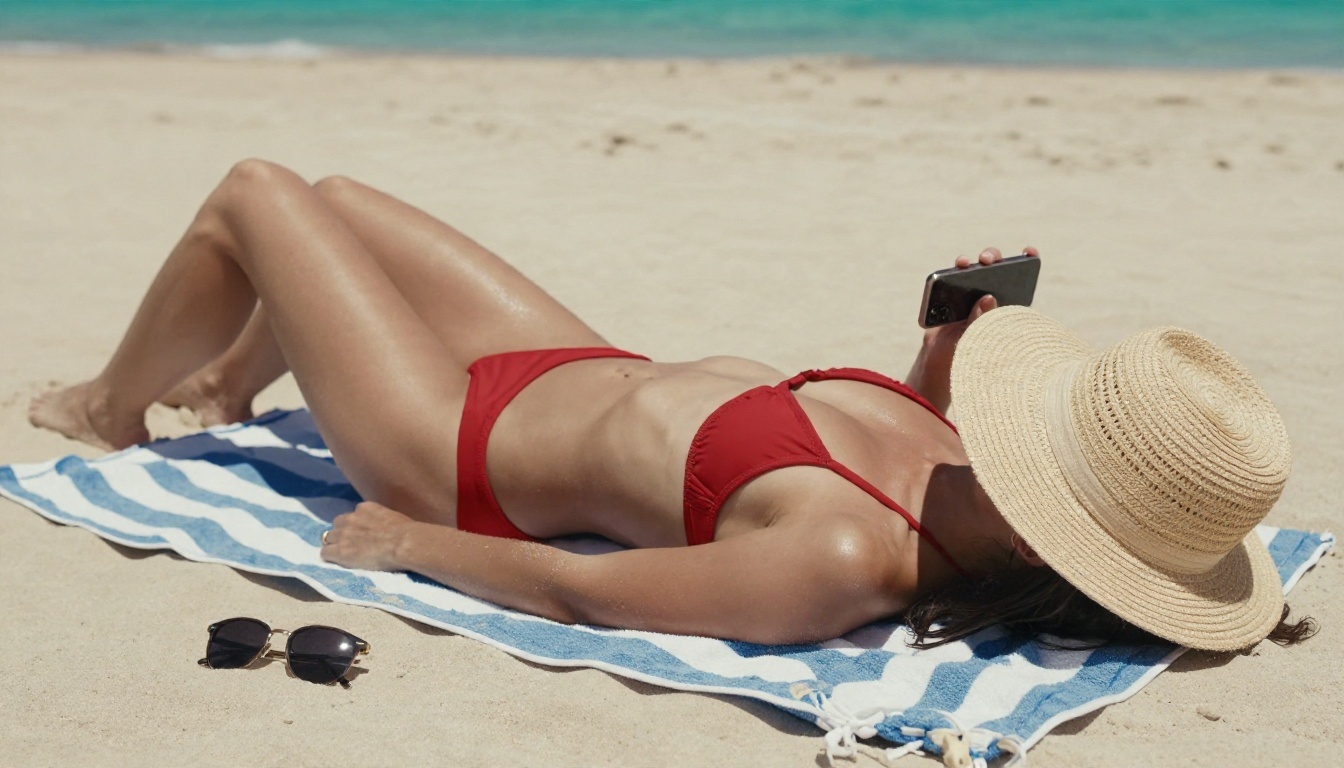
Pricing and Limits Compared
Here is how the typical subscription ladder looks across the category.
Typical monthly plans
| Plan level | Typical price | What you usually get |
|---|
| Free | $0 | Capped messages, few or no images |
| Entry | $6 to $12 | More messages, access to less restricted content |
| Mid | $15 to $25 | Better models, a daily image allowance, memory |
| Top | $30 to $50 | Unlimited text, bigger image quotas, voice |
Entry plans are where many people stop. The jump to the top tier tends to be driven by one thing: images and voice. If you do not care about those, you can often live on the entry or mid plan.
Hidden costs to watch
- Coin systems on top of the subscription. Paying monthly does not always include pictures.
- Model tiers. The cheap plan may use a smaller model, and the better one costs more.
- Auto-renewal. Many apps renew annually with a big one-time charge. Check the checkbox you clicked.
- Regional pricing and taxes. The price on the landing page may not be the price at checkout.
- Content filters that return. A plan labeled uncensored can still refuse certain scenes.

💡 Tip: Set a calendar reminder for the day before a trial ends. It is the simplest way to avoid paying for a month you did not want.
Privacy and Safety Checks
You are typing intimate things into a server owned by a company you probably know little about. That deserves five minutes of homework.
Before you sign up
Run through this short list:
- Find the privacy policy and look for how long chats and uploaded photos are stored.
- Check if you can delete your data and your account from inside the app.
- Use a separate email and avoid reusing passwords.
- Be careful with face photos. Never upload pictures of real people without their consent, and never upload anyone under 18. Reputable apps block this, and you should too.
- Look at the payment descriptor. Some apps bill under a neutral company name, which is worth knowing before your card statement arrives.
Some roundups flag specific apps for weak privacy practices. If a service has no clear company name, no policy, and no way to delete your account, skip it.
Mod APKs are a trap
Search results are full of "unlocked premium" APK files for these apps. They do not give you the paid features, since the limits are enforced on the server. What they do give you is a risk of malware, stolen logins, and a banned account. Pay for the official plan or use a different tool.
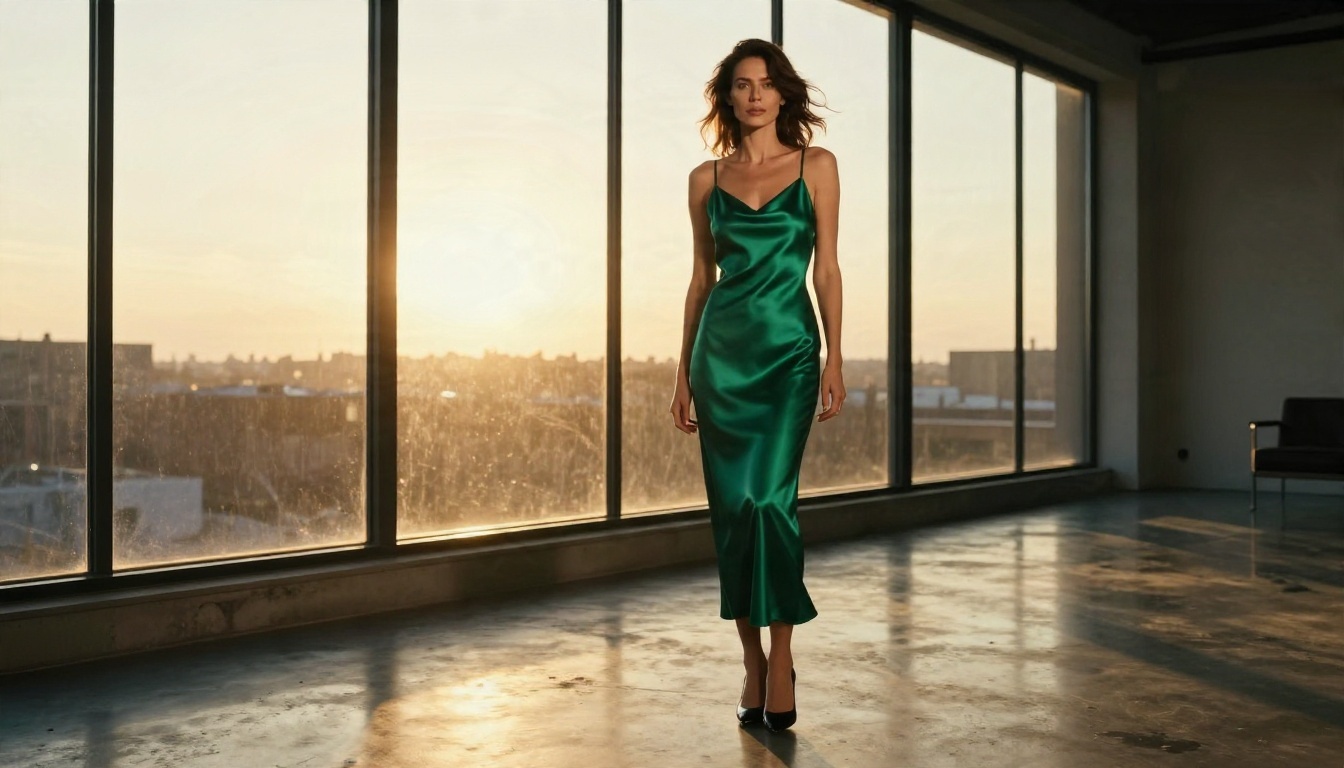
A Cheaper Way to Get Images
Here is the practical trick: stop paying a chat app to be your image generator. Use the chat app for conversation, and make glamour images in a dedicated tool where you control the prompt, the size, and the number of tries. You pay for pictures at image-model rates instead of premium coin rates.
PicassoIA is built for exactly this. Its image models are uncensored and unlimited in the sense that matters most here: you are not rationing a daily photo quota, and you can retry a prompt as many times as you need. The pictures stay suggestive and tasteful, in the territory of swimwear, lingerie editorials and glamour portraits, with no explicit content.
How to use Seedream 4.5 on PicassoIA
Seedream 4.5 is the first model to try. It handles skin texture, fabric and lighting with a photographic look, and it follows long prompts well.
- Open the Seedream 4.5 page.
- Write your prompt in this order: subject and pose, outfit, setting, light direction, then camera details.
- Pick a 16:9 ratio for wide scenes or a portrait ratio for full-length looks.
- Choose the highest resolution offered when you want sharp skin and fabric detail.
- Generate, then change only one thing at a time (outfit, light, or angle) so you know what caused the change.
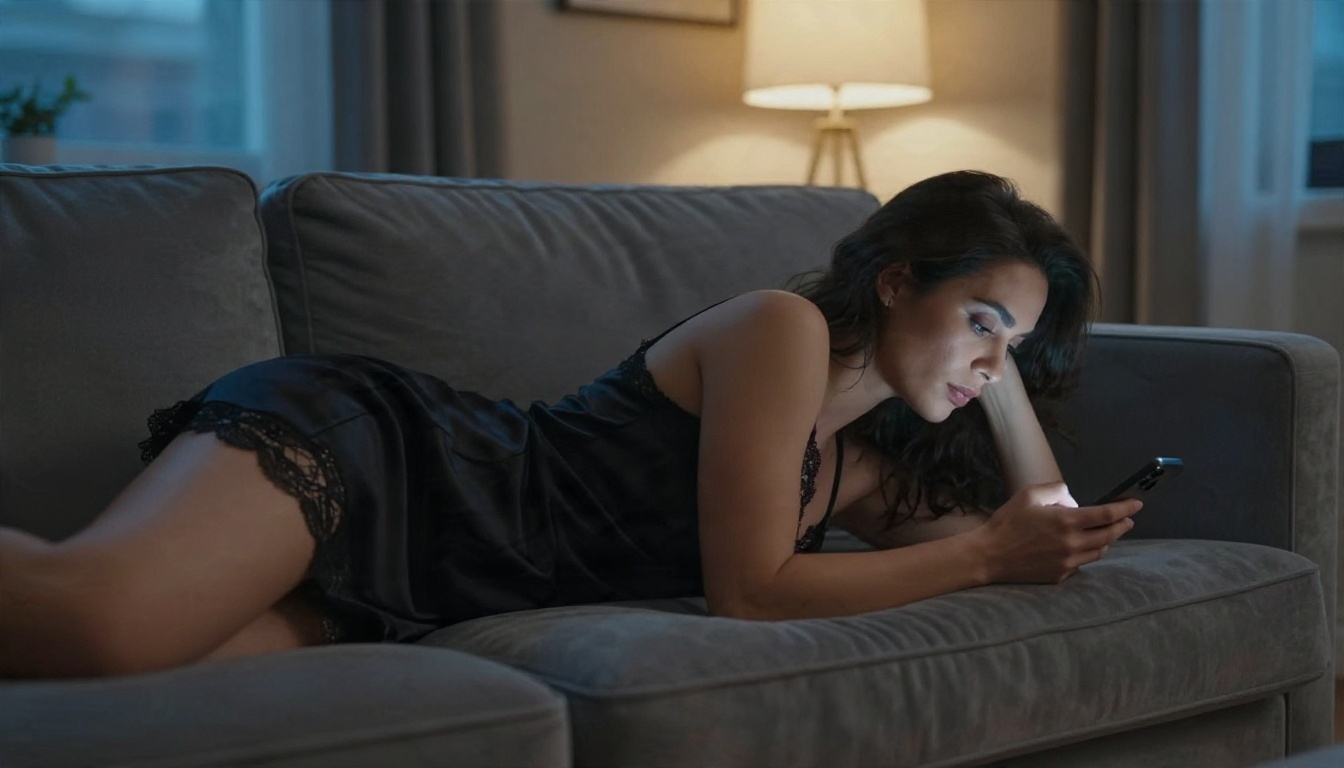
A prompt that works well looks like this: "Adult woman in a black lace camisole on a gray velvet sofa, evening lamp light from the right, soft window light from the left, 50mm lens, shallow depth of field, natural skin texture, film grain."
💡 Tip: Name the lens and the light direction. "85mm, soft window light from the left" does more for realism than five adjectives about beauty.
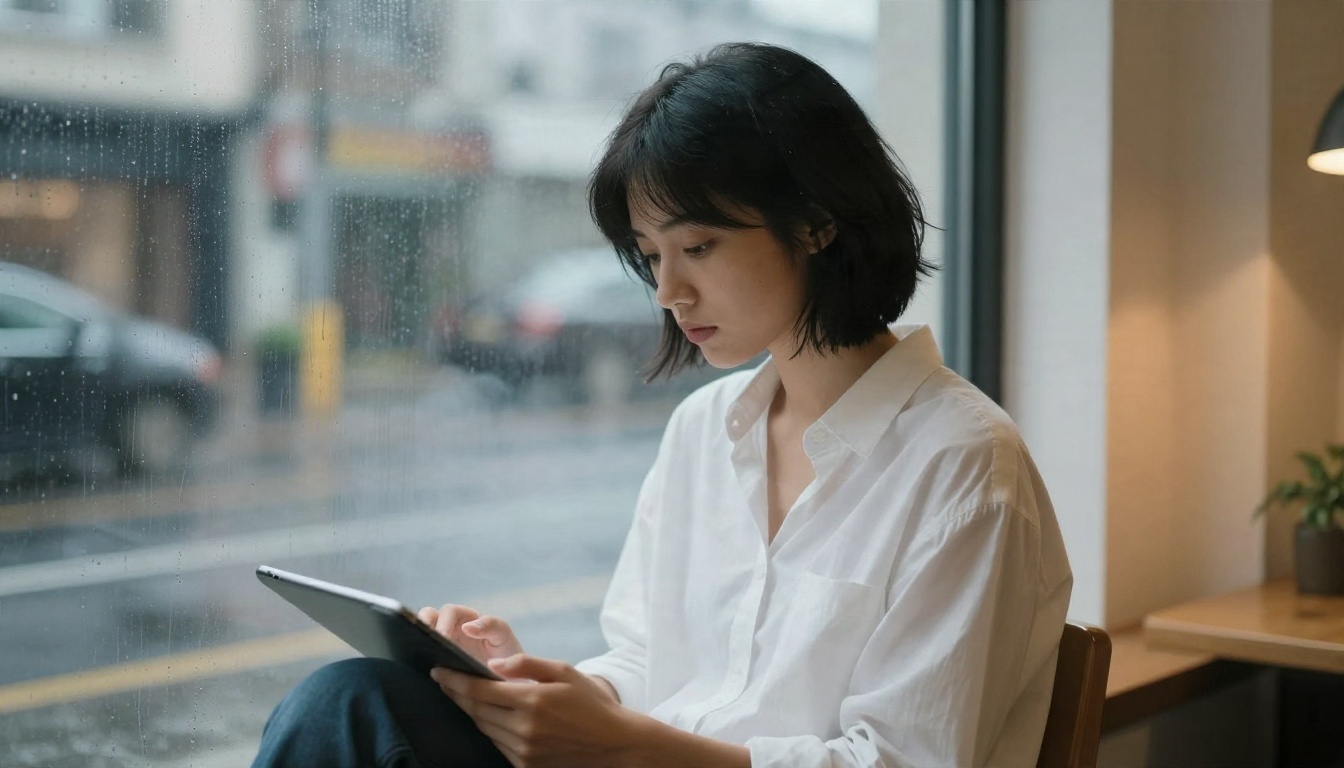
Edit and refine with Image Editor Pro
When an image is nearly right, do not start over. PicassoIA Image Editor Pro lets you edit with plain instructions, and it offers unlimited generations. Use it to change an outfit color, swap a background, fix a hand, or soften the lighting. This is the part that chat apps almost never give you: a real second pass.
A simple workflow:
- Generate the base picture in Seedream 4.5.
- Open it in Image Editor Pro.
- Ask for one change per pass, such as "change the robe to deep green" or "make the background a balcony at sunset."
- Repeat until it looks right.
More image models worth testing
Different models have different looks, so keep a few in rotation:
All of these are on the PicassoIA all models page alongside dozens more.
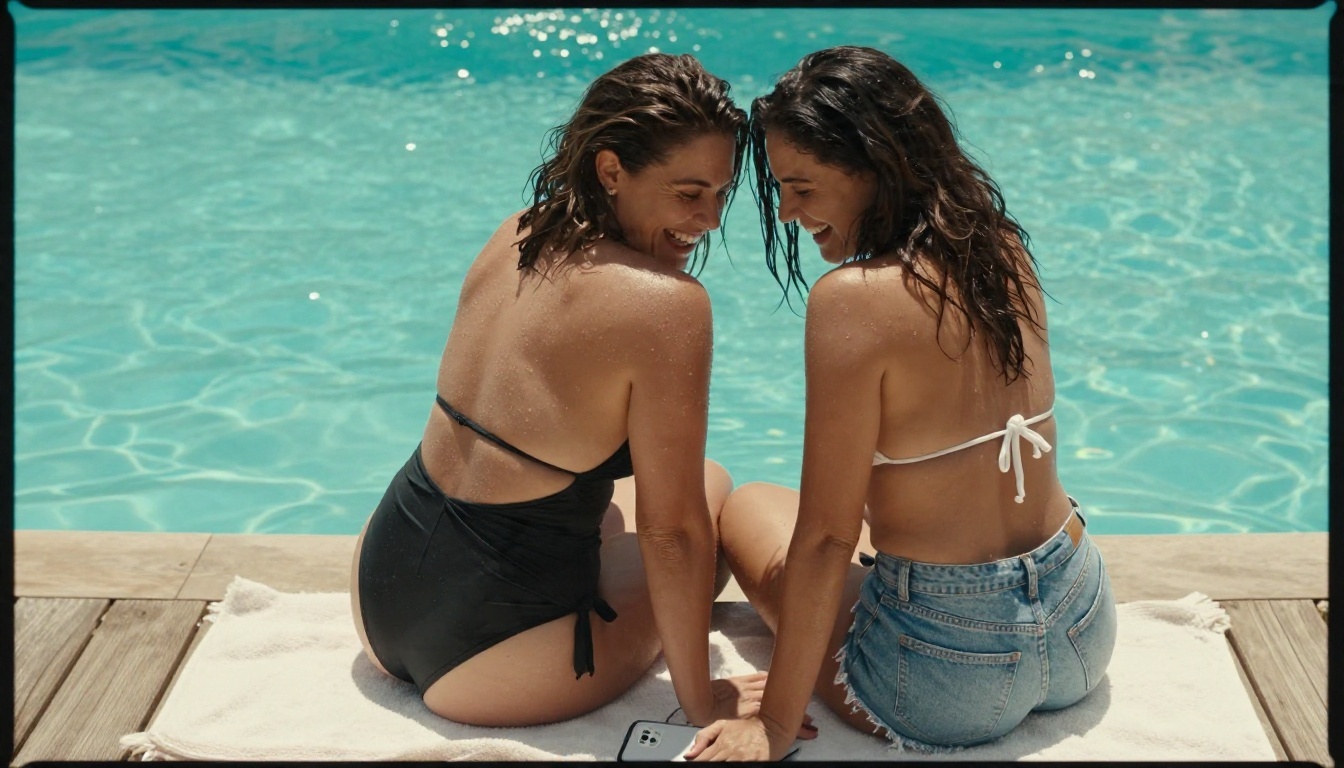
Pair it with a chat model
If your main interest is the conversation, you can also write character backstories, scene setups and image prompts with a language model. PicassoIA offers several that are useful for this kind of drafting work:
- Gemini 3.5 Flash for fast replies and short scene ideas.
- Kimi K2.5 for chat that can read text and images, handy for turning a reference photo into a prompt.
- Qwen3.7-Plus for generating text and interpreting images.
- Deepseek v3.1 for longer story drafts.
Ask any of them to turn a messy idea into a clean, camera-ready prompt, then paste that prompt into Seedream 4.5. It saves a lot of trial and error. Keep in mind that general assistants apply their own content rules, so use them for planning and prompt writing, and let the image models do the visual work.
Pick Your Setup
Use this quick decision table.
| If you want... | Do this |
|---|
| Casual flirting for free | Use a free daily message cap on a roleplay app and accept the limits |
| Long story roleplay | Pay for an entry or mid plan with memory and a better model |
| Lots of pictures | Skip the coin system and generate images in Seedream 4.5 |
| Precise changes to an image | Use Image Editor Pro for unlimited edits |
| Zero risk of a surprise charge | Avoid annual plans and set a cancel reminder |
A sensible hybrid costs very little: a free or entry plan for chatting, plus a dedicated image generator for visuals. You get more pictures, better quality, and fewer surprises on your card.
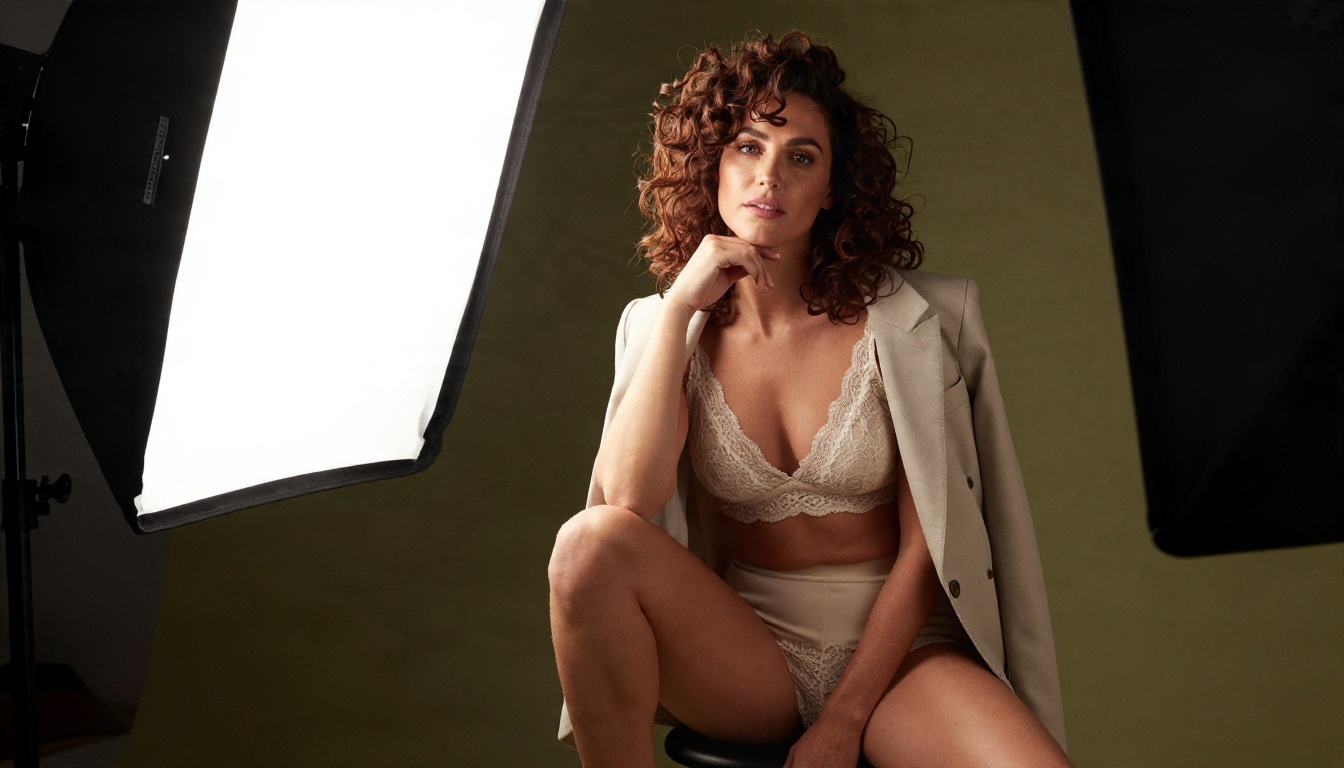
Try It Yourself on Picasso IA
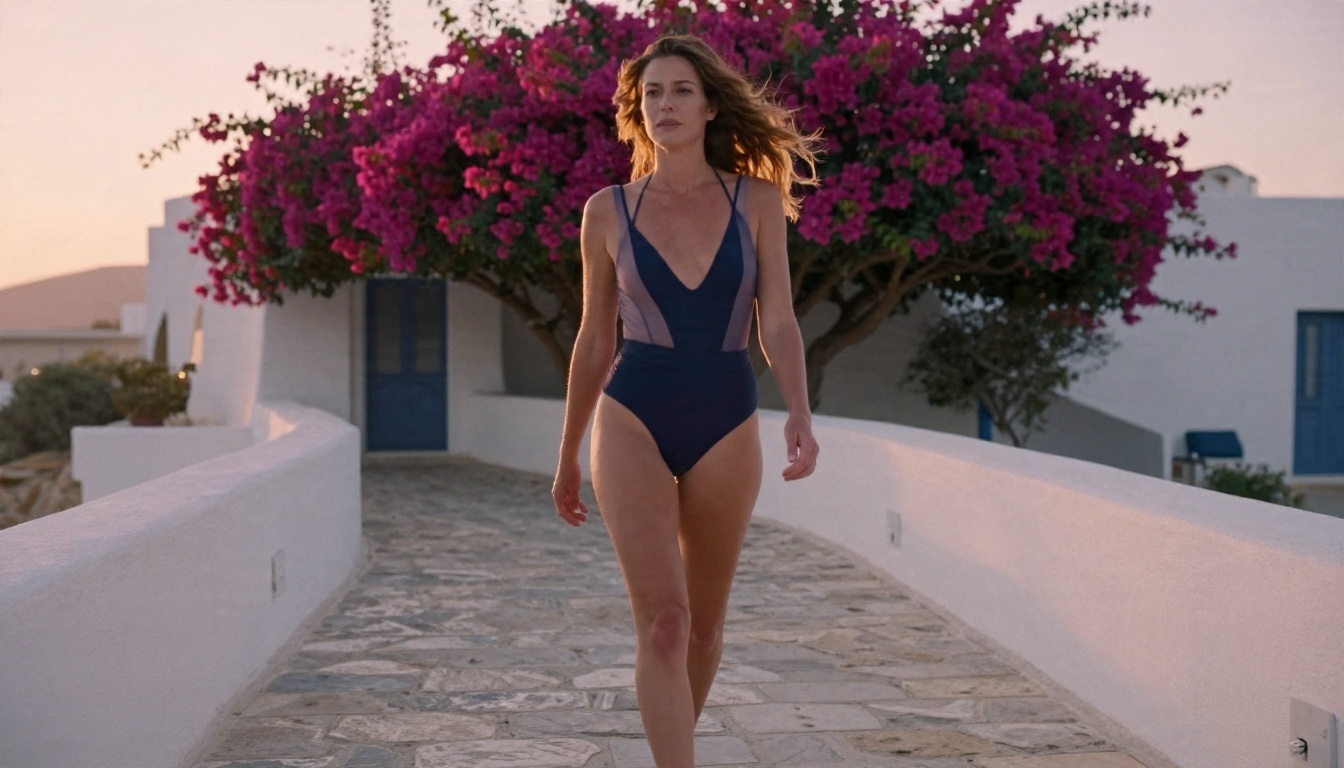
The best way to judge the difference is to run the same idea through both routes. Take one scene you would normally ask a chat app for, say a woman in a navy swimsuit on a Mediterranean terrace at sunrise, and write it as a proper prompt with lens, light and location. Generate it in Seedream 4.5, then polish it in PicassoIA Image Editor Pro. Count how many tries you made, and compare that to what a coin-based app would have charged.
Then try the other models in the table above to see which look suits you. When you are ready to see everything on offer, open picassoia.com/en/all-models and start creating your own glamour images, with no daily photo cap and no coin counter.