You open an app at 11 p.m., type one flirty line, and a character answers back with a wink, a joke, and a photo. That is the whole pitch of a naughty AI chat bot, and it is why millions of people now treat these apps as a daily habit instead of a curiosity. The catch is that the category is crowded, the word "free" gets stretched past its limit, and the picture features are where most plans quietly start charging.
This article sorts it out. You will see what a naughty AI chat bot really does, what free plans include, which app names keep appearing in 2026 roundups, how chat with pictures works behind the scenes, and how to build your own flirty characters with image tools on PicassoIA. Everything here stays suggestive and tasteful: glamour, swimwear, silk, and attitude, never explicit material.
💡 Quick answer: Most free naughty AI chat bots give you limited daily messages and very few pictures. If the images matter to you, generate them separately with an unlimited tool and keep the chat app for conversation only.
What a Naughty AI Chat Bot Does
A naughty AI chat bot is a companion or roleplay app built on a language model, tuned for flirting, banter, and romantic storylines. You pick or design a character, set a mood, and the bot replies in that voice. The better ones remember your name, your running jokes, and what happened last night in the story.
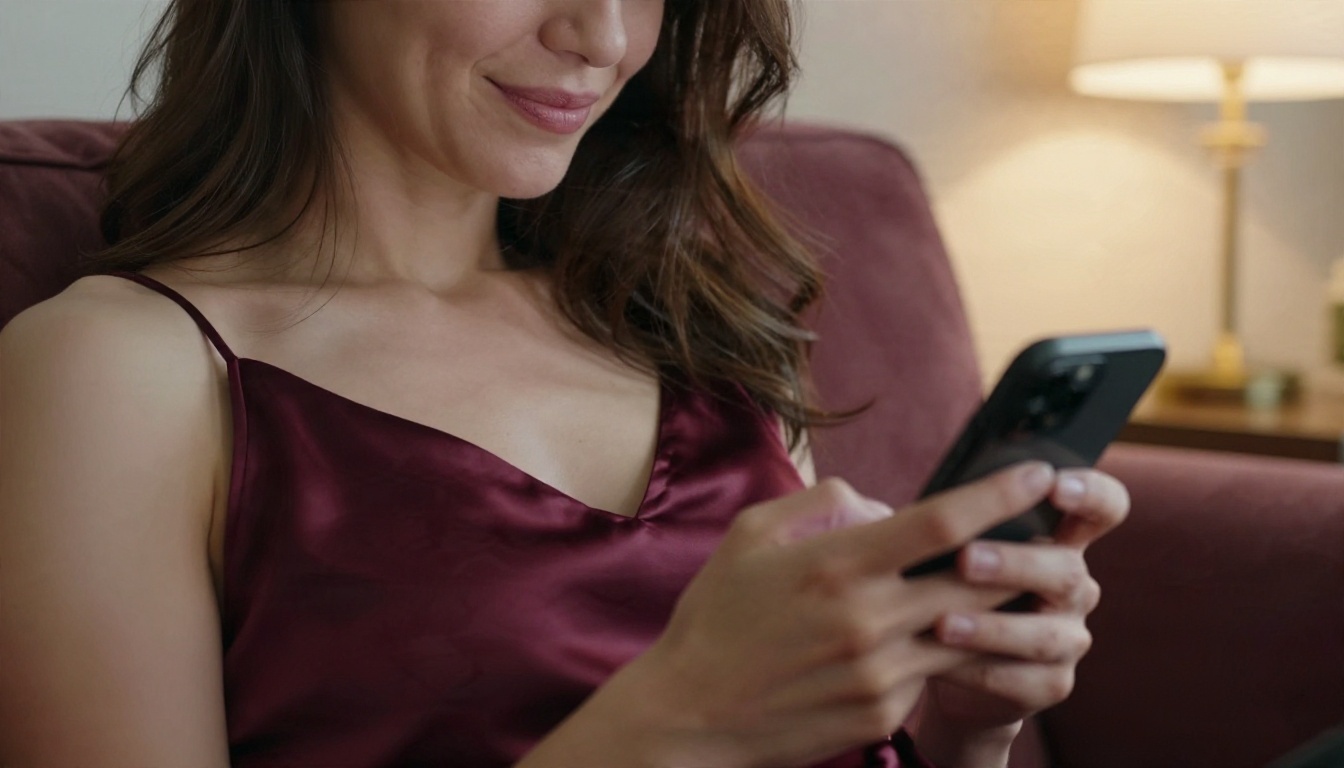
Flirty Text, Memory, and Persona
Three things separate a good bot from a forgettable one:
- Persona depth: a written backstory, speech habits, and boundaries the character keeps across sessions.
- Memory: the bot recalls details from earlier chats instead of restarting every time.
- Tone control: you can dial between playful teasing, slow-burn romance, and bold flirting.
Under the hood, these apps rely on large language models. The same families you can try on PicassoIA, such as DeepSeek V3.1 and Kimi K2.6, are general chat models. Companion apps wrap models like these with character cards, memory storage, and their own content rules.
Why Pictures Matter
Text alone gets repetitive after a few weeks. A face, an outfit, and a setting give the character a body in your imagination, and that is why chat with pictures has become the feature people search for most. A character who sends a mirror selfie after saying she just got home feels more present than a paragraph of text ever could.
Free Options That Actually Work
Search for "free naughty AI chat" and you will find dozens of apps promising unlimited everything. Reality is more modest. Roundups published in 2026 agree on one point: most established platforms offer some free tier, but the features that cost the most computing power are the ones that get restricted first.
What Free Tiers Usually Include
Expect a taste, not a meal. A typical free plan gives you:
- A daily or hourly cap on text messages.
- Access to a handful of default characters.
- A small number of picture credits, sometimes only on signup.
- Slower replies when servers are busy.
- Ads or upgrade prompts between messages.
Where the Free Plan Stops
The wall usually shows up in the same places. Image generation is limited, queues get longer, and resolution drops. Long memory, custom characters, voice notes, and video are often locked behind a subscription. Some apps advertise a free start and then require a card before the first picture appears.
Free Versus Paid at a Glance
| Feature | Typical free plan | Typical paid plan |
|---|
| Text messages | Daily cap | Much higher or open ended |
| Picture replies | A few credits | Monthly allowance or unlimited |
| Image quality | Lower resolution, slower queue | Sharper, faster |
| Custom characters | Often locked | Included |
| Memory length | Short | Long |
| Ads | Frequent | Removed |
💡 Tip: Before paying anyone, spend one evening on the free tier and count how many pictures you actually received. That number tells you more than any marketing page.
App Picks Worth Testing
The apps below came up repeatedly in 2026 review roundups. Treat them as leads to test, not a final ranking. Many of those roundups are affiliate driven, and pricing, privacy terms, and free limits change often, so confirm everything on each app's own site.

Names That Keep Showing Up
| App | Why people mention it | Free access |
|---|
| OurDream | Often placed near the top of 2026 lists | Check current limits |
| Candy AI | Broad character roster and built-in image tools | Limited, verify first |
| Joi AI | Regularly ranked in the top three | Limited, verify first |
| MyLovely.ai | Praised for chat memory, images, and video on a free-to-start plan | Free to start |
| Secrets AI | Has a limited free tier | Limited |
Some other names on the same lists, like aiAllure and Seduced AI, were described as having no free tier at all. That is a good reminder: a high rank does not mean a free ride.
How to Compare Them Fast
Run the same three tests on every app:
- The ten message test. Send ten varied messages. Does the character stay in voice, or does it drift into generic replies?
- The memory test. Mention a small detail, close the app, come back an hour later, and ask about it.
- The picture test. Ask for one specific outfit in one specific place. Check whether the face stays consistent from one image to the next.
If an app fails the third test, you will keep seeing a different "person" in every photo, which breaks the illusion fast.
Chat With Pictures: How It Works
When a character sends you a photo in a chat, the app is doing two jobs at once. A language model writes the message, and an image model produces the picture. The app glues them together by turning the conversation into an image prompt behind the scenes.
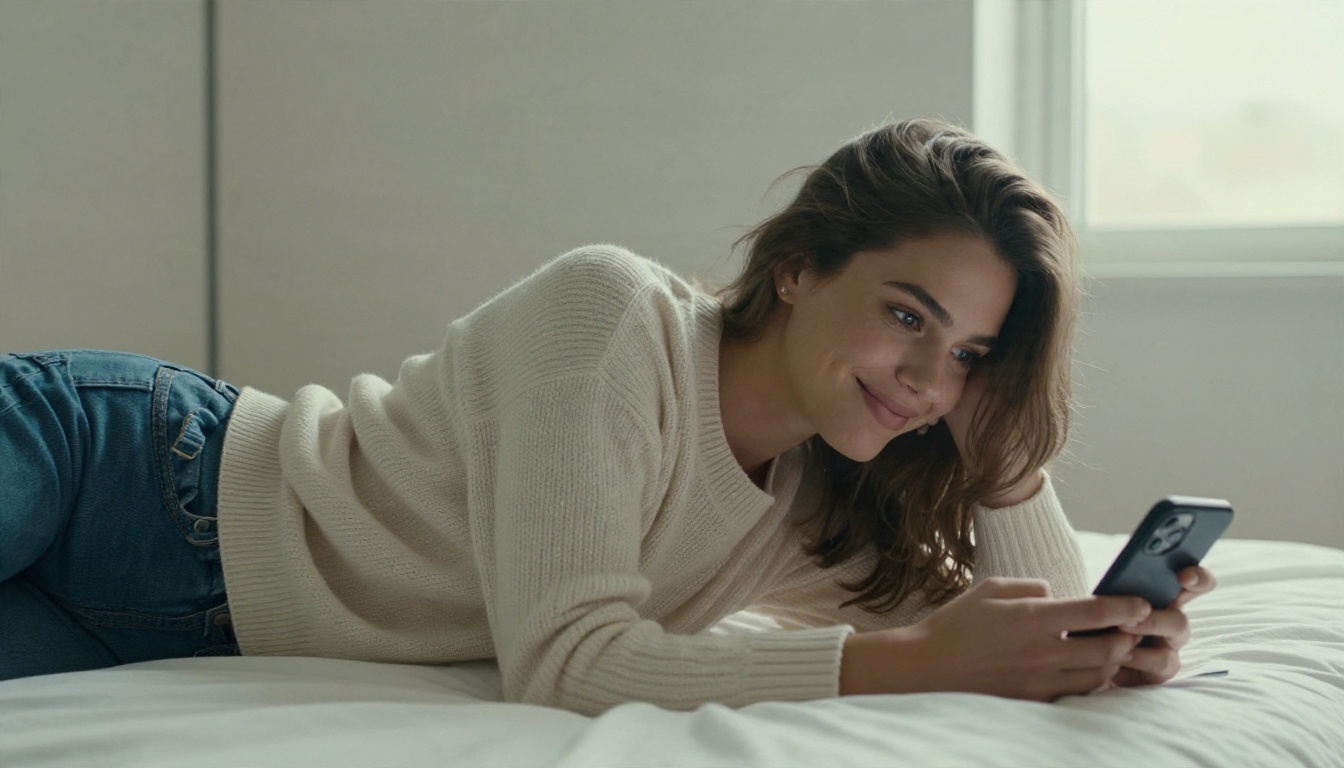
Generated Photos Inside the Chat
The flow looks like this:
- You say something like "show me what you wore today."
- The chat model rewrites that into a prompt: subject, outfit, setting, lighting.
- An image model renders it in seconds.
- The photo appears in the thread as if the character just sent it.
The weak point is consistency. If the app only sends a text prompt each time, the face can drift. Better apps lock a reference image or a character seed so the same person appears across scenes.
Photo Replies Versus Your Own Prompts
Built-in picture replies are convenient, but they are also limited by the app's quota and its house style. When you write your own image prompts, you control the lens, the light, the outfit, and the mood. That is the reason many users keep a chat app for conversation and make their pictures elsewhere.
Build Your Own Character on PicassoIA
PicassoIA is not a companion app with saved relationships, and it does not pretend to be one. What it gives you is the toolbox: language models for writing a character, and image models for generating glamour portraits of that character as often as you like.
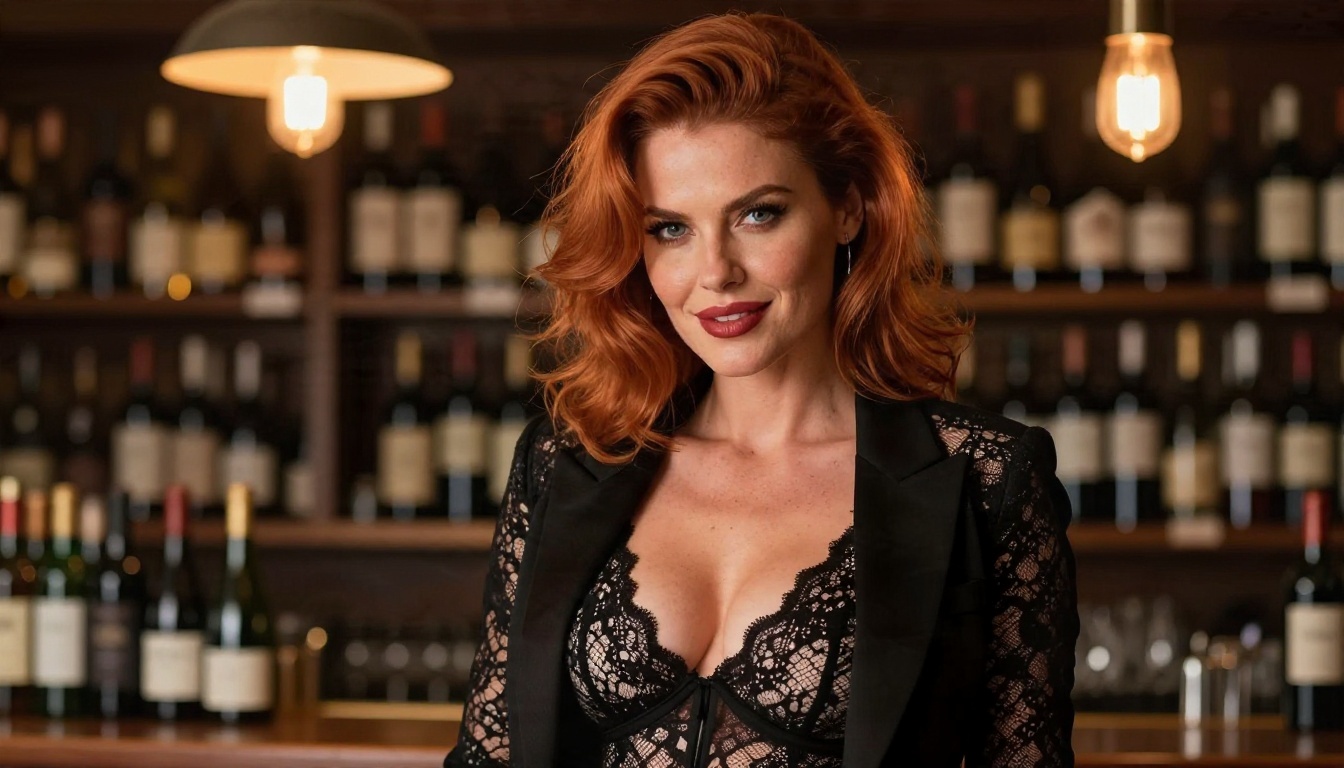
Write the Persona First
Open a chat model such as Gemini 3.5 Flash, Qwen3.7 Plus, or GPT 5.6 Luna and ask it to draft a character sheet. Include:
- Name, age (adult only), job, and hometown.
- Three personality traits and one soft spot.
- How she speaks: dry humor, warm teasing, slow and confident.
- Her signature look: hair, style, favorite outfits.
- Hard limits, so the persona stays inside your comfort zone.
Keep the output as a reusable block of text. You can paste it into any chat app that supports custom characters, or keep it as the visual brief for your own portraits.
💡 Note: Chat models on PicassoIA are general purpose and follow their own content policies. They are great for writing character sheets, scene setups, and flirty banter that stays suggestive. For long running roleplay with saved memory, a dedicated companion app is the better fit.
Pick the Right Image Model
For glamour and swimwear style portraits, start with these:
Seedream 4.5 comes first because it handles faces, fabric, and skin with a photographic feel, and it is fast enough to iterate. Image Editor Pro comes second for a different reason: it offers unlimited generations, so you can run twenty variations of the same outfit without watching a credit counter drop. That removes the single biggest frustration of the free tiers in chat apps.

Write Prompts That Stay Consistent
Consistency comes from repeating the same anchor details in every prompt. Copy this skeleton and swap only the scene:
- Identity anchor: "adult woman, late twenties, dark wavy hair, freckles across the nose, thin gold necklace."
- Outfit: "ivory silk robe," "black bikini with open linen shirt," or "red satin slip dress."
- Setting: "boutique hotel suite," "villa pool at golden hour," "marble kitchen at dawn."
- Light: "soft window light from the left," "warm tungsten lamp," "dappled pergola sun."
- Camera: "85mm lens, shallow depth of field, Kodak Portra 400 film grain."
Keep the identity anchor word for word. Only change items two to four. Over a few runs, you will have a photo set that looks like one person living one life.
Edit Instead of Starting Over
Once you have a portrait you like, use the editing side of Image Editor Pro to change one thing at a time: swap the dress color, move her to a balcony, soften the light. This keeps the face stable and saves you from rerolling an entire image because of one small detail. It is also how you build a believable "photo roll" for a character: breakfast, the pool, an evening out.
Safety, Privacy, and Age Rules
Adult chat apps collect very personal data. Messages, fantasies, uploaded photos, and payment details all sit on someone else's server. A few habits keep you out of trouble.
Privacy Checklist
Before you type anything personal, check these points:
- Data retention: can you delete your chats and your account, and does the app say what happens to the data?
- Training use: does the policy say your conversations may be used to improve the model?
- Payment discretion: what name appears on your card statement?
- Login hygiene: use a unique password, and consider a separate email address.
- Photo uploads: never upload anything you would not want leaked.
💡 Rule of thumb: If an app does not publish a clear privacy policy and a way to delete your data, skip it, no matter how good its free tier looks.
Consent and Real Faces
Create fictional adults. Do not generate suggestive images of real people, whether they are celebrities, coworkers, or an ex. That harms real people, and many platforms ban it outright. Keep every character clearly adult and clearly invented, and you stay on solid ground both legally and personally.
Age Rules Are Not Optional
Every serious platform in this space is for adults only. Be wary of any app that has no age gate at all, and keep these tools away from minors. If you use a chat bot at home, keep your devices protected so younger family members cannot stumble into it.
A Safety Review for Chat Content
If you build your own tools or want to screen generated text, Llama Guard 4 12B is a content moderation model that can flag unsafe messages before they go further. It is a useful filter if you share characters with other people or build something for a community.
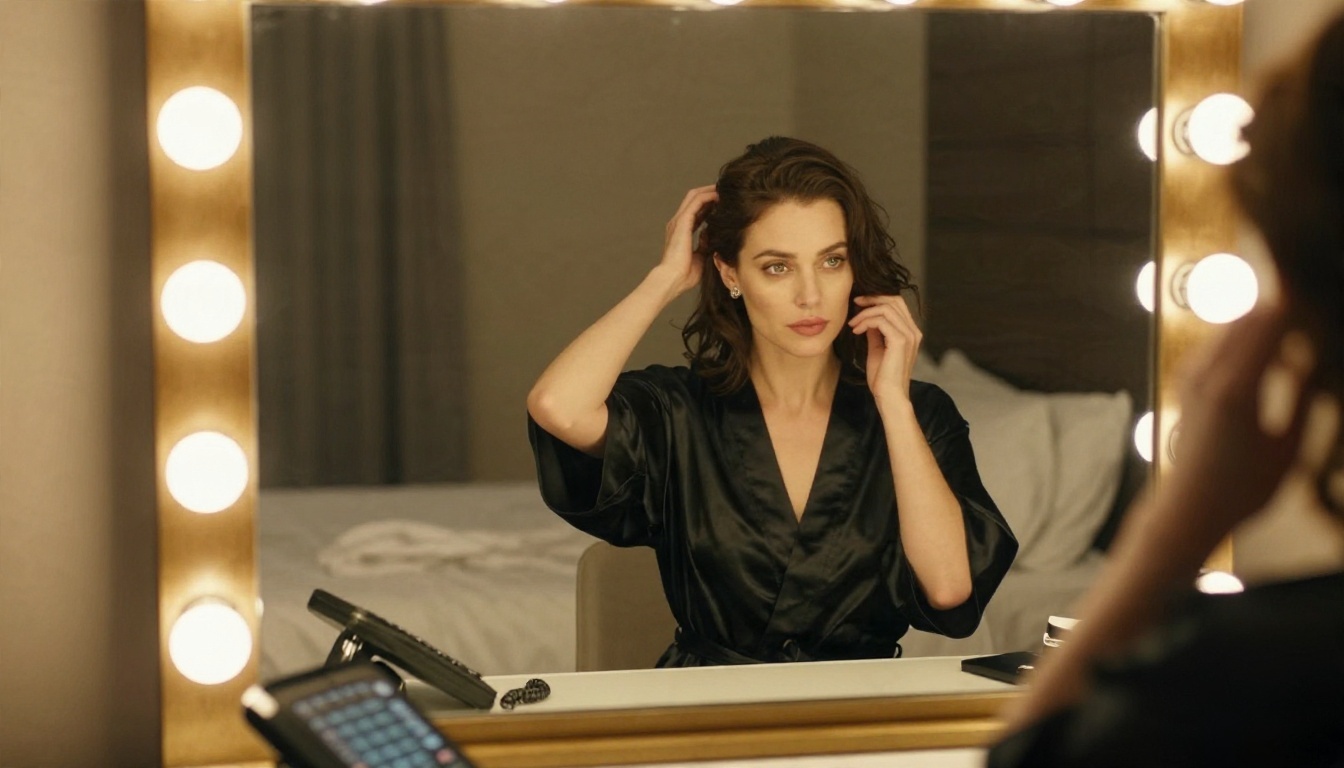
Free Chat Plus Free Pictures: A Simple Setup
You do not need to pick a single app and live with its limits. A simple split works better for most people:
- Chat in a companion app on its free tier, using the persona you wrote.
- Describe the scene you want a picture of, in your own words.
- Generate the image on PicassoIA with Seedream 4.5 for polished portraits.
- Iterate on Image Editor Pro when you want ten versions of the same shot without a credit meter.
- Save the winners in a folder named after the character, so you build a consistent gallery.
This keeps the chat app doing what it is good at, which is conversation and memory, while the pictures come from tools built for image quality and volume.
| Task | Best place | Why |
|---|
| Ongoing flirty conversation | Companion app | Saved memory and voice |
| Writing a character sheet | A chat model on PicassoIA | Fast drafts, easy edits |
| Glamour portraits | Seedream 4.5 | Photographic detail |
| Many variations and edits | Image Editor Pro | Unlimited generations |
| Screening text | Llama Guard 4 12B | Moderation filter |
Common Mistakes to Avoid
- Paying before testing. Always run the three tests above on the free tier first.
- Trusting rankings blindly. Many lists are affiliate driven. Check pricing yourself.
- Changing the face every time. Reuse the same identity anchor in every prompt.
- Oversharing. Keep real names, workplaces, and addresses out of chats.
- Ignoring subscriptions. Set a calendar reminder for renewal dates so a trial does not turn into a surprise charge.
Make Your Own Pictures Today
A naughty AI chat bot is only as good as the character behind it, and the character is only as believable as the pictures that go with it. You do not have to wait for a chat app to hand you three credits a day. Write a persona with a chat model, open Seedream 4.5, and generate your first portrait. Then move to PicassoIA Image Editor Pro and keep going with unlimited generations: new outfits, new rooms, new light, no counter ticking down.
Try one scene tonight: silk robe, hotel window, golden morning light, shallow depth of field. Then change one detail and run it again. You will see in ten minutes how much control you gain once the pictures are yours. When you want to try more image models side by side, browse the full list at picassoia.com/en/all-models and build the character you actually want.


