You open an app at 11 p.m., type a single line to a character you built an hour ago, and she answers like she has been waiting all day. That small moment is why NFSW AI bots have gone from a niche curiosity to one of the most searched corners of the chatbot world. People want flirty banter, slow-burn stories, and characters who remember their name. They also want it free, private, and without a filter that kills the mood after two messages.
This article lays out what these bots really are, which kinds of free roleplay chat exist, where the limits sit, and what to use when a chat app is not enough. It stays on the suggestive side of things: no explicit material, just a straight look at the tools and the trade-offs.

NFSW AI Bots: Free Roleplay Chat, Apps and Alternatives
Let's settle the vocabulary first. The phrase is usually typed "NSFW AI bots" (not safe for work), and people who search with the typo are after the same thing: a chatbot that will take part in mature, romantic, or flirtatious roleplay instead of refusing at the first hint of spice.
What the bot actually does
Under the hood, every one of these apps is a large language model wrapped in a character sheet. You write (or pick) a persona: name, age, personality, backstory, speaking style. The app feeds that sheet to the model before every reply, so the bot stays in character. The model predicts the next line of the story, you answer, and the loop continues.
The difference between a mainstream assistant and an adult roleplay bot is mostly policy and tuning. Some platforms apply strict content filters. Others toggle mature content on for verified adults, or let you connect a model with looser rules.
Why people use them
The reasons are less scandalous than the search term suggests:
- Companionship: a patient conversation partner after a long day.
- Interactive fiction: romance, fantasy, and slow-burn drama where you are the co-author.
- Writing practice: dialogue, characterization, and pacing without a human partner's schedule.
- Curiosity: plenty of people just want to see how far the tech has come.

💡 Quick reality check: these bots simulate attention. They do not feel it. Enjoy the story, but keep real relationships and real conversations in the picture.
Free Roleplay Chat Options
"Free" is a slippery word in this market. Most platforms give you a taste, then limit messages, speed, or memory unless you pay. Here is how the landscape tends to break down, based on what reviewers and users commonly report. Treat any ranking you read, including this one, as a starting point, because pricing and rules change often.
Platforms with open character libraries
Sites such as SpicyChat are often described as the most generous free option for mature roleplay, mainly because of their huge libraries of user-made characters. The catch is quality: with tens of thousands of community bots, a few are brilliant and many are copy-paste. Expect to browse, test, and discard.
Janitor AI follows a similar model: a character hub where you can chat with community creations, with mature content toggled on for adults. Its experience depends heavily on which model you connect to the character.
Bring-your-own-model setups
If you like control, SillyTavern is the tool enthusiasts mention most. It is a local interface where you plug in the model of your choice, whether that is a model running on your own machine or one you reach through an API key. The software itself is free, but the model you connect can cost money per message. You get deep control over memory, character cards, and settings, and you pay for it with setup time.
Mainstream apps with strict filters
Character.AI is the best-known name in character chat, and it is repeatedly described as one of the most heavily filtered. It is great for fantasy adventures, comedy, and practice conversations. It is a poor fit if what you want is mature romance. Knowing this saves you hours of frustration.
Paid-leaning companion apps
Apps such as Candy AI and Nastia lean toward polished companion experiences: voices, photos, memory, and long-running relationships. Their free tiers are usually limited, and monthly plans sit in the single or low double digits of dollars. Check the current price on the app itself before you subscribe, since it moves.

Apps Compared at a Glance
The table below summarizes the general picture. It is a snapshot of common reviewer impressions, not a lab test.
| Type of app | Examples | Free tier | Mature content | Best for |
|---|
| Open character hub | SpicyChat, Janitor AI | Yes, with limits | Usually allowed for adults | Browsing thousands of personas |
| Bring-your-own-model | SillyTavern | Software is free, model costs vary | Depends on the model | Control and customization |
| Mainstream character chat | Character.AI | Yes | Heavily filtered | Fantasy, comedy, practice chats |
| Polished companion app | Candy AI, Nastia | Limited | Often paid | Voice, memory, long relationships |
None of these apps is available on PicassoIA, and this article is not a recommendation to sign up for any of them. It is a map of what exists, so you can decide with open eyes.
What "free" really means
Before you commit to any platform, check these four things:
- Message caps: how many replies per day before the wall appears.
- Memory length: whether the bot still remembers your story after fifty messages.
- Response speed: free users are often queued behind paying ones.
- Age verification: more regions now require it for mature chat, so truly anonymous access is getting rarer.

Safety, Privacy and Age Rules
This is the part most listicles skip, and it is the part that matters most. You are typing very personal things into a service run by a company you probably know little about.
Protect your data
- Assume chats are stored. Many services keep conversation logs to improve their models or to moderate content.
- Use a separate email and skip your real name, workplace, or address inside the roleplay.
- Read the privacy page for two things: whether chats are used for training, and whether you can delete them.
- Be careful with image uploads. Never upload photos of real people without their consent, and avoid sending anything you would not want leaked.

Keep it consensual and adult
Mature roleplay belongs to adults only. Every character should be an adult, every time, and no roleplay should be built on real, identifiable people. That means no celebrities, no coworkers, no exes. Fictional characters, invented personas, and your own original creations keep the experience clean and keep you on the right side of platform rules and the law.
💡 Rule of thumb: if you would be uncomfortable explaining it to the person it resembles, do not create it.
Watch the emotional side
Long, affectionate conversations can feel more real than you expect. If you notice you are skipping sleep, cancelling plans, or feeling anxious when the app is down, take a break. A bot is a hobby, not a replacement for people.
Alternatives Beyond Chat Apps
Dedicated roleplay apps are not the only road. If the filters frustrate you or the subscriptions annoy you, there are other ways to get a story going.
Write your own characters with an LLM
General-purpose language models are excellent at building character sheets, backstories, dialogue samples, and scene outlines, which you can later paste into any roleplay platform that accepts character cards. On PicassoIA you can use models like Llama 4 Maverick Instruct or Gemini 3.5 Flash for brainstorming personalities, settings, and story hooks. Keep requests within each model's content rules: they are best used for the writing and planning side of a project, such as romance, fantasy, or slow-burn drama with a suggestive tone.

A strong character sheet usually has these parts:
- Name, age (adult), and occupation
- Voice: formal, teasing, shy, sarcastic
- Three personality traits that sometimes clash
- A secret or a goal that drives the plot
- Three sample lines so the model copies the tone
Give your character a face
Here is where most chat apps fall short. They give you a cartoonish avatar or a blurry thumbnail. If you want a character who looks like a real person in a real place, a dedicated image model does a better job, and you stay in control of the style.

The PicassoIA approach for adult-leaning, non-explicit visuals starts with Seedream 4.5, followed by PicassoIA Image Editor Pro, which offers unlimited generations. Both are well suited to glamour, boudoir-style, swimwear, and evening-wear portraits, the kind of suggestive but tasteful imagery that fits a roleplay character profile.
Make Character Portraits with Seedream 4.5
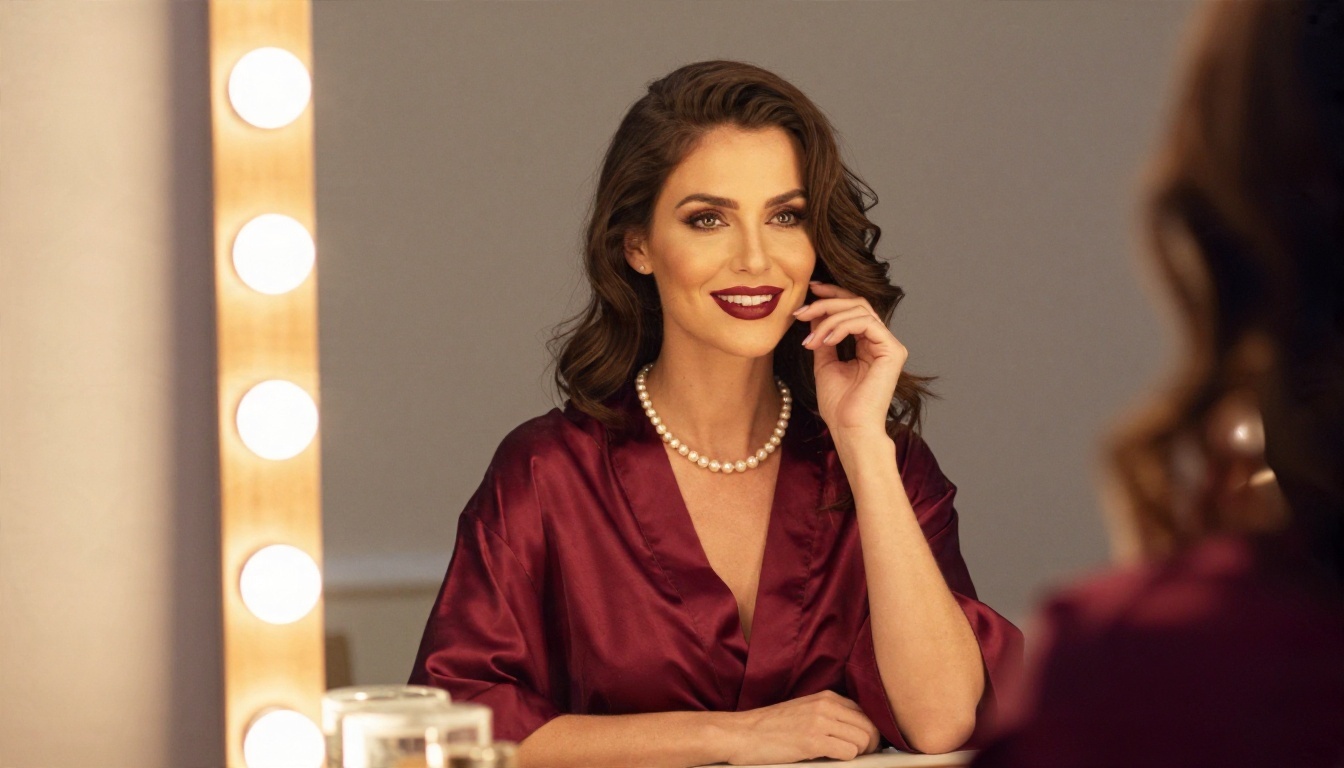
Seedream 4.5 is the model I would reach for first when a character needs a believable face and a believable setting. It handles skin texture, fabric, and lighting well, and it supports high resolution output.
Step-by-step workflow
- Open the model page and choose a 16:9 or 3:4 ratio, depending on whether you want a scene or a profile portrait.
- Describe the person: age (always adult), hair, build, expression, outfit.
- Describe the place: apartment, tavern, rooftop, hotel lobby.
- Specify the light: "warm lamp from the left", "golden hour backlight", "soft window light".
- Add camera language: "85mm f/1.4, shallow depth of field, Kodak Portra 400 film grain".
- Generate four or five variations and keep the one that matches the character's personality.
- Refine in the editor: use PicassoIA Image Editor Pro to adjust outfit, background, or expression without starting over.
Parameter tips that work
| Setting | Suggestion | Why it helps |
|---|
| Aspect ratio | 16:9 for scenes, 3:4 for profile cards | Matches how apps display avatars and banners |
| Prompt length | 50 to 100 words | Enough detail without confusing the model |
| Style words | "photorealistic, natural light, film grain" | Avoids the plastic, over-smoothed look |
| Consistency | Reuse the same hair, eye, and outfit phrases | Keeps your character recognizable across images |
| Negative habits | Skip "neon, cartoon, CGI" | Keeps the look grounded and real |
💡 Free and fast: because PicassoIA lets you iterate with unlimited generations in the editor, you can try ten versions of the same character without watching a credit counter.
Keep the character consistent
Consistency is the hardest part of AI portraits. Write a short visual anchor and paste it into every prompt: "late twenties, long chestnut hair, freckles, green eyes, small silver necklace". Change only the scene and outfit. When you want to alter a pose or background of an image you already like, use the editor instead of regenerating from scratch.
Tips for Better Roleplay Sessions
Whatever platform you pick, a few habits will make the conversation better. These work on mainstream apps and adult-friendly ones alike.
Set the scene in the first message
Open with two or three sentences: where you are, what time it is, what mood you are in. The model builds on your opening, so a vivid start usually produces a vivid reply.
Use a clear prompt structure
A simple template keeps the bot on track:
- Role: who the bot is and who you are
- Setting: place, time, atmosphere
- Tone: playful, slow, dramatic, teasing
- Boundaries: what is off the table
- Format: short replies, actions in italics, dialogue in quotes
Manage memory yourself
Most bots forget details after a while. Every twenty or thirty messages, write a two-line recap in your own words: "We met at the tavern, she owes me a favor, and the innkeeper is hiding something." Pasting this back refreshes the story without paying for a longer memory tier.
Know when to switch tools
If a platform keeps breaking character, lecturing you, or throttling replies, it is not you. Move on. A free tool that wastes your evening is more expensive than a plan that works, and the market has plenty of options.

Where Chat Ends and Visuals Begin
A good chat character becomes much more memorable once it has a face, a wardrobe, and a few places to live. That is the real gap in most roleplay apps, and it is the gap an image model fills.
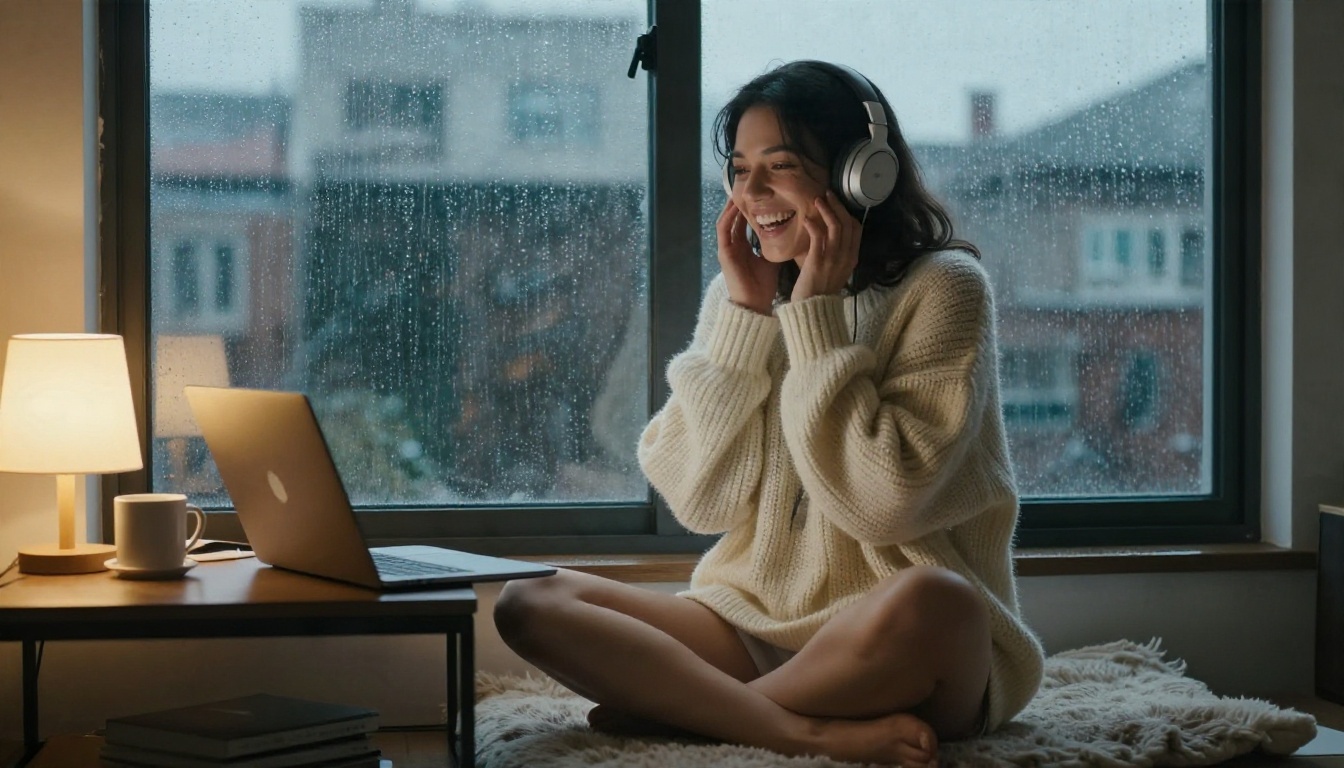
Think of it as a loop. You write the character with a language model. You chat with them in the platform you prefer. Then you create portraits that match the story: a candlelit bar, a poolside afternoon, a rainy-window evening. Each image makes the next chat session feel more grounded.
💡 Pro tip: keep a folder with one portrait, one full-body shot, and one scene image per character. It becomes a quick reference that keeps the look consistent.
Create Your Own Characters Today
You do not need a subscription to start giving your characters a face. Open Seedream 4.5 on Picasso IA, write a short description of the adult character you have in mind, and see how a believable portrait changes the way you imagine their voice. Then switch to PicassoIA Image Editor Pro for unlimited generations, so you can adjust outfits, backgrounds, and lighting until the look is right.
When you want more options, browse every available model at picassoia.com/en/all-models and try a few side by side. Pick one character, write one strong prompt, and generate your first portrait tonight. The chat is better when the person on the other side of the screen feels real.


